Inspiration
As an independent developer, I wanted to make background removal feel like a tiny, dependable utility—not another complicated design suite. People often need one clean cutout for a product listing, profile picture, presentation, thumbnail, or LINE sticker, but installing software or learning professional editing tools is too much friction for such a simple task.
I built 背景透過 (ToukaPNG) as a fast, friendly tool for Japanese users and anyone who simply wants a transparent PNG.
What it does
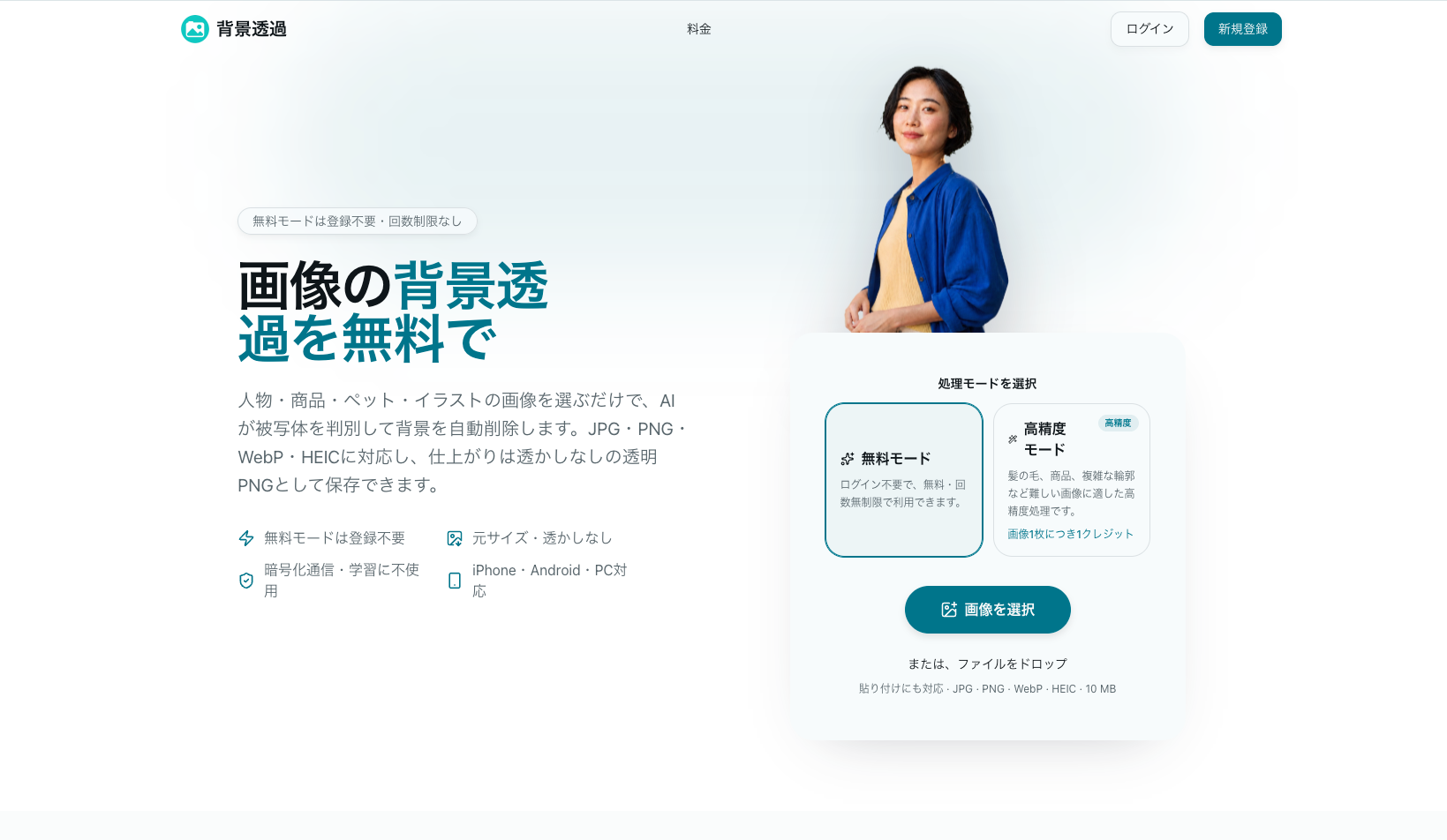
Upload, drag, or paste an image and 背景透過 automatically removes the background. Free mode needs no account, has no usage limit, and produces a high-quality transparent PNG without a watermark.
The editor goes beyond one-click removal:
- Refine difficult areas with erase and restore brushes
- Handle people, product photos, pets, fur, hair, and illustrations
- Compare the original and processed image at any time
- Keep the background transparent or replace it with white or a custom color
- Adjust brightness, contrast, saturation, opacity, canvas size, and shadow
- Process up to 20 images and download completed results together as a ZIP
- Use the same experience on desktop, iPhone, or Android
For harder images, an optional high-precision mode gives users a second result to compare. The workspace can also generate a new AI background when a transparent cutout is only the first step.
How I built it
I built the product as a responsive web app with Next.js, React, TypeScript, and Cloudflare. The free workflow processes images in the browser, while optional advanced modes use secure cloud processing. I kept the interface visual and direct so users can understand every action without a tutorial.
Challenges
The biggest challenge was that background removal is easy to start but hard to finish well. Hair, fur, soft shadows, transparent objects, and detailed product edges can expose even small mistakes. Instead of pretending one automatic result is always perfect, I added a simple before-and-after comparison plus erase and restore brushes so users stay in control.
Batch work created a different challenge: each image can take a different amount of time and may need individual attention. I designed a workspace where users can move between images, see their status, edit results independently, and download everything together when ready.
I also wanted the tool to feel trustworthy. Free mode avoids unnecessary uploads, cloud features use encrypted transfer, and the product clearly explains what each mode costs before processing.
What I learned
I learned that a focused product can be more useful than a feature-heavy one. Speed matters, but so do small details: a clear checkerboard preview, undo and redo, intuitive brush controls, sensible export names, and an easy way to start over.
Building 背景透過 independently also reinforced the value of designing for real workflows. Users rarely want “background removal” by itself—they want a product image ready for a marketplace, a portrait ready for a thumbnail, or an illustration ready to reuse.
What's next
Next I want to improve difficult-edge quality, make batch processing even faster, add more export presets for ecommerce and social platforms, and give users more creative background options while keeping the core experience free and simple.
Built With
- cloudflare
- hugging
- next.js
- react
- tailwind
- typescript

Log in or sign up for Devpost to join the conversation.