-
-
-
-
-
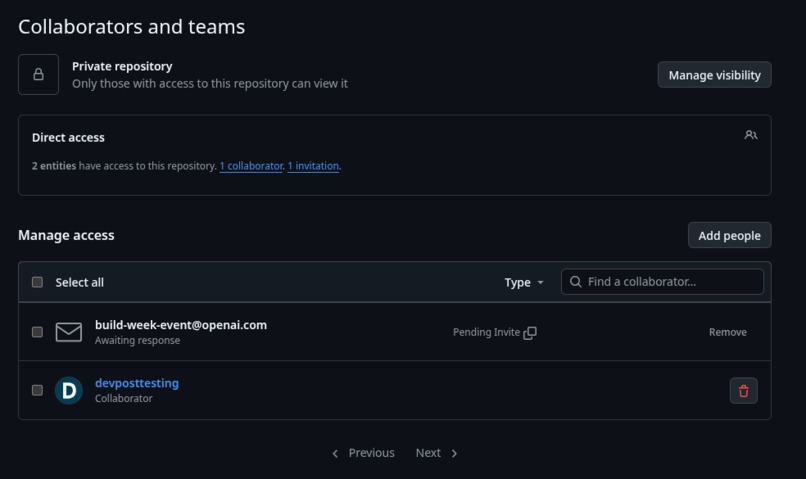
Invite pending
-
Inspiration
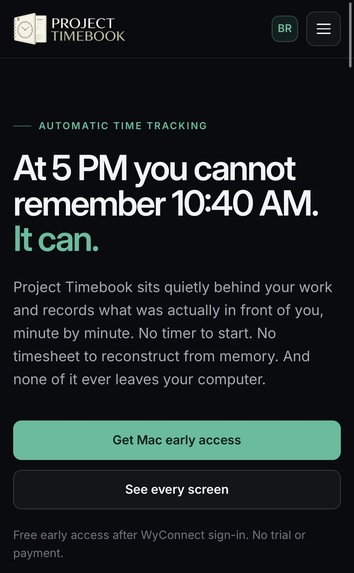
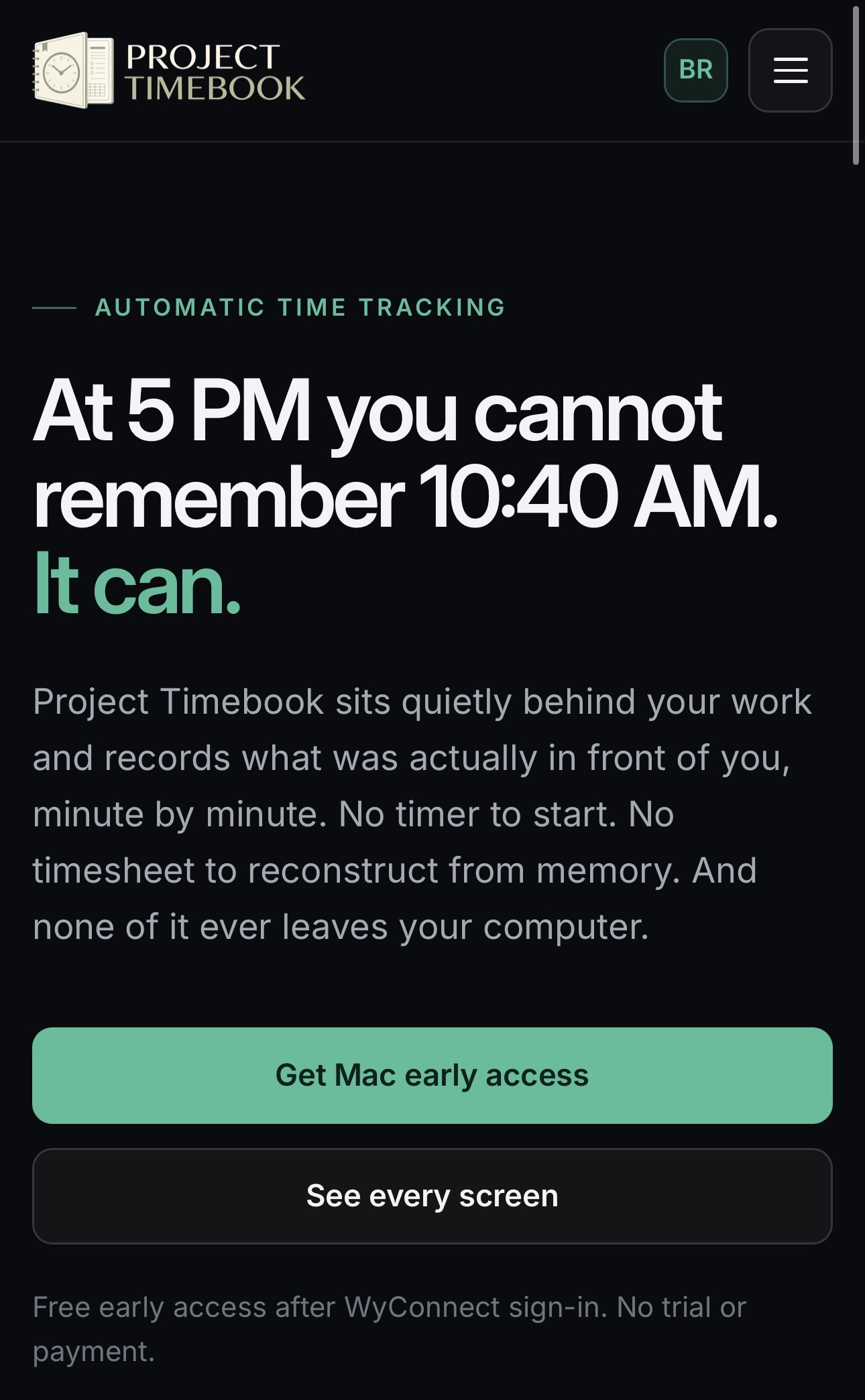
My mother-in-law is an independent consultant who bills by the hour. Every evening she ran into the same wall: at 5pm she genuinely could not remember what she had done at 10:40am, so she was either guessing her timesheet or quietly losing billable hours. Every tool she tried wanted her to start and stop timers she always forgot to hit, or to hand-file every block of work into projects. She just wanted something that remembered her day for her and helped her write up the work she had actually done for each client. That was the whole seed of Project Timebook: build the time tracker she wished existed, and make it private enough that a professional could actually trust it.
What it does
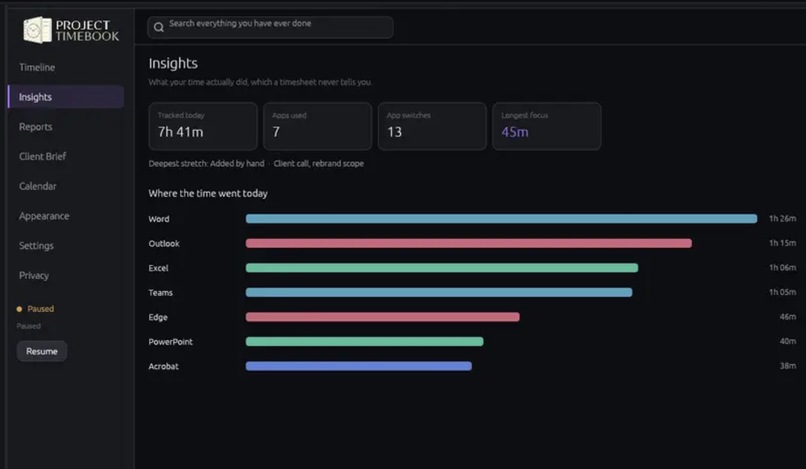
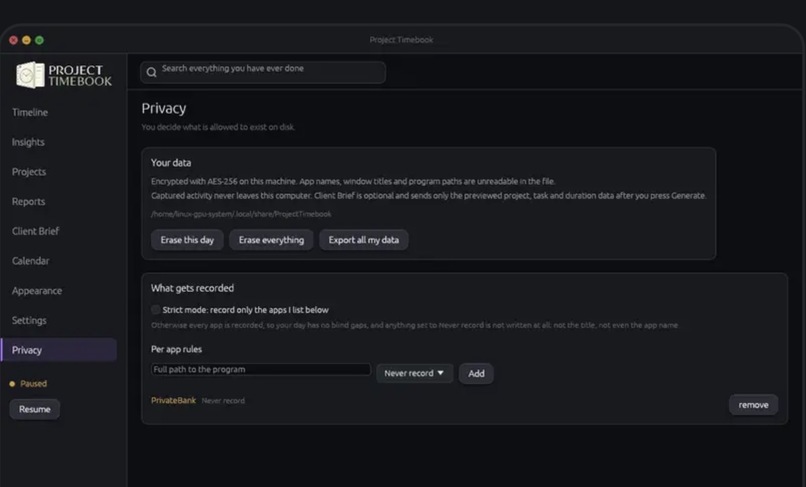
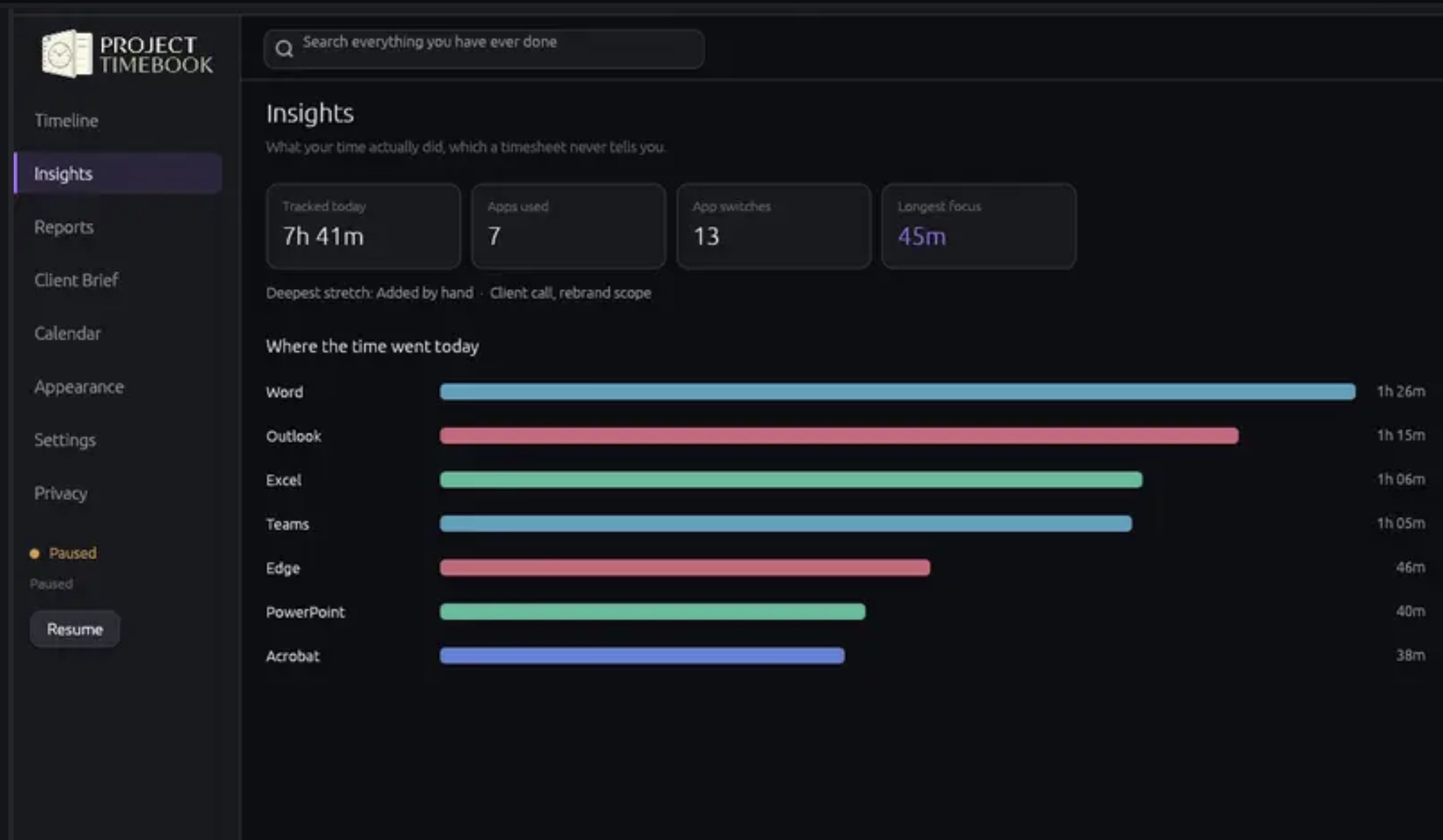
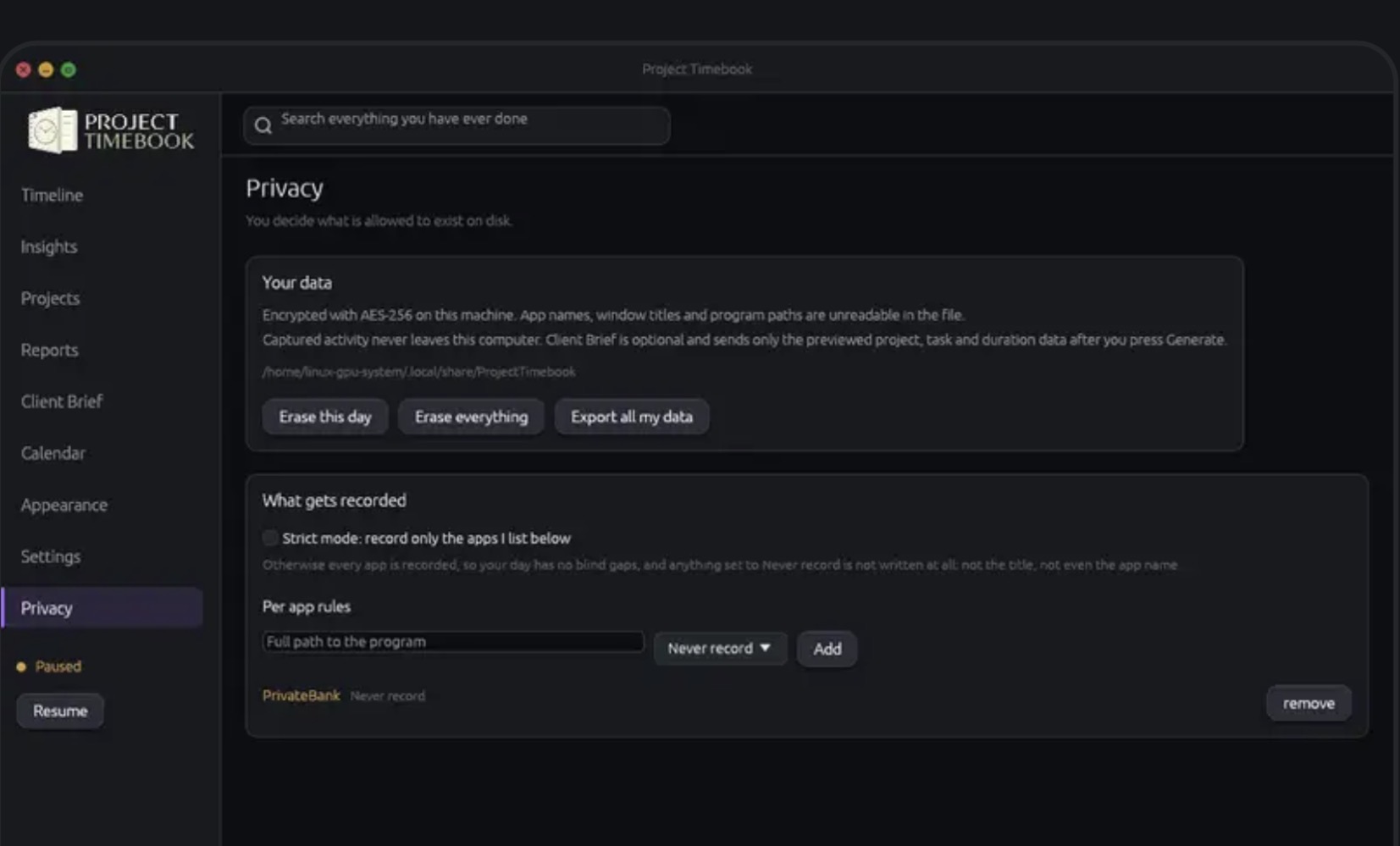
Project Timebook runs quietly in the background on your Mac and records what you actually worked on, which app was in front of you, which document, which email, which browser tab, minute by minute. You never start or stop a timer, and you never have to sort or label anything. It just records everything to a local, encrypted database on your own machine, and at the end of the day you see a visual timeline of your real day.
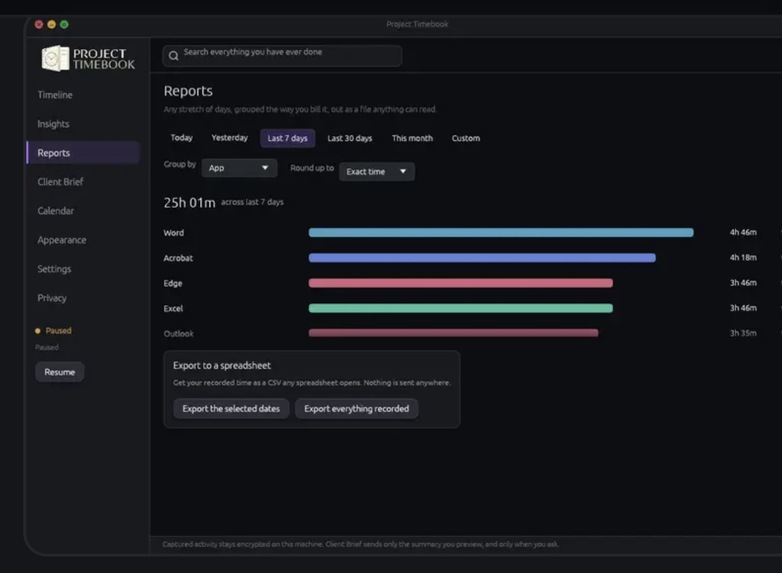
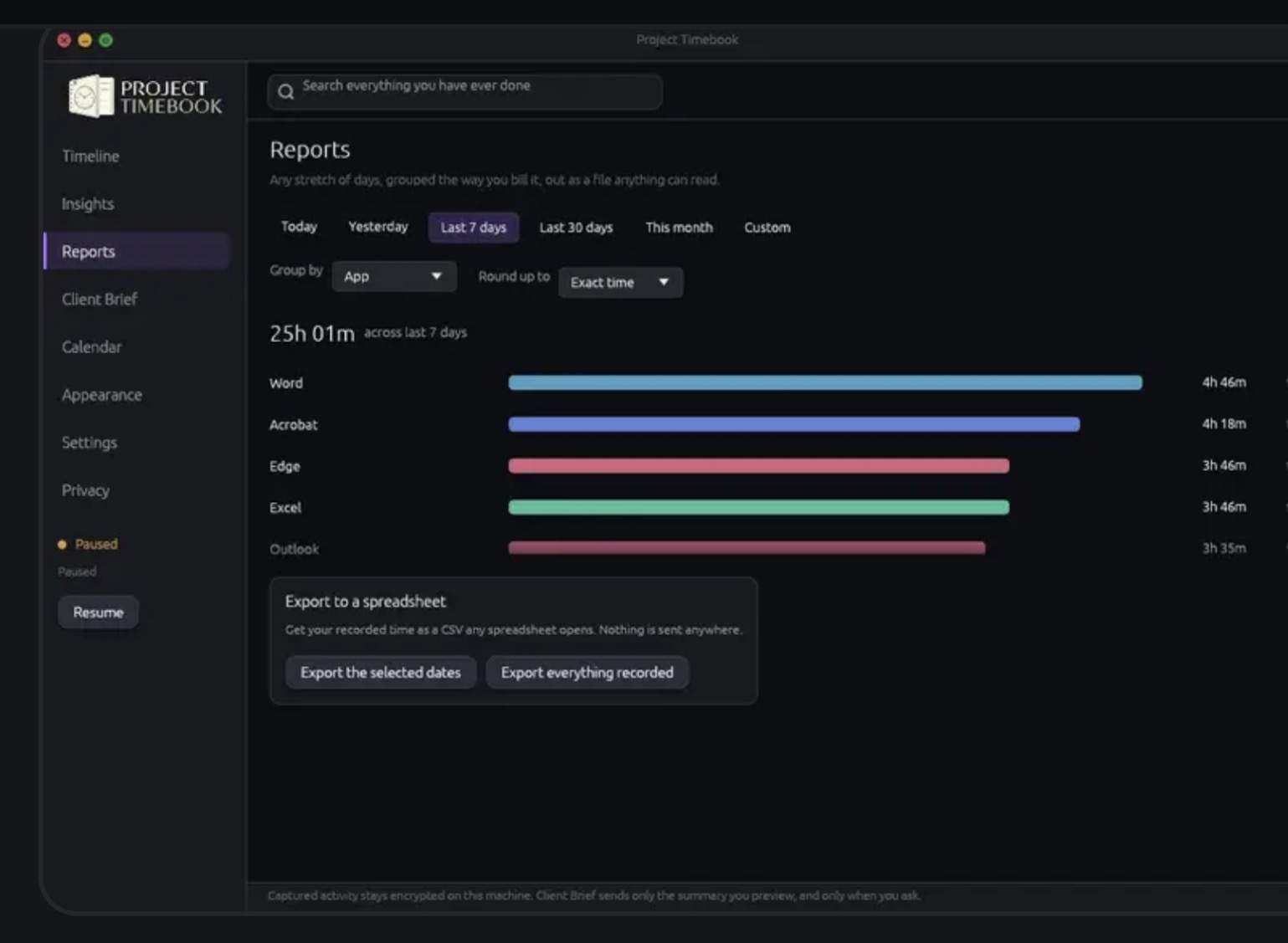
When you need to bill or report, you pick a period (today, yesterday, last 7 days, last 30 days, this month), optionally say what the brief should cover or how it should sound, and press Generate. GPT-5.6 reads the activity Project Timebook already recorded and writes the brief: a summary, an invoice narrative, and next steps you can edit and copy. Nothing leaves your computer until you press Generate, it runs on your own OpenAI API key, and only a summary of your recorded activity is sent, never the raw captured data.
How we built it
- App: a native desktop app in Rust using egui/eframe, so it is fast, light, and behaves like a real Mac app.
- Capture: foreground-window sampling on macOS, written to a local SQLite database encrypted at rest with AES-256-GCM. No screenshots, no keylogging, no cloud.
- Client Brief: the one network boundary. When you press Generate, it sends a summary of the recorded activity for the period you picked to the OpenAI Responses API with GPT-5.6 (
store: false), using your own API key. Nothing goes out otherwise. - Accounts and licensing: WyConnect (our single sign-in) handles account state only and never sees captured activity; billing runs through a Stripe-backed edge function.
- Distribution: a Developer ID-signed, notarized, stapled macOS installer package, with verified in-app updates.
- Built with Codex: Codex was our pair-programmer for the whole build, the capture loop, the encrypted database layer, the Client Brief and its Responses API client, the privacy guard tests, the macOS packaging and notarization pipeline, and the marketing site.
Challenges we ran into
- Keeping the privacy promise literally true. The hardest part was not adding features, it was guaranteeing that raw activity could never leak into the AI request. We wrote a guard test that fails the build if the Client Brief query ever selects a raw captured field.
- macOS distribution. Developer ID signing, notarization, stapling, and Gatekeeper acceptance took real iteration to get a clean install with no scary prompts.
- Simplifying late in the build. Partway through we stripped the app down to just recording plus the Client Brief, and pointed the brief straight at the raw recorded activity. It was a big change close to the deadline, but it made the product simpler and the output far more useful.
- Native macOS behavior. Reading the real Calendar, launching at sign-in already minimized, and never spawning a second window all took careful work.
Accomplishments that we're proud of
- A time tracker that is genuinely private: captured activity is encrypted on-device and never uploaded.
- The AI step stays under your control: nothing is sent until you press Generate, and it runs on your own API key.
- A real, signed, notarized Mac app you can install and use today, not a prototype.
- Automated privacy guard tests that make the core promise enforceable, not just a claim in a README.
What we learned
- How to give GPT-5.6 a narrow, high-value job, turning messy recorded activity into a clean client narrative, and how to frame all user text as untrusted data so it cannot be used to inject instructions.
- How much Codex accelerates a from-scratch native app. It took us from a Rust capture loop to a signed, notarized, shipping installer in days.
- The real-world details of shipping trustworthy desktop software on macOS: signing, notarization, encrypted local storage, and in-app updates.
What's next for Project Timebook
- A Mac App Store release.
- Windows and Linux versions. One future permanent license will cover the same person across every platform.
- Richer Client Briefs, per-client grouping, editable tone, and export straight into invoices.
- Deeper native integrations (Calendar, document context) while keeping the strict on-device privacy boundary.

