-
-
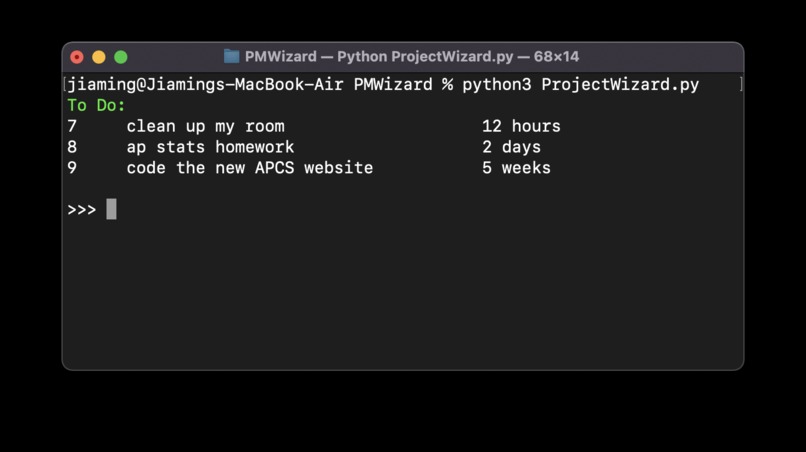
Onboarding view
-
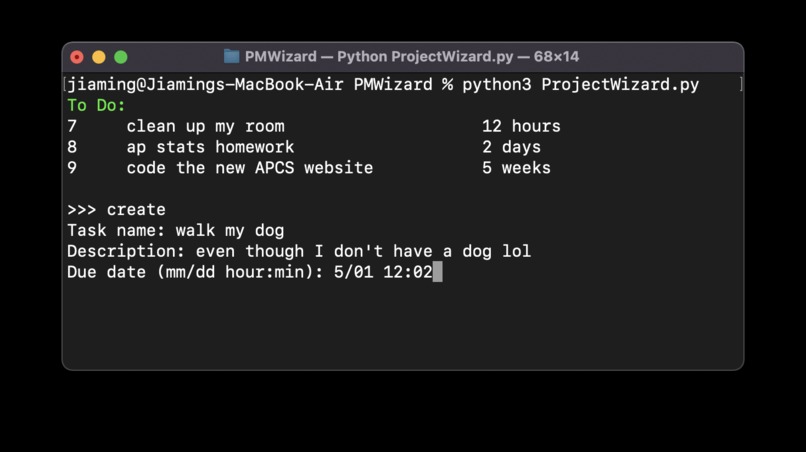
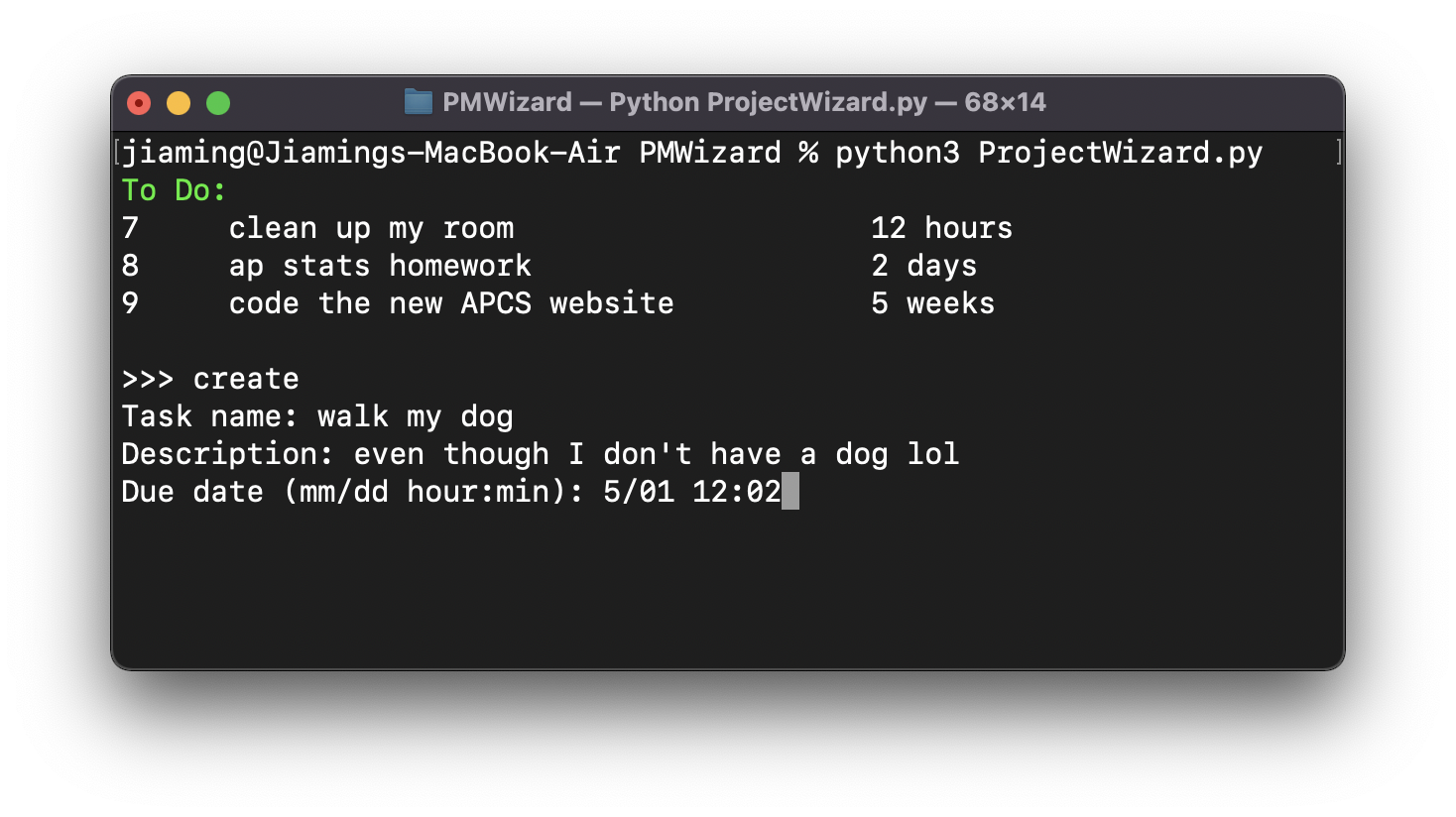
Creating a new task
-
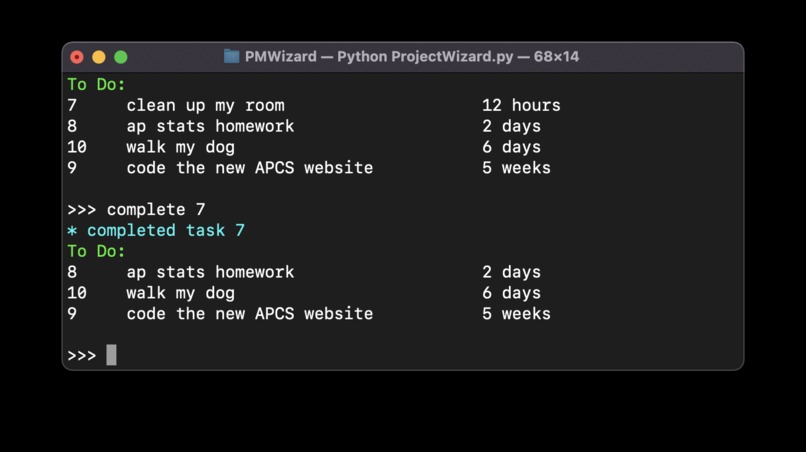
Completing a task

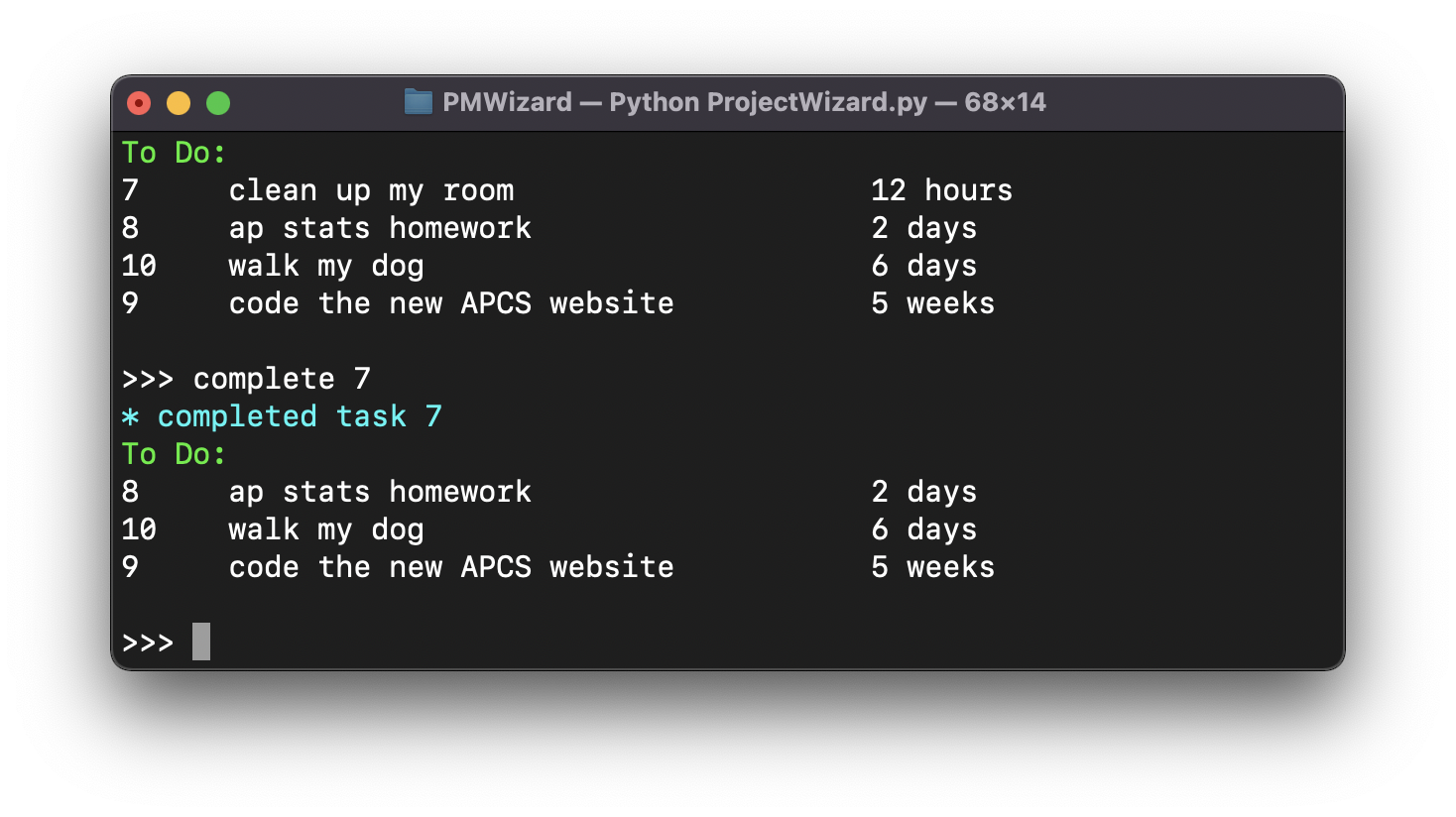
When it comes to doing anything related to software development, whether it's as simple as creating a new directory or git, using terminal instead of GUI is the standard.
For too long, software developers had to use flashy, GUI based tools like Monday.com, Trello, and ClickUp for project management. The thing is, using GUI tools for project management is like using drag-and-drop on github.com to upload code instead of using the terminal: awkward and unprofessional.
Introducing ProjectWizard
a terminal-based project management tool for programmers.
Click here to see the Demo Video uploaded to youtube
With ProjectWizard, you can:
- create a to-do list for yourself and your employees (if you are a project manager)
- track and update the progress of the tasks via terminal
How to run the program
- download all of the project files
- run the "run.py" under /server folder, which starts the server
- run the ProjectWizard.py, which is the client
you need to login. here are some users for testing purpose:
| username | password |
|---|---|
| coolnot | yayyy |
| neetshant | whatsup |
| nildeal | yikes |
| jiamesleo | hello |
| billybob | sponge |
to switch to a different user, simply use the "logout" command and then run the ProjectWizard.py again
Built With
- fastapi
- python


Log in or sign up for Devpost to join the conversation.