-
-
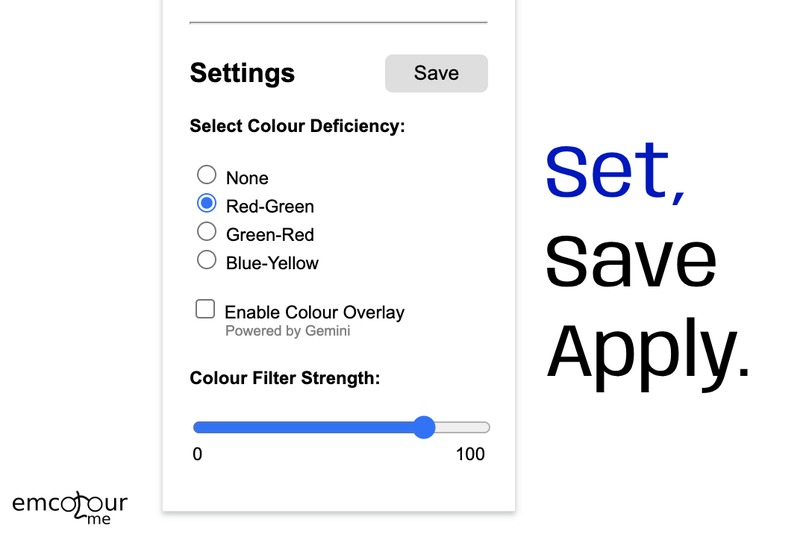
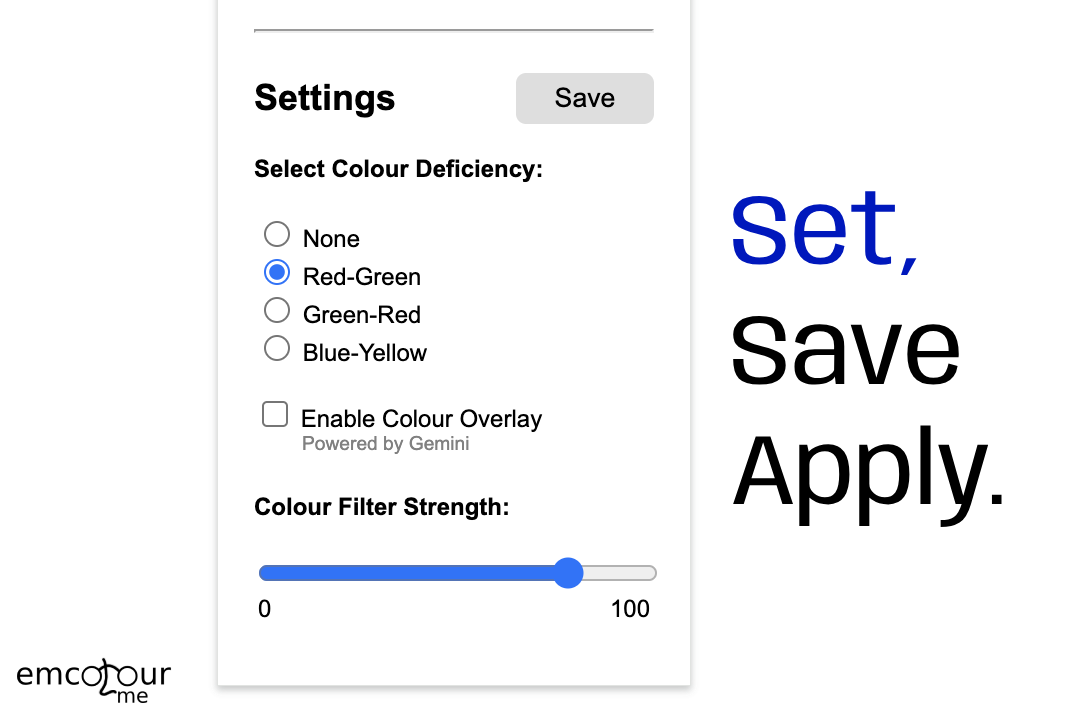
Screenshot of Emcolour Me Settings UI
-
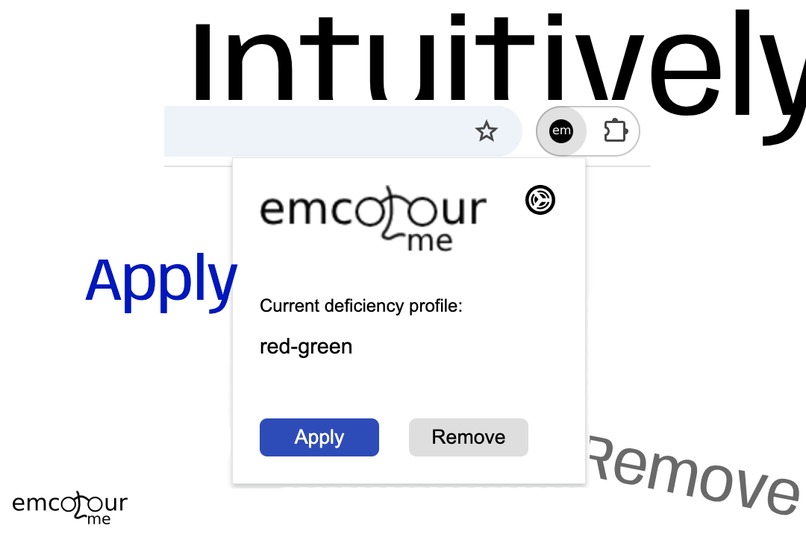
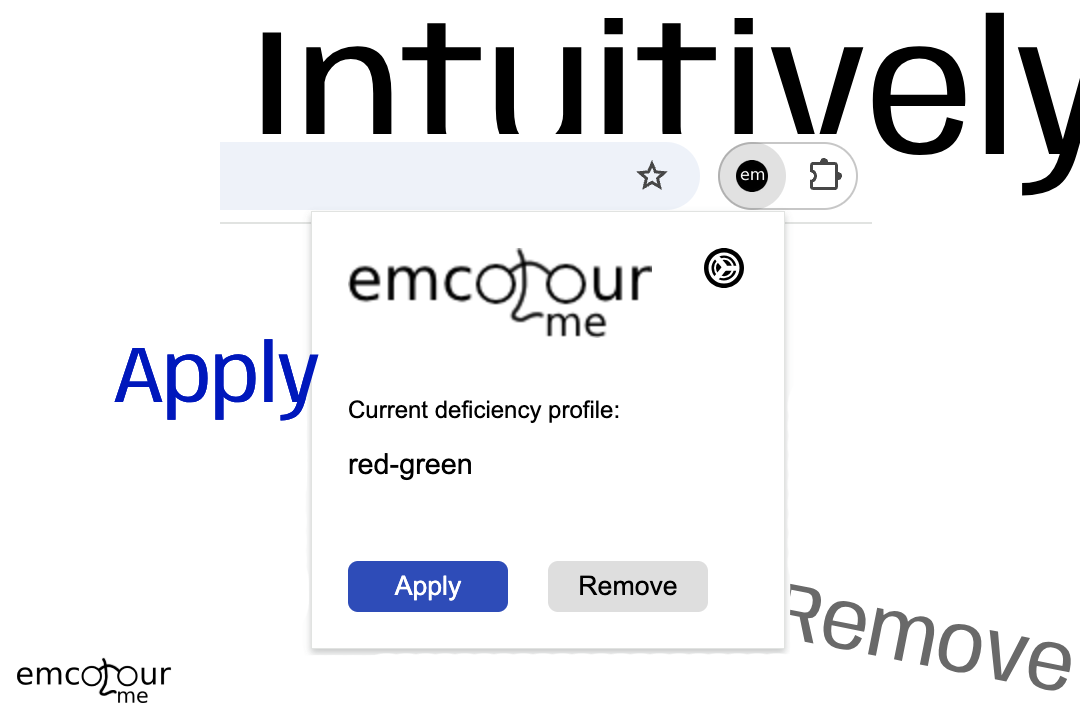
Screenshot of Emcolour Me UI
-
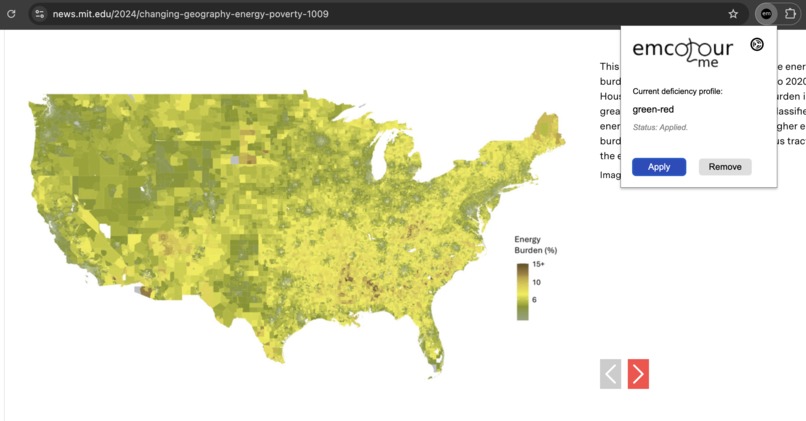
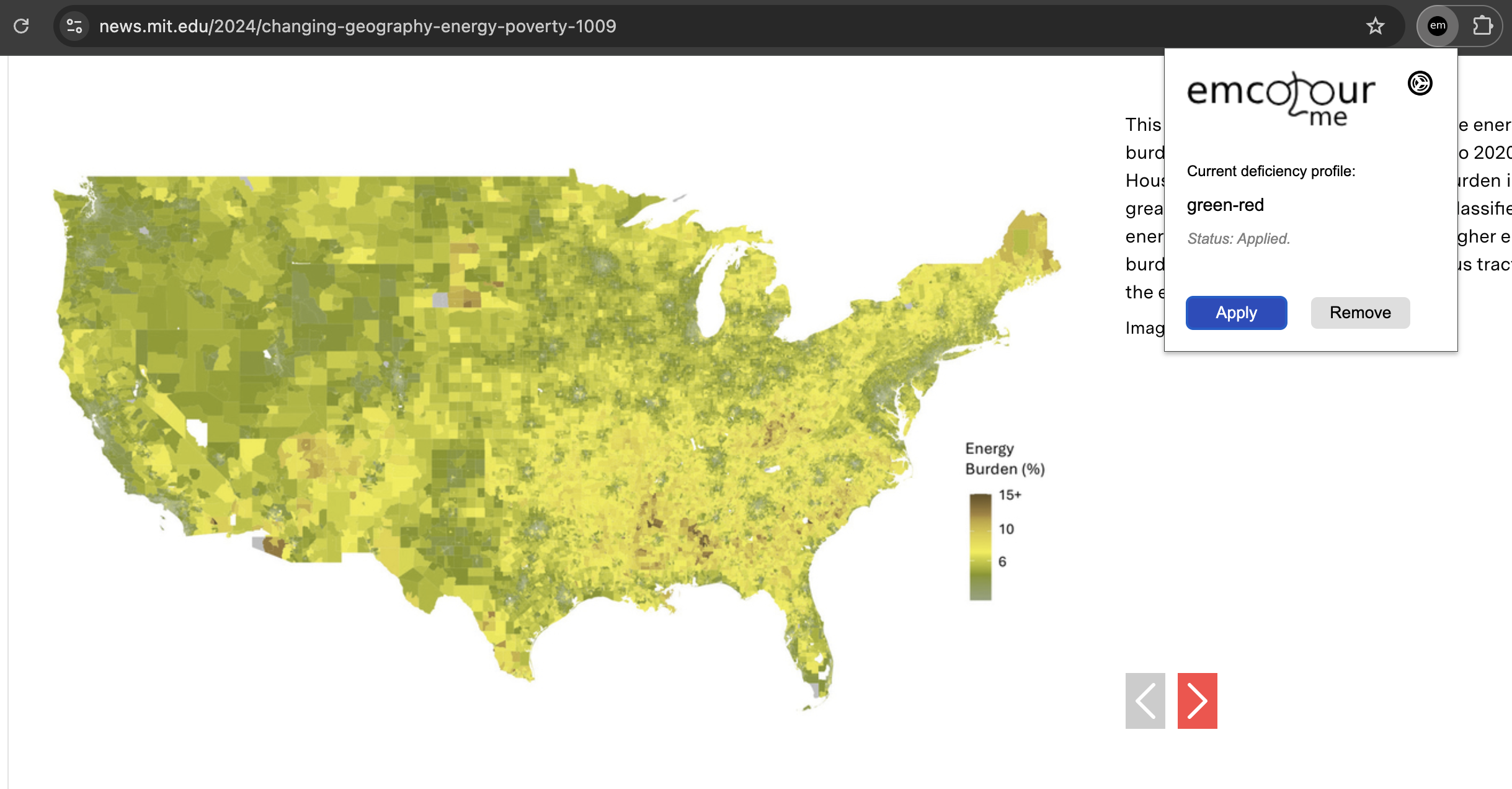
Screenshot of a map in MIT's website with colour filter applied
-
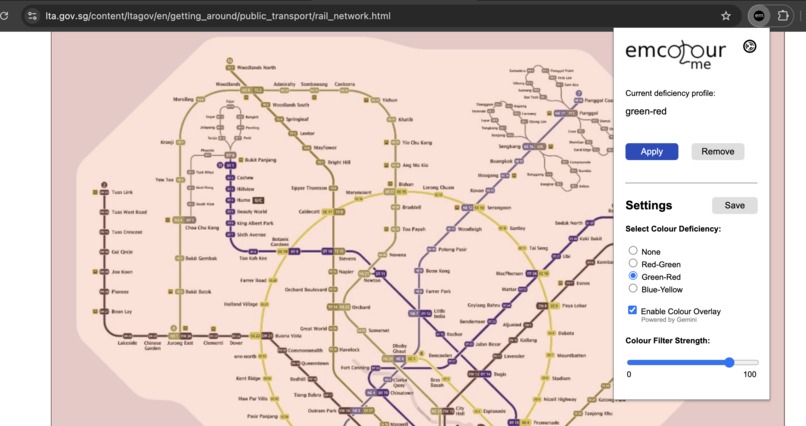
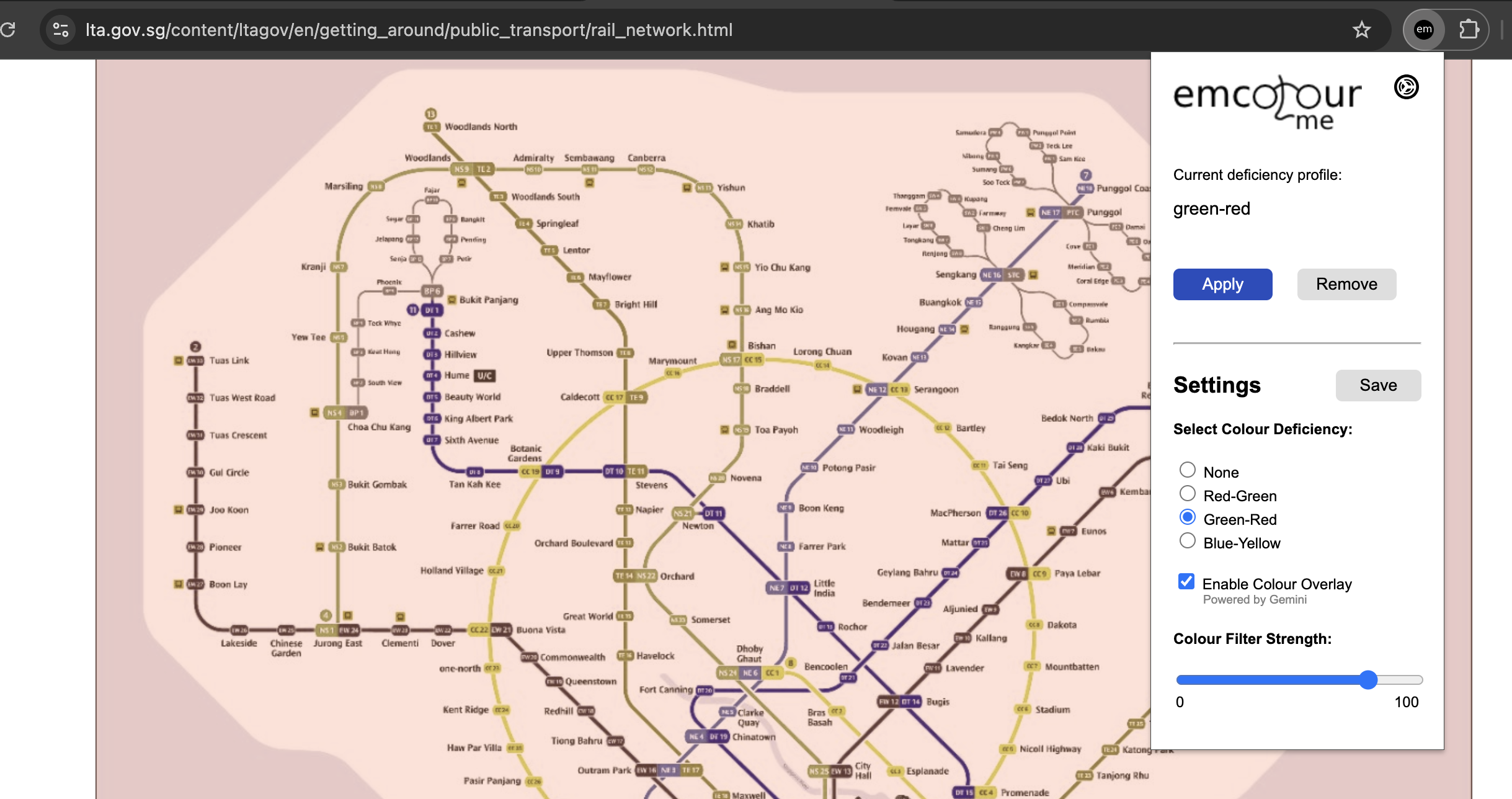
Screenshot of the Singapore MRT map with colour filter and Gemini overlay applied
Inspiration
My challenge in reading charts and maps with very close colours inspired me to create this chrome extension. When I had to complete Geography assignments through my computer, I often had to toggle between Settings and my browser tab, so that I could interpret the map and get back to answering those questions. Constantly switching between the modes is required, as not being completely colourblind, I still needed colour visual cues to proceed with my homework. I hope that this chrome extension can help many other people like me, not just with their homework, but also with browsing in general.
In addition, colour vision deficiency affects about 1 in 12 men and 1 in 200 women. This is a huge number, for which my program could have a huge impact and improving the lives of many.
What it does
A chrome extension that allows users to choose their colour deficiency. The software will then invert the colours and add on an optional colour overlay powered by Gemini. This aims to give the users the best readable image possible.
How we built it
I used basic javascript and some Gemini prompt engineering to make the chrome extension even better for the end-users. Some research was carried out to figure out the perfect formula for the three main colour deficiencies so that images can be interpreted better. Gemini was used to apply a colour overlay to help better aid the user to interpret the image visually.
Challenges we ran into
It was difficult to implement Gemini properly as I didn't know what API to use to integrate Gemini into initially, and how to best make use of the small 4096 tokens that I have. To ask Gemini for replacement colours for individual pixels is too taxing on both the computer and the limited tokens, so a trade-off was made to integrate Gemini into the colour overlay instead. Another thing was to deal with asyncronise and syncronise concepts, with were challenging especially with Gemini integration. Proud to have solved these technical challenges!
Accomplishments that we're proud of
It was a feat to figure out how to use certain formulas to change the colours of an image on the web. But we eventually found the right formula and did it. There were many obstacles on creating a chrome extension as I have never created one before, so I was glad that I persisted to solve all the bugs I had. I also managed to integrate Gemini into suggesting useful colour overlays, and gave users the option to enable or disable the feature.
What we learned
I learnt about the trade offs to make between user experience and code execution. Some features require much more time and effort than I could imagine. Yet, these efforts could also go down the drain if the user had to wait too long of a time to get the feature to work for them. With the limited 4096 tokens, I felt that I have learnt to temper my expectations, to work out a more realistic feature set.
What's next for Emcolour Me
A possible future development for Emcolour Me could be to introduce a feedback system regarding the colour inversion and the colour overlay with Gemini. If we could have a greater amount of tokens, we could use users' feedback and get Gemini to tweak the colour inversion formulas and colour overlay to suit the users, or even personalisation up to the individual user.
Built With
- css
- html5
- javascript
- photopea


Log in or sign up for Devpost to join the conversation.