The Problem:
Right now, creating a film using AI feels like coding. We spend hours typing text prompts, tweaking timelines, and clicking through menus. As a director, you shouldn't be typing—you should be directing. The creative flow is broken. The Solution: The AI Boardroom "Project Reality-Shift" leverages the Logitech Actions SDK to build a plugin that replaces typing with "Vocal-Tactile Sync." It turns the MX Creative Console from a simple shortcut tool into a physical command center for your own team of AI agents. How it works (The 3 Core Features):
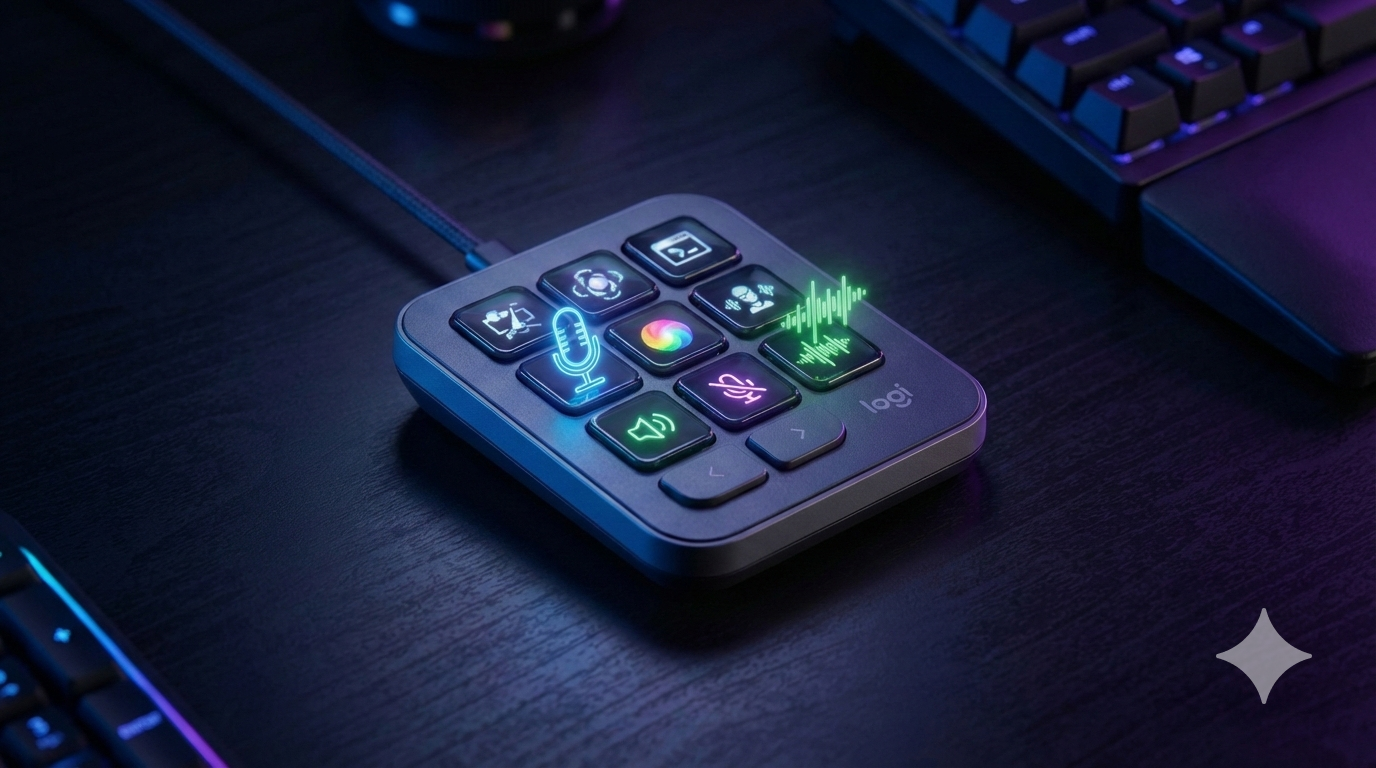
- The Swarm Keys (Your AI Crew): Instead of using LCD keys for shortcuts, each key summons a specific AI expert. Press the "Sound Designer" key, speak into your mic ("make this scene sound scary"), and the AI instantly generates and syncs the audio.
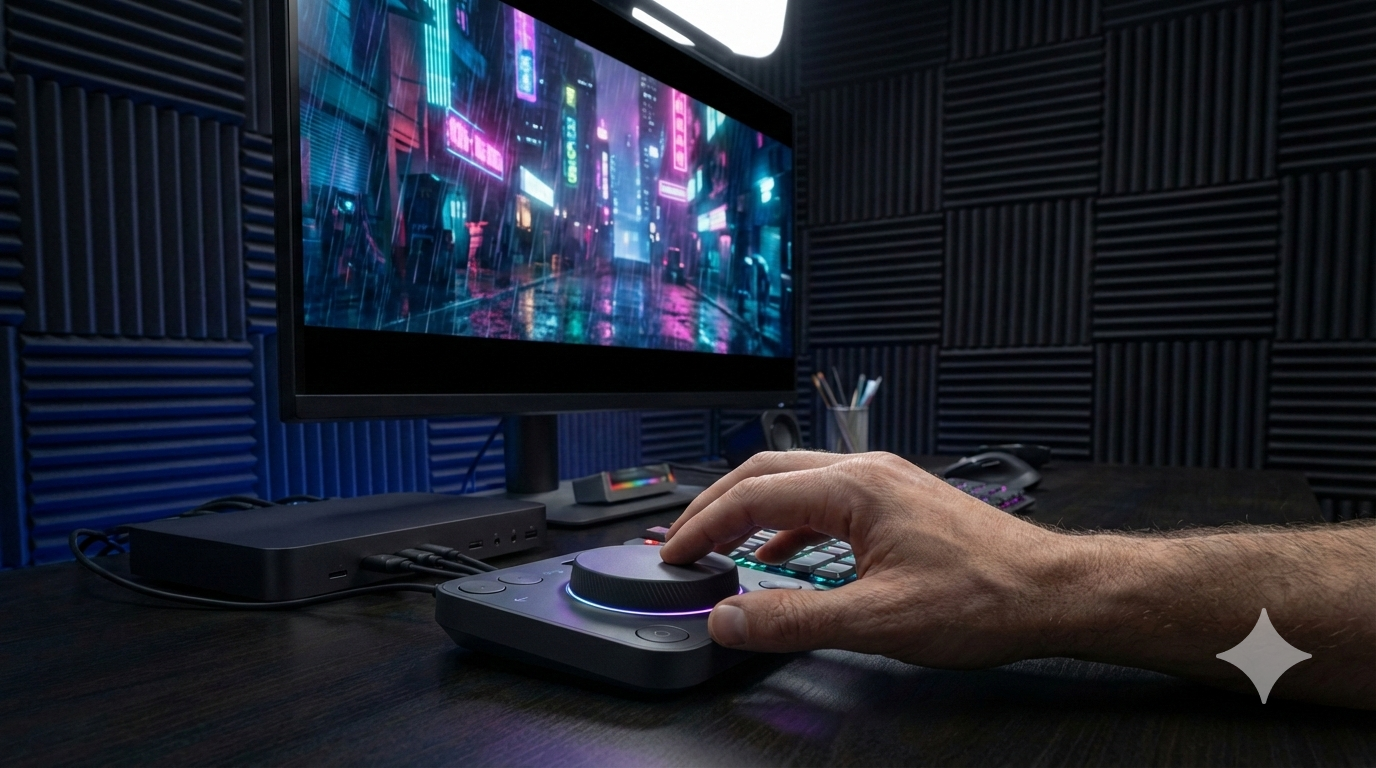
- The Imagination Dial (Time-Machine): We turned the MX Dial into a time machine. If the AI generates a scene and the lighting is wrong, turn the dial left to physically rewind the diffusion process. Stop, say "make it neon blue," and turn the dial right to watch the scene change in real-time. You speak the context, you dial the magnitude.
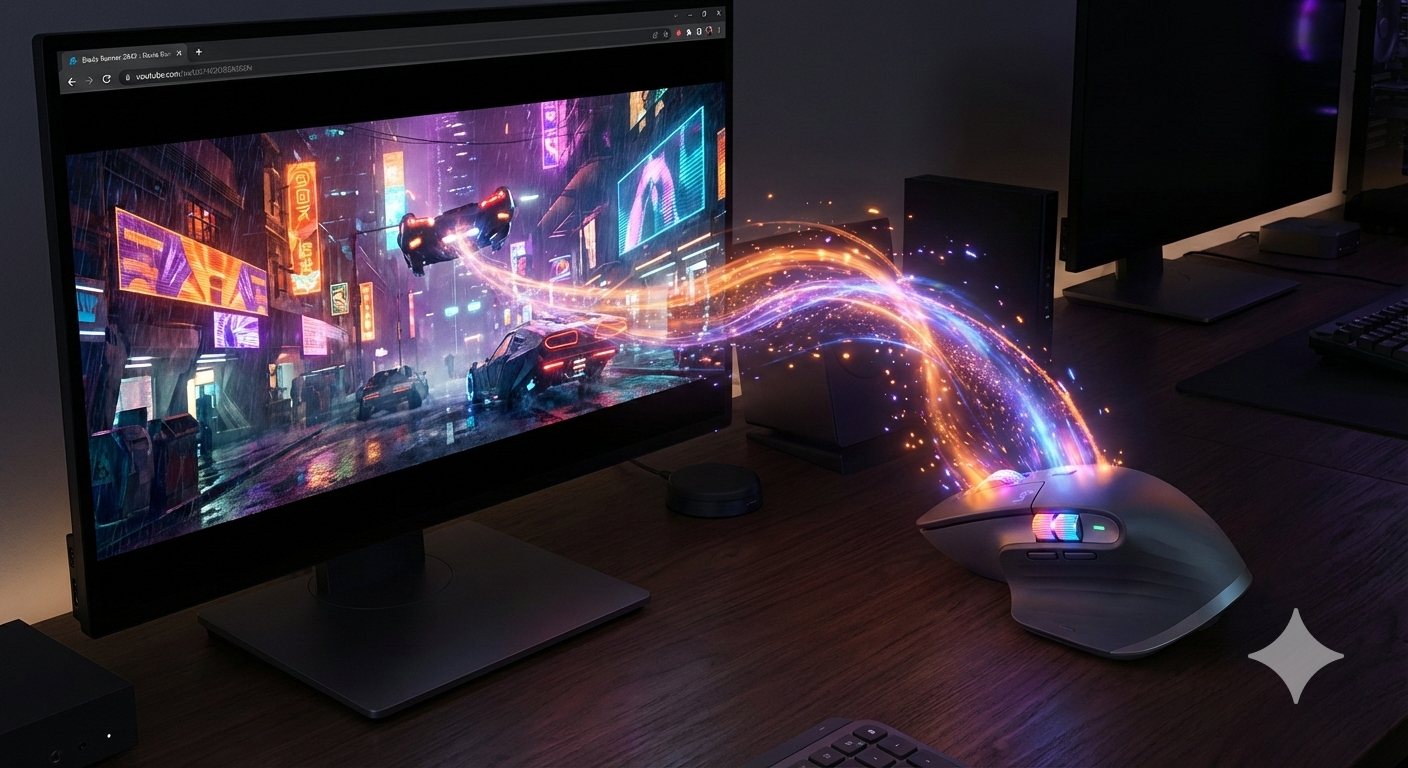
- The Context Sponge (MX Master 4): We turned the mouse's Action Ring into a visual sponge. Hover over any reference image on your browser, click the Action Ring, and the AI "absorbs" that exact visual style to inject it into your timeline. Impact: This gives creators their eyes back. You look at your art, not your keyboard. It makes the Logitech ecosystem the ultimate, tactile AI studio for the future of filmmaking.
Built With
- 11lab
- gemini-ai
- kling-ai
- logitech-actions-sdk-(concept)
- runway-gen-2

Log in or sign up for Devpost to join the conversation.