-
-
pico-chan
Inspiration
My 4-year-old daughter is at an age where she constantly wants to connect with someone — pointing at everything she sees and asking "What's that?", eagerly showing off what she's doing with a "Look at me!", and spending hours drawing pictures she proudly presents to us. As a parent, I want to be there for her as much as possible — but between housework and caring for her baby sibling, being her full-time playmate simply isn't realistic.
That's when the idea struck me: "What if there was a gentle robot friend that could always respond to her desire to play and talk?" This wish became the starting point for PICO-Buddy.
What it does
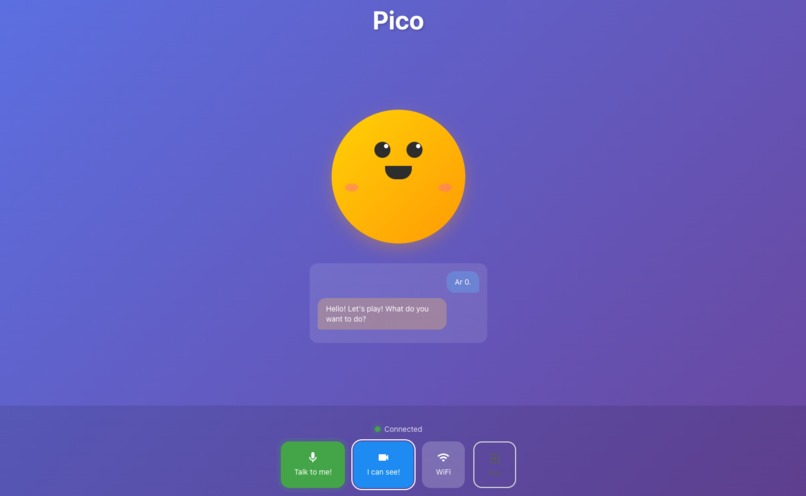
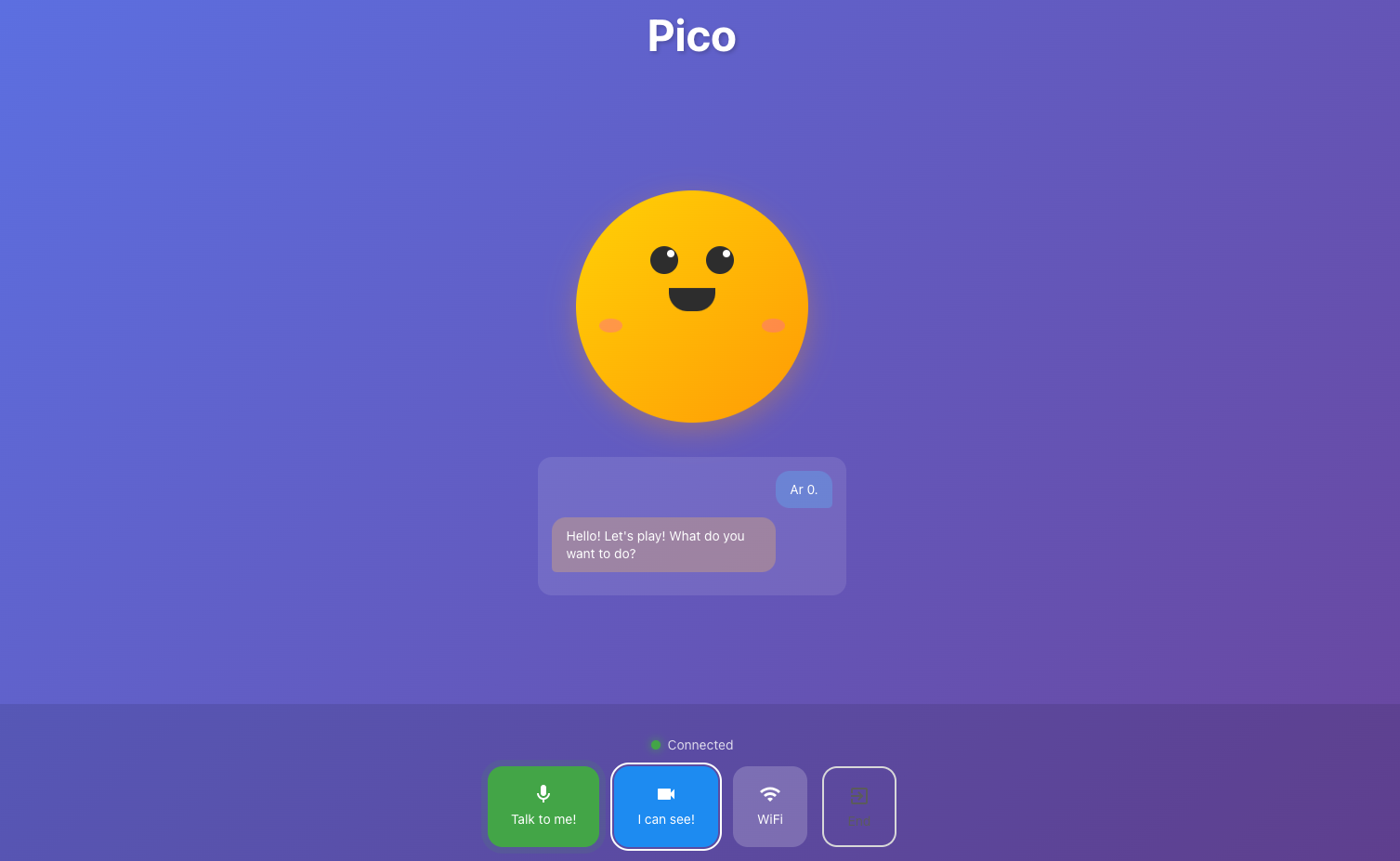
Pico-chan is an AI robot that plays with young children. It engages in natural real-time voice conversations, responds to "Look at this!" through its camera, and plays physical games like rock-paper-scissors and staring contests. Connected wirelessly to a physical robot body, it can actually move, light up, and make sounds. It remembers the child's name, favorite things, and past events, growing into an ever-better playmate with each session.
Key Features
- Real-time voice conversation — Low-latency natural dialogue powered by Gemini Live API / ADK
- Works in a tablet browser — No dedicated app needed; just open the browser and start playing
- Drawing mode — AI draws pictures together with the child
- "Look at this!" support — Recognizes objects the child shows through the camera and reacts
- Play modes — Physical games like rock-paper-scissors and staring contests
- Memory system — Remembers names, favorites, and past events for a more personal experience
- Physical robot control — Motor movement, LED emotional expressions, buzzer sound effects
- Safety by design — 30-minute session time limit with automatic disconnection to prevent overuse
- Multilingual — Supports both Japanese and English
How we built it
PICO-Buddy is an AI-powered conversational robot companion designed for young children. The system consists of three main components working together seamlessly:
System Architecture
┌─────────────────┐       WebSocket (WSS)       ┌──────────────────────────┐
│   Tablet         │◄──────────────────────────►│  Google Cloud Run         │
│   (Browser)      │                             │  FastAPI + ADK            │
│                  │                             │  + Gemini Live API        │
│  - React App     │                             │  + Imagen 3.0             │
│  - Mic / Camera  │                             │  + Cloud Translation      │
│  - Speaker       │                             └──────────────────────────┘
│  - Pico Animation│
└────────┬─────────┘
         │ WiFi (WebSocket)
         ▼
┌─────────────────┐
│  ESP32-S3-WROOM │
│  (AP Mode)      │
│  - DC Motors    │
│  - LED / Buzzer │
│  - Ultrasonic   │
└─────────────────┘
Backend (Python / FastAPI)
We achieved ultra-low-latency real-time voice conversation using Google's Gemini Live API (2.5 Flash Native Audio). By adopting an agent architecture with Google ADK (Agent Development Kit), we defined various features — robot control, rock-paper-scissors, drawing, and more — as "tools" that the AI can invoke naturally within the flow of conversation. The backend is deployed on Google Cloud Run, enabling access from anywhere with just a tablet.
Frontend (React / TypeScript)
A web app built with React + TypeScript + Vite runs directly in the tablet's browser. It combines real-time audio I/O via the Web Audio API, camera capture via the MediaDevices API, and CSS/JavaScript animations for character expressions — all creating an intuitive and engaging interface for children. The frontend is hosted on Firebase Hosting.
Hardware (ESP32-S3)
An ESP32-S3-WROOM operates in WiFi AP mode, exchanging JSON-formatted commands with the tablet's browser via WebSocket. Equipped with DC motors for movement, LEDs for emotional expression, a buzzer for sound effects, and an ultrasonic sensor for obstacle detection, the robot delivers physical interaction beyond just conversation.
Challenges we ran into
Hardware selection — A journey of trial and error
We initially started development with an Arduino UNO that came with the robot kit. However, we couldn't get the Bluetooth communication module (HC-02) to work reliably. Further investigation revealed that the Web Bluetooth API wasn't supported on the tablet's browser. This forced us to switch to WiFi. We ultimately migrated to the ESP32-S3, which has WiFi built in, but since the original kit was designed for Arduino UNO, rewiring and redesigning the pin layout took considerable time and effort.
Voice recognition in a child's environment
A living room with children is far noisier than you might imagine. A baby crying, the sound of washing dishes, TV playing in the background — the microphone picks up all kinds of household noise, frequently causing the AI conversation to stall. This is a uniquely real-world challenge that noise cancellation and microphone directionality alone cannot fully solve.
Tuning for a 4-year-old's enjoyment
Unlike adult-oriented AI assistants, our user is a 4-year-old child. We went through many iterations of prompt design that embraces a child's natural communication style — adjusting the AI to speak at a calm, steady pace so the conversation keeps flowing, responding through the camera when the child says "Look at this!", and ensuring the system never generates scary content or responds to dangerous behavior. Safety considerations were essential at every step.
Accomplishments that we're proud of
What we're most proud of is that our 4-year-old daughter actually says "I want to talk to Pico-chan!" on her own. This isn't just a technical demo — a child genuinely enjoys playing with it. That is the greatest achievement of this project.
Additionally, by adopting an agent architecture with ADK (Agent Development Kit), adding new features has been remarkably smooth. Play features like rock-paper-scissors, chase games, and drawing were quickly implemented simply by defining new tools and adding them to the agent. Achieving an architecture that can keep up with a child's "I want to do this!" requests through rapid development is also a major accomplishment.
What we learned
Technical learnings
Through this project, we gained hands-on experience across a wide range of technologies: real-time voice AI with the Gemini Live API, agent design with ADK, IoT device control with ESP32, WebSocket communication, interactive UI development with React, and cloud deployment with Google Cloud Run and Firebase — spanning frontend, backend, and hardware.
Something more important
Yet the most significant learning wasn't technical. It's that someone is genuinely happy with what we built. The moment our daughter talks to Pico-chan and breaks into a smile — the beauty of a child's smile is what powered us through hours of debugging and trial and error, and it is the most valuable lesson this project has given us.
What's next for Project PICO-Buddy
Deeper integration of hardware and software
Currently, the tablet and robot are separate devices. In the future, we aim for a more unified robot experience — mounting a display for facial expressions on the robot, embedding a speaker inside the body, and creating a presence that makes the child feel "Pico-chan is right here." We want to keep expanding what children can do together with Pico-chan.
Improving real-time conversation quality
A child's room is filled with noise beyond just voices — a baby's cries, household sounds, and more. We plan to introduce source separation technology to accurately extract only the child's voice, enabling smoother conversations with Pico-chan even in noisy environments.
Built With
- c++
- esp32
- fastapi
- firebase-hosting
- firestore
- google-adk
- google-cloud-run
- google-cloud-translation-api
- google-gemini-live-api
- imagen-3.0
- python
- react
- sqlite
- typescript
- uvicorn
- vite
- websocket


Log in or sign up for Devpost to join the conversation.