Inspiration
When an autonomous system makes a bad decision, the first questions are always: What happened? and Can we trust the replay?
Most tools answer only part of that. Logs are hard to interpret, and 2D charts often hide spatial context.
Project One was inspired by the idea of a "flight recorder you can walk into."
We wanted a WebXR mission-control experience where reviewers can stand inside the scene, inspect what each agent perceived and intended, and verify that the underlying audit trail has not been altered.
What it does
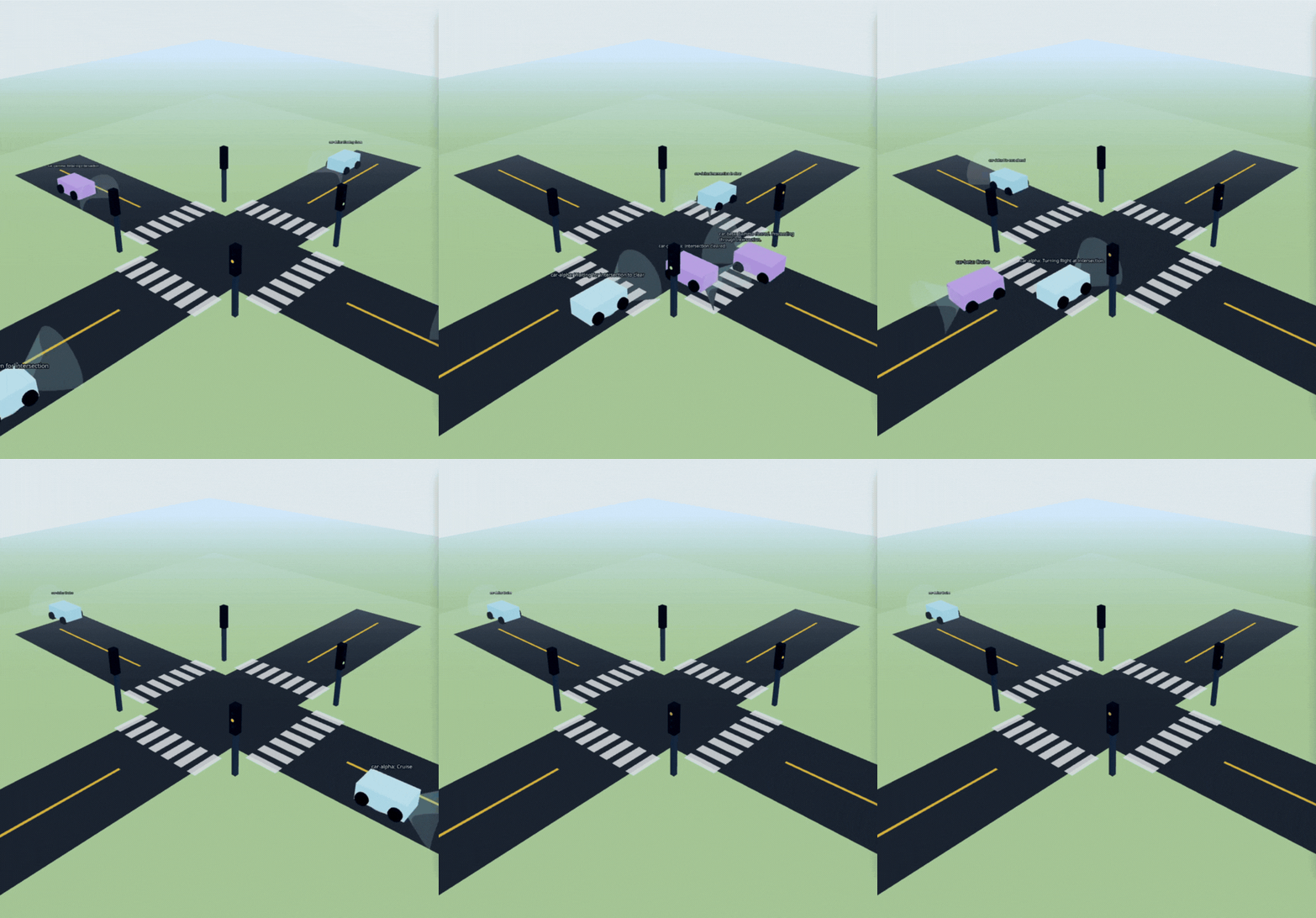
Project One is a WebXR dashboard for multi-agent driving scenarios (City Merge, Highway, Roundabout). It visualizes vehicles in 3D with thought/context overlays, interaction links, and timeline replay.
Key capabilities
- Tick-by-tick replay scrubber
- Agent interpretability panel (intent, speed, neighbors, thought)
- AI audit diagnosis (low-confidence decisions, speed envelope, interaction density)
- One-click integrity verification of the event chain
- Desktop + headset support (keyboard/mouse on desktop, immersive flow in PICO/WebXR)
Each OBSERVE, THINK, and ACTION event is chained with cryptographic fields so replay data is tamper-evident.
How we built it
We built Project One as a React 19 + TypeScript + Vite SPA.
3D/XR stack
@react-three/fiber+threefor rendering@react-three/dreifor scene/UI helpers@react-three/xrfor WebXR sessions and input@webspatial/react-sdkfor spatialized HUD UI in XR
Data and audit architecture
We split core logic into focused modules:
audit/clientLogfor log-chain creation and verificationaudit/replayfor reconstructing agent state at any tickaudit/diagnosticsfor generating audit findingsaudit/agentLoopfor perception/decision/action enrichment
UI is composed around this:
SpatialAgentrenders each agent body, direction cues, and thought textMissionControlhandles replay controls, verification, diagnosis, scenario switching, and agent inspection
Challenges we ran into
- XR smoothness under hackathon constraints: Getting headset interaction, movement, and UI responsiveness working together without frame drops.
- Crypto integrity vs UX performance: We needed trustworthy verification without freezing the interface, so integrity checks had to remain lightweight and user-friendly.
- Cross-context usability: The HUD had to be readable and operable both on a laptop screen and inside VR.
- Explainability clarity: It took iteration to present agent reasoning in a way that is technically grounded but easy for non-specialists to follow.
Accomplishments that we're proud of
- Delivered a full pipeline from simulated events -> replayable 3D state -> diagnostics -> tamper-evident verification.
- Implemented browser-native integrity logic with the Web Crypto API and surfaced it as a practical "Verify Integrity" workflow.
- Built a development loop that works on both desktop and PICO, including a convenient USB testing script (
npm run vr:usb). - Kept architecture modular enough to extend beyond a demo.
What we learned
- Explainability tools are strongest when visualization, replay semantics, and data integrity are designed together.
- WebXR in a modern web stack is practical for serious prototypes, but interaction design and performance discipline are critical.
- In React Three Fiber, careful separation of per-frame logic from UI state is essential for smooth XR behavior.
- Trust in AI systems is not just a model problem; it is also a systems and auditability problem.
What's next for Project One
- Ingest real autonomy telemetry instead of only scenario-generated event streams.
- Move signing/verification into a stronger production trust model (managed keys, immutable storage, server-side attestation).
- Expand diagnostics for near-miss detection, policy violations, and richer multi-agent coordination analysis.
- Add collaborative XR review features (shared sessions, annotations, world-anchored review panels).
Built With
- node.js
- npm
- pico
- react
- three.js
- typescript
- vite
- webcryptoapi

Log in or sign up for Devpost to join the conversation.