Inspiration
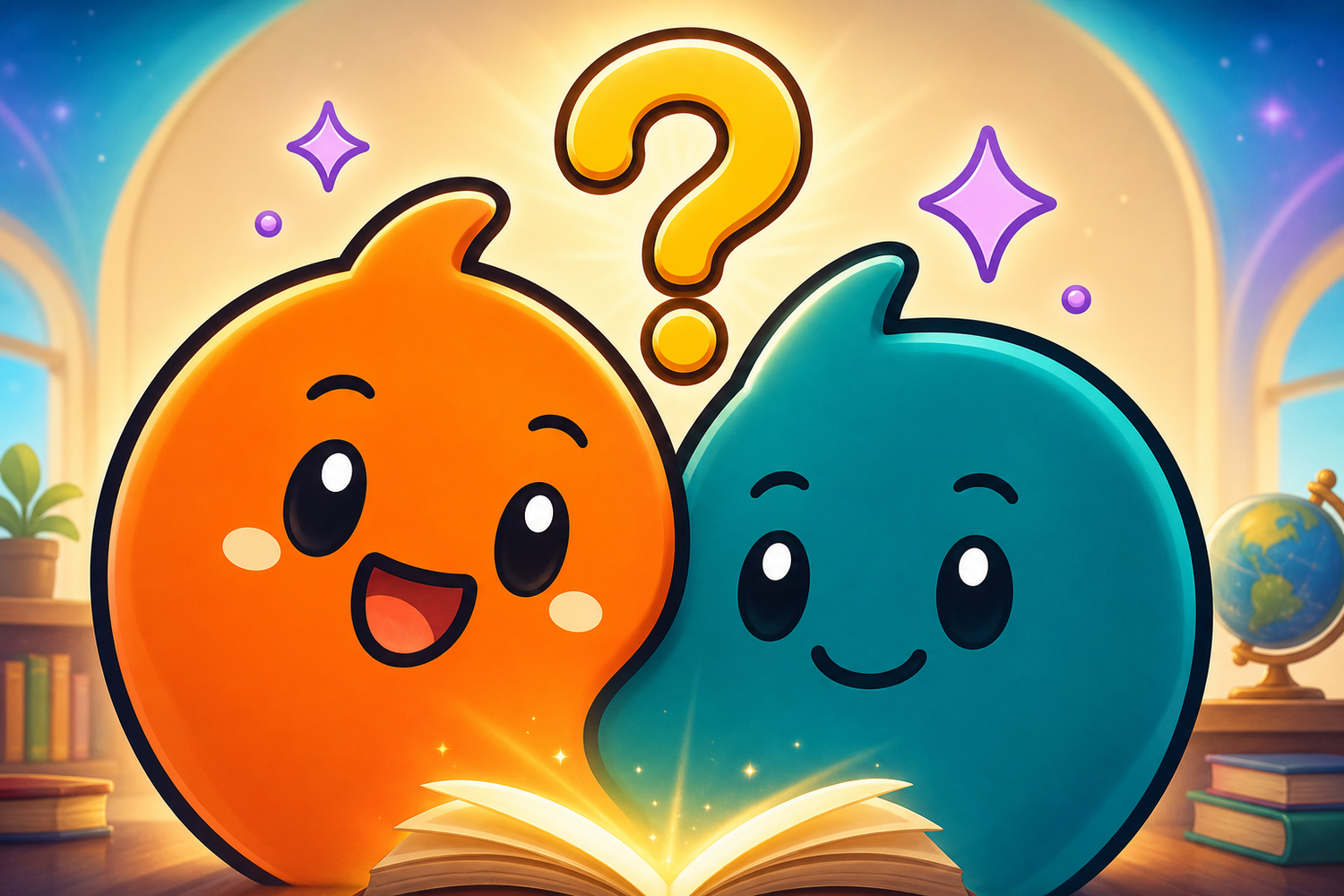
People are naturally curious, but even a useful AI answer can feel like a wall of text. I wanted questions such as “Why is the ocean blue?” to feel like a small conversation with two friendly guides who think alongside the learner.
What it does
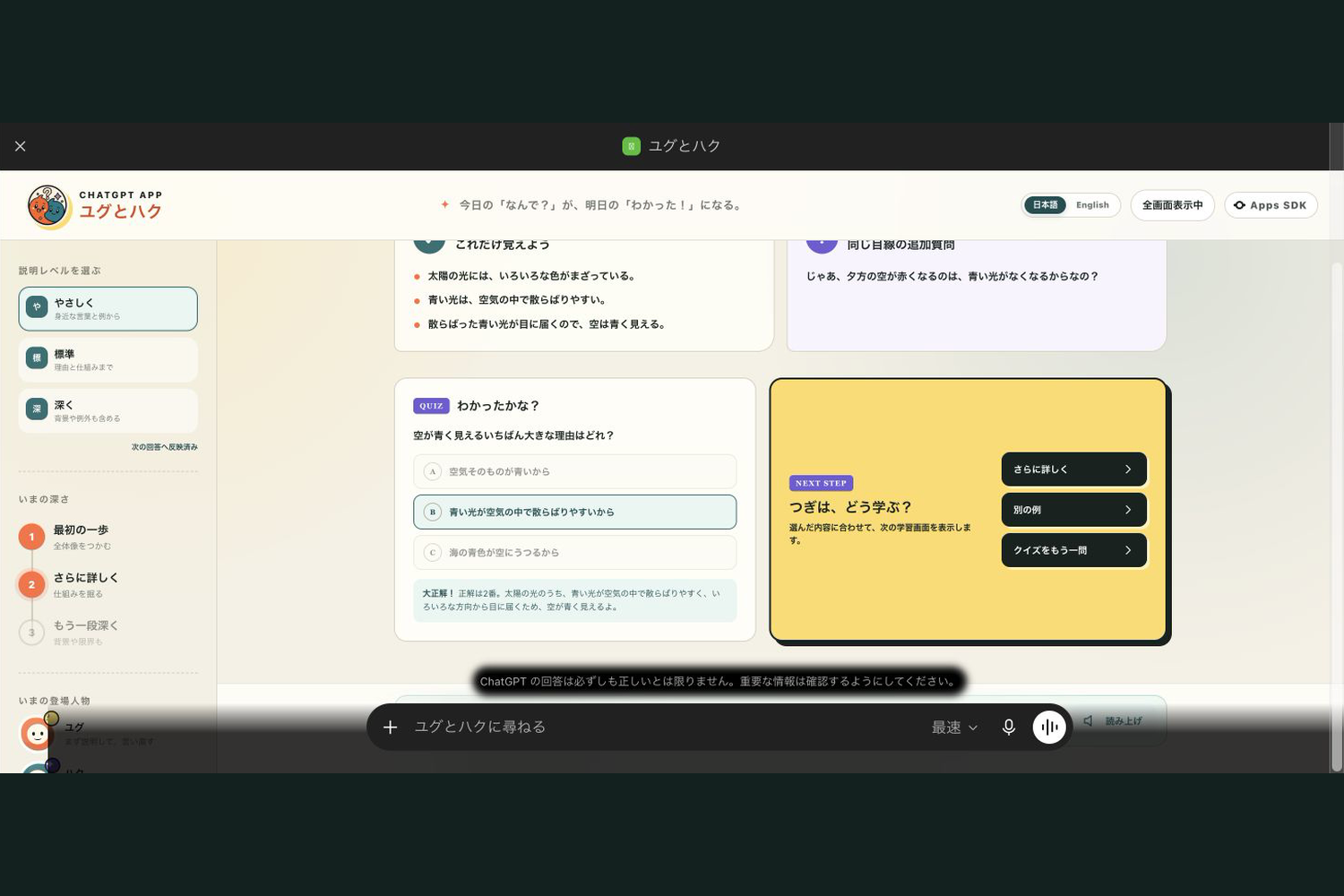
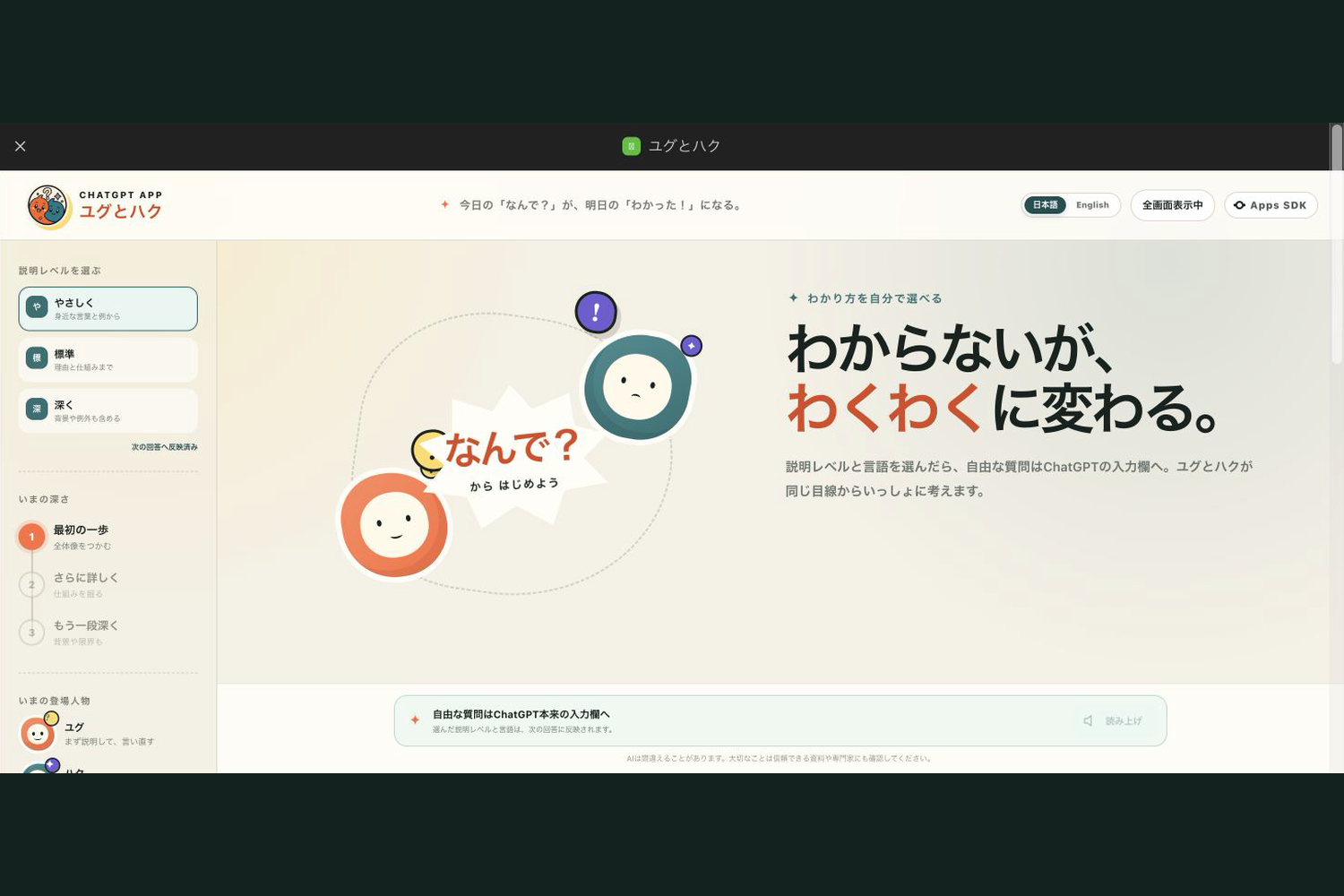
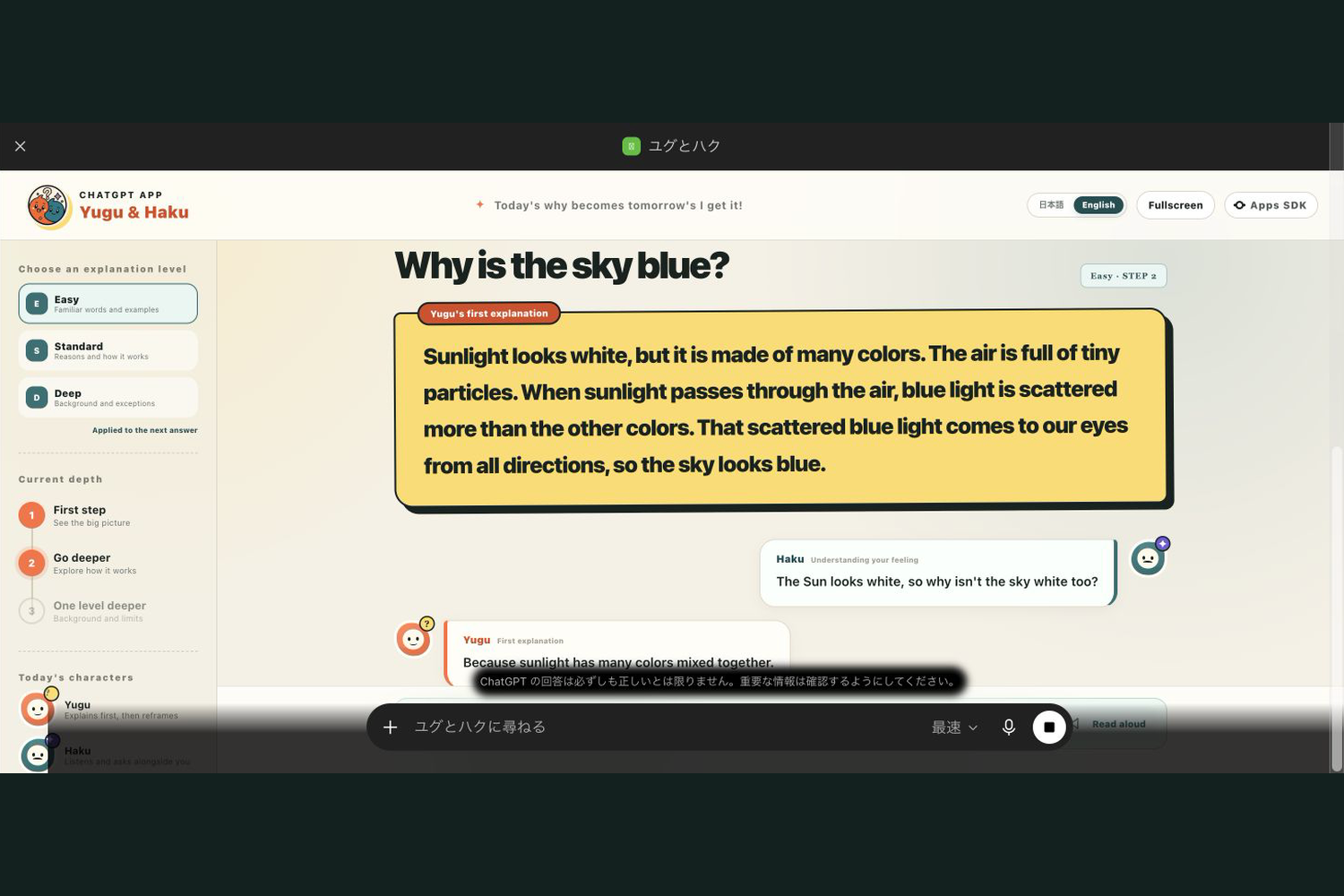
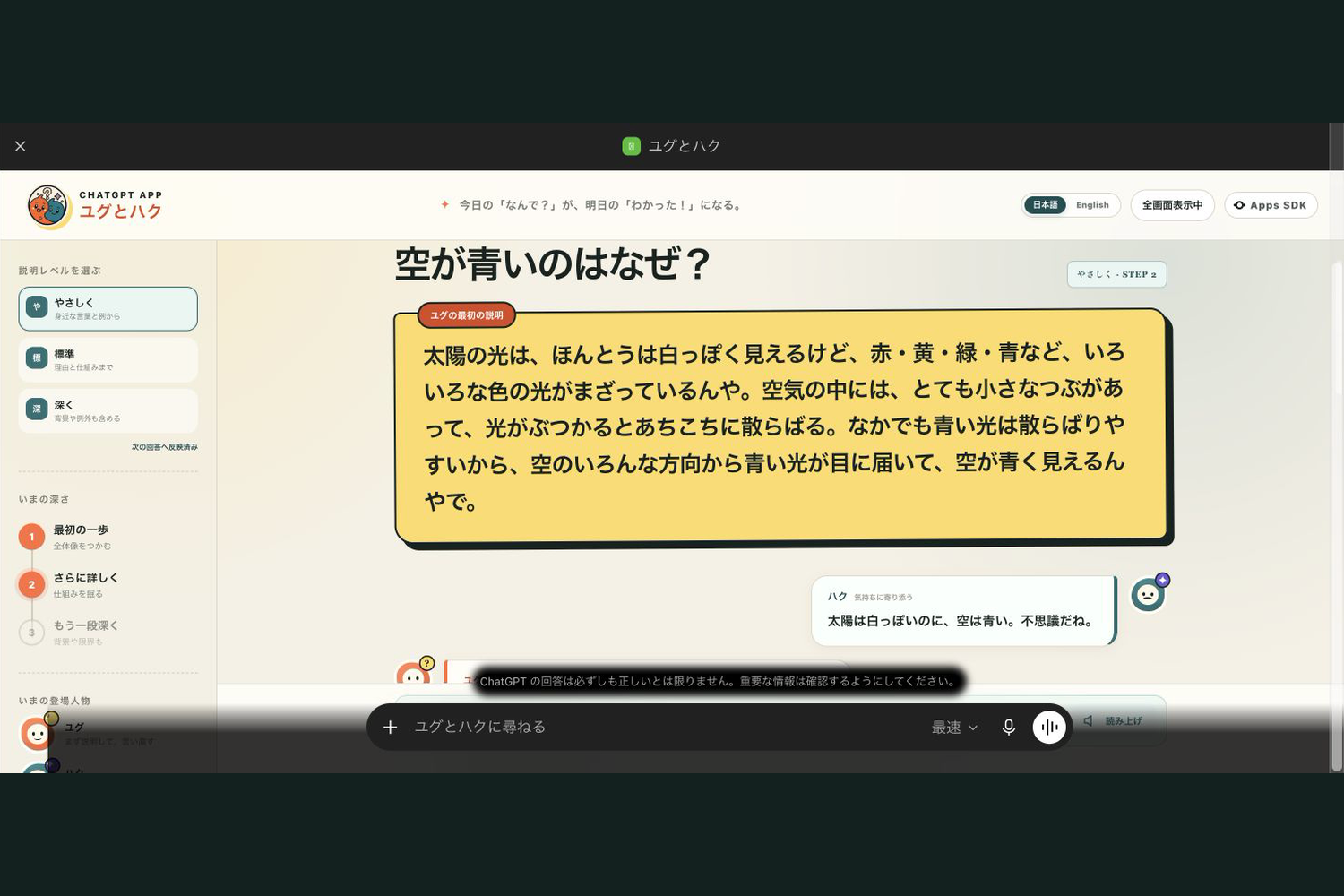
Yugu & Haku is a bilingual ChatGPT App that turns a learner’s question into an interactive visual mini lesson.
The lesson includes:
- a dialogue in which Yugu explains and Haku asks from the learner’s perspective
- selectable explanation depth: easy, standard, or deep
- Japanese and English language switching
- key learning points and a three-choice quiz
- browser-based read-aloud
- follow-up actions for another example, a deeper explanation, or another quiz
The app now completes the full flow inside a normal ChatGPT conversation: the start widget opens, the learner asks a question, and the lesson widget renders with the interactive controls.
How it works
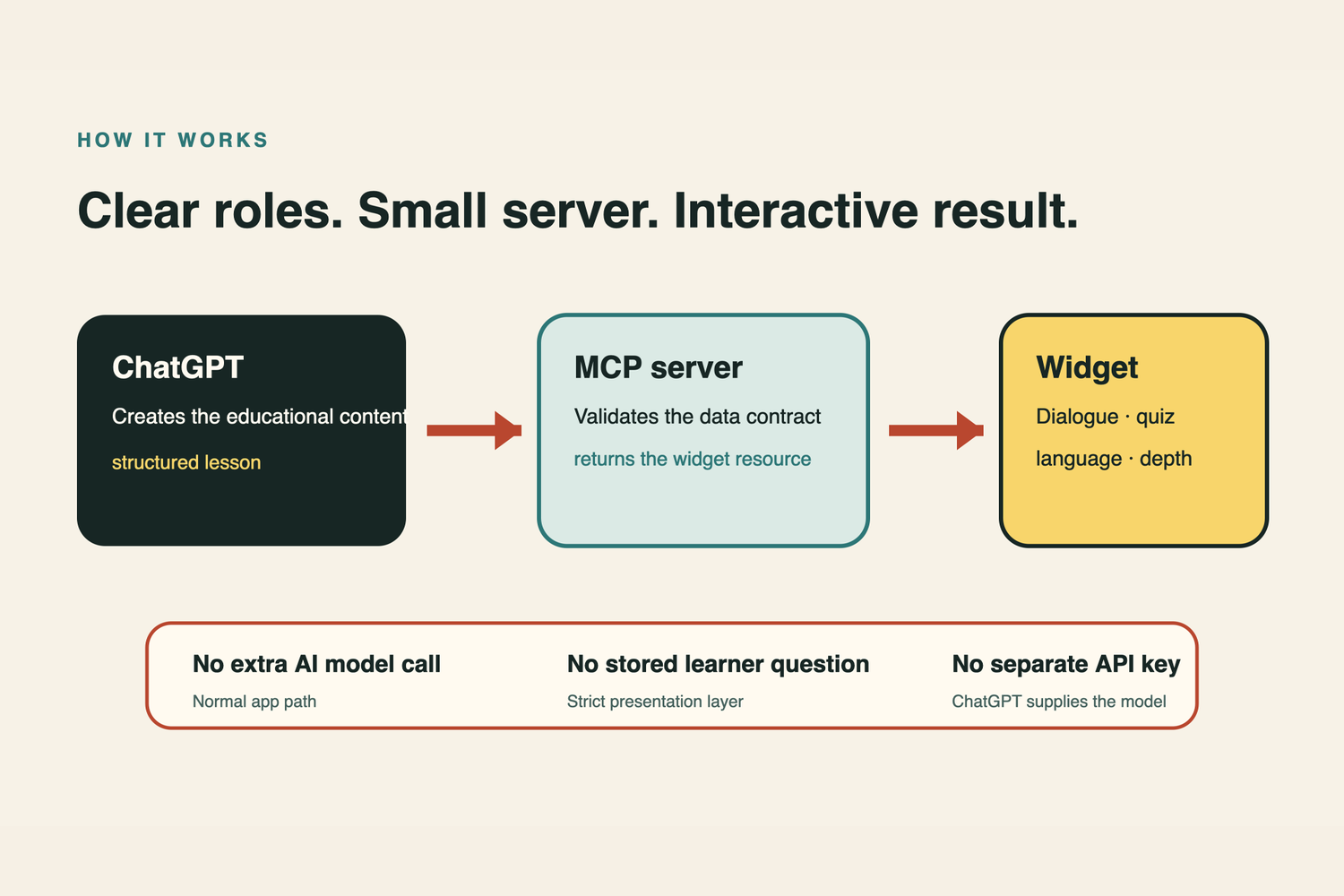
The app uses two read-only MCP tools:
open_yuguhakudisplays the starting widget.render_lessonvalidates and displays the structured lesson created by ChatGPT.
ChatGPT creates the educational content. The MCP server is a strict validation and presentation layer: it validates the structured lesson and returns the correct widget resource. It does not call another AI model and does not store the learner’s question, so the normal path needs no separate OpenAI API key.
The current judging build runs on Google Cloud Run in Osaka with scale-to-zero and a maximum of one instance. It is public only so ChatGPT Developer Mode can reach the MCP endpoint; it is not listed in the ChatGPT App Directory.
How I used Codex and GPT-5.6
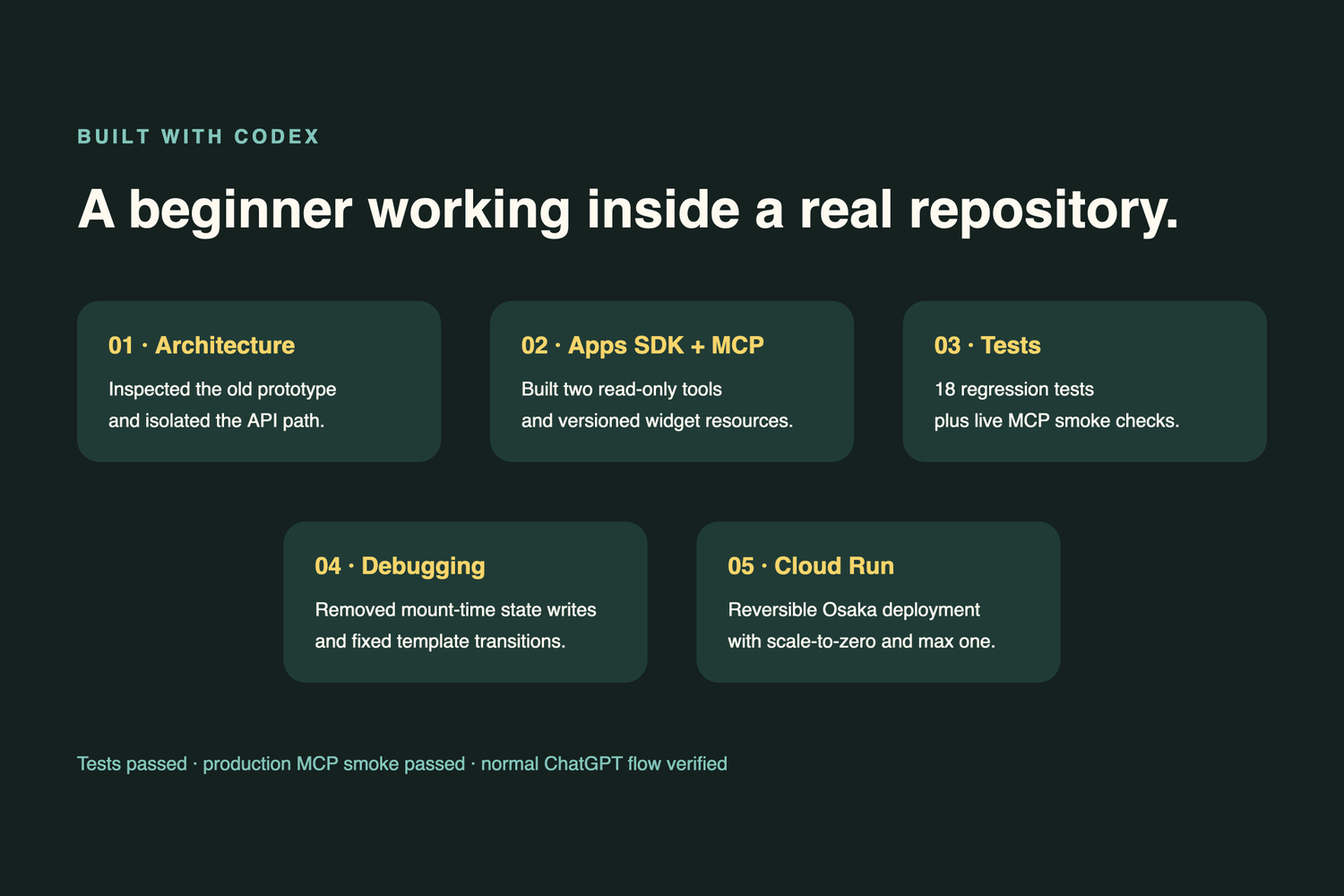
I built the project as a beginner and solo participant, using Codex directly in the repository throughout the core development work. Codex helped me:
- inspect the architecture and keep the earlier API-backed browser prototype isolated
- design the MCP tool contracts and strict lesson schema
- build the MCP server and anime-inspired widget
- implement bilingual preferences and user-triggered learning actions
- write regression tests and real MCP smoke tests
- diagnose a real multi-step ChatGPT template-loading failure
- remove unnecessary mount-time widget-state writes and separate the start and lesson template resources
- containerize the app and prepare a reversible Google Cloud Run deployment
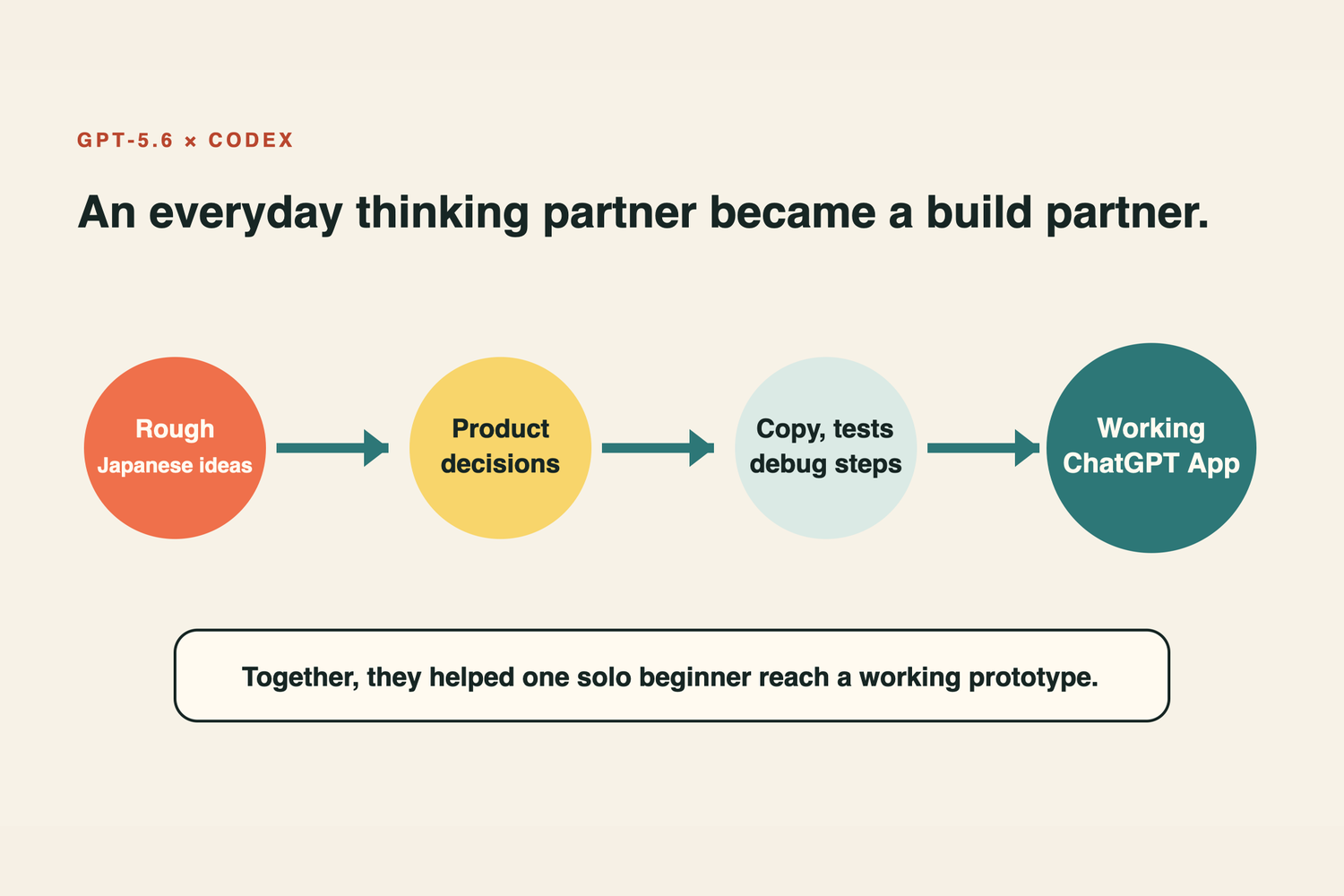
GPT-5.6 was my everyday thinking partner. It helped turn rough Japanese ideas into product decisions, English copy, lesson behavior, test cases, debugging steps, and a clear explanation of the product vision. Together, GPT-5.6 and Codex helped one person move from an idea to a working ChatGPT App.
Challenges
The hardest part was keeping a clean boundary between the ChatGPT conversation, the MCP server, and the widget UI. A local MCP success did not automatically prove that the same multi-step flow worked in a real ChatGPT conversation.
The key failure appeared after the start widget: ChatGPT could call the next tool, but the lesson template sometimes failed to load. I reproduced the issue, separated the start and lesson templates into distinct versioned resource URIs, removed automatic state synchronization during widget mounting, kept preference synchronization only on explicit user actions, and then retested the complete flow in normal ChatGPT. This fixed the transition without adding another AI service or exposing hidden prompts in the visible conversation.
Accomplishments
- Built a working ChatGPT App without requiring a separate OpenAI API key.
- Completed the start-to-question-to-lesson flow in normal ChatGPT.
- Created a strict bilingual lesson format with dialogue, key points, quizzes, read-aloud, and follow-up learning actions.
- Added automated regression coverage and production MCP smoke tests.
- Deployed a reversible, cost-capped judging environment on Google Cloud Run.
- Kept the legacy API-backed prototype recoverable but separate from the submitted app.
What I learned
I learned that an AI product is not only a model call. Tool contracts, resource identity, state transitions, validation, accessibility, deployment boundaries, and honest end-to-end evidence are all part of the product experience. I also learned how much a beginner can build when an AI coding partner explains the reasoning instead of only producing code.
What’s next
This prototype is the first step toward a more social and visual learning space. Learners could choose characters with different ages, knowledge levels, and personalities—an elementary-school peer, a young adult, or a PhD-level guide. Characters could move like anime, speak with distinct voices, and use question-specific music, sound effects, backgrounds, and visuals.
Longer term, I imagine a shared virtual classroom where one learner asks a question and nearby characters ask from their own perspectives. Hearing questions you did not think of can deepen understanding. For families, the same experience could help parents and children explore a child’s question together instead of simply receiving an answer.
Yugu & Haku is a first step toward learning through characters who explain, wonder, and think alongside us.
Built With
- chatgpt-apps-sdk
- codex
- docker
- google-cloud-run
- gpt-5.6
- model-context-protocol-(mcp)
- preact
- react
- typescript
- vite
- zod

Log in or sign up for Devpost to join the conversation.