-
-
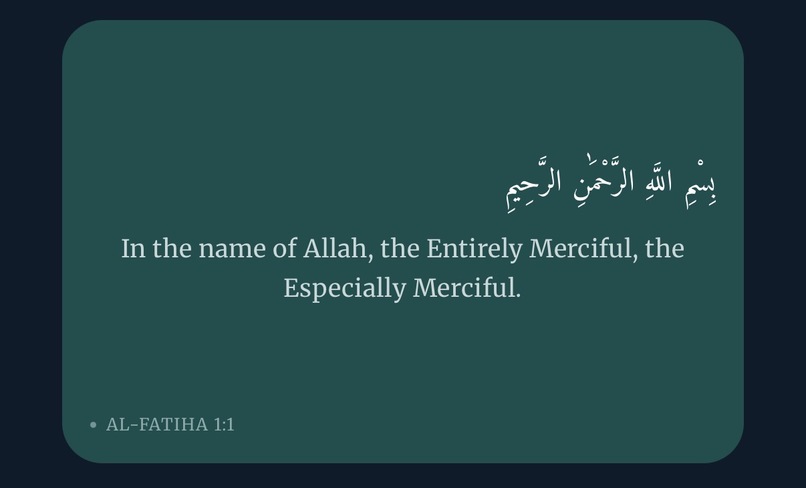
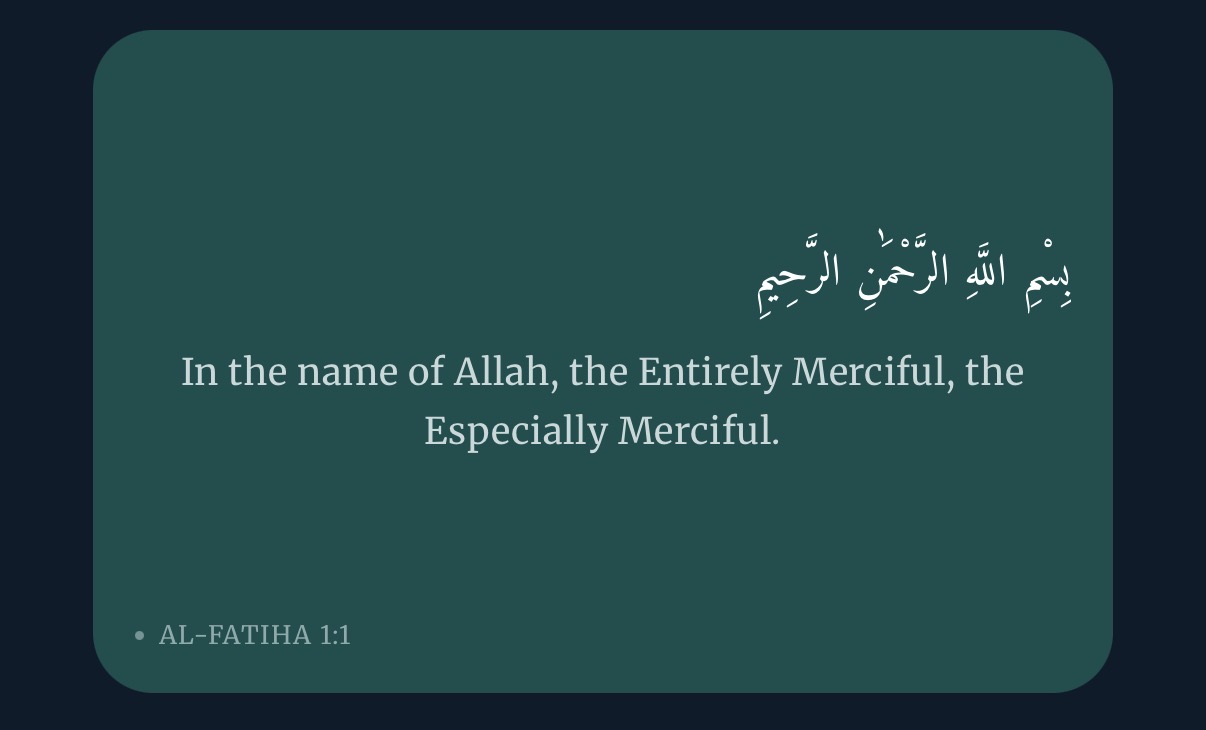
example quote
-
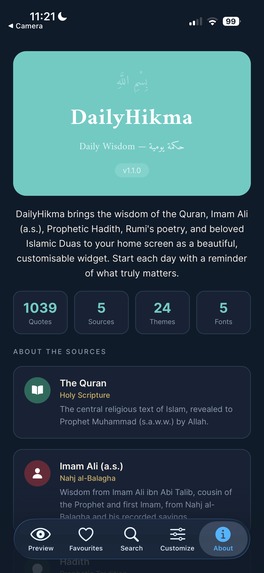
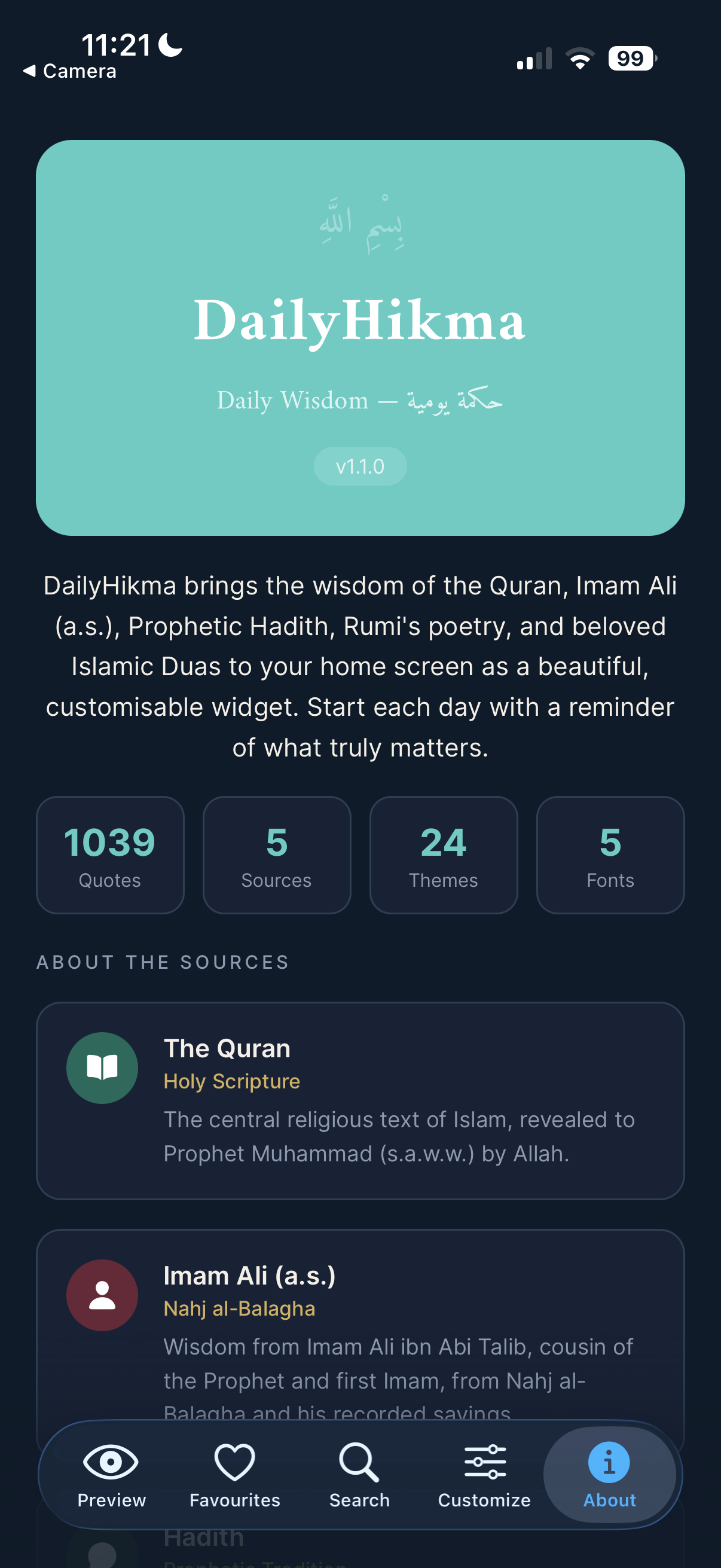
about page
-
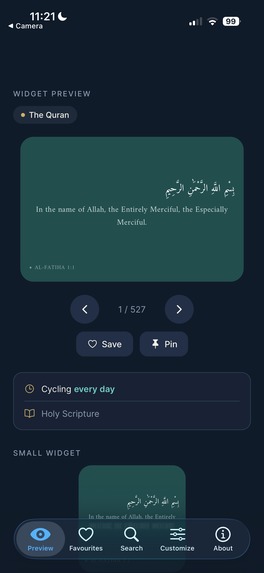
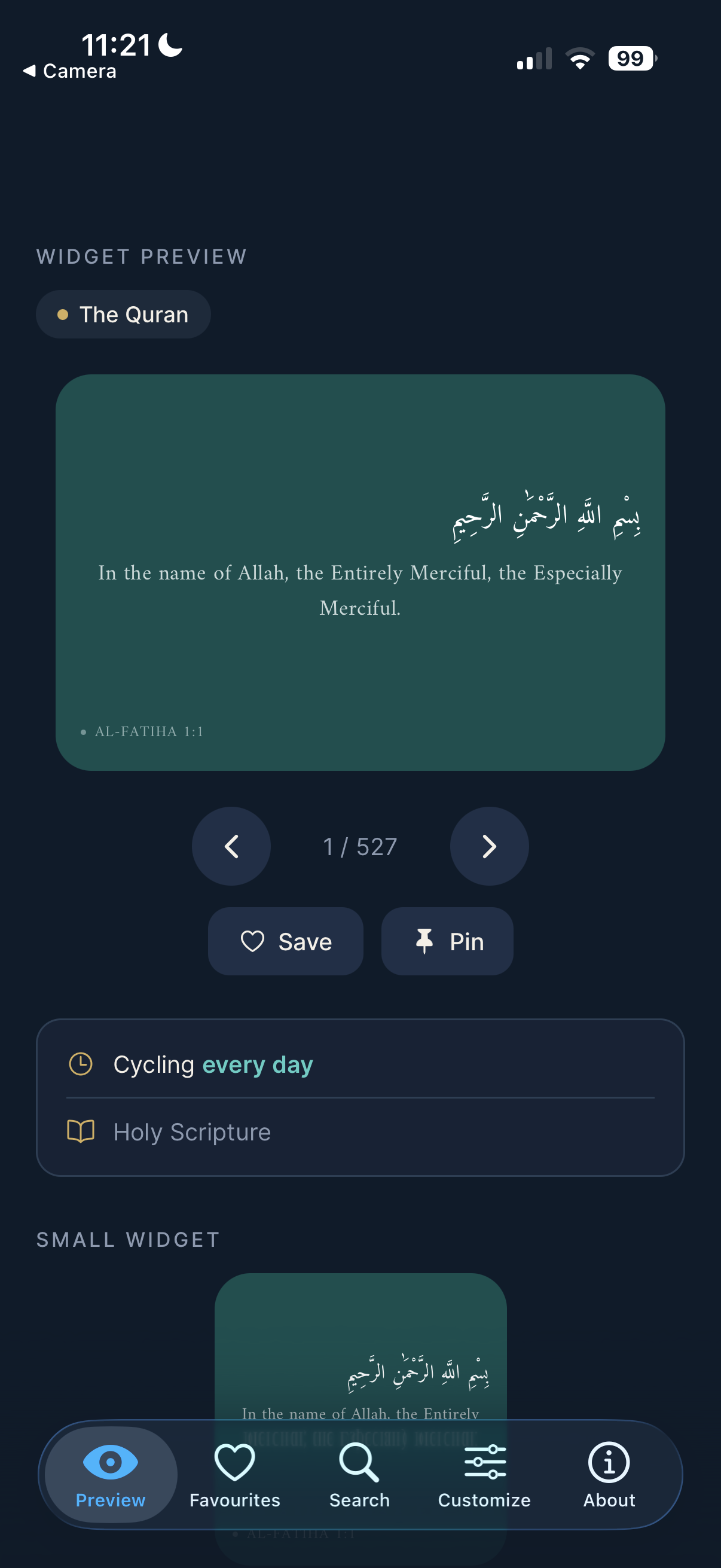
example home page
-
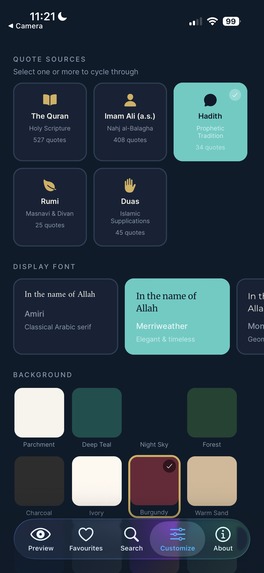
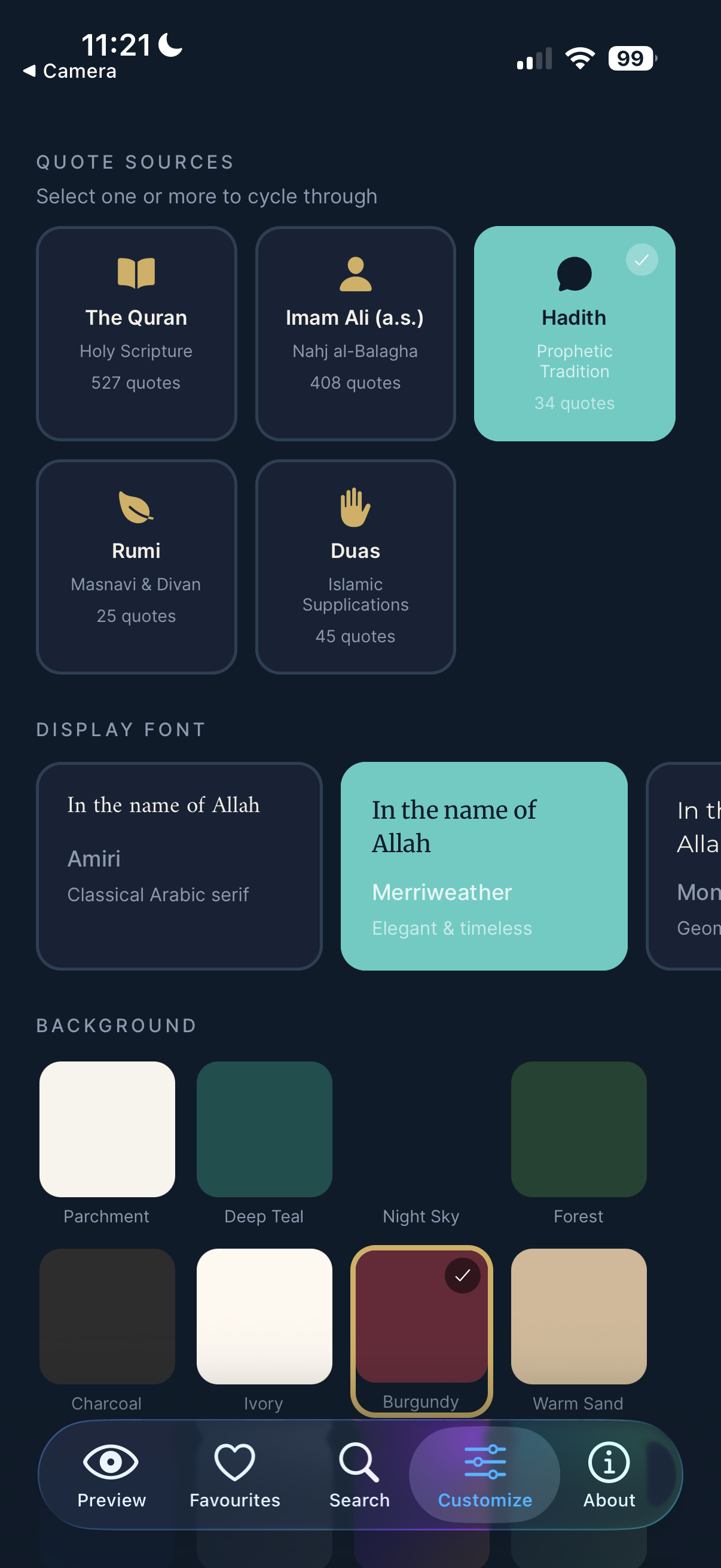
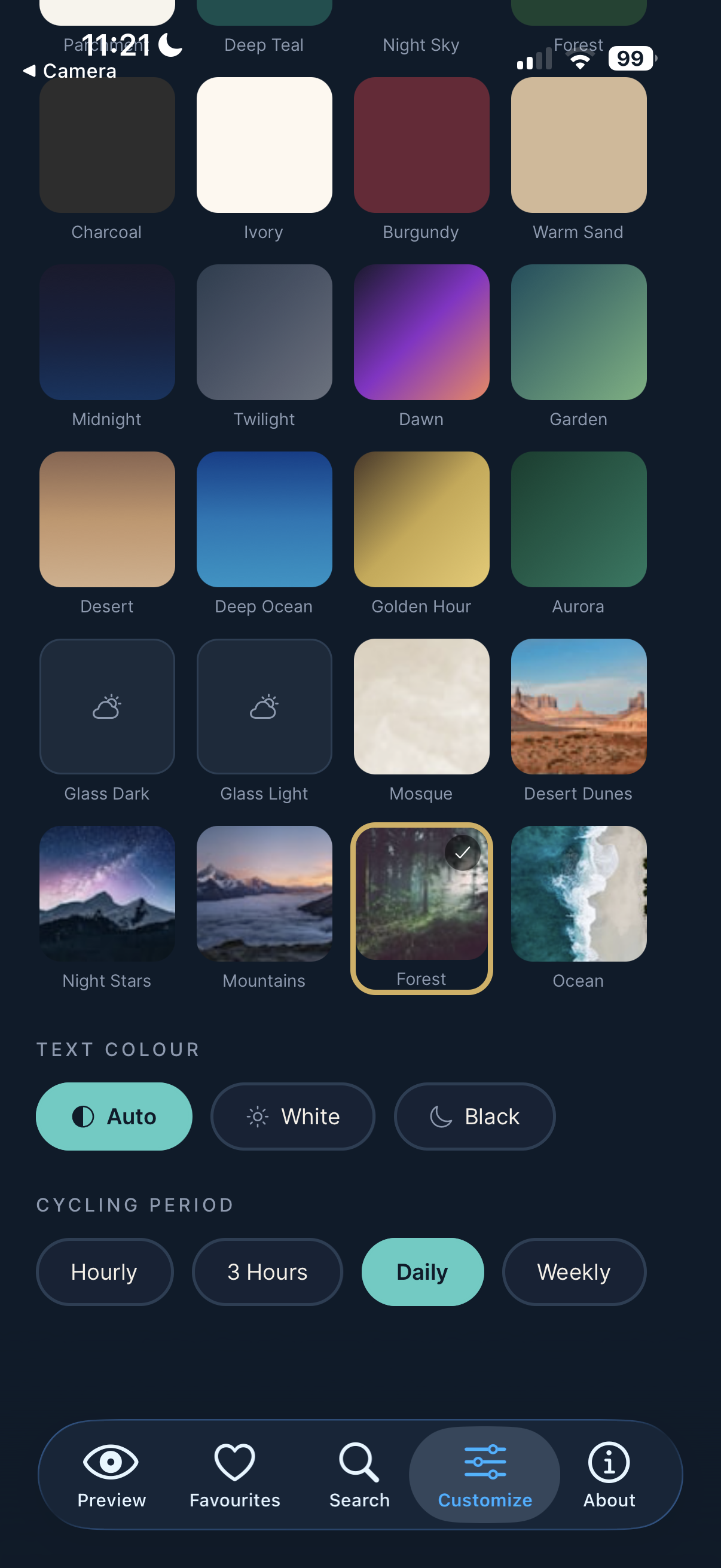
customize page (1)
-
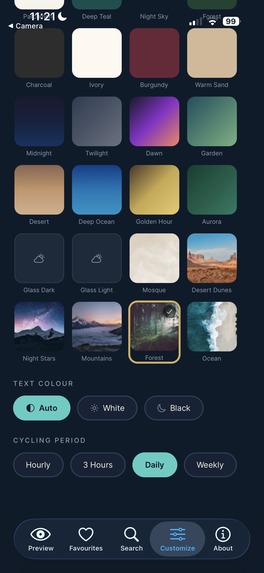
customize page (2)
-
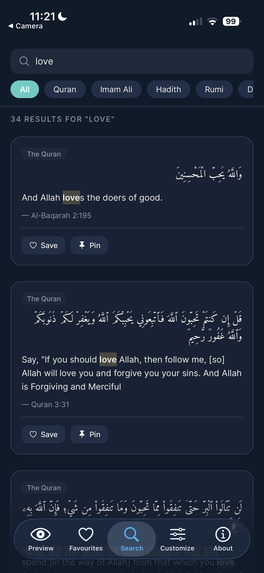
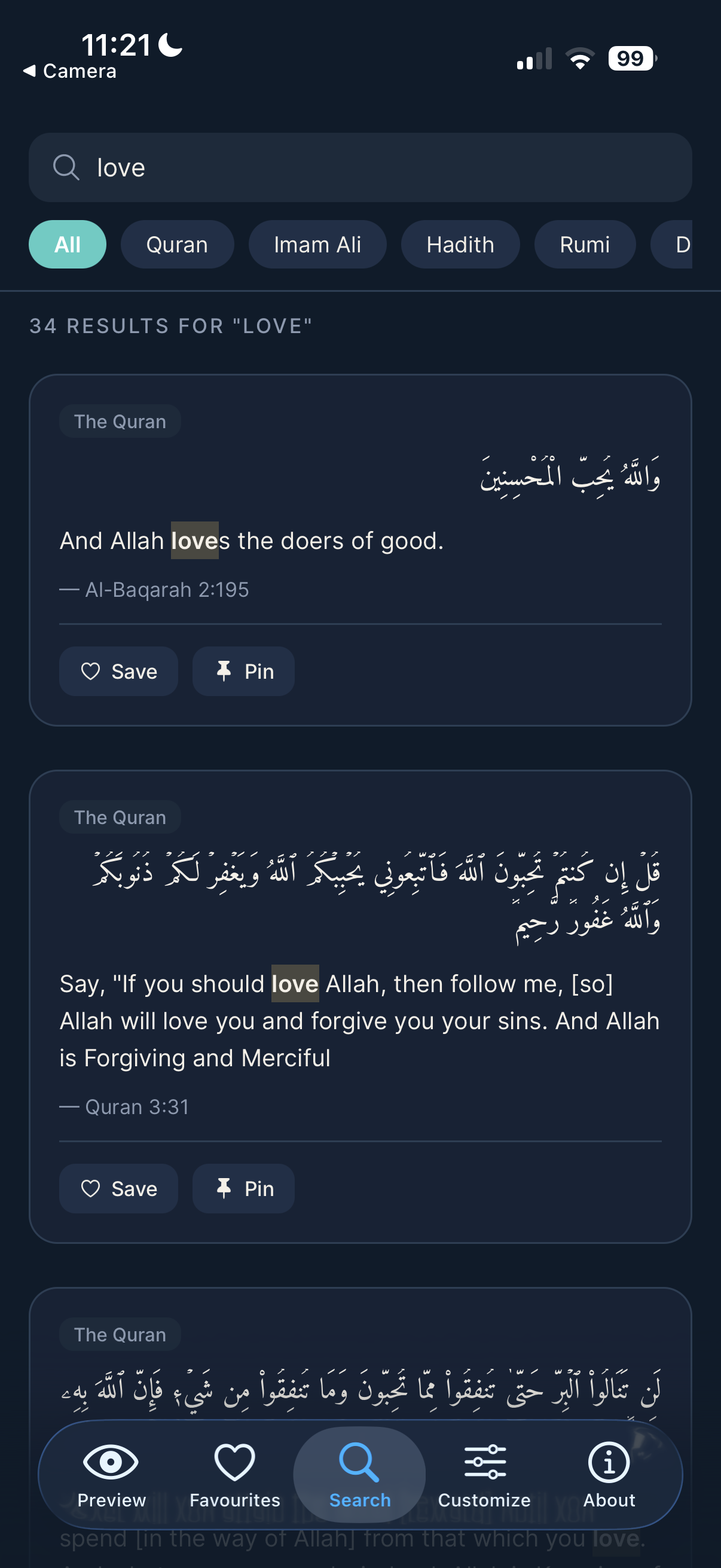
search tab
-
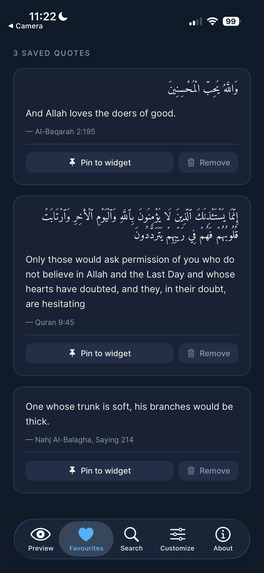
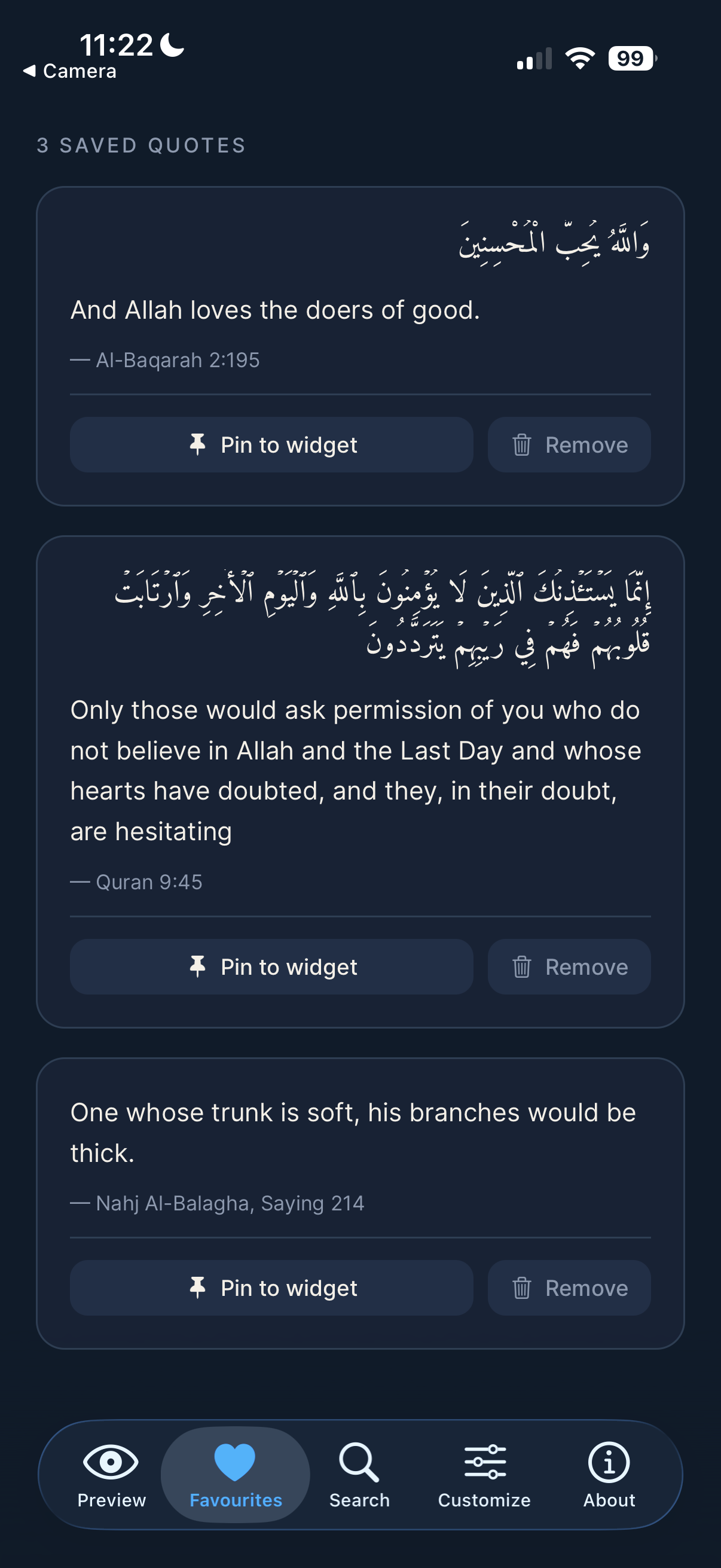
favourites tab
-
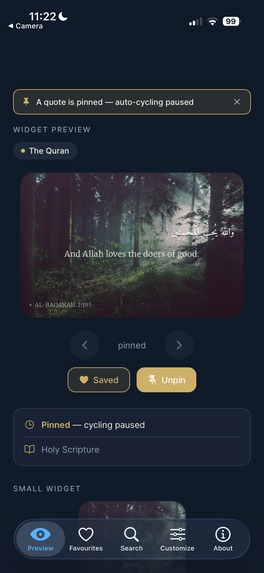
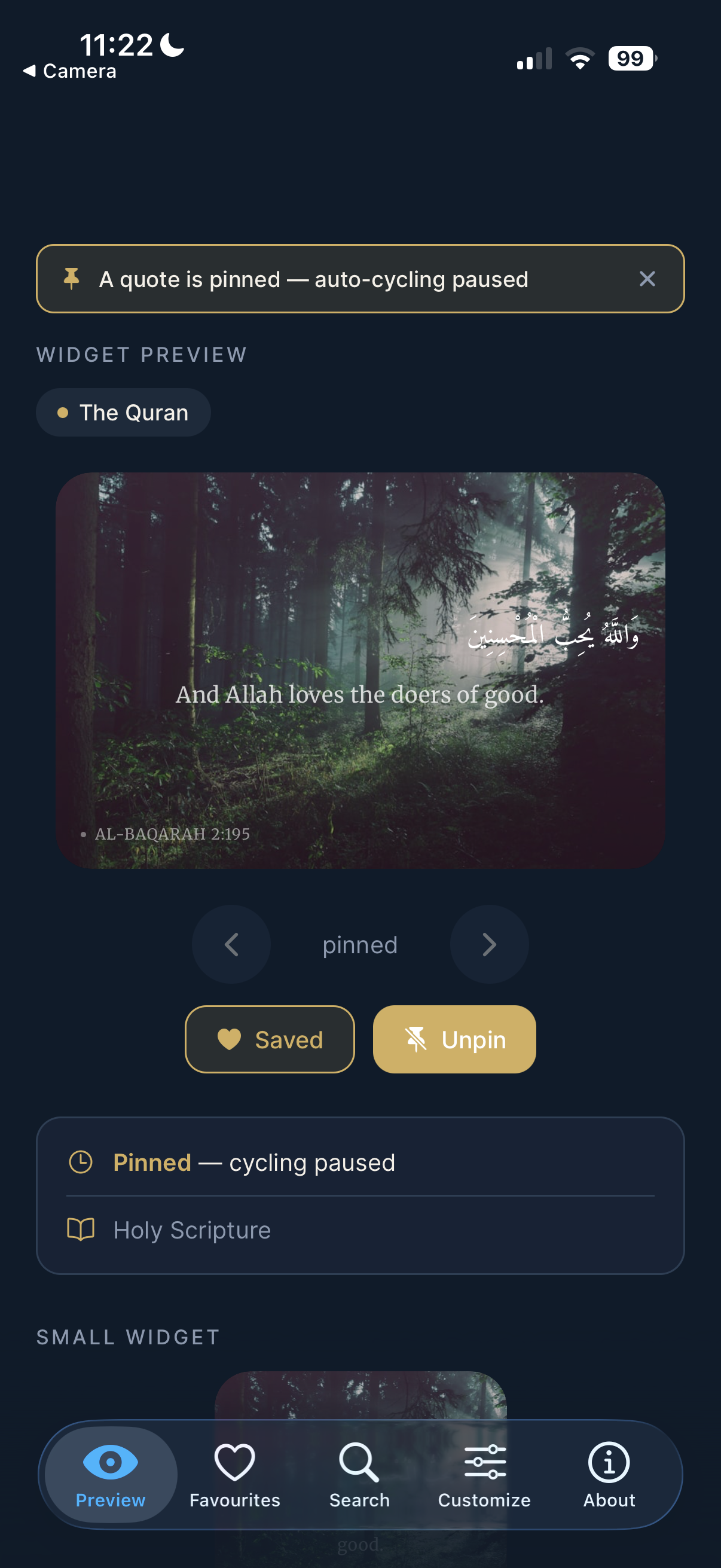
pinned quote
DailyHikma — Islamic Wisdom on Your Home Screen
Inspiration
The idea came from a simple frustration: every morning I'd reach for my phone, and the first thing I'd see was a news notification or a social media alert. I wanted something different — a moment of reflection before the noise of the day. Islamic tradition has a wealth of wisdom across the Quran, Hadith, the sayings of Imam Ali, the poetry of Rumi, and classical supplications (Duas). I wanted all of that distilled into a single glance — a widget on my home screen that greets me the way a good book would. DailyHikma ("hikma" = wisdom in Arabic) is that widget.
What I Built
A fully native iOS app with:
- 1,019 curated quotes across five sources: the Quran, Hadith, Imam Ali, Rumi, and Shia supplications (including Dua Kumayl, Abu Hamza al-Thumali, and passages from Al-Sahifa al-Sajjadiyya)
- A live widget preview inside the app — 24 background options (solid, gradient, frosted glass, and photo backgrounds), four font families, and a text colour override
- Multi-source cycling: choose any combination of sources; the app pre-generates a timeline of upcoming quotes and hands it to WidgetKit so the home screen widget cycles on its own schedule — no app launch required
- Favorites and Search across the full quote library
- A real iOS home screen Widget Extension (small, medium, and large) built in SwiftUI, wired into the Expo build via a config plugin
How I Built It
Everything was written and run on Replit. The project is a pnpm monorepo:
the app itself is Expo Router (file-based navigation), and the widget is a
Swift target that compiles alongside the JS bundle via EAS Build.
The data bridge between JavaScript and the Swift widget uses an iOS App Group
shared container (NSUserDefaults with a suite name). Every time the user
changes a quote or setting, the app serialises a JSON timeline — up to
12 future entries spaced by the chosen cycling period — and writes it to the
shared container. The WidgetKit TimelineProvider reads those entries and
schedules each one at its date, so the widget advances through quotes
without waking the app.
The config plugin (@bacons/apple-targets) wires the Swift target into
the Xcode project automatically during eas prebuild, keeping the codebase
entirely in the Replit editor — no local Xcode required.
Challenges
Arabic text rendering was the hardest problem by far. Arabic is a
connected script: each letter takes a different visual form (initial, medial,
final, or isolated) depending on its neighbours. React Native's text renderer
breaks a long Arabic string at an arbitrary byte boundary when
numberOfLines={2} is set, destroying the shaping context for characters on
the second line — the result is a row of isolated, unrecognisable glyphs.
The fix is to always constrain Arabic to numberOfLines={1} with ellipsis
truncation; every visible character stays within its original shaping context.
A secondary issue was line height: Arabic diacritics (tashkeel — the vowel
marks above and below letters) extend well beyond the standard capital-height
box. Native renderers need an explicit lineHeight of roughly 2.5 times
the font size; web browsers handle this automatically, so the multiplier is
platform-gated:
$$ \text{lineHeight} = \begin{cases} 1.9 \times \text{fontSize} & \text{web} \ 2.5 \times \text{fontSize} & \text{native} \end{cases} $$
Integrating WidgetKit into a managed Expo app required understanding how Apple's provisioning system handles App Groups: both the main App ID and the widget extension App ID must have the same App Group capability enabled in the Apple Developer Portal before EAS generates their provisioning profiles — otherwise the Xcode build rejects the entitlement mismatch at code-signing time.
What I Learned
- Arabic/RTL text shaping is a rendering-layer concern, not a layout concern. You cannot fix broken letterforms with CSS or StyleSheet tweaks alone.
- WidgetKit timelines are essentially pre-computed arrays of (date, data) pairs — understanding that model made the cycling logic straightforward to implement from the JavaScript side.
- Replit's monorepo environment made it easy to keep the API server, the mobile app, and the native Swift target all in one place, visible and editable without switching tools.
Built With
- asyncstorage
- eas
- expo.io
- ios
- pnpm
- react-native
- replit
- swift
- swiftui
- typescript
- widgetkit

Log in or sign up for Devpost to join the conversation.