-
-
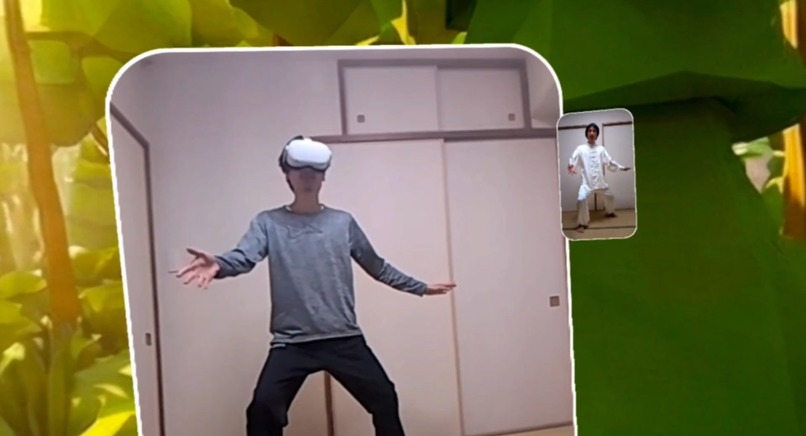
Watching instructional video while practicing moves in the mirror
-
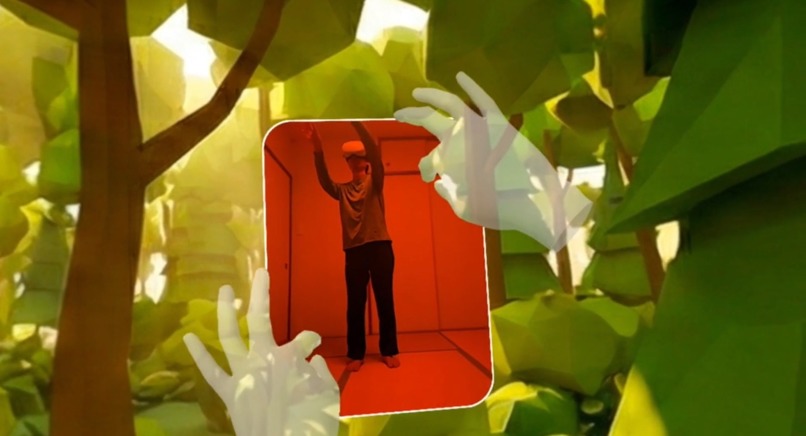
Resizing the virtual mirror with pinch gestures
-
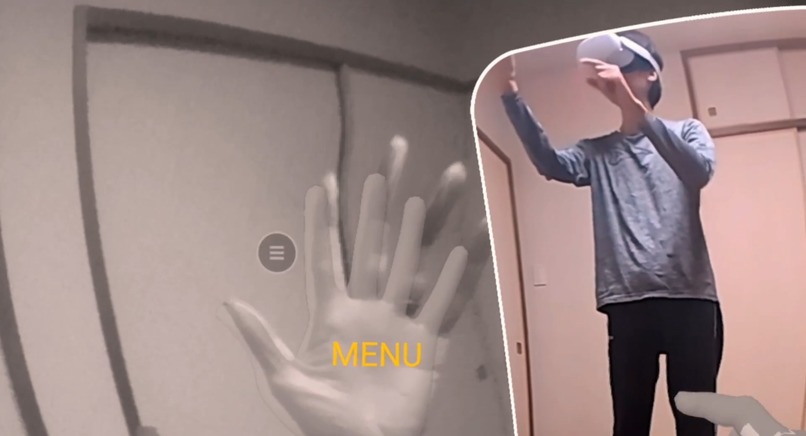
Looking at left palm to open the menu
-
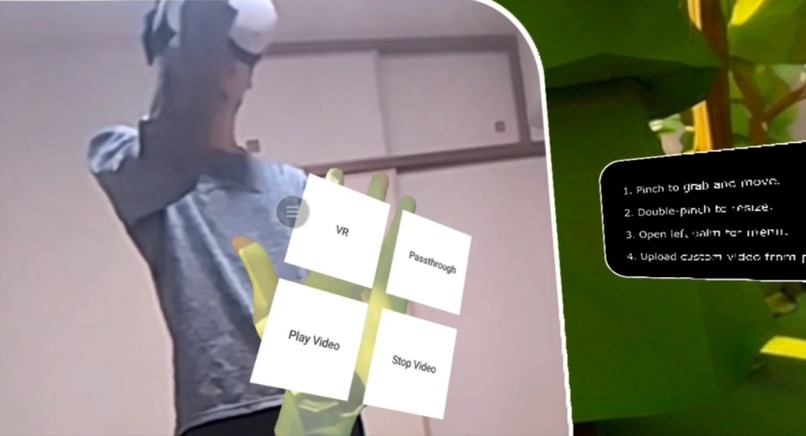
Menu offers video controls and VR/passthrough mode switching
-

Getting pairing code from phone
-
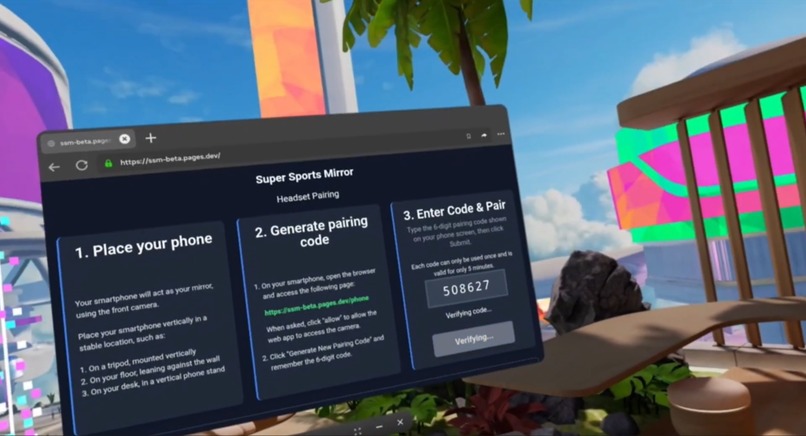
Entering pairing code in headset
-
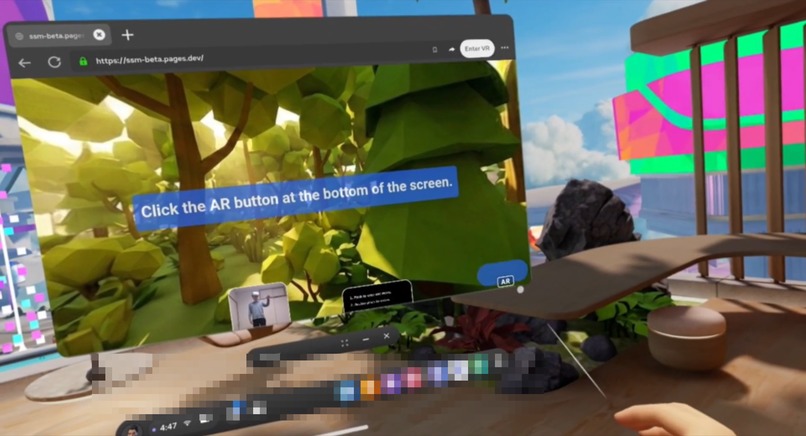
Starting the immersive WebXR experience after pairing with phone
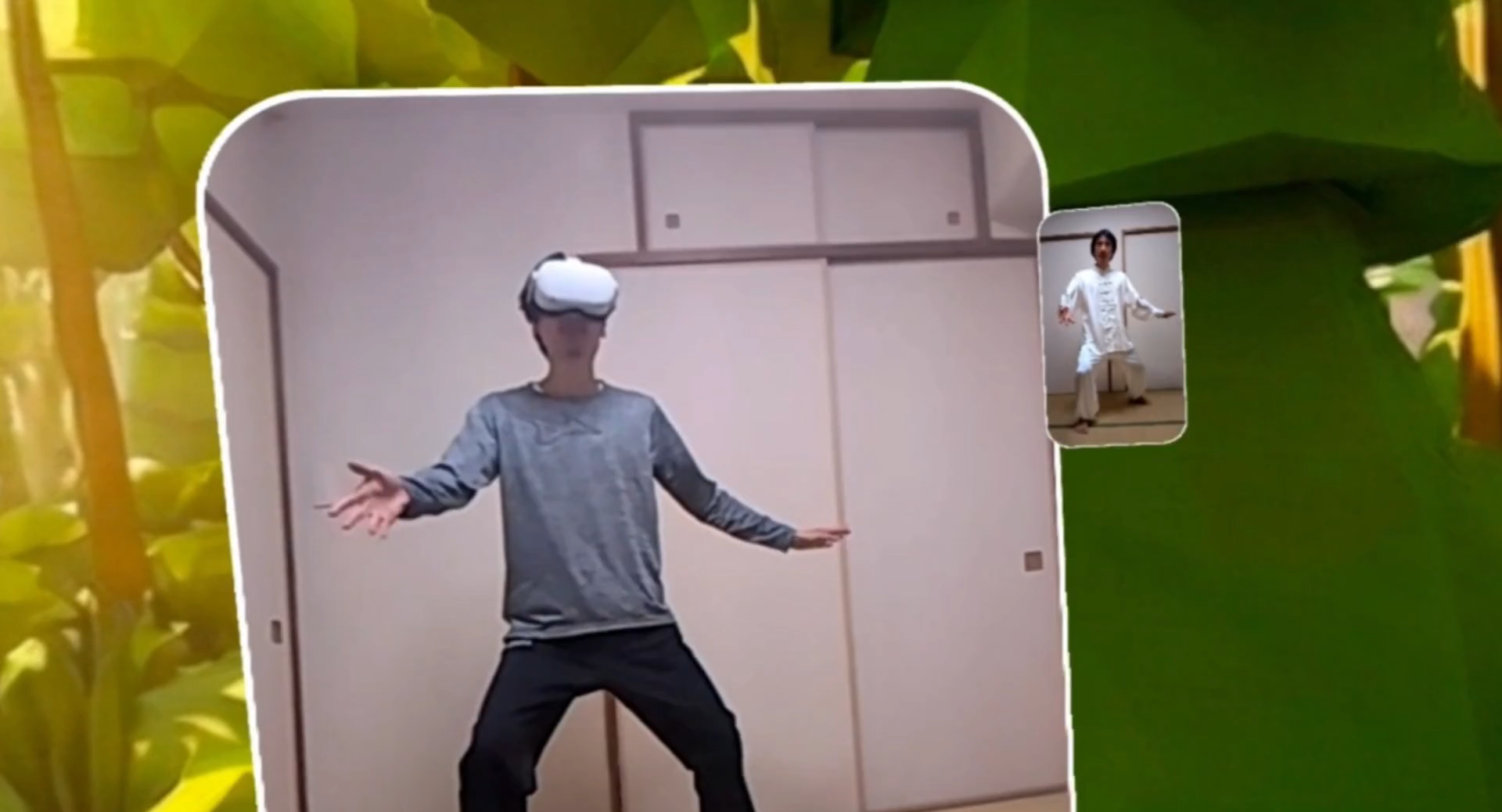
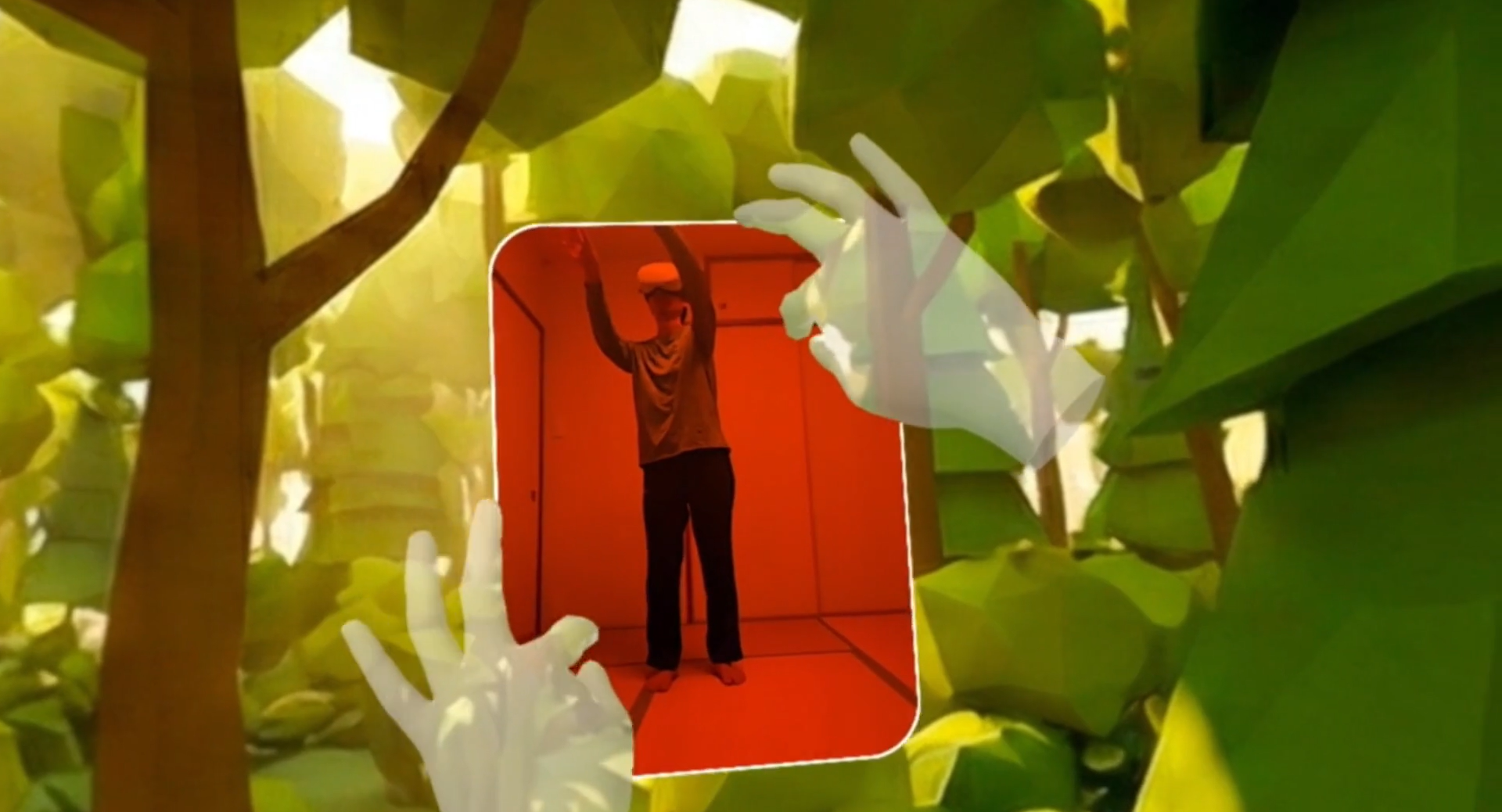
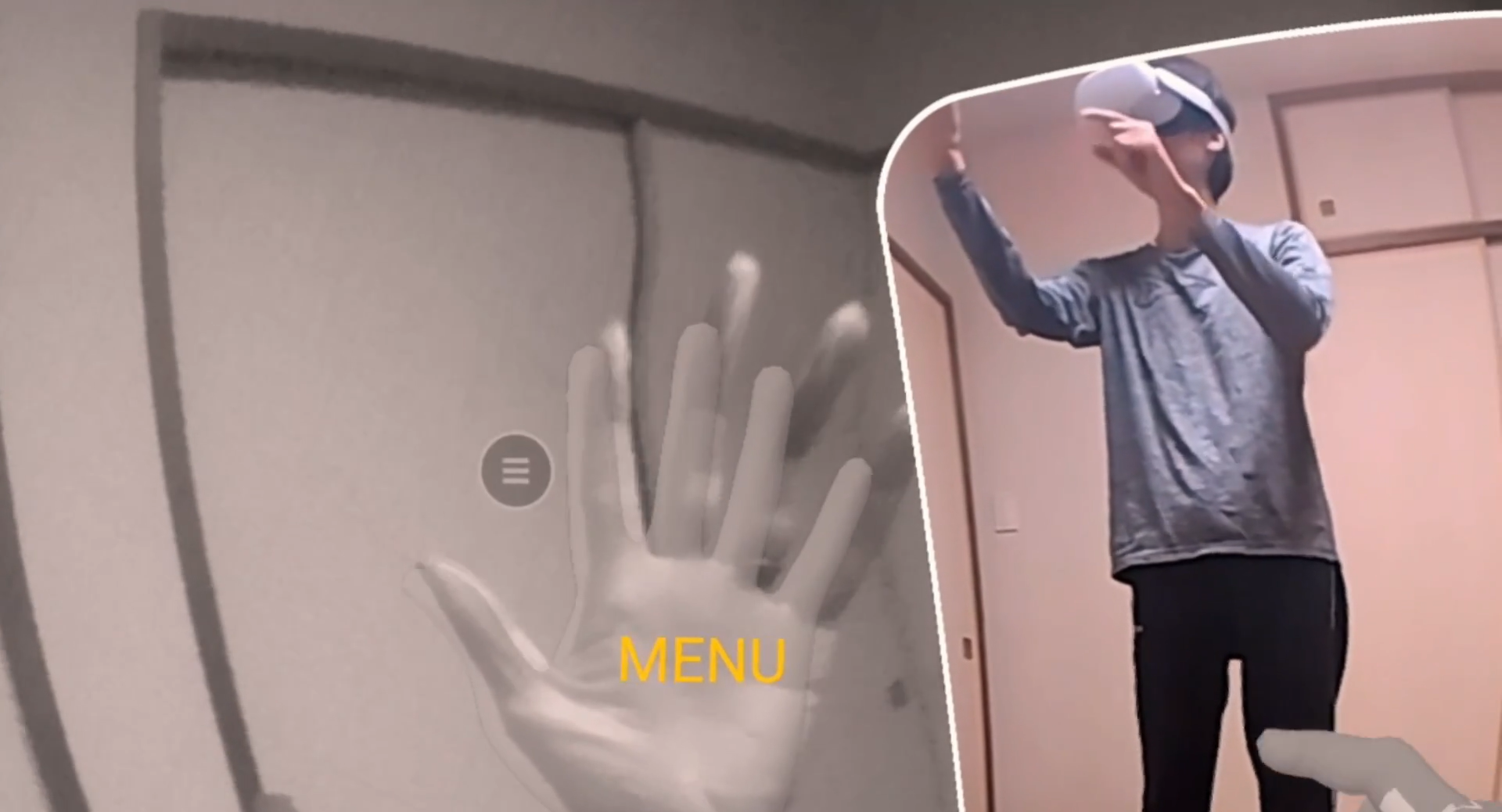
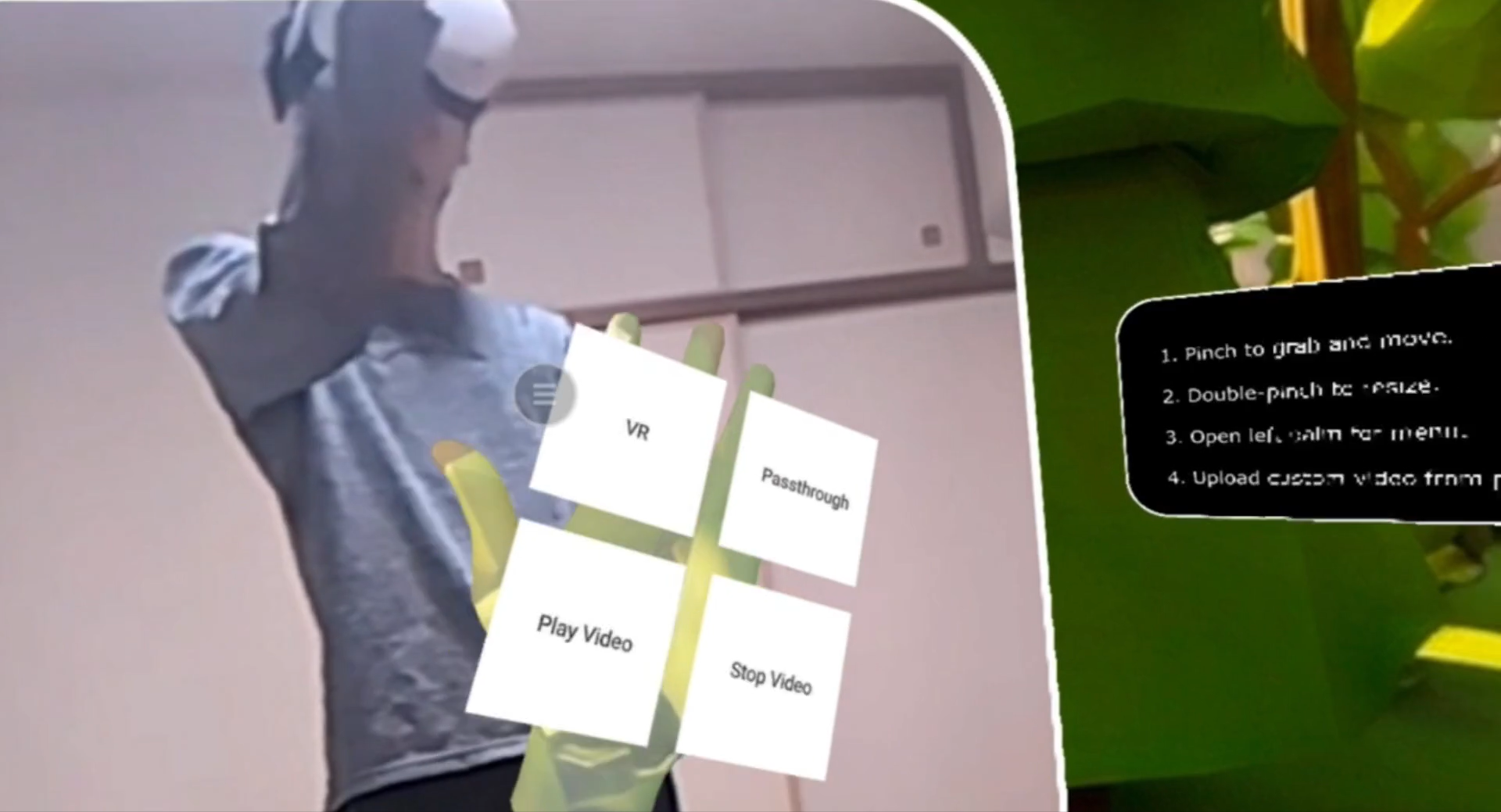

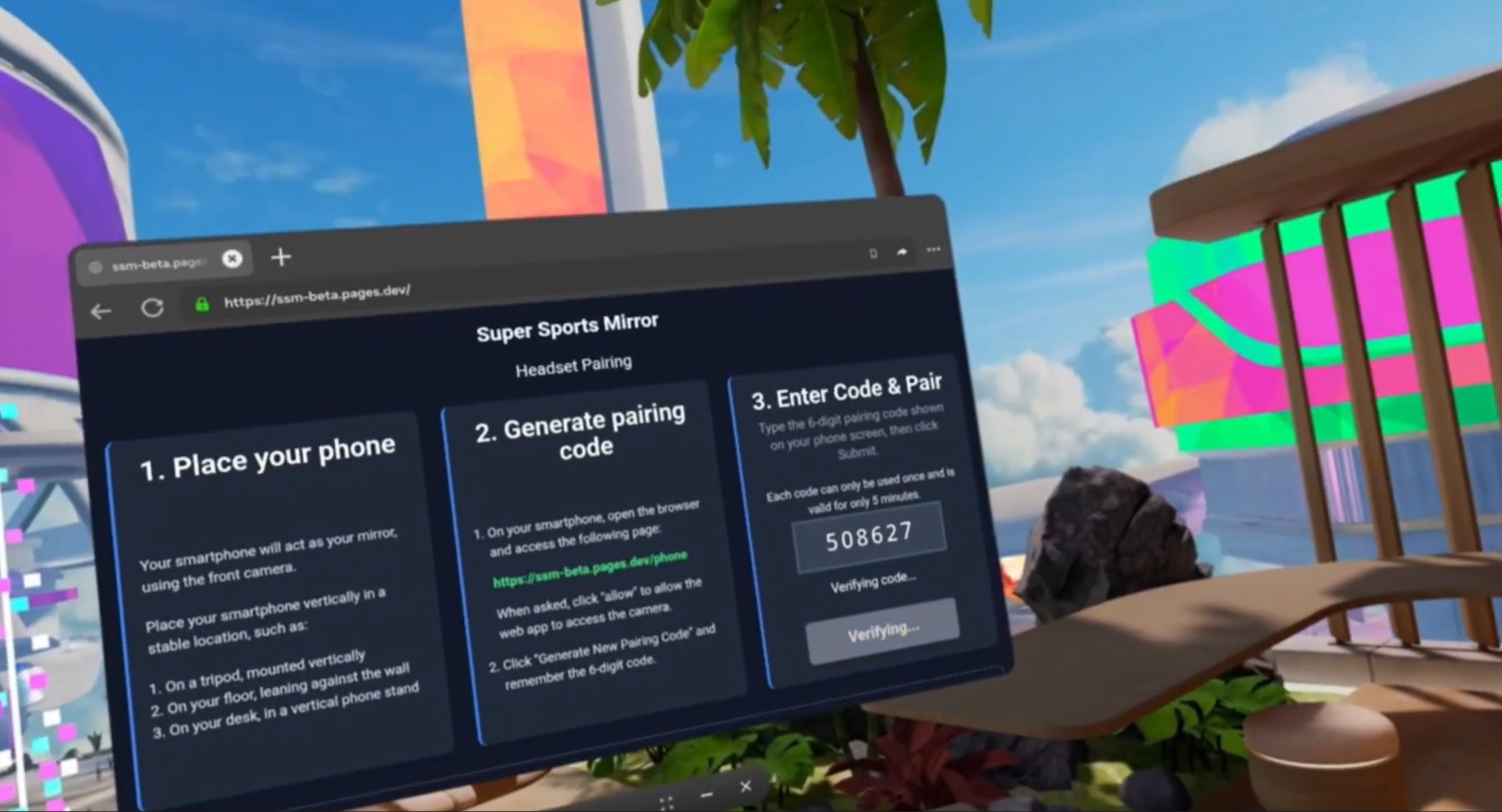
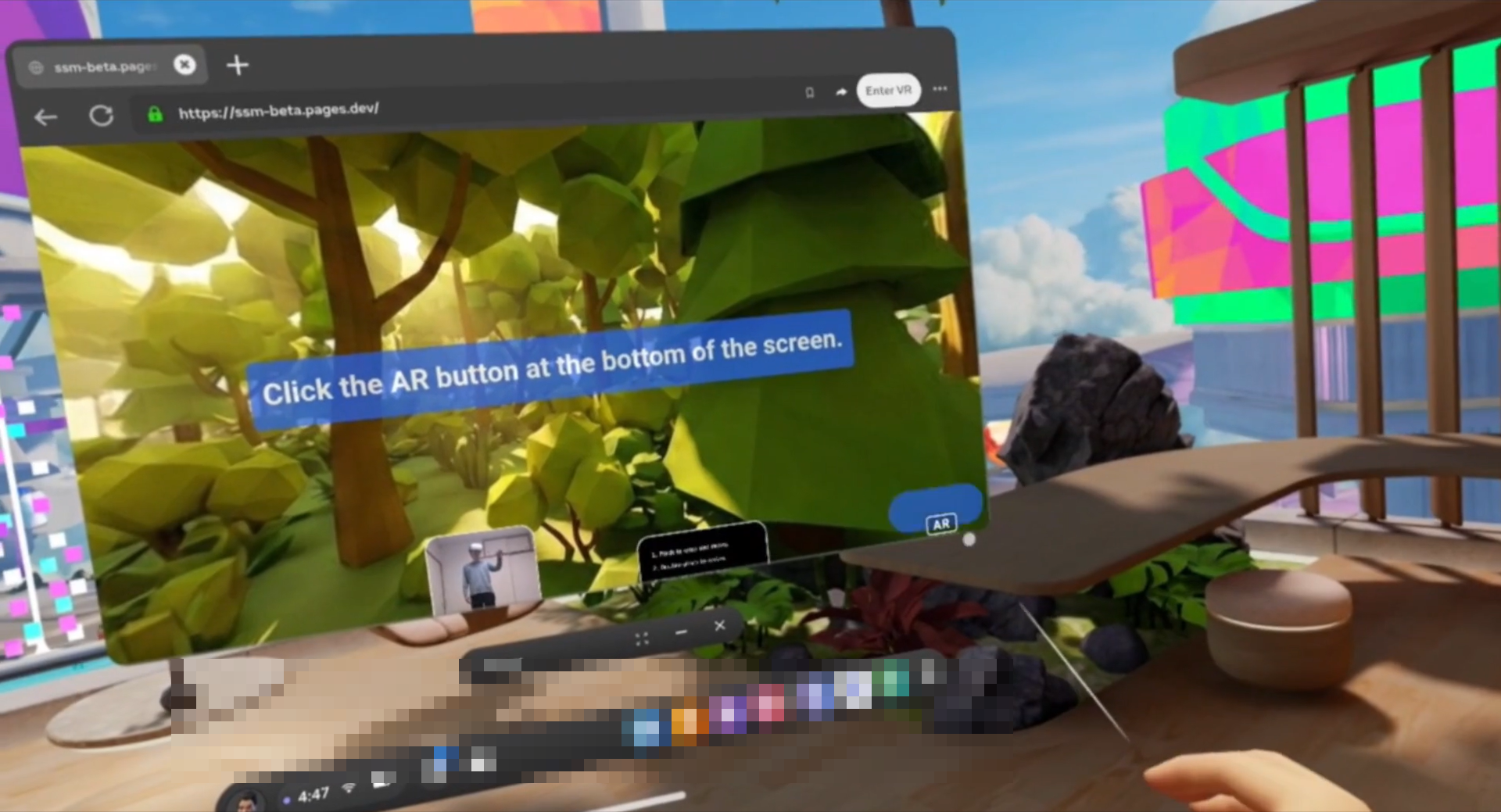
Super Sports Mirror is a project built for the built for the Meta Horizon Start Developer Competition. It is an immersive experience built for Meta Horizon OS, targeting Meta Quest devices and aligned with the Lifestyle track, to enhance peoples’ daily lives by improving how they exercise and learn new skills like dance, sports, and martial arts in VR/AR. It uses intuitive, controller-free hand interactions that make VR feel natural. The project was developed on Meta Quest 2 using WebXR, Immersive Web SDK, and an Android phone for the live camera feed.
Inspiration
Super Sports Mirror puts a large practice mirror in your small playspace, by using your VR headset and phone.
Large mirrors are often used when practicing complex moves for dance, sports, or martial arts. When people don't have access to a large mirror, sometimes they try to use their smartphone camera and screen as a tiny mirror, but the phone screen is too small to work effectively as a mirror. You need a large mirror to see yourself easily.
Your VR headset can solve this problem, by projecting the live camera stream from the smartphone onto a large, resizable, virtual screen in your VR headset, acting as a large virtual mirror. The large size is the key -- it lets you easily see and improve your body movement while practicing.
Many XR apps offer some kind of training for meditation, yoga, dance, sports, or similar exercises. But as far as I could see, there are no XR apps that offer a virtual mirror functionality. This is an important, unfulfilled need. Practice makes perfect, and for serious practice, you need to objectively check the quality of your movement -- with a mirror.
What it does
Super Sports Mirror projects the live camera stream from your smartphone onto a large mirror surface in your VR headset.
You can grab, move, and resize the mirror using hand gestures.
You can practice in passthrough mode and place the mirror at a real location in your playspace, such as next to a wall. Or, you can practice in fully immersive VR mode.
You can upload video files from your smartphone to your headset, then watch the video while you practice. You can compare your movement in the mirror with your instructor's movement in the video.
How we built it
- Server: Node.js, GCP
- Smartphone app: React, WebRTC, supporting Android and iOS
- Headset app: React, WebXR, Three.js, IWSDK, WebRTC
Challenges we ran into
- Devising the simplest possible UX to securely connect the smartphone and headset to enable wireless video streaming
- Combining React with WebRTC and several different WebXR technologies
- Preventing WebRTC disconnection due to the React component lifecycle
Accomplishments that we're proud of
Getting all of the necessary parts working together, to demonstrate the core value proposition: a large practice mirror in a small playspace, made possible by XR, and useful for improving your sports or exercise motions, while watching instructional videos in the same XR space.
What we learned
- React was good for the 2D UI, but was hard to integrate with the WebXR parts.
- IWSDK seems oriented towards large, self-contained, game-like WebXR worlds.
- Focus on the core functionality and the critical path to the minimum viable product.
What's next for Super Sports Mirror
- More visual effects
- More 3D VR environments
- Improve palm menu UX
- Improved video management: AB looping, file manager, streaming, etc.
- Social media features
- Agentic 3D instructors who show you the correct moves in 3D, and critique your posture and movement


Log in or sign up for Devpost to join the conversation.