Web, Mobile App, or Something Else?
Our product is a web app optimized for tablet use. Essentially, the site would be pulled up on 4-5 tablet check out stations for the workers to use as they are leaving the worksite.
Executive Summary -
So what is OSHApp? OSHApp is a tool designed to connect and empower workers and crew leaders. The web app consists of several different pages. At the heart of the app is the daily check in. The daily check in is a quick survey consisting of several questions about employee health during work. Data entered by workers, such as number of bathroom breaks, whether they've eaten, heat levels, will be sent to crew leaders and farm managers so that policies can be better designed and implemented for the betterment of the farm ecosystem. In addition to the daily check in, employees may also access a "File a complaint" page. At the moment, one of the main challenges the customers discussed was helping cultivate motivation in laborers to reach out when they are facing obstacles in the workplace, so we believe providing a one stop, quick entry complaint page which can be relayed to the crew leaders will eliminate a lot of these problems. In addition, there is also an OSHA regulations page, which we want to utilize to simplify OSHA regulations in a easy to understand manner so workers are fully aware of their rights. Lastly, the web app features a break timer. Another problem that farm managers relayed to us was the difficulty of ensuring users take breaks. Whether implemented anonymously or not, the break timer could help crew leaders track average break time and whether people are meeting break requirements as well as giving workers the power to track their breaks.
Design/Features -
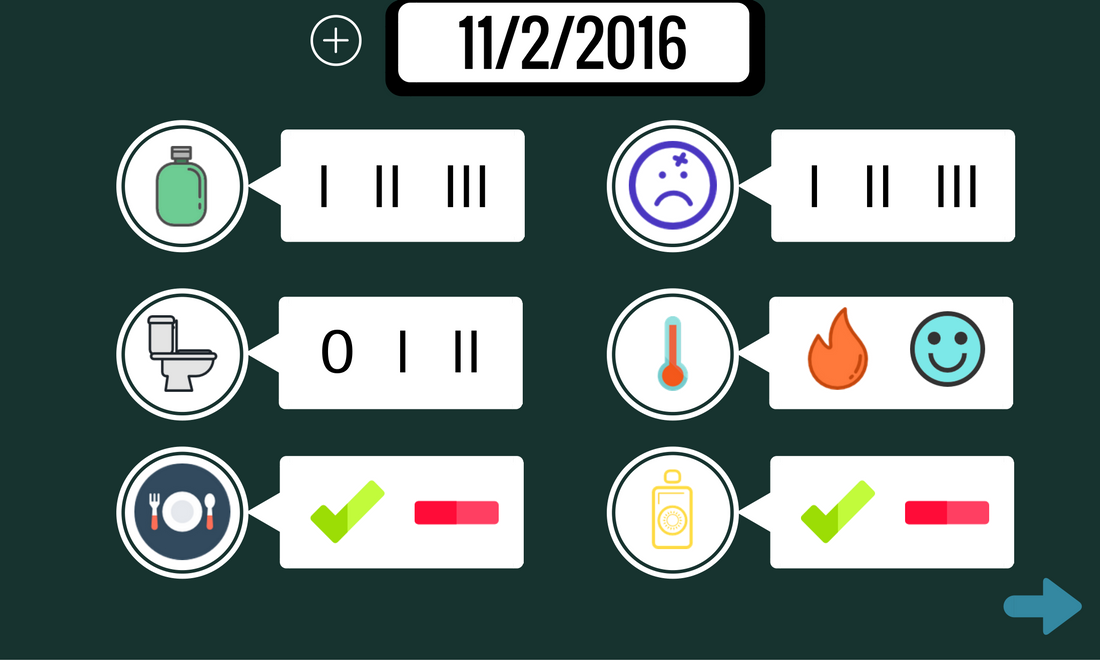
If you take a look at the first image of the ZIP file included below, you will see the daily check in page. The check in page features six main questions outlined below along with possible answers:
- How much water have you drank? 1, 2, or 3 bottles.
- How many times have you been to the bathroom? 0, 1, or 2 times.
- Have you eaten today? Yes or no.
- Are you feeling sick? How much pain are you in? 1, 2, or 3.
- How are the heat levels? Too hot or okay.
- Have you used sunscreen? Yes or no.
The six questions we developed are designed to provide a holistic view of employee health, however can be interchanged depending on the needs of specific work environments. The first thing you may notice about the daily check in is the lack of words. This was done purely intentionally, as we understand the need to avoid the language barrier. By making things purely visual and simple to understand, we open the survey to all workers regardless of nationality or literacy. The daily check in is designed to be short, quick, and easy for employees to complete on a regular basis, but data heavy and quantifiable enough for crew leaders to take action based on the data. Ideally, the data would be accessible by leaders through a simple excel sheet, and hopefully one day, a complete visualization suite.
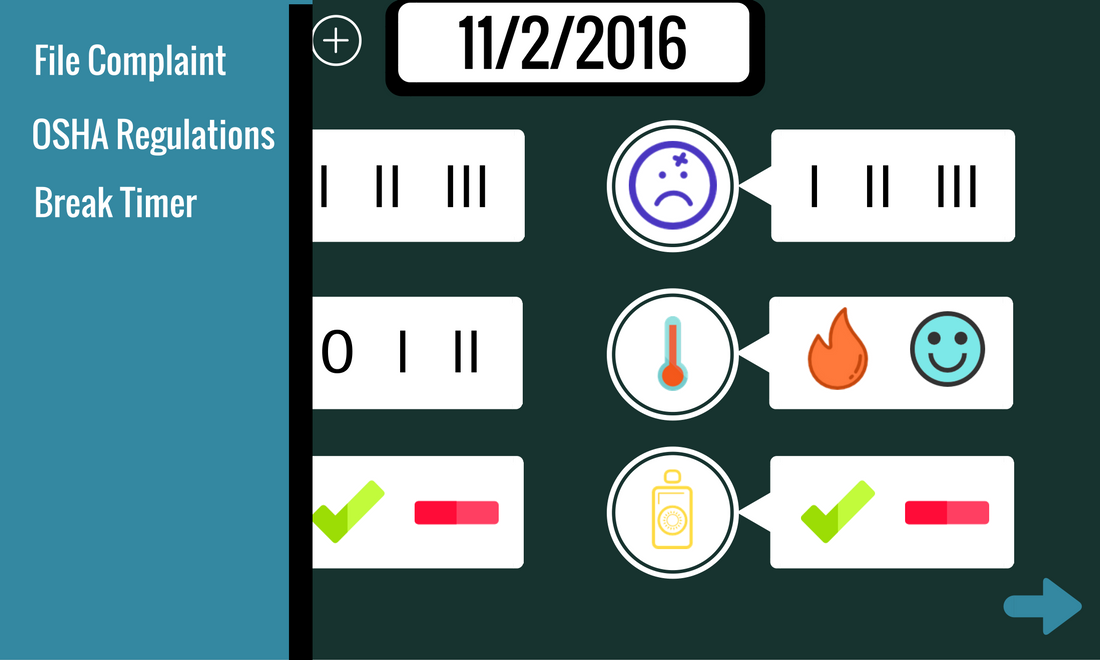
The next image you see in the ZIP file is the navigation bar extended. By clicking on the plus button available next to the header of each screen, users may access this side navigation bar to navigate to various screens. At the moment, the OSHA regulations tab simply takes you to the OSHA website with workers rights, however in the future, we would like to implement a fully simplified explanation of OSHA rules and rights.
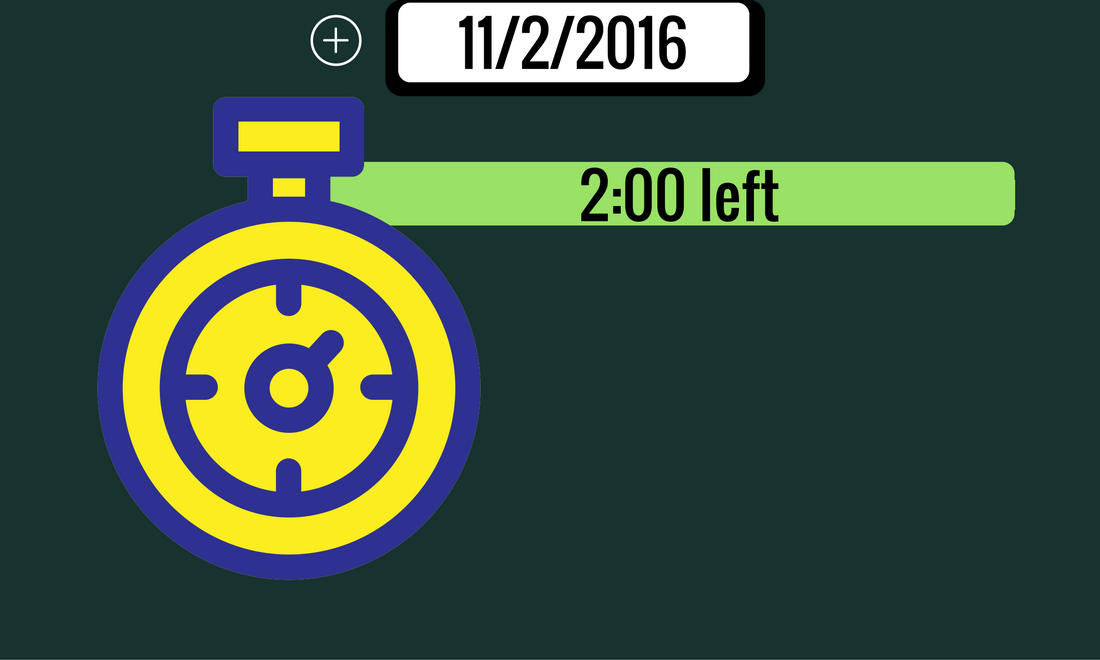
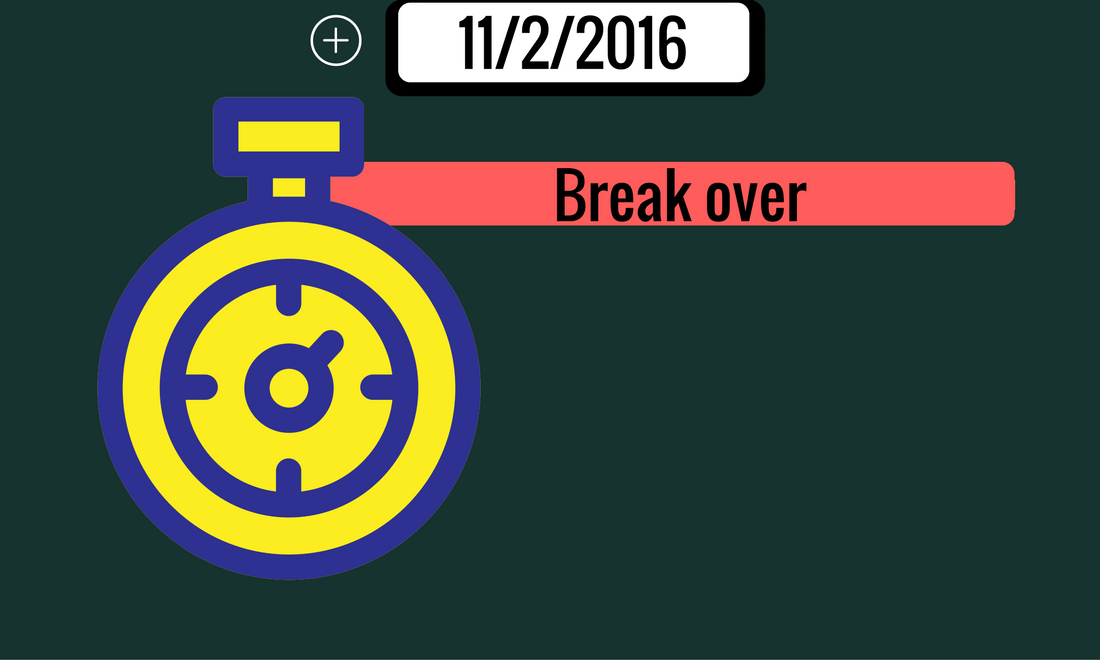
Next, we have two images of the break timer. The break timer could feature a visual component, but for now just has a bar that features time left. The bar is either green or red, depending on whether the worker has time left or not. Again, this was a design choice made to eliminate as much text as possible within the web app.
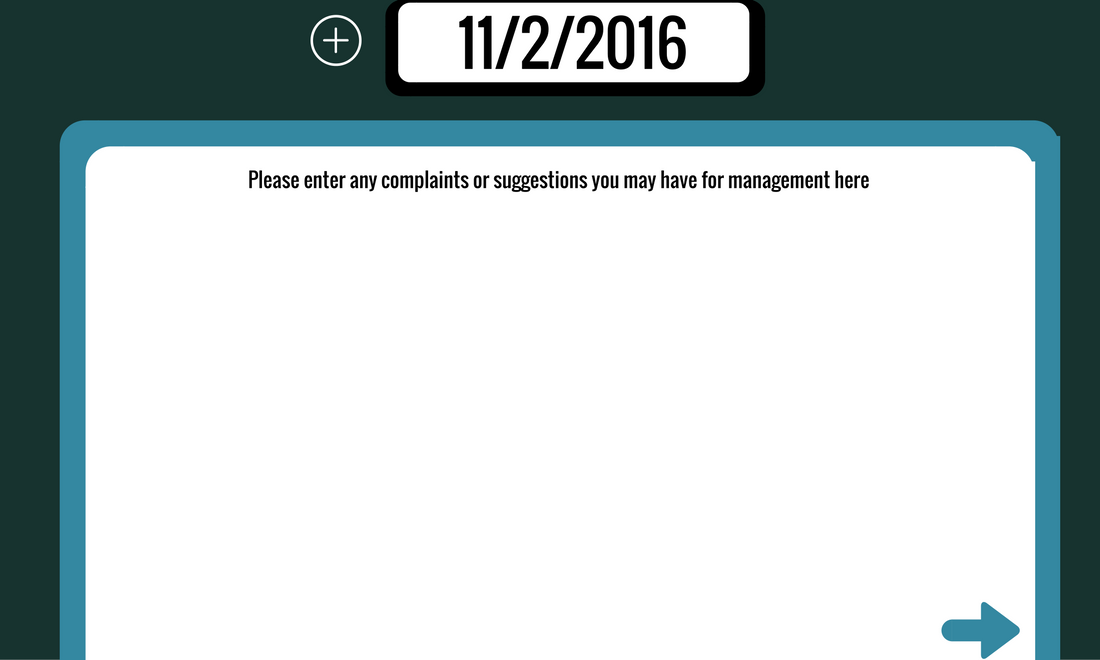
Then there is the File a Complaint page. Once again, this page was designed to be extremely open ended so that employees did not feel bogged down to enter a lot of information. Some ideas for further improving this would be to include a contact information form at the bottom where people can enter a number for them to be contacted back.
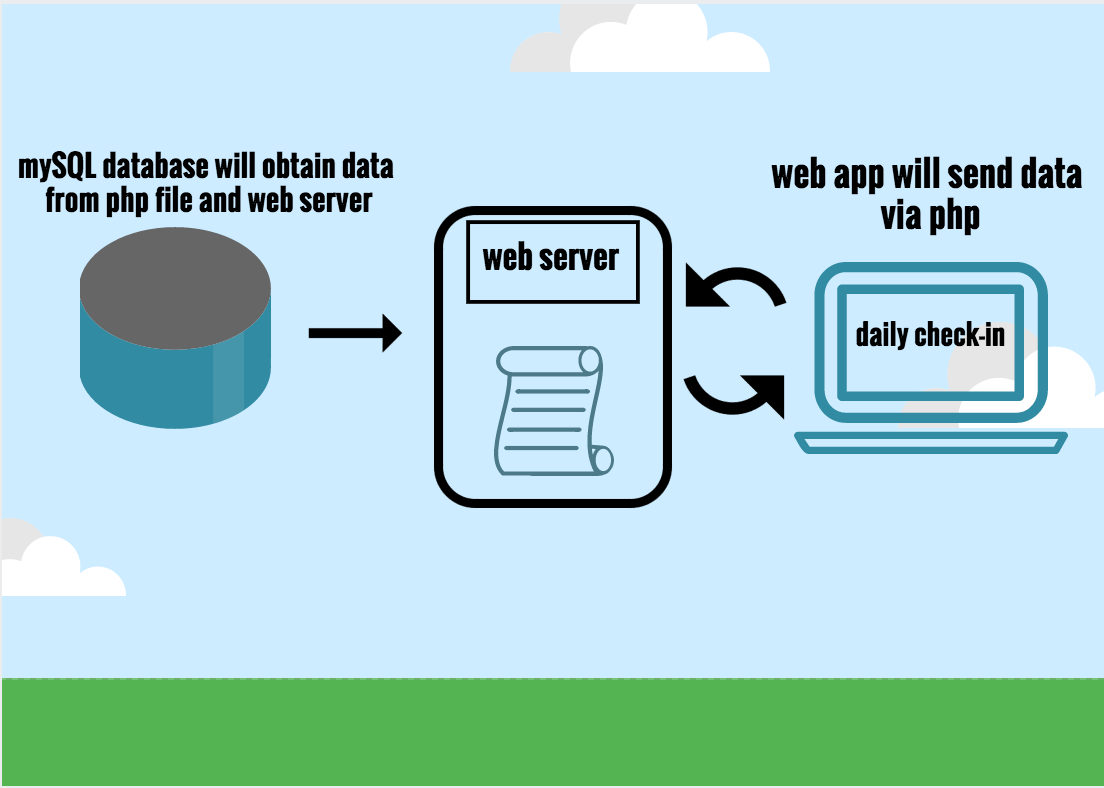
Lastly, we've included a simple diagram which depicts the system architecture for pushing the daily check ins to the crew leaders.
Roles -
Aida El Kouri - Survey / James Peterson - File a Complaint page / Itzel Cantu - Break Timer / James Diaz - Navigation Bar
All main benefits are italicized to better highlight the multitude of advantages this product offers.

Log in or sign up for Devpost to join the conversation.