Inspiration
MyBirdy was born from a simple yet powerful idea: to make the world of birds more accessible to me. The goal was to build an app that functions properly and has a visually appealing design.
What it does
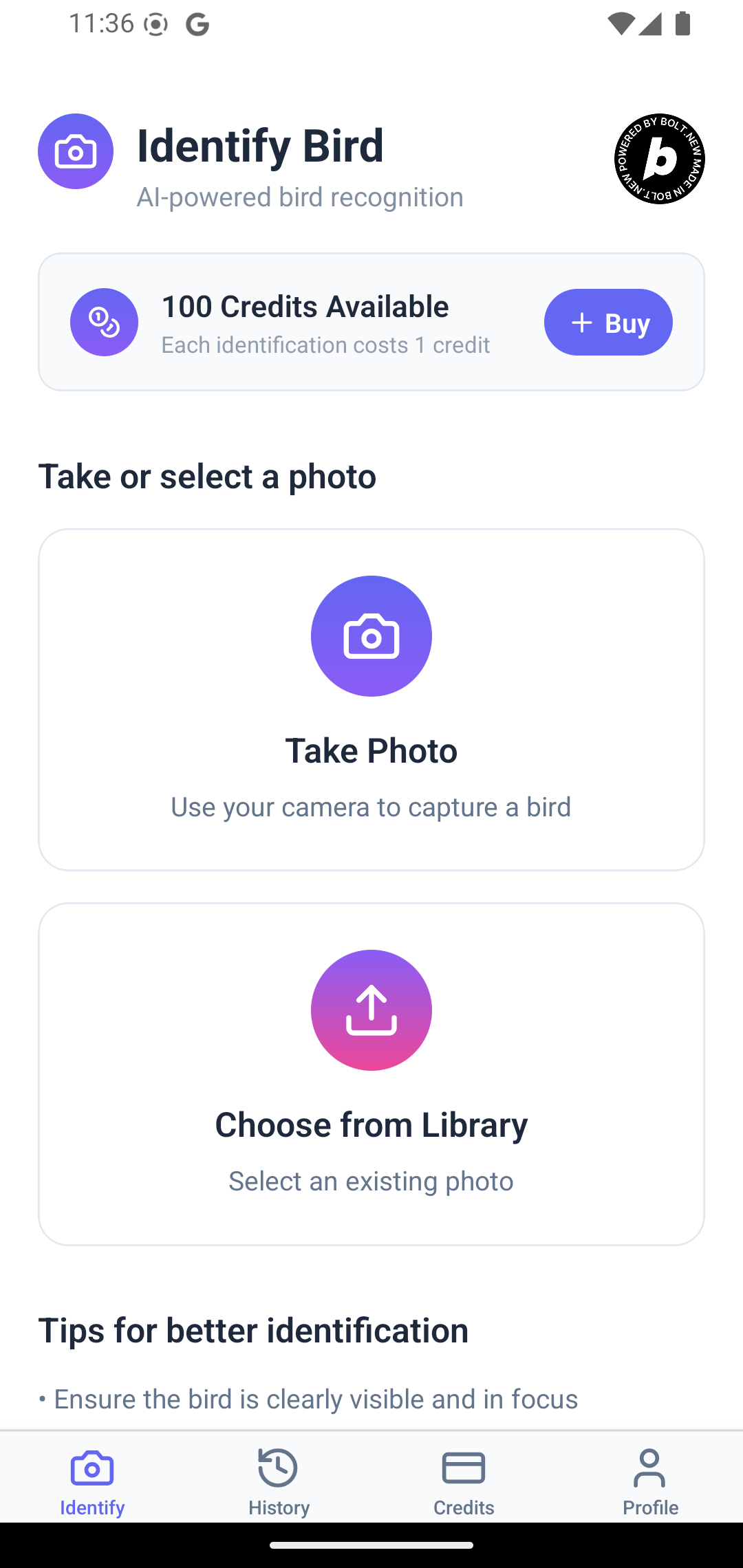
MyBirdy is a cross-platform mobile application (currently available on Android only) that instantly identifies bird species from a photograph.
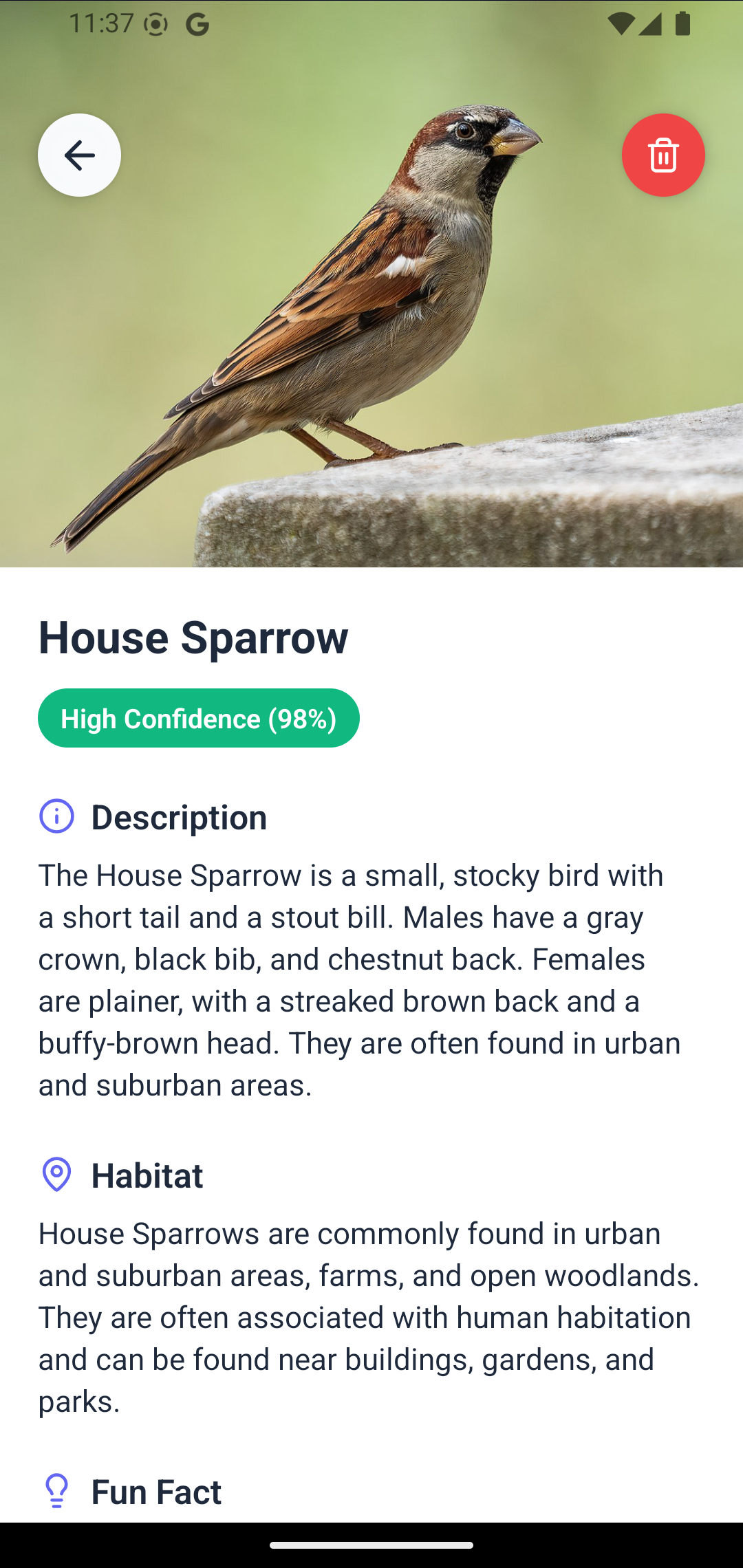
- Instant AI Identification: Users can take a new photo with their camera or upload an existing one from their library. The app's AI-powered backend analyzes the image and returns the identified bird species in seconds.
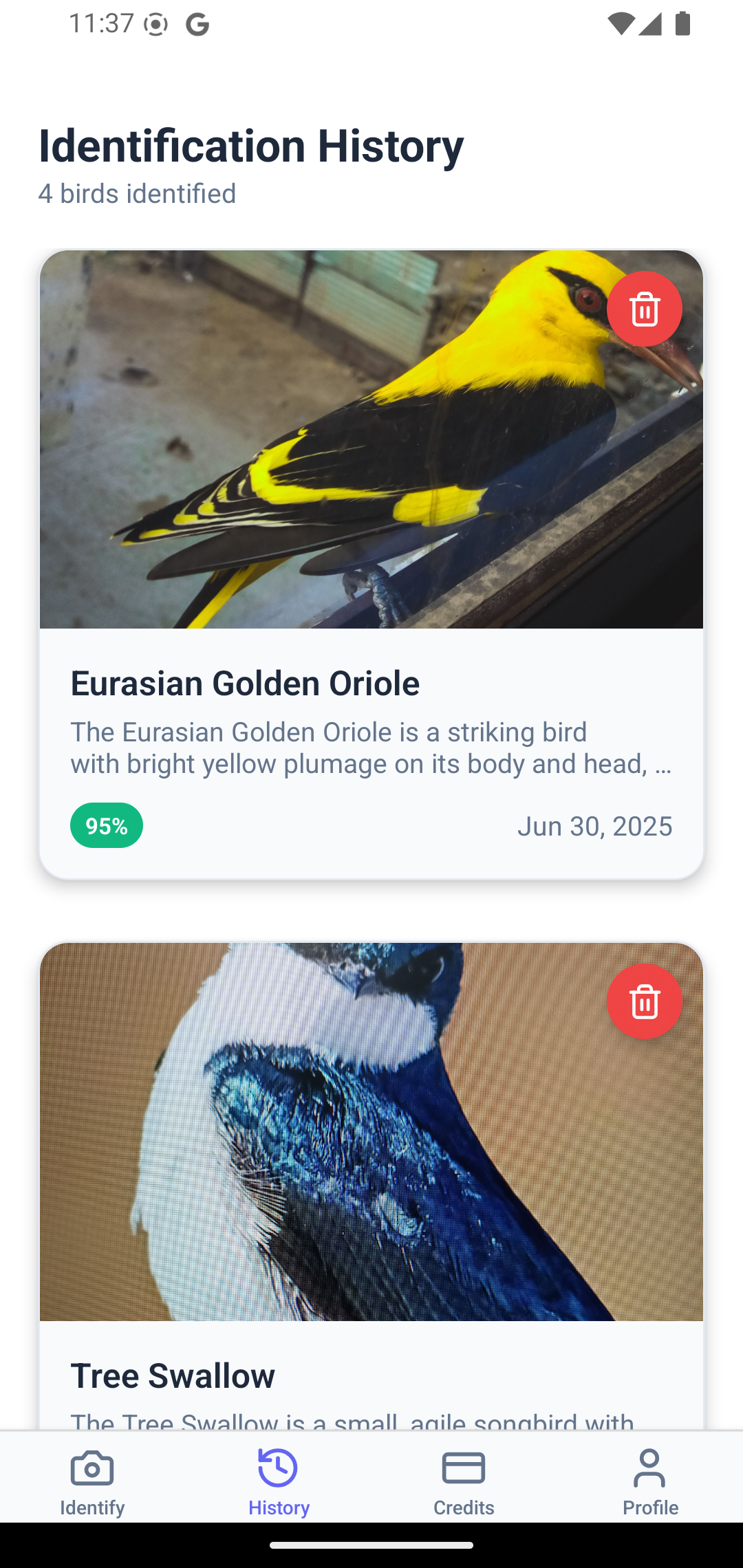
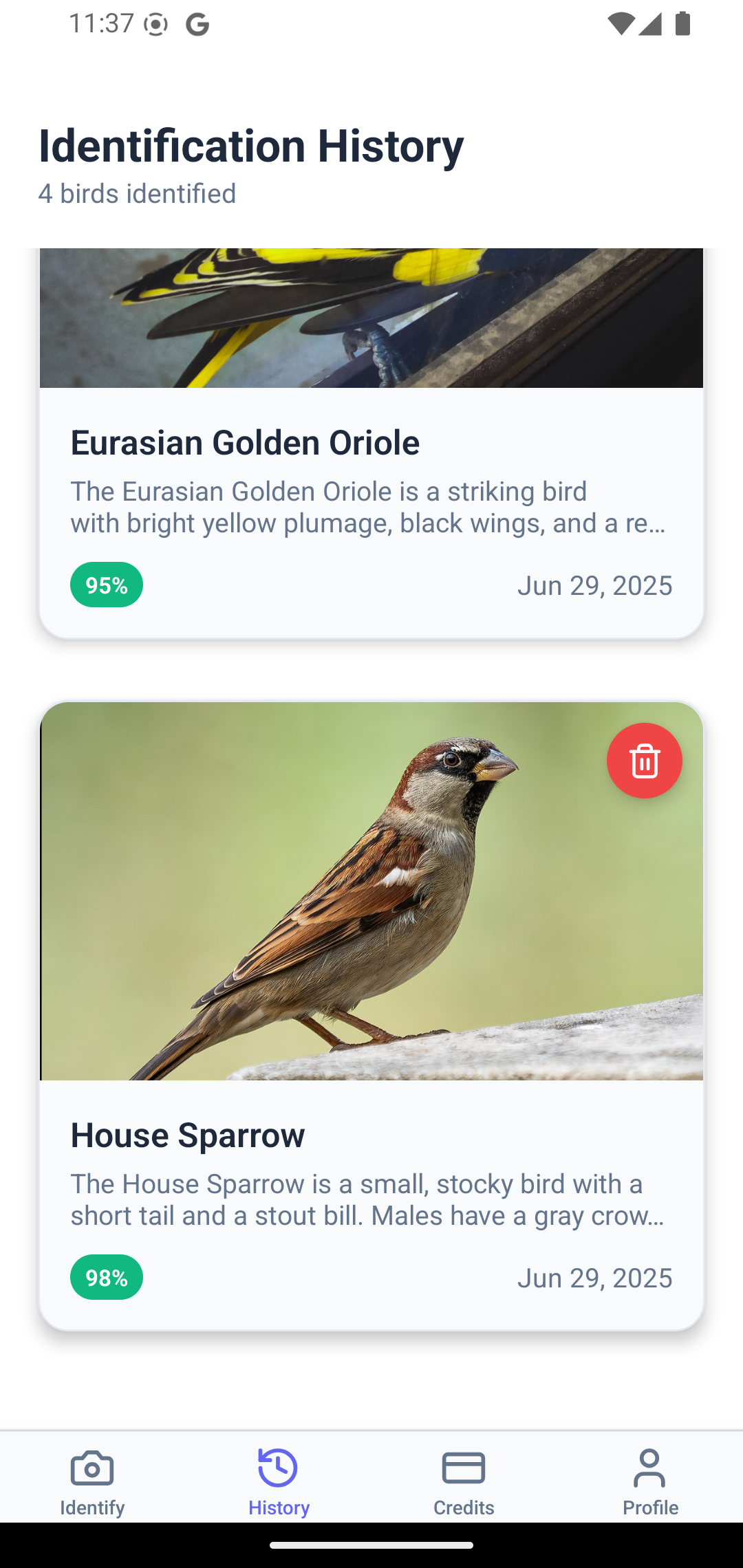
- User Accounts & History: The app features a complete authentication system. Users can sign up, log in, and view a personal history of all their past bird identifications, creating a digital journal of their discoveries.
- Freemium & Subscription Model: New users receive free credits to try out the identification feature. To continue, they can either upgrade to MyBirdy Pro for more identifications.
- Seamless In-App Purchases: The subscription and purchase flow is handled by a native, high-performance paywall powered by RevenueCat, providing a smooth and secure user experience on both iOS and Android.
How we built it
I chose a modern, TypeScript-based stack to build a robust and scalable application.
- Development Environment: Approximately 95% of the application was built using Bolt.new, a professional, browser-based development environment. This allowed me to rapidly scaffold the project with a pre-configured Supabase backend and focus immediately on building core features without complex local setup.
- Frontend: React Native with Expo, using Expo Router for file-based navigation. This allowed for rapid development and a single codebase for both iOS and Android.
- Backend: Supabase served as our all-in-one backend solution.
- Database: Supabase's Postgres database stores user profiles, identification records, and transaction history.
- Authentication: Supabase Auth handles secure user sign-up and login. We configured it with AsyncStorage for persistent sessions, ensuring users stay logged in.
- Storage: Supabase Storage is used to host the images uploaded by users for identification.
- Edge Functions: The core AI identification logic is deployed as a Supabase Edge Function, providing fast, scalable, and serverless processing.
- Monetization: RevenueCat was integrated to manage the complexities of in-app subscriptions and purchases. We used the
react-native-purchases-uilibrary to present a native, pre-built paywall to users. - UI & Styling: The user interface was built with a custom set of themed components (
ThemedView,ThemedText),lucide-react-nativefor icons, andreact-native-reanimatedfor smooth, engaging animations.
Challenges we ran into
Authentication Persistence: One of the first major hurdles was that users were logged out every time the app reloaded. I discovered that the Supabase client needed to be explicitly configured to use persistent storage on a mobile device. I solved this by integrating
@react-native-async-storage/async-storageinto my Supabase client configuration, which immediately fixed the session handling.RevenueCat Paywall Integration: Implementing the native paywall was challenging. Initially, no UI would appear, despite the offerings loading correctly. After deep-diving into the
react-native-purchases-uidocumentation and debugging the component, I found the issue was an incorrect import statement. Correcting the import pattern allowed the native paywall to render perfectly.Credit System Logic: Ensuring that a user's credits were correctly deducted upon a successful identification required careful state management and backend logic. I had to make sure the user's profile was refreshed across the app after a transaction to accurately reflect their new balance.
Accomplishments that I am proud of
- Building a Full-Stack AI App: I successfully created a complete, end-to-end application that integrates a sophisticated AI model into a seamless mobile user experience.
- A Robust Monetization System: I am proud of implementing a professional-grade subscription and purchase system using RevenueCat. Overcoming the technical challenges to get the native paywall working was a significant achievement that directly impacts the app's viability.
- A Polished and Themed UI: I developed a clean, consistent, and visually appealing design system with the help of Bolt.new (Of course, bolt did all of this, but with my command).
What I learned
This project was a tremendous learning experience. I gained deep, practical knowledge in building modern mobile applications using Bolt.new, from frontend UI to backend architecture. Key takeaways include integrating RevenueCat and the power of a strongly-typed codebase with TypeScript to prevent bugs between the app and the backend. And using a fully automated AI app maker like Bolt.new
What's next for MyBirdy
The journey for MyBirdy is just beginning. I have a clear roadmap for the future:
- Enhanced Identification Details: Provide users with more information about the identified bird, such as its habitat, diet, migration patterns, and even audio clips of its call.
- Social & Community Features: Allow users to share their findings on a map, follow friends, and contribute to a global community of birdwatchers.
- Gamification: Introduce achievements, challenges, and leaderboards to make birdwatching even more engaging.
- Launch on iOS: Complete the App Store Connect configuration and officially launch MyBirdy on the Apple App Store to reach a wider audience.
Built With
- bolt.new
- expo.io
- gemini
- react-native
- revanuecat
- supabase
- typescript


Log in or sign up for Devpost to join the conversation.