Inspiration
After a meeting, we normally know what we need to do next. The hard part is taking that discussion, turning it into a strategy and explaining that same context all over again to an AI that wasn't there.
Bee was there.
It already captures our conversations, so we thought: what if we can make use of that conversation as our starting point for the work itself, rather than having just another transcript to read?
What it does
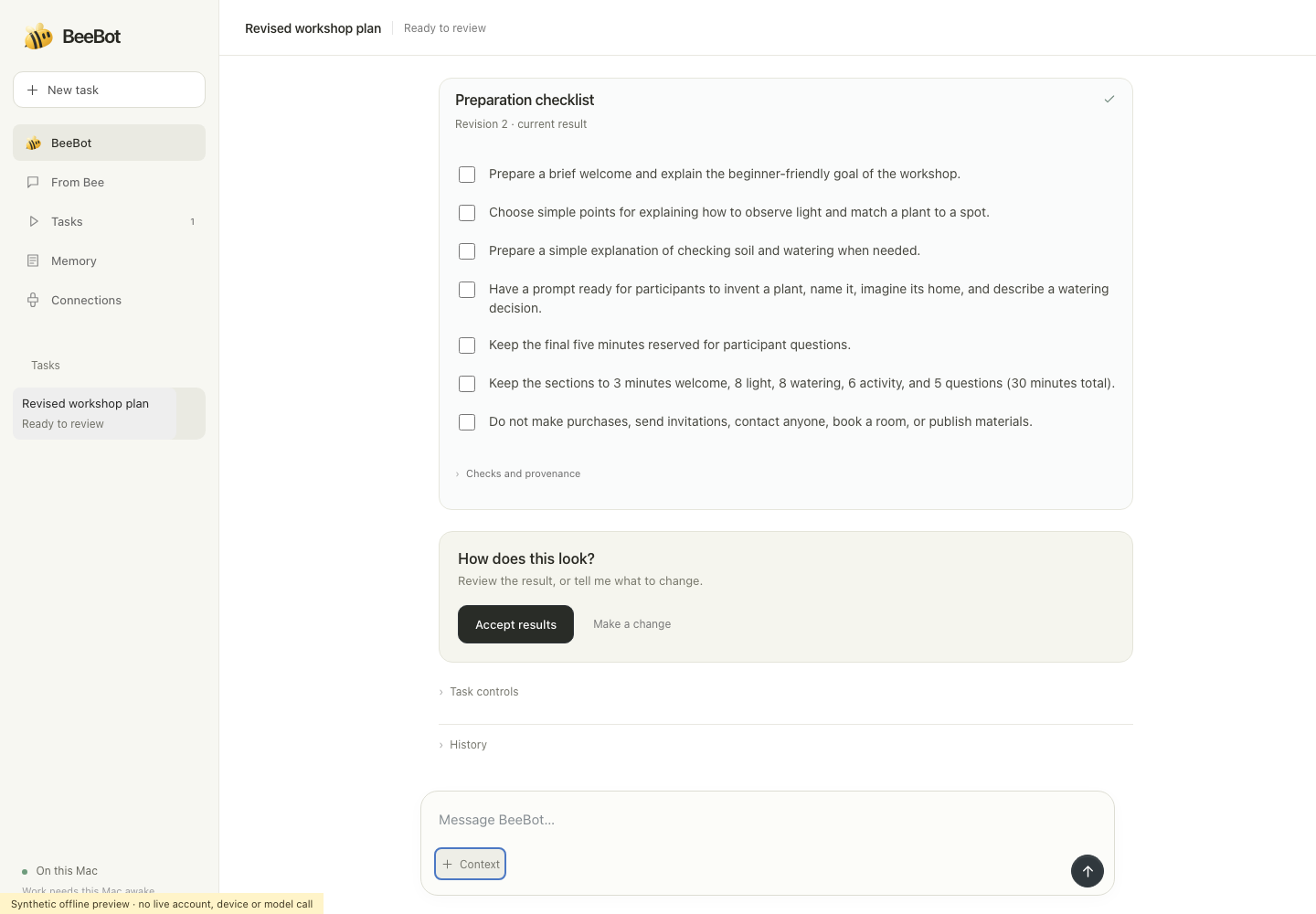
BeeBot is an AI agent that assists you in turning your Bee recordings into projects that you can edit, modify and improve on.
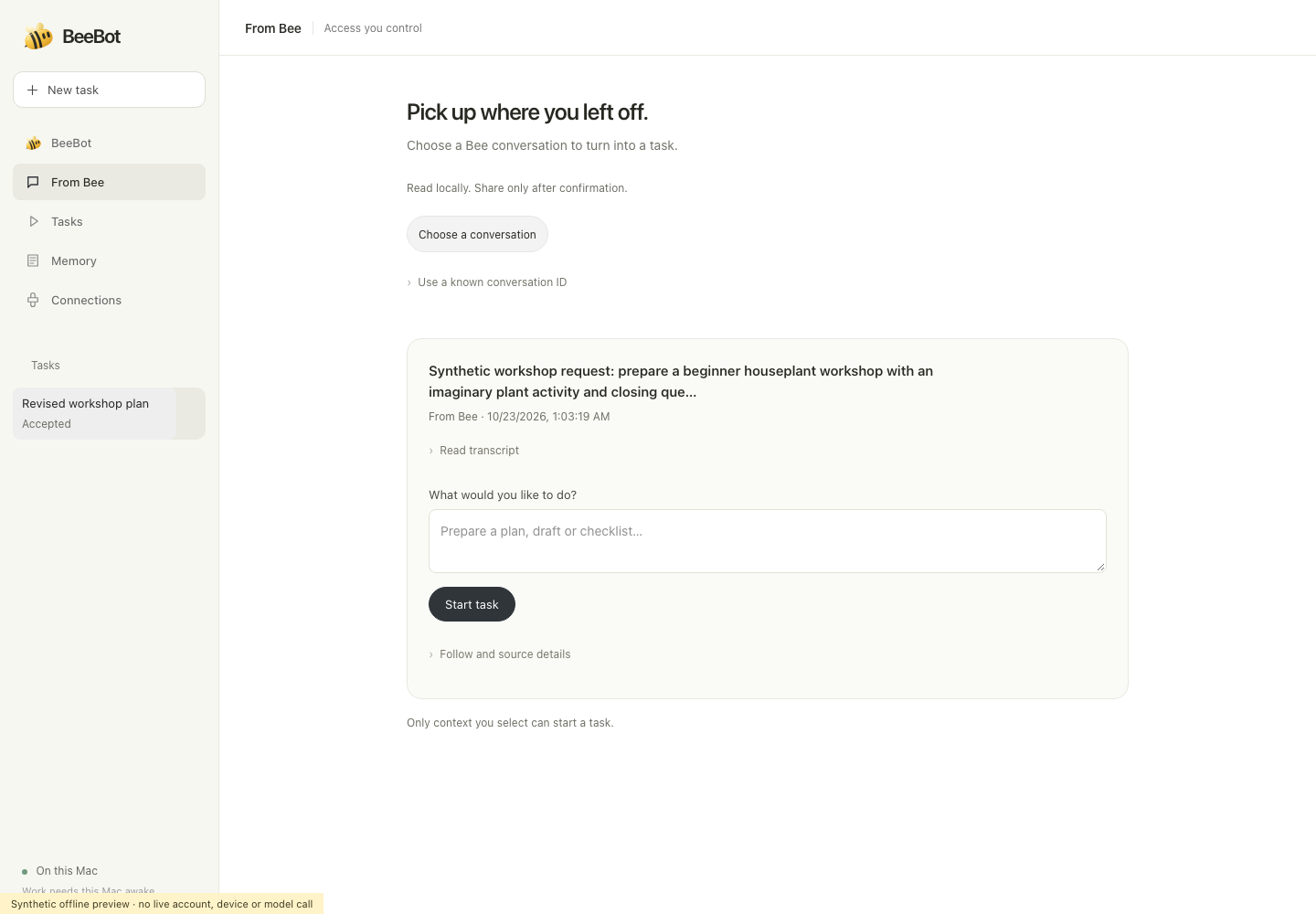
Start from a real conversation: Pick a Bee conversation and ask for what you want, like a workshop plan. BeeBot uses what people said in that conversation, like the audience, the time limit, and what the students need to learn.
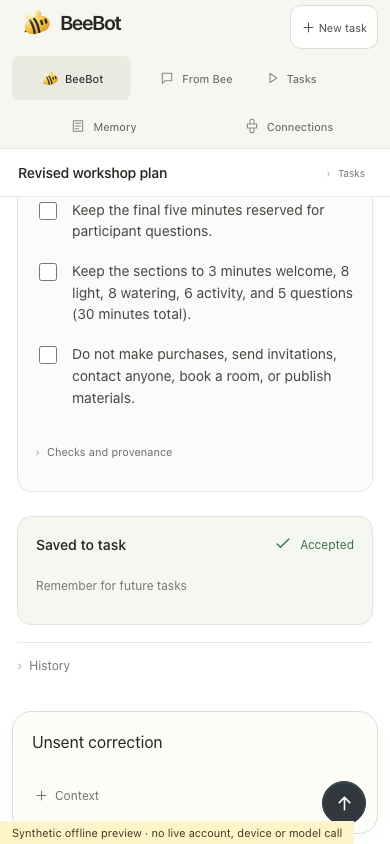
No need to restart, just fix it: If the initial draft is off, you tell BeeBot what to modify. BeeBot keeps the earlier version so you can compare the two.
Pick up where you left off: Tasks, drafts, and revision history are saved even after the chat ends.
Stay in control: Make a one-off request or tell BeeBot to follow a conversation as it changes. You can stop following whenever and BeeBot will keep the work it made.
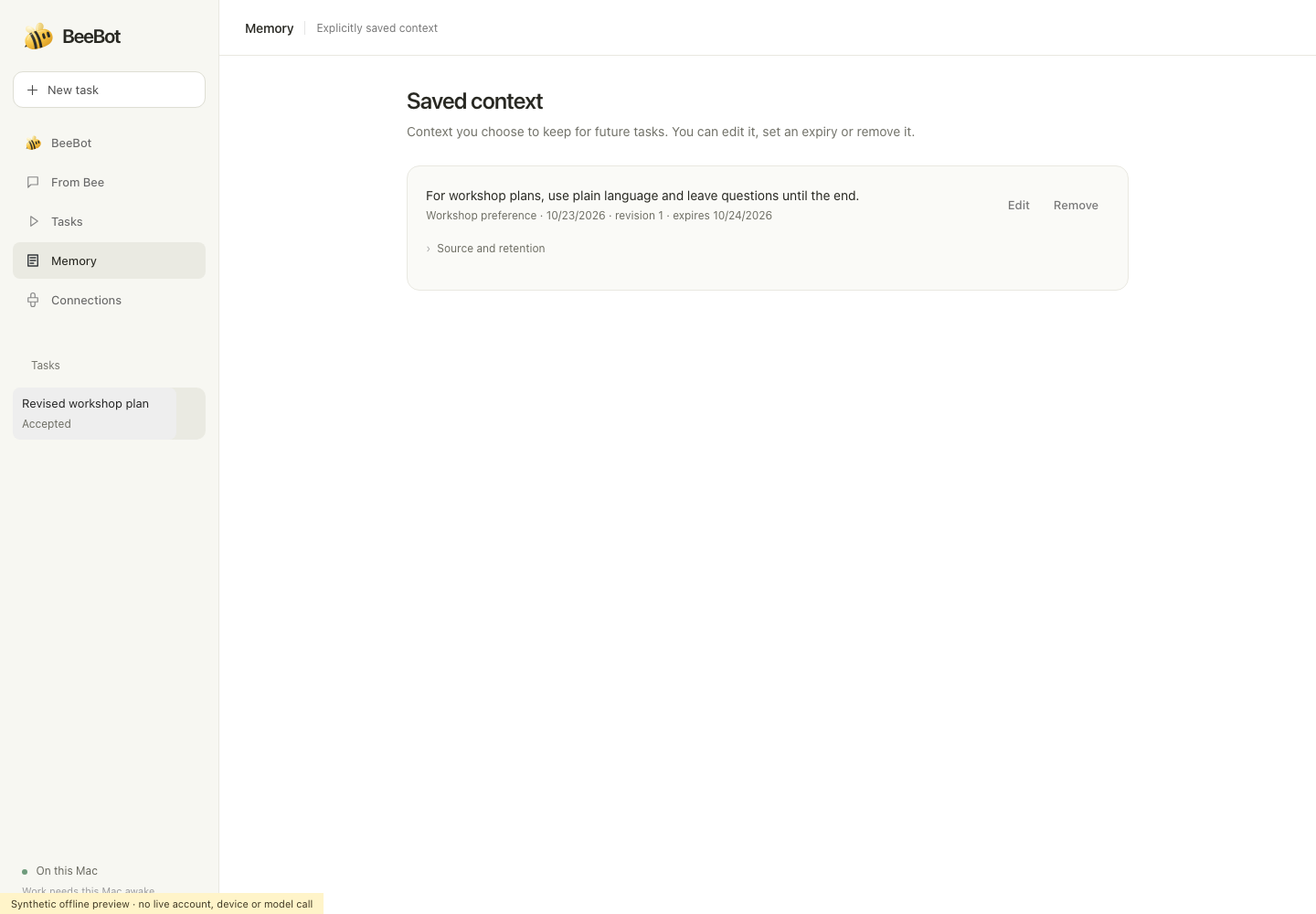
Reusable context: You can save preferences from a task and reuse them in later projects, and edit or remove them anytime.
How we built it
BeeBot runs on a Mac and connects to Bee through the Bee CLI. In our example, we recorded the workshop requirements with Bee on an Apple Watch, and BeeBot pulled that conversation in as context.
We built it with JavaScript on Node.js, HTML/CSS, Effect, and OpenAI's GPT-6 Luna through Codex. BeeBot fetches conversations using the official Bee CLI library's conversations.list and conversations.get methods, handles requests and revisions with our own local agent harness, and saves each draft with its earlier versions in a local SQLite database.
Challenges we ran into
Our first working demo broke in several ways once we used it for real work:
Not losing work: If a user cancelled a request mid-generation, or a request failed and retried, we had to make sure the draft wasn't lost.
State Restoration: After a crash or restart, BeeBot needed to reload its tasks and drafts where they left off.
Maintaining corrections: When a user corrected a detail, later versions sometimes pulled the old detail back from the recording. We had to make the correction take priority.
Clarifying source controls: Users needed to see which conversation BeeBot was following and how to stop it.
Clarity about scope: This version runs on the user's Mac, so it can't follow a conversation while the laptop is off.
What we learned
Bee listens all day, so people want to choose exactly which conversations BeeBot can use. The follow and stop controls came from that.
Saving drafts and recovering after a crash took more of our time than generating the first draft.
What's next
Running BeeBot as a hosted service so following works even when the laptop is off
Add more output types, such as project briefs and study plans, and scaffold to code generation
Built With
- bee
- bee-cli
- codex
- css3
- effect
- gpt-6-luna
- html5
- javascript
- macos
- node.js
- sqlite

Log in or sign up for Devpost to join the conversation.