-

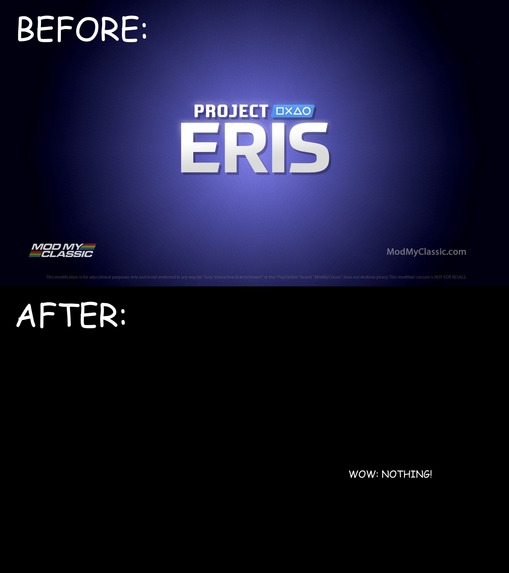
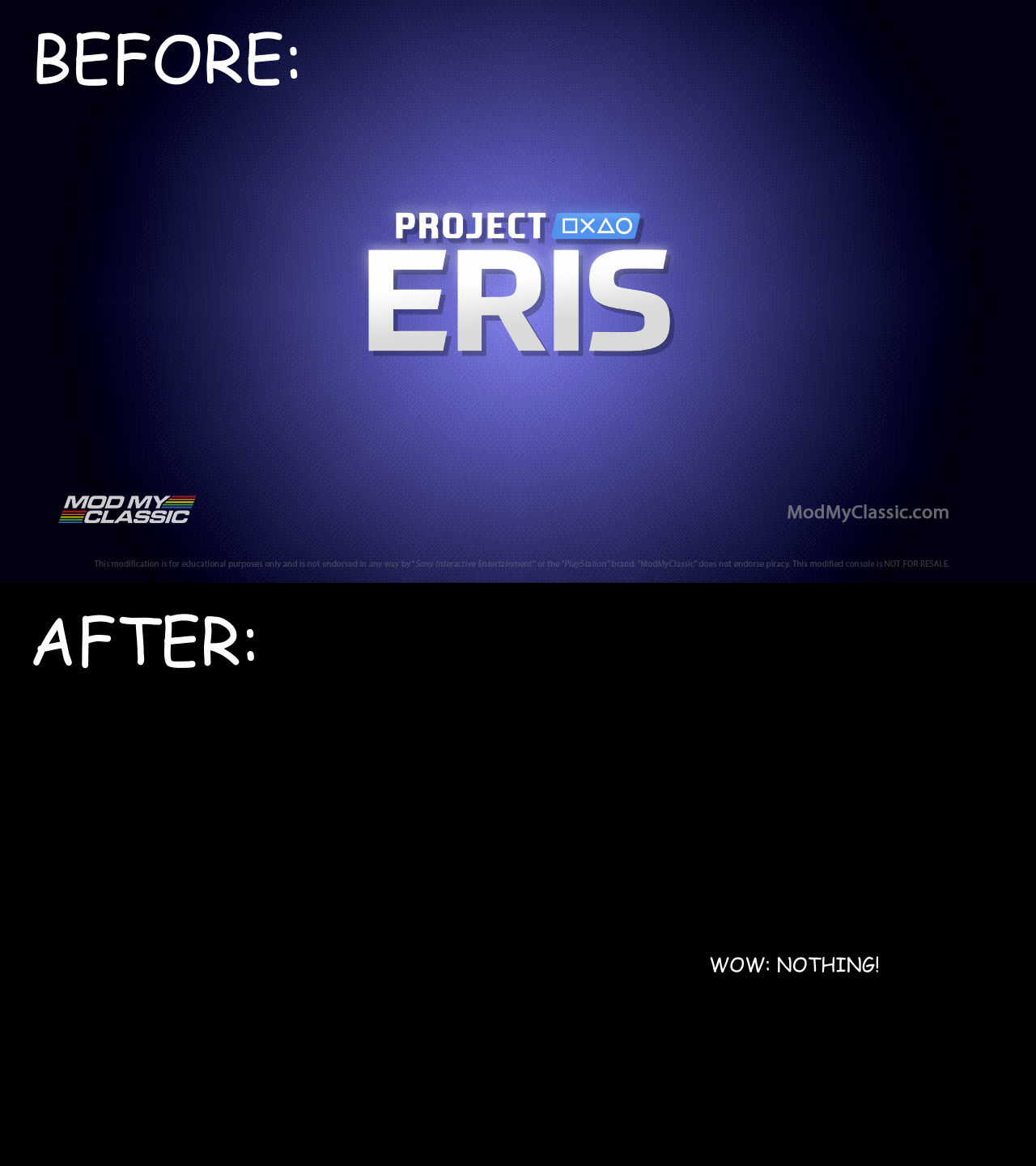
This background used to be colorful. Now it is not. Perfection.
-

Inspiration
I am passionate about retrogaming. Unfortunately modification projects are not as zealous in the quest for nostalgia. Project Eris for the Playstation Classic does not allow its boot up menu to be avoided - therefore I did the next best thing: hid it.
What it does
This project hides the Project Eris bootup menu behind a black screen. It also replaces the boot menu text JSON file with one that makes all text black so it blends into the new black background.
How we built it
This project was built by replacing the png files of the stock ui with black png files of the same size. Furthermore the JSON file was edited to make all boot menu text black.
Challenges we ran into
The bin/sdl_text_display still occurs for the boot sequence as Project Eris copies itself to the Playstation Classic. Editing this requires the binary and script to be unpacked with the encryption keys on the console. We do not currently have the encryption keys.
Accomplishments that we're proud of
The bootup sequence is a lot less abrasive, previously enabling Project Eris to autoboot to the default screen required passing rapidly through two menus which created a jarring effect. Now those two menus have become a blank void and only white text flashes across the top of the screen - a massive improvement.
What we learned
How to edit JSON files to alter the RGB of text.
What's next for Project Eris - Blank Space Replacer
Using encryption keys to jailbreak the hardware to allow modifications to the code of the underlying device.

Log in or sign up for Devpost to join the conversation.