-
-
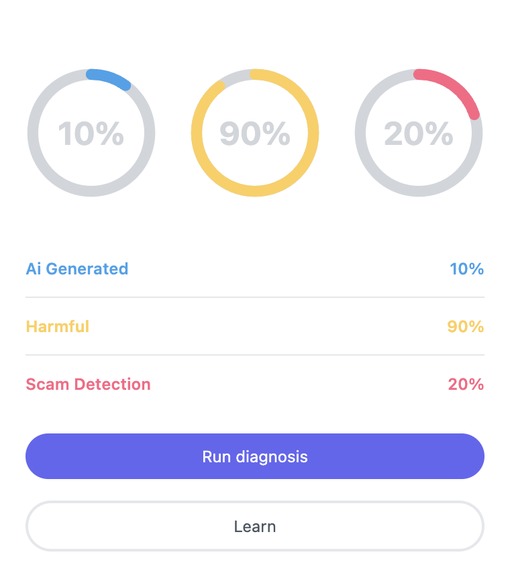
Initial Scan
-
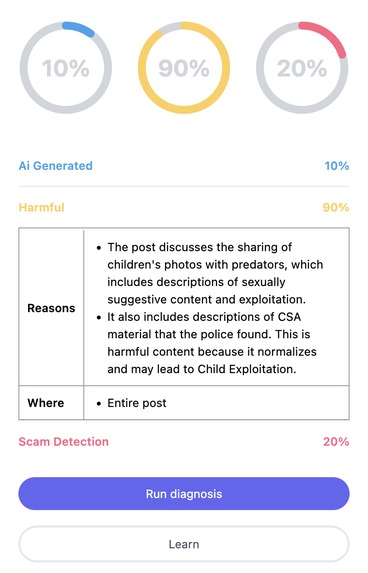
Scan Explaination
-
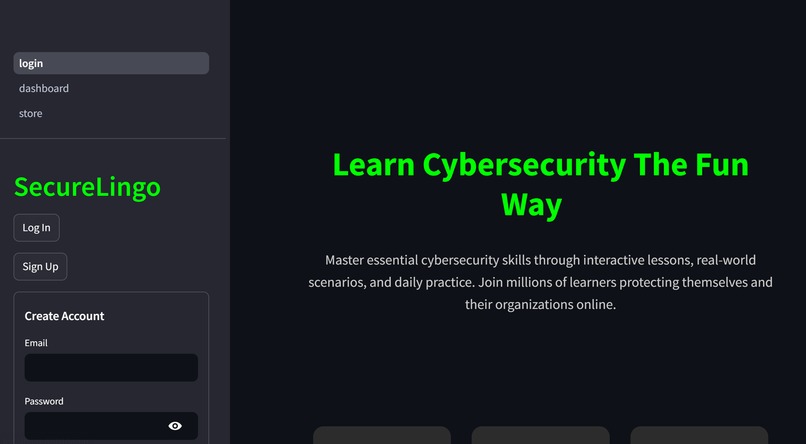
Login Page
-
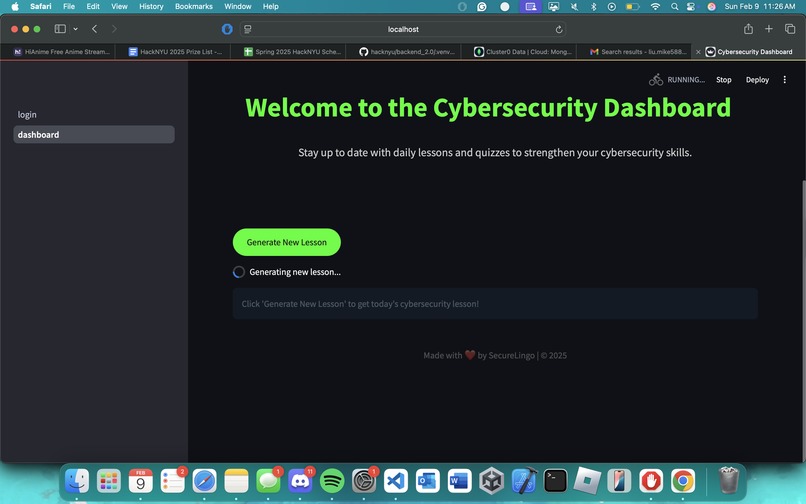
Lesson page
-
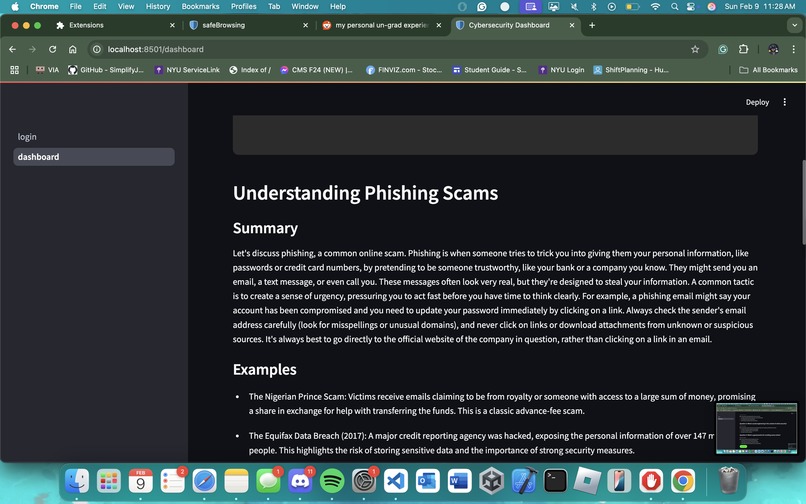
Lesson Generation
-
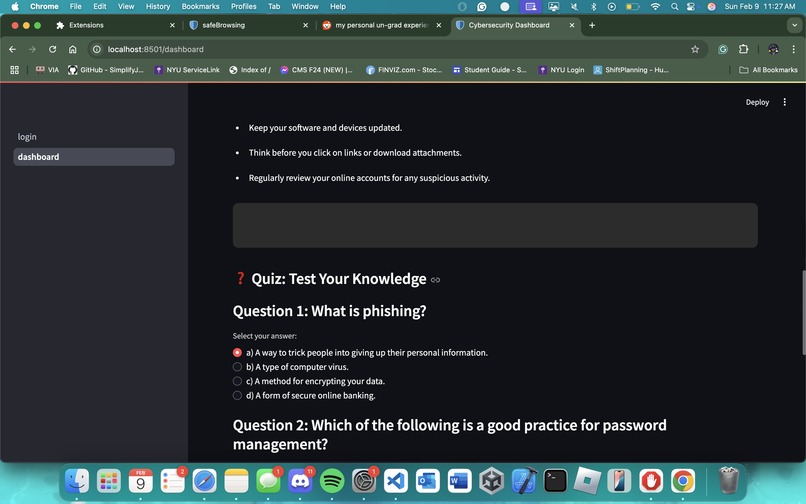
Quiz Generation
-
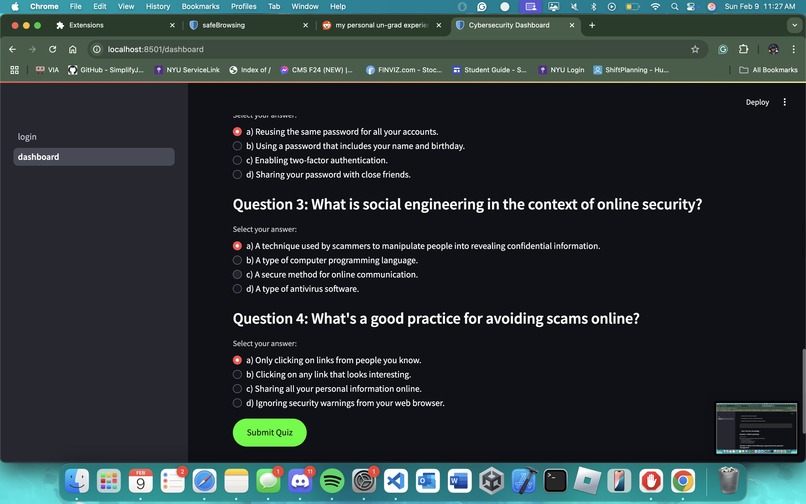
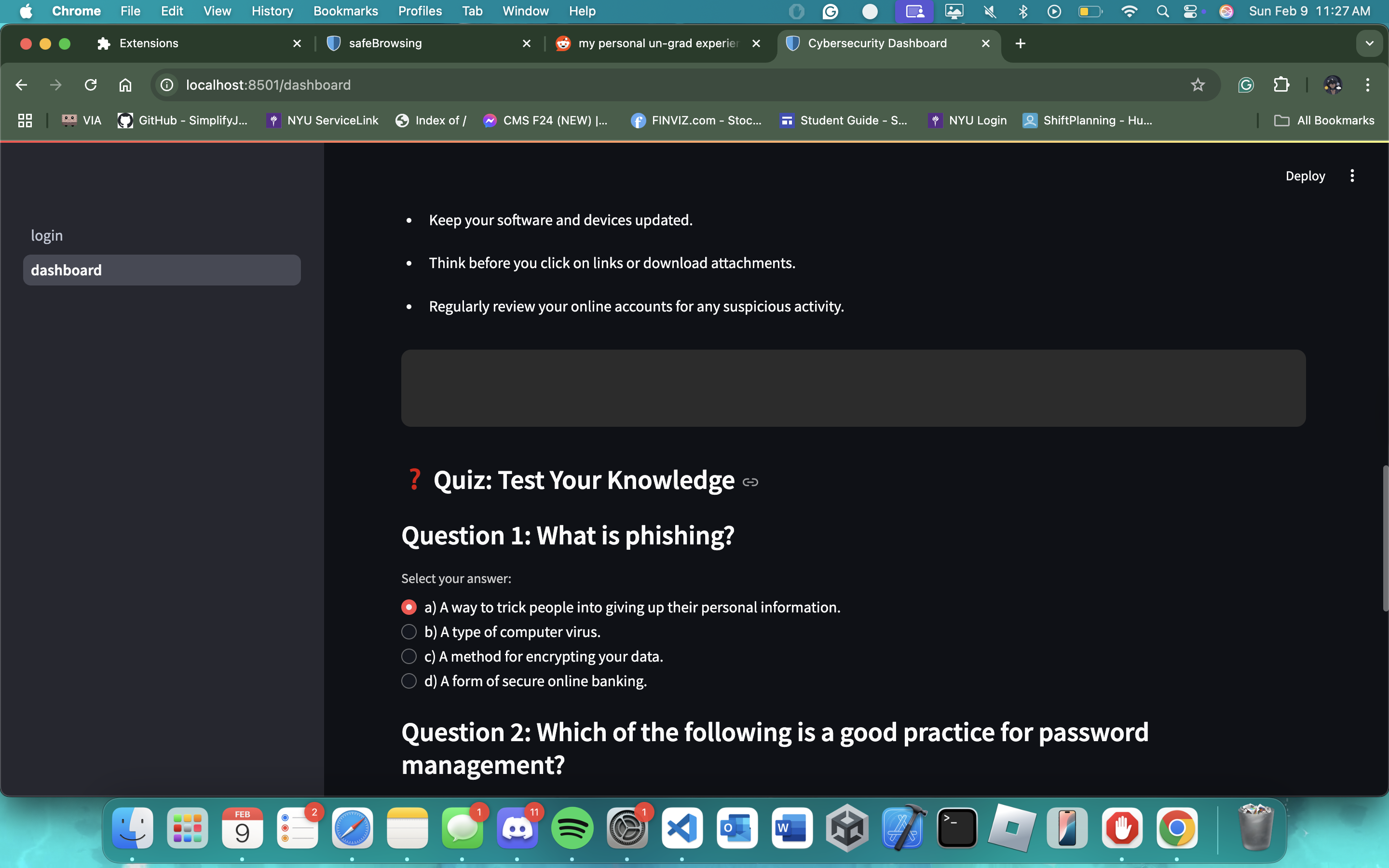
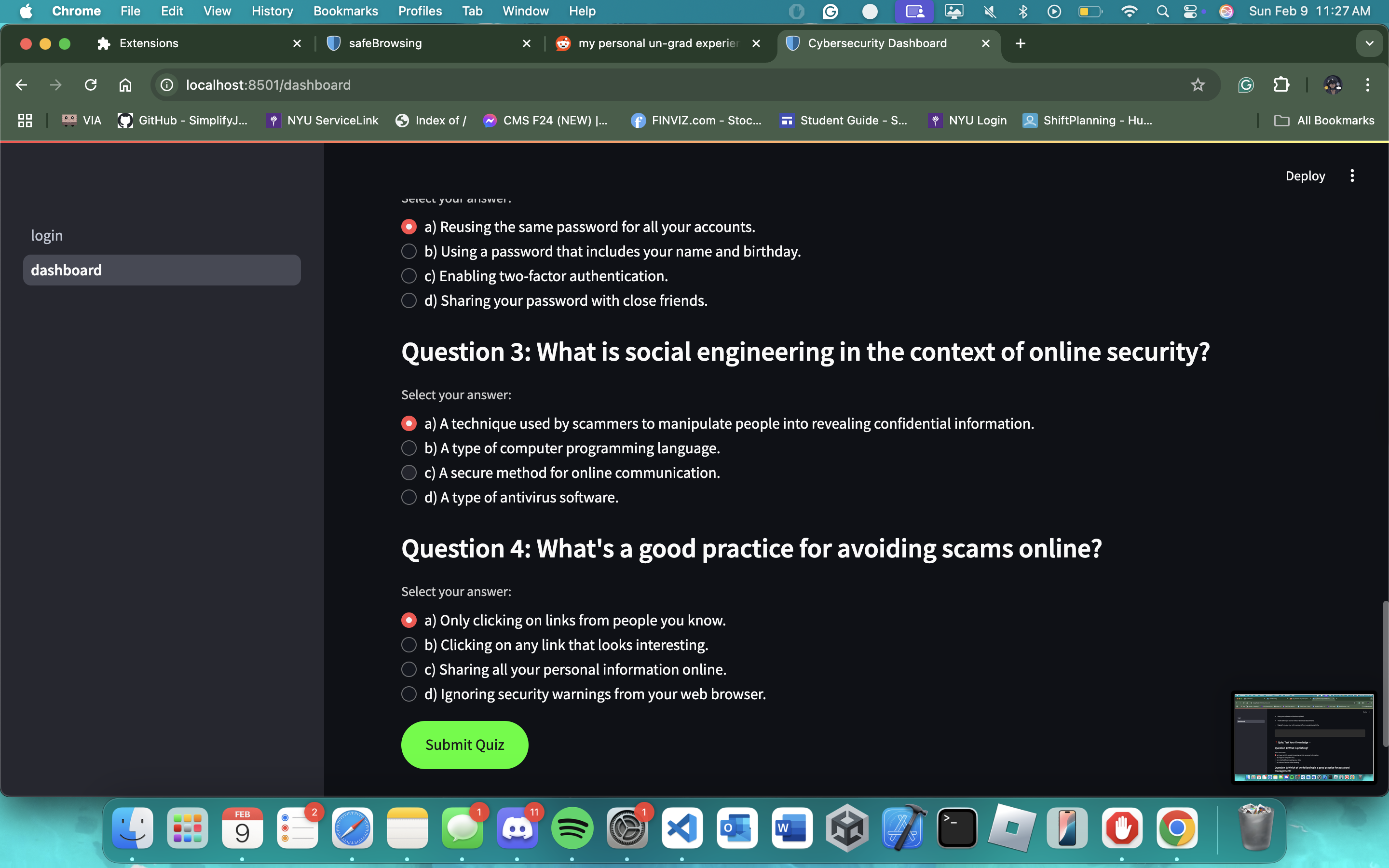
Quiz Questions
Inspiration
With the rise of AI and its advancements, new online personal security challenges arise. This was the concern and inspiration for our group, and why we sought to create safeBrowsing, a product that would help individuals be more digitally literate and secure.
What it does
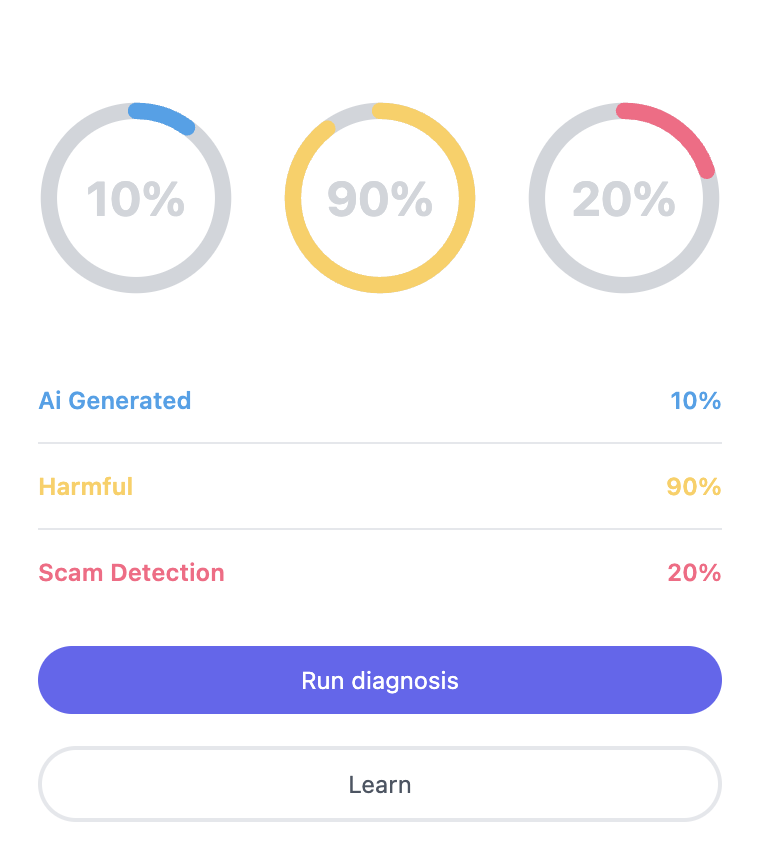
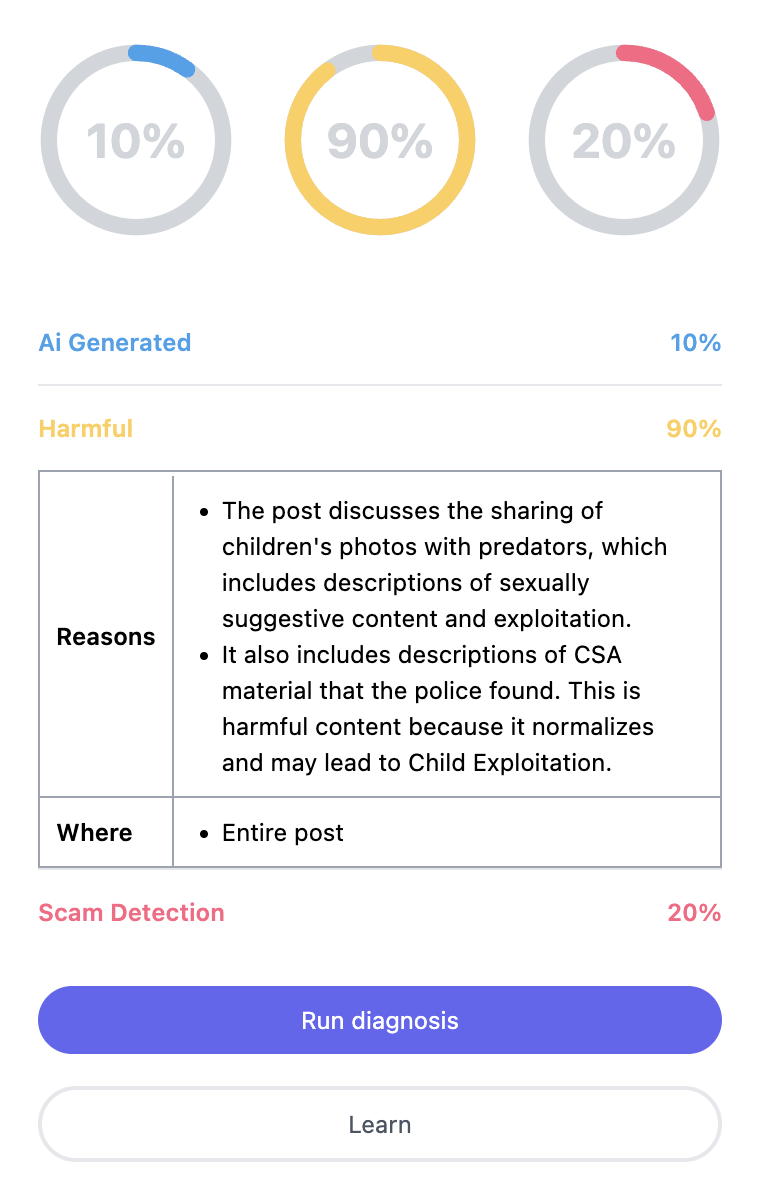
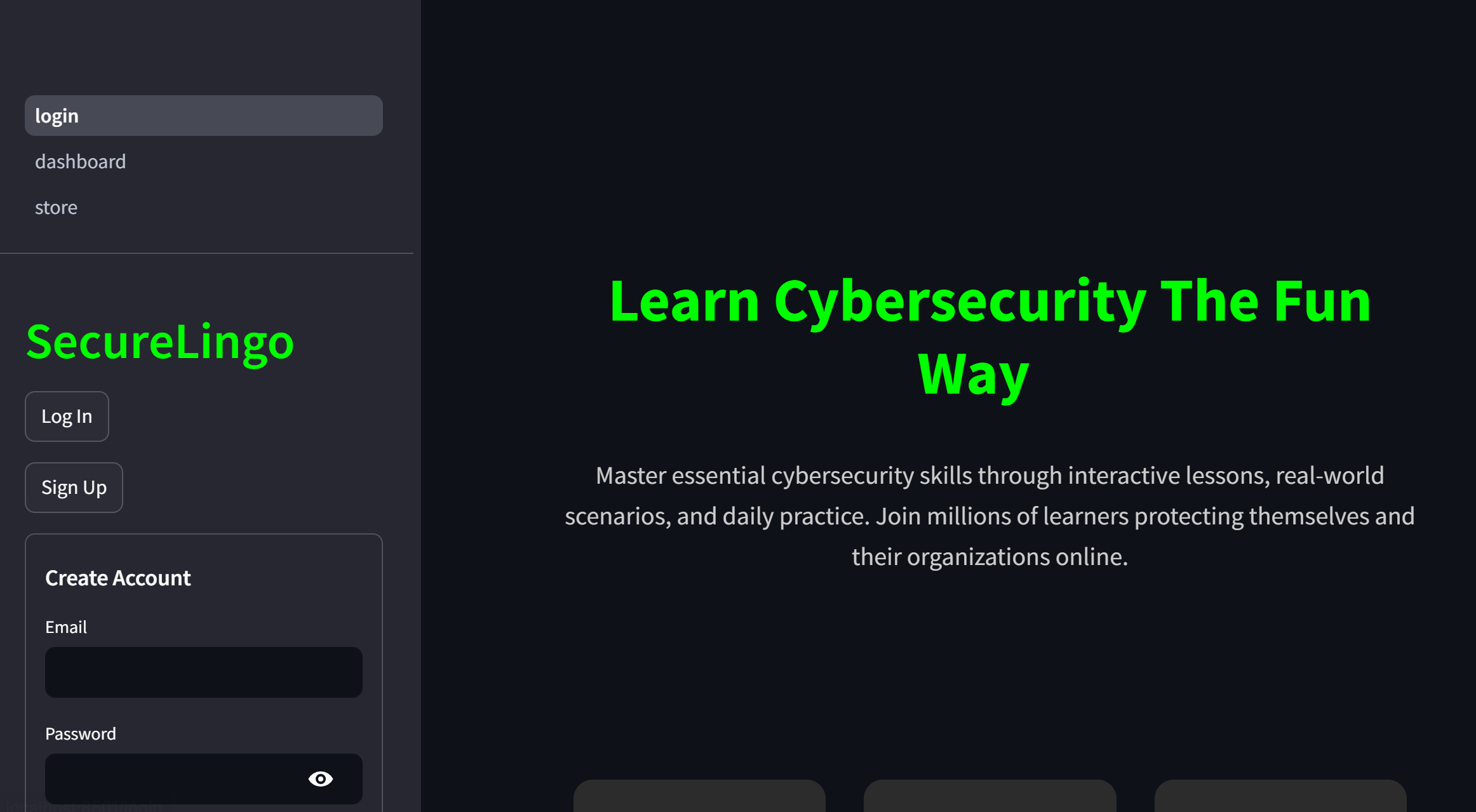
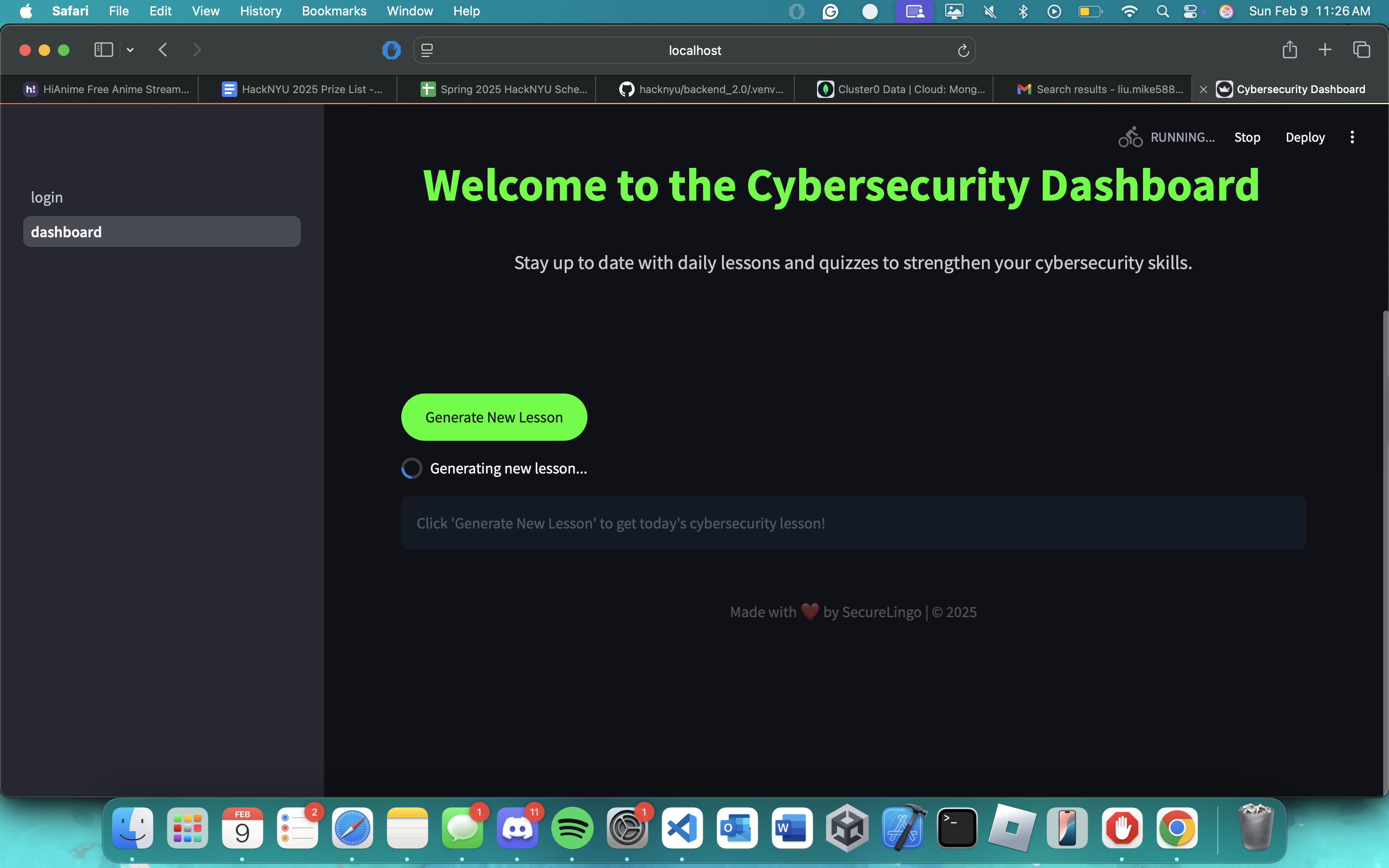
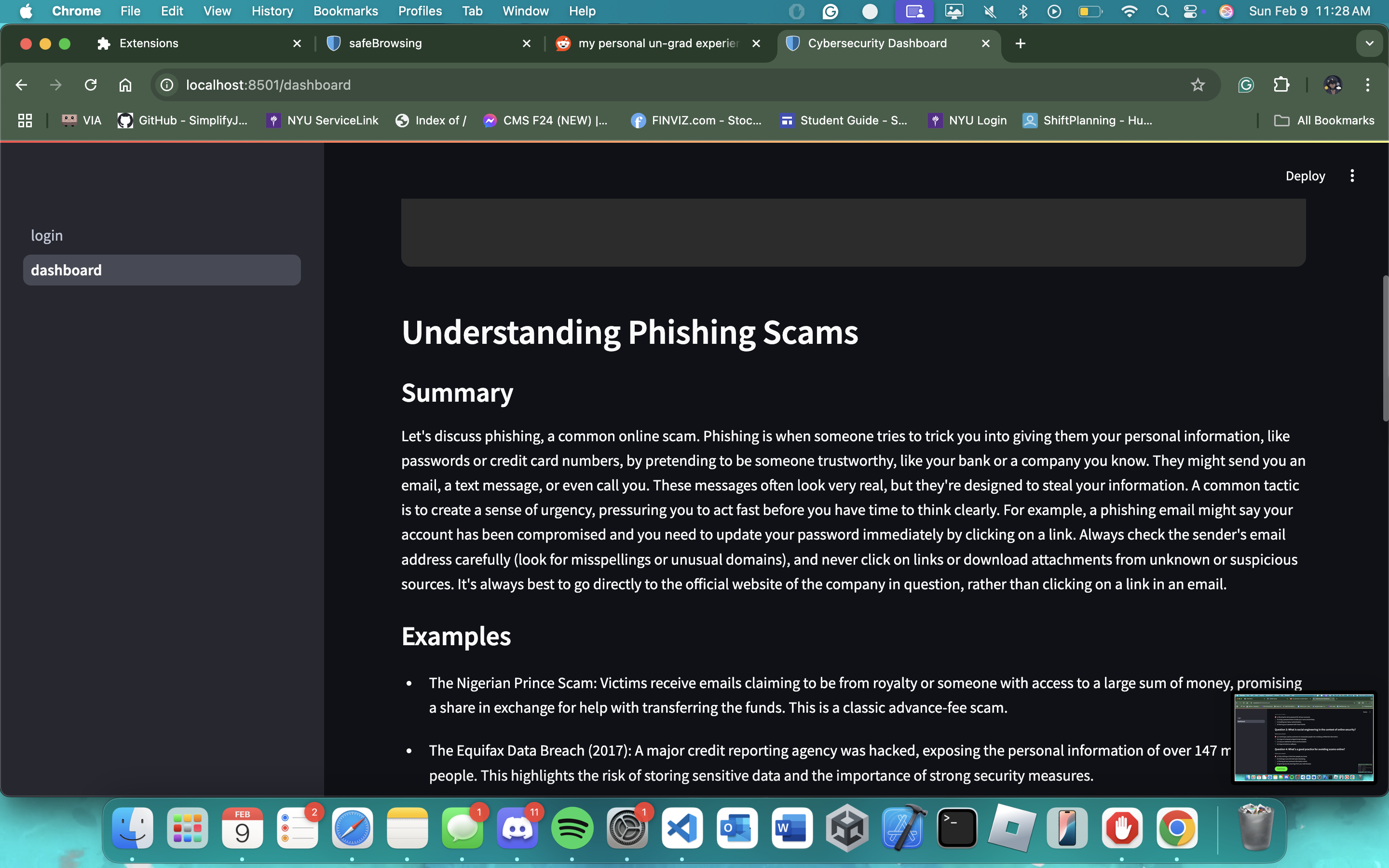
Our product comes in two parts - the Chrome extension, and the web application. The extension shows the legitimacy and safety of what is on your screen with the push of a button. safeBrowsing will generate 3 scores based on 3 criteria - the amount of harmful content, the amount that is AI-generated, and the risk of it being a scam. Each criterion will have a description with further details on the reasoning behind the scores. The web application allows access to various free lessons on online security, each followed by a quiz to test their knowledge. If desired, the user can log in to track their progress.
How we built it
- We used MongoDB to store and refer to past lessons to avoid giving the same lessons again
- Streamlit as our framework
- Chrome extension API for our chrome extension
- Gemini AI to train a model that analyzes text for its confidence in locating harmful websites
Challenges we ran into
- Integrating MongoDB in to the project
- Combining back-end code with the front-end web app
- Setting up Solana
- Pushing, pulling, merging Github commits ## Accomplishments that we're proud of
- Our project is able to accurately detect the user's screen and separate text into three different categories of: Harmful Content, Ai-Generated Content, and Scam Content. The extension is able to direct the user to a webpage where the user is able to signup. This sign-up information is successfully recorded into the MongoDB to be used to verify log-in information.
What we learned
- We have learned how to set up a cloud-based Database server and inviting other accounts to access a single cluster.
- We have learned how to use the Streamlit library to make simple webapps that can suit our project
- Using Gemini AI as a tool to train a model for scanning the screen
What's next for safeBrowsing
- Our next steps is to start recording "scanned-data" for users to see how many elements they have scanned.
- We intend to start checking if a user has completed quizzes consecutive days-in-a-row, and use that information to make an achievement badge for user profiles.
- We can integrate Solana to set these achievement badges as a non-transferable token for a leaderboards in the future.



Log in or sign up for Devpost to join the conversation.