-
-
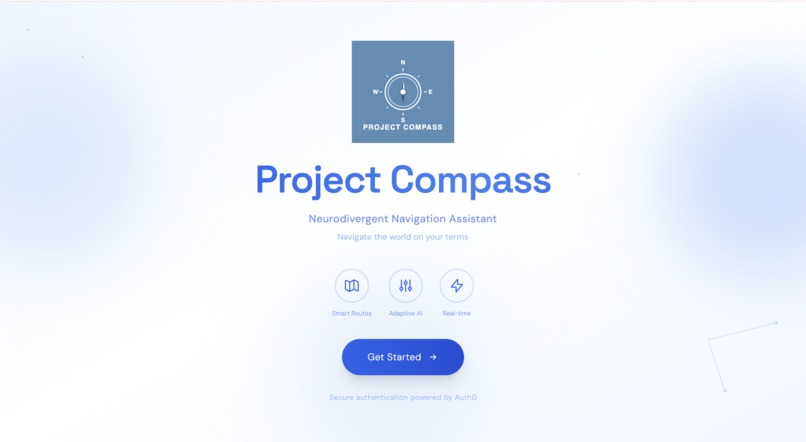
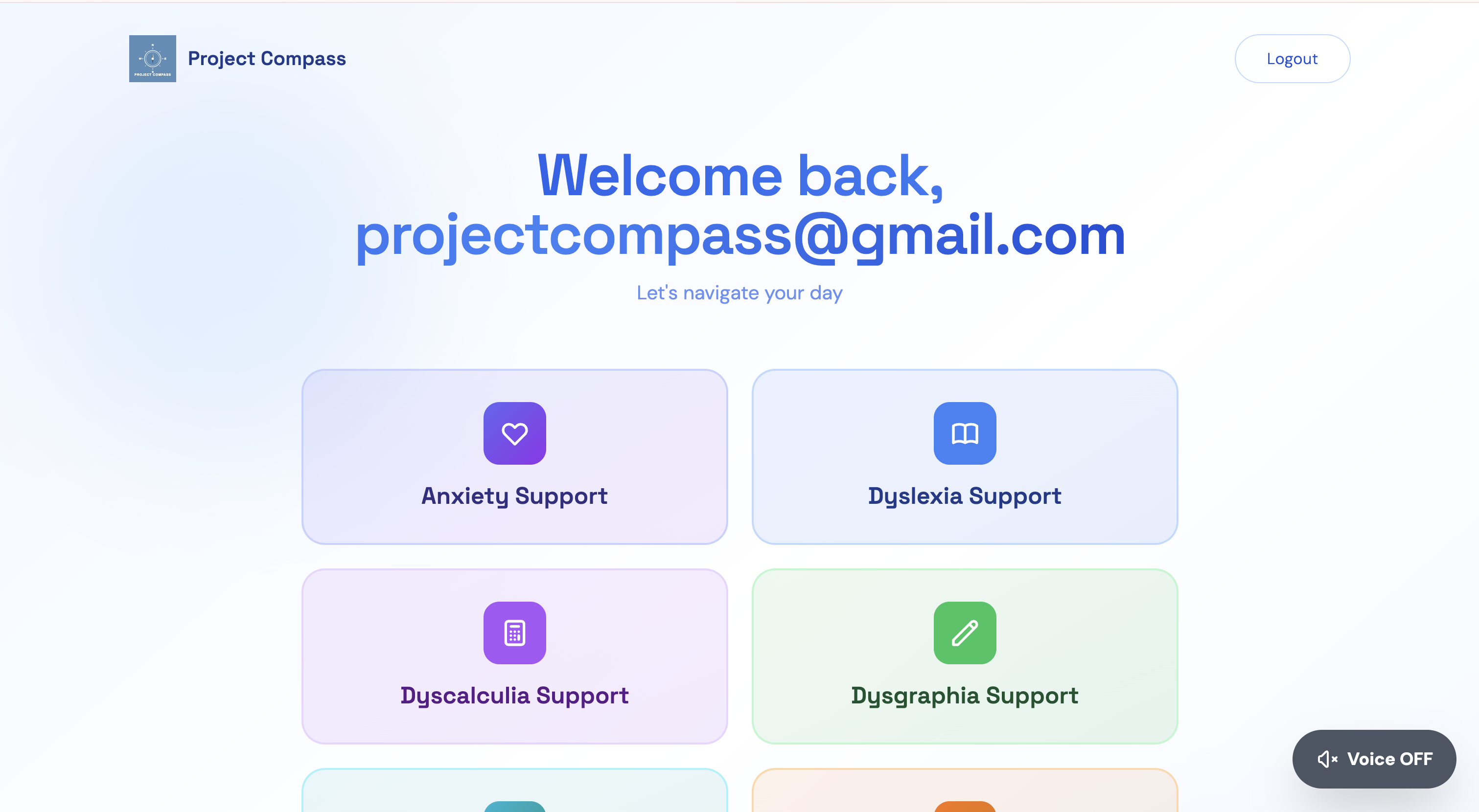
HOME PAGE
-
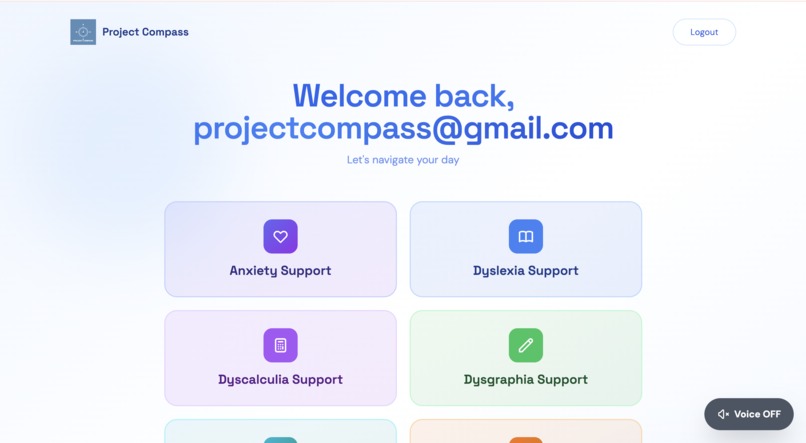
-
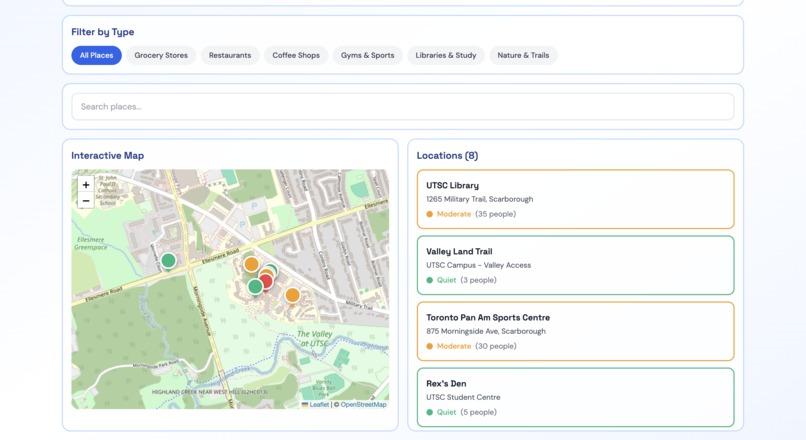
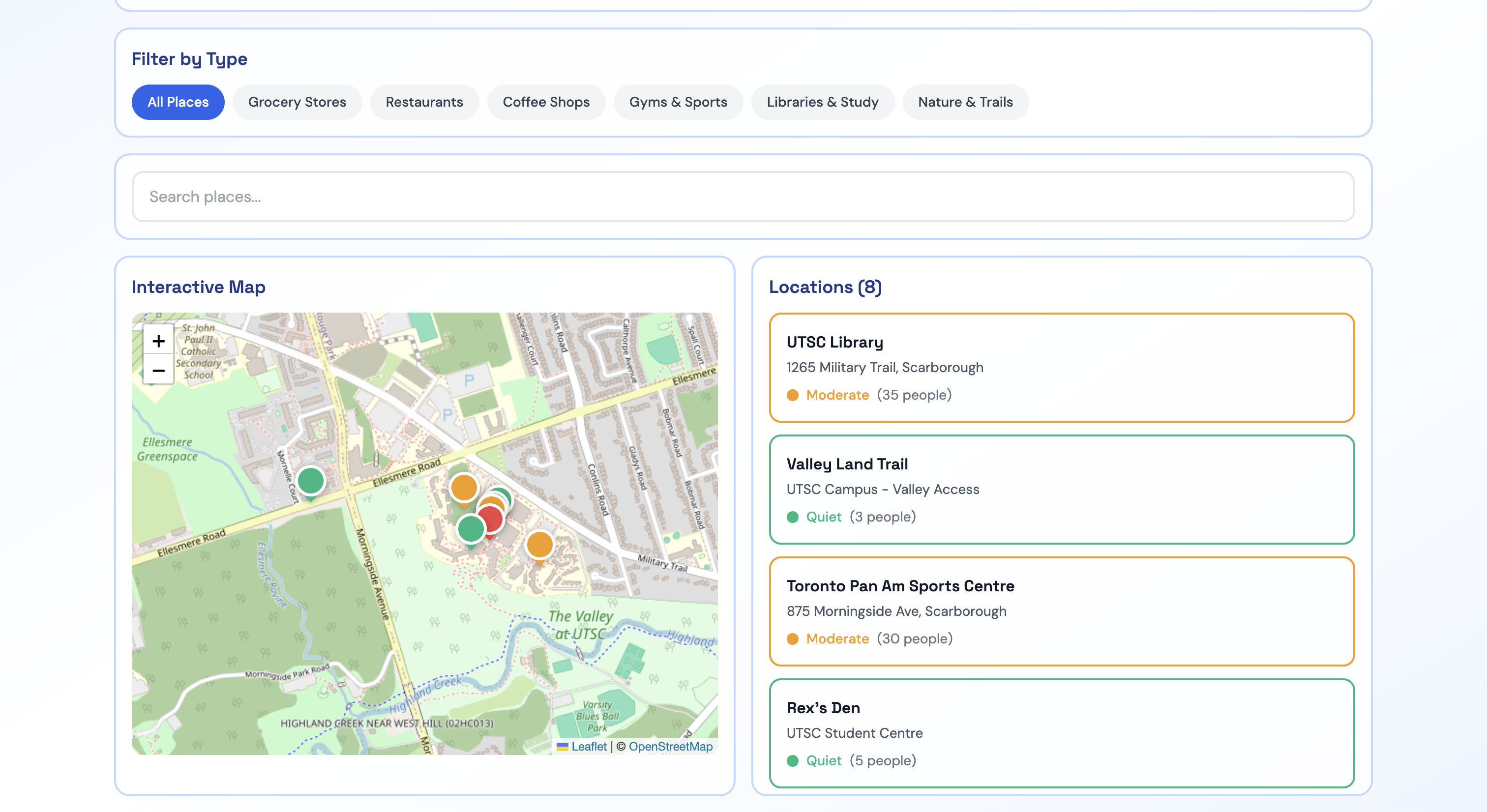
Crowd Map
-
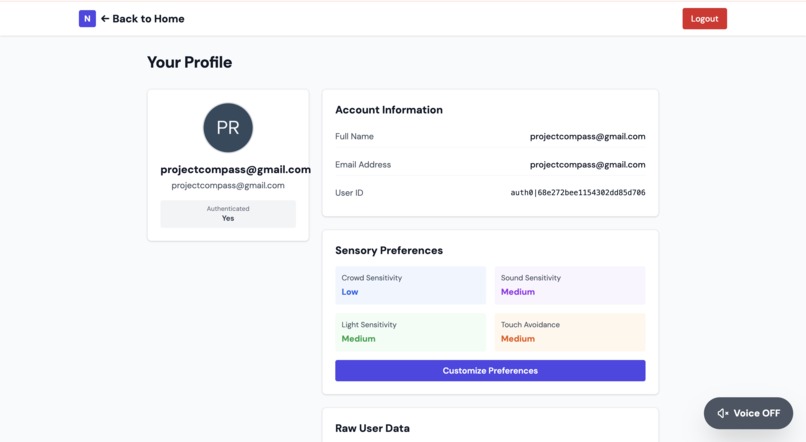
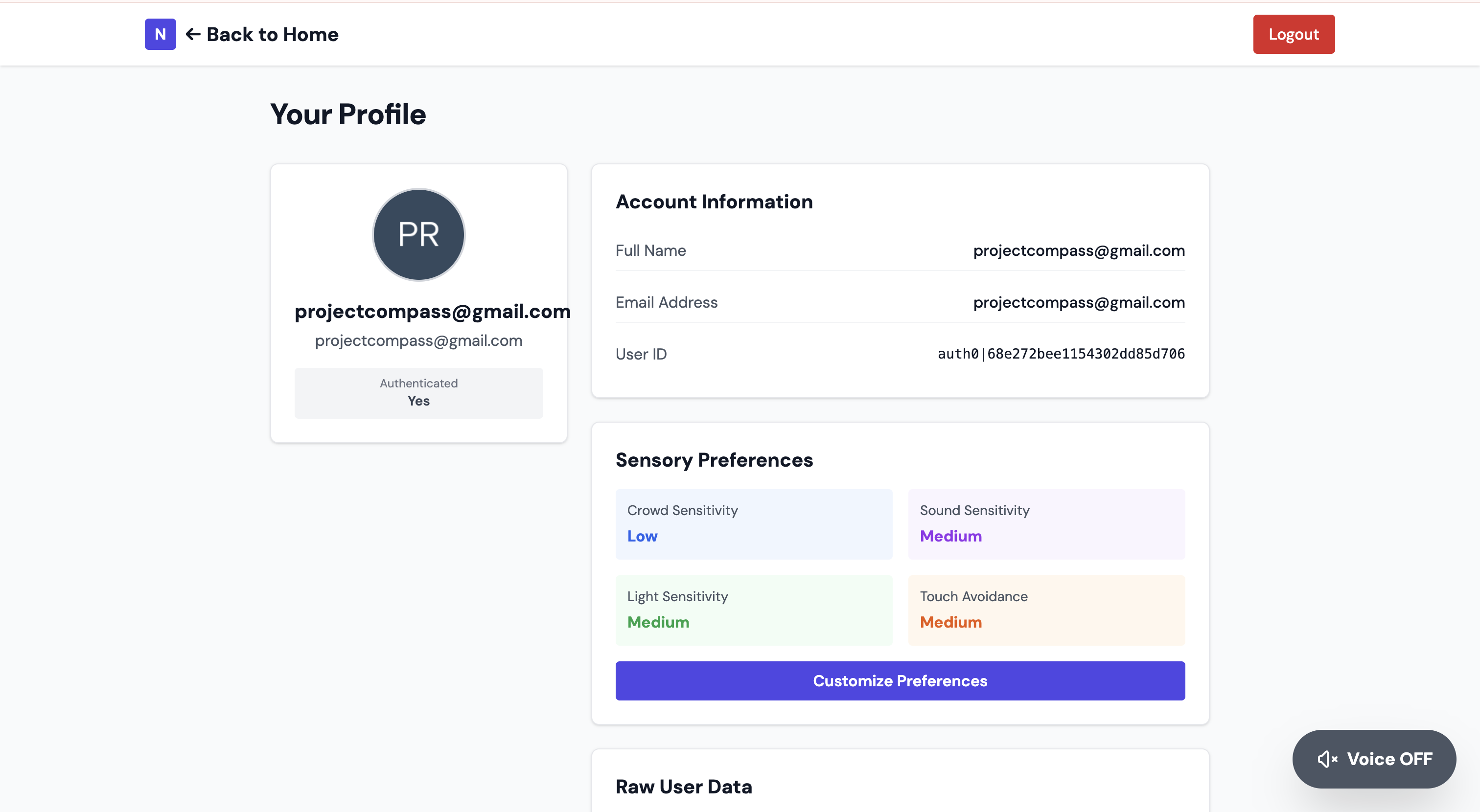
User profile
-
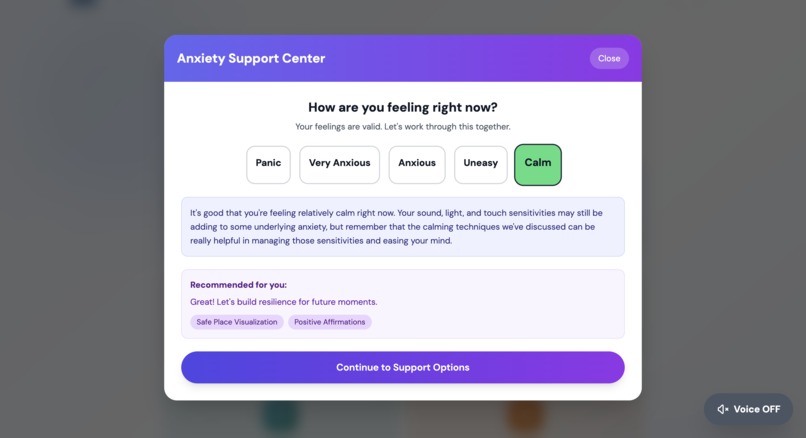
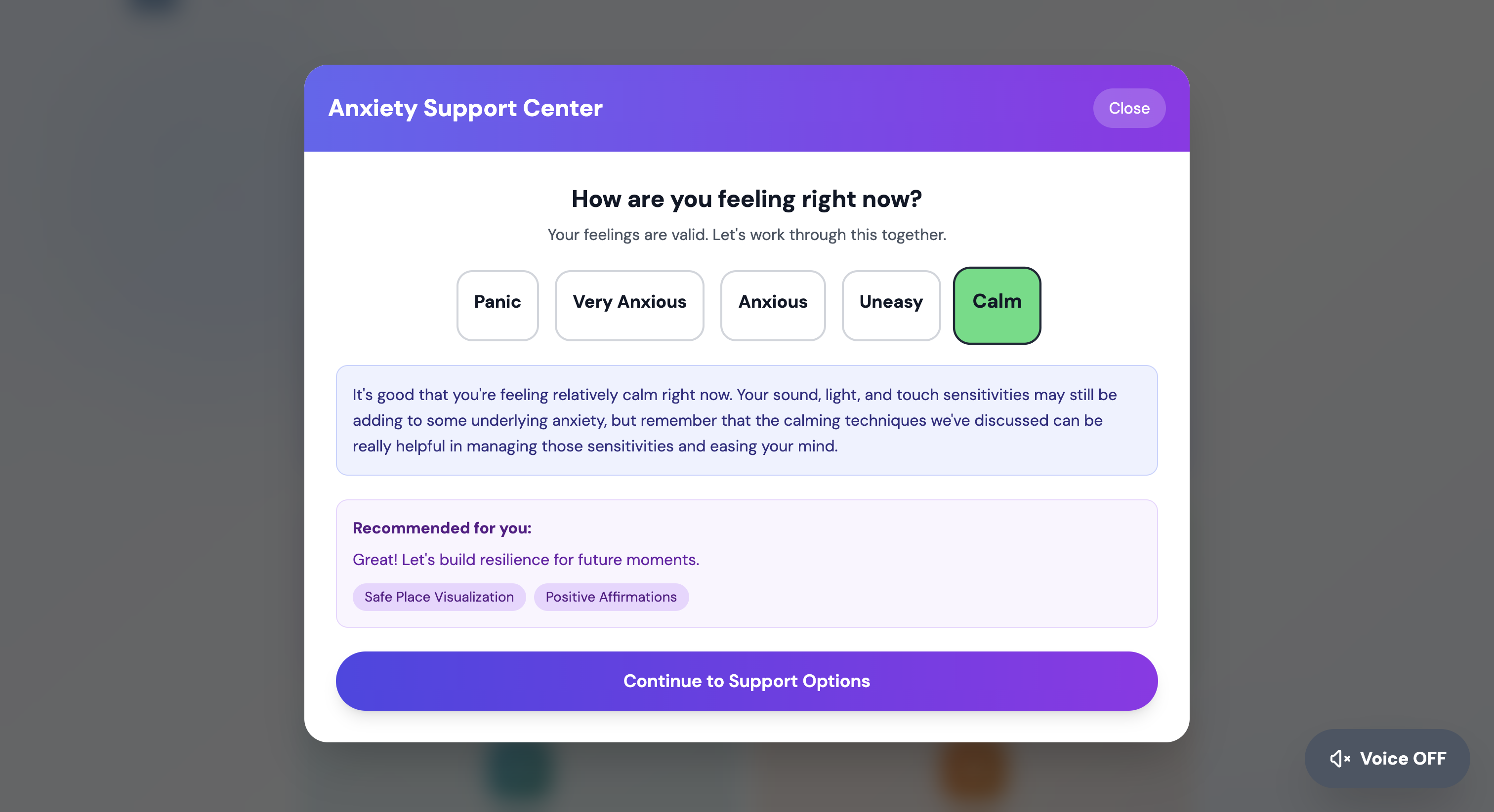
Anxiety support
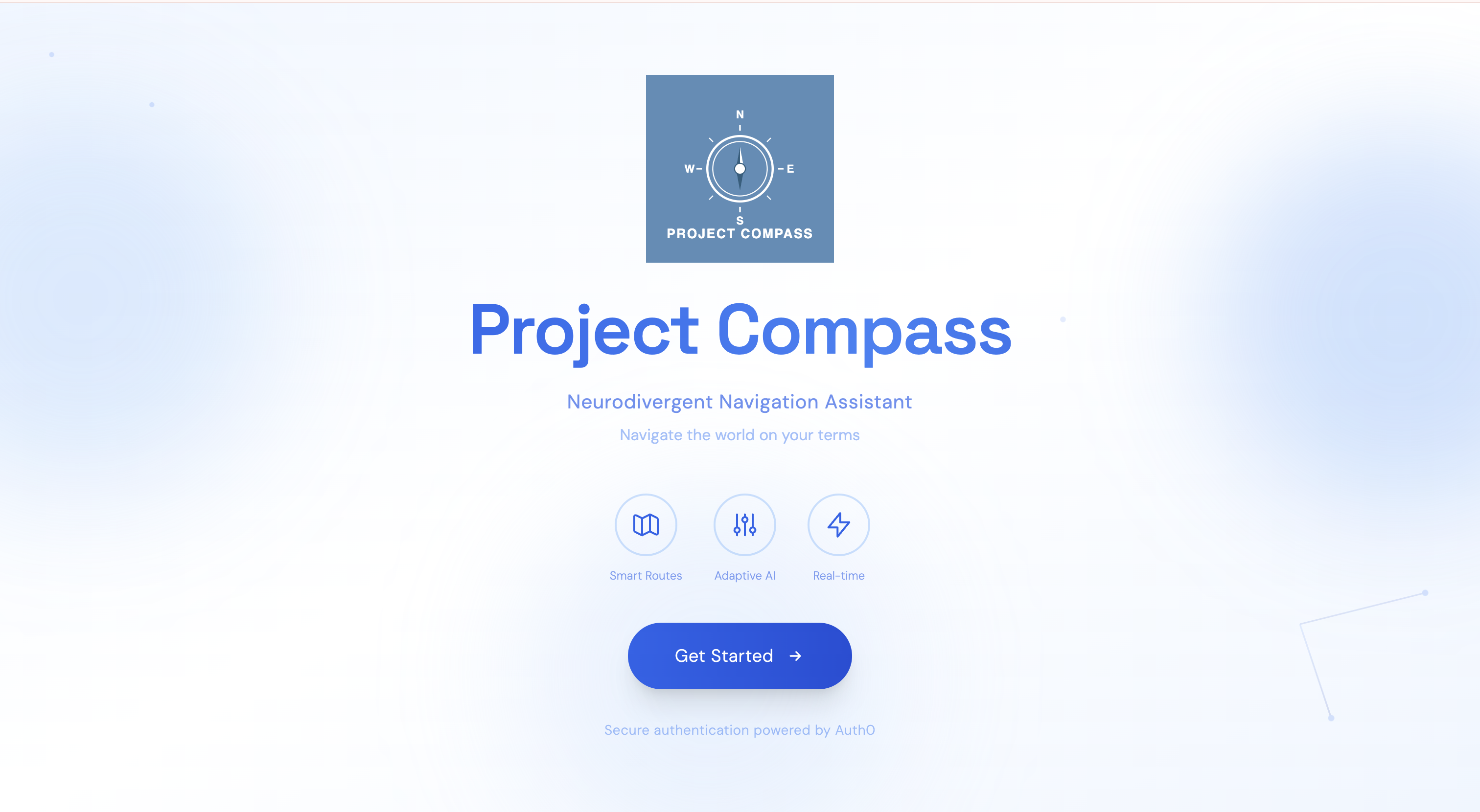
Project Compass - Neurodivergent Navigation Assistant
Overview
Project Compass is a comprehensive accessibility platform designed to support neurodivergent individuals with personalized tools tailored to their specific needs. The app provides intelligent assistance for:
- Learning disabilities
- Autism spectrum
- Anxiety disorders
- Speech impediments
Core Features
Authentication & Personalization
- Secure Auth0 authentication
- Personalized onboarding flow with neurodivergency selection
- User preference profiles with sensitivity settings (crowd, sound, light, touch)
- Persistent user profiles with customizable settings
Accessibility Features
- Voice Guidance Toggle: Global voice assistance that reads UI elements on hover
- Accessible Buttons: Custom buttons with built-in voice support
- Compass Animations: Engaging loading animations for better UX
- Dyslexia-friendly Design: Clean, high-contrast interfaces
Feature Modules
Learning Disability Support
Dyslexia Support
- OCR Text Recognition: Camera-based text capture using Gemini Vision API
- Text-to-Speech: Adjustable-speed playback
- AI-powered Text Transformation: For easier reading
- Visual Customization: Adjustable font sizes & cream/beige backgrounds
- Word-by-word Highlighting: Visual tracking during TTS
Dyscalculia Support
- Math Problem OCR: Capture using camera
- Step-by-Step Solutions: AI-powered explanations
- Visual Math Animations: Interactive visualizations using P5.js
- Instruction Banners: Guided, step-by-step workflows
- Solution Breakdown: Clear mathematical reasoning
Dysgraphia Support
- Speech-to-Text: Voice dictation
- Handwriting OCR: Camera capture of handwritten notes
- Spelling & Grammar Checker: AI suggestions
- Font Customization: Dyslexia-friendly fonts (Comic Sans MS, OpenDyslexic)
- Writing Enhancement: Real-time suggestions
- Text-to-Speech Readback: Hear your own writing aloud
Autism Spectrum Support
Crowd Analysis
- Real-time Video Analysis: Camera-based crowd detection (Gemini Vision API)
- Crowd Density Detection: People count estimation
- Noise Level Analysis: Sound environment assessment
- Sensory Overload Warnings: Personalized based on sensitivity settings
- Safety Recommendations: Suggestions for managing crowd situations
Crowd Map
- Interactive Location Map: Real-time crowd data using Leaflet
- Busy Status Indicators: Color-coded levels (Quiet → Very Busy)
- Location Search: By name, address, or category
- Category Filtering: Restaurants, shops, transit, etc.
- Location Details: Current status, peak times, address
- Simulated Real-time Data: Dynamic updates for user testing/demo
Anxiety Support
Mood-Based Interventions
- 5-Level Mood Assessment: From calm (1) to panic (5)
- Personalized Techniques: Based on anxiety level
- Breathing Exercises:
- Box Breathing (4-4-4-4)
- 4-7-8 Breathing
- Deep Breathing
- Box Breathing (4-4-4-4)
- Grounding Techniques: 5-4-3-2-1 sensory grounding
- Visualization Exercises: Safe place imagery, guided meditations
- Positive Affirmations: Self-talk prompts
- Body Scan Relaxation: Progressive muscle relaxation
- Video Sessions: Guided techniques via YouTube
- Journaling: Mood tracking, reflection prompts
- Sensory-Aware: Adjusted for user's sensitivity profile
- Contextual Prompts: Tailored for general vs. social anxiety
Speech Impediment Support
Speech Practice
- Voice Recognition: Web Speech API
- Pronunciation Analysis: AI evaluation (Gemini)
- Real-time Feedback: Instant improvement suggestions
- Audio Feedback: Text-to-speech via ElevenLabs
- Practice Tracking: Monitor user progress
- Constructive Coaching: Supportive and adaptive feedback
Technical Stack
Frontend
- Next.js 15 (App Router)
- React 19
- TypeScript
- Tailwind CSS
- P5.js (math visualizations)
- Leaflet + React-Leaflet (interactive maps)
AI & APIs
- Google Gemini AI: OCR, text processing, speech analysis
- ElevenLabs: Text-to-speech
- Web Speech API: Speech recognition
- Tesseract.js: Fallback OCR
Backend & Data
- Supabase: User preferences database
- Better SQLite3: Local data persistence
- Auth0: Authentication
Accessibility
- Custom voice guidance system
- Hover-to-speak functionality
- High contrast design
- Dyslexia-friendly fonts
- Responsive layouts
User Flow
- Landing Page: Introduction & value proposition
- Auth0 Login: Secure authentication
- Preferences Setup: Neurodivergencies + sensitivity levels
- Personalized Dashboard: Relevant tools shown dynamically
- Feature Access: Use tool cards to access support
- Profile Management: Update preferences at any time
Key Differentiators
- Truly Personalized: Tailored to neurodivergency profiles
- AI-Powered: Intelligent OCR, speech, and content processing
- Multi-Modal: Text, speech, visual, and interactive tools
- Privacy-Focused: Secure, encrypted data
- Sensory-Aware: Adaptive UX based on user sensitivities
- Evidence-Based: Techniques rooted in CBT, mindfulness, and accessibility research


Log in or sign up for Devpost to join the conversation.