-
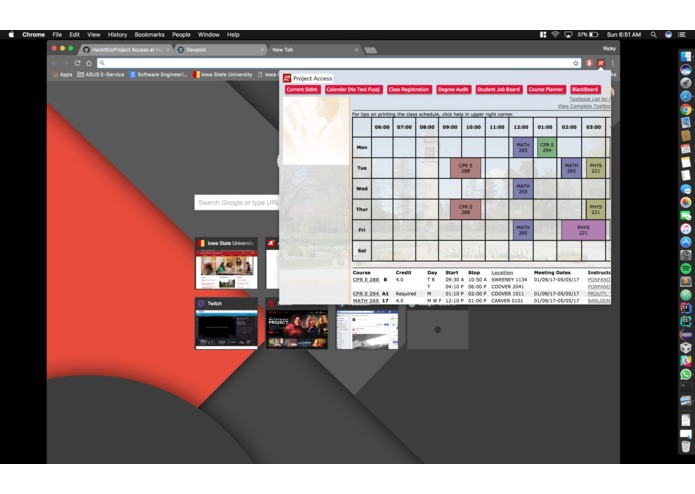
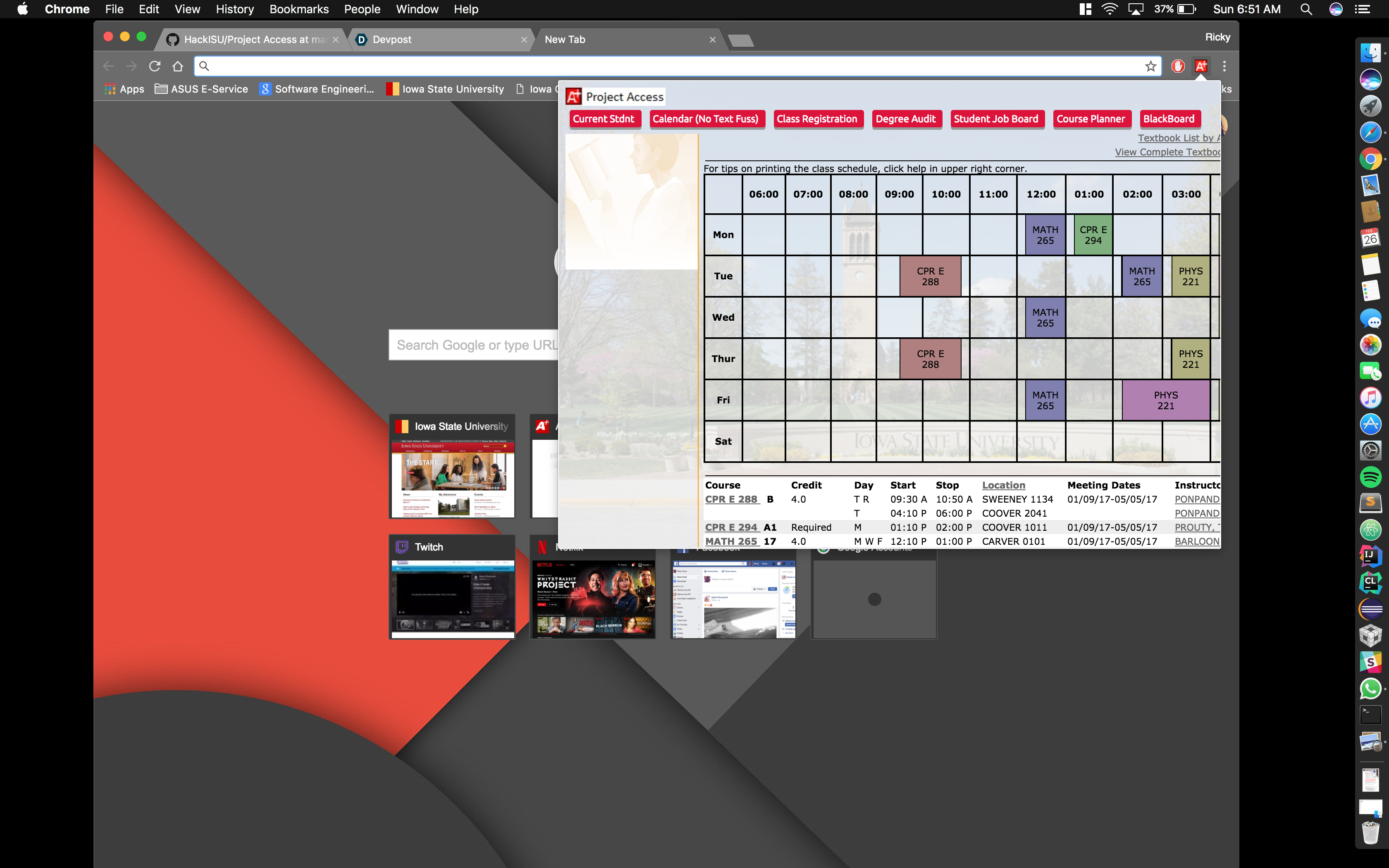
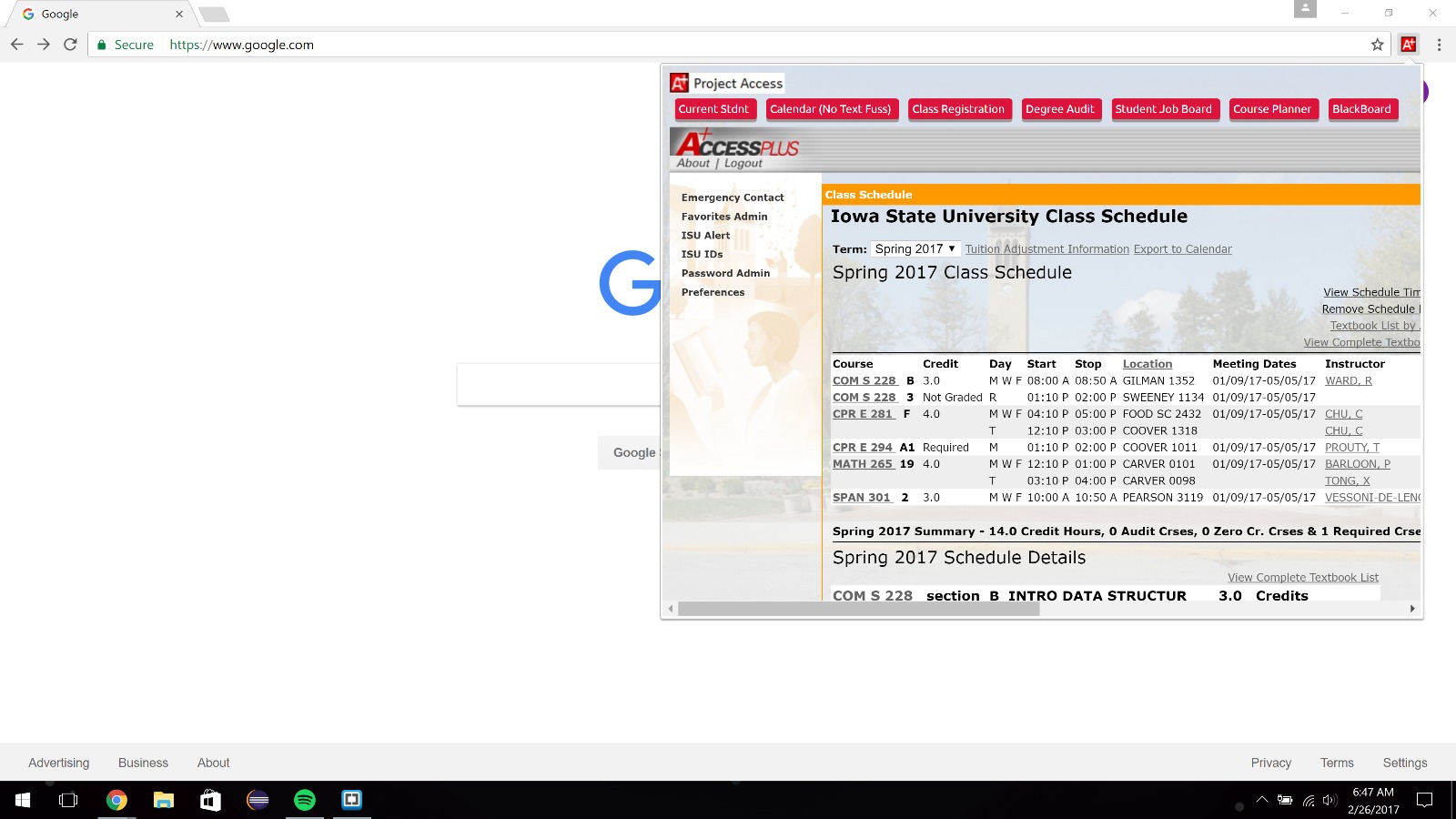
Project Access running on macOs
-
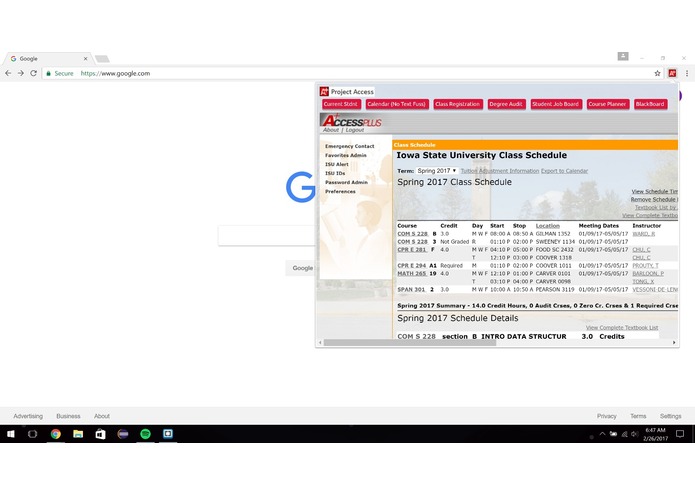
Project Access running on Windows 10
-
Project Access

Inspiration
Our Inspiration was in the need for simplification in our student lives.
What it does
It provides the user with quick links to some of the most used pages inside the accessplus page, without the need of having to parse through many different links and pages which are probably irrelevant to him/her. It is easily accessible from the toolbar in google chrome and the webpage can be accessed on the fly without the user having to change tabs or leave their current page, making tasks such as checking your own schedule, registering for classes or even searching for your own degree audit that much quicker and much more efficient.
How we built it
We built this extension using programming languages such as HTML, CSS and JavaScript, using platforms such as Brackets, Atom, Sublime and Google Chrome to develop and test our program.
Challenges we ran into
This was the first time for our entire group programming in all three of these languages, and our first time developing for the google chrome platform which posed as a challenge all in itself. During our development process we ran into issues being able to display the accessplus page on our popup browser and having it work as a regular webpage.
Accomplishments that we're proud of
We were able to put out a fully working extension on a platform we have never developed for using three languages we have never programmed in, which in the process of developing we were able to gain more experience and familiarity with all of these tools which will greatly benefit us in our professional lives as developes and maybe even in our personal lives for developing as a hobby.
What we learned
HTML, CSS, JavaScript and how chrome extensions work and are developed.
What's next for Project Access
Our own custom UI to navigate around accessplus, including our own login page and such. We would like to move away from using iFrames to display the accessplus webpage because of all the limitations that it has for our extension.




Log in or sign up for Devpost to join the conversation.