Inspiration
The idea for Synapse came from watching people we care about struggle with online content. Family members reading news in their second language. Friends with ADHD abandoning important documents halfway through. Seniors unable to understand their own medical records.
1.5 billion people are locked out of information not because they lack internet access, but because of how content is written. The web is overflowing with information, yet millions can't access it due to language barriers, reading difficulties, or cognitive differences.
Existing tools only solve part of the problem. Translation tools don't simplify. Readability checkers don't automate. Accessibility features are afterthoughts. When Chrome announced built-in AI APIs, we realized we could build something comprehensive—a bridge connecting everyone to the information they need—entirely on-device, completely private, and universally accessible.
That's how Synapse was born: making the web readable for everyone.
What it does
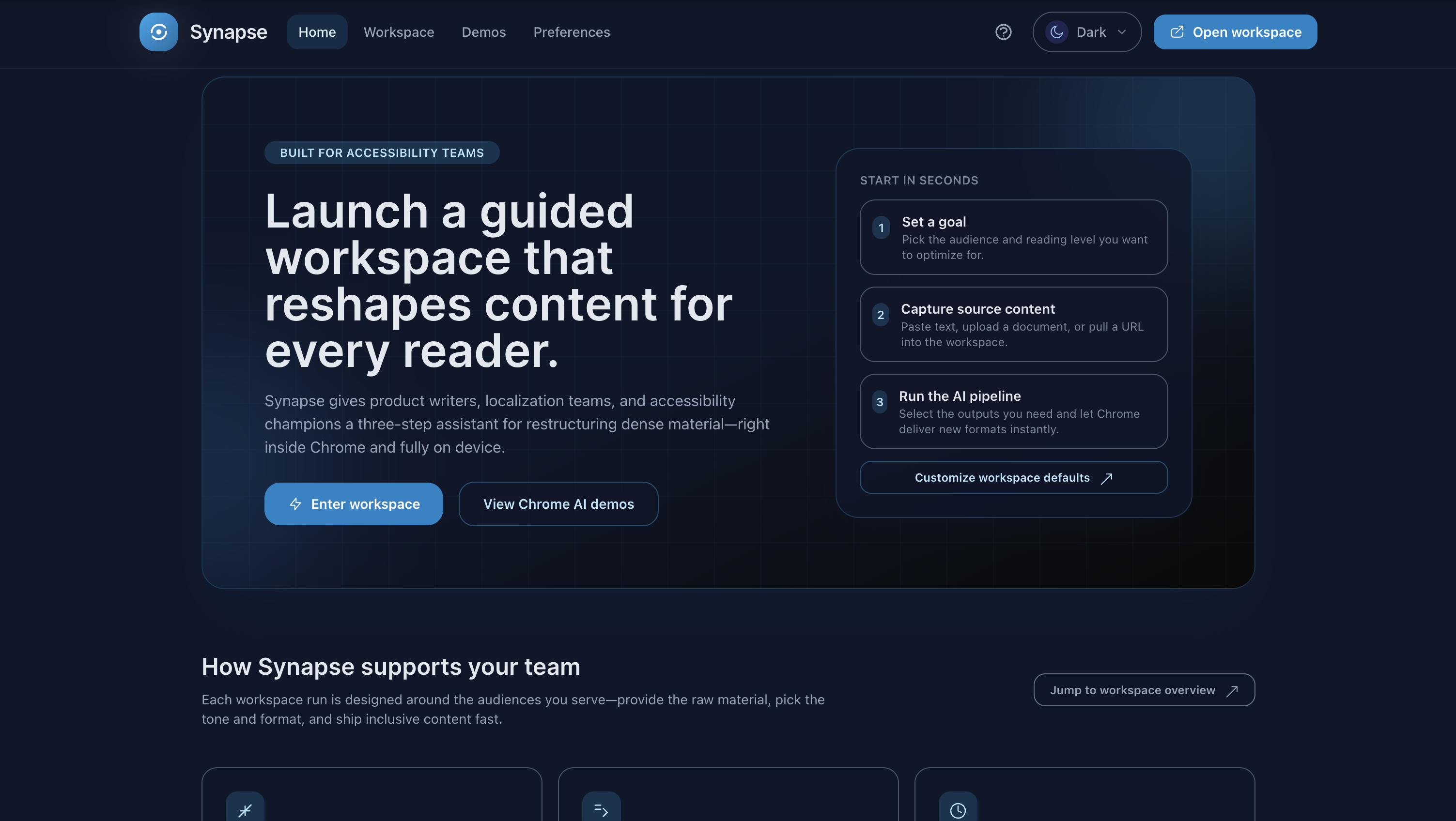
Synapse transforms any web content into a format that works for you. It's a comprehensive accessibility web application that:
Adapts Text Complexity
- Adjust reading level from elementary to adult
- Maintains accuracy while improving readability
- Preserves important context and nuance
Translates Intelligently
- Supports multiple languages
- Context-aware translation that preserves intent
- Maintains simplified reading level after translation
Summarizes & Restructures
- Extract key points from long articles
- Break dense paragraphs into digestible chunks
- Generate clear headings and structure
Makes Images Accessible
- Generate alt-text descriptions for images
- Analyze screenshots and explain visually
- Support for multimodal content understanding
Enhances Writing
- Proofread and improve clarity
- Rewrite in different tones
- Explain complex terms and jargon
Who it helps:
- ESL learners reading content in unfamiliar languages
- Neurodivergent individuals (ADHD, dyslexia) struggling with dense text
- Seniors with limited literacy accessing important information
- Students working with complex academic material
- Anyone who's ever felt overwhelmed by how something is written
How we built it
Technology Stack:
- React 18 + TypeScript for type-safe, component-based UI
- Tailwind CSS for accessible, responsive design
- Zustand for lightweight state management
- Vite for fast development and optimized builds
Chrome Built-in AI APIs:
- Prompt API (multimodal) - Image analysis, alt-text generation, contextual explanations
- Translator API - Multi-language support (100+ languages)
- Rewriter API - Adjust reading levels and complexity
Challenges we ran into
- API Availability & Browser Compatibility Chrome Built-in AI APIs are in origin trial—only available in Chrome Canary/Dev. We had to implement graceful feature detection and provide clear guidance to users on supported browsers.
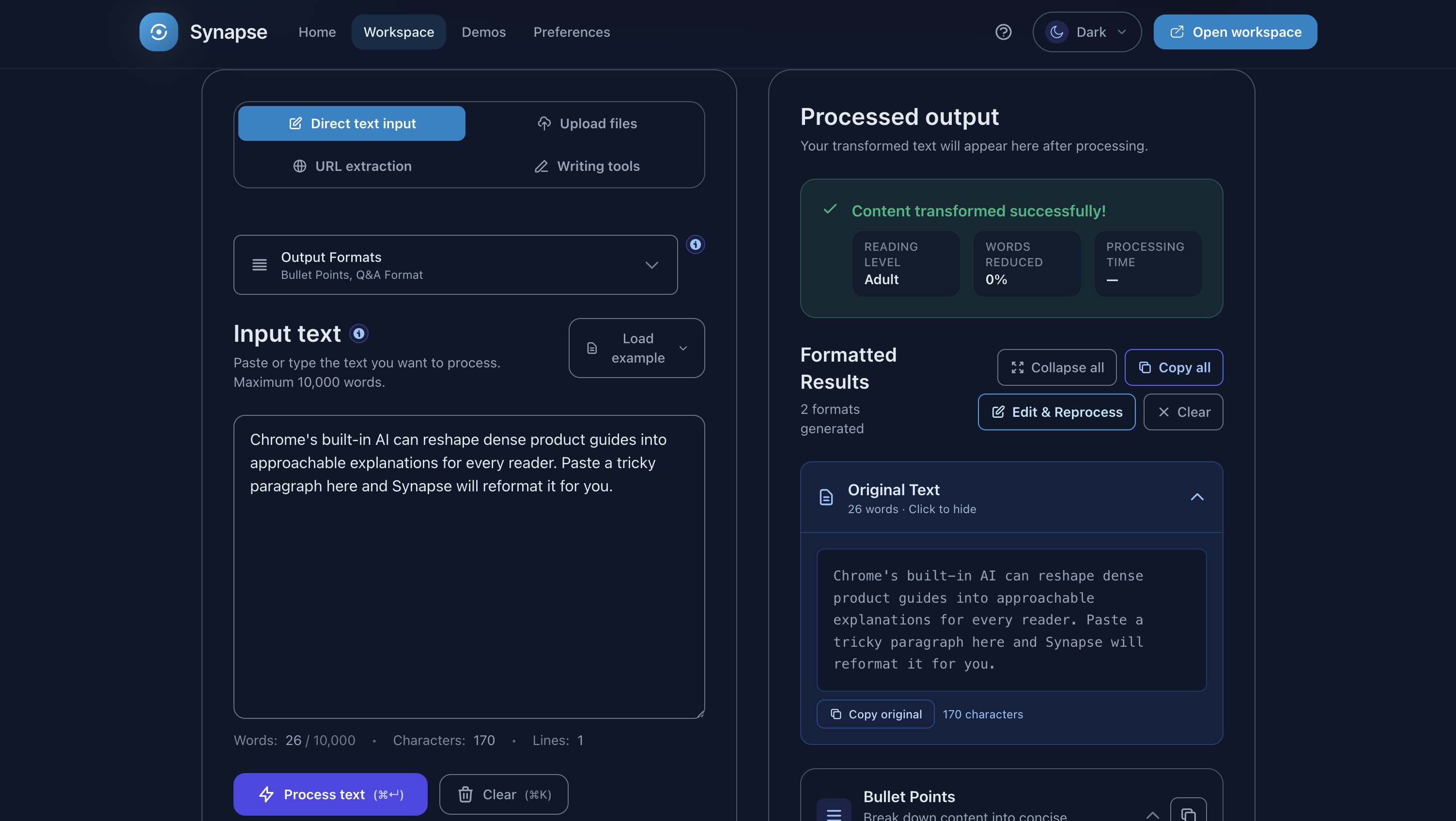
- Maintaining Accuracy During Simplification Generic simplification often loses critical nuances, especially in medical, legal, or technical content. We solved this by: Crafting domain-specific context prompts Implementing side-by-side comparison for user verification Adding "preserve technical terms" option Extensive testing across content types
- Content Extraction from Web Pages Extracting clean text from arbitrary websites is surprisingly difficult—ads, navigation, paywalls, and dynamic content all interfere. We integrated Mozilla Readability and made manual paste the primary method, with URL fetching as a convenience feature.
- Multimodal API Reliability Image analysis sometimes generated generic or incorrect descriptions. We addressed this through: Iteratively refined system prompts User editing capability for generated alt-text Multiple generation options (concise, detailed, technical) Clear disclaimers about AI-generated content
- Performance with Large Documents Processing 5,000+ word articles could freeze the UI. We implemented chunked processing with progress indicators and yielding to the UI thread between chunks.
Accomplishments that we're proud of
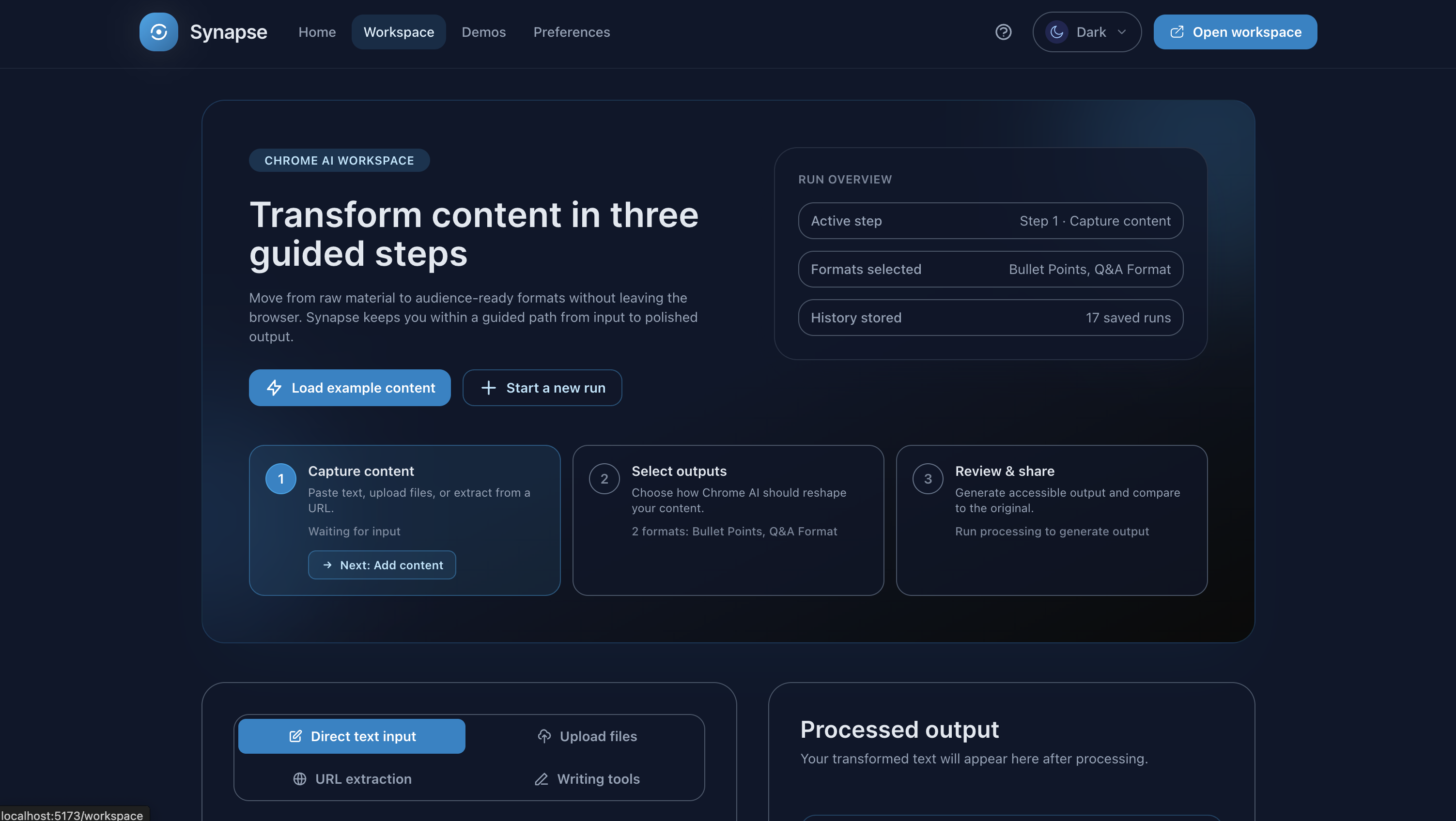
Multiple APIs, One Cohesive Experience - We didn't just integrate multiple Chrome AI APIs; we orchestrated them into a seamless, intuitive workflow that feels natural to users.
True Multimodal Capability - Our image analysis and alt-text generation actually works well, thanks to careful prompt engineering and iterative testing.
Privacy-First Architecture - Everything runs client-side. No servers, no tracking, no compromises. Users can transform sensitive documents (medical records, legal documents) with complete privacy.
Real Accessibility Impact - We built something that solves genuine problems for millions of people—ESL learners, neurodivergent individuals, seniors, students.
Performance Under Constraints - Handling large documents efficiently entirely client-side required creative problem-solving, and we're proud of the smooth experience we achieved.
Thoughtful UX - Side-by-side comparison, progressive loading, clear feedback, intuitive controls—we sweated the details to make it genuinely usable.
What we learned
Technical Insights:
- On-device AI is powerful - We were genuinely amazed by the quality of transformations from Gemini Nano running locally. The Rewriter API understands context and maintains semantic accuracy beautifully.
- Prompt engineering is critical - Small changes in system prompts dramatically affected output quality. Specificity and context matter enormously for multimodal tasks.
- API orchestration requires careful design - Combining multiple APIs into a coherent experience taught us about thoughtful sequencing, error handling, and user feedback patterns.
- Progressive enhancement is essential - Not all users have the latest Chrome. Graceful degradation and clear communication about requirements are crucial.
About Accessibility:
- Different users need different things - What helps an ESL learner differs from what helps someone with ADHD. We can't assume—we must research, test, and iterate.
- "Simpler" does not equal "dumbed down" - Maintaining accuracy while reducing complexity is an art. Context preservation is critical.
What's next for Synapse
Immediate Priorities:
- Chrome Extension - Transform any webpage with one click. Persistent overlay mode for continuous accessibility.
- User Testing - Gather feedback from our target audiences (ESL learners, neurodivergent individuals, seniors) to refine features.
- Community Building - Open source launch, documentation for contributors, accessibility advocacy.
Medium-term Goals:
- Hybrid AI Integration - Use Firebase AI Logic for specialized domain knowledge (medical terminology, legal concepts, technical documentation).
- Batch Processing - Process multiple articles, create reading lists with saved transformations.
- Mobile App - Native iOS/Android apps leveraging on-device AI capabilities.
Long-term Vision:
- Developer API - Let other developers integrate Synapse capabilities into their applications.
- Partnerships - Work with educational institutions, accessibility organizations, and content publishers.
- Educational Resources - Create guides on accessible content creation, help content creators write for diverse audiences.
Built With
- chrome
- react
- tailwind
- typescript
- vite
- zustand

Log in or sign up for Devpost to join the conversation.