-

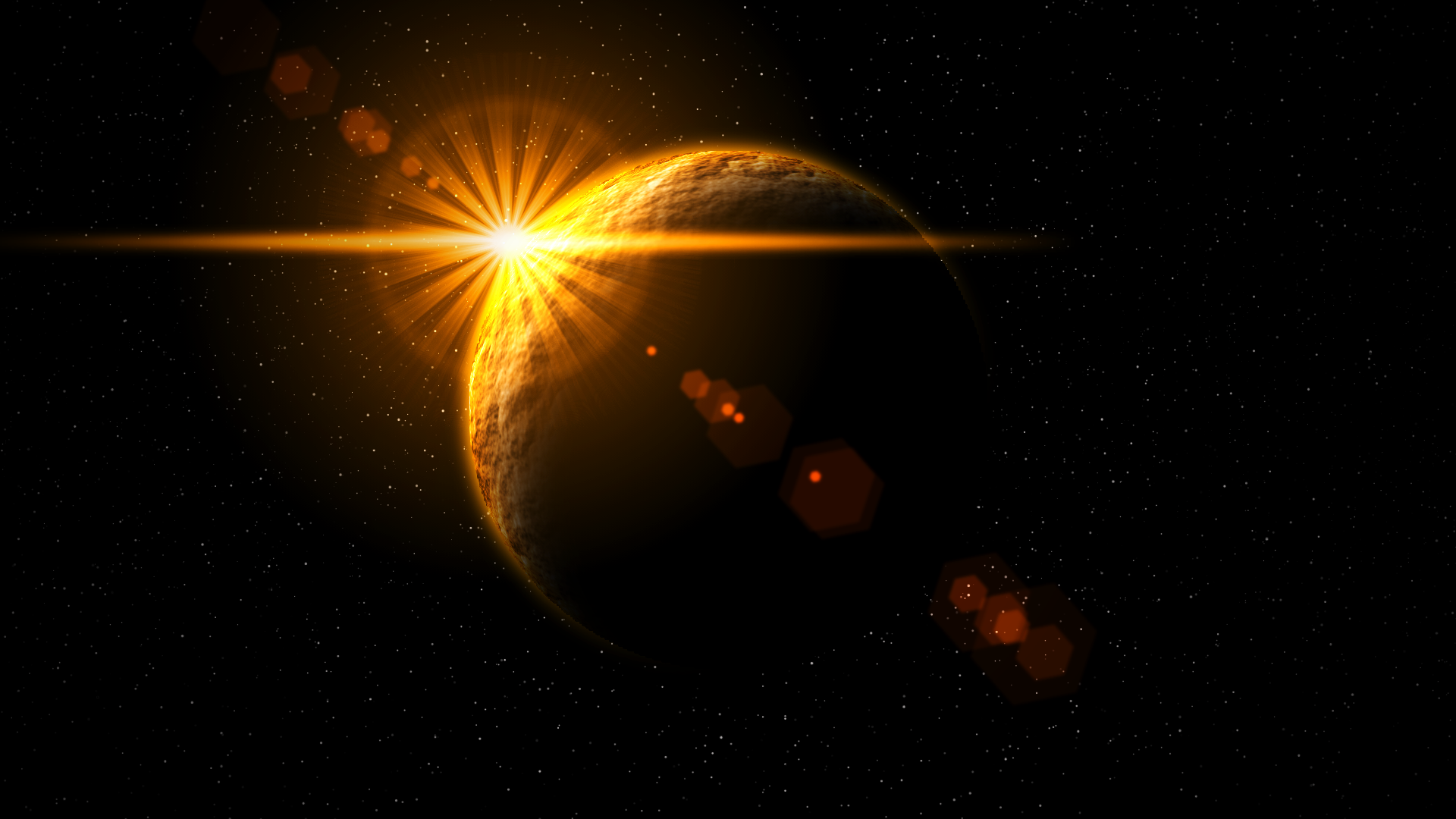
A flare produced using the web app, placed over an image
-

A flare produced using the app
-

A flare produced using the app
-
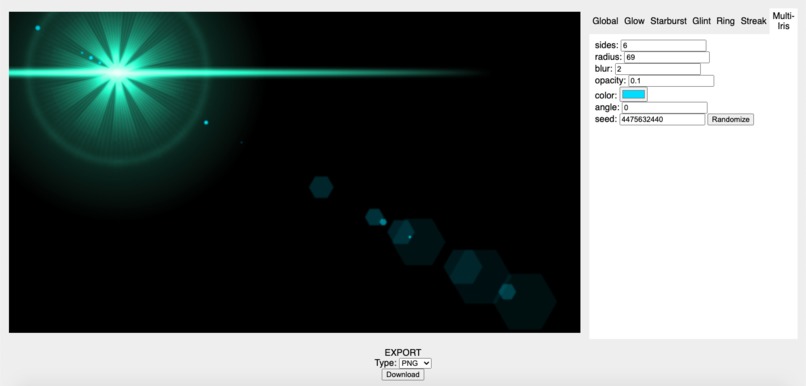
Using the web app
-
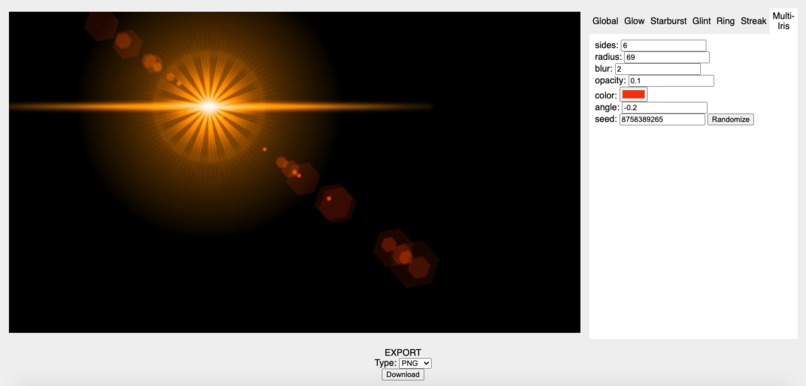
Using the web app


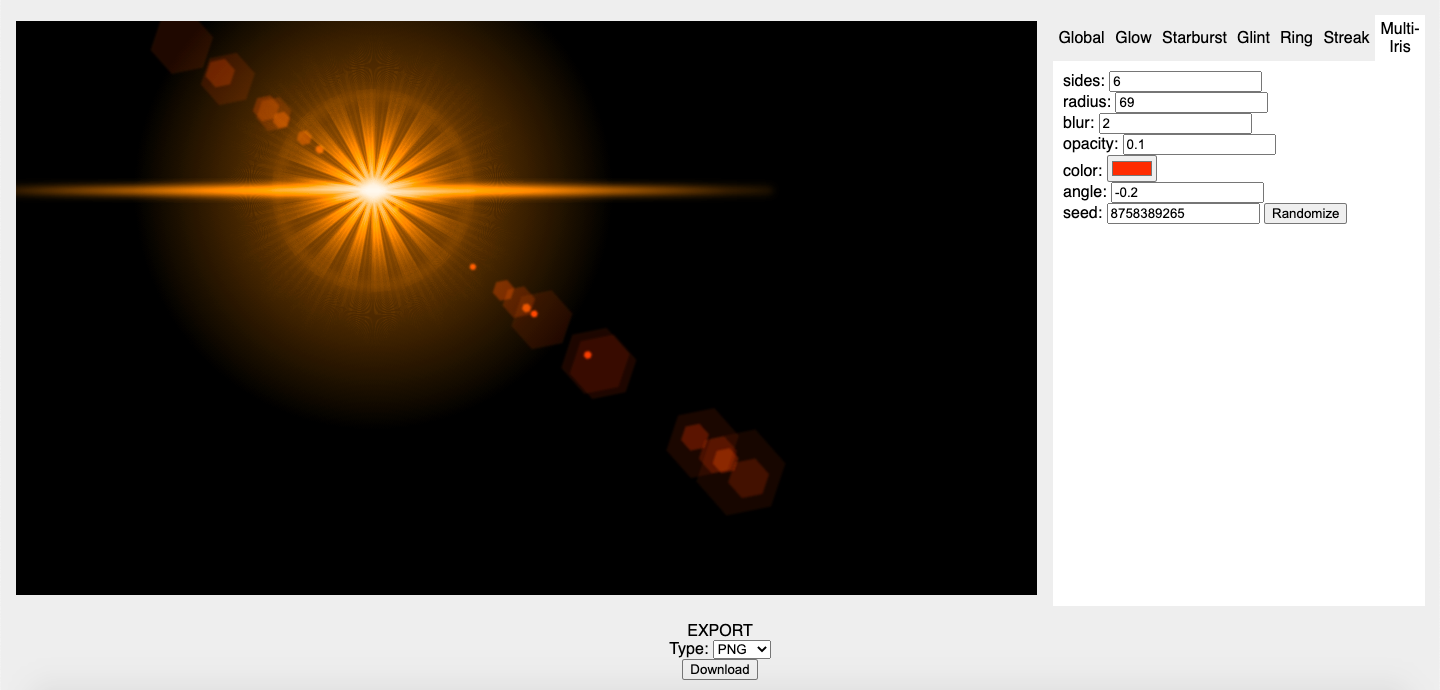

Usage
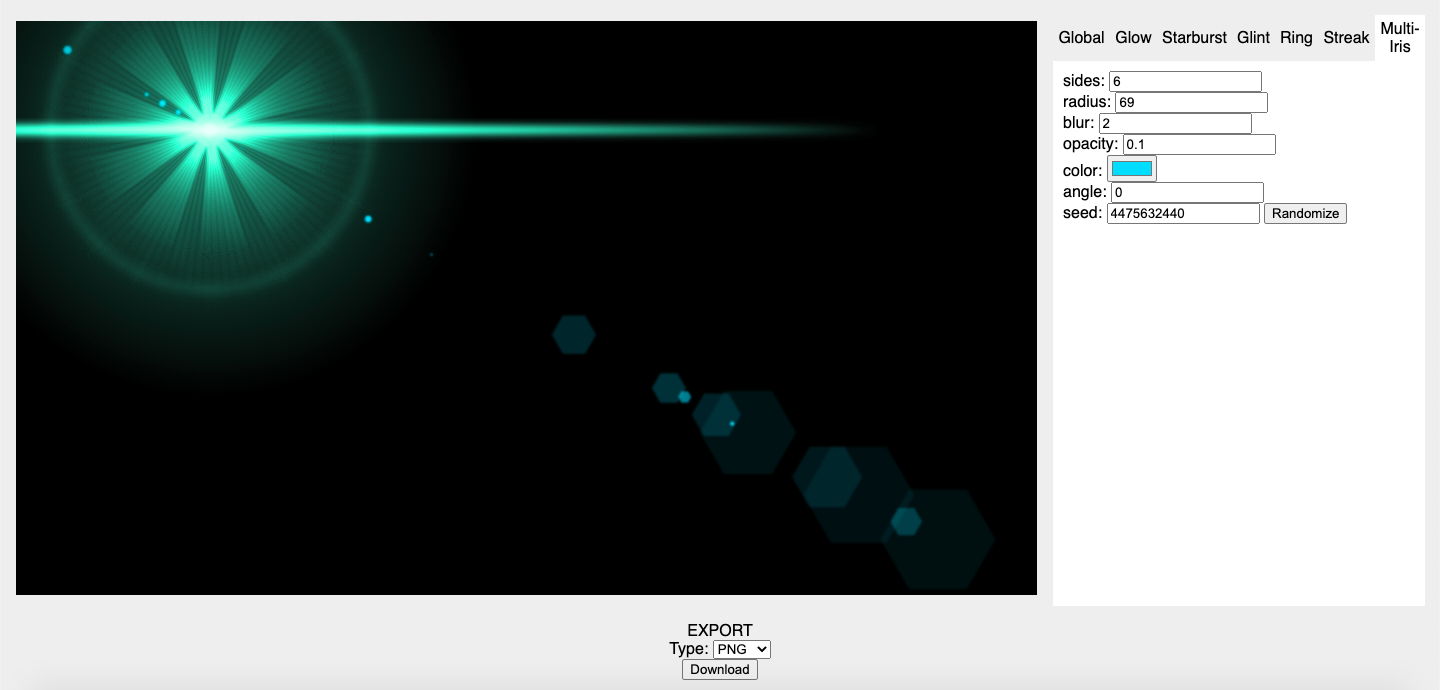
Fill in document width and height and press "Start editing." In the right panel, use the tabbar to select a component and edit the input fields shown. A preview will appear to the left. To export, press the "download" button at the bottom of the screen. To save information about your flare, select "JSON" as the export type.


Log in or sign up for Devpost to join the conversation.