-
-
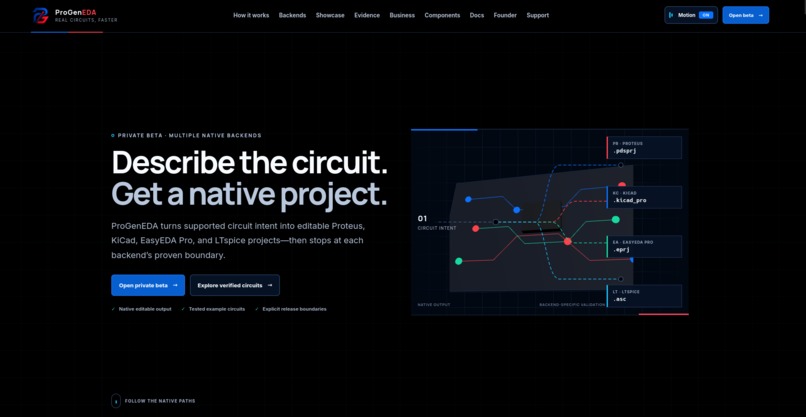
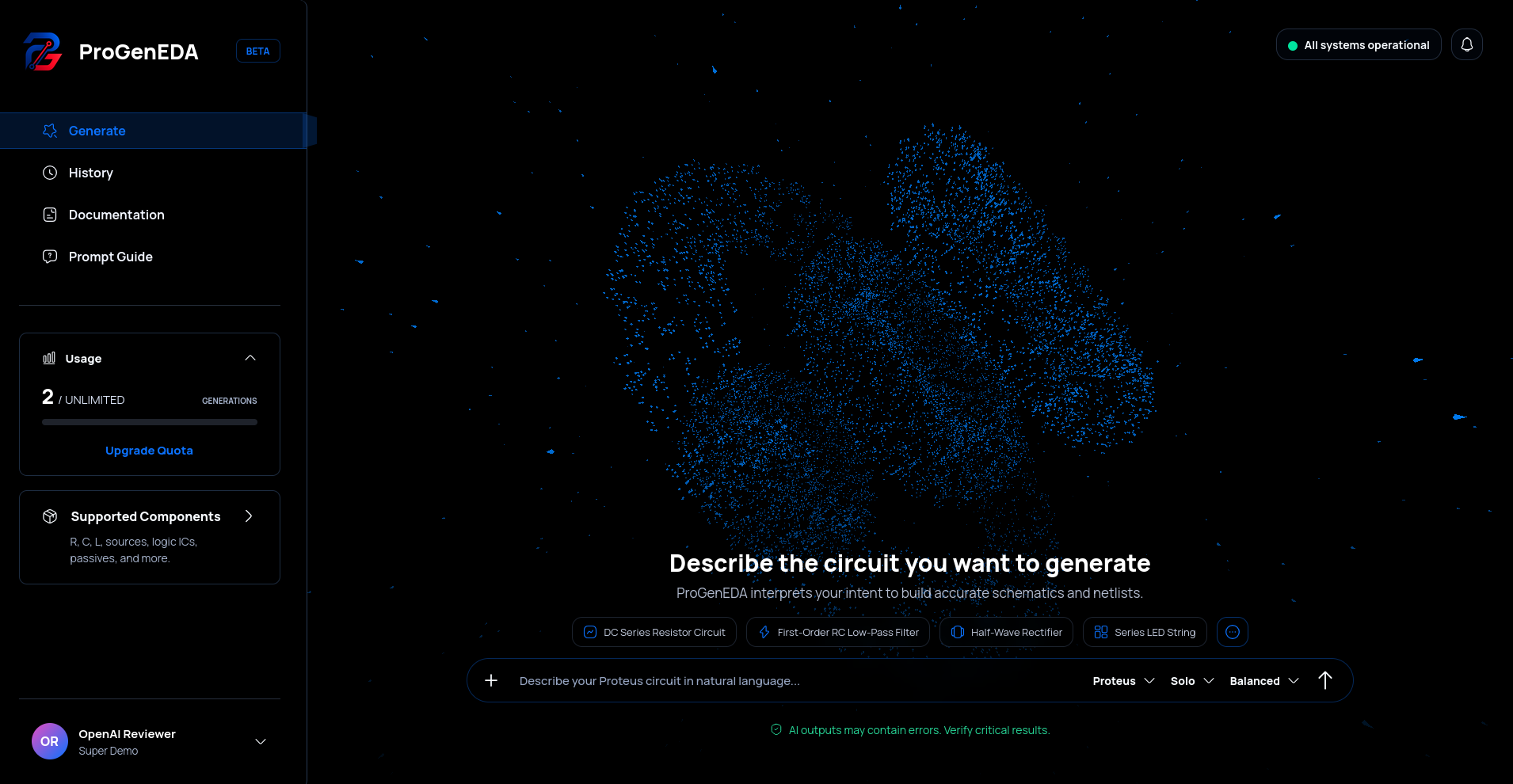
Landing Page
-
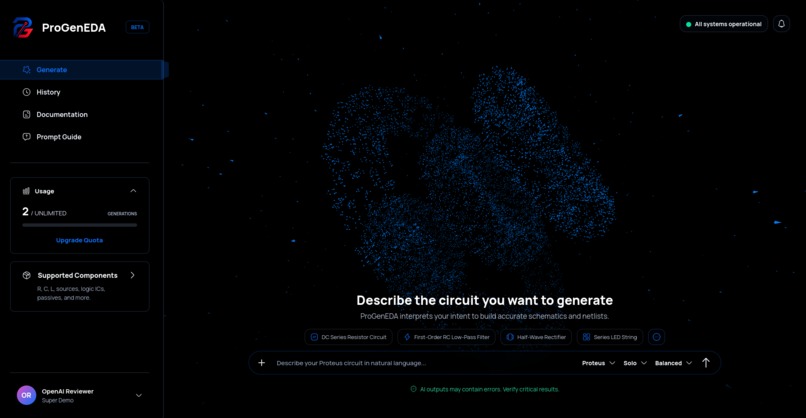
After Login
-
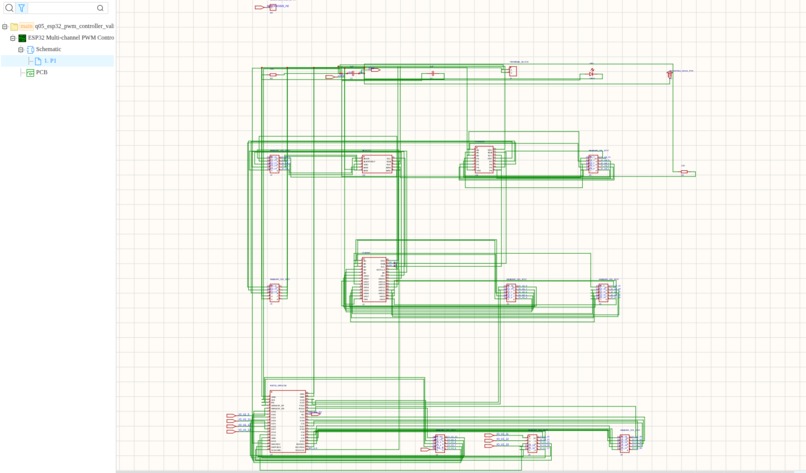
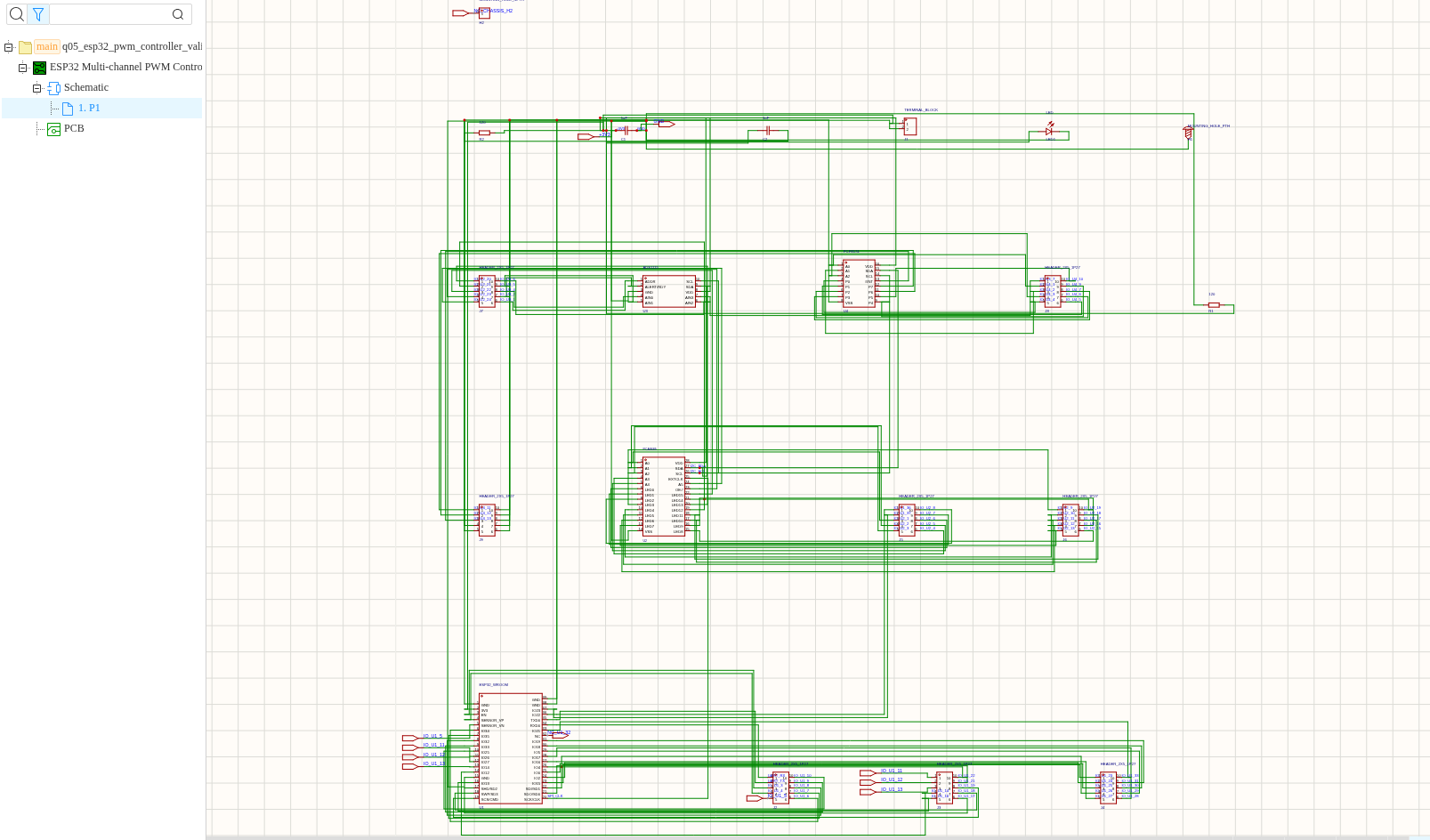
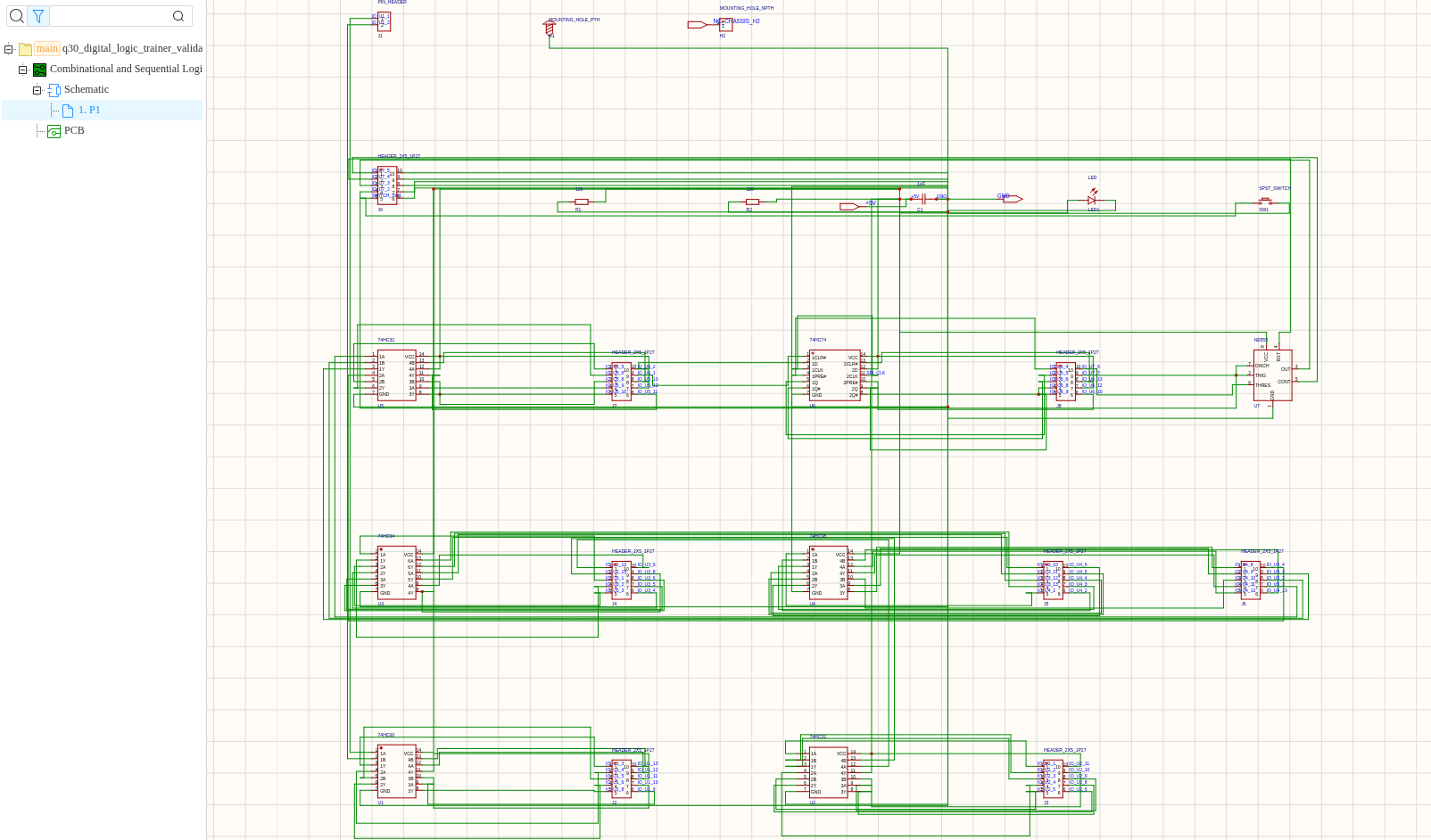
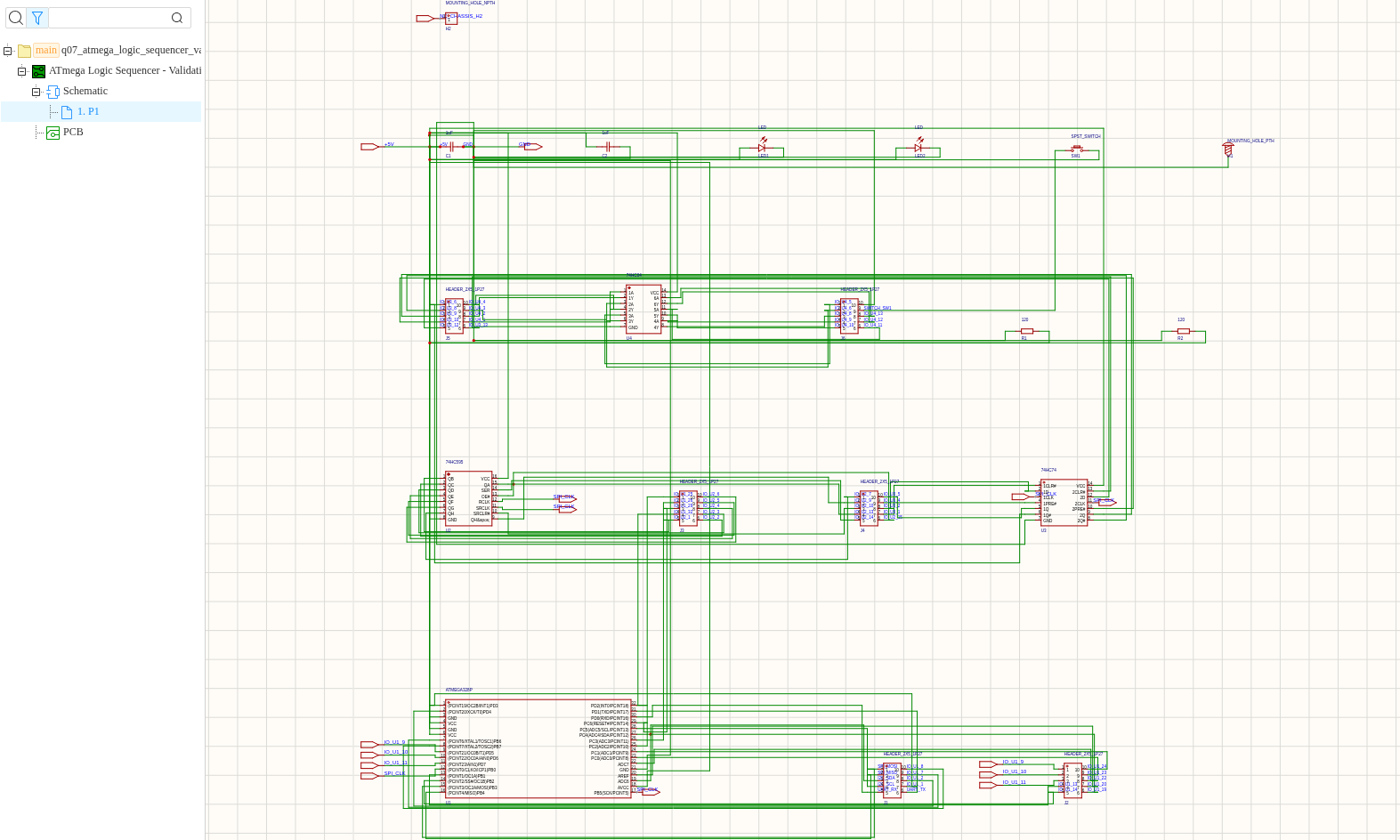
Easyeda sch 1
-
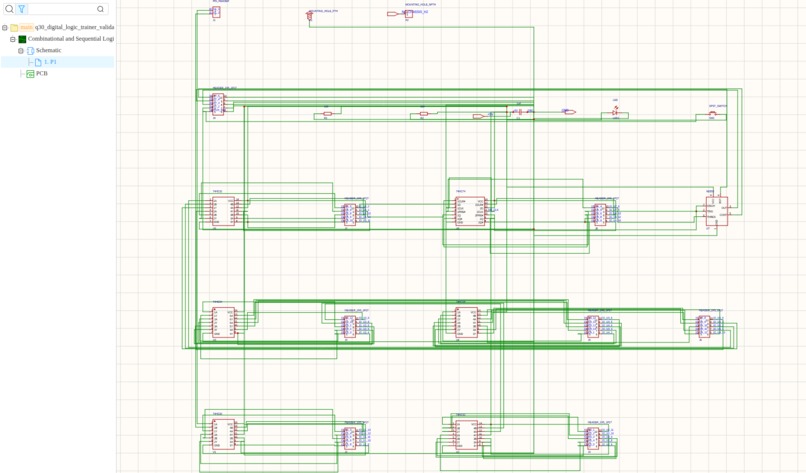
Easyeda sch 2
-
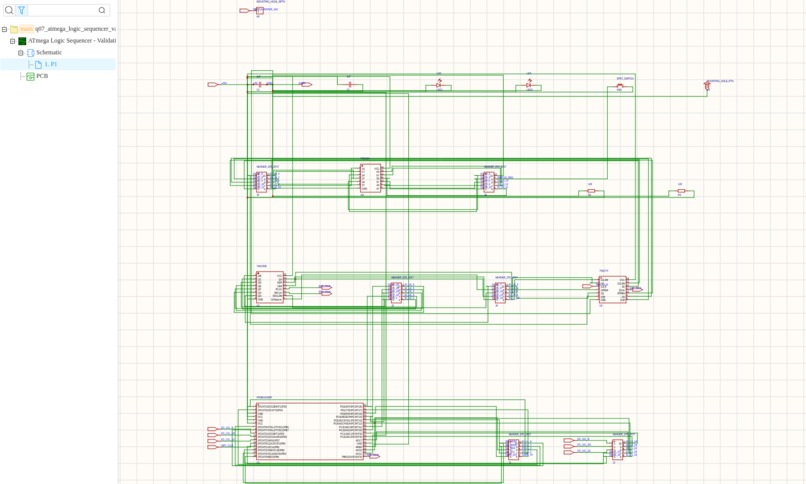
Easyeda sch 3
-
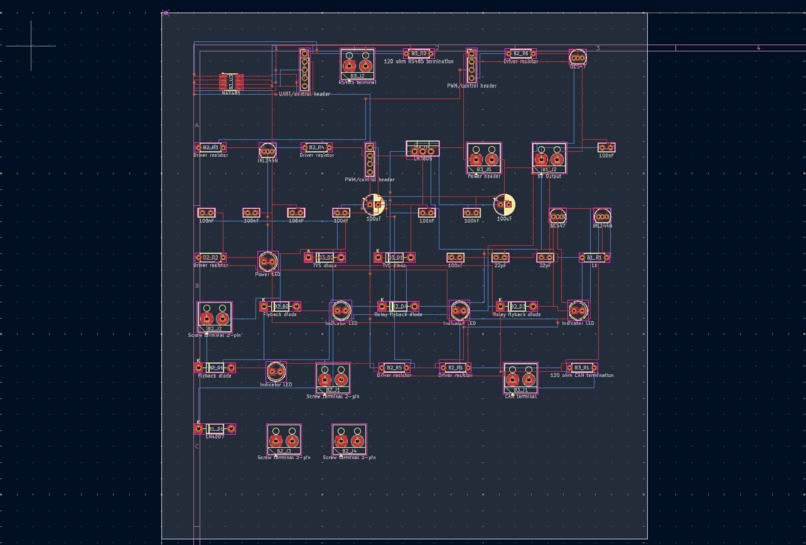
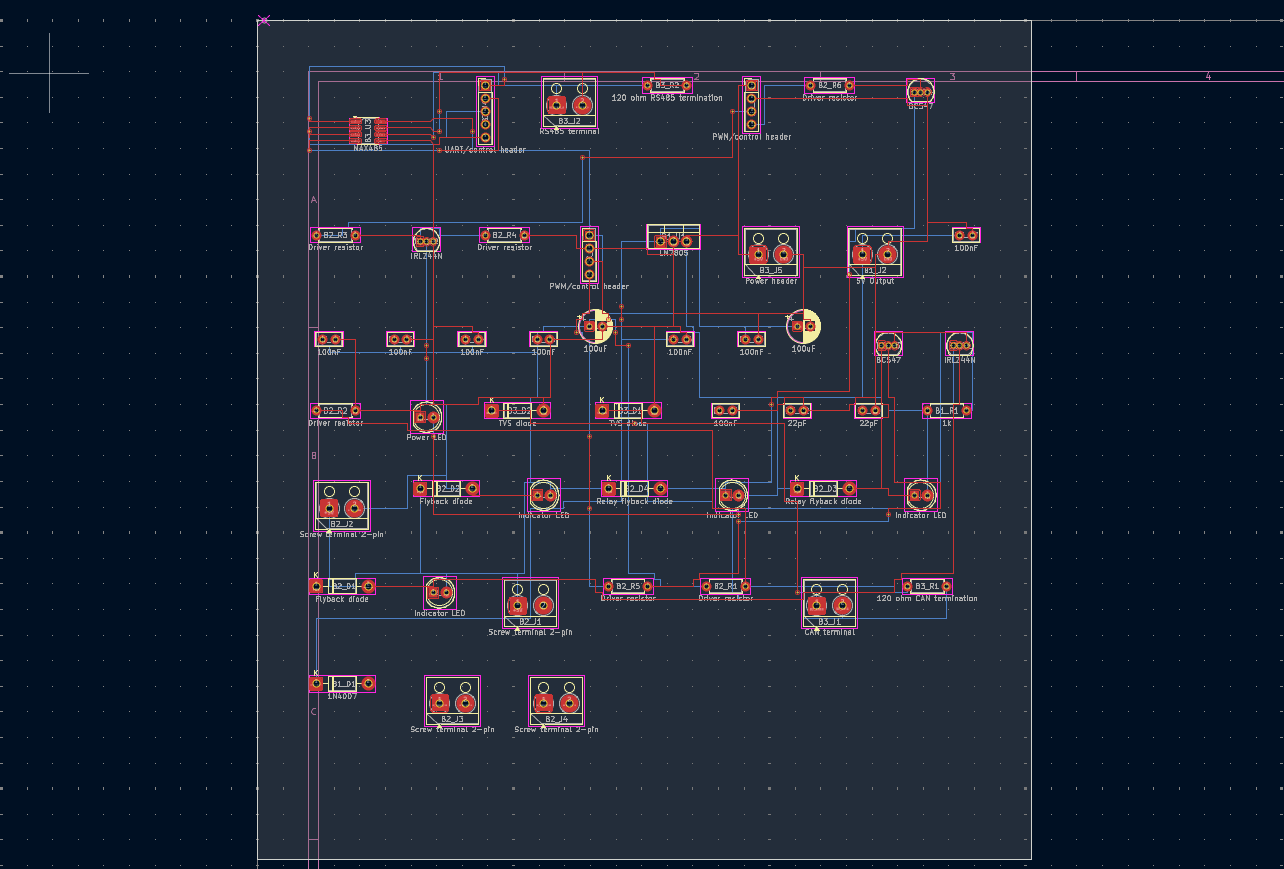
Kicad pcb 1
-
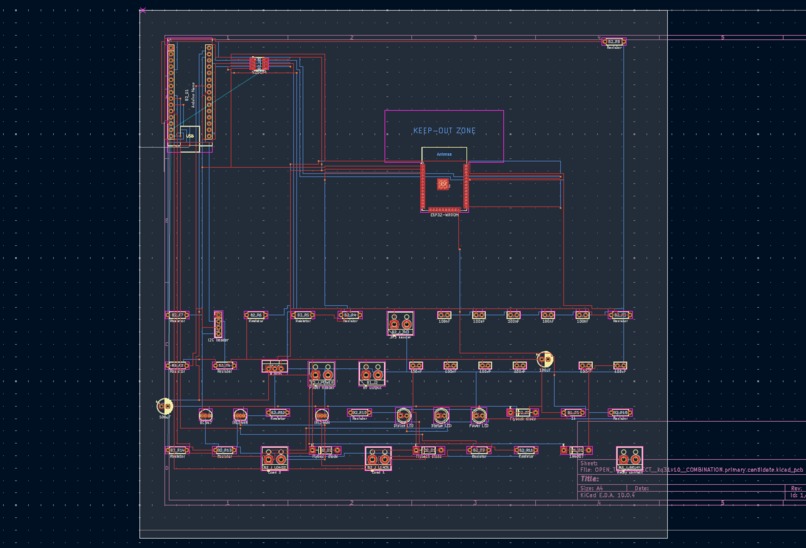
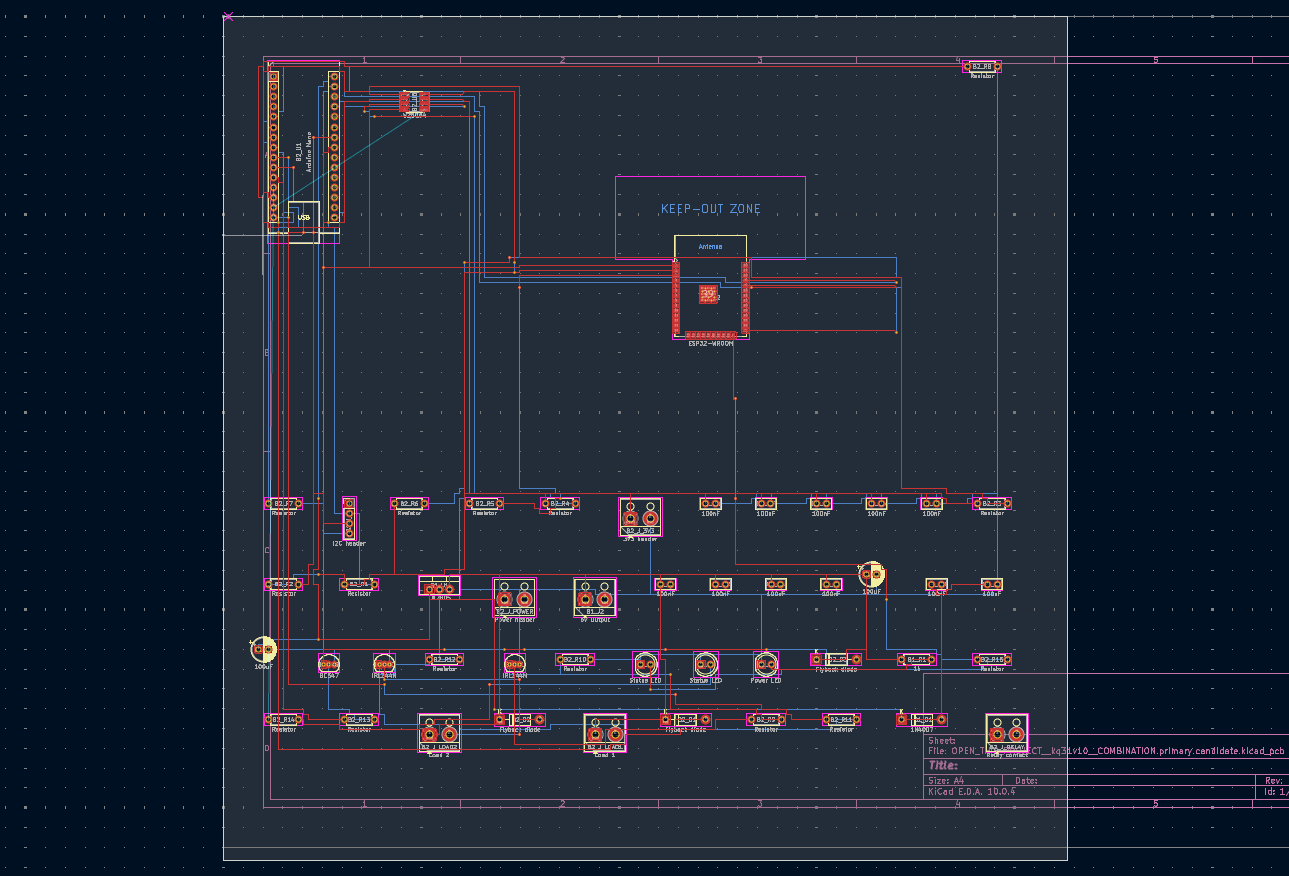
Kicad pcb 2
-
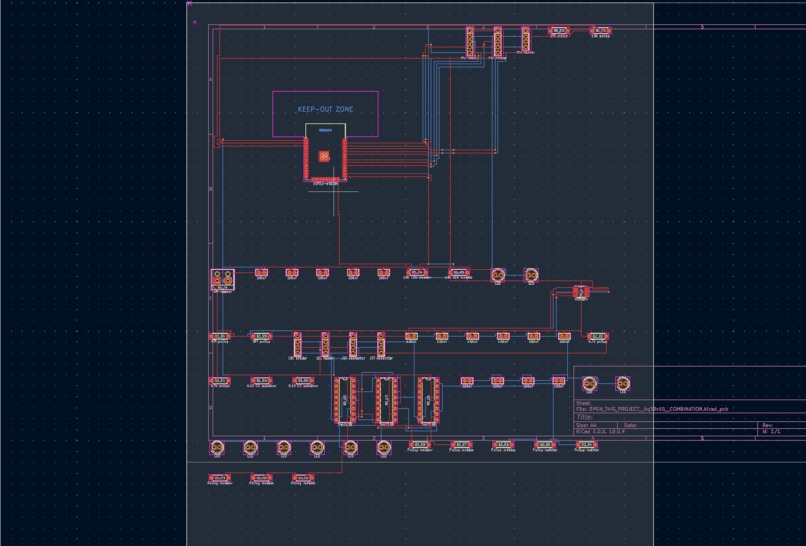
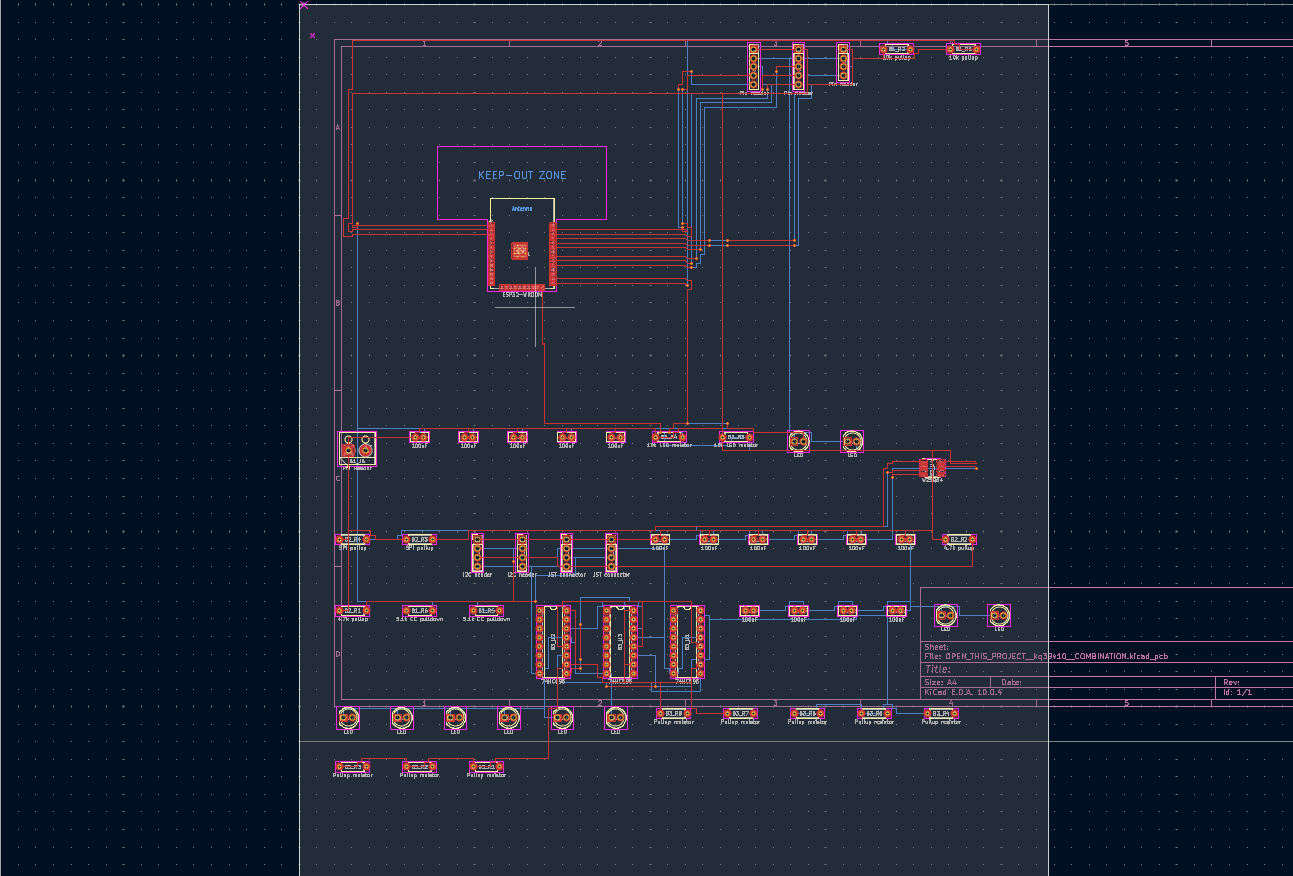
Kicad pcb3
-
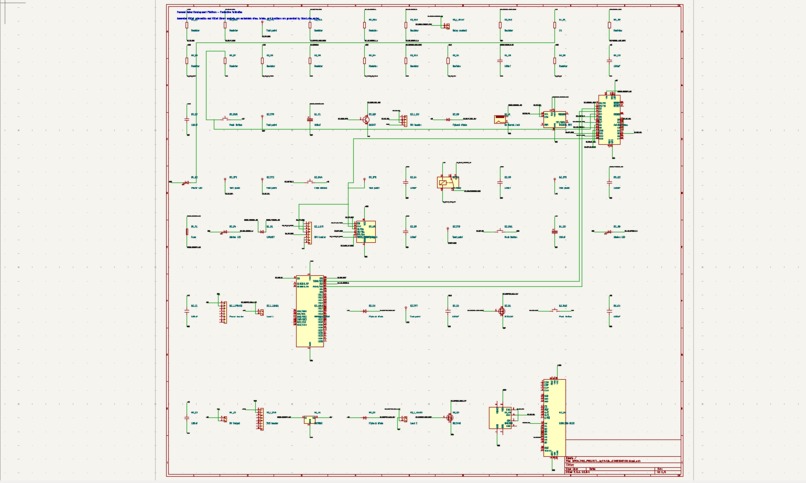
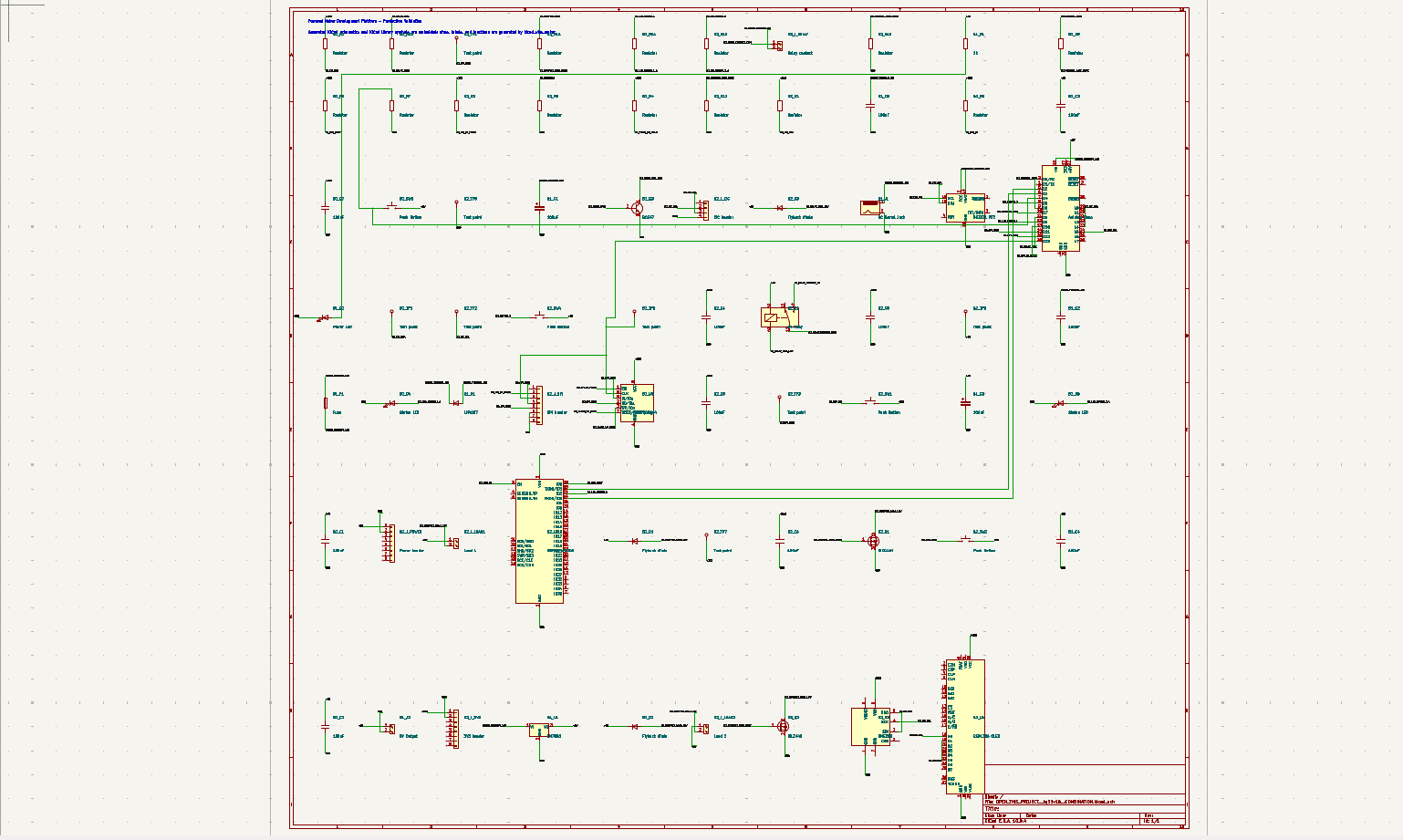
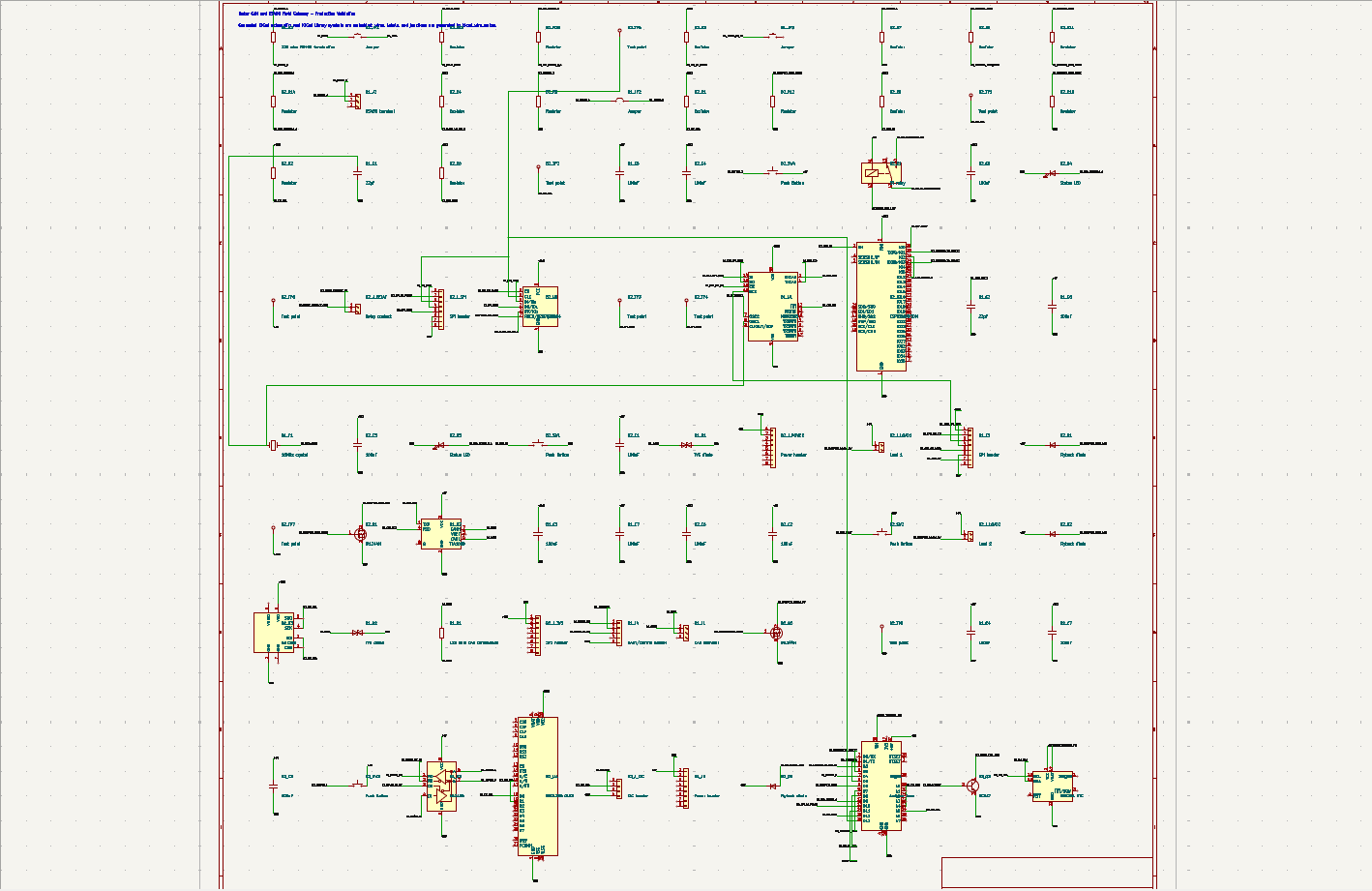
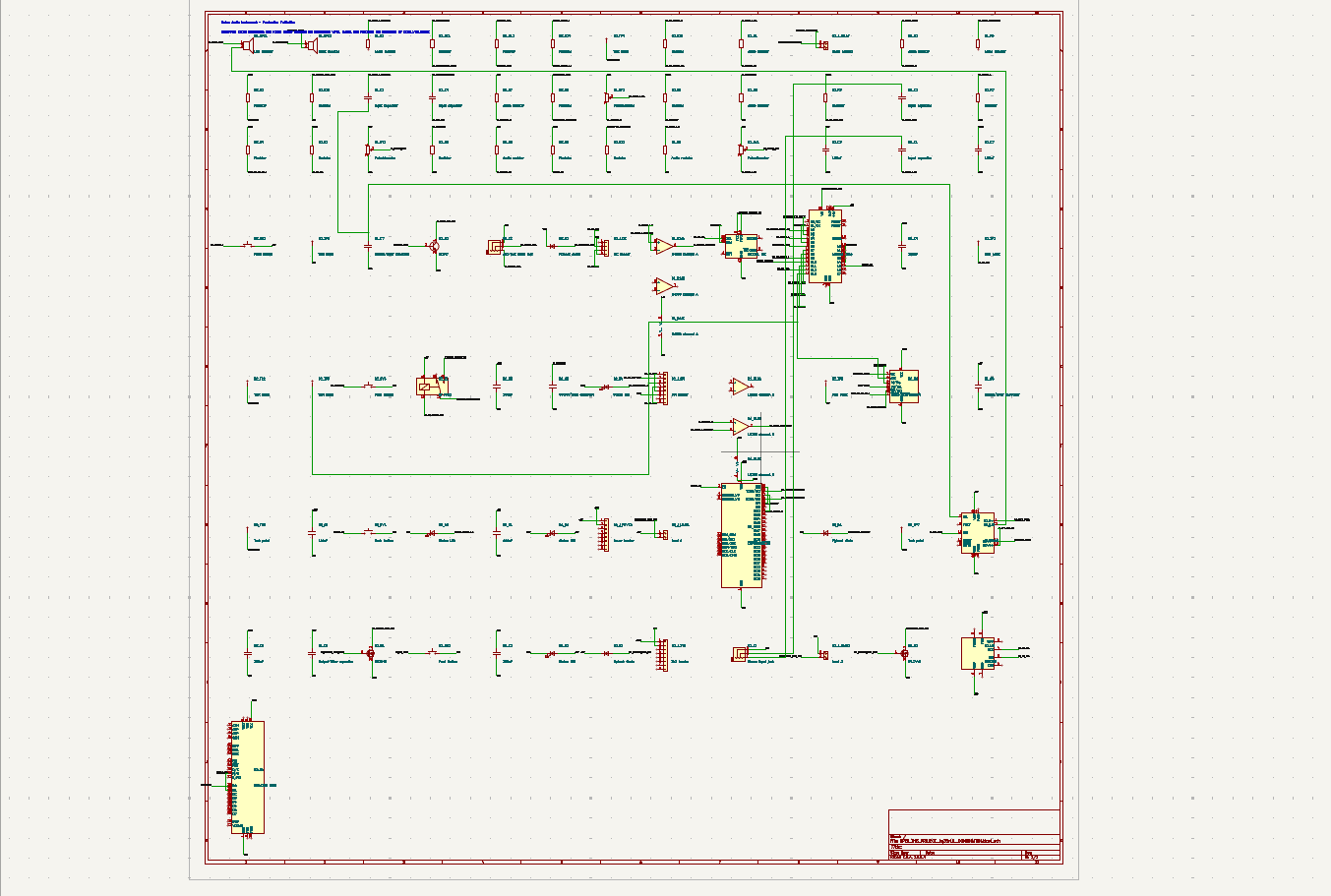
Kicad sch
-
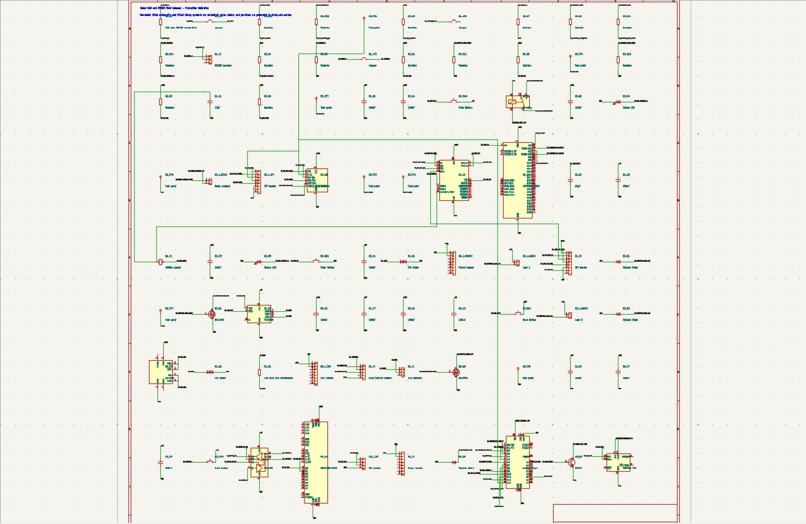
Kicad sch 2
-
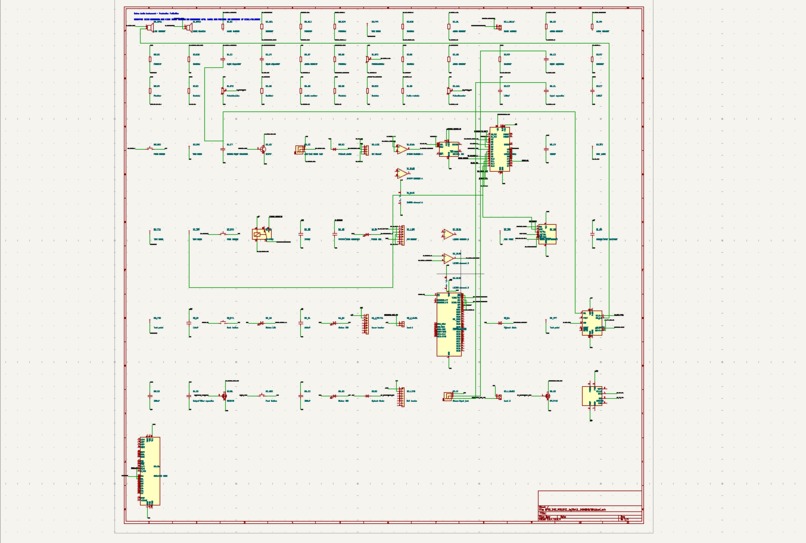
kicad sch 3
-
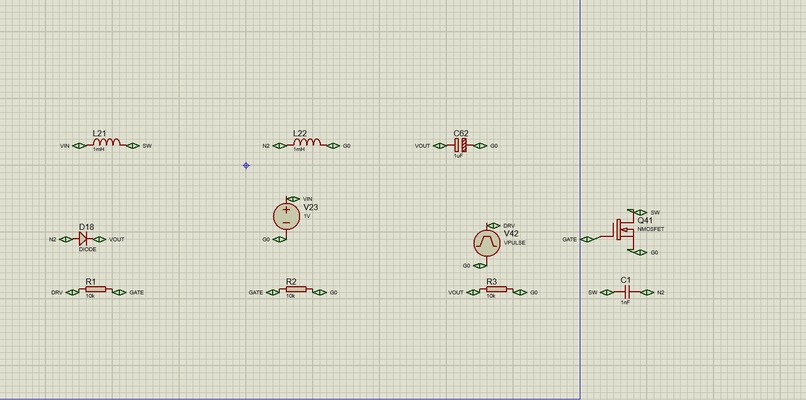
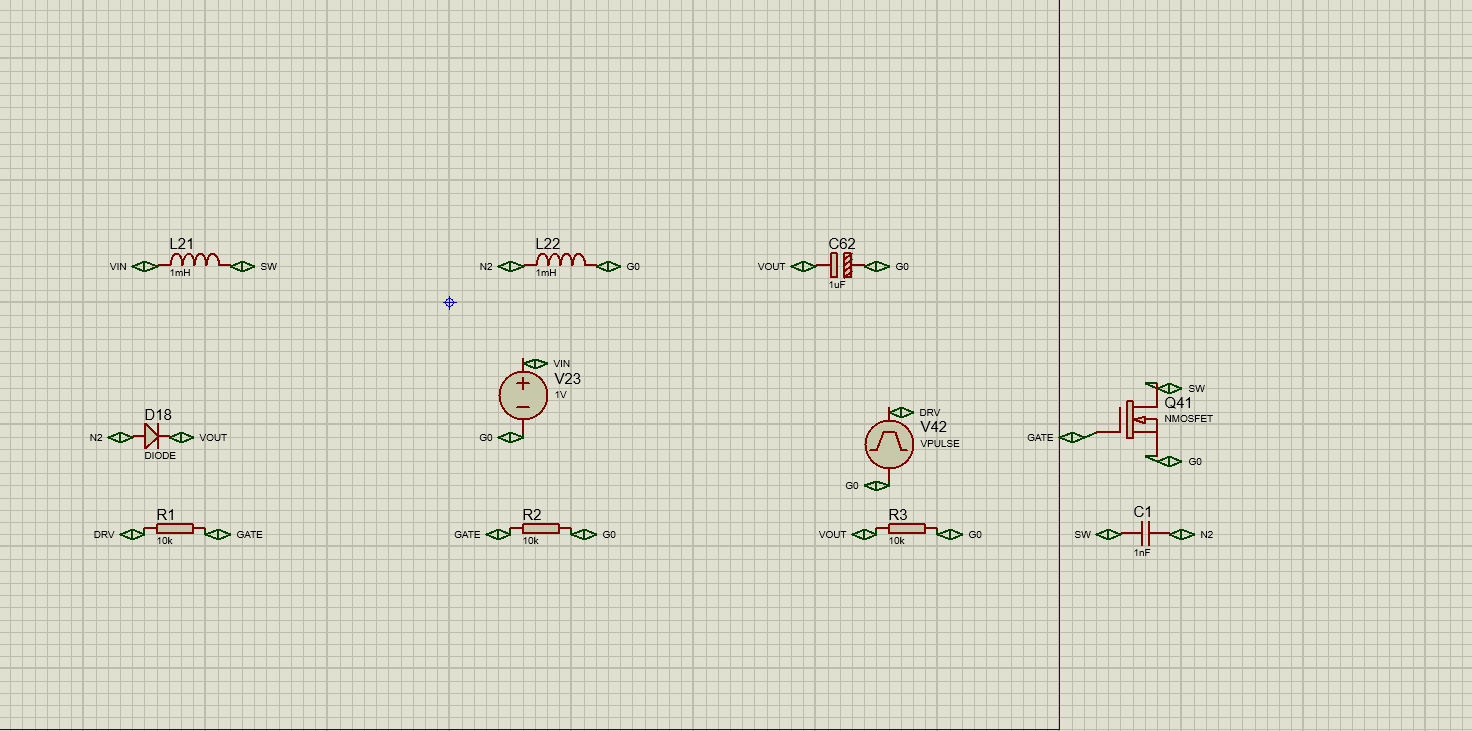
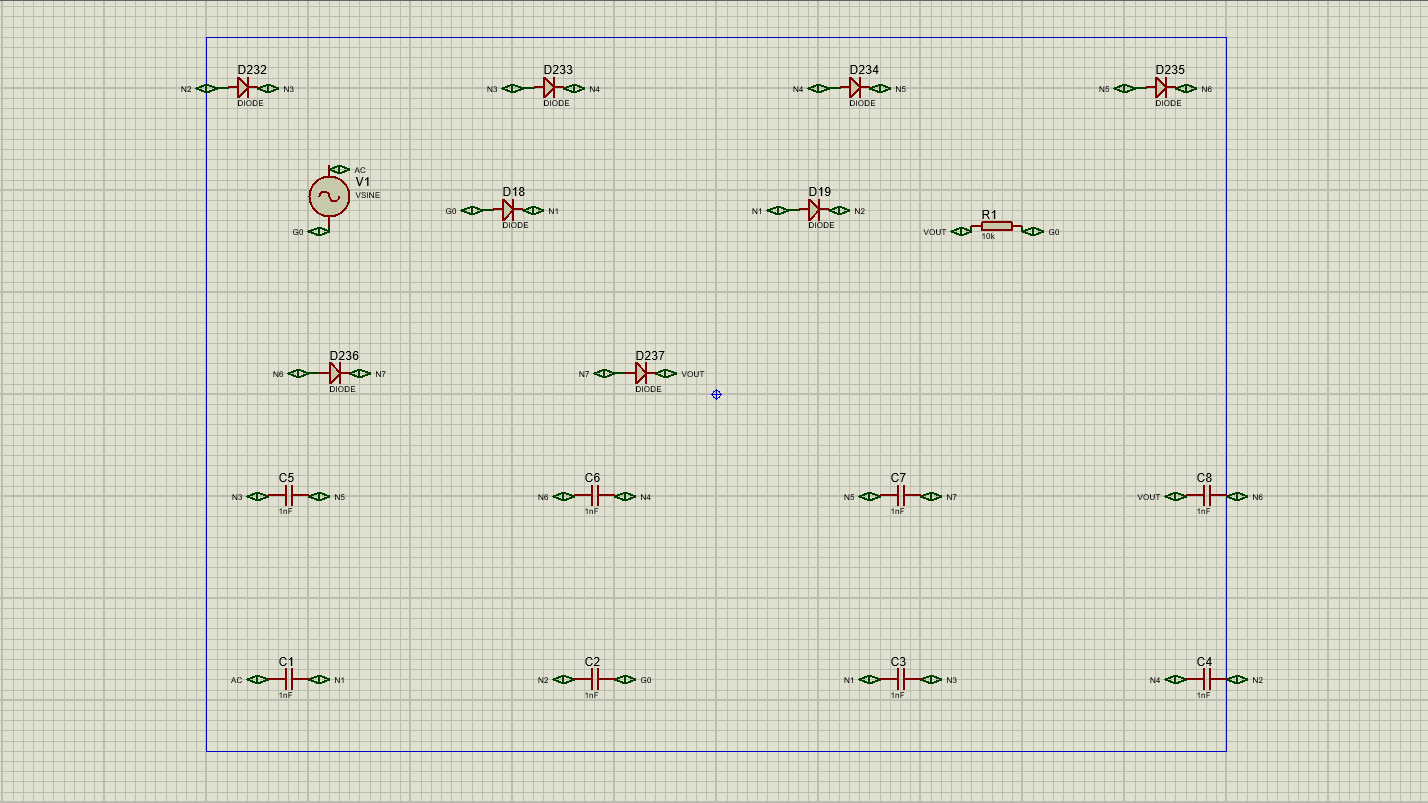
Proteus sch 1
-
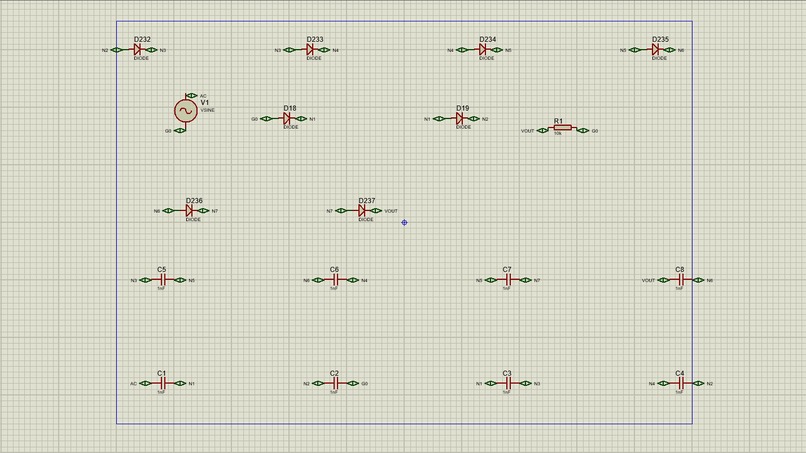
Proteus sch 2
-
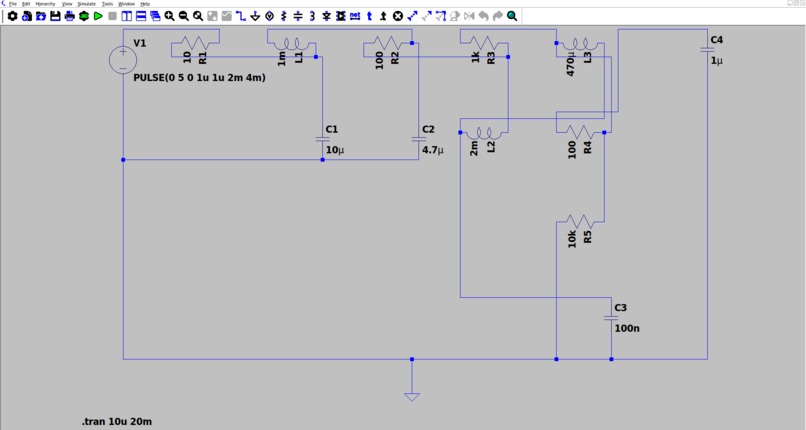
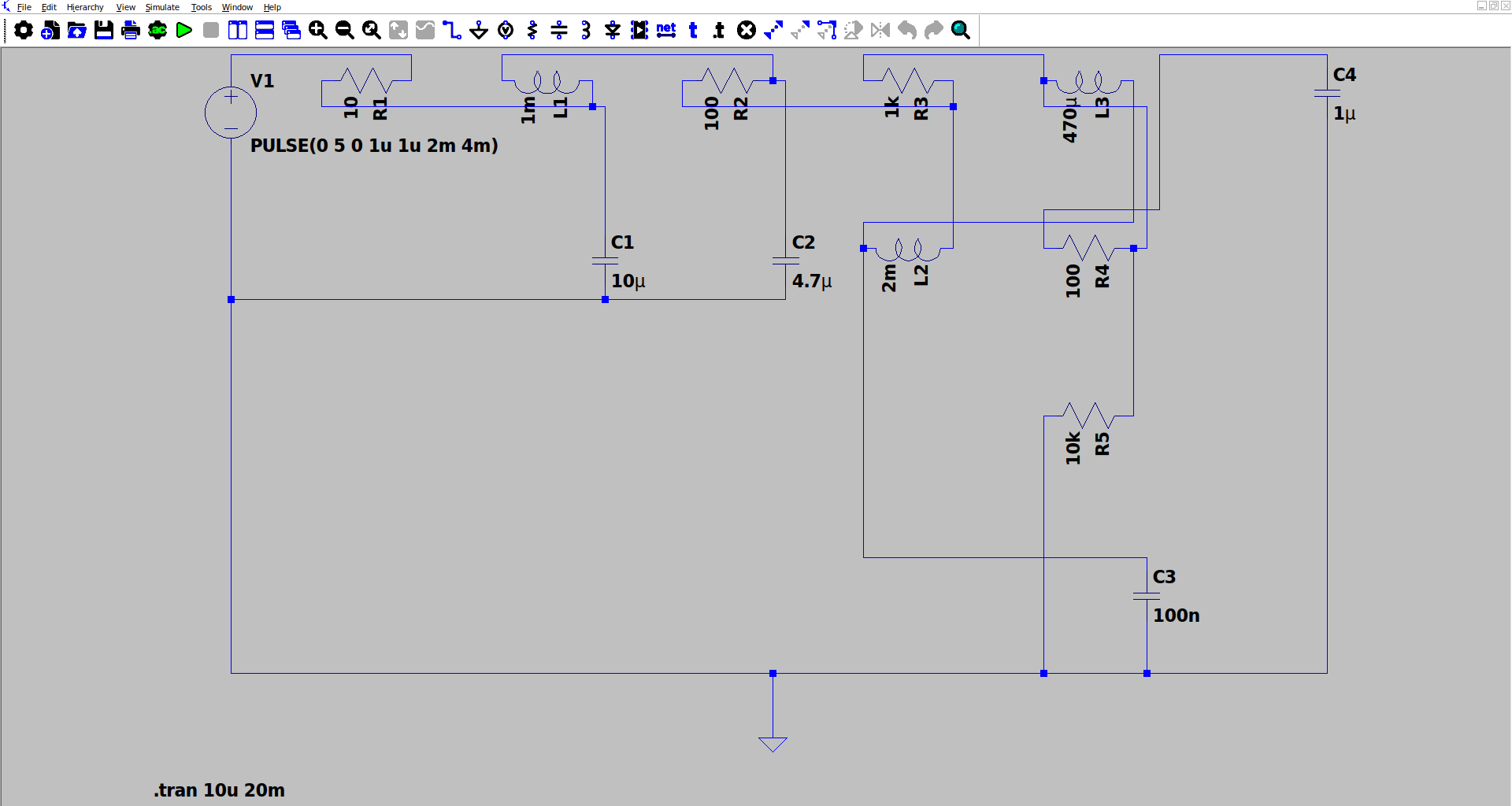
Ltspice sch 1
-
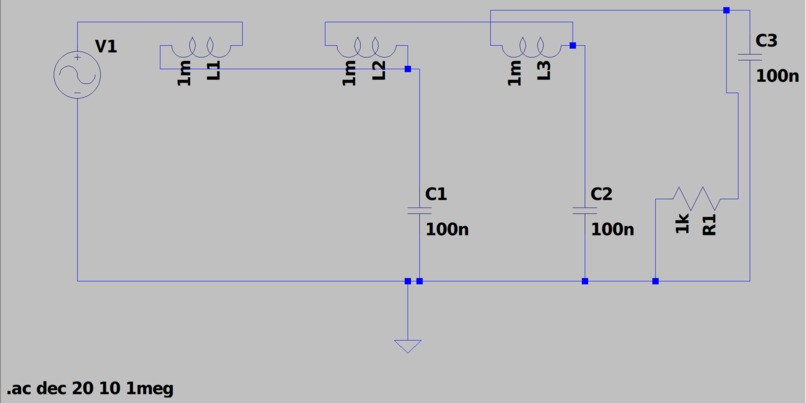
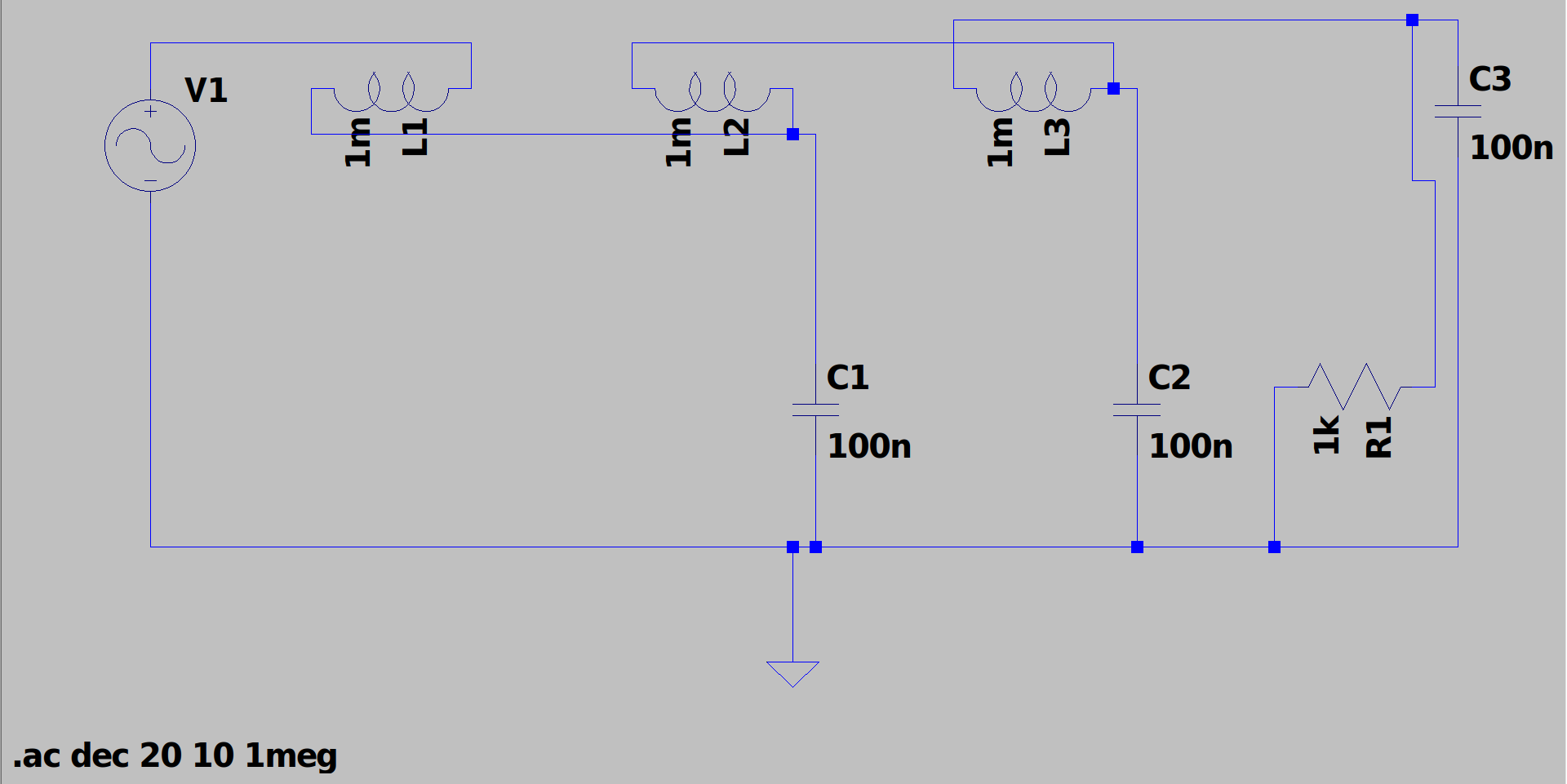
Ltspice sch 2
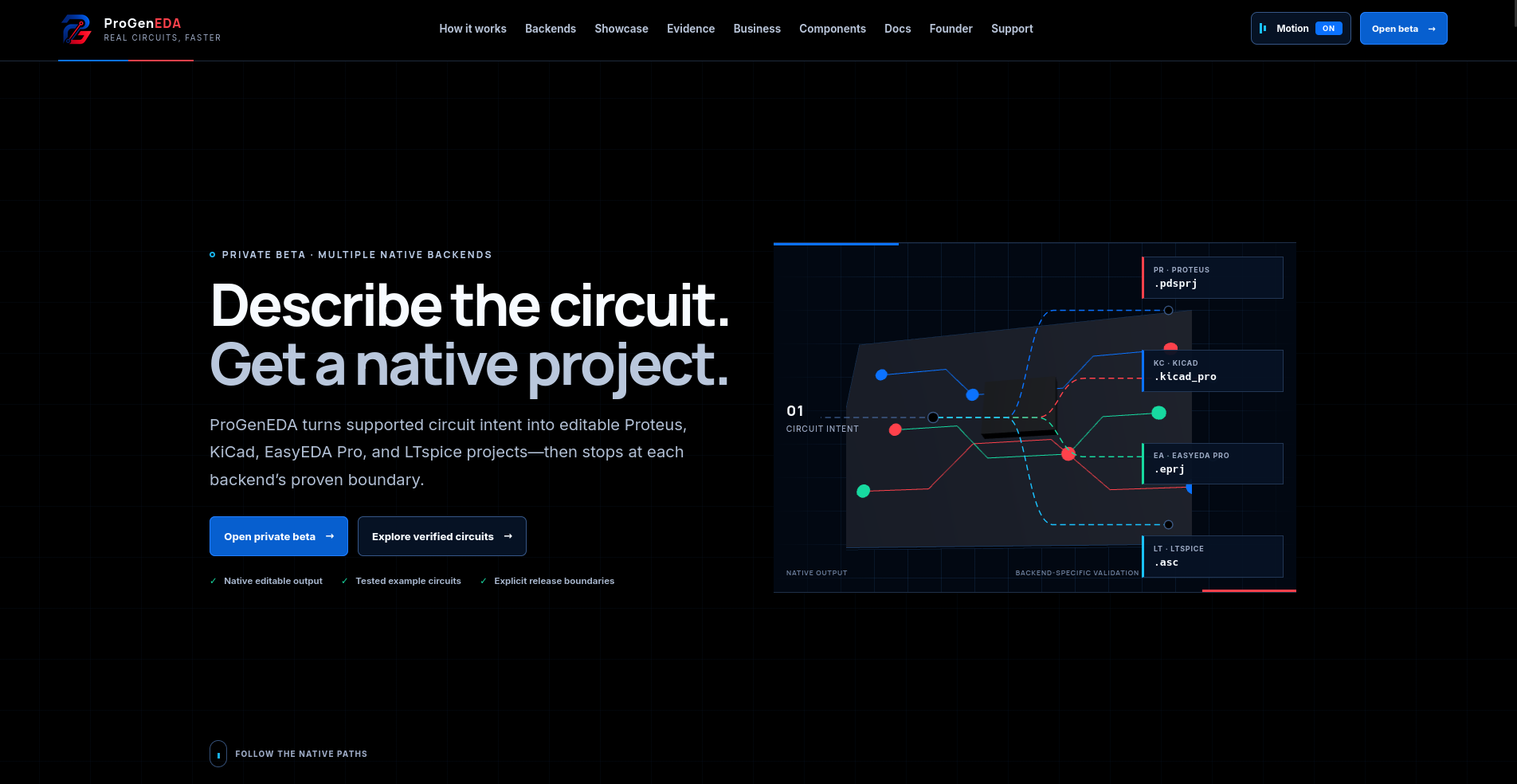
ProGenEDA
Describe an electronic circuit. Get the actual editable engineering project.
What it does
Before almost any electronic product exists physically—a robot, charger, sensor, alarm, embedded device, or IoT product—an engineer first creates a circuit schematic: essentially the blueprint showing every electronic component and exactly how they connect.
Today, much of that blueprint still has to be manually recreated inside specialized engineering software.
You place the components. Set their values. Connect the correct pins. Draw the wires. Fix the layout. Repeat it again when something changes.
ProGenEDA automates that work.
A user can write:
Build a simple 5V LED circuit with a resistor and switch.
ProGenEDA converts that request into an actual editable engineering project that can be opened inside the software engineers already use.
The current alpha supports:
- KiCad
- Proteus
- LTspice
- EasyEDA Pro
So instead of AI merely telling you how to build a circuit, ProGenEDA can produce the file where the engineering work actually continues.
Why this matters
Think of what AI coding tools did for software:
Idea → prompt → working code
We want to bring that same shift to electronic design:
Idea → prompt → editable circuit project
An engineer may already know exactly what they need. The slow part is often translating that idea into dozens of components, pins, connections, values, wires, and tool-specific structures.
That repetitive setup can take hours, especially for students, prototypes, repeated designs, and larger circuits.
ProGenEDA turns much of that manual reconstruction into a generation step.
That means engineers can spend more time on designing, testing and improving the circuit instead of drawing it.
The innovation
The important part is that ProGenEDA is not just an AI schematic chatbot.
AI alone is probabilistic. Engineering files cannot be.
So ProGenEDA separates the two.
Human description
        ↓
AI understands the intent
        ↓
Tool-independent circuit contract
        ↓
Deterministic validation
        ↓
EDA-specific compiler
        ↓
Actual native project
        ↓
Validation again
AI interprets. Code builds. Validators decide.
The AI can understand something vague like:
Make me a basic low-pass filter.
But it does not get final authority over the engineering output.
ProGenEDA converts the request into structured information describing the components, pins, values and connections.
Then deterministic generators build the actual project.
If something is unsupported or cannot be proven valid, the system rejects it instead of inventing an answer.
One circuit, multiple engineering tools
This is the part I believe makes ProGenEDA especially interesting.
We did not build:
AI for Proteus AI for KiCad AI for LTspice AI for EasyEDA
Instead, we built the circuit itself as a tool-independent intermediate representation.
Then each engineering application gets its own compiler.
                 → KiCad project
Circuit Intent   → Proteus project
                 → LTspice project
                 → EasyEDA project
The same logical circuit can therefore be understood independently of whichever software eventually opens it.
That architecture also gives ProGenEDA a path toward adding more engineering tools without rebuilding the entire AI system each time.
Who would use it?
Students
Instead of spending a lab manually placing and wiring dozens of components, students can start from an editable circuit and focus on understanding why it works.
Freelancers
Turn a client requirement into a first editable engineering project much faster.
Hardware startups
Prototype common circuit blocks without repeatedly rebuilding everything from a blank file.
Research and teaching labs
Generate known circuits, controlled variations, and reusable projects repeatedly.
Engineering teams
Eventually turn internal circuit patterns into standardized, repeatable generation workflows.
More than prompt → file
The current ProGenEDA application already includes:
- natural-language circuit generation
- native downloadable projects
- generation history
- supported-component catalogues
- direct structured JSON input
- guided circuit editing
- batch controls
- deterministic regeneration
- serial IDs for generated circuits
- validation and failure reporting
For supported edits, the user does not even need another AI call.
Change the structured circuit and recompile it deterministically.
Inspiration
ProGenEDA started because of one university project.
For my Digital Logic Design course, I built a digital clock using electronic ICs with features including alarms, reset logic, time zones and a calendar.
The project worked.
But creating its simulation manually was exhausting.
I spent roughly two weeks placing components, connecting pins, fixing wires and repeatedly rebuilding parts of the design.
Throughout the process I kept thinking:
Why can't I just describe this circuit and have GPT build it?
When the semester ended, I jokingly told my friends:
This summer, I am going to make sure I never have to manually draw another circuit again.
They told me it was not possible.
So I tried.
The first version was simply called Proteus Generator.
Once I realized the underlying idea could work beyond one application, it became:
ProGenEDA — Programmatic Generation for Electronic Design Automation.
How we built it
The core idea was to stop treating the visual diagram as the source of truth.
Instead, a circuit becomes structured data:
components + values + pins + connections + constraints
Each backend then independently converts that common representation into the native structure required by its target application.
Depending on the tool, the pipeline can:
- resolve supported components,
- validate pins and connections,
- place and arrange components,
- create wires or terminals,
- assign values and references,
- emit the native project,
- parse and validate the result.
The output is therefore not an image pretending to be a circuit.
It is the actual editable project format.
Challenges we ran into
The hardest problem was not generating one impressive example.
It was proving that the architecture worked beyond the circuit we happened to test.
That meant building automated circuit corpora and repeatedly testing different components, values, pins, connections and layouts.
Another major challenge was AI reliability.
A model can produce beautifully structured JSON that is still electrically wrong.
That led to one of ProGenEDA's most important rules:
Never treat model output as engineering truth.
The deterministic generators and validators remain the final authority.
Accomplishments that we're proud of
What started as one experimental Proteus generator became a shared architecture spanning four EDA ecosystems in the public alpha.
We now have independent generation backends, validation systems and large automated test corpora.
Most importantly, we proved the architectural idea:
Circuit intent does not have to belong to one engineering application.
It can exist independently and then be compiled into the tool the engineer wants to use.
What we learned
The biggest lesson was simple:
Use AI where ambiguity exists. Use deterministic code where correctness matters.
AI is excellent at understanding what a person means.
It should not be trusted to invent engineering syntax, pin mappings or final connectivity when those things can be checked by code.
That separation made ProGenEDA much more reliable—and much more expandable.
What's next for ProGenEDA
The current product is an early technical alpha, not the finished vision.
Next we want to expand:
- supported components
- larger and more complex circuits
- PCB generation
- footprint assignment
- design-rule checking
- Gerber, drill and BOM exports
- team circuit libraries
- reusable templates
- API access
- additional EDA ecosystems
The long-term goal is bigger than automatically drawing schematics.
It is to build a compiler layer for electronic engineering:
Describe what you want to build. ProGenEDA turns it into the engineering files needed to start building it.


Log in or sign up for Devpost to join the conversation.