-
-
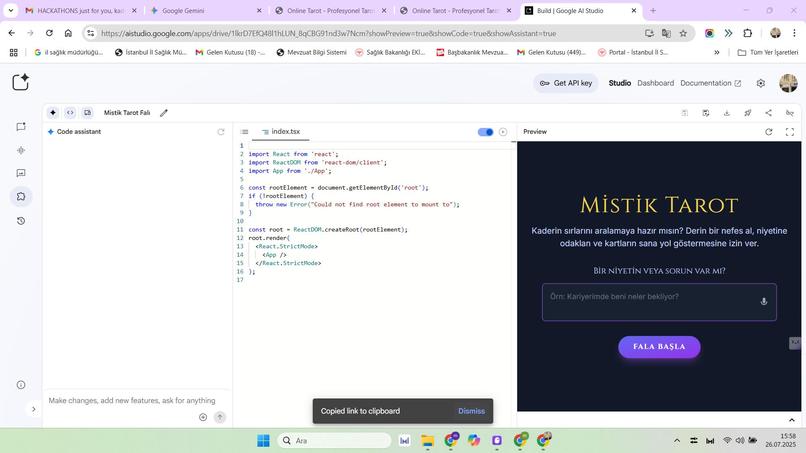
.html
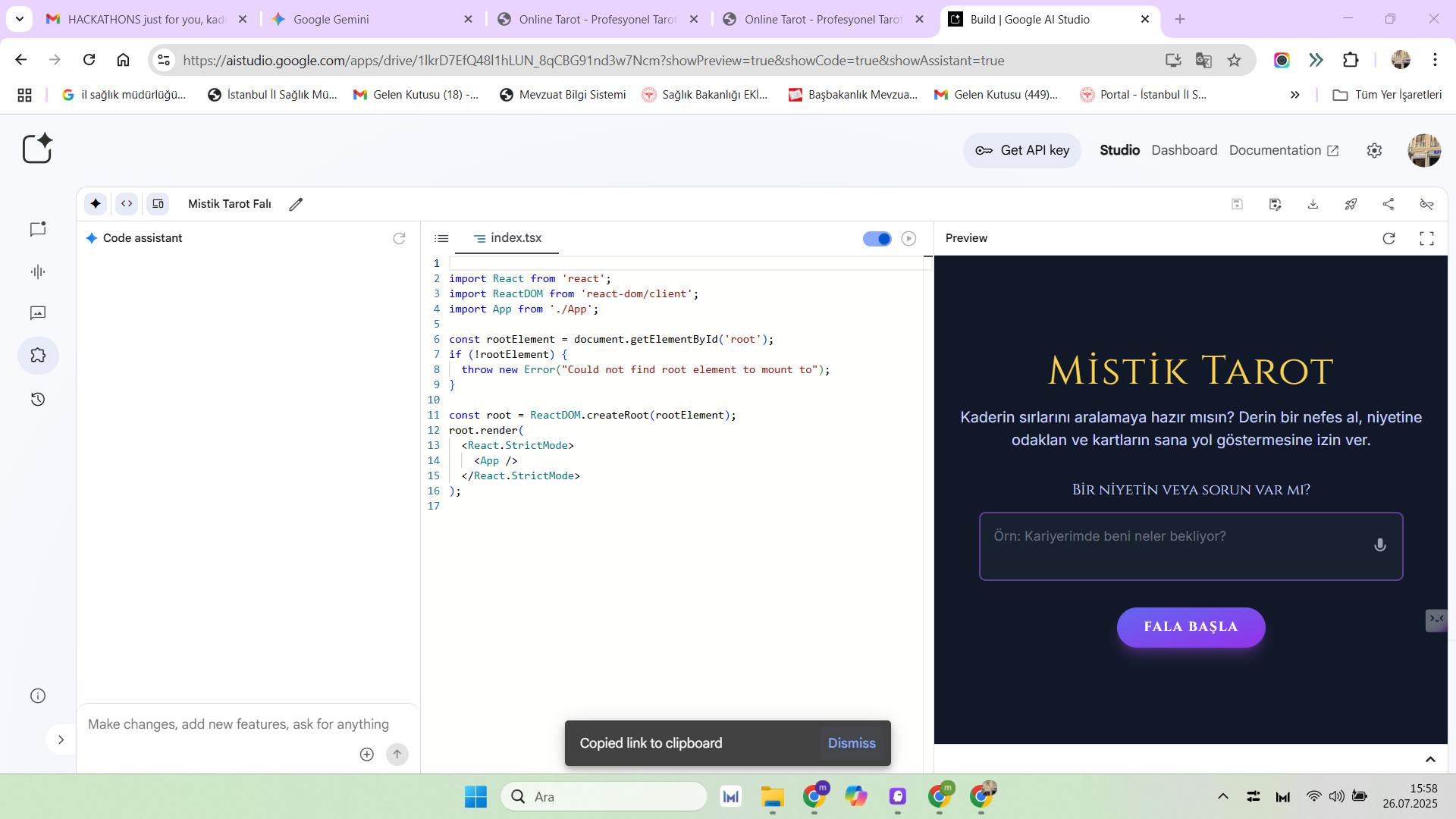
Project Name: "Kira" - Online Tarot Consultancy Platform
1. Project Summary
Kira is a live, online platform designed to connect professional tarot advisors with clients seeking spiritual guidance. The project enables users to engage in real-time sessions via instant messaging or video calls with their chosen advisors in a secure environment. The application will feature user-friendly, dedicated dashboards for both clients and advisors.
2. Core Concept
The primary goal of the application is to make tarot consultancy services more accessible by digitizing the experience. Advisors can create their own professional profiles to offer their services, while clients can browse, compare, and book sessions with advisors specializing in various fields—either instantly or by appointment. The platform's revenue model will be based on taking a commission from session fees.
3. Target Audience
- Clients: Tech-savvy individuals interested in personal development, career, relationships, and other life topics who are seeking guidance.
- Advisors: Professional tarot readers, astrologers, and spiritual consultants looking to reach a broader audience and manage their services efficiently.
4. Technical Requirements & Development Environment
- Development Environment: Kiro Kodlama IDE
- Suggested Technology Stack:
- Frontend: React.js / Vue.js (For dynamic and interactive user interfaces)
- Backend: Node.js (Express.js) / Python (Django/FastAPI) (For real-time communication and scalability)
- Database: PostgreSQL / MongoDB (For flexible data structures and user information)
- Real-time Communication: WebSockets (Socket.IO) / WebRTC (For live chat and video/audio calls)
- Payment Gateway Integration: Stripe / PayPal API
- Deployment: Docker, AWS, Heroku, or a similar cloud platform.
5. Key Features
5.1. General Features
- User Authentication: Role-based registration and login for Clients and Advisors (Email/Password, Google/Apple Sign-in).
- Landing Page: A modern homepage introducing the platform, featuring top-rated advisors, and showcasing testimonials.
- Advisor Listing Page: A browseable page displaying all advisors, with advanced filtering and sorting capabilities.
5.2. Client Dashboard
- Profile Management: Edit personal information and profile picture.
- Advisor Search & Filter: Filter advisors by specialty (e.g., love, career), rating, price, and real-time availability.
- View Advisor Profiles: Review an advisor's bio, areas of expertise, session rates, working hours, and client reviews.
- Instant & Scheduled Sessions:
- Book an appointment from the advisor's calendar.
- Start an instant session with advisors who are currently "Online."
- Real-time Communication Interface:
- Text Chat: A live text-based chat window for readings.
- (Optional) Video/Audio Calls: Secure, WebRTC-based video call functionality.
- Payment & Wallet System:
- Secure payment processing with a credit card.
- A wallet system to top-up credits (e.g., buy a package for bonus credits).
- Session History: Access records of all completed sessions, including dates, charges, and optional chat transcripts.
- Rating and Review System: Rate advisors and leave a review after a session is completed.
5.3. Advisor Dashboard
- Profile Creation & Management: Set up a detailed profile with a bio, photo, specialties, credentials, and per-minute pricing.
- Availability Management:
- Toggle status between "Online" and "Offline" for instant calls.
- Set a weekly schedule and manage appointment slots.
- Session Management: Accept or decline incoming session requests; start and end sessions.
- Earnings Dashboard: View total earnings, pending payments, and transaction history. Request payouts to a bank account.
- Client History: Review past sessions and client information.
- (Optional) Digital Card Deck: A feature to draw and display digital tarot cards on screen during a reading.
5.4. Admin Panel
- User Management: Oversee all client and advisor accounts (approve, suspend, delete).
- Advisor Vetting Process: Review and approve new advisor applications to maintain platform quality.
- Financial Management: Monitor all transactions, manage commission rates, and oversee the payment flow.
- Support & Dispute Resolution: Manage support tickets and resolve disputes between clients and advisors.
- Reporting & Analytics: Track key platform metrics like active users, number of sessions, revenue, etc.
6. Database Schema (Draft)
-- Users Table
CREATE TABLE Users (
    id INT PRIMARY KEY AUTO_INCREMENT,
    email VARCHAR(255) UNIQUE NOT NULL,
    password_hash VARCHAR(255) NOT NULL,
    role ENUM('client', 'advisor') NOT NULL,
    created_at TIMESTAMP DEFAULT CURRENT_TIMESTAMP
);

-- Client_Profiles Table
CREATE TABLE Client_Profiles (
    user_id INT PRIMARY KEY,
    name VARCHAR(255),
    profile_photo_url VARCHAR(255),
    wallet_balance DECIMAL(10, 2) DEFAULT 0.00,
    FOREIGN KEY (user_id) REFERENCES Users(id)
);

-- Advisor_Profiles Table
CREATE TABLE Advisor_Profiles (
    user_id INT PRIMARY KEY,
    display_name VARCHAR(255) NOT NULL,
    bio TEXT,
    specialties JSON, -- e.g., ['love', 'career', 'finance']
    price_per_minute DECIMAL(10, 2) NOT NULL,
    average_rating DECIMAL(3, 2) DEFAULT 0.00,
    profile_photo_url VARCHAR(255),
    availability_status ENUM('online', 'offline') DEFAULT 'offline',
    FOREIGN KEY (user_id) REFERENCES Users(id)
);

-- Sessions Table
CREATE TABLE Sessions (
    id INT PRIMARY KEY AUTO_INCREMENT,
    client_id INT NOT NULL,
    advisor_id INT NOT NULL,
    status ENUM('pending', 'active', 'completed', 'cancelled') NOT NULL,
    start_time TIMESTAMP,
    end_time TIMESTAMP,
    total_cost DECIMAL(10, 2),
    communication_type ENUM('chat', 'video') NOT NULL,
    FOREIGN KEY (client_id) REFERENCES Users(id),
    FOREIGN KEY (advisor_id) REFERENCES Users(id)
);

-- Reviews Table
CREATE TABLE Reviews (
    id INT PRIMARY KEY AUTO_INCREMENT,
    session_id INT NOT NULL,
    client_id INT NOT NULL,
    advisor_id INT NOT NULL,
    rating INT CHECK (rating >= 1 AND rating <= 5),
    comment TEXT,
    created_at TIMESTAMP

Log in or sign up for Devpost to join the conversation.