-
-
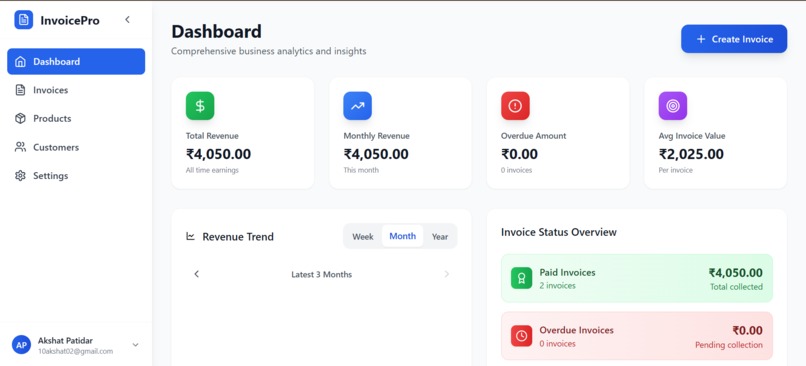
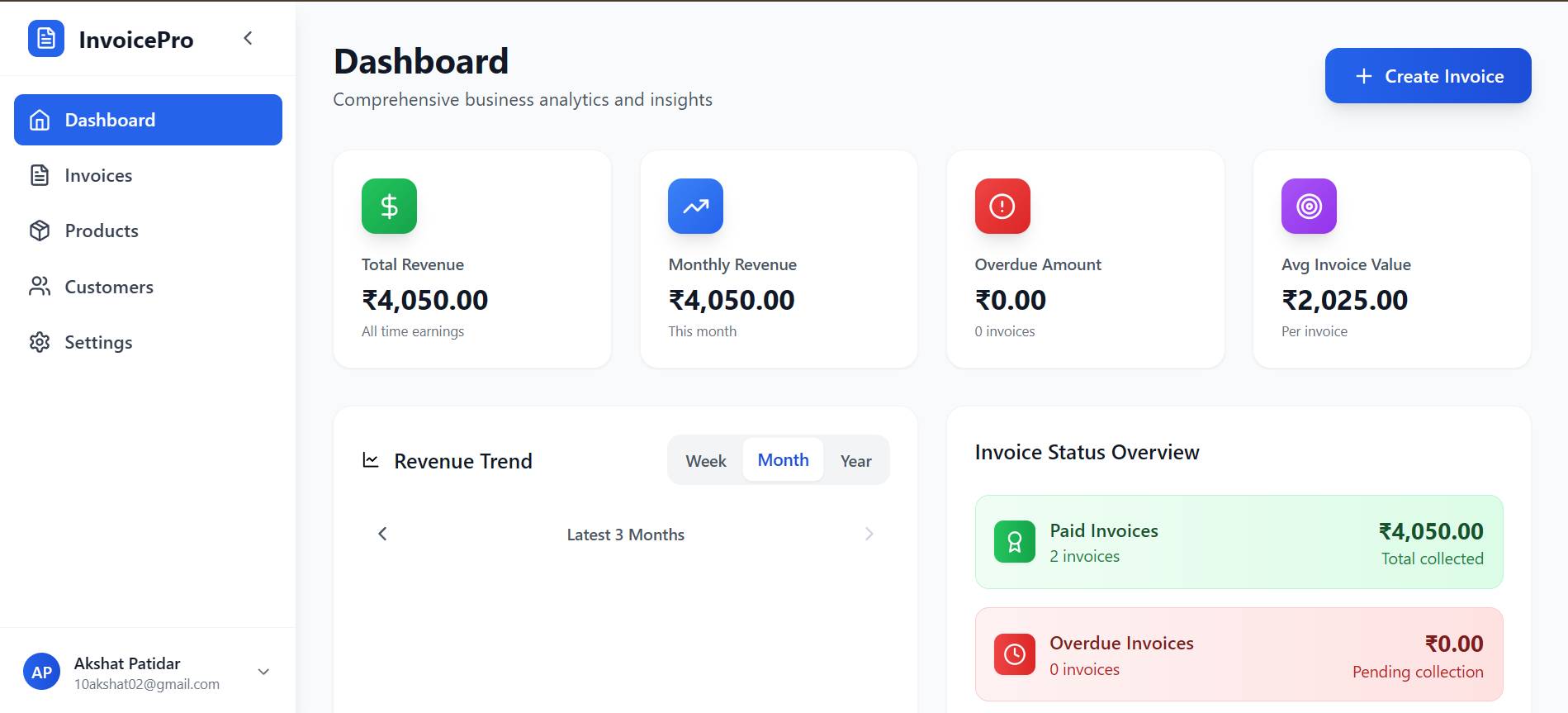
Main dashboard
-
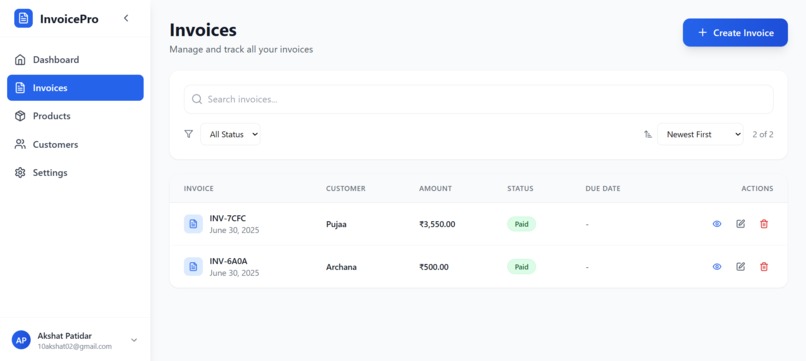
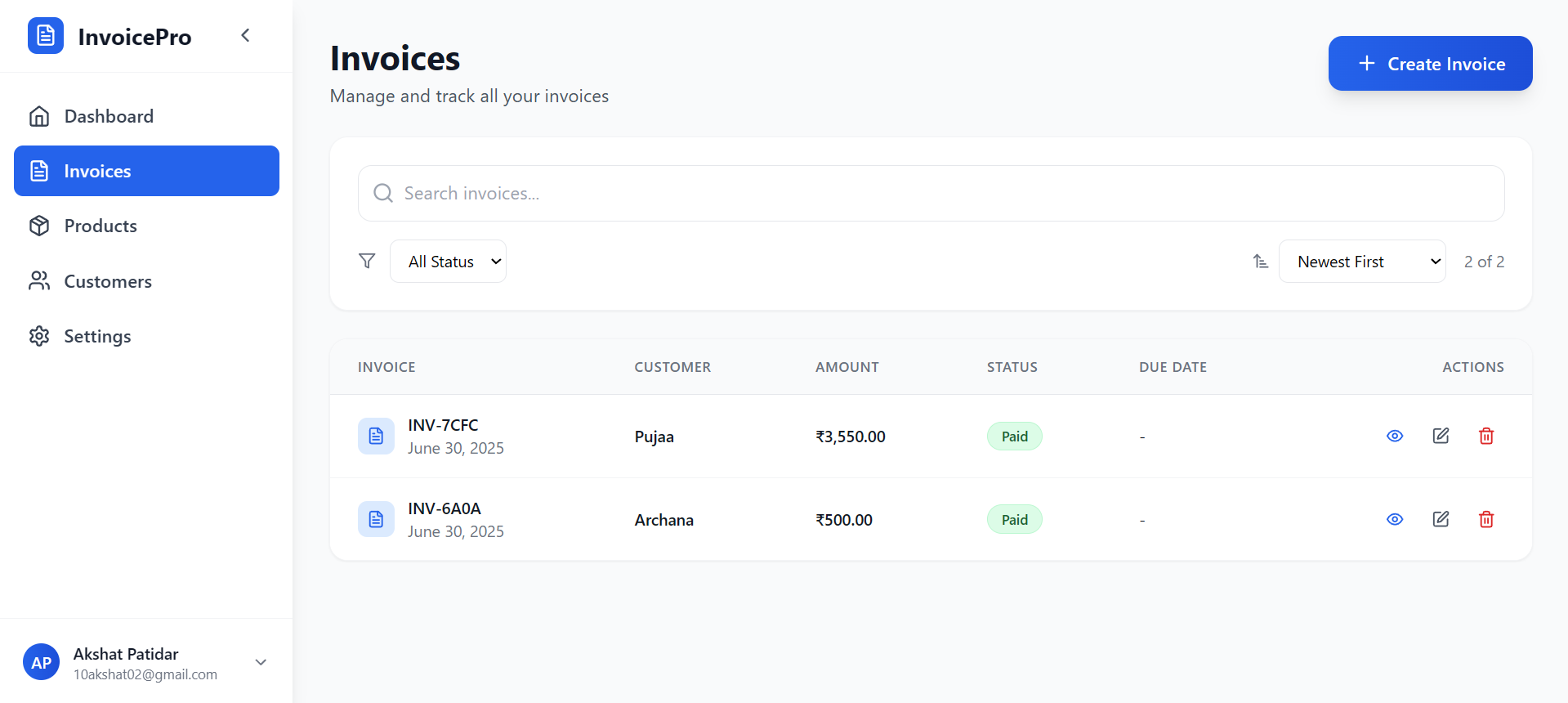
Invoice management
-
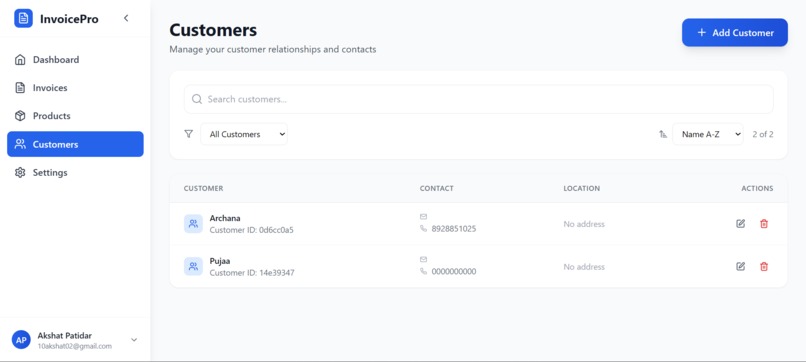
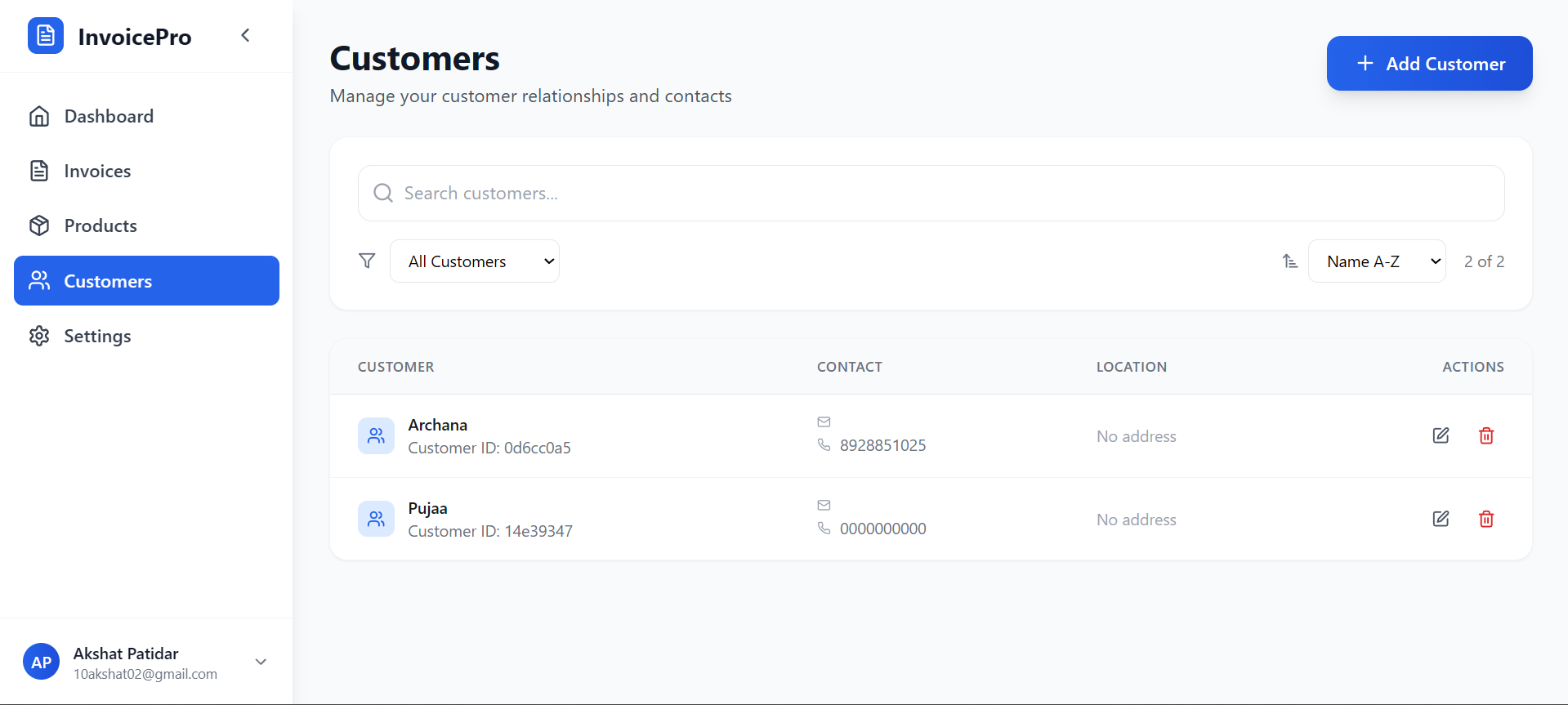
Customer management
-
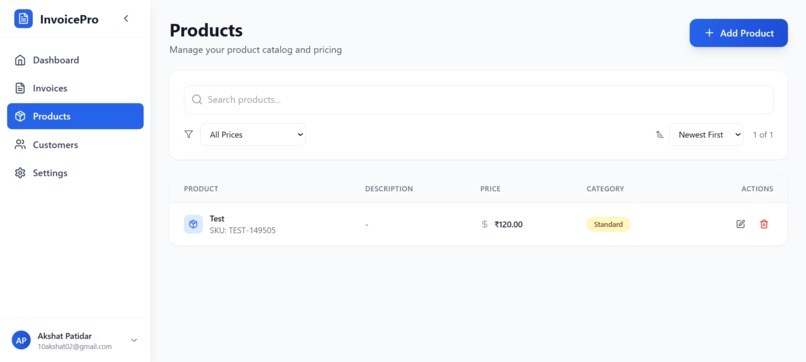
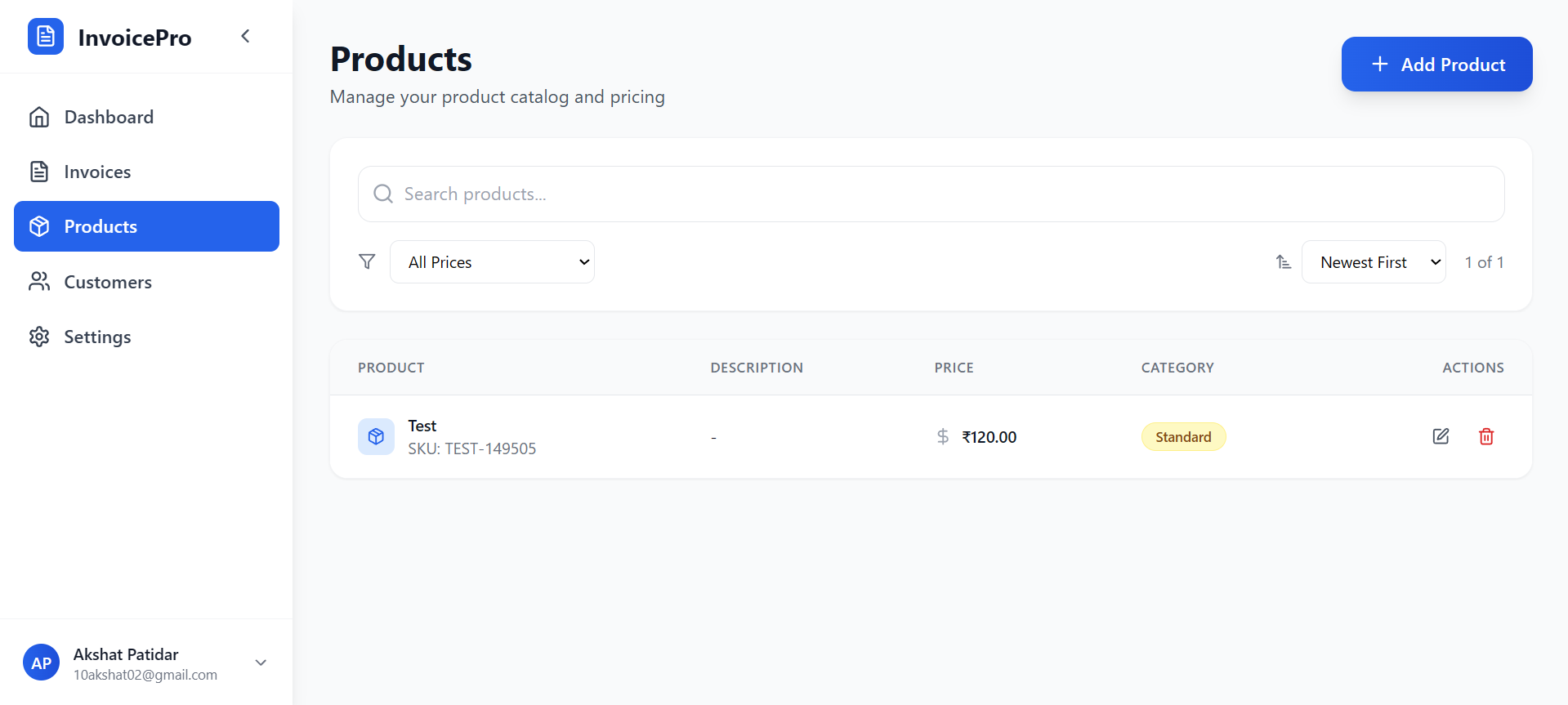
Products page
Inspiration
As a web freelancer, I often struggled to keep track of revenue collected from different clients across various platforms. Managing payments, invoices, and customer data was messy, leading to lost time and missed follow-ups. At the same time, I noticed my friend, who runs a gaming shop, was still relying on pen and paper to record transactions and couldn’t provide proper proofs of payment to customers. This gap inspired me to build a Professional Invoice Management System — a simple yet powerful platform that helps freelancers, small businesses, and shop owners streamline billing, organize payments, and give customers professional proof of transactions.
What it does
The application is a Professional Invoice Management System designed to:
- Create and manage professional invoices.
- Track payments (paid & due), monitor overdue bills, and calculate total revenues over different periods.
- Maintain a robust customer database with contact details and purchase histories.
- Manage a catalog of products or services with pricing and descriptions.
- Generate downloadable PDF invoices, complete with a QR code for easy sharing.
- Provide a powerful dashboard with revenue analytics, trends, and insights into top customers.
- Securely store all data with user authentication and granular row-level access controls.
How we built it
The system is built using a modern, efficient tech stack:
- Frontend: React + TypeScript for robust, type-safe UI development, styled with Tailwind CSS for a sleek, responsive design. Lucide React powers beautiful icons. PDF and QR functionality is enabled through
html2canvas,jspdf, andqrcode. - Backend & Database: Supabase handles the PostgreSQL database, authentication (email/password + Google OAuth), and Row Level Security to ensure users only see their data.
- Build tool: Vite ensures super-fast development and optimized builds.
- Database design: Four core tables —
customers,products,bills, andbill_items— keep data normalized and enable powerful querying and analytics.
Challenges we ran into
- Row Level Security (RLS): Crafting the right policies in Supabase to ensure users only access their own data required careful planning and multiple iterations.
- PDF generation: Ensuring that complex HTML invoices looked clean when rendered as PDFs across different browsers was tricky.
- Live calculations: Implementing seamless subtotal, tax, and total calculations that dynamically update as items are added or changed took some careful state management.
- Intuitive UX: Balancing feature-rich functionality with simplicity, so that even non-technical users (like shop owners used to pen and paper) could navigate the app effortlessly.
Accomplishments that we're proud of
- Built a fully functional, production-ready invoicing platform from scratch with secure authentication and multi-tenant data isolation.
- Designed a beautiful, responsive interface that feels modern yet is simple enough for anyone to use.
- Added thoughtful touches like custom item descriptions on invoices, QR codes for downloads, and rich analytics that give business owners a bird’s eye view of their performance.
- Enabled instant PDF generation, empowering small businesses to provide customers with professional proofs of purchase.
What we learned
- The power of Supabase's RLS and policies for building secure, multi-user SaaS applications without managing a separate backend API layer.
- How to use
html2canvasandjspdfeffectively to convert complex UIs into polished PDFs. - The importance of clear database design early on — a well-structured schema made it easy to evolve the application and add features like product filtering or top-customer analytics.
- UX matters deeply: even advanced features need to be discoverable and easy to use, especially when replacing manual systems.
What's next for Professional Invoice Management
- Payment Integrations: Adding support for online payments (UPI, credit cards) linked directly to invoices, so businesses can collect payments instantly.
- Automated Reminders: Email or SMS reminders for customers with overdue invoices.
- Multi-currency & Tax Rules: Supporting different countries with their tax systems and currencies to make it truly global.
- Expense Tracking: Let businesses log expenses alongside invoices, providing a full view of profit and loss.
- Mobile App: A lightweight mobile app so business owners can create invoices and check metrics on the go.
Built With
- javascript
- react
- supabase
- typescript

Log in or sign up for Devpost to join the conversation.