-
Profanifree logo
-
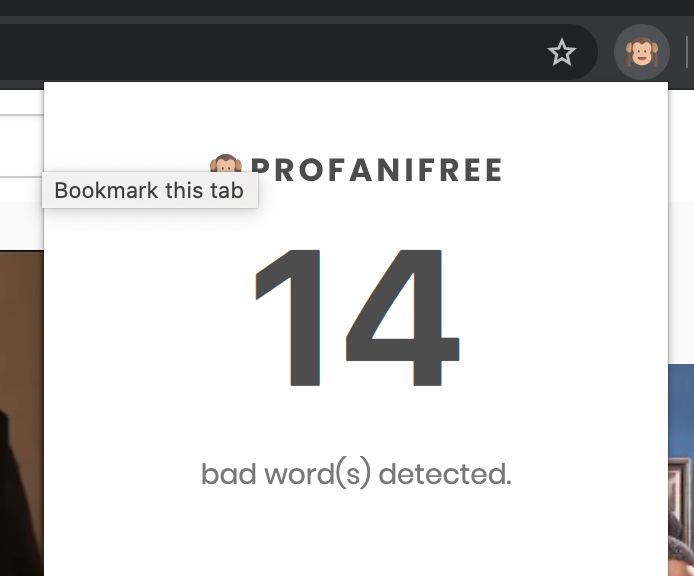
Profanifree extension popup
-
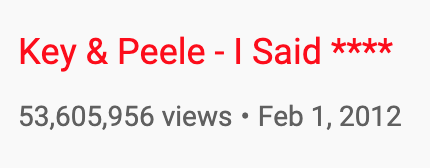
Censored YouTube video title
Inspiration
In recent years, there has been a rampant growth of devices with access to the internet. This has made it increasingly difficult to filter the content that children watch. Even though YouTube offers a 'kid-friendly content' version, navigating to "youtube.com" is quite simple and requires no additional login. Profanifree is designed to combat this issue.
What it does
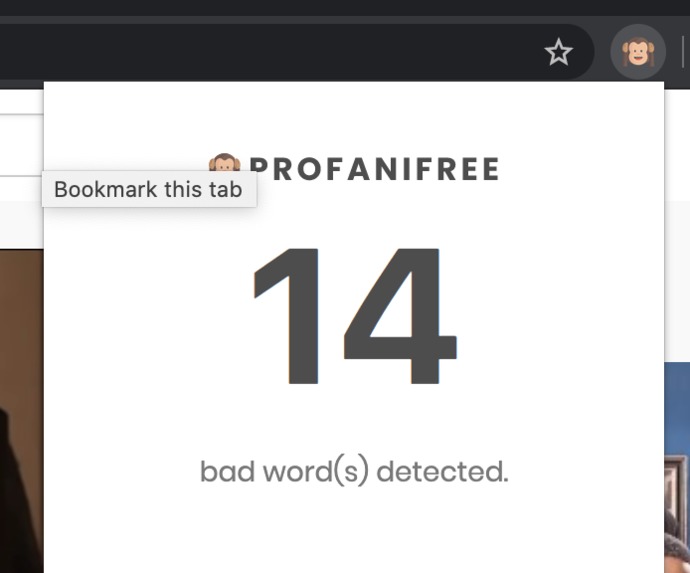
Profanifree aims to reduce internet profanity found throughout YouTube via a Google Chrome Extension. The extension takes care of 3 main components: filtering out profane words spoken in YouTube videos, highlighting YouTube titles shown in the queue, and clean comments containing bad words.
When the user plays a YouTube video, a censoring beep sound will be played around and during the duration of a spoken bad word. That way, the user can carry on with the video without hearing anything bad.
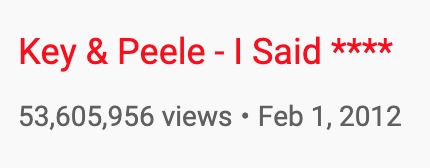
Outside of the user's view of the YouTube video player, the user can see which of the related/recommended/upcoming videos contain any profanity. These videos will have a red title, so the user has some form of a warning before proceeding to watch another listed video.
Similar to previewing which listed videos are profane, the user can see which comments have bad words and/or may be offensive. In addition to making these comments red, the bad words will be hidden with a ****.
How we built it
The extension was built using Vanilla JS, HTML, Python, and Flask. The client-side deals with filtering over the YouTube video's audio during periods of profanity. In addition to that, the client-side is responsible for modifying specific DOM elements to exemplify which parts are profane.
The Flask backend is responsible for determining which comments, listed videos, and words spoken in a video (via a video transcript) are bad. The backend returns a mappings of words to timestamps to the client extension, so the extension knows when to filter over specific parts of a video.
Challenges we ran into
During the course of our project, the 2 main challenges we faced were figuring out how to work with Chrome extensions and figuring out how to map words to timestamps in the YouTube videos.
For the first part, this was mainly due to our lack of experience with developing Google Chrome Extensions, since we've previously worked with technologies such as React to build full-stack applications. Thus, it took a while to learn about the extension architecture and how we could use the different provided components to make our lives as easy as possible.
For the second part, our problem was having to use the video transcript provided by YouTube. For certain videos, YouTube provides a transcript that contains phrases and their corresponding timestamps. The big issue with this is that we'd like to have a mapping between words and timestamps, since we'd ideally like to filter out only the bad word instead of having to filter the entire duration of a phrase (which could take 5 seconds, for example).
Accomplishments that we're proud of
The big, over-arching accomplishment we're proud of is being able to build a working Google Chrome extension at the end that performed our desired goals. Since we've primarily worked with frontend technologies like React in the past, it was uneasy to go back to working with Vanilla JS, since React made it a lot easier to perform actions we were used to. Also, we thought it would be difficult to have control of the YouTube video element through the extension because we initially thought it may have been abstracted away from the user so the user doesn't mess with it.
What we learned
Throughout the project, we learned how to work with building Google Chrome extensions because it was out of our comfort zone. Because of that, it was intimidating to dive write into the starter tutorial code that provided a basic and simple working extension, and modifying it to work with what we needed. More importantly, we learned to work more efficiently as a team because due to the lack of experience working with extensions, we needed more people to help out if someone was stuck on something. On the technical aspect, we learned a lot about DOM methods and how JavaScript is injected into the browser through the extension.
What's next for Profanifree
- Support websites/platforms other than YouTube
- Being able to customize how strict the filter is
- Having security/authentication to prevent the user from disabling the feature(s)


Log in or sign up for Devpost to join the conversation.