-
-
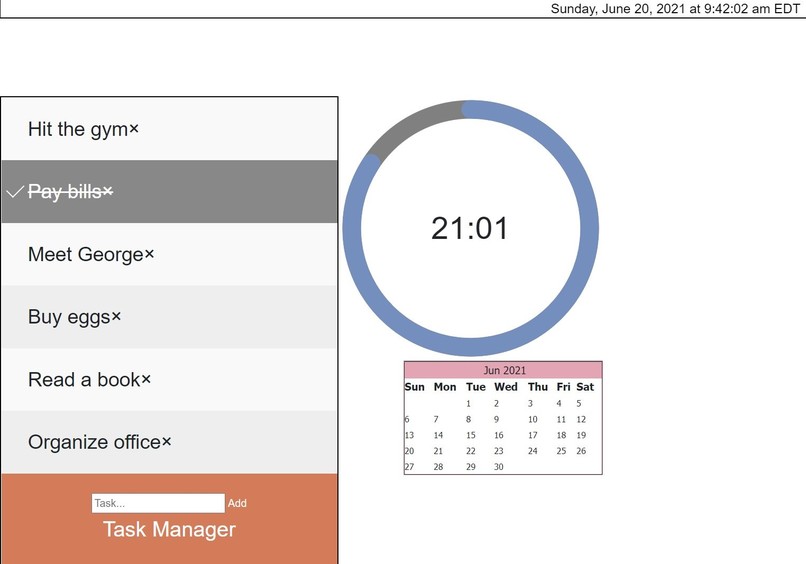
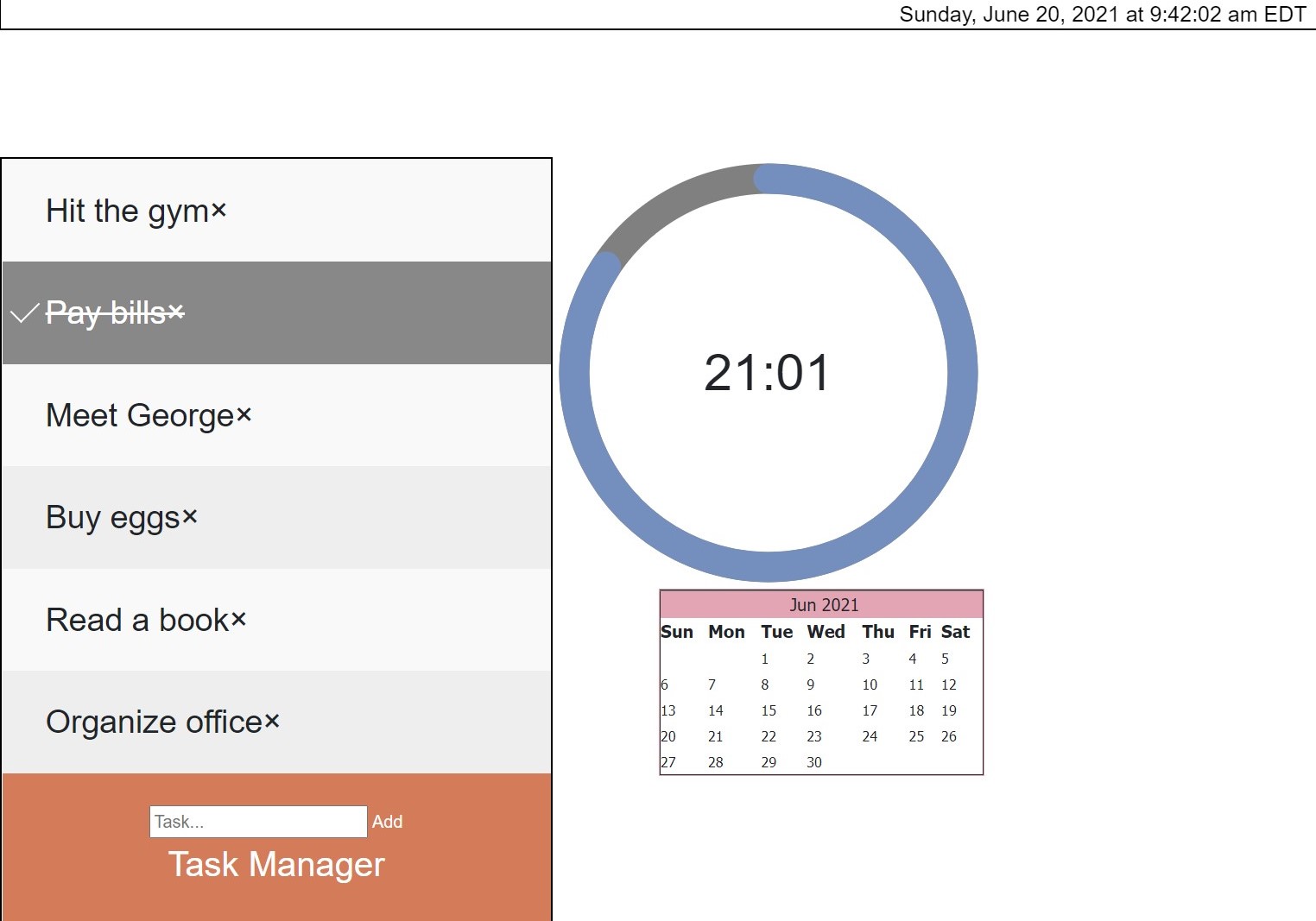
Screenshot of Website
-

-
-
-

Inspiration
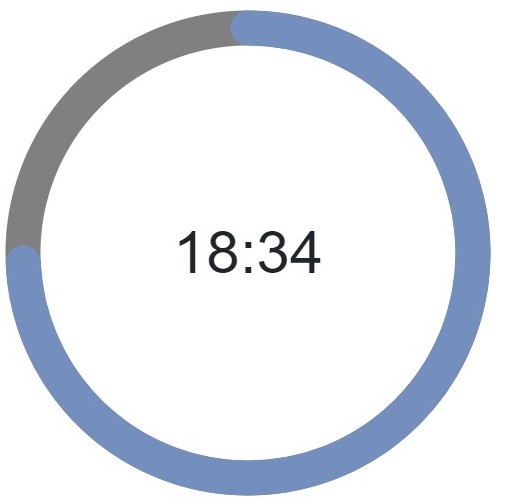
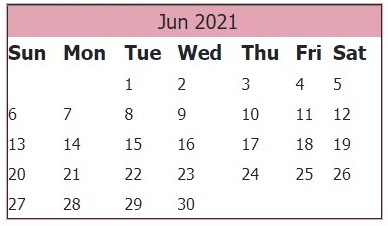
I was inspired to try this project because these are the tools I always use when studying but I have to go through multiple apps(Calendar, Clock, Notes, Reminders), to do such a simple thing. With this website, all the features in one, so I know that I could use it for my day-to-day life when my group finishes this project.
What it does
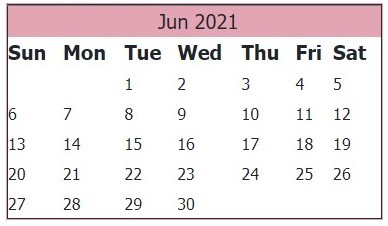
This website features,
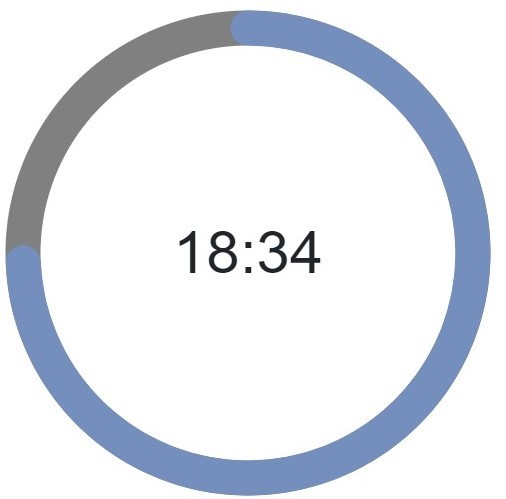
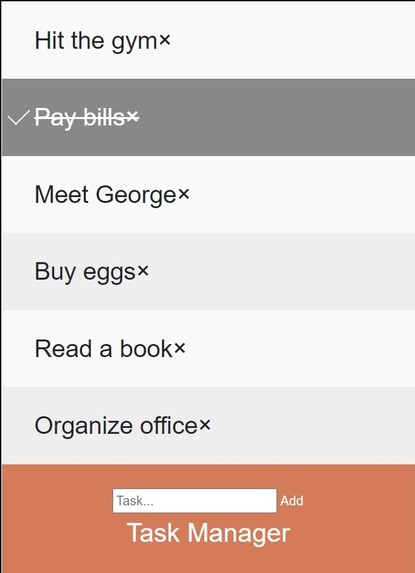
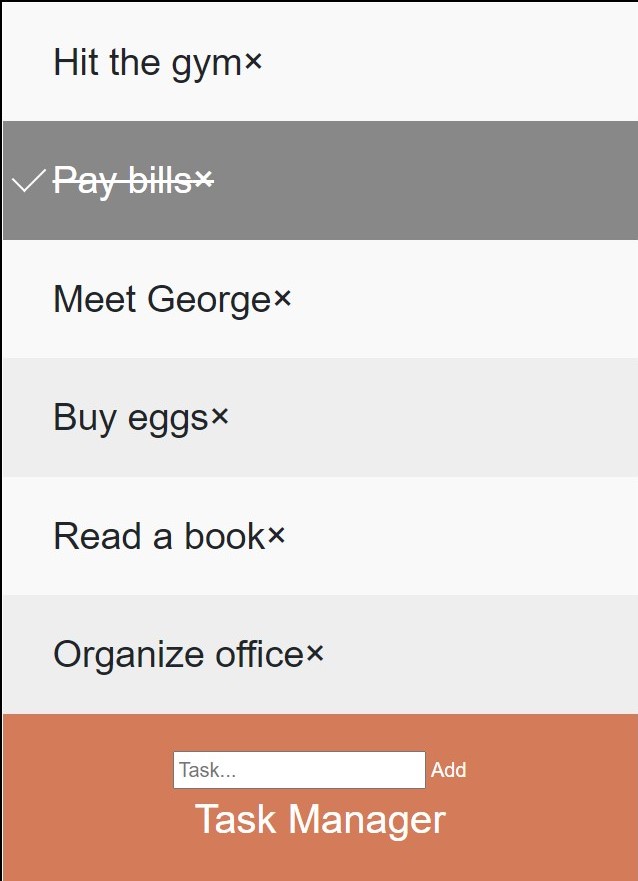
- A Task List: Using this task list, the user can ass multiple items to the list using an input field and add button. The List stores multiple items and when the task is completed, they can be check-marked or deleted. ## How we built it Our team worked together using repl.it to code the website in HTML, CSS, and JS. Each person had a task and we worked hard to put it all together ## Challenges we ran into Some of the challenges we ran into were: >Formatting, there were so many times where we have to search ways to try to make it all fit and make sure everything looked as neat as we can make it >Getting the real-time, this way difficult because many of us hadn't done anything like that before > ## Accomplishments that we're proud of We are proud that we were able to build a functional website in as little as a day, and that our project with major improvements could actually be very useful in helping anyone study. ## What we learned We learned how to use JavaScript to make input fields, buttons and timers. We also learned how to use bootstrap4 to give the website a clean look and feel. And we learned how to use HTML to build a website that has real functionality. ## What's next for Productivity Study Screen We hope to really improve the look and feel to make it cleaner. We also hope to add a rewards part to the app that rewards you for completing tasks or for studying for 25 minutes.

Log in or sign up for Devpost to join the conversation.