-
-
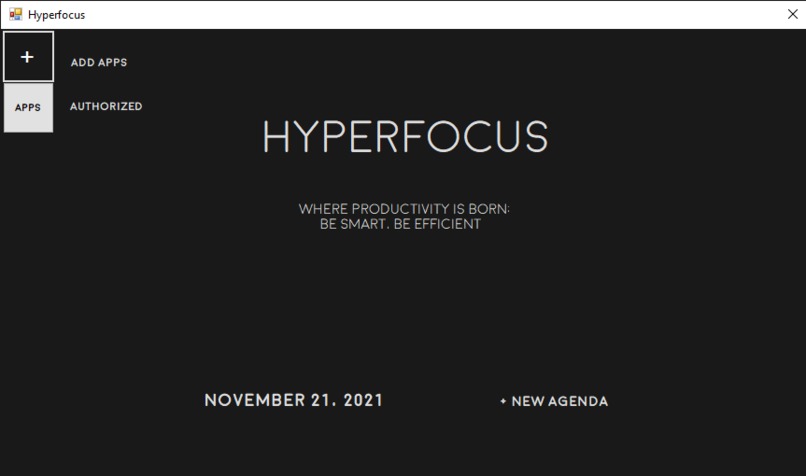
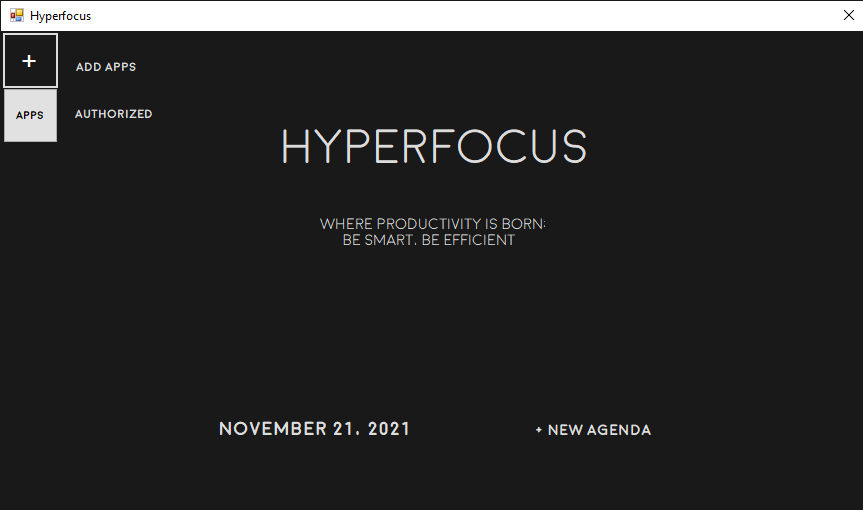
The Home Interface of "Hyperfocus"
-
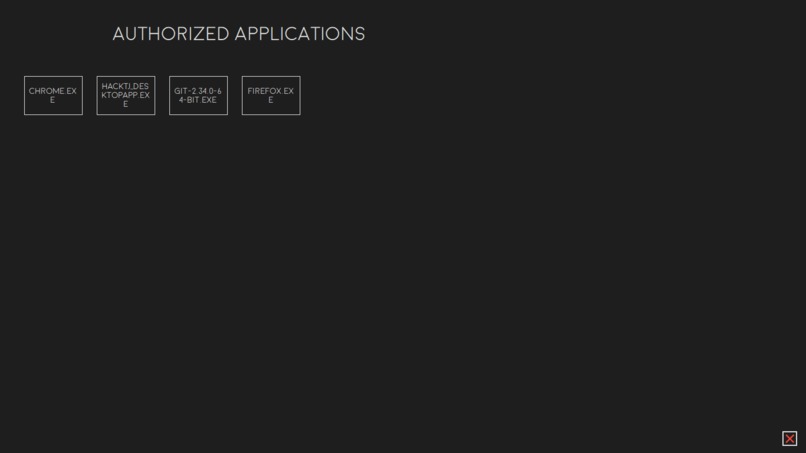
Known as the Artificial Desktop of "Hyperfocus". This portion of the app acts like a desktop for which apps users can use
-
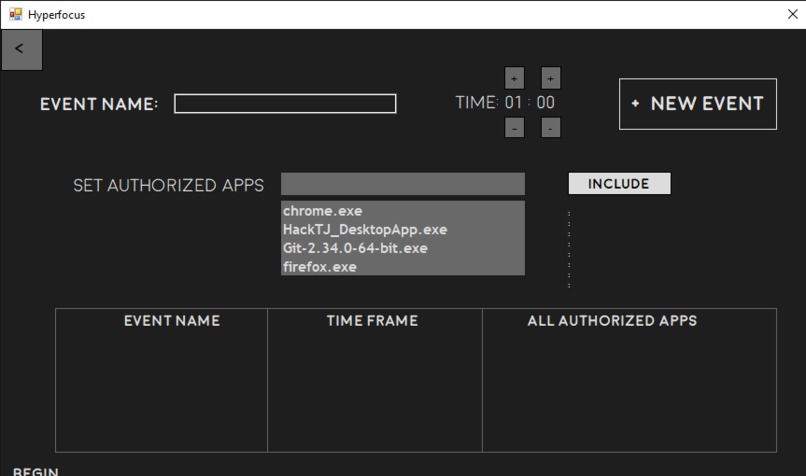
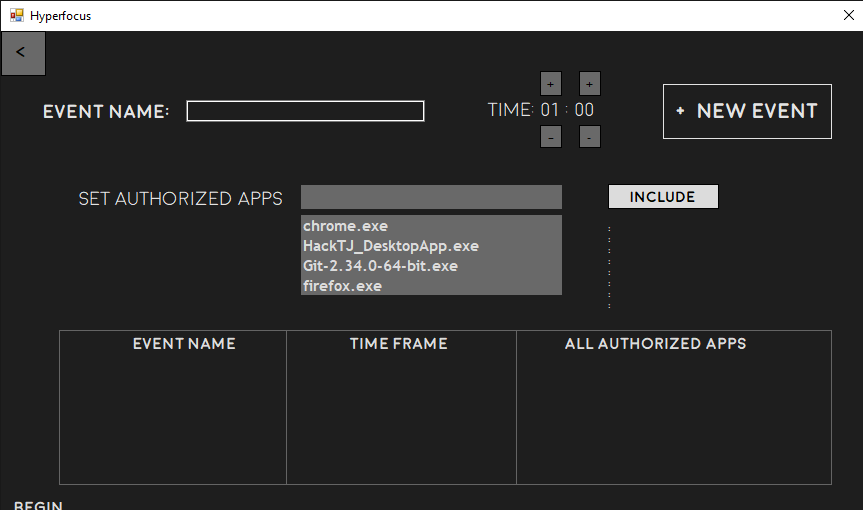
Interface when user is creating a new agenda
-
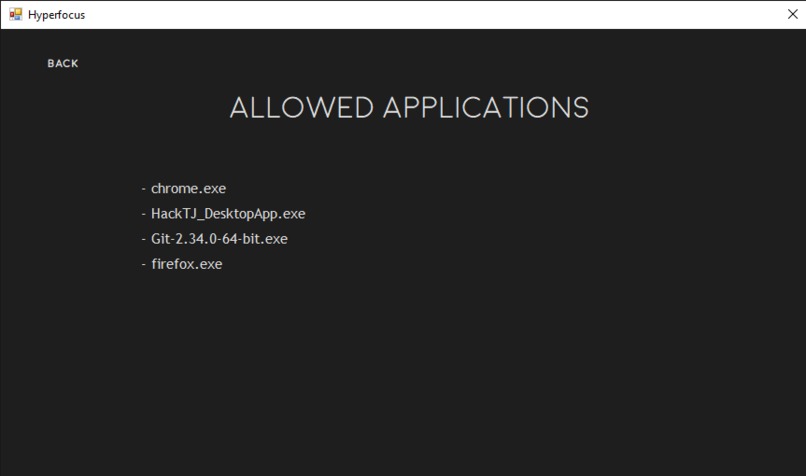
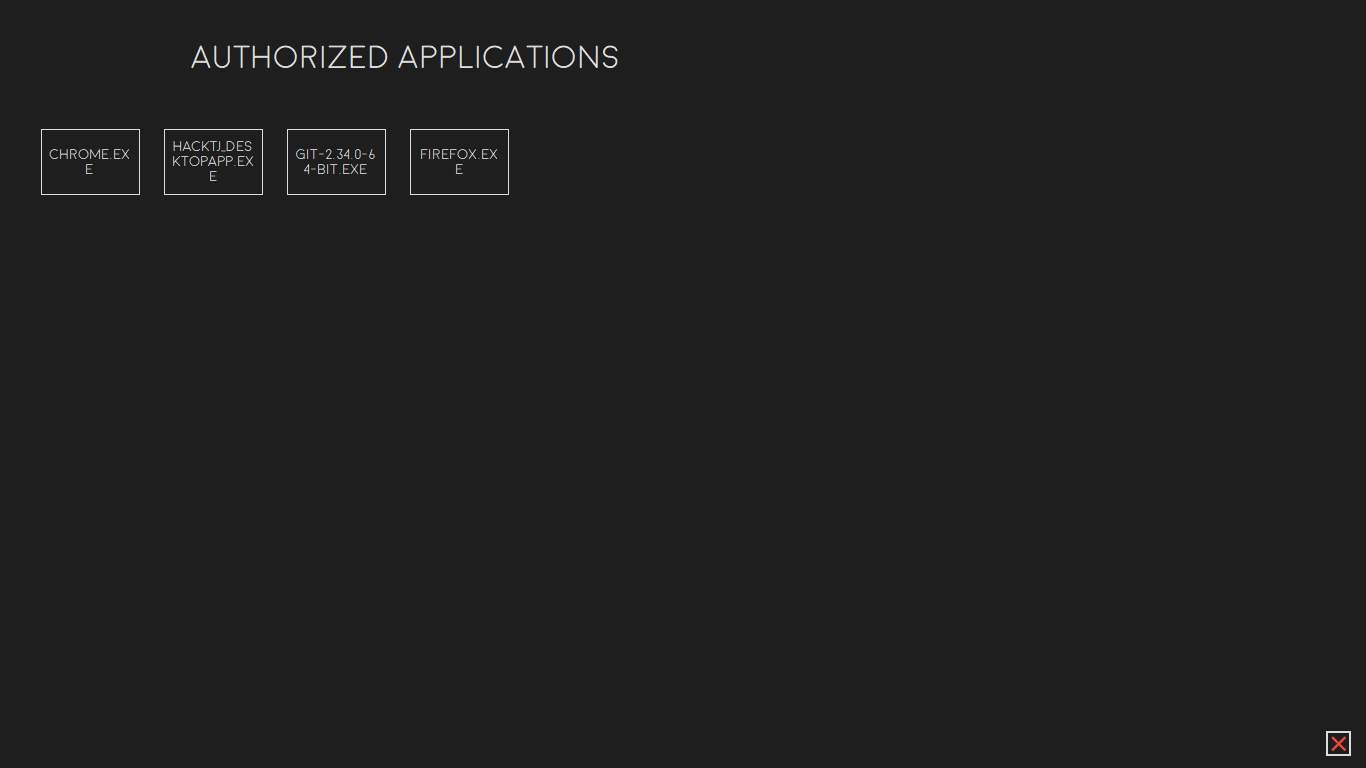
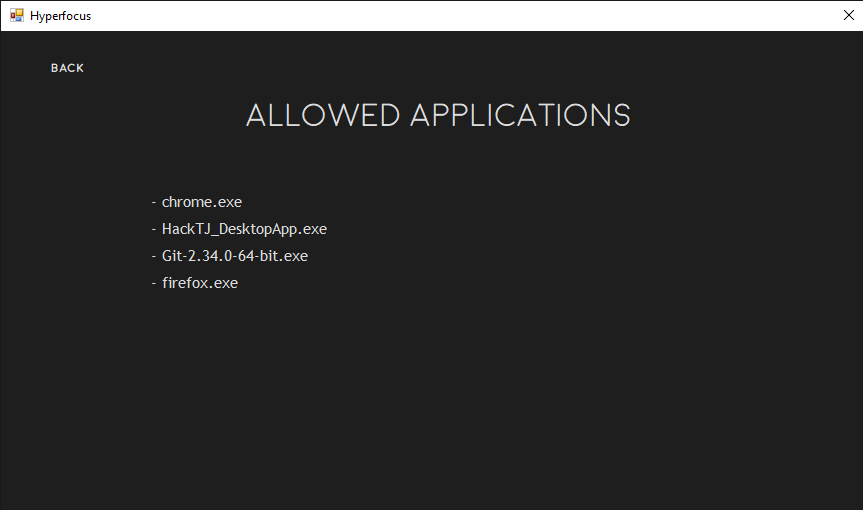
List of apps that the application can track and add to an event
Inspiration
After experiencing the global pandemic, our team noticed that there was a clear lack of productivity for certain actions in our day-to-day lives. Further exploration of these issues related to coronavirus helped us recognize that there exists a definitive lack of effective software that primarily focuses on enhancing computer productivity. In fact, many software applications are known to be inefficient by offering more distractions. Thus, our inspiration came from the desire to combat this prevalent issue by generating an efficient program that allows the user to stay on task.
What it does
This application prompts users to set a fixed amount of time to work with a set of apps that they select as "authorized." Afterward, an artificial desktop is displayed with restricted access to those individual apps and encourages the user to stay on the application until the productivity timer is up or all their tasks are fully completed.
How we built it
We used C# on Windows Form to generate both the front and back end components. On the front end, we focused on keeping the design simple and sleek with a clean font and a variety of buttons and text boxes. On the back end, we read and wrote files to JSON to organize our data and let users utilize applications from the artificial desktop.
Challenges we ran into
It was difficult to write data into JSON without duplicates. We overcame this by storing the current state of the JSON file in a HashSet to check if an app had already been selected to be tracked. Another challenge was disabling hotkeys while the application was running. As a response to the many struggles we faced, we resorted to enabling and disabling the taskbar to restrict the user from accessing other applications easily.
Accomplishments that we're proud of
We are proud that we were able to generate a successful artificial desktop that only included authorized apps that the user had chosen. This accomplishment was especially meaningful since it not only involved multiple stages of debugging but also hours of problem-solving and code comprehension in order to only display specific apps in a separate Window. As most of our team are back-end developers, successfully creating a clean and friendly user interface became a major accomplishment for us. Through numerous versions of the interface, all of us gradually became accustomed to organizing the elements of the application in a concise manner.
What we learned
Through the experience of developing the Hyperfocus Project, we learned the fundamentals of C# and the Windows Form Application that took advantage of the programming language. For instance, we were able to explore the various functions of the Windows Form Tools, such as Buttons and Panels, that served a critical function in creating a sophisticated User Interface. Moreover, by working together as a team, we were able to better comprehend the separate roles of Frond and Back End Programming and the importance of both in shaping a desirable app.
What's next for Hyperfocus Project
To improve the project, we plan to implement more customization to the User Interface, such as allowing the user to adjust the theme of the app and creating an account system to allow multiple users to use the app on the same device. Through the addition of customization, we hope to make our UI more user-friendly and interactive than ever before.
Built With
- .properties
- c#
- json
- newtonsoft.json
- visual-studio


Log in or sign up for Devpost to join the conversation.