Inspiration
In today’s fast-paced world, students and young professionals juggle academics, personal goals, and health all at once. Most productivity apps are either too complicated or focus on just one feature. We wanted to create a lightweight, simple, and multifunctional web app that helps manage small but meaningful daily tasks—whether it’s staying productive, learning something new, or taking care of personal growth.
What it does
Productively is an all-in-one web companion that:
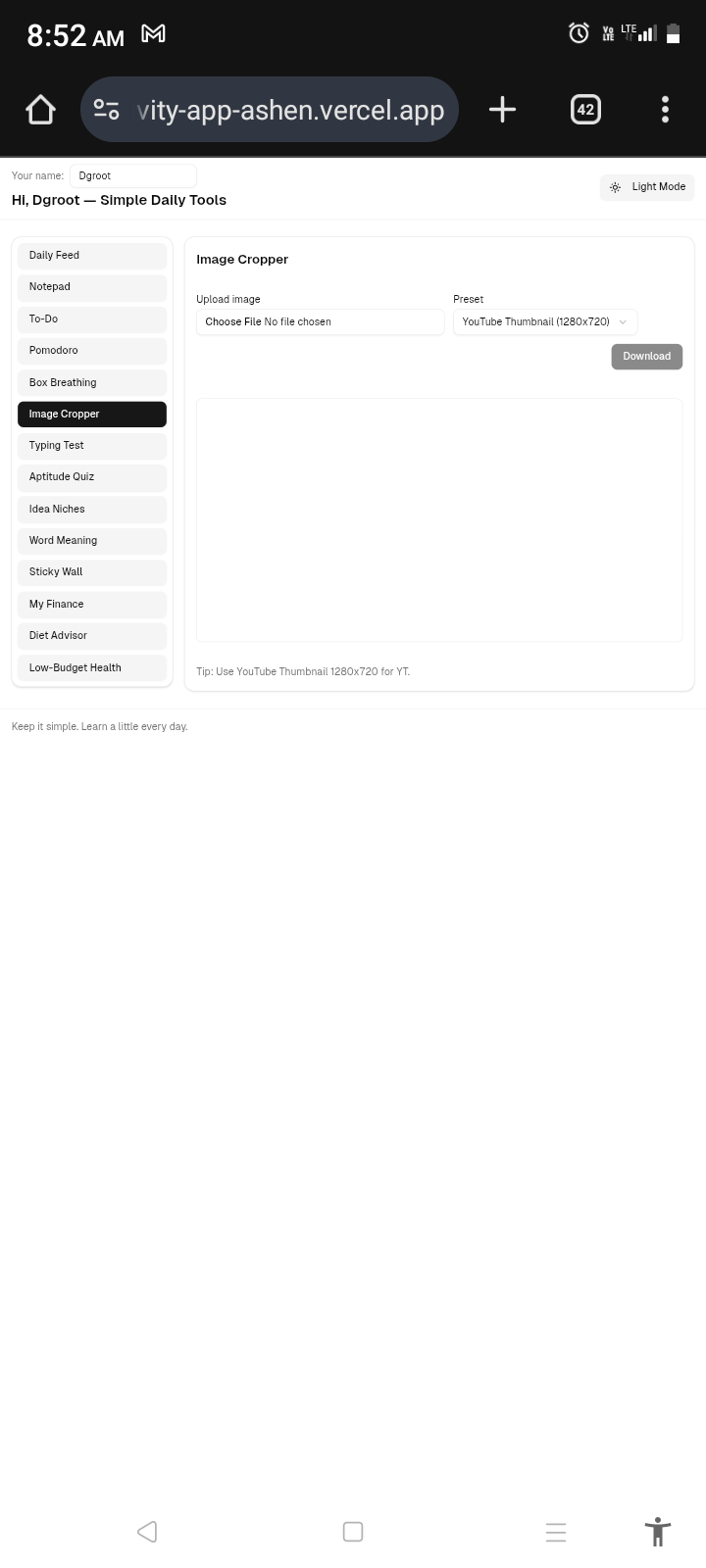
Crops images (like YouTube thumbnails) to the right size.
Suggests unique project/idea niches for brainstorming.
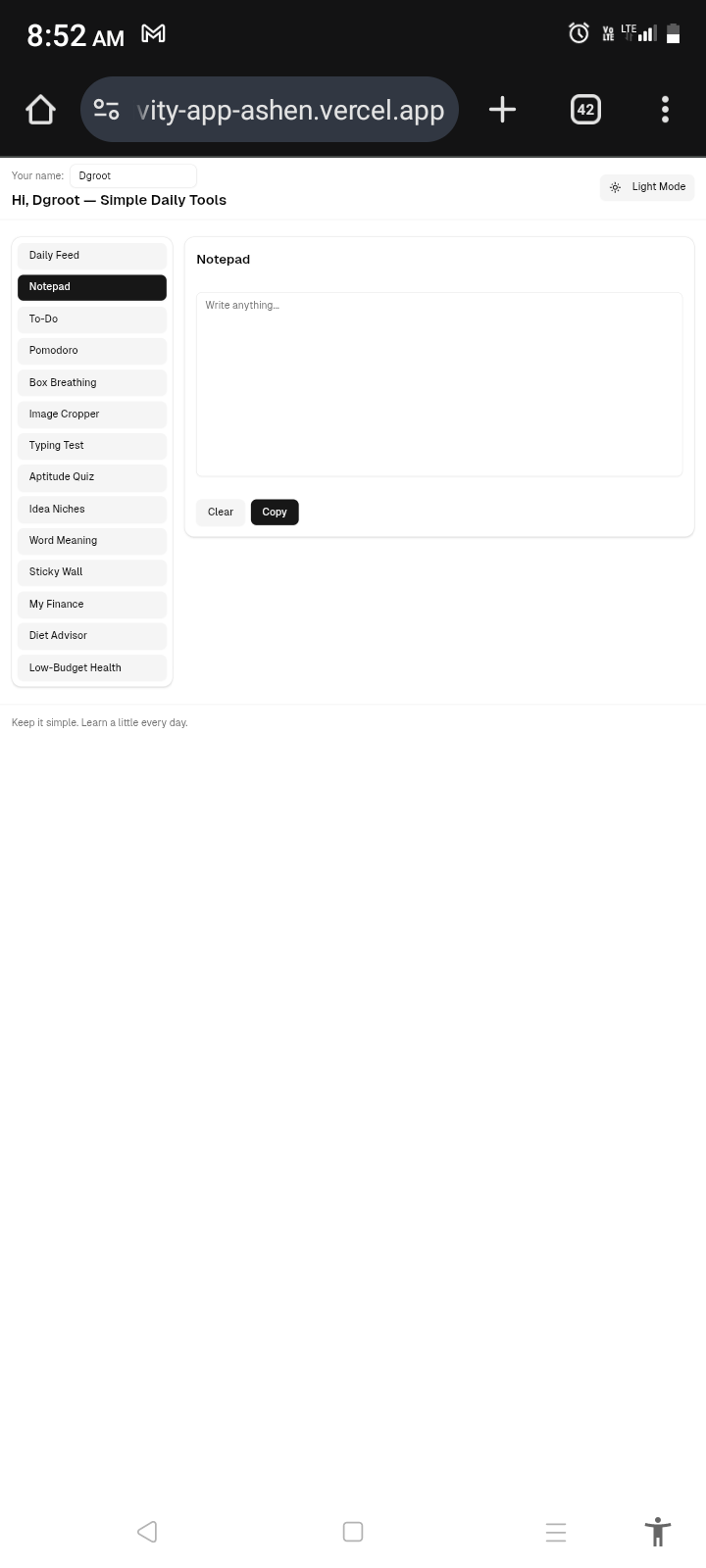
Works as a simple notepad.
Manages to-do tasks.
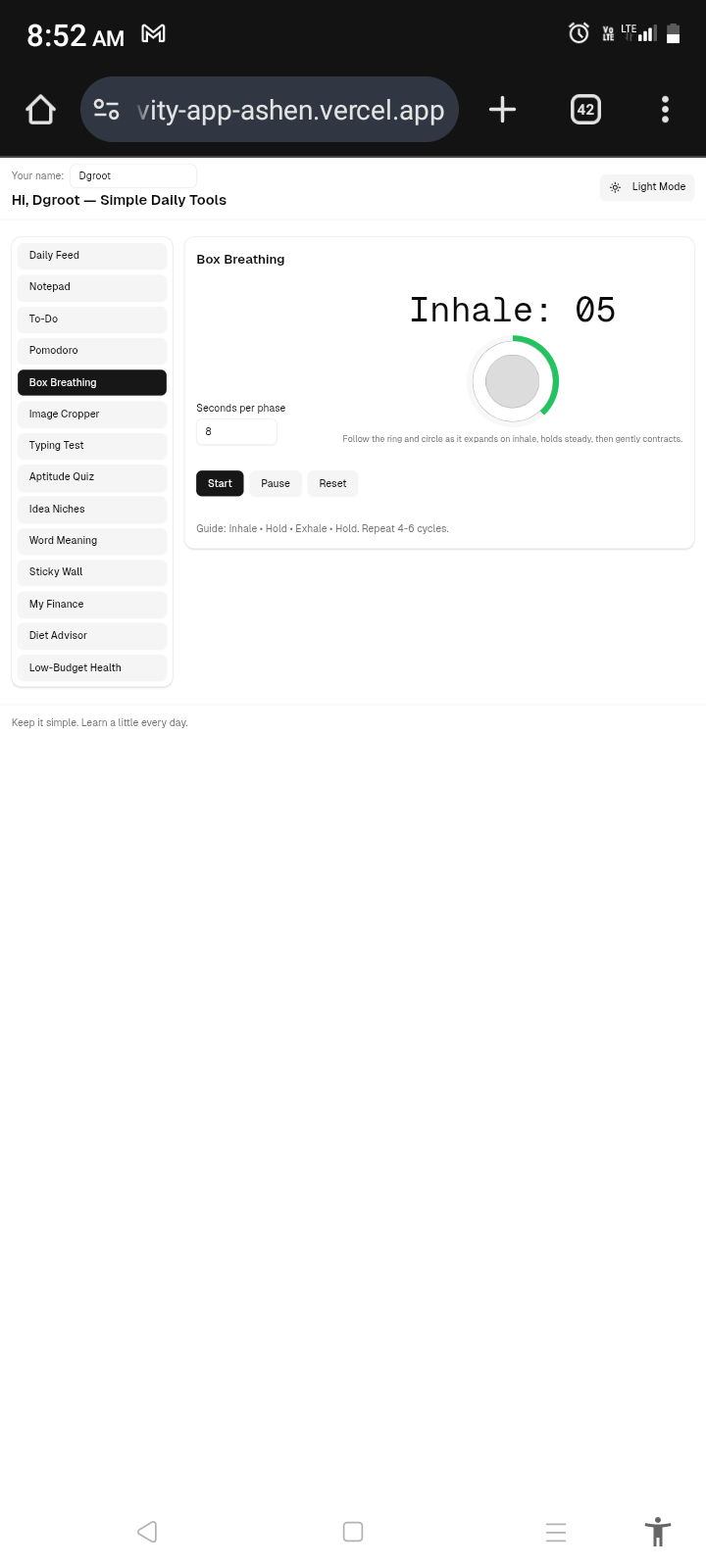
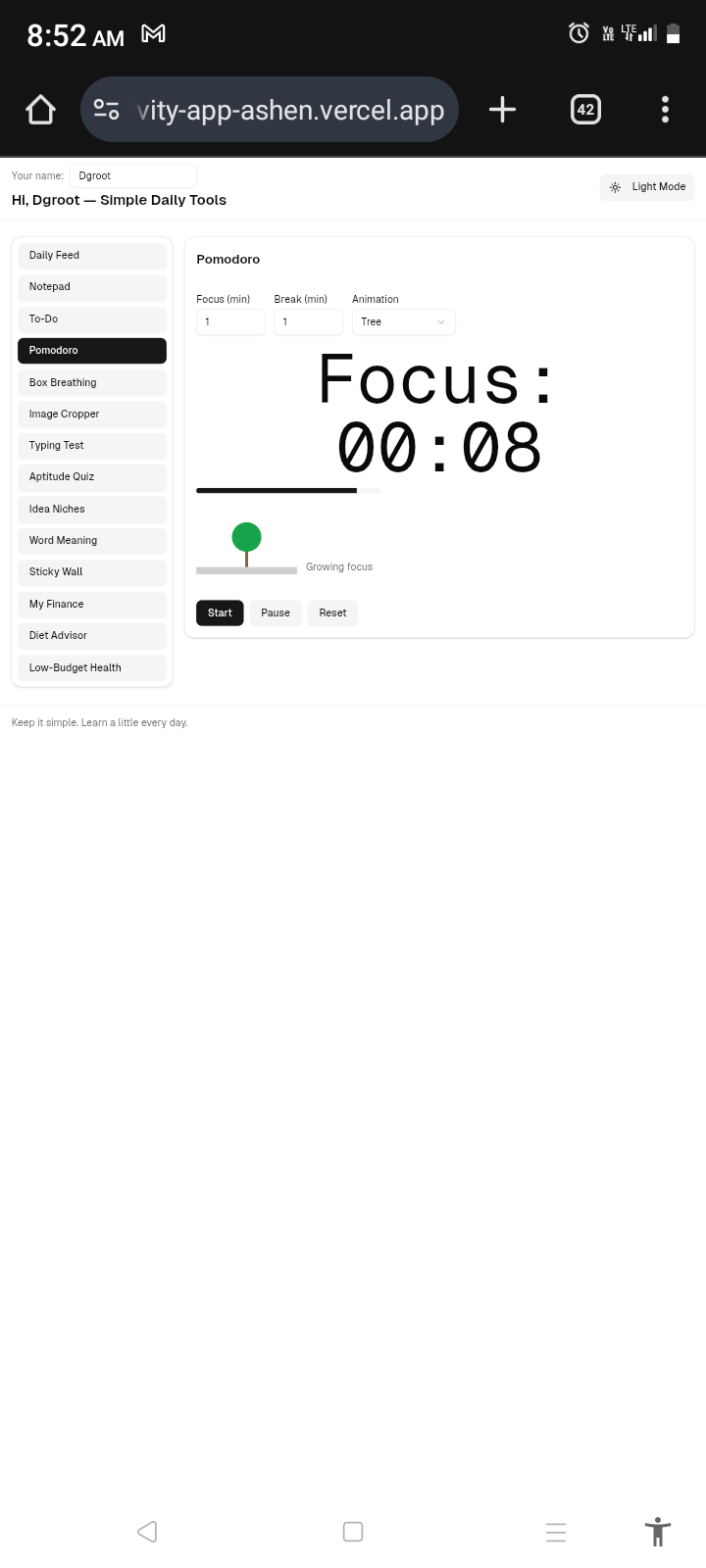
Includes a Pomodoro timer with engaging animations.
Teaches and times box breathing exercises.
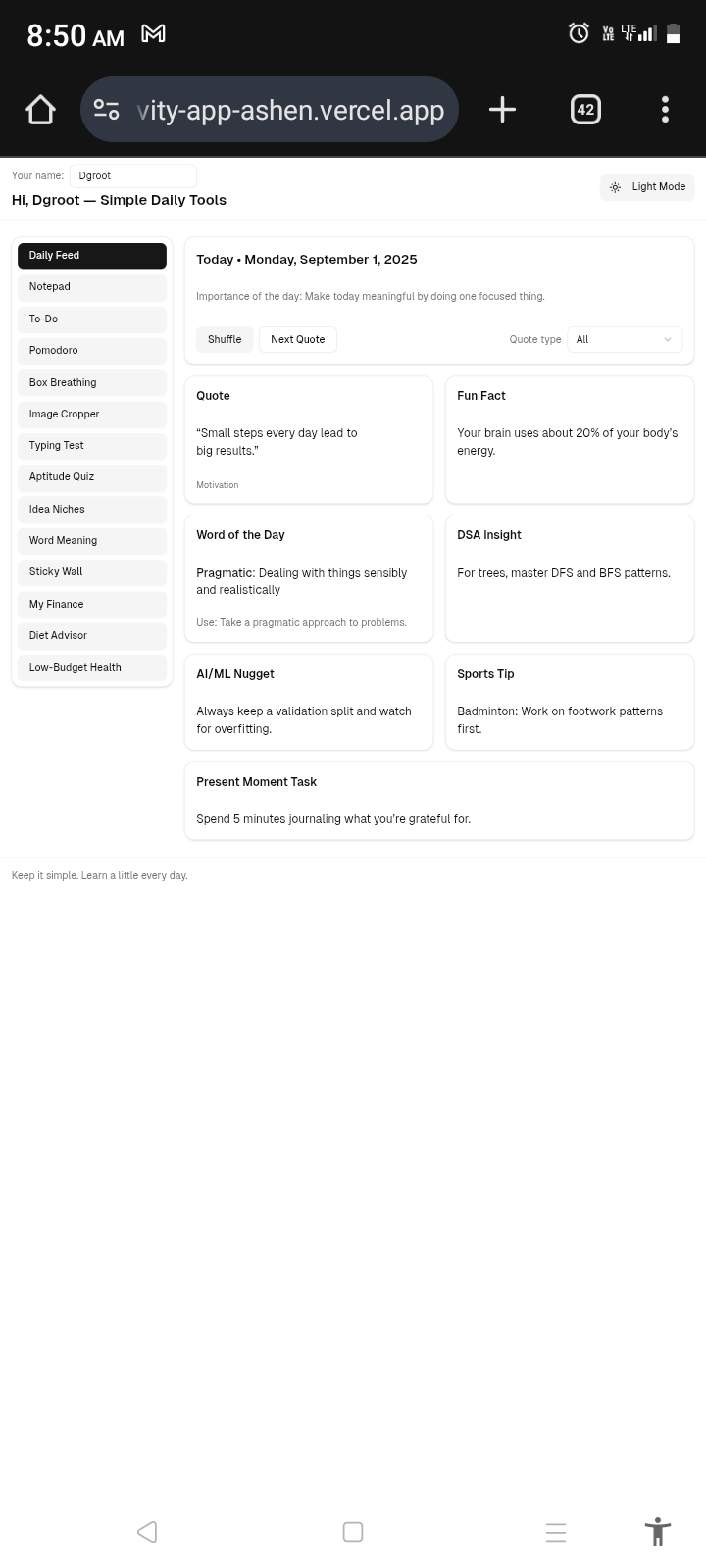
Shares fun facts, motivational quotes, and word-of-the-day with usage examples.
Shows the importance of today’s date.
Provides daily aptitude questions with solution explanations.
Offers a typing speed test with animated reports.
Suggests small daily tasks to spark curiosity and learning.
Teaches one new DSA problem-solving approach daily.
Shares new insights about AI/ML and technology.
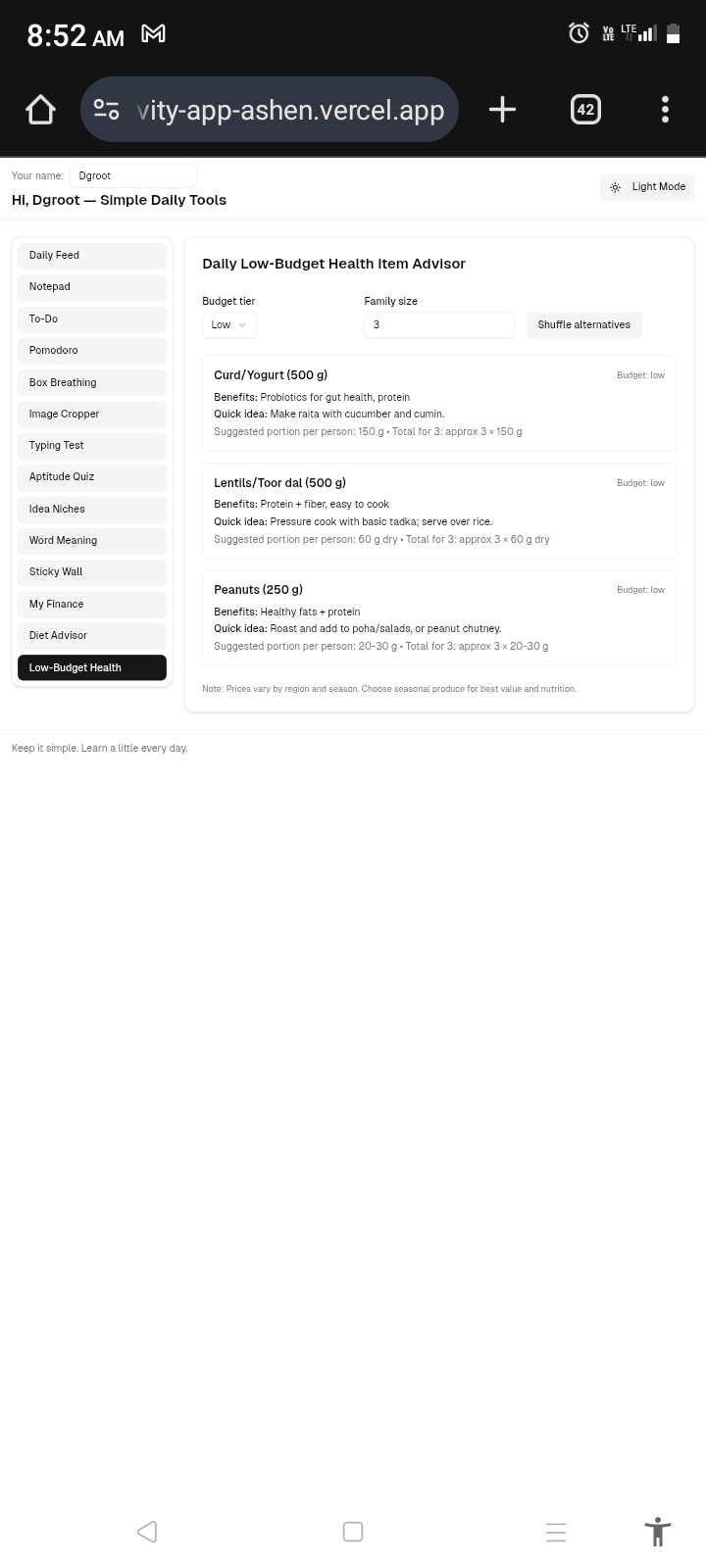
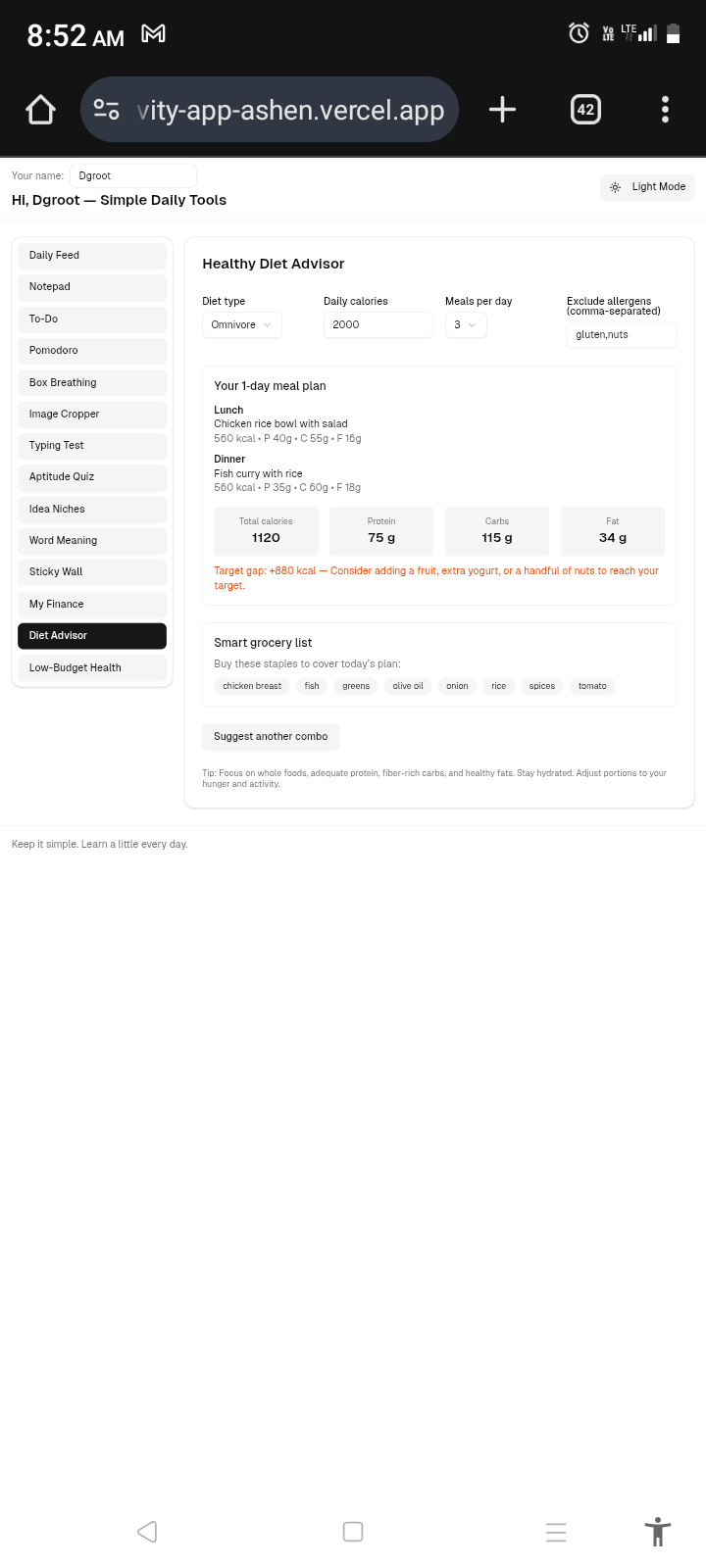
Recommends low-budget healthy meals tailored for students and families.
Introduces a new sport/game each day.
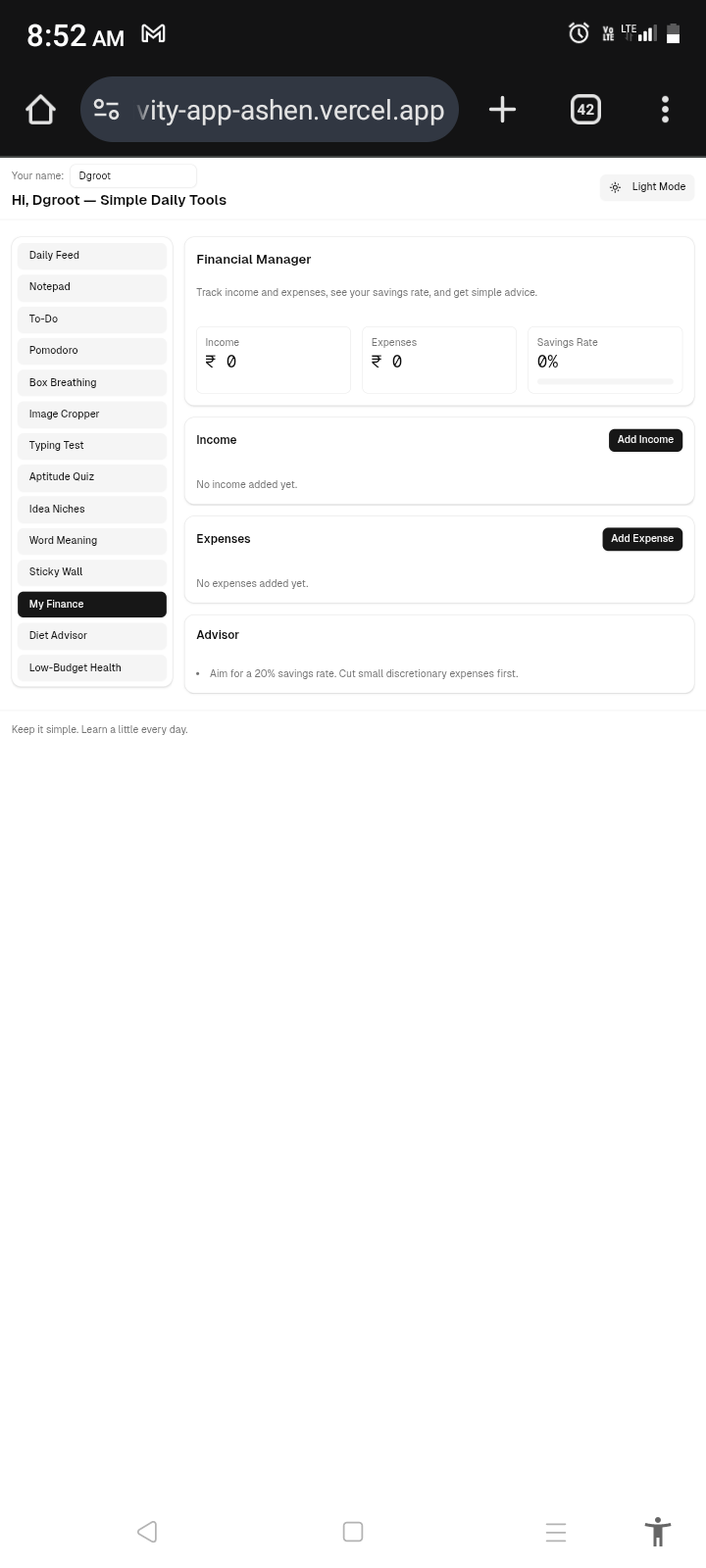
Includes a basic financial manager and advisor.
All wrapped in a minimal, distraction-free design with dark/light mode support.
How we built it
Frontend: HTML, CSS, JavaScript (kept framework-free for simplicity).
UI/UX: Clean and easy navigation, minimal complexity, dark/light toggle.
Timers & Animations: JavaScript canvas and CSS transitions for Pomodoro, Box Breathing, and Typing Test.
Content Modules: Predefined JSON datasets with randomization for facts, quotes, aptitude, DSA, and word suggestions.
Utilities: Integrated small tools (image cropper, notepad, personal manager) using vanilla JS APIs and localStorage for persistence.
Challenges we ran into
Balancing simplicity with feature richness.
Designing engaging animations without making the app heavy.
Creating random but meaningful content (quotes, ideas, daily words, aptitude).
Making sure navigation stays clean and non-overwhelming despite 20+ features.
Debugging issues like the word meaning finder not returning results.
Accomplishments that we're proud of
Built a multi-feature productivity suite that still feels lightweight.
Created fun and interactive timers that grow trees or build houses as time passes.
Integrated daily learning, wellness, and productivity into one space.
Added a financial and health advisor module for holistic lifestyle balance.
Designed it to be accessible, beginner-friendly, and customizable (dark/light).
What we learned
The importance of UI minimalism when combining many small utilities.
How small gamification elements (like animations) increase user engagement.
The value of combining productivity, learning, and personal growth in one app.
Handling content randomness and providing clear explanations (like in aptitude questions).
What's next for Productively
Launch as a progressive web app (PWA) for offline use.
Add AI-powered personalization (custom quotes, tailored learning, health suggestions).
Build a dashboard with analytics (typing progress, aptitude improvement, task completion streaks).
Expand content with community-contributed ideas, quotes, and learning snippets.
Open-source the project so others can add their own modules.


Log in or sign up for Devpost to join the conversation.