-
-
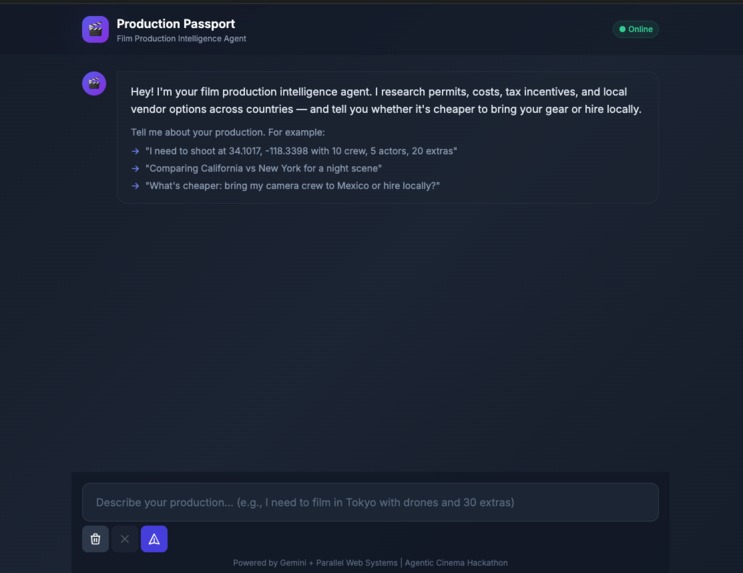
Main Screen
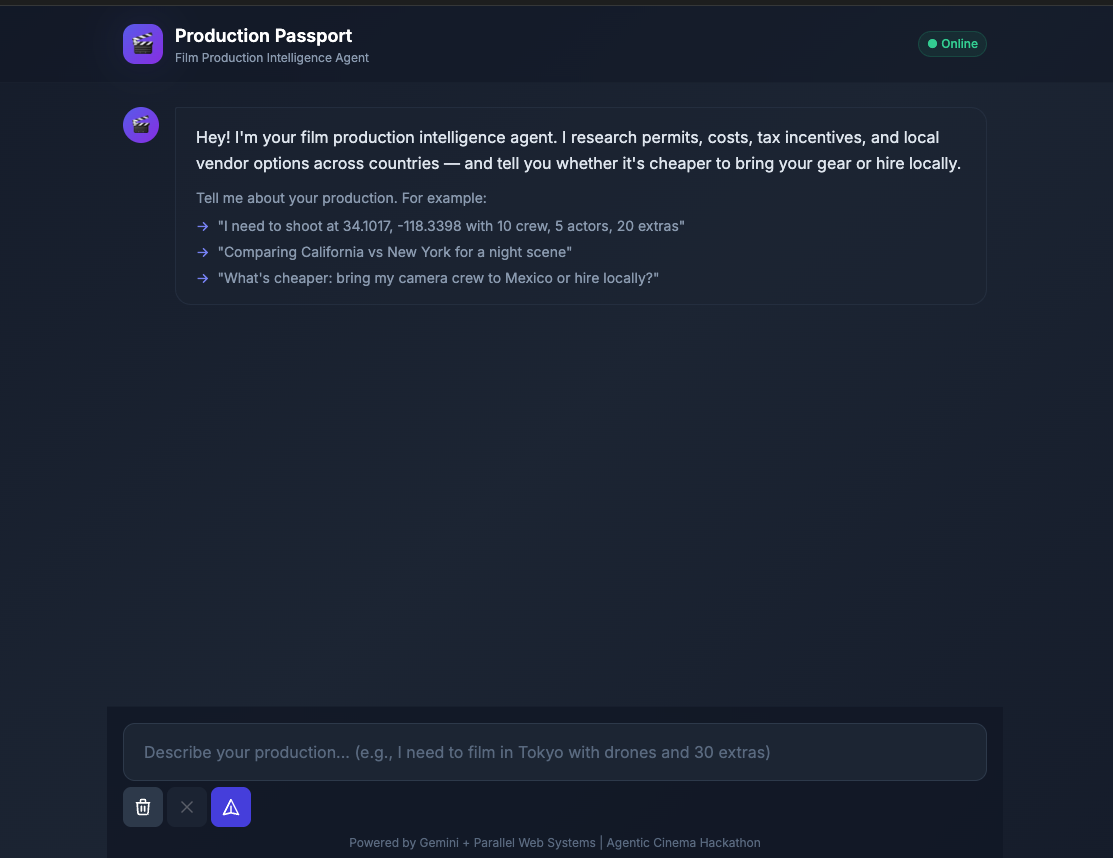
Inspiration
As a filmmaker and AI consultant who has worked with 500+ businesses across Mexico, US, and Costa Rica, I kept seeing the same problem: every international film shoot requires days of manual research — permit requirements, film commission contacts, drone regulations, crew costs, insurance. Information scattered across dozens of government websites, often outdated.
When this hackathon launched with Parallel Web Systems + Google Gemini as partners, I knew exactly what to build: an AI agent that automates the entire research workflow. Instead of filmmakers spending hours searching government websites, they just describe their shoot and get a complete production report in seconds.
What it does
Production Passport is an AI agent that takes a simple description of a film production and generates a complete production report in seconds.
Input example:
"We need to shoot in Los Angeles with 10 crew, 5 actors, 20 extras, drones, budget $50,000"
Output includes:
- 📍 Automatic location detection from coordinates or text (reverse geocoding via BigDataCloud)
- 📋 Permit requirements with current costs and processing times
- 💰 Bring vs Hire cost comparison with actual crew/equipment day rates
- 🏢 Film commission contacts (email, phone, website) — real data via Parallel Search
- 📱 Drone regulations and restrictions
- 🛡️ Insurance recommendations
- ✅ Pre-production checklist
- 📄 Exportable to DOCX format
Key differentiator: Multi-location comparison — compare California vs New York, Mexico vs Colombia, etc. with data specific to each location.
Live mode: When APIs are configured, Parallel searches the web in real-time for current permit costs, regulations, and vendor contacts. Gemini generates the report from this live data. Without APIs, it works in demo mode with pre-loaded reference data.
How we built
Tech Stack
- Backend: Python + Flask (REST API on port 8080)
- Search: Parallel AI Search API (real-time web research) — integrated at runtime
- AI: Google Gemini API via
google-generativeaiSDK (Google Cloud SDK requirement) - Geocoding: BigDataCloud reverse geocoding API (free, no key required)
- Export:
python-docxfor Word document generation - Frontend: Vanilla HTML/CSS/JS with Tailwind CSS
Architecture
- User submits production description via web UI
- Backend extracts production details using regex (crew size, extras, budget, drones)
- Reverse geocoding detects exact location from coordinates
- Parallel Search API queries for: permit costs, crew rates, film commission contacts, regulations
- Gemini generates a structured, natural-language report from the collected data
- Report displays in the browser with formatted sections
- User can download as DOCX
Real-time data flow (Live mode)
- Parallel searches:
"[Location] film permit costs 2025""[Location] film crew day rates""[Location] film commission contact email"
- Results are parsed for prices, contacts, and links
- Gemini receives all this data and generates a comprehensive report
Demo mode
Without API keys configured, the system uses pre-loaded reference data for major production hubs (California, New York, Mexico, Colombia, Spain, Japan, UK) — ensuring the demo always works.
Challenges
Gemini API model versions: The model names kept changing (
gemini-1.5-flash→gemini-2.5-flash→gemini-3.6-flash). Had to test multiple versions and update the code to use the current available model.Gemini timeout issues: Gemini API was hanging on requests. Fixed by reducing timeout to 15 seconds and adding proper
User-Agentheaders. Added graceful fallback to demo mode when API fails.Parallel API key configuration: Had to verify the API key was valid and had proper permissions. Sandbox vs production keys behave differently.
Multiple location detection: Initial code only detected the first state in
"California vs New York"— had to fix to extract and search for ALL mentioned locations.Comparison consistency: Gemini wasn't consistently including comparison data across all report sections. Fixed by restructuring the prompt to explicitly require per-location data in each section.
Google Cloud billing is complex: Understanding the spending limits, credit requirements, and tier upgrades is important before relying on Gemini in production.
Accomplishments
Fully functional AI agent that works end-to-end — from text input to formatted report with DOCX export.
Real-time data integration — Parallel Search actually searches the web for current data, not just returning pre-canned responses.
Multi-location comparison — the ability to compare multiple filming locations in one report is genuinely useful for location scouting decisions.
Graceful degradation — the app works perfectly in demo mode without any API keys, so it's always demoable.
Ready for hackathon submission: Code is public on GitHub with MIT license,
google-generativeaiSDK integrated, Parallel API actively used at runtime, README complete.
What we learned
AI agent development is iterative: Model APIs change frequently, requiring constant testing and adaptation. The model availability list is dynamic.
Real-time data adds value: Users can immediately see the difference between demo mode (static data) and live mode (searched data). This validates the Parallel integration.
Fallback strategies matter: Having a working demo mode when APIs fail is essential for hackathon presentations — you can't rely on external services being available.
Prompt engineering for multi-section reports: Getting AI to consistently include comparison data across all sections requires explicit prompting and structured data input.
Google Cloud billing is complex: Understanding the spending limits, credit requirements, and tier upgrades is important before relying on Gemini in production.
What's next
Parallel Monitor integration — Set up real monitoring jobs that alert users when permit requirements or regulations change in their filming locations.
More location data — Expand pre-loaded demo data to cover more countries and cities worldwide.
Budget calculator — Interactive budget breakdown where users can adjust crew size, shoot days, and equipment to see real-time cost estimates.
Crew/supplier marketplace — Integrate with vendor databases to allow direct contact or booking of local crew and equipment rental.
Multi-language support — Currently English-only; adding Spanish, Portuguese, and French would expand reach to Latin American and European productions.
Mobile app — A companion mobile app for location scouts to quickly look up permit requirements and contacts on location.
Production templates — Pre-configured templates for common production types (commercial, music video, feature film, documentary) with typical crew counts and equipment needs.ion

Log in or sign up for Devpost to join the conversation.