🚀 Product Board - Project Management Platform.
Live: https://productboard-application.vercel.app/
Backend: https://github.com/vishwajeetraj11/productboard-backend
Fronend: https://github.com/vishwajeetraj11/productboard
Deployment:
Frontend: Vercel
Backend: Heroku
💻 Screens
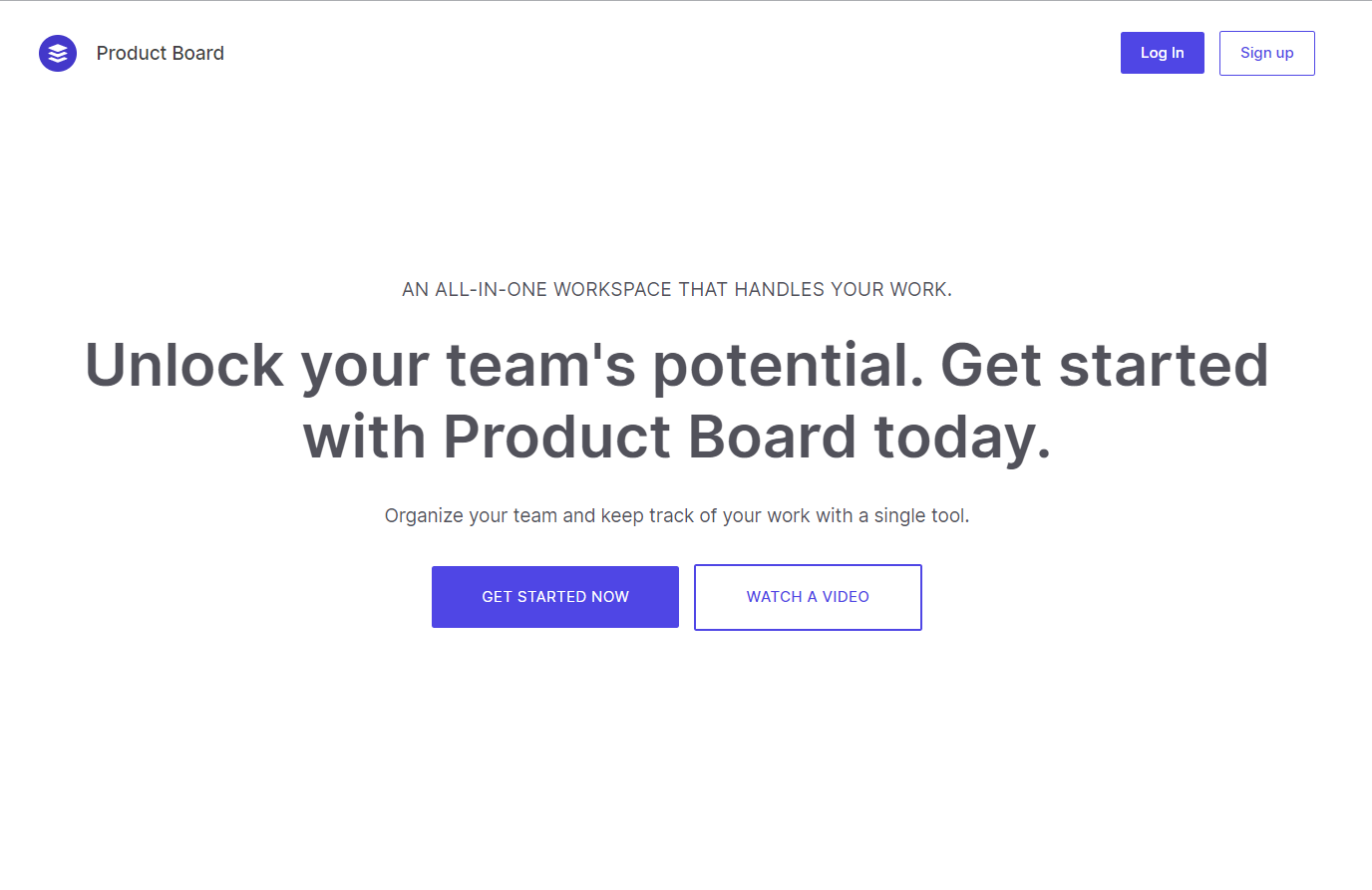
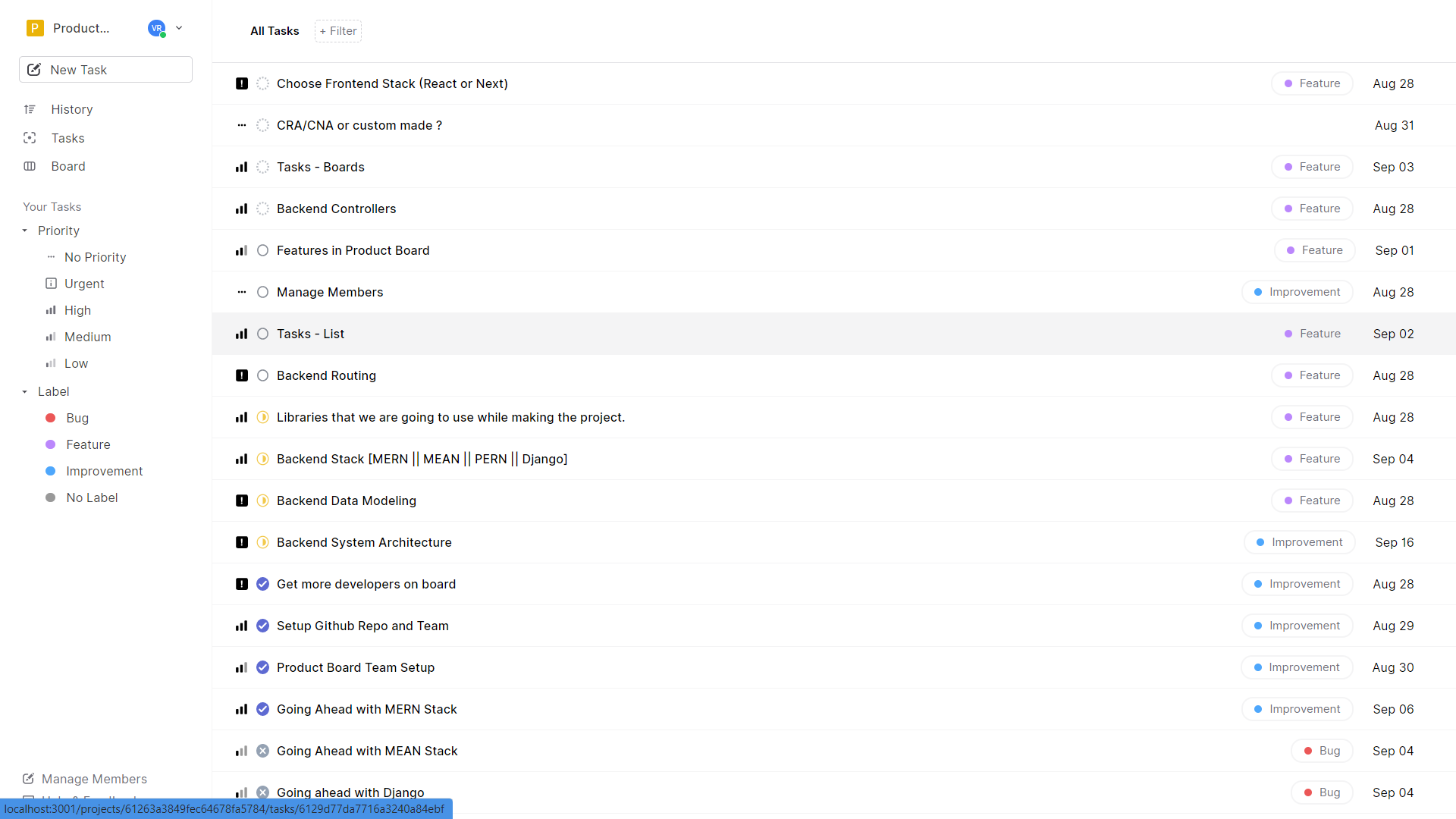
| Landing Page | Tasks Page |
|---|---|
 |
 |
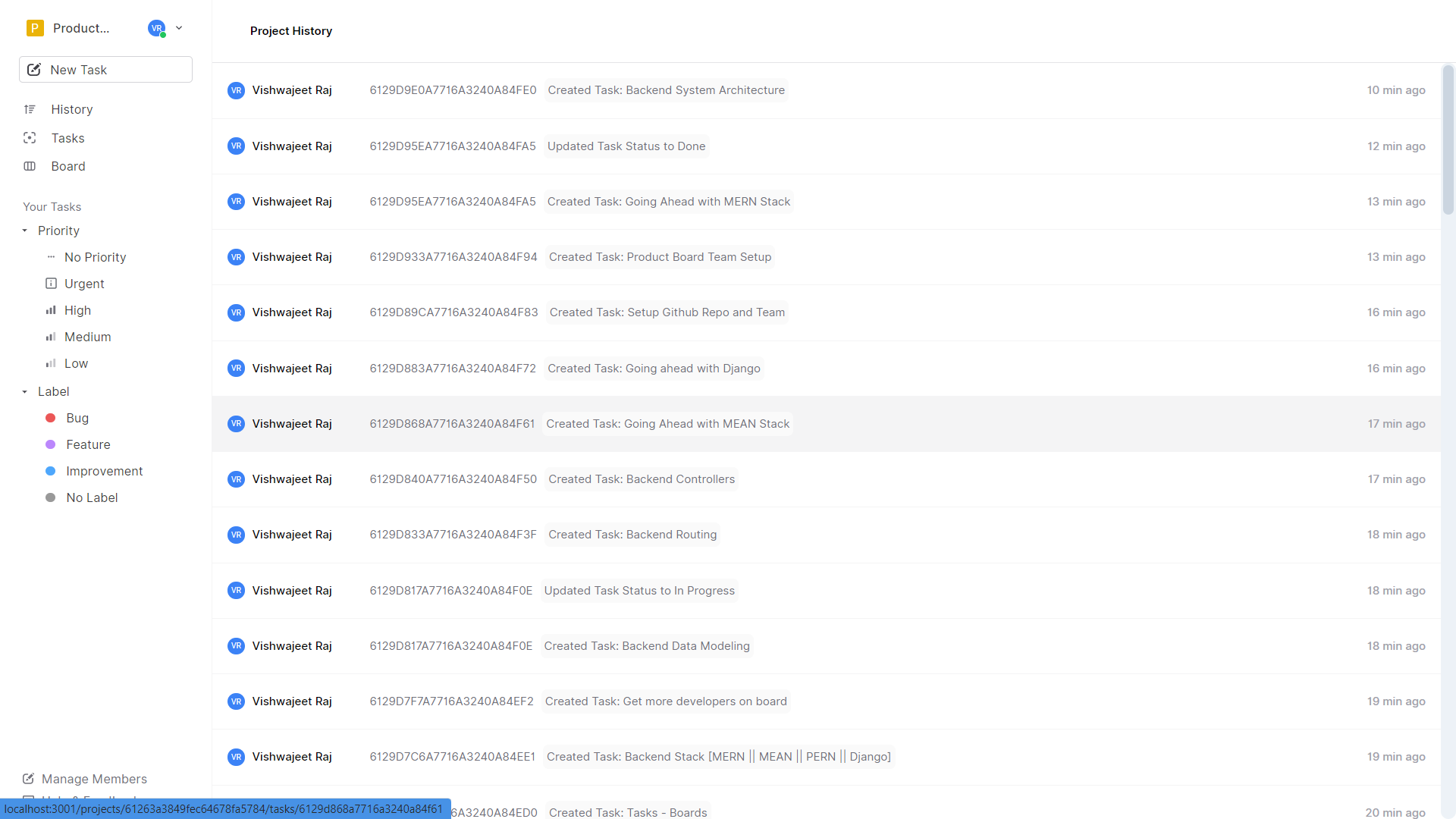
| History Page | Task Detail |
 |
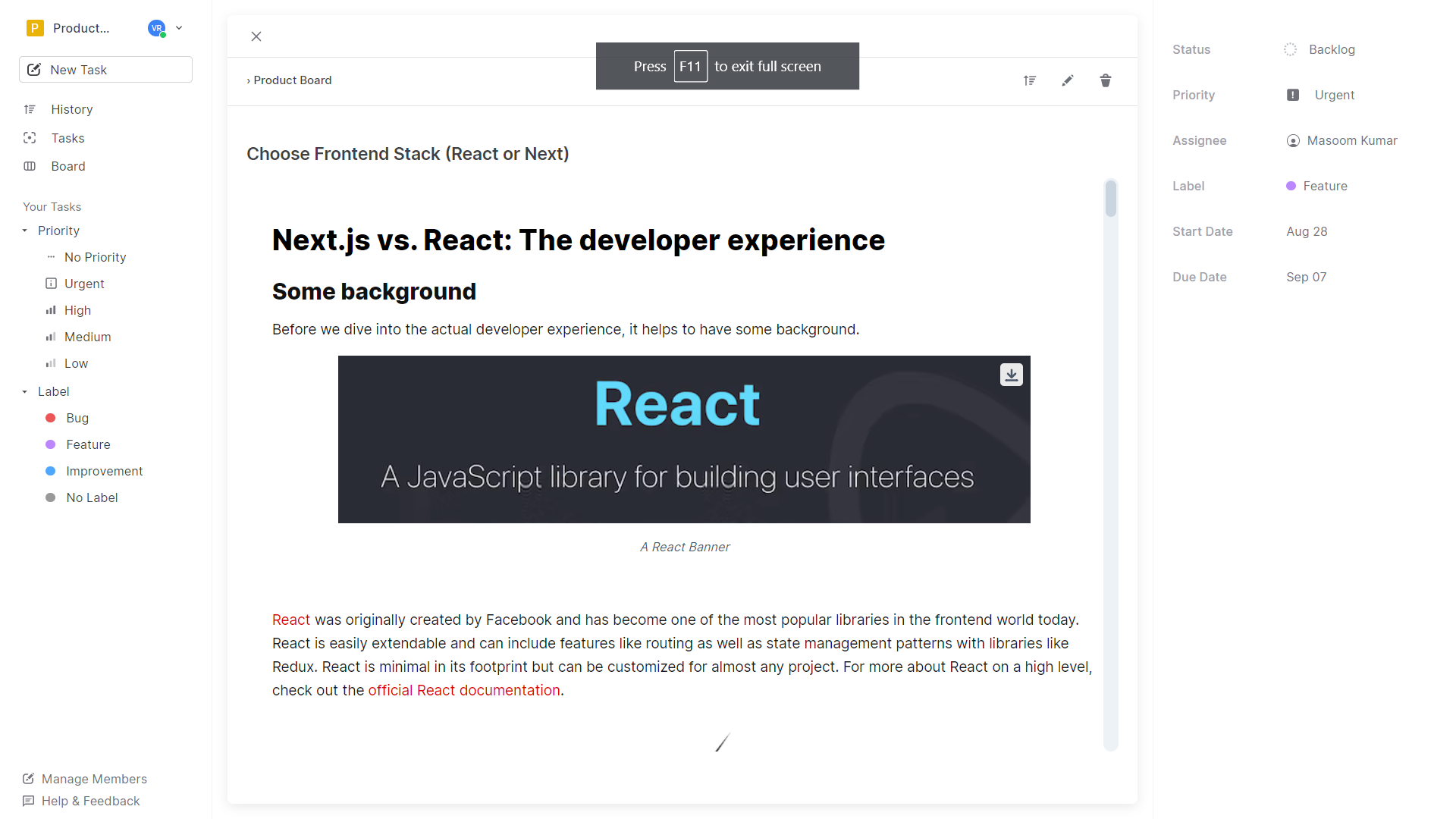 |
| Boards | All Projects |
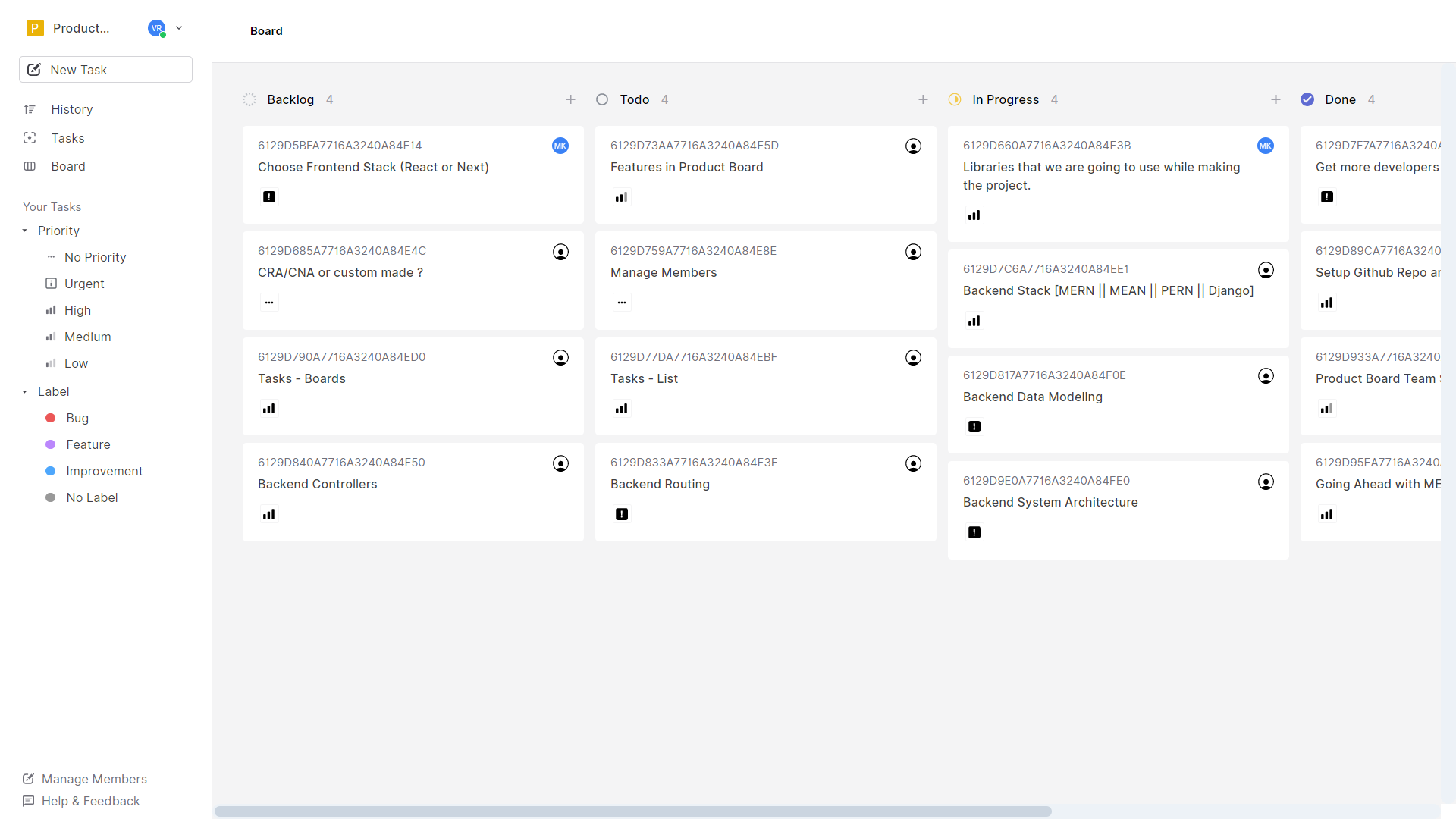 |
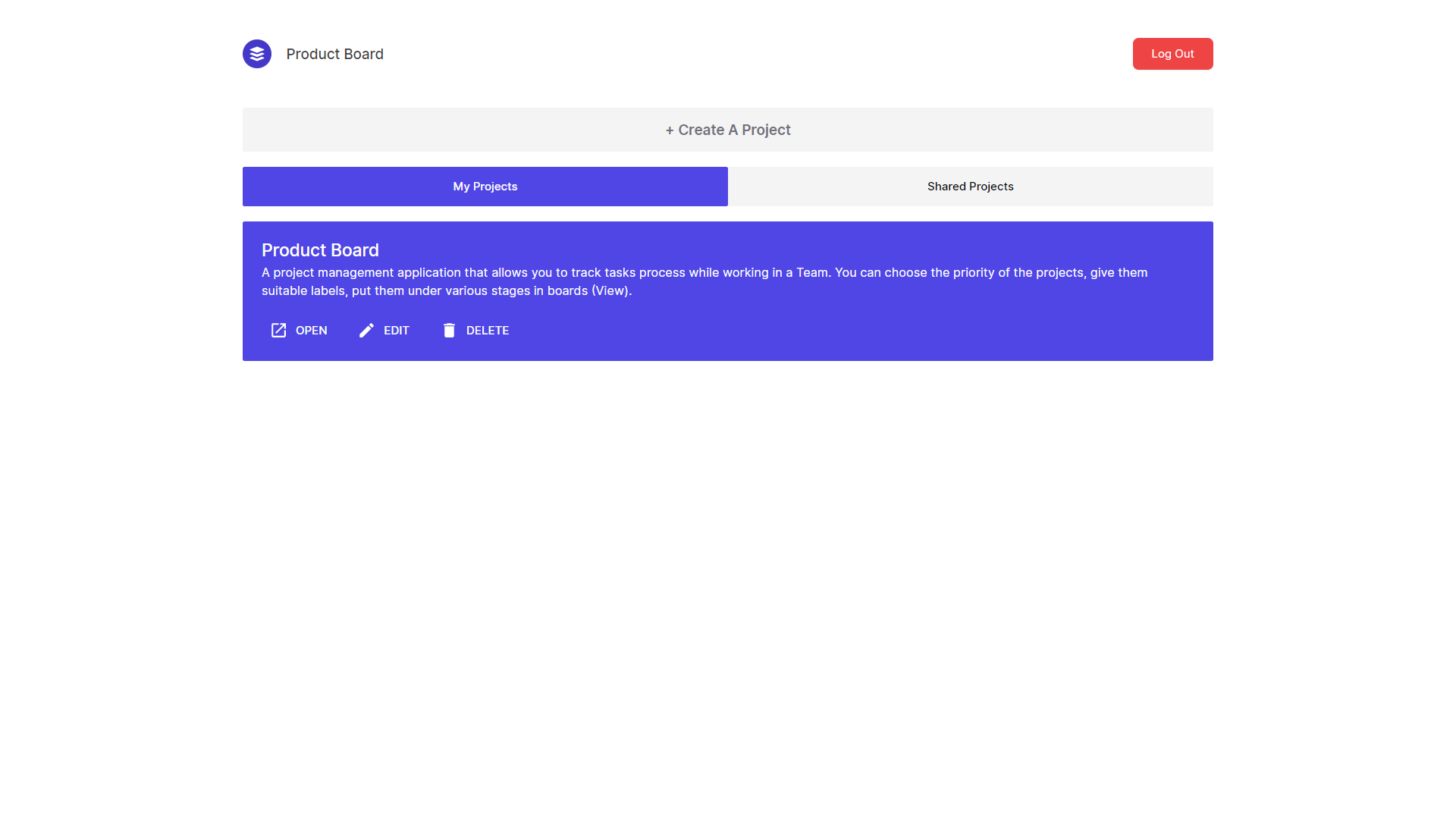 |
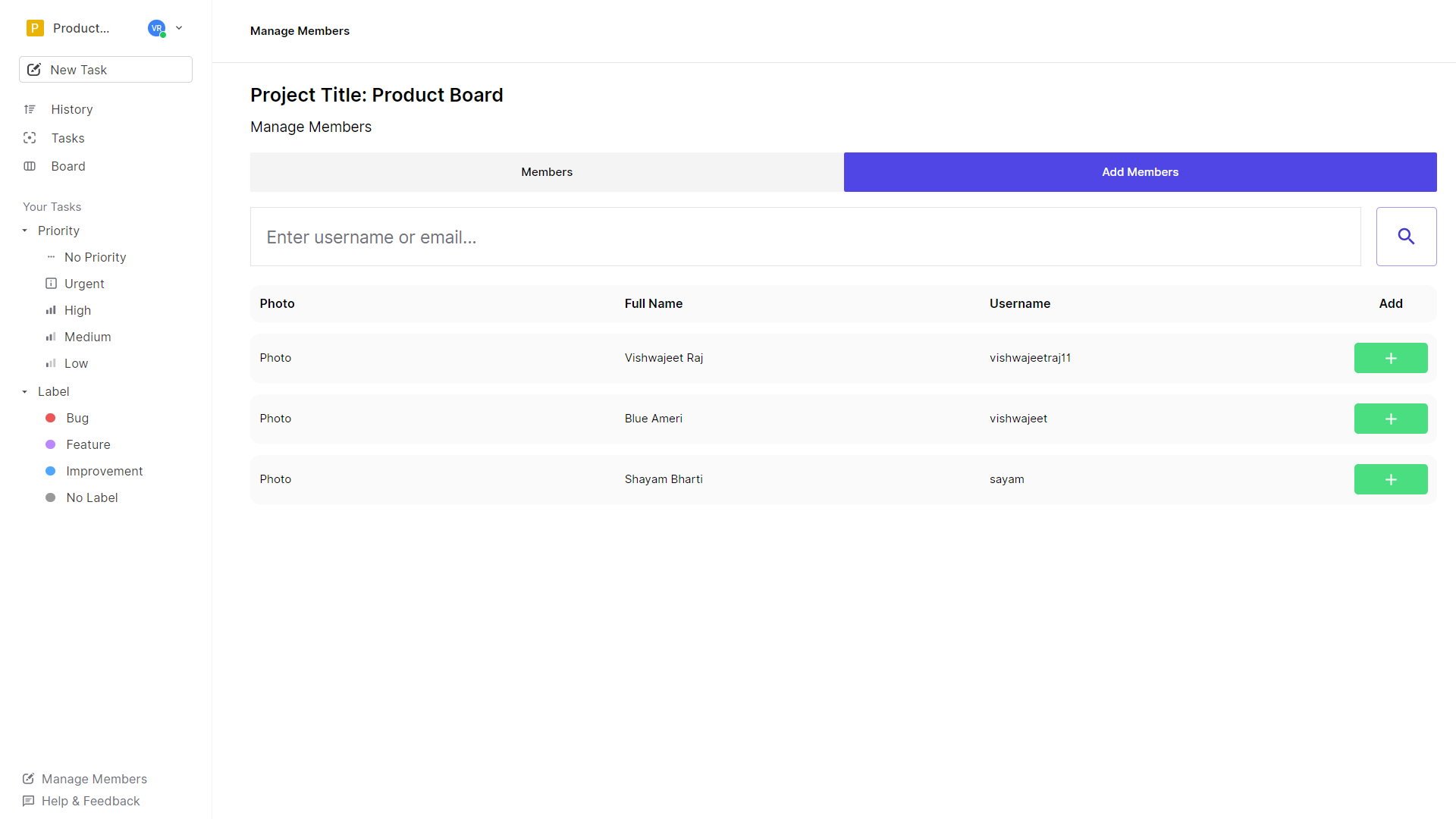
| Edit Project / Edit Profile | Add Members |
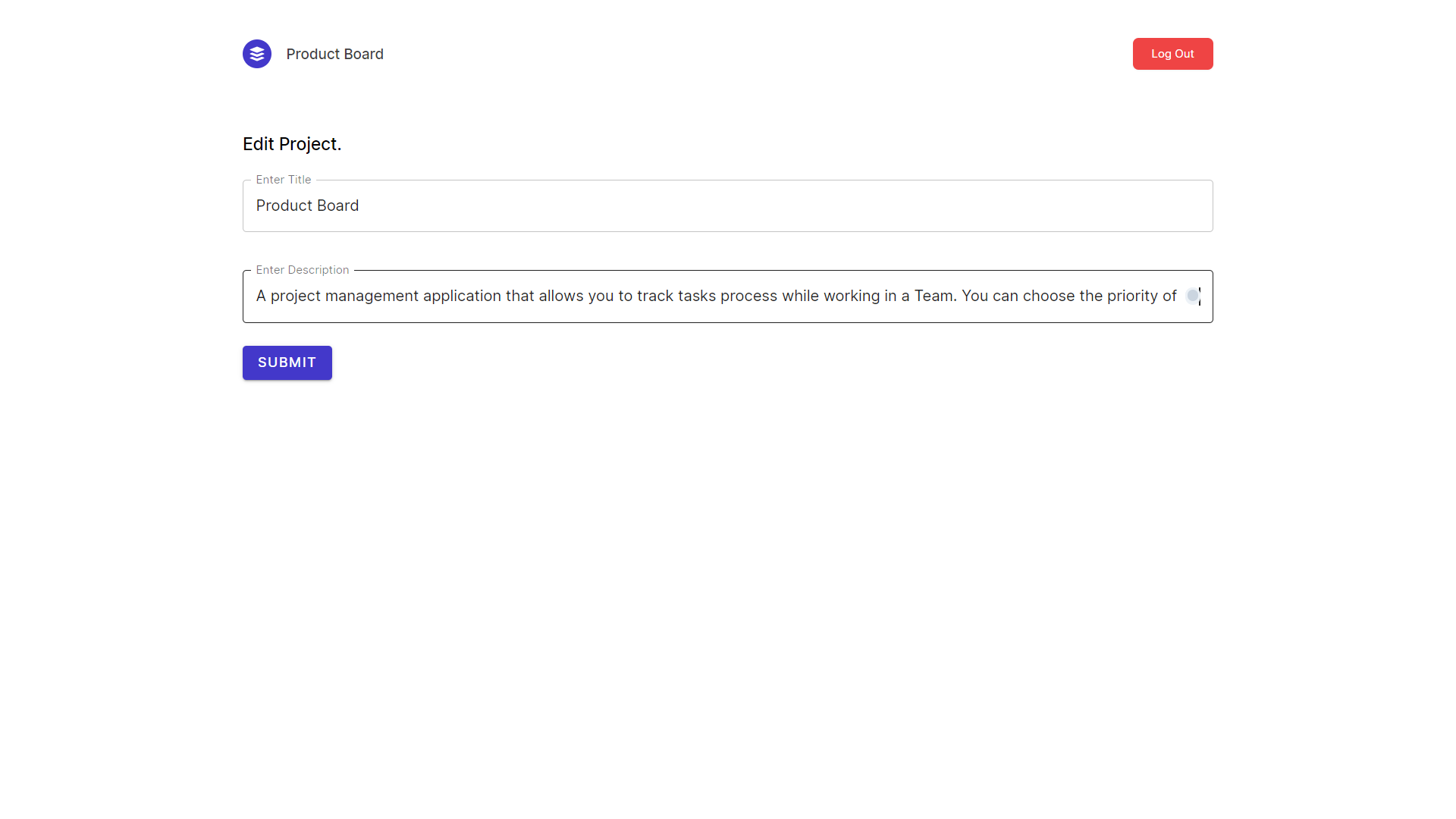 |
 |
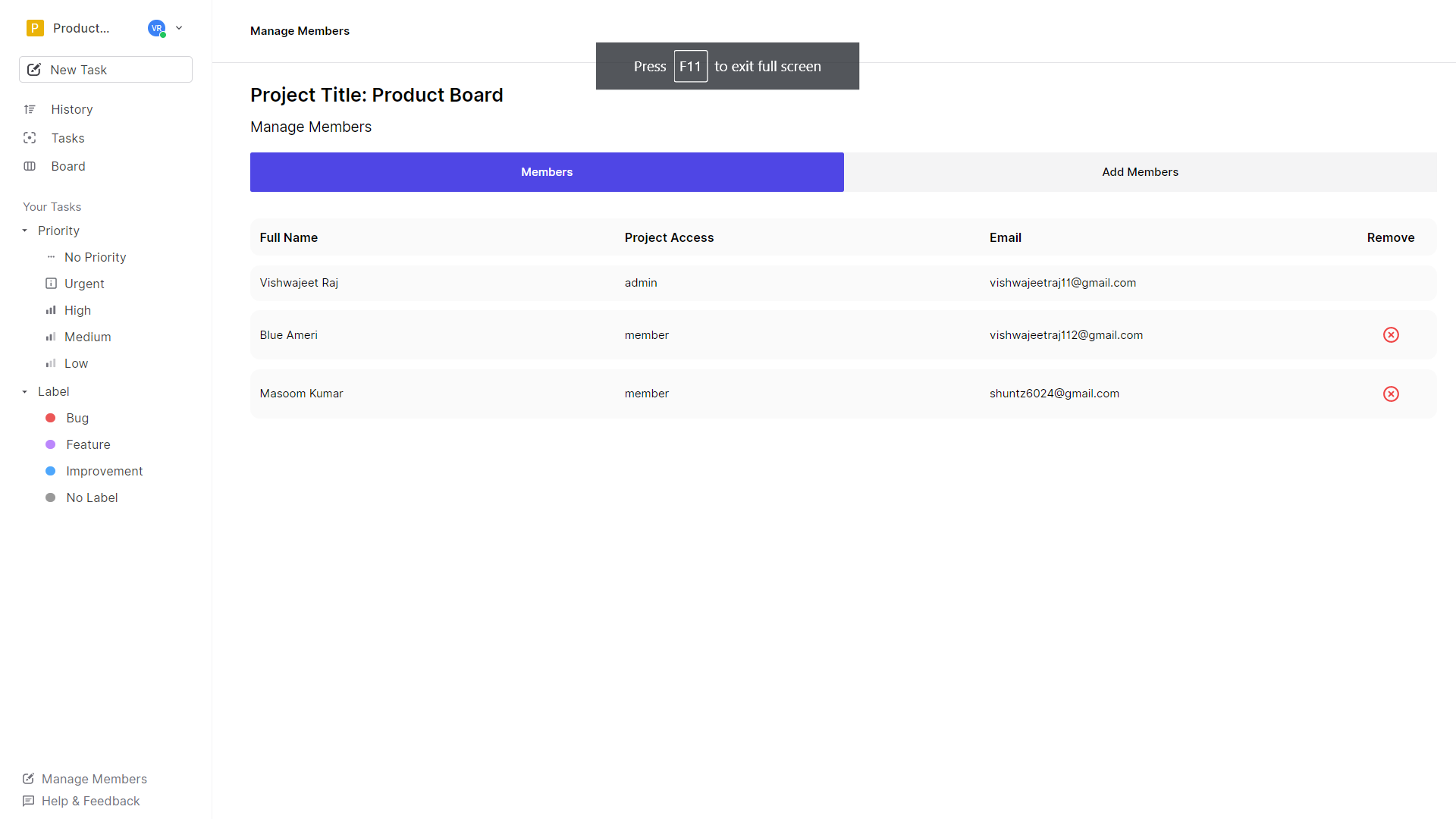
Manage Members
Setting up Auth0
- Login/Signup to Auth0
- Create Application:
Single Page Web Applications - Inside The Application configure these urls
Allowed Callback URLshttp://localhost:<YOUR_FRONTEND_PORT>/
Allowed Logout URLshttp://localhost:<YOUR_FRONTEND_PORT>/
Allowed Web Originshttp://localhost:<YOUR_FRONTEND_PORT>/ - Setup Custom Database: https://www.youtube.com/watch?v=TXnDFU4sG0A&t=306s
Getting Started:
- Clone both frontend and backend
- Make an account if you don't already have one on Auth0 and get required credentials. (check .env.example)
- Get your mongodb db uri
- Install Dependencies
- Make sure you setup auth0 before this.
- That's it you are done.
npm startoryarn start
Support

Vishwajeet Raj – vishwajeet.netlify.app


Log in or sign up for Devpost to join the conversation.