-
-
Overview
-
System

Inspiration
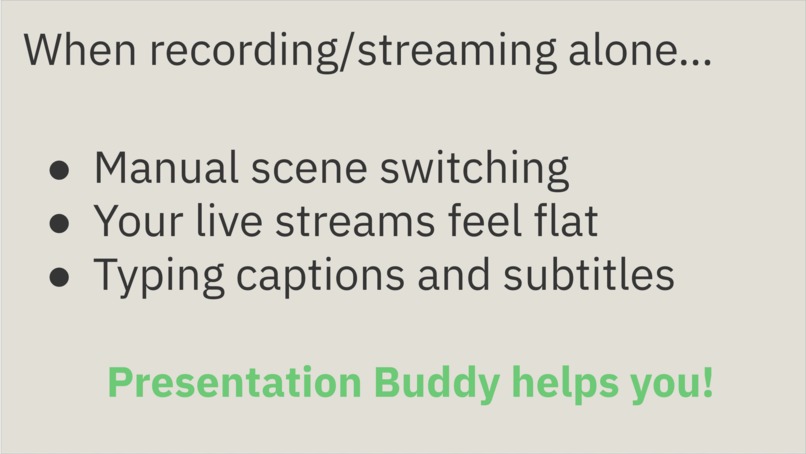
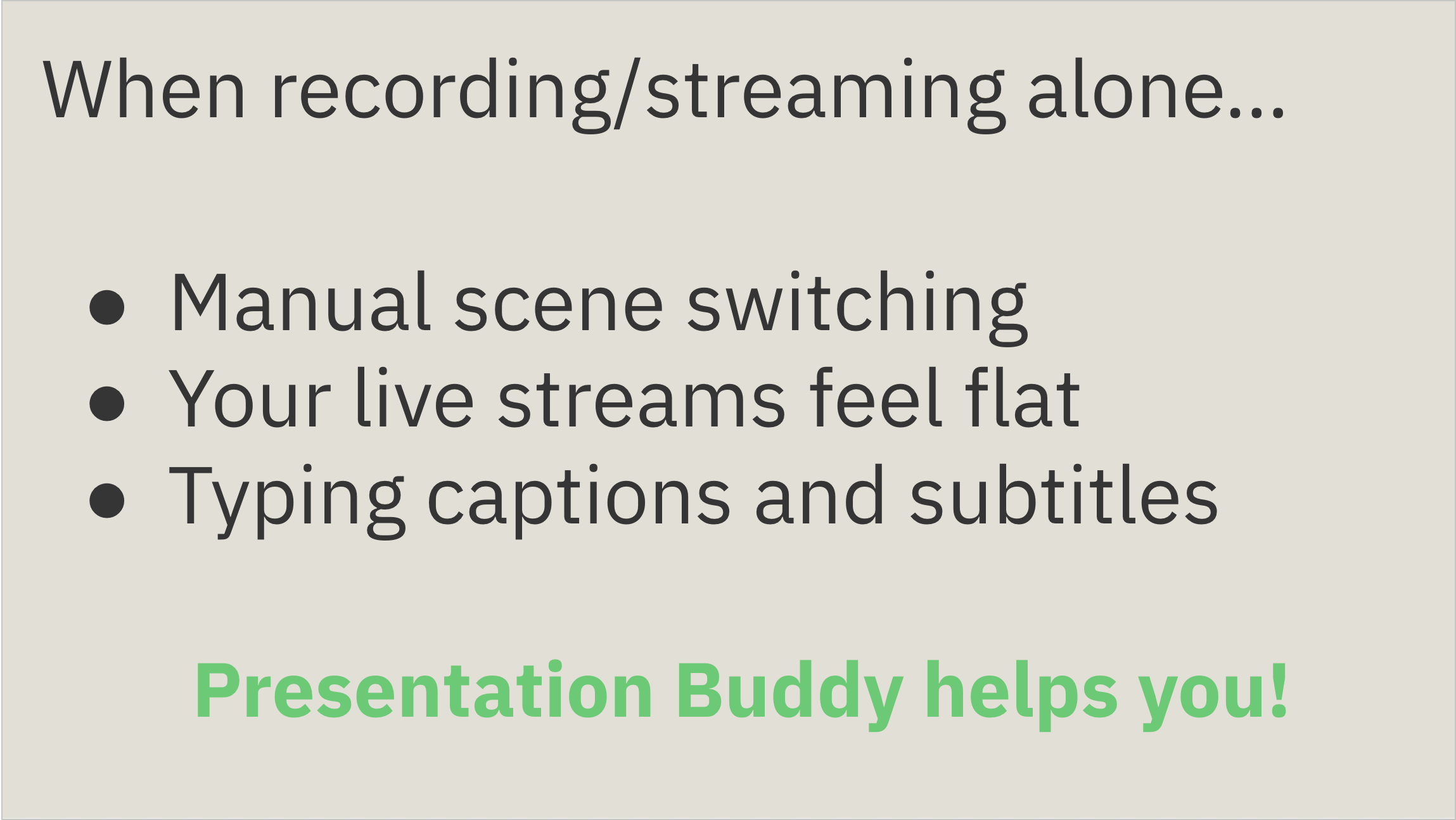
Going live alone is hard.
While talking, you’re expected to change camera angles, show slides, add captions, and keep viewers engaged—all at once. I wanted a buddy who could handle the production booth, so every solo creator can focus on the story, not the buttons.
What it does
Presentation Buddy is an AI-powered sidekick for streamers and presenters.
It listens to what’s happening on screen and behind the mic, then:
- Switches scenes at the perfect moment
- Pops up captions, graphics, or picture-in-picture window automatically
- Even delivers short voice-overs when you need a break
Think of it as a tiny producer that never gets tired.
How I built it
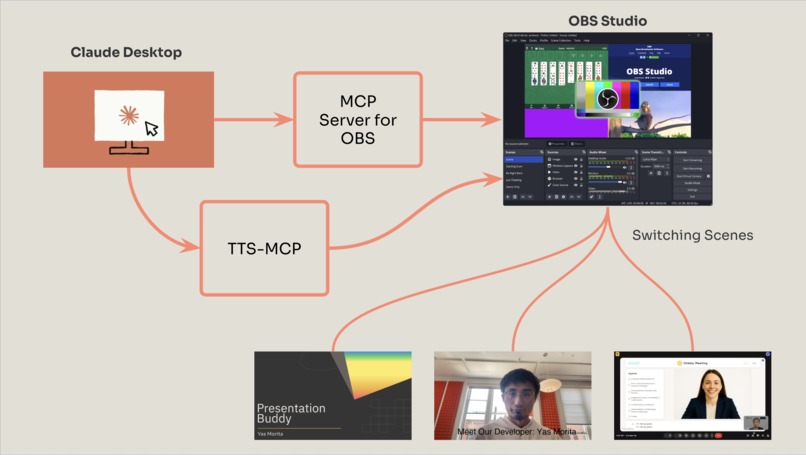
- Claude AI listens for cues.
- A lightweight relay sends those cues to OBS Studio, the most popular live-stream tool.
- OBS takes the commands—“change camera,” “show caption,” “start replay”—and makes the magic happen.
- A sprinkle of text-to-speech gives the AI its own voice.
All of this runs locally, so there’s no cloud delay or fancy hardware.
Challenges I ran into
- Build a MCP server wrapping the native OBS APIs
- Real-time speech response time
- Good plot that Claude follows well
- I could not make it providing screenshot to claude via MCP
Accomplishments that we're proud of
- A live demo that goes from title slide to dynamic content with zero human clicks.
- Turned a one-person setup into a stress-free broadcast.
What I learned
- How to buid and configure MCP on Claude and Cursor
What's next for Presentation Buddy
- Viewer interactivity – let chat votes trigger overlays and polls.
- One-click installer – so any streamer can meet their new Buddy in minutes.
From solo streamer to studio pro, instantly.
Built With
- claude
- javascript
- mcp
- obs
- openai

Log in or sign up for Devpost to join the conversation.