-
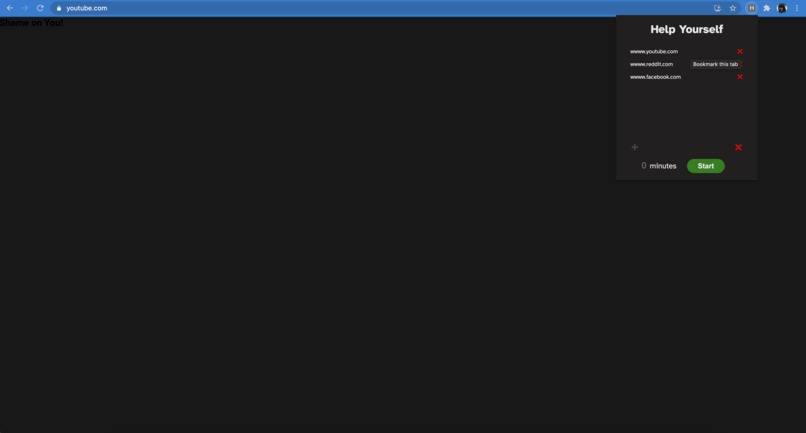
The page would have a more interesting message.
Inspiration
More often then not I am distracted when I have to work on something that really is not interesting in the slightest. Usually I am on Youtube or Discord when I should be working, making it so I work at night rather than the day running my sleep schedule. After talking to many of my peers I found that a lot of them had a similar issues with maintaining focus due to web surfing. Also, since I was working alone I figured I should keep it as simple as possible.
What it does
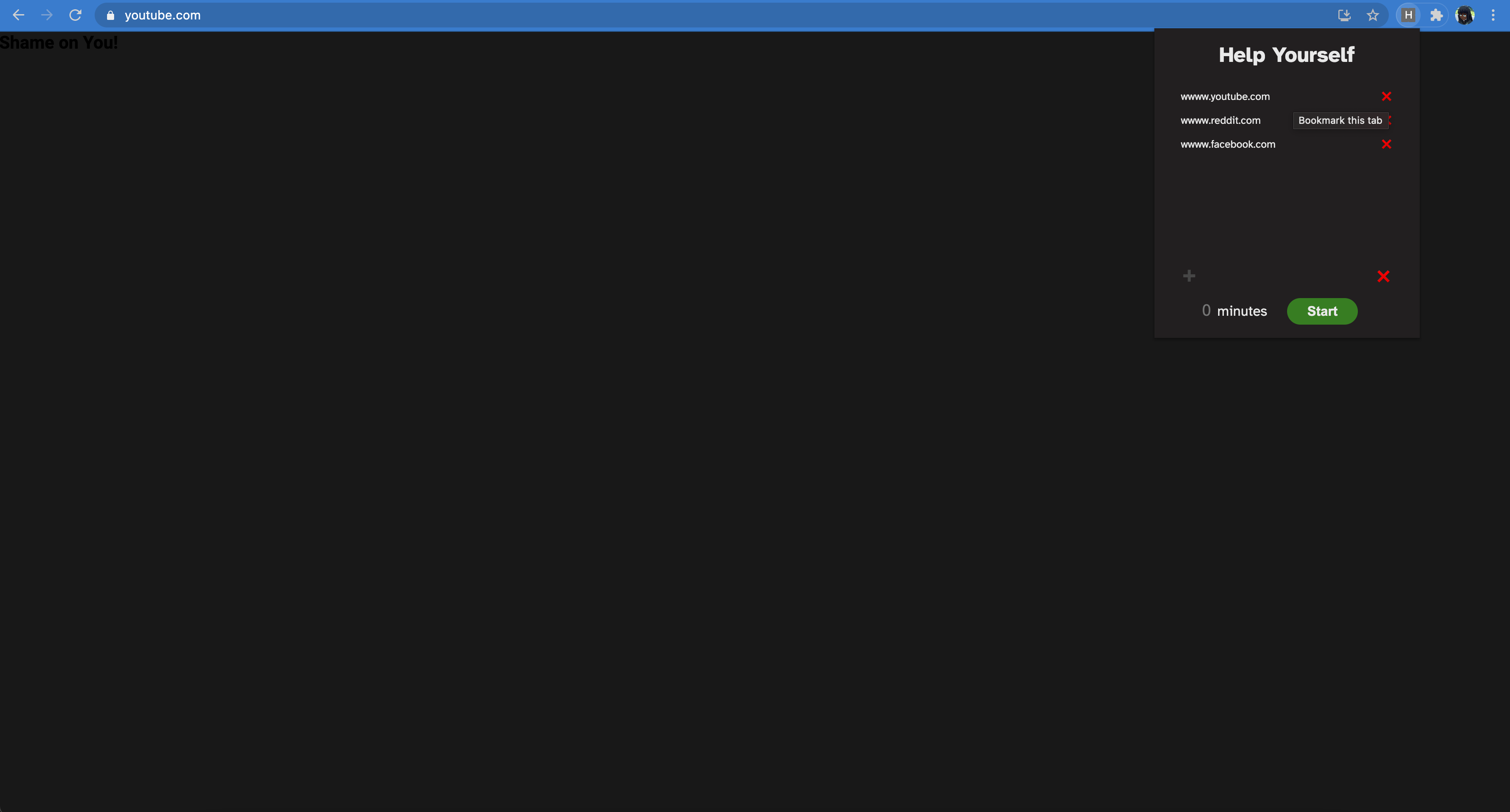
Procrastinate Me Not allows the user to add the extension to block certain websites for a set period of time. Ideally the user should add the websites that distract them the most, allowing for a more productive work environment. If the user tries to go to a site that they "blacklisted" then the inside of the html is changed to be an 404 error with a message.
How we built it
It was built using html, css, js.
Challenges we ran into
I really wanted to learn how to make a Chrome extension, and practice my Js skills. The hardest part was efficient testing of the extension once I got the general layout and code made. I would have to unpack the extension every time I wanted to see if it was working. And once I made a few edits to add more functionality I broke the entire project.
Accomplishments that we're proud of
I was able to make the extension save the websites locally. I was able to make a lot more progress than I expected. Though it is not completed and working I am glad I took a stab at something new and interesting.
What we learned
I learned a lot more about planning out my intentions before typing. Made it so that I spent more time getting the outcome I wanted rather than winging it. I learned more about how to test for functionality before trying to add UI.
What's next for Procrastinate Me Not
I plan to finish it in my free time hopefully by the end of the month. I think it would be very beneficial for myself and a few of my friends.

Log in or sign up for Devpost to join the conversation.