-
-
-
-
-
-
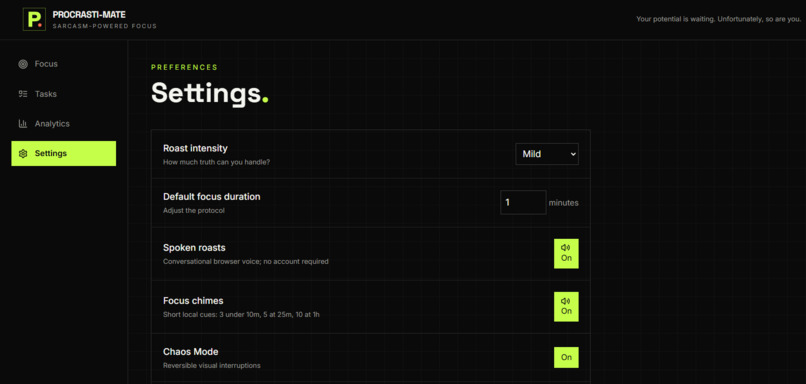
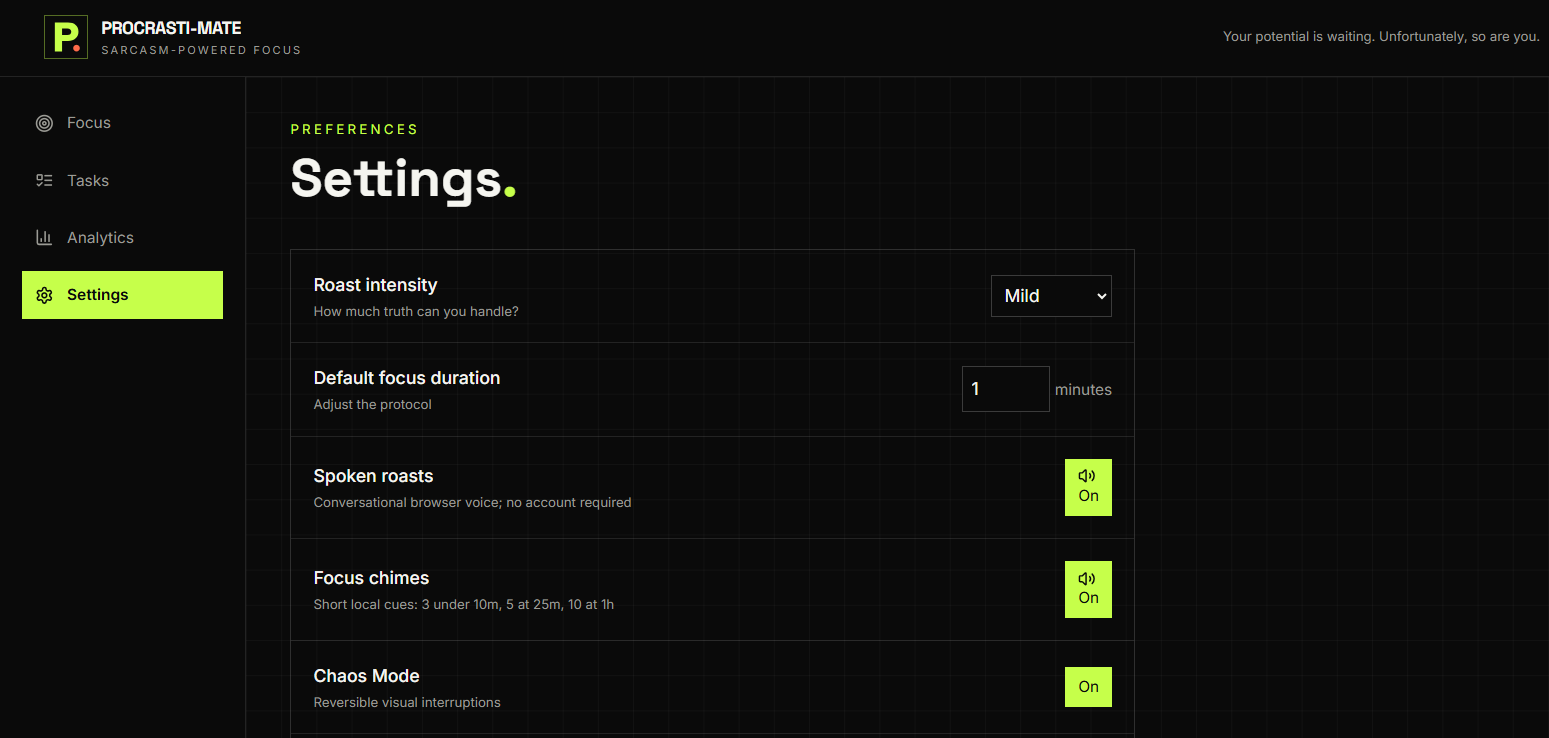
settings to cjhange and add
-
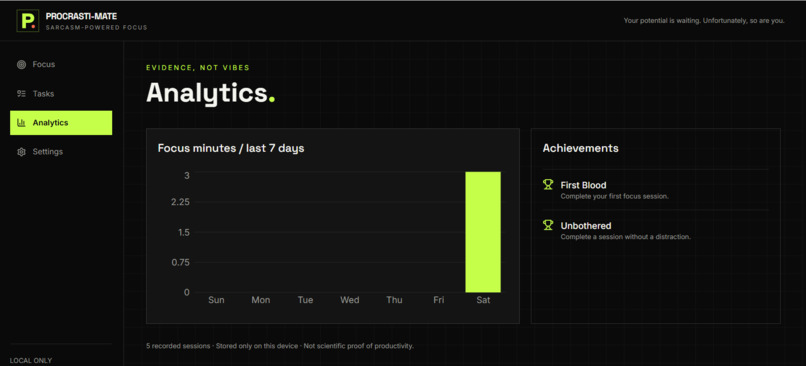
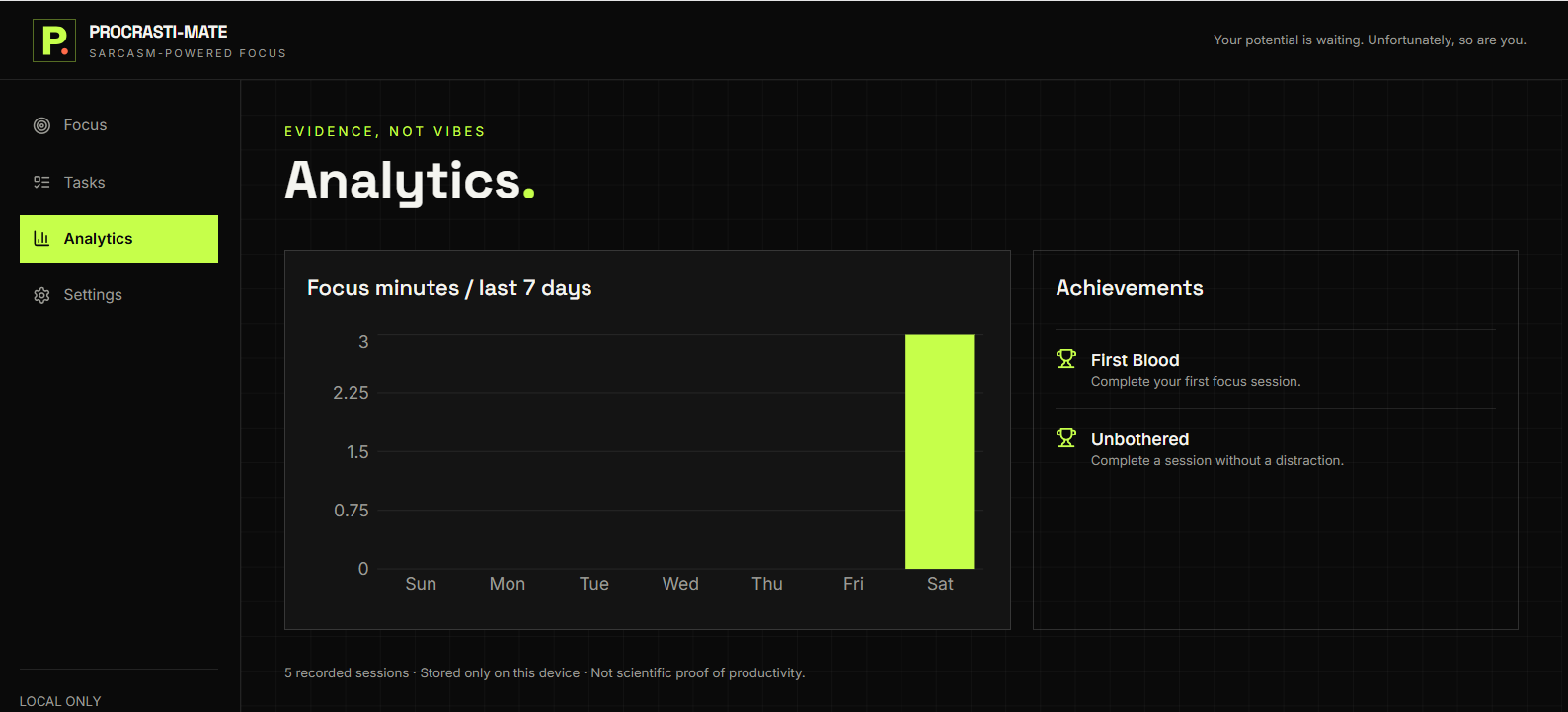
analytics of time in task
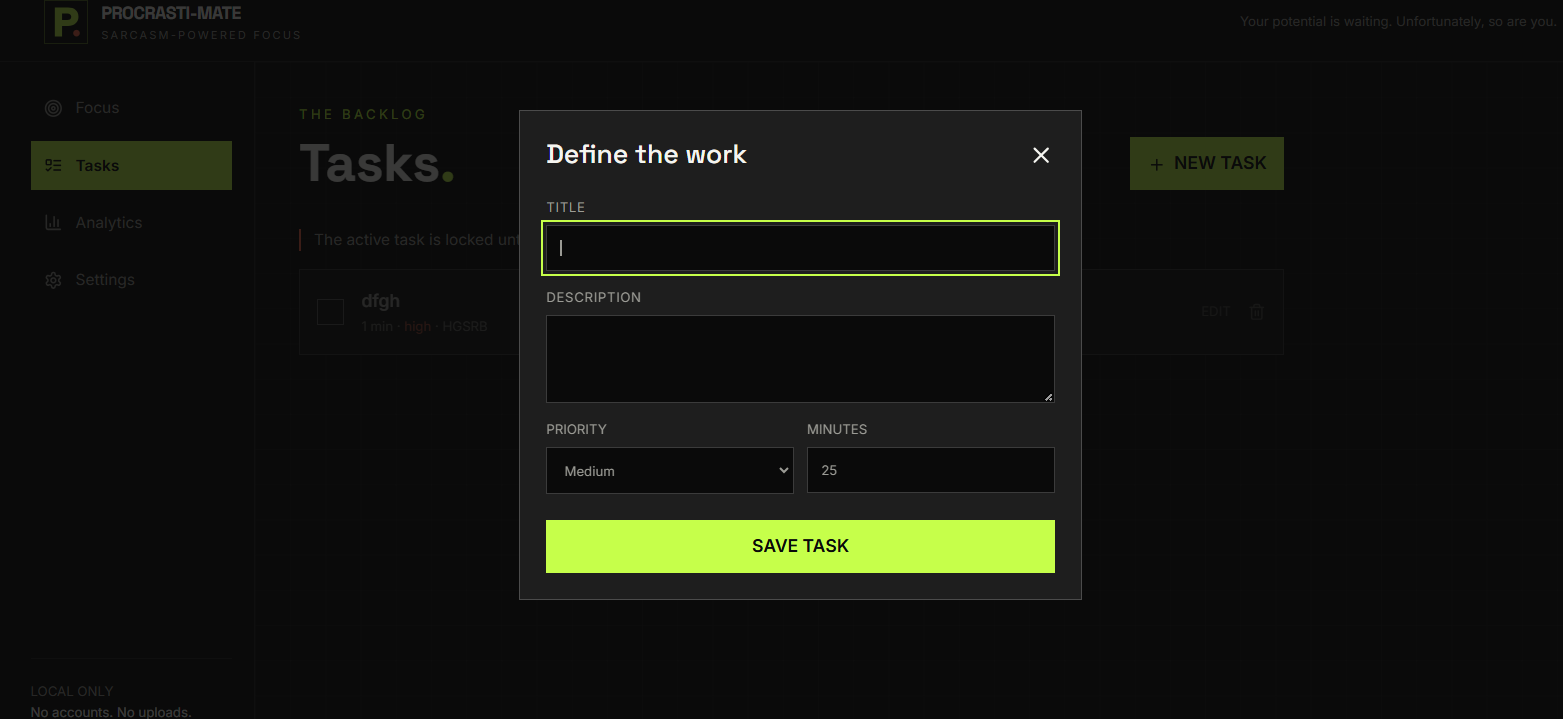
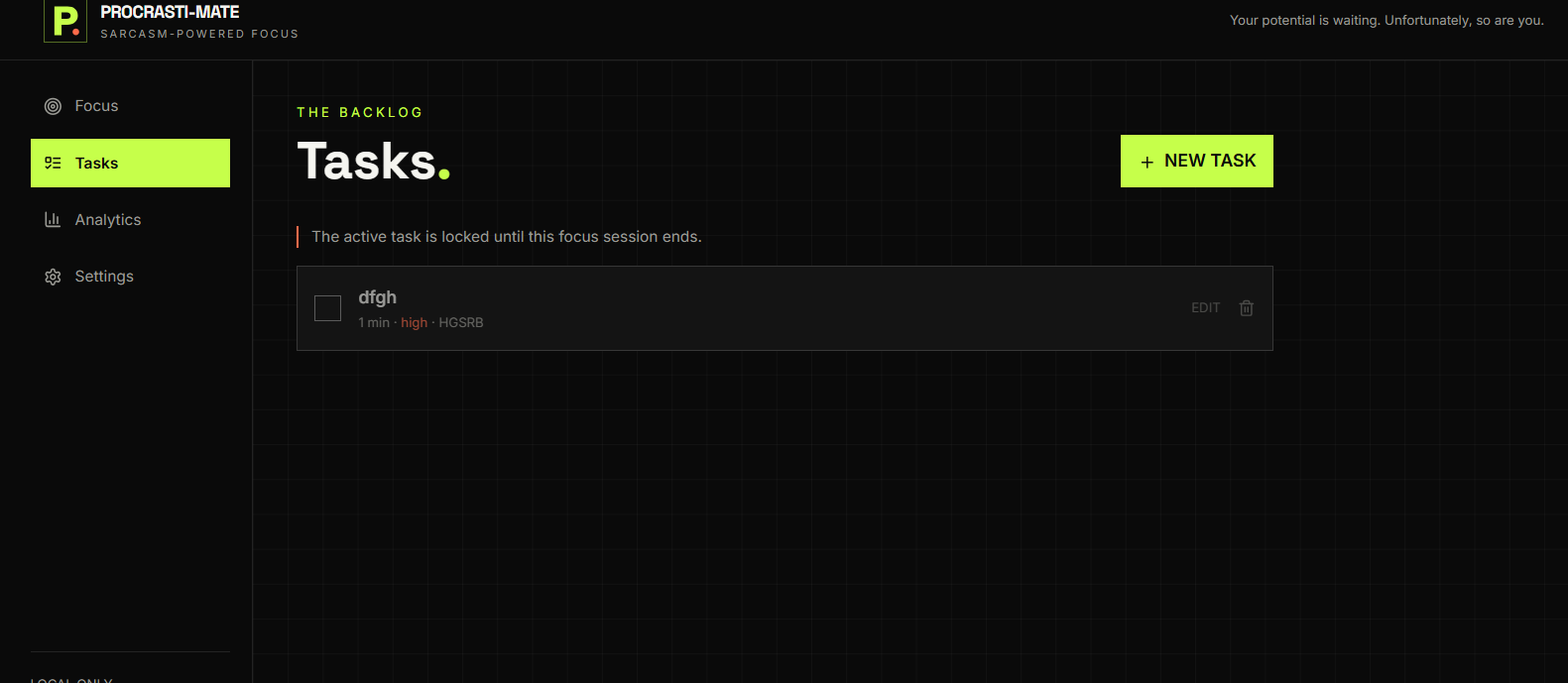
Inspiration
Procrastination is not always caused by a lack of motivation. Students and developers often struggle with distractions, inconsistent focus, and difficulty starting tasks. We wanted to build a productivity tool that feels more personal and fun than a traditional timer.
PROCRASTI-MATE was inspired by the idea of turning procrastination into a playful challenge. Instead of using boring reminders, it acts like a sarcastic study companion that encourages users, calls out distractions, and helps them stay accountable.
What it does
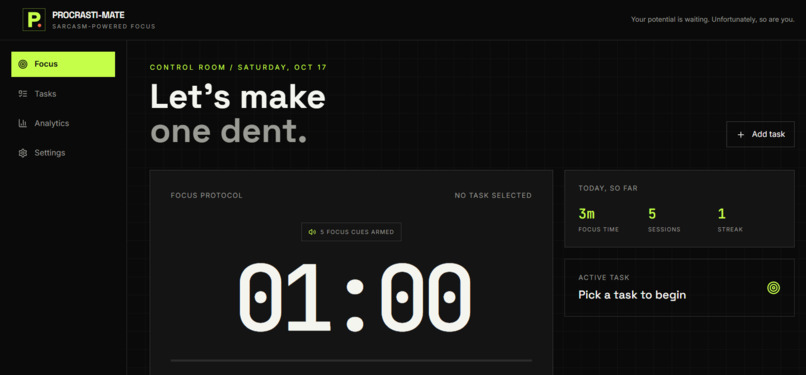
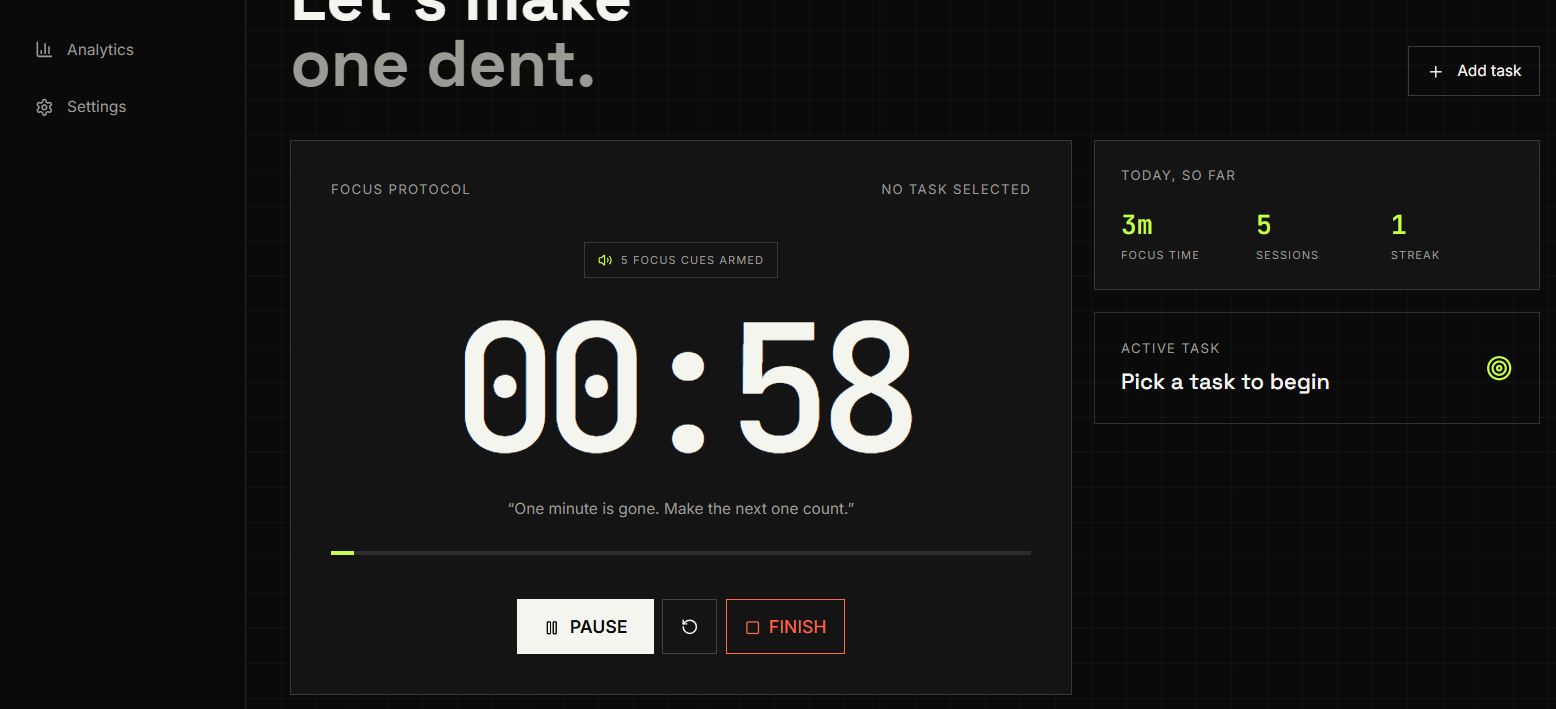
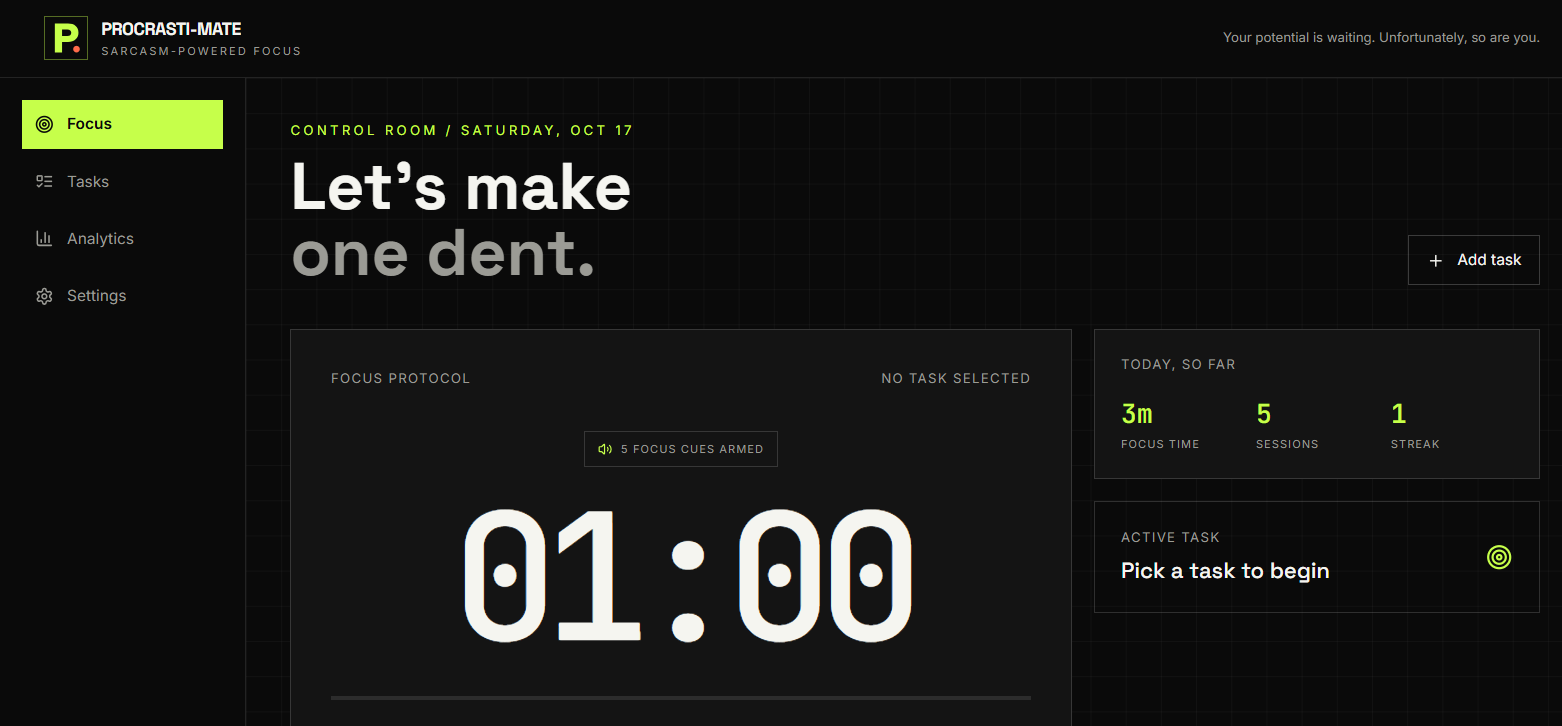
PROCRASTI-MATE is a local-first productivity companion for students and developers. It helps users:
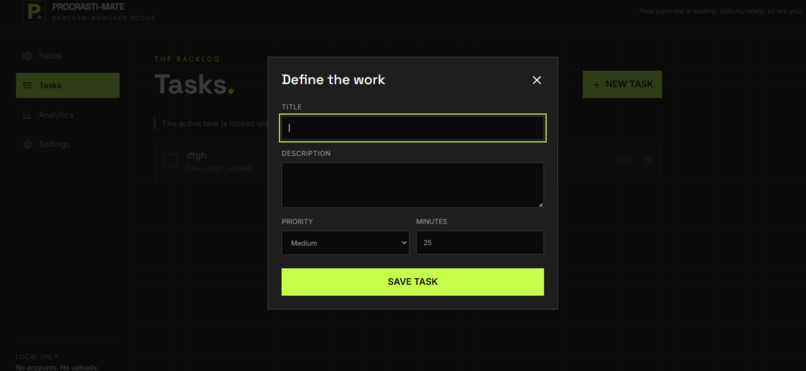
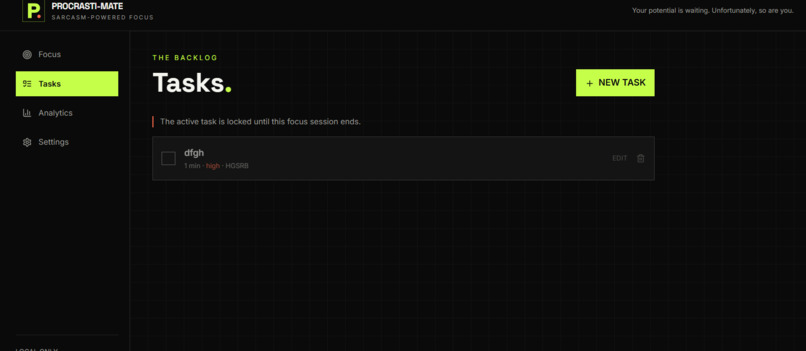
- Create, edit, complete, and organize tasks
- Set task-specific focus durations
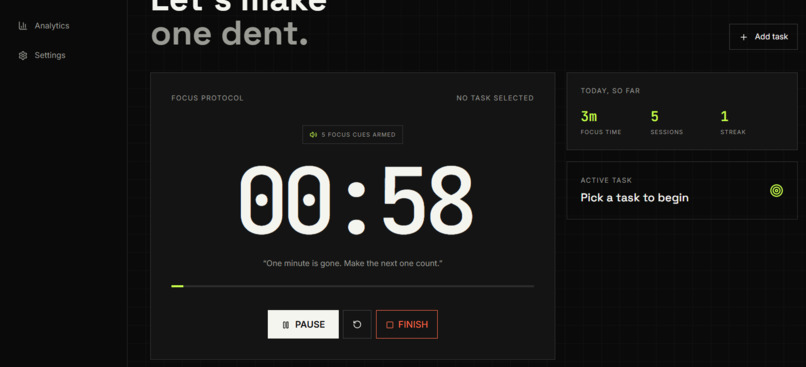
- Run timestamp-based focus sessions
- Receive motivational and sarcastic time-based quotes
- Hear focus chimes and attention alerts
- Get playful voice roasts and encouragement
- Detect tab switching and other distractions
- Optionally use webcam attention detection
- Receive alerts when they look away or leave the camera view
- Track completed sessions and achievements
- View productivity analytics
- Use Chaos Mode for a more intense experience
- Store tasks and progress privately in the browser
The app does not require an account, backend, database, or paid service.
How we built it
We built PROCRASTI-MATE using:
- React and TypeScript
- Vite for development and production builds
- Tailwind CSS for responsive styling
- Framer Motion for animations
- Recharts for productivity analytics
- Lucide React for interface icons
- Web Audio API for focus chimes and attention alarms
- Browser SpeechSynthesis API for voice feedback
- MediaPipe Tasks Vision for optional webcam attention detection
- LocalStorage for privacy-focused data persistence
- Vitest for automated testing
- Vercel for deployment
- GitHub for open-source collaboration
The application is designed to work on desktop and mobile browsers. Webcam detection is optional and only starts after the user grants permission.
Challenges we ran into
One of the biggest challenges was creating reliable timer behavior. Instead of depending only on interval counters, we used timestamps so the timer remains accurate when the browser tab is inactive or delayed.
We also had to solve several task-management edge cases, including distinguishing between creating a new task and editing an existing task. Another challenge was making webcam detection useful without uploading or storing camera footage.
Browser audio introduced additional complexity because browsers can suspend audio until a user interacts with the page. We improved this by starting audio from focus-session interactions and using a shared audio output with compression to make alerts more audible.
We also worked to make the experience fun without making it distracting. Voice lines, quotes, sound effects, and sarcasm needed to support focus rather than interrupt it.
Accomplishments that we're proud of
- Built a complete working productivity application from the ground up
- Created a polished and responsive interface for desktop and mobile
- Fixed task creation and task-duration bugs
- Added accurate timestamp-based focus timing
- Added automatic distraction detection without a manual demo button
- Implemented optional privacy-friendly webcam attention detection
- Added clearly audible focus chimes and attention alerts
- Added conversational voice feedback with playful delivery
- Added motivational and sarcastic quotes that change during focus sessions
- Added achievements and productivity analytics
- Added branded favicon and application visuals
- Made the project open source with documentation
- Added automated tests for core functionality
- Deployed the application through Vercel
- Kept the application local-first with no required backend or user tracking
What we learned
We learned that a productivity application needs to be reliable before it can be entertaining. Small issues in task state, timer calculations, or browser permissions can significantly affect the user experience.
We also learned how important it is to design around browser limitations. Audio permissions, camera permissions, mobile browser behavior, and inactive-tab throttling all require careful handling.
Building this project also taught us how to combine multiple browser technologies while keeping user privacy at the center. Camera frames remain on the device, and user data is stored locally rather than sent to a server.
Most importantly, we learned that productivity tools do not have to feel serious or boring. Humor, voice feedback, achievements, and personality can make it easier for users to begin and continue a focus session.
What's next for PROCRASTI-MATE
Future improvements could include:
- Optional cloud sync across devices
- User accounts with secure authentication
- Custom voice packs and roast personalities
- More focus modes for studying, coding, and creative work
- Calendar and task-management integrations
- Smarter personalized focus recommendations
- More accessibility options
- Offline-first Progressive Web App support
- Native mobile applications
- Advanced productivity reports
- Custom sound and notification themes
- Team or friend-based focus challenges
- Improved computer-vision signals for posture and attention
- AI-assisted task breakdown and planning
Our goal is to keep PROCRASTI-MATE fun, private, and genuinely useful while helping people turn small moments of procrastination into measurable progress.
Built With
- api
- audio
- css
- framer
- github
- javascript
- management
- mediapipe
- mobile
- motion
- privacy
- productivity
- react
- recharts
- speechsynthesis
- tailwind
- task
- typescript
- vercel
- vision
- vite
- vitest
- web

Log in or sign up for Devpost to join the conversation.