


Inspiration
One day, while working on a coding project with my team, I found that I was constantly having to save my work and send it to the other teammate to work on separately. This was time-consuming and often led to merge conflicts. I decided that there must be a better way to work on code collaboratively in real-time. That's how Procolab was born.
What it does
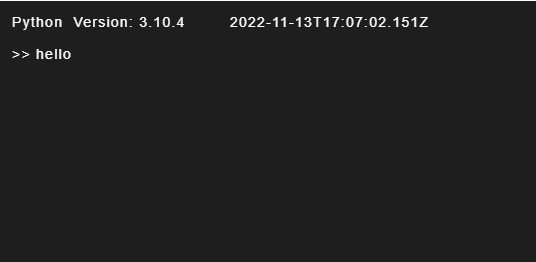
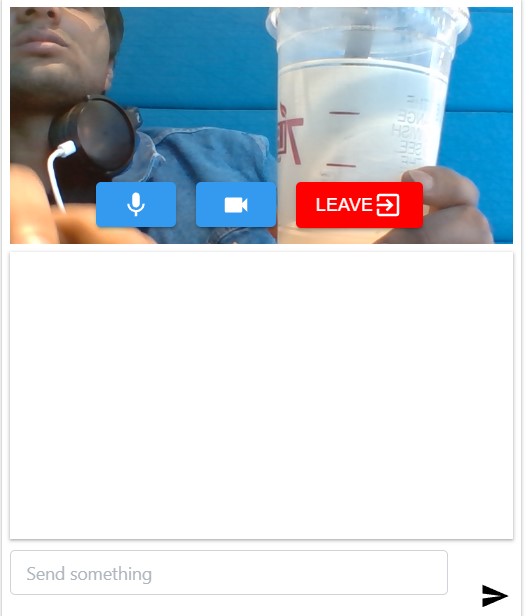
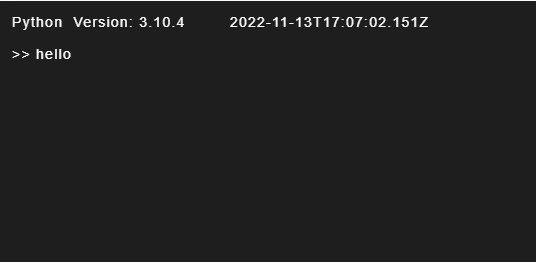
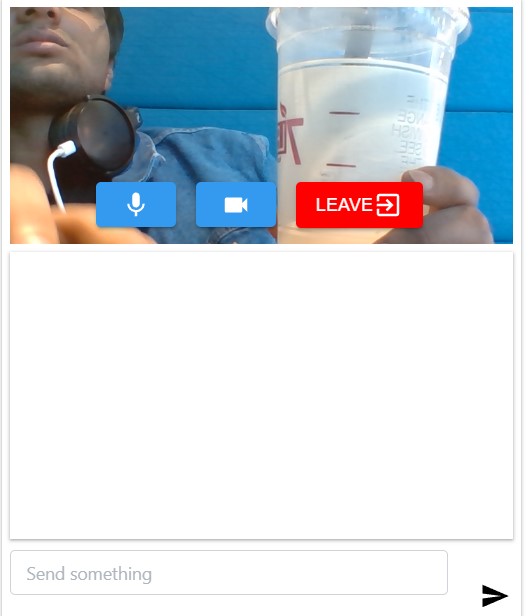
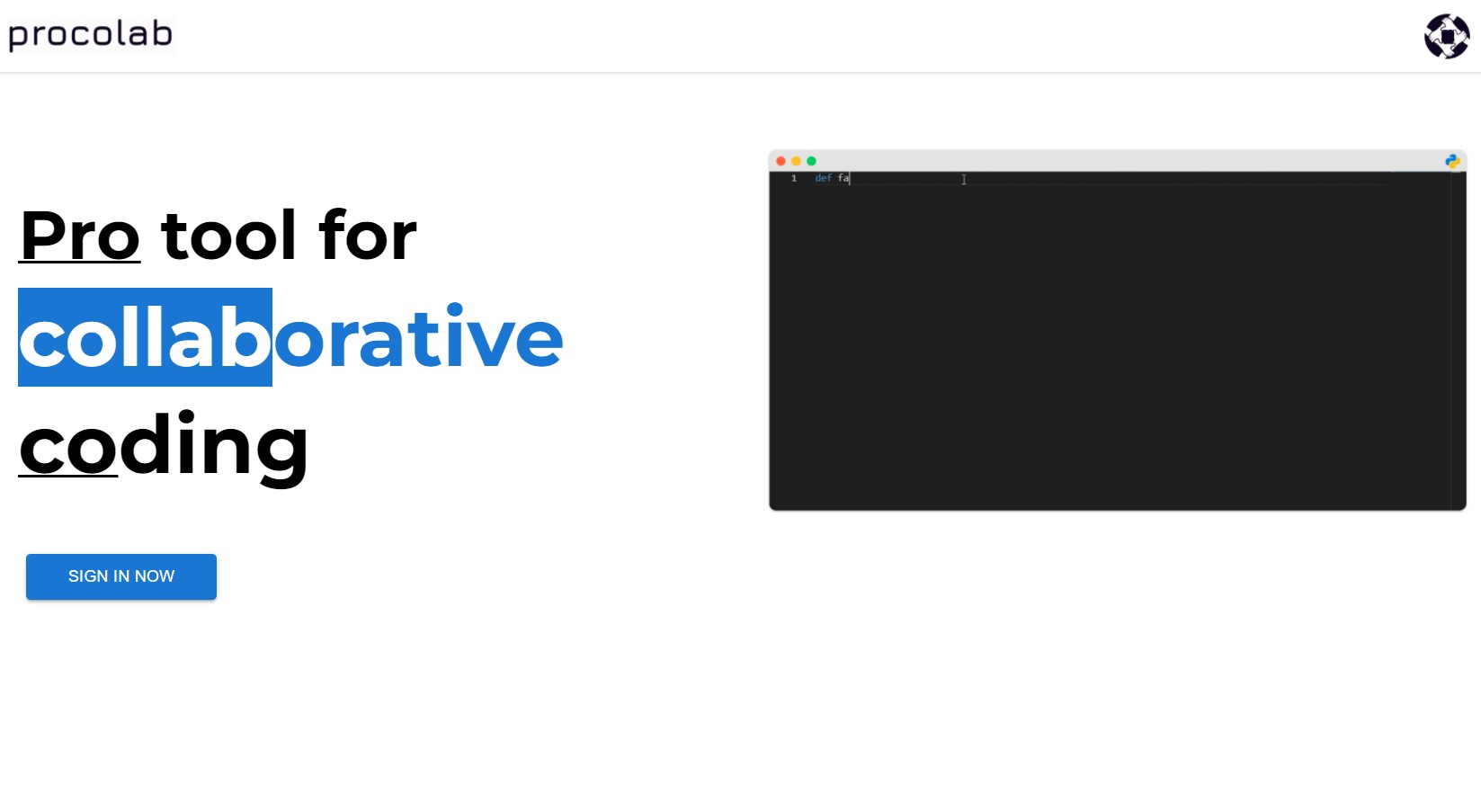
Procolab is a real-time web application that allows users to code together in real-time. It has an intuitive interface and powerful collaboration features that make coding projects easier to manage and work on. Procolab eliminates the need for save and send workflows, and instead allows users to work on, execute, and save their code on the same platform. This makes coding projects more efficient and easier to manage. It also provides coders with a real-time chat and video conferencing feature for an amazing collaborative coding experience.
How we built it
We built Procolab using React.js, Node.js, Express.js, Socket.io and MongoDB. We used React.js for the front-end, Node.js and Express.js for the back-end, Socket.io for real-time communication, and MongoDB for the database. We also used Auth0 for seamless user authentication and WebRTC for real-time group video conferencing
Challenges we ran into
One of the biggest challenges we ran into was making the code editor work in real-time. We had to use the Socket.io library to establish a connection between the front-end and the back-end so that the code editor could communicate with the server in real-time. This was a challenge because it was our first time using Socket.io and we had to learn how to use it on the fly. Another challenge we ran into was making the video conferencing feature work. We had to use the WebRTC library to establish a peer-to-peer connection between the users so that they could communicate with each other in real-time. This was also a challenge because it was our first time using WebRTC and we had to learn how to use it on the fly. We also had to find a way to compile and execute the code in real-time which we were able to implement after some research. We also realized how important a good User Interface was for a web application and we spent a lot of time making sure that our web application had a good UI.
Accomplishments that we're proud of
We are proud of being able to implement all the features that we had planned to implement. We are also proud of being able to learn new technologies on the fly and being able to use them to build a powerful and intuitive web application. We are also proud of our web application's UI and we believe that it is one of the best things about our web application. We think that our application is already very powerful and we are looking forward to adding more features to it in the future.
What we learned
We learned a lot about web development and how to build a web application from scratch. We also learned how to use new technologies on the fly and how to use them to build a powerful and intuitive web application. We also learned a lot about UI/UX and how important a good UI is for a web application.
What's next for Procolab
We are planning to add more features to Procolab in the future. We are planning to make Procolab more intuitive and easy to use. We are also planning to add more languages to Procolab so that users can code in any language they want. Folder Structure and multi-file support is also on our roadmap.



Log in or sign up for Devpost to join the conversation.