-
-
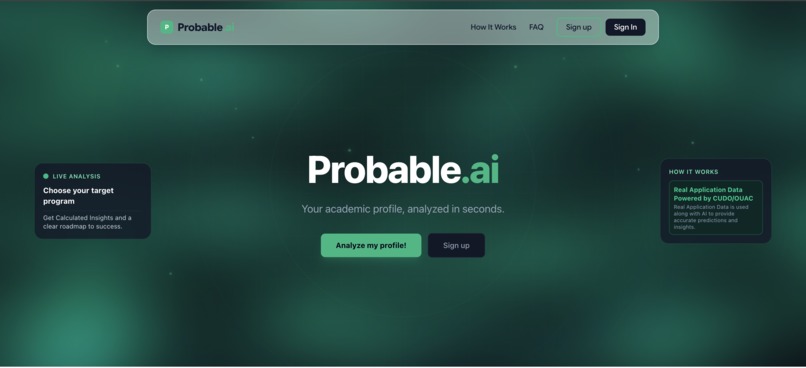
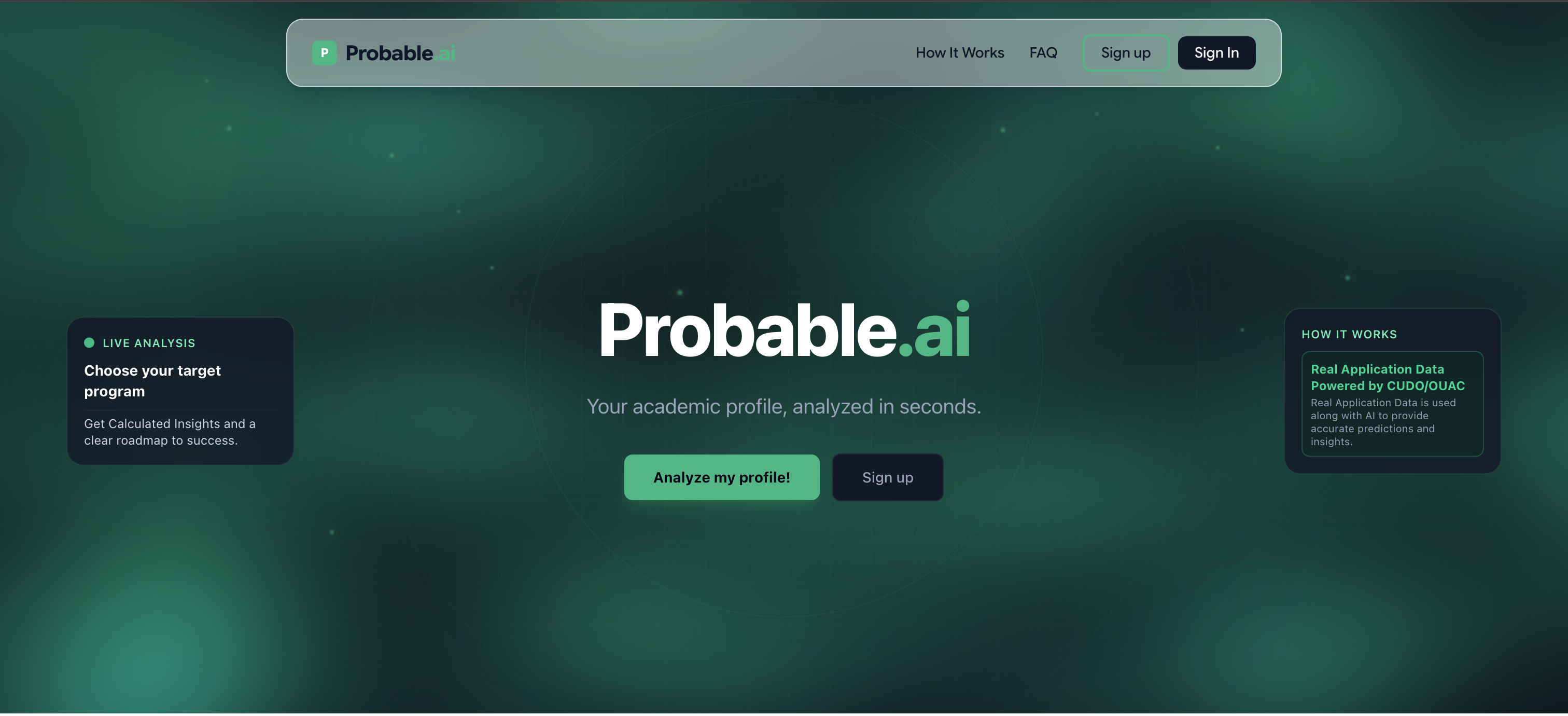
Home screen
-
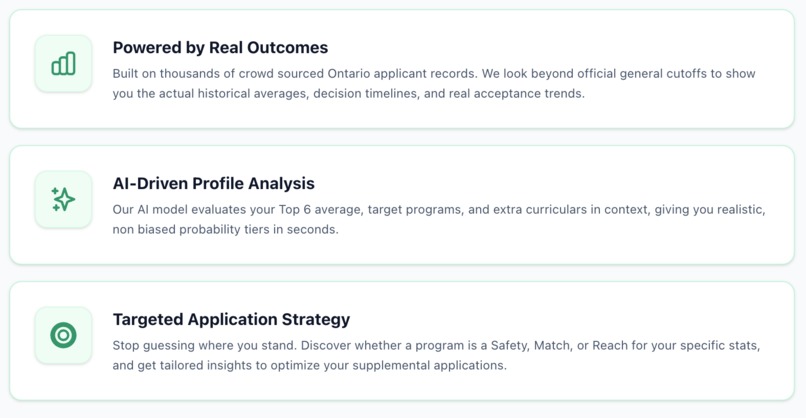
About the Application
-
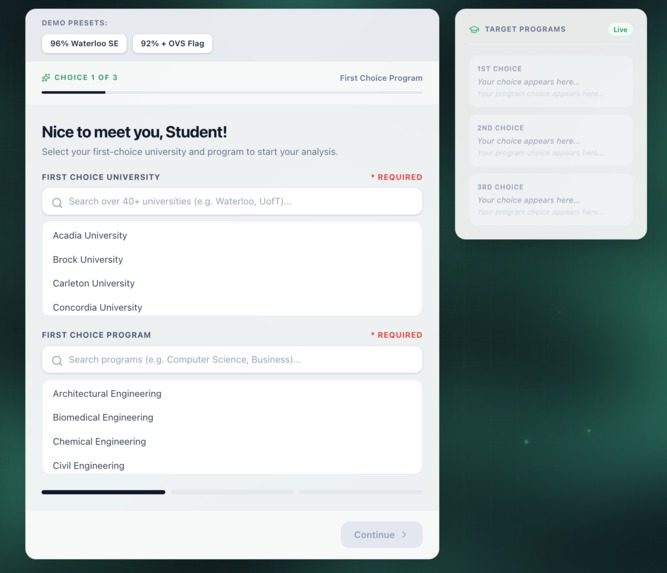
Onboarding Page
-

Favicon/Logo
-
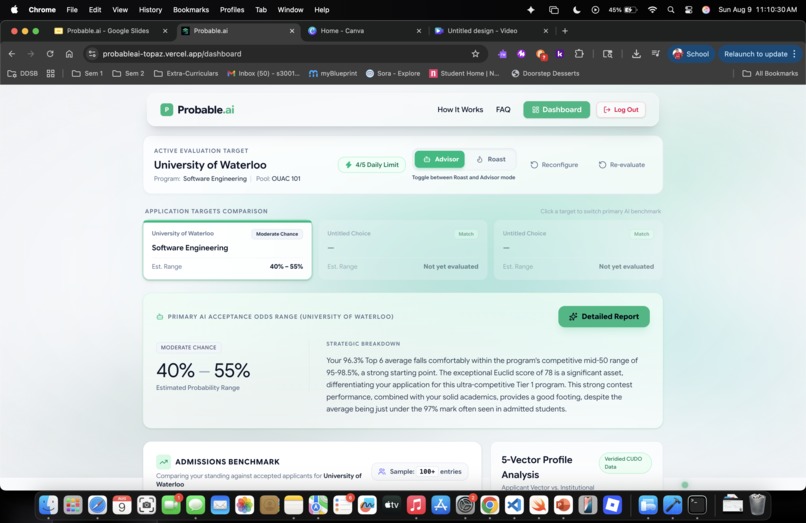
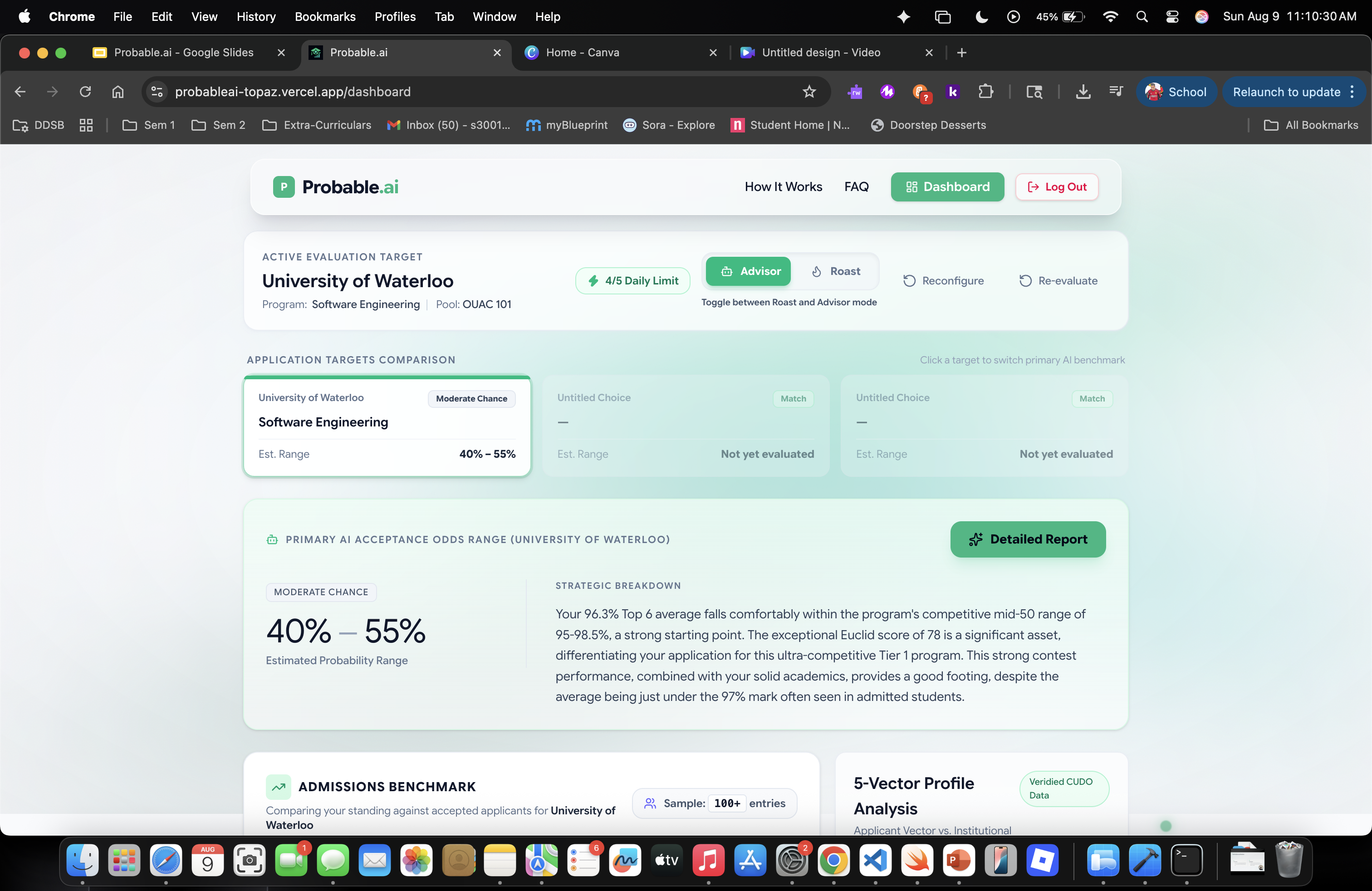
Student Dashboard
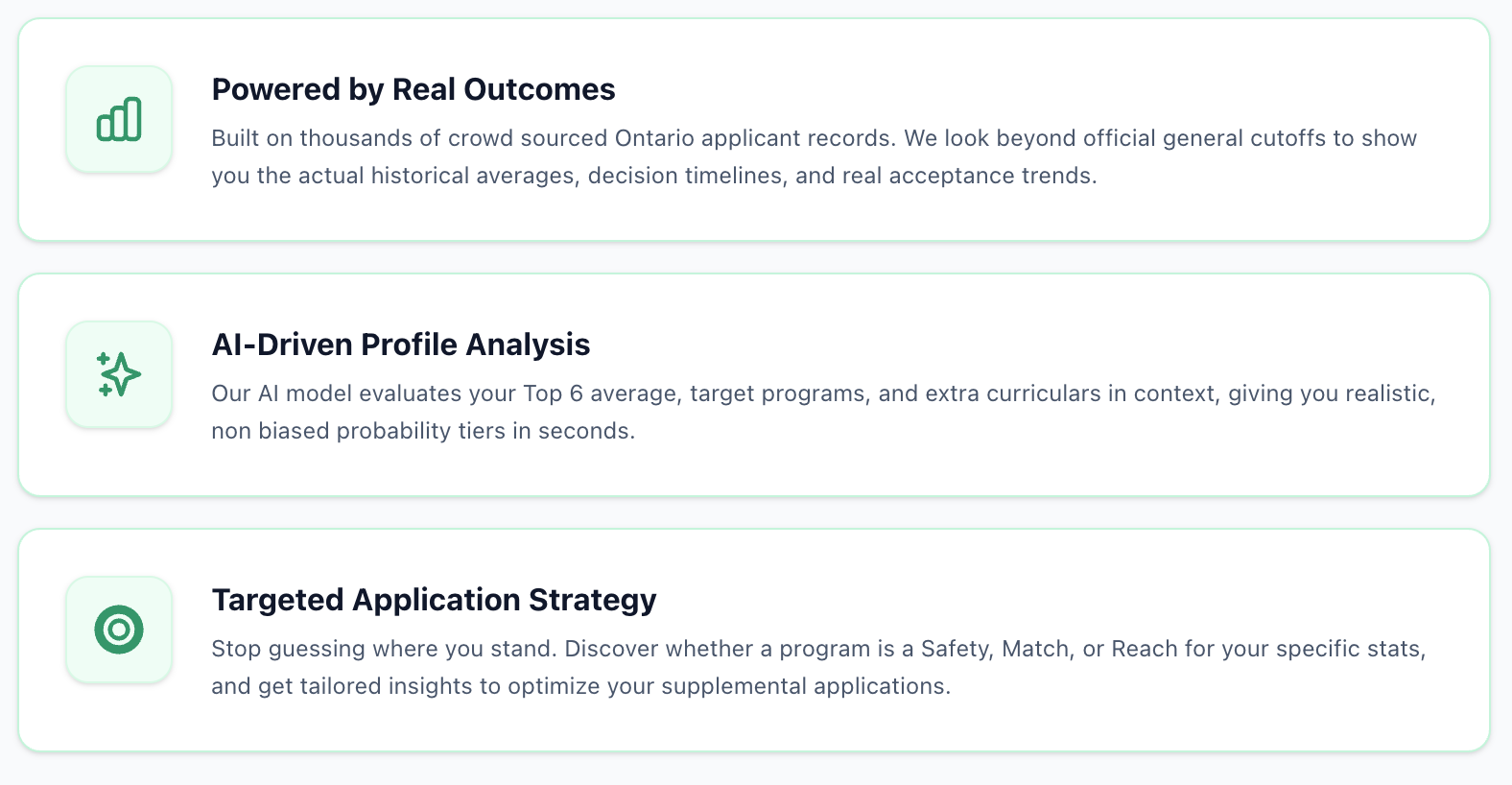

Canadian high school students face a notoriously hard university application process every year. Admissions decisions are often filled with hidden school adjustment factors, strict penalties for repeated courses, and endless unverified, crowd-sourced advice on forums aren't always reliable as they can be misleading or biased. Many high income families pay thousands of dollars for private admissions counselors to navigate these rules, while many other students are left in the dark. I built Probable.ai to decode admissions data and replace stressful guesswork with objective, personalized, and explainable application strategies that ultimately makes the maze of university admissions less complicated.
What is the tool?
Probable.ai is an explainable admissions strategy engine that evaluates a student’s high school profile against official post secondary datasets to predict admission outcomes and generate actionable roadmaps, making the path to a top Canadian university, easier for students.
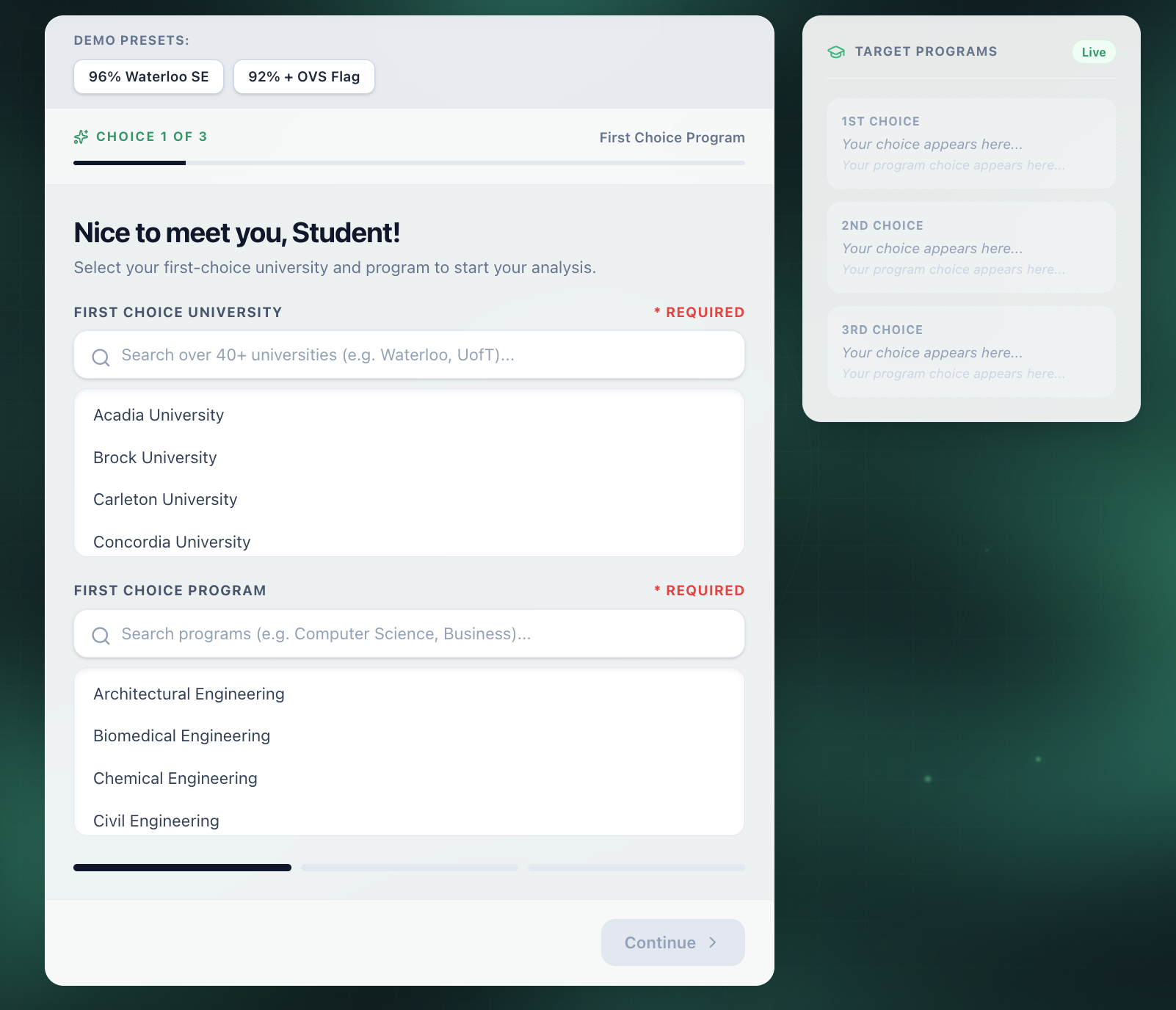
Students can input their Grade 12 averages, extracurriculars, course history, target university programs, and secondary factors such as repeated courses or non-day school credits.
Using Google Gemini AI, the system evaluates the student's metrics against program cutoffs to deliver structured risk assessments and highlight profile strengths and weaknesses.
The AI has two modes:
- Advisor Mode: Where it functions as a supportive admissions mentor, producing constructive, step by step application roadmaps and strategic portfolio advice to improve your chances at a top Canadian university.
Roast Mode: Where the AI delivers a brutally honest reality check on grade cutoffs and application weaknesses, giving students an unvarnished look at their actual admission odds.
The engine suggests realistic targets, reaches, and safety alternatives to help students balance their application portfolios effectively.
The application features a grade 12 course modal, meaning even parents who never used the application before, can now test it!
How I Built the Application:
Frontend: Built with Next.js, TypeScript, and Tailwind CSS to produce a fast, responsive UI with dynamic and responsive visualization components. The app is deployed on Vercel.
Backend and Authentication: Integrated Firebase Google OAuth to allow Sign in with Google and create an uneventful onboarding experience for the users, and Cloud Firestore for real time state management and profile persistence across sessions, allowing you to access your stats from any device, anywhere in the world.
Data Processing and AI: Researched and normalized official CUDO (Common University Data Ontario) and OUInfo datasets into standardized JSON schemas. Connected these schemas to the Google Gemini API with strict JSON schema enforcement to ensure deterministic, zero-hallucination outputs. To reduce the amount of tokens per prompt, I made a script that would automatically give the prompt the User's target university and program from the JSON file, reducing almost 500 tokens.
Challenges:
Converting fragmented, unstructured institutional datasets like CUDO and OUInfo into clean, unified JSON schemas suitable for deterministic LLM analysis was a major technical hurdle. It took a long time to research and find the right data to use.
LLMS often struggle with numerical boundaries. Ensuring Gemini provided objective analysis bounded strictly by historical cutoffs required rigorous prompt design and strict JSON schema validation. This way, the user would get the best possible analysis.
Calculating for other application variables such as non day school grade deductions, repeated prerequisite courses, and mandatory program prerequisites required building extensive validation logic across application.
Adding the guest mode feature took a lot of time because it led to multiple bugs, such as onboarding not loading, and the navigation bar not properly updating.
Accomplishments:
I am proud that I successfully designed and deployed a full stack system which involves combining real time databases, strict schema validated AI processing, and a responsive, and modern UI during the 48 hours.
I am happy that I was able to engineer a workflow that allows students to test their profile as a guest before signing in via Google OAuth to create a real account. This way, more people can try the app as a guest. GUEST ACCOUNTS FEATURE LOWER AI ANALYSIS LIMITS, AND DO NOT HAVE THE DETAILED REPORT ANALYSIS FEATURE.
I am most proud of the fact that I was able to create a functioning product that directly addresses an information problem affecting tens of thousands of high school students across Canada.
What I learned:
Design JSON schemas to constrain AI models to hard numerical data instead of allowing for open ended hallucinations.
Building pre-processing scripts to add the right context context, saving up to 500 tokens per API call without sacrificing output quality.
Resolving state synchronization bugs when connecting unauthenticated guest state accounts with Firebase OAuth.
What's next for Probable.ai
Replace the static data pre processing with a real time vector database and allow for a semantic search. This will allow the engine to dynamically retrieve specific and updated admission requirements, further reducing prompt token costs and maximizing precision.
Continue to expand and add more universities from more provinces over Canada, and supporting high school systems from all provinces.
Adding additional tools to make Probable.ai accessible towards parents by providing more user friendly options, and improved validation.
Adding a custom domain, and send the fully published app to the OntarioGrade12s reddit to ask real grade 12s about their experience and feedback in order to improve the application. My Goal is to publish this app and make it accessible for everyone. This way, my app can help lots of students across Canada.
-------------------------------------HOW TO USE THE APPLICATION----------------------------------------- 1. Create an account by signing up or login as a guest. (Guest Accounts only have 1 AI analysis limit per day, and do not have the ability to view a detailed report).
Fill the onboarding section by entering your preffered universities (second choice and third choice are optional), Top 6 course averages, and other Extracurriculars/Awards.
When complete, choose if you want the Advisor mode or the Roast mode chatbot. Once selected, run the AI analysis to get your range, and an output. If you do not have a guest account, press detailed report and run the AI Analysis (The original values in the detailed report are placeholders, only top 6 average is correct).
Experiment with the What If slider to understand your university chances. Once you are done, you can also look at the bar graph to see your average compared to your target University Acceptance Grade Average mean.
Thanks for reading!
Built With
- css
- firebase
- gemini-api
- html
- javascript
- json
- next.js
- tailwind
- typescript


Log in or sign up for Devpost to join the conversation.