-
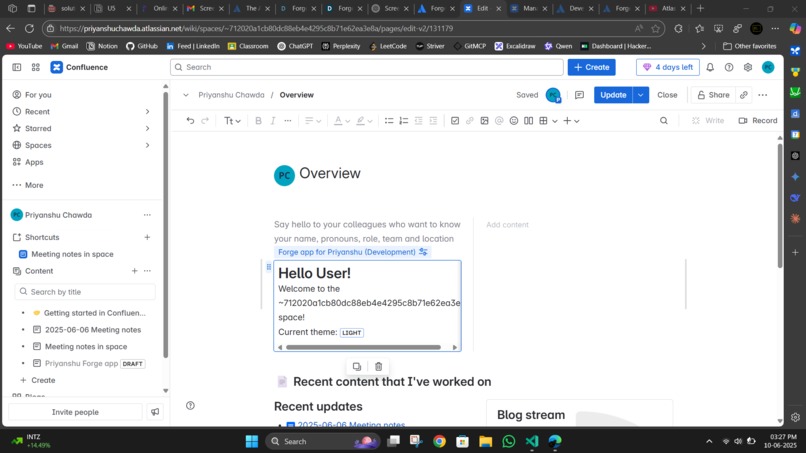
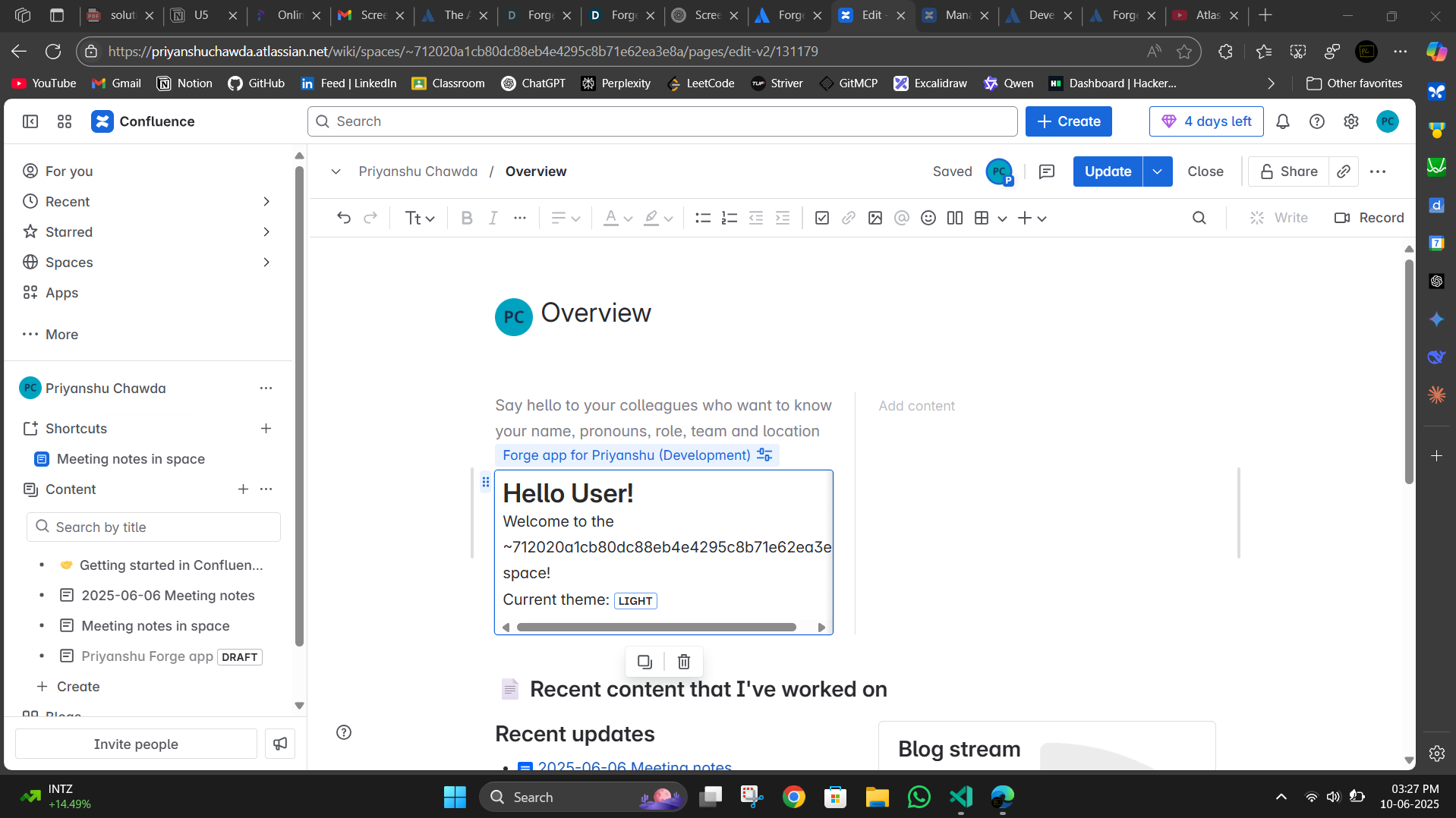
first quest
-
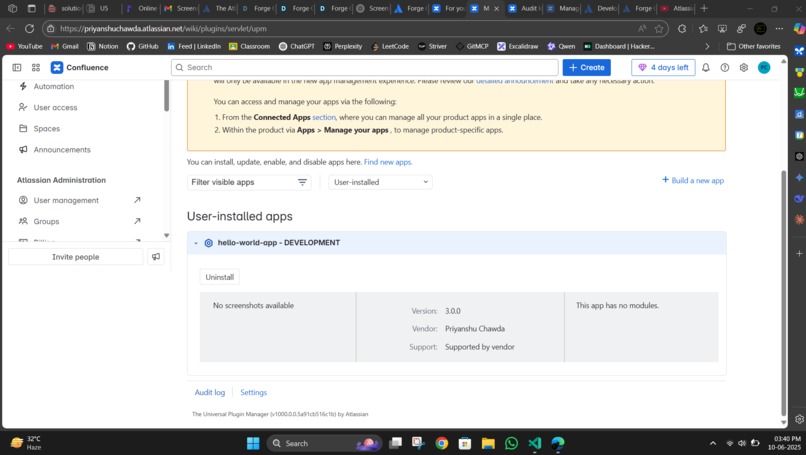
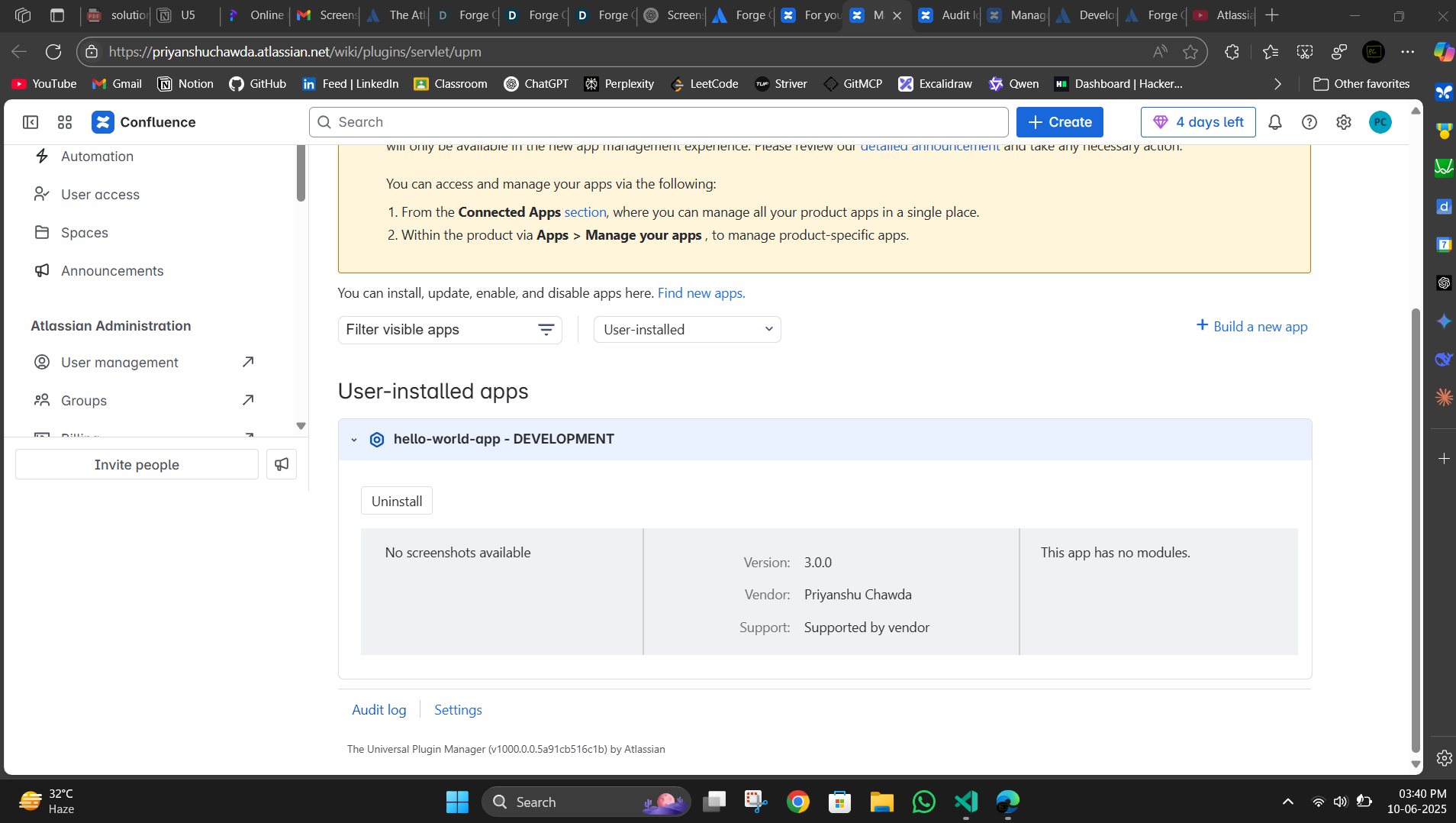
app
-
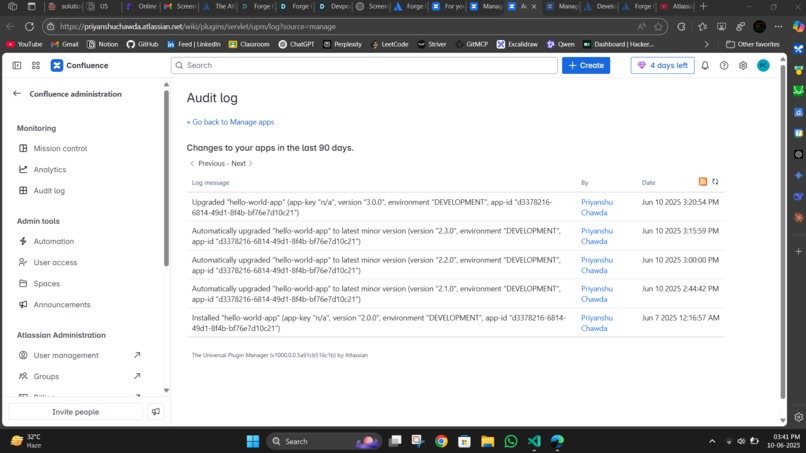
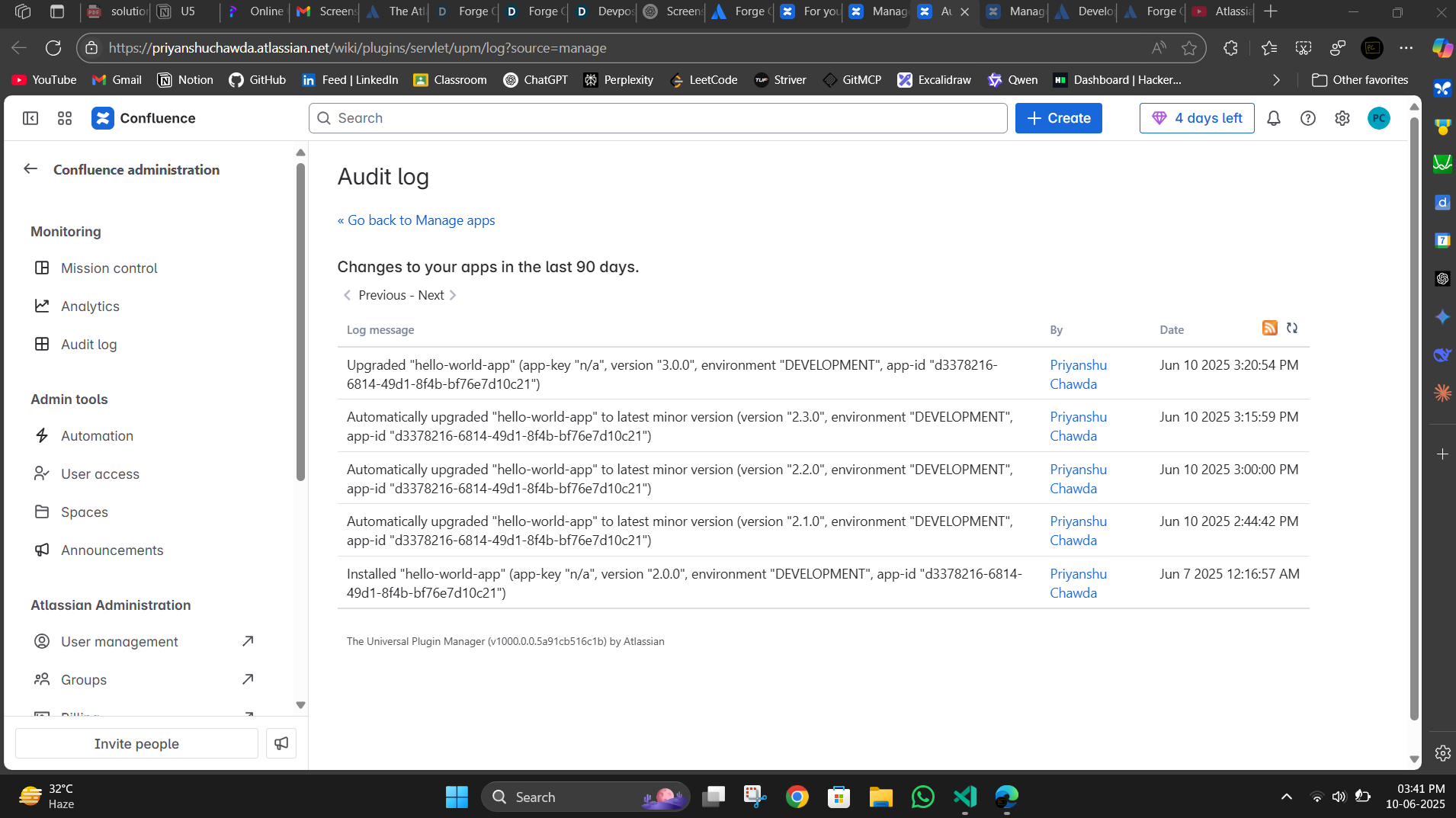
forge audit log
Inspiration
I was inspired to dive into Atlassian Forge development to understand how modern cloud applications integrate seamlessly with enterprise collaboration platforms like Confluence. The official Forge Quest tutorial provided an excellent hands-on introduction to building apps that enhance productivity within the Atlassian ecosystem.
What I Learned
This project gave me practical experience with several key technologies and concepts:
- Forge CLI for app scaffolding, deployment, and lifecycle management
- UI Kit components for creating native-looking, accessible interfaces
- Bridge API for secure communication between frontend and backend
- Context awareness to access user, space, and theme information dynamically
- REST API integration with Confluence's user lookup endpoints
- Permission management and automatic scope detection
- Error handling and graceful fallbacks in React applications
How I Built It
I completed the comprehensive three-part Forge Quest tutorial:
Part 1: Foundation Setup
- Created the app using
forge createwith the UI Kit template - Customized the interface by replacing basic text with
<Heading size="xlarge"> - Successfully deployed and installed the app to my Confluence development site
Part 2: Context Integration
- Implemented tunneling for rapid development iteration
- Added
view.getContext()to access theme and environment data - Created a backend resolver to display space-specific information
- Used Lozenge components to visually show the current theme (light/dark)
Part 3: User Personalization
- Integrated
requestConfluenceto call the Confluence REST API - Implemented user lookup using the
/wiki/api/v2/users-bulkendpoint - Added personalized greetings using the current user's actual name
- Managed permissions automatically with
forge lint --fix
Challenges Faced & Solutions
- React StrictMode conflicts: Resolved iframe-related errors by removing StrictMode
- Permission management: Learned Forge's automatic scope detection system
- API error handling: Implemented comprehensive try-catch blocks with meaningful fallbacks
- Module adaptation: Successfully adapted space page tutorial for macro implementation
- Async state management: Properly coordinated multiple useEffect hooks and dependencies
Key Features Implemented
Personalized greetings that display the current user's name
Theme awareness with visual indicators for light/dark mode
Space context display showing the current Confluence space
Robust error handling with meaningful fallback messages
Modern UI using official Forge UI Kit components
This project demonstrates a solid understanding of Forge fundamentals and serves as an excellent foundation for building more complex Atlassian integrations.


Log in or sign up for Devpost to join the conversation.