-
-
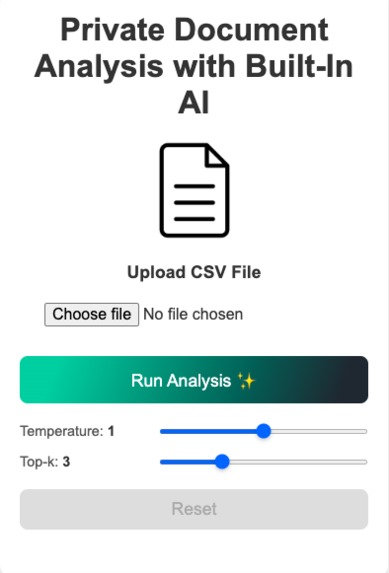
home screenshot
-
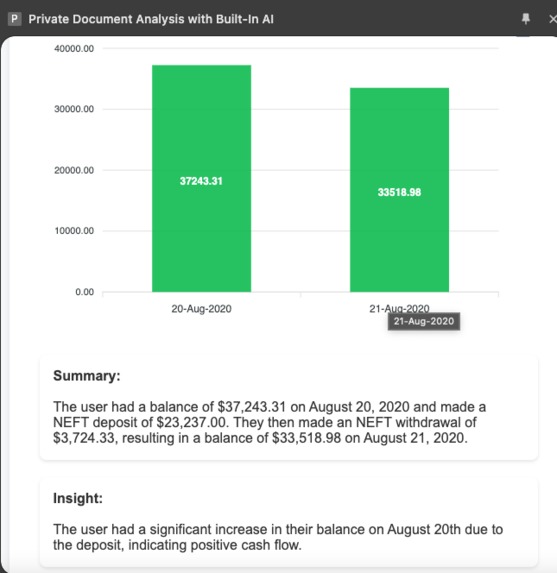
report screenshot
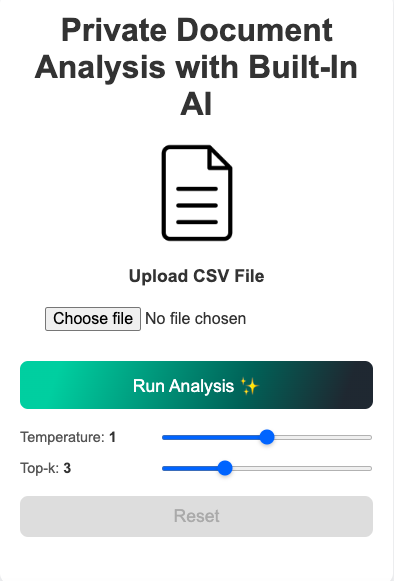
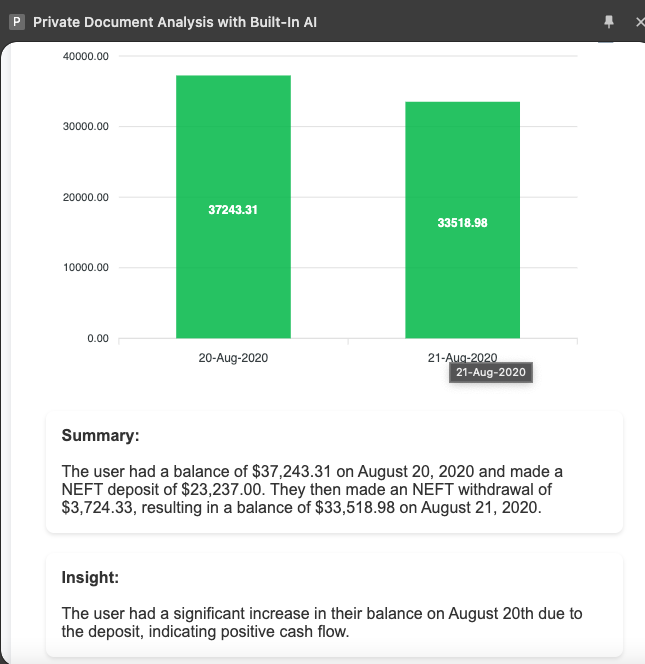
Inspiration
I built this extension because I wanted to use built-in AI in a way that server-based AI just can’t match. The big thing about on-device AI is privacy and security. When it comes to financial or personal data, you don’t want to risk sharing it with some random server. That’s why I decided to create something that works offline—an extension that analyzes document like CSV files (especially finance-related ones) directly on your device. I chose a Chrome extension over a web app because it feels more trustworthy. With a website, you never really know what’s happening behind the scenes, but with an extension, everything can run offline, which builds more trust and confidence.
What It Does
The extension processes document like CSV ( for now ), often with sensitive financial or personal data, and analyzes them using AI—all offline. It generates reports that include a summary, insights, and even graphs. The best part? It doesn’t depend on any online API or internet connection, so your data stays completely private and secure.
How We Built It
I started with a basic Chrome extension template and built on it step by step. The task was to create a tool that works entirely offline, so I focused on integrating features without relying on any third-party APIs. For example, I fine-tuned the prompts to get the AI to generate exactly the kind of insights and reports I needed. I also worked on adding features like report translation and visualizations to make it more useful. The process was really about breaking the idea down into smaller tasks, experimenting with different approaches, and building it piece by piece.
Challenges We Ran Into
There were quite a few challenges:
- Getting the AI model set up on the device was tricky because it needed specific configurations.
- I struggled with getting the summarization to work the way I wanted initially but eventually nailed it with some adjustments to the prompts.
- Chrome extensions come with their own restrictions, and figuring out how to work around them wasn’t easy.
- Creating the PDF download feature was surprisingly complicated and took more effort than I expected.
Accomplishments That We’re Proud Of
Honestly, I’m proud of everything about this project. But if I had to pick, I’d say:
- Taking an idea I had and turning it into something real in less than 20 days is a big win for me.
- The way it works—offline, secure, and so simple to use—is something I’m really happy with.
- I love how it’s not just useful but also something that could help people from all over the world.
What We Learned
I learned a lot during this project. Keeping everything on the device was way harder than I thought, but I made it work. I also realized there’s huge potential for on-device AI models—they can do so much more than I expected. And, of course, I picked up a ton of technical skills, from building Chrome extensions to refining prompts.
What’s Next for This Project
There’s a lot I could still improve. For example:
- Adding support for more document types like PDFs or Word files.
- Trying out new use cases for on-device AI.
- Honestly, if I’d started working on this earlier, I could’ve added even more features, but there’s always room to grow.
Built With
- apexcharts
- css
- html
- html2canvas
- javascript
- jspdf
- node.js
- prompt-api
- translation-api


Log in or sign up for Devpost to join the conversation.