Inspiration
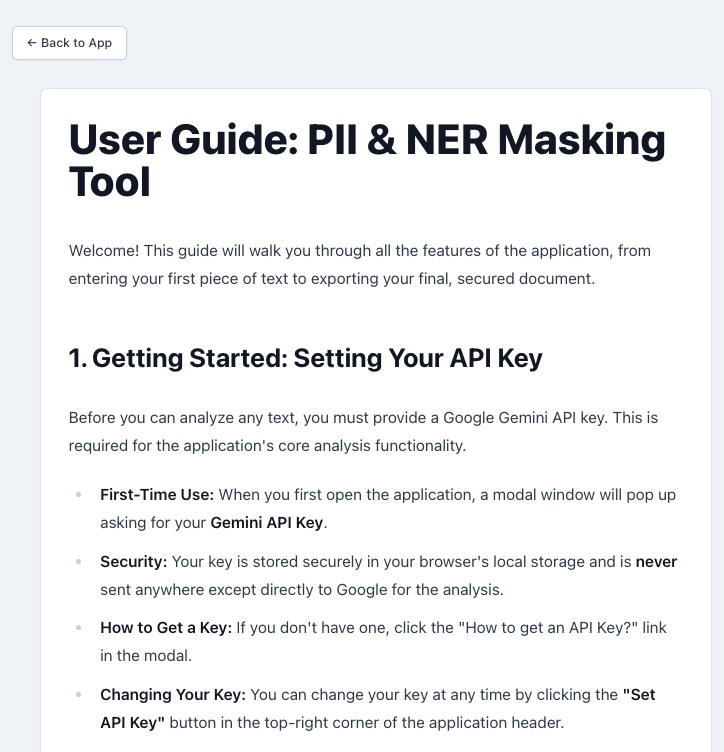
My inspiration came from a clear gap I saw in the industry: everyone needs to protect sensitive information (PII) and categorize key data (NER), but the solutions are often too expensive, slow, or compromise security by sending files to a server. I realized that with the advent of powerful, contextual AI like Gemini, we could build an accessible, secure, and intelligent tool. My goal was to create a "zero-trust" utility where users could harness the precision of AI for analysis, but all the sensitive work—especially document handling—happened right in their browser, giving them complete peace of mind and control.
What it does
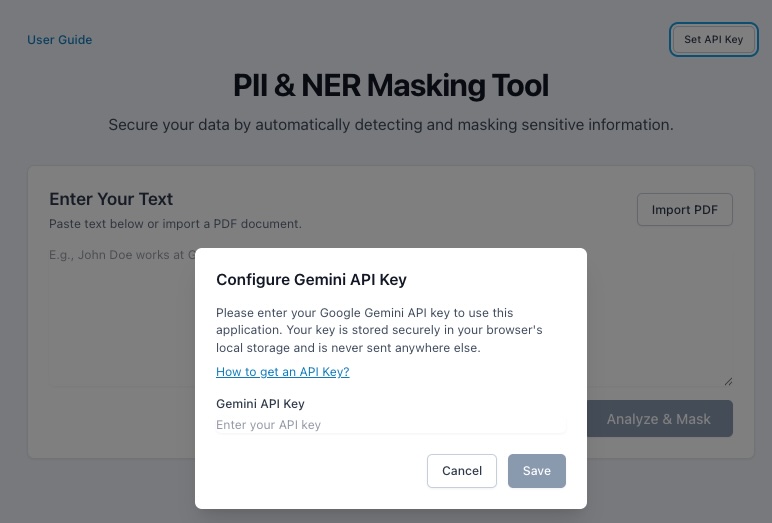
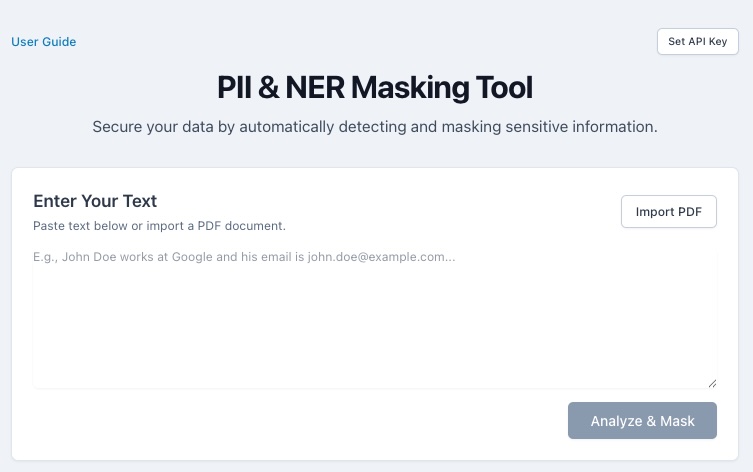
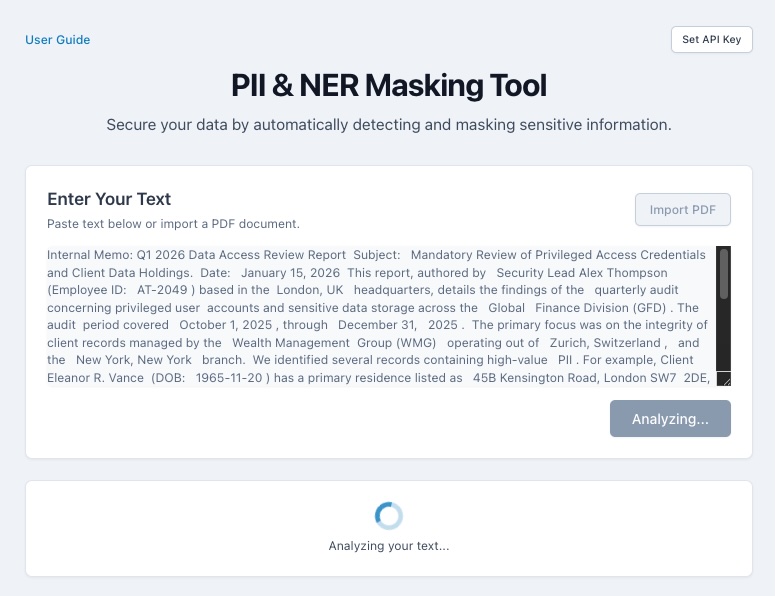
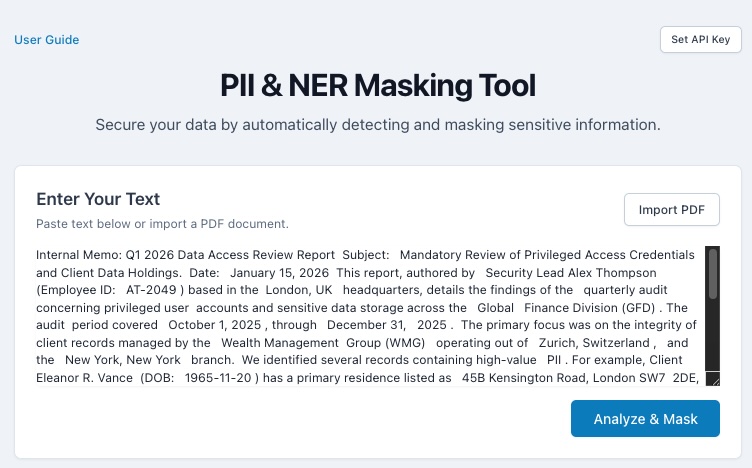
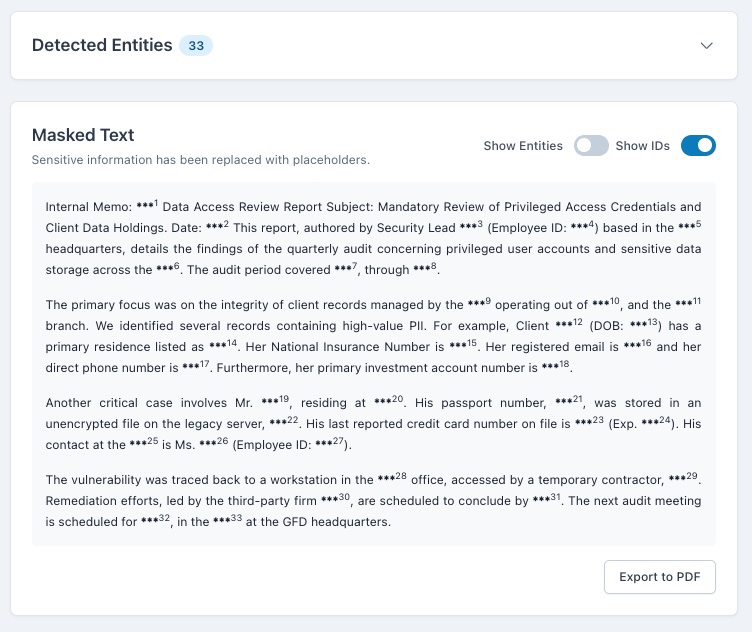
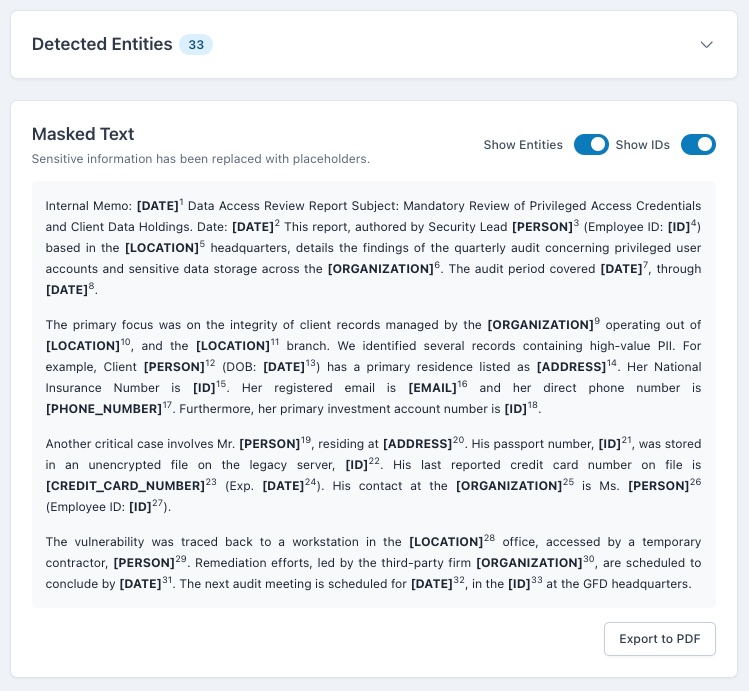
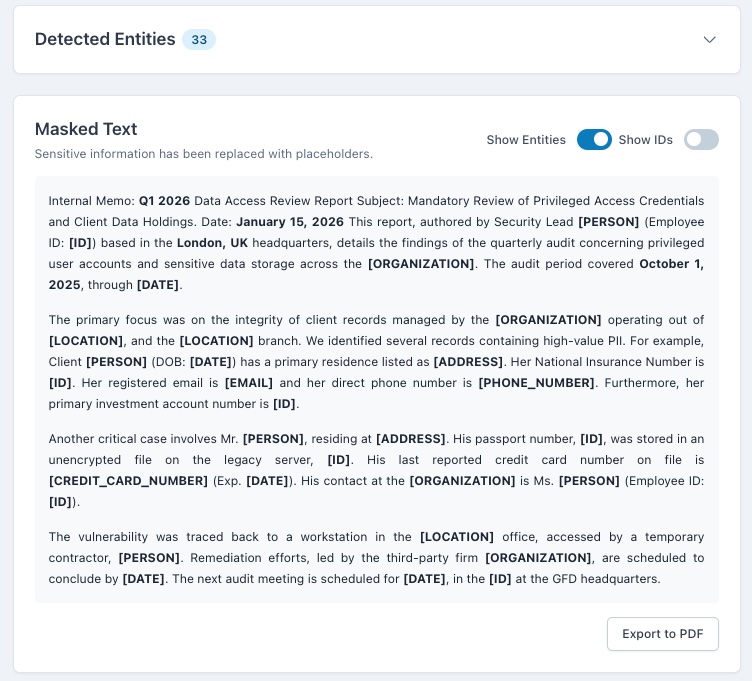
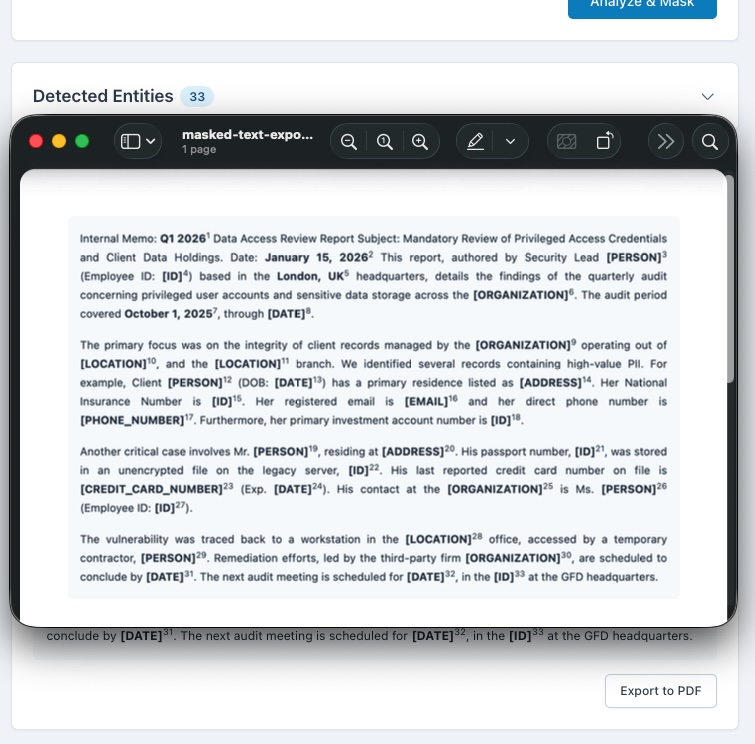
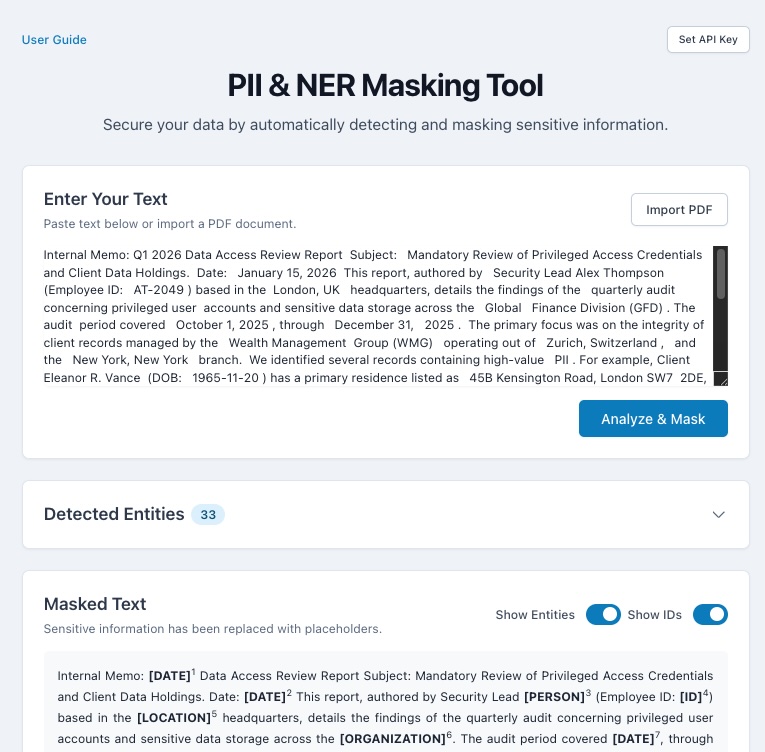
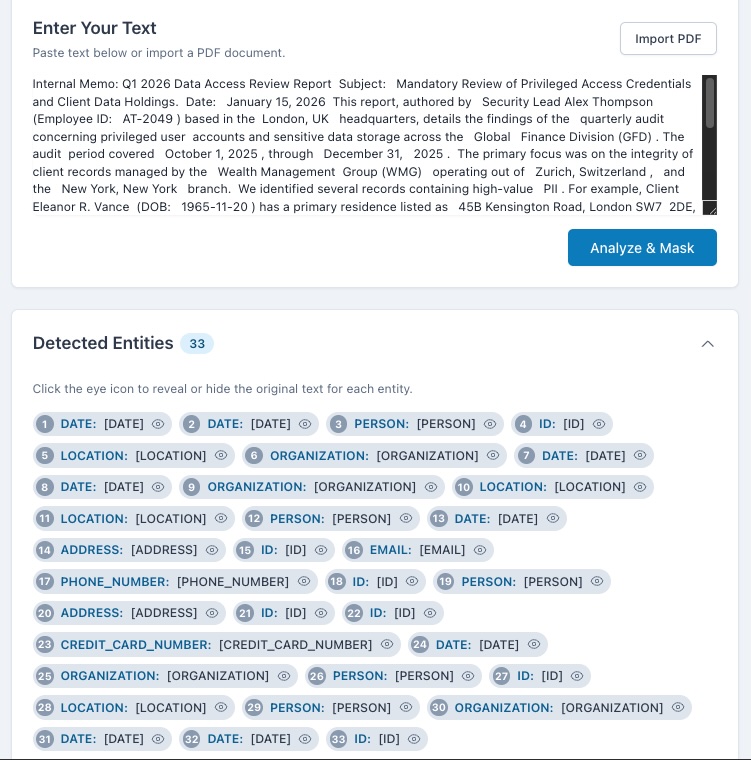
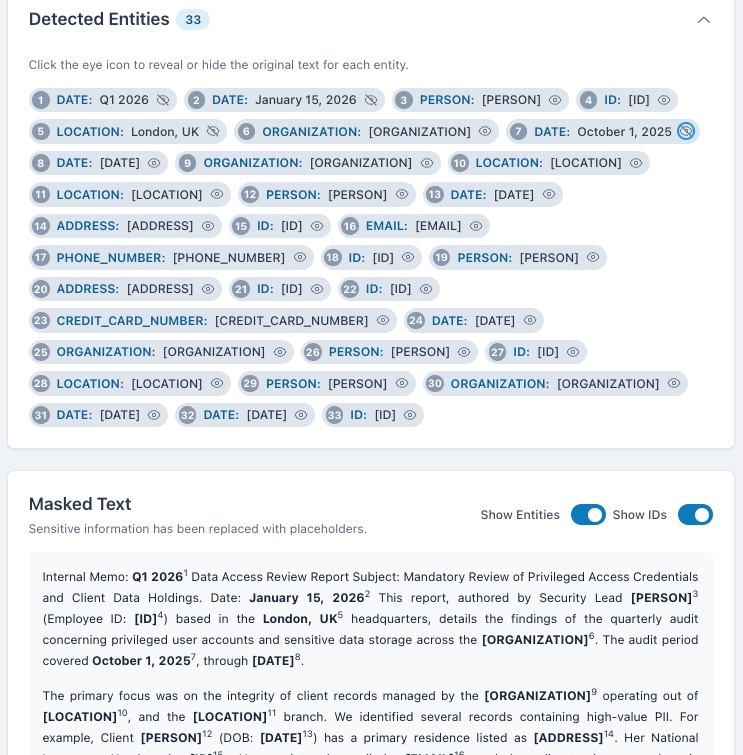
The Privacy Guardian is an intelligent data analysis and masking application. Its core function is to analyze large blocks of text, including full PDF documents, using the Gemini 2.5 Flash API for contextual understanding. It identifies and categorizes Personally Identifiable Information (PII, like names and emails) and Named Entities (NER, like organizations and dates). It then creates a masked version of the text. Crucially, I implemented a robust, client-side PDF import feature so users can upload files without sending them to any server. The results are presented in a powerful, synchronized interface that allows users to interactively reveal specific masked entities and control the output before generating a final, client-side masked PDF for secure export.
How I built it
I built the application using a React frontend for a highly responsive, interactive user experience. The core of the AI functionality, where the application interacts with Gemini, was developed using Vibe Coding directly within Google AI Studio. This allowed me to rapidly iterate and refine the prompts, testing the Gemini 2.5 Flash model's ability to identify PII and NER in a structured format. Once the AI logic was solid, I deployed this functionality as a scalable Cloud Run Service. I chose Cloud Run because it efficiently handles the bursts of requests to the Gemini API, scaling down to zero when idle, making it a cost-effective solution for serving my AI Studio-powered SaaS. For the complex PDF processing, I integrated pdf.js directly into the frontend to ensure all text extraction happens securely on the user's machine, keeping sensitive data client-side. The structured, clean JSON data returned by the Gemini model, orchestrated via Cloud Run, then powers the interactive and synchronized display in the React frontend.
Challenges I ran into
My biggest challenge was mastering the synchronization and state management between the "Detected Entities" list and the "Masked Text" output. Ensuring that an entity revealed in the list was instantly and accurately revealed in every single instance within the body of the text (and vice-versa) required complex logic. I also faced hurdles with the client-side PDF generation; getting the jspdf and html2canvas libraries to perfectly preserve the original document's paragraph structure, alignment, and especially the custom, numbered superscript IDs in the final PDF export demanded significant time and experimentation.
Accomplishments that I´m proud of
I am most proud of two things: first, achieving true client-side processing for PDFs and masking, which is a significant win for privacy and compliance. Second, I am extremely proud of the interactive, synchronized user interface. This feature transforms a typically passive data masking process into an active, controlled user experience, allowing for immediate inspection and verification of the AI's findings. This feature is what truly elevates the project's usability.
What I learned
I gained invaluable knowledge in prompt engineering for structured data extraction from a generative model like Gemini, which is a key skill for building reliable AI-powered tools. I also deepened my understanding of security and performance best practices for Cloud Run and serverless computing. Finally, I learned the complexities of integrating robust client-side libraries like pdf.js to build trust and ensure user data never leaves their local machine.
What's next for Privacy Guardian
I plan to expand its capabilities to handle more complex document formats like DOCX and images (using OCR). I also want to introduce custom masking profiles that allow users to save rules for specific entity types they want to ignore or categorize differently for various compliance standards (like HIPAA or GDPR). Finally, I will explore using more advanced Gemini features for multi-step document summarization after masking, creating a complete document-to-insight workflow.

Log in or sign up for Devpost to join the conversation.