-
-
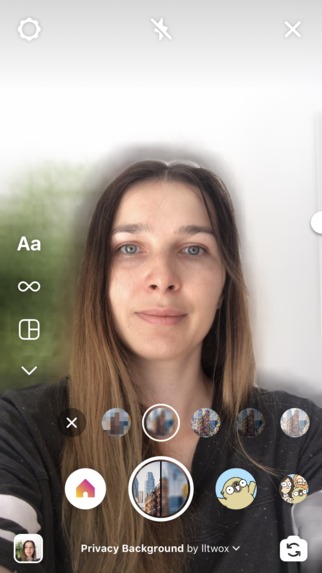
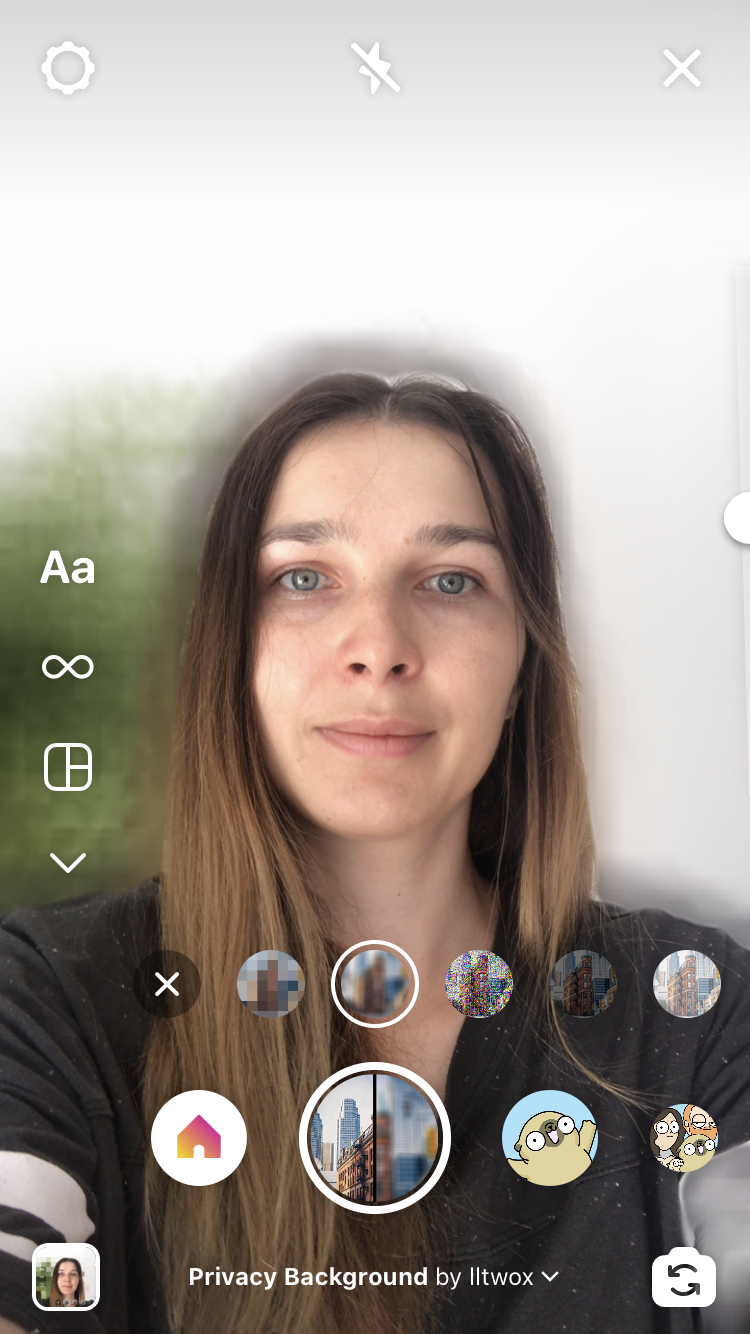
Blur your background
-
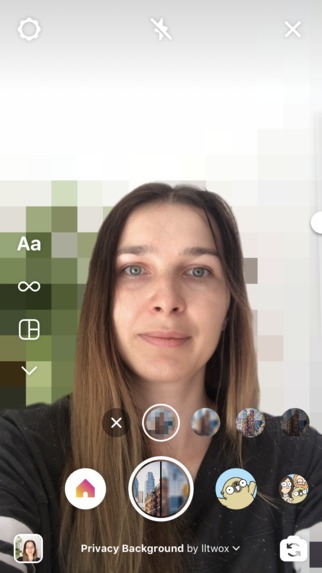
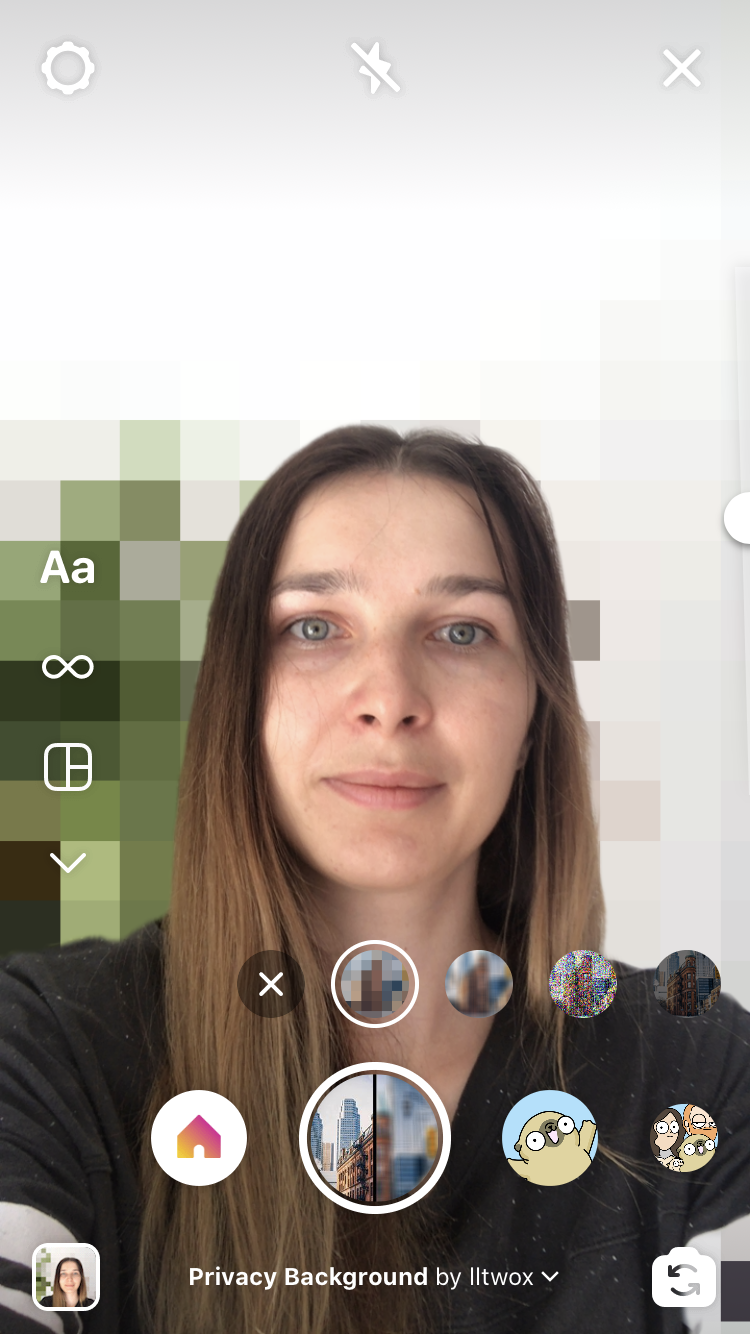
Pixelate your background
-
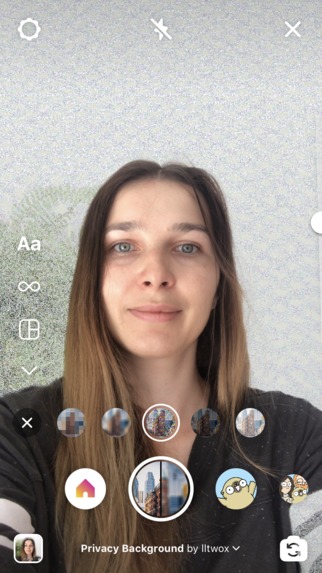
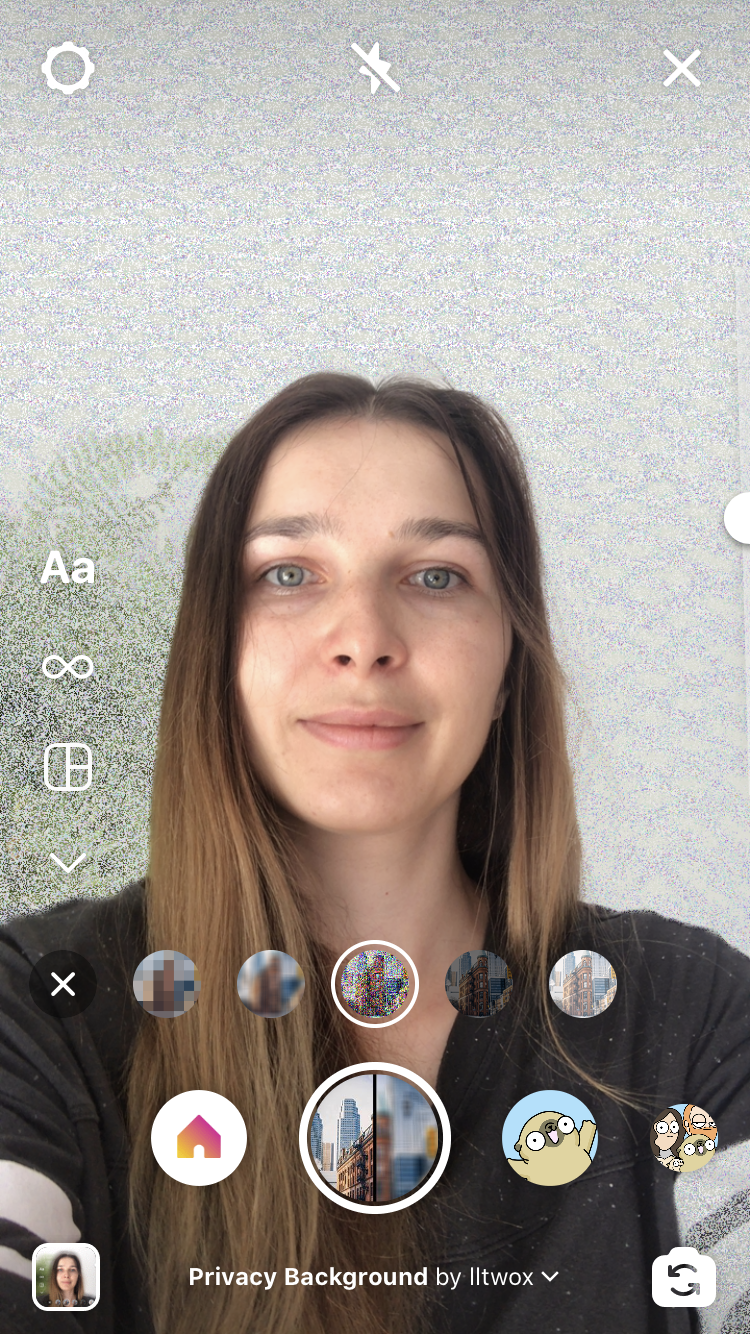
Add noise to your background
-
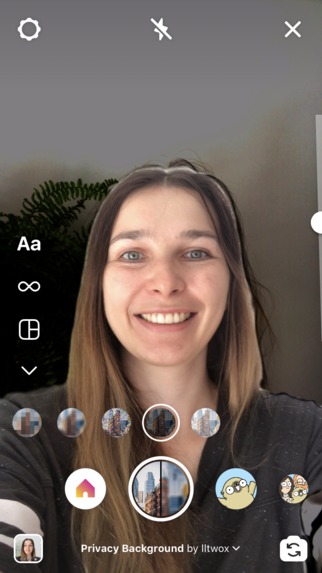
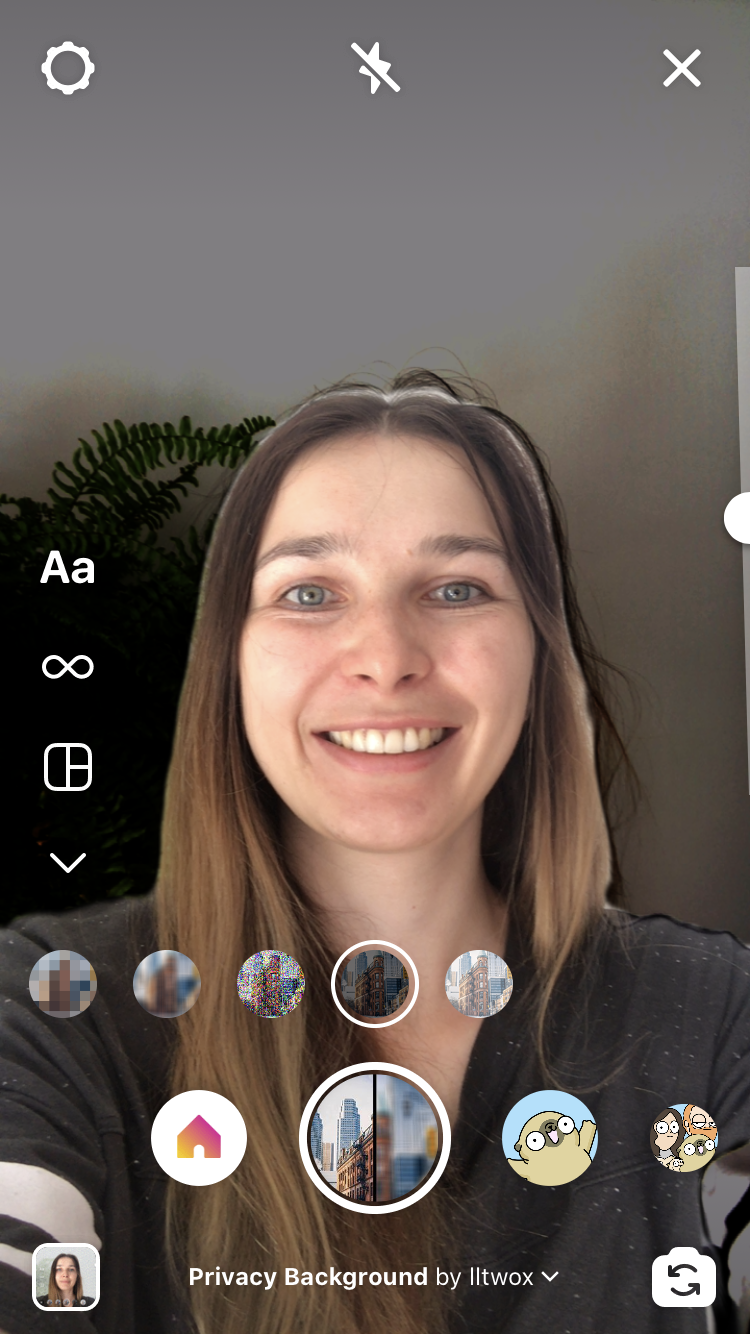
Darken your background
Inspiration
Sometimes when you are telling a story, you don't want to show your background. Maybe there is some secret project that you don't want to reveal to your audience just yet, or maybe you just don't want to clean up the room. We thought that this problem was lacking a proper solution, so we've created one! We've named it Privacy Background.
What it does
Privacy Background filter allows you to hide your background partially or completely by choosing from 5 different styles: pixelation, blur, noise, darkening, and brightening. You can adjust the level visibility of the background with slider and tap to instantly reveal or hide it. It can be used simply for utilitarian use: to hide a mess behind you, but it can also be used as a storytelling tool. Epic reveals, stylish transitions, an additional mystery in the story — those are just some examples. We are sure that creative bloggers will find way more ways to use it than we can think of at the moment.
How we built it
First, we've learned how patches work and found ready implementations for blur and pixelation in the AR Library. We were very hopeful for easy implementation. After finding some limitations, we've decided to invest time in learning Scripting APIs. This turned out to be the suited approach. We ended up creating a custom shader for each of the effects.
To build the UI we decided to stick with native components and use Picker to change the selected effect and Slider to adjust its strength.
Challenges we ran into
Each of the effects brought its own, unique challenges.
A simple version of Pixelate was easy to develop, but since each "big pixel" used as a source pixel in one corner, it created a skin-colored row of pixels on one side of the head. To battle this, we've added the logic to always try to use pixel that is not part of the segmentation mask. It helped greatly, and now we always have a pixelated background looking like a person's head was never even there.
Blur turned out to be the hardest. Even though a basic implementation of blur is pretty straightforward, it was hard to develop a version that would blur the whole background significantly. With the increase of blur radius, the number of texture samples grew too much, and our phones simply couldn't sustain 30 FPS. More efficient blur algorithms didn't seem to work as those rely on frame buffers and the creation of resulting picture in steps. With SparkAR's shaders, it does not seem to be possible at the moment (or at least we didn't find how to do it). So we went the other route: downsampling source texture, blurring it, and upsampling it back. As those operations are also not really supported by SparkAR, all resizing is done virtually. The end result does not look exactly like a classic box blur nor like a gaussian blur (it looks more like if you had four eyes and got hit on the head really hard), but it does translate the intent well and works at 30FPS.
Add noise brought a different set of problems. Generating randomness in a frame for each pixel is quite challenging. It seems that true randomness is just impossible and pseudo-random solutions, suggested in the community, didn't work well. Either they were not random enough, which resulted in clear visual patterns, or they didn't work at all. One of the solutions worked well in SparkAR emulator, but on the device, some kind of number overflow error happened and lead to the background turning grey after just a couple of seconds of runtime. The path to a solution was a path of many trials and errors: combining all possible values through many different functions. In the end, we got a pretty good result, but even this implementation works differently on different phones.
For darken and brighten effects we started with an easy linear change in brightness. This variant worked well but seemed not that useful. The background was truly hidden only when the effect was at 95%. We spent some time trying to make it better and came up with formulas that adjust the brightness of the source image based on the brightness of each pixel. For example, for darken, bright parts of the image will stay bright for the most range of the effect, while darker parts will shift to black very fast. This hides details first but keeps some information from the original image visible, leading to more uses of the effect.
Accomplishments that we're proud of
We made a filter that solves a problem and it works exactly as we envisioned it. With are in love with how it looks and works and can't wait for others to try it out.
What we learned
We've learned a lot about how shaders work. SparkAR's documentation on this topic is pretty much missing, so we had to go deeper and look into OpenGL Shaders and try to translate learned concepts to JavaScript APIs. While challenging at times, it was a fun and rewarding process.
What's next for Privacy Background
We are looking into further optimizing how blur works, and we are also thinking of adding more creative options for background styles: volumetric fog, tropical rains, kaleidoscopes, and many more. Possibilities are limitless.
Attributions
Title picture Dawson Lovell from Unsplash
Music
Adding The Sun by Kevin MacLeod
Built With
- ar
- javascript
- sparkar
Log in or sign up for Devpost to join the conversation.