-
-
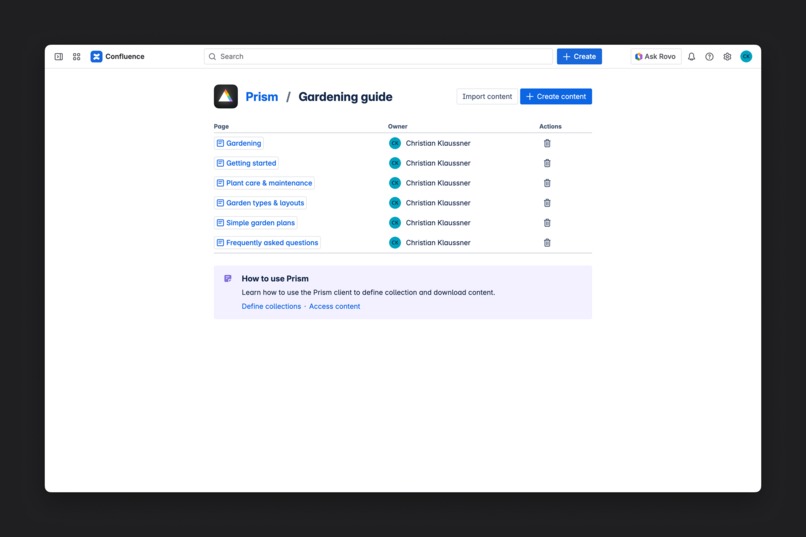
Add the pages you want to export to a Prism collection.
-
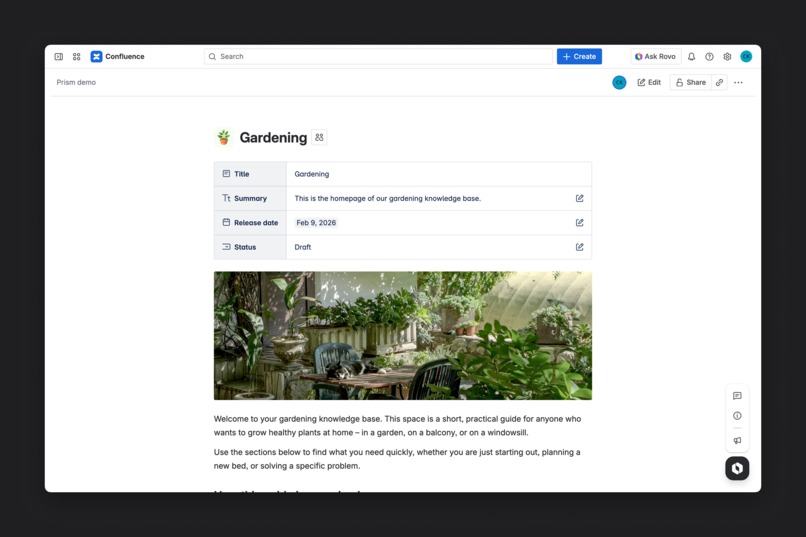
Edit metadata for pages in a collection using the Prism macro at the top of the page.
-
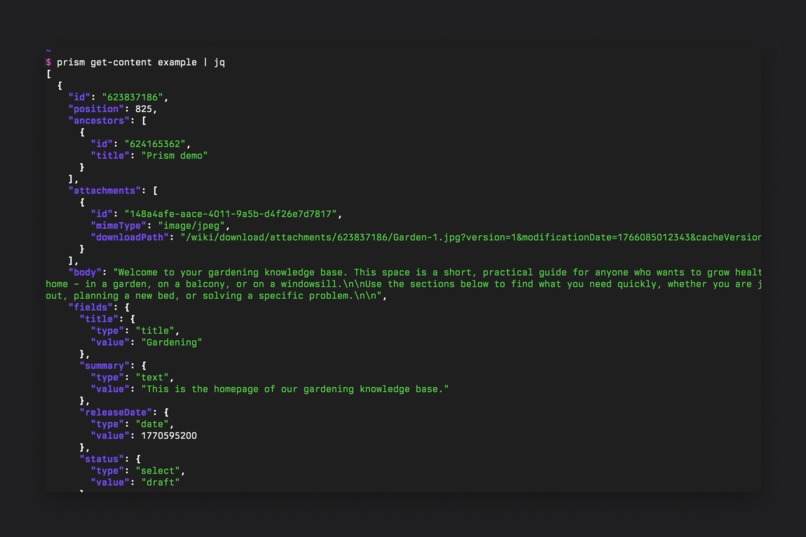
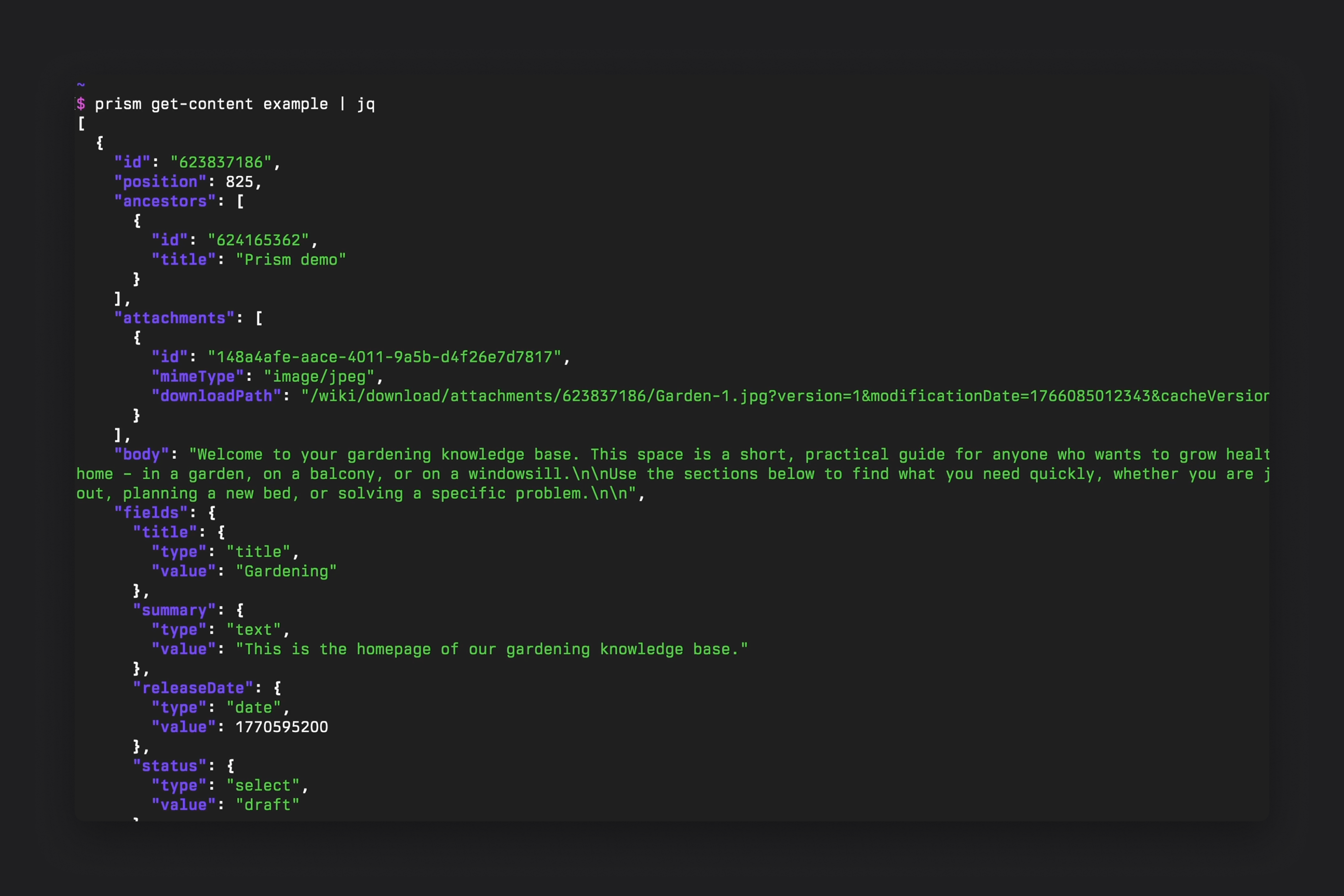
Download your content with the Prism CLI client and integrate it with other tools and platforms.
Inspiration
I was looking for a content management system for a website I was building. Since I use Confluence a lot anyway, I thought it would be nice to store the content for the website in Confluence as well, so that it would be easy to edit. Unfortunately, the solutions available for this were not suitable for me because they were not very customizable or flexible.
Using the Confluence API directly to integrate content into my website also proved difficult because the internal Confluence format in which pages are stored had to be converted, internal links adjusted, and images/attachments downloaded.
I realized that with an easy-to-use content API for Confluence that does all this for the user automatically, you could also implement many other useful content workflows. For example, marketing teams could use it to manage their posts for social media campaigns in Confluence, documentation teams could work on content for AI use cases like MCP servers, and many other custom integrations could be built by connecting the content API with automation tools like n8n or Retool.
What it does
The Prism app consists of two parts: a Confluence app that allows users to create content collections and add metadata to their pages, and a CLI client that downloads the pages and their metadata in a simple format for integration with other tools and platforms.
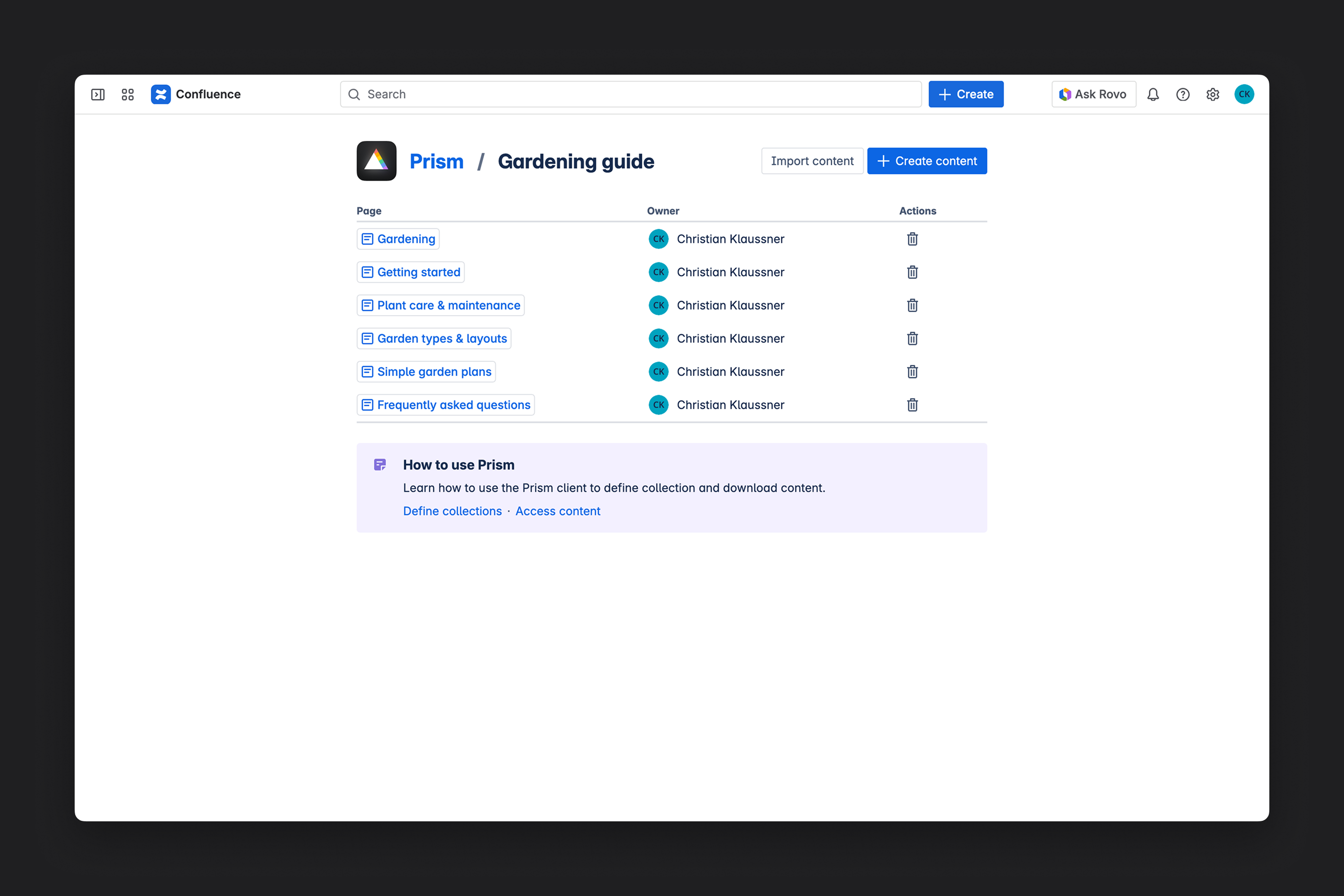
First, users define collections and the types of metadata that pages in these collections should have.
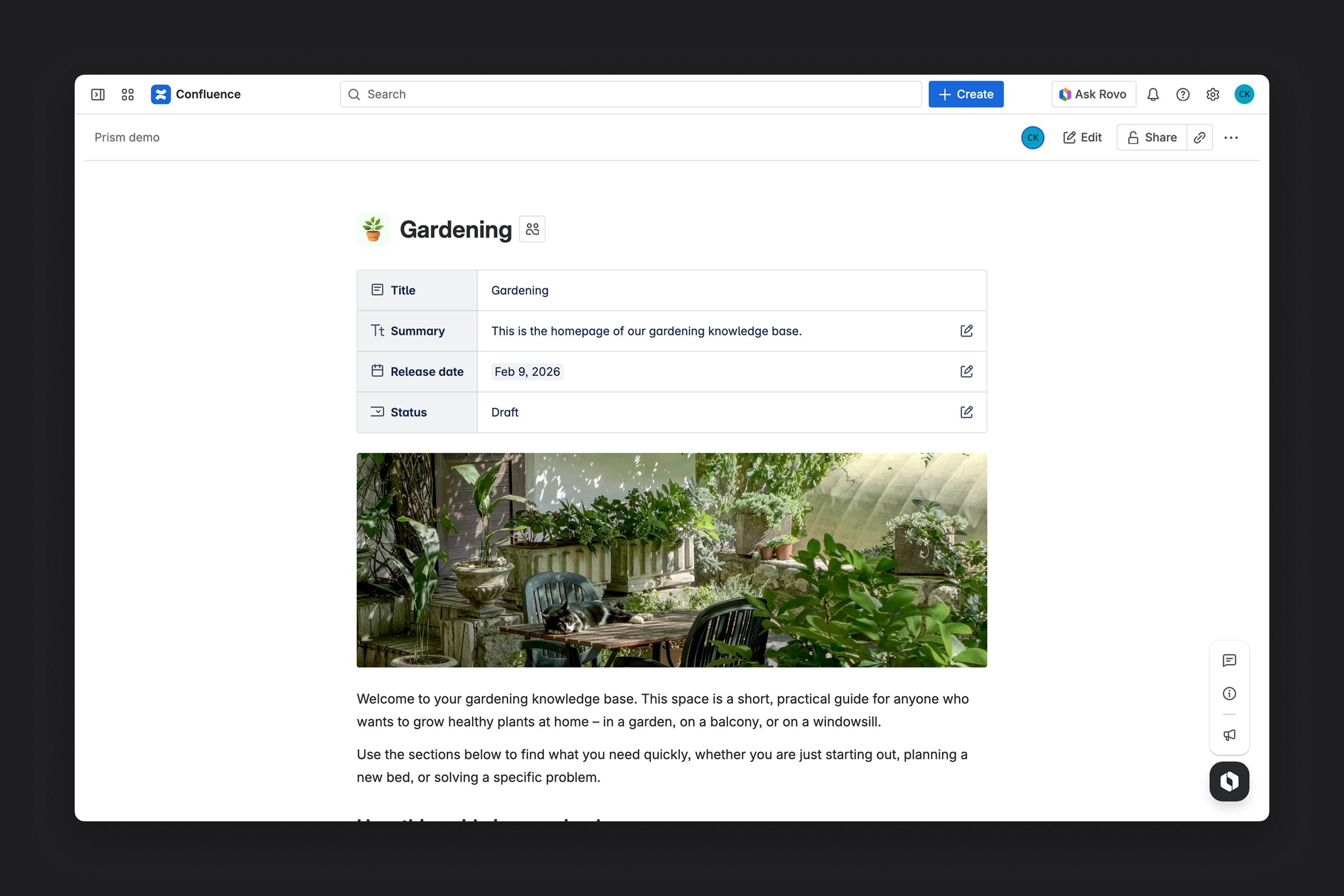
Then, users can create and edit pages in the collections. Finally, developers use the Prism CLI client to automate the download and integration of page content.
How I built it
Back end: The back end consists mainly of a web trigger for the API and a resolver Forge function for the front end. The collection data, i.e., the user-defined schemas and the content metadata created by users, are stored in a Forge SQL database.
Front end: I built the front end of the app with TypeScript, React, and components from the Atlassian Design System.
Challenges I ran into
The app allows you to define your own collection schemas, which turned out to be difficult to implement with the Forge key-value store and custom entities because their query and filter functions were too limited. Luckily, the Forge SQL database worked perfectly for this use case.
Another challenge was the web trigger that I'm using as an API endpoint to export Confluence pages and metadata. Web triggers don't offer built-in authentication, so I had to build my own token validation system. Also, web triggers can't return large data payloads. I initially planned to download attachments through the web trigger, but that didn't work for images that are larger than 5 MB. As a workaround, attachments are now downloaded using the Confluence API.
Accomplishments I was proud of
I built Prism to solve a problem I had myself, but I was able to come up with a solution that could also be helpful for others.
What I learned
I haven't used Forge SQL in a real app before and it was interesting to use it for a more complex use case than just simple test apps.
What's next for Prism
There a few features I'm planning at the moment. Currently, Prism converts pages to Markdown, but it's also possible to export other formats, for example, MDX to embed interactive React components or markup languages like MJML to generate responsive email templates from Confluence pages.
Built With
- atlaskit
- forge
- node.js
- react
- sql
- typescript

Log in or sign up for Devpost to join the conversation.