-
-
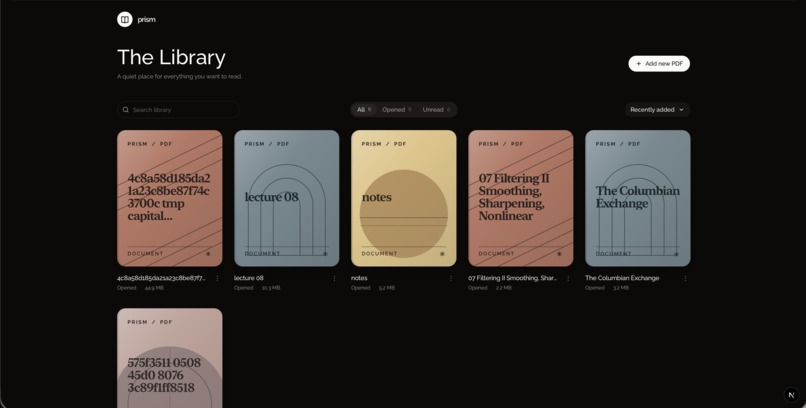
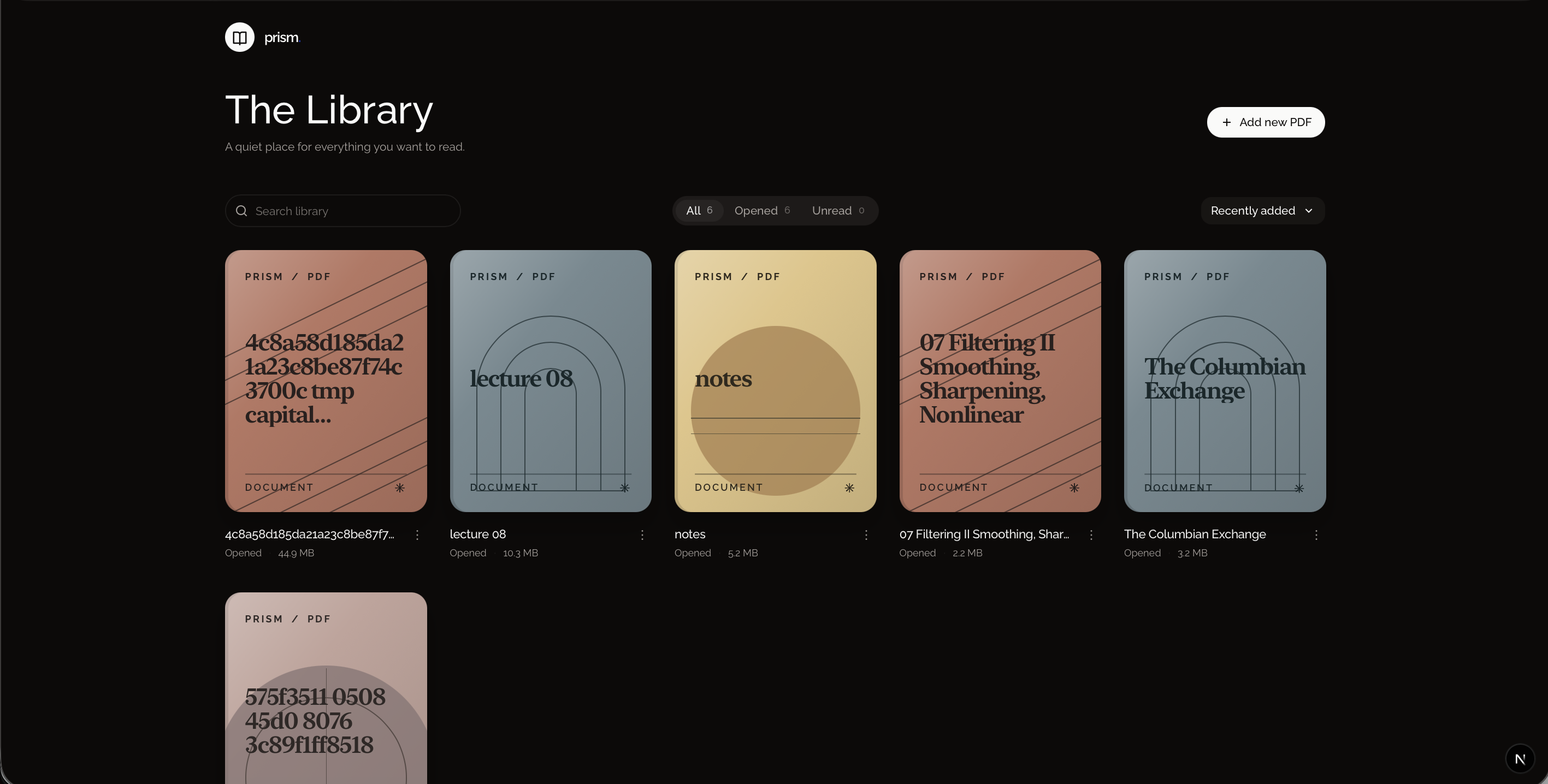
prism-home-screen
-
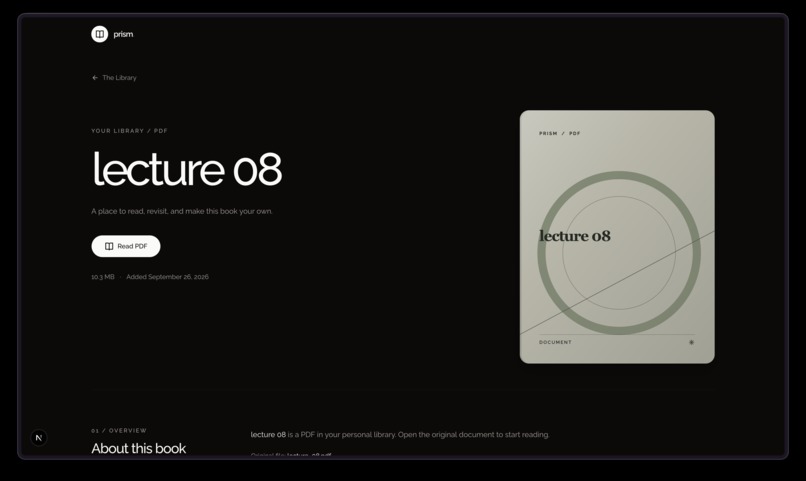
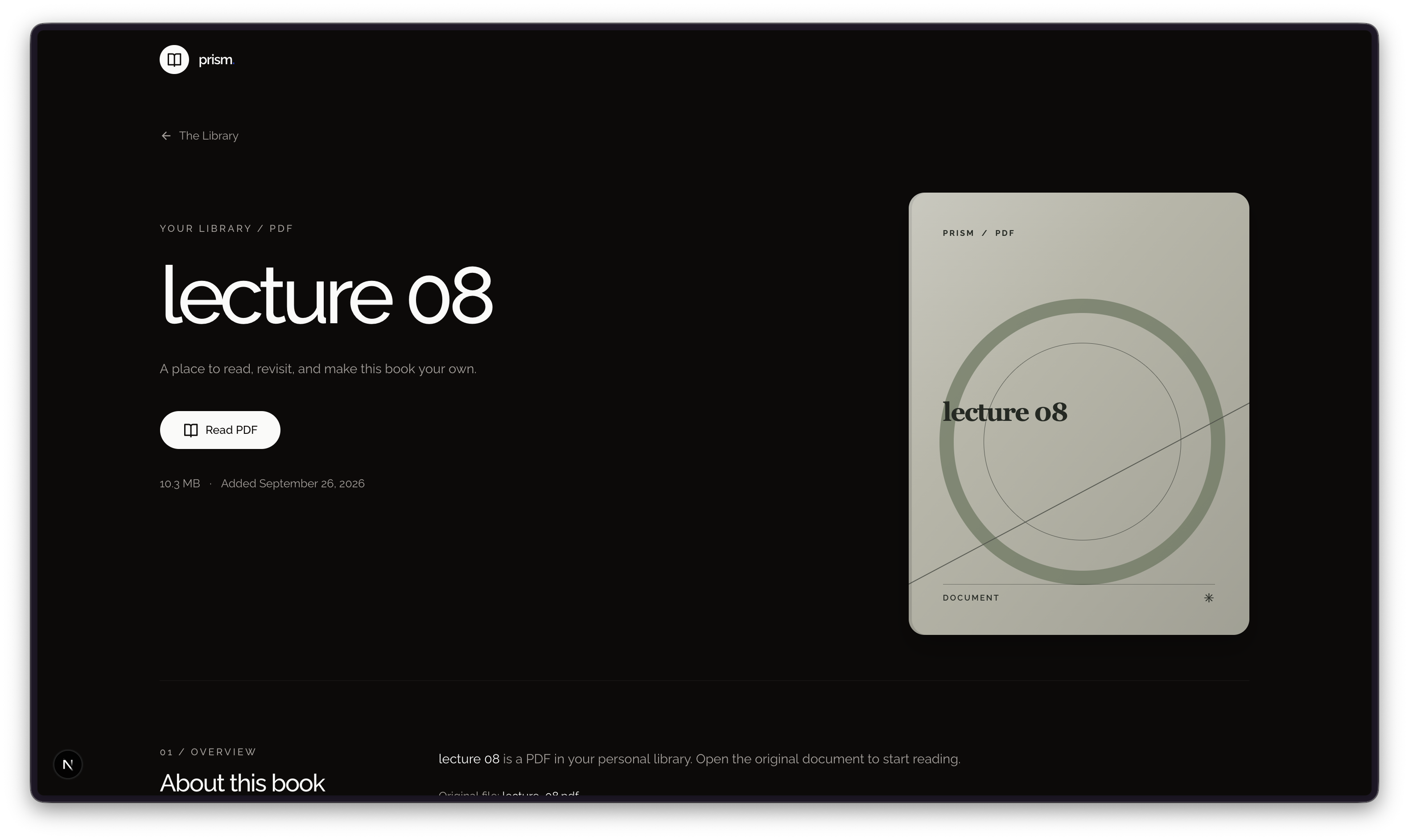
pdf-details-page
-
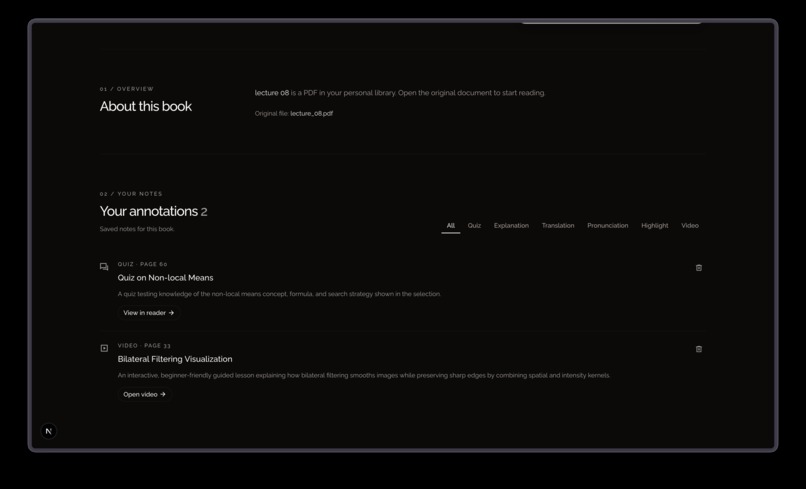
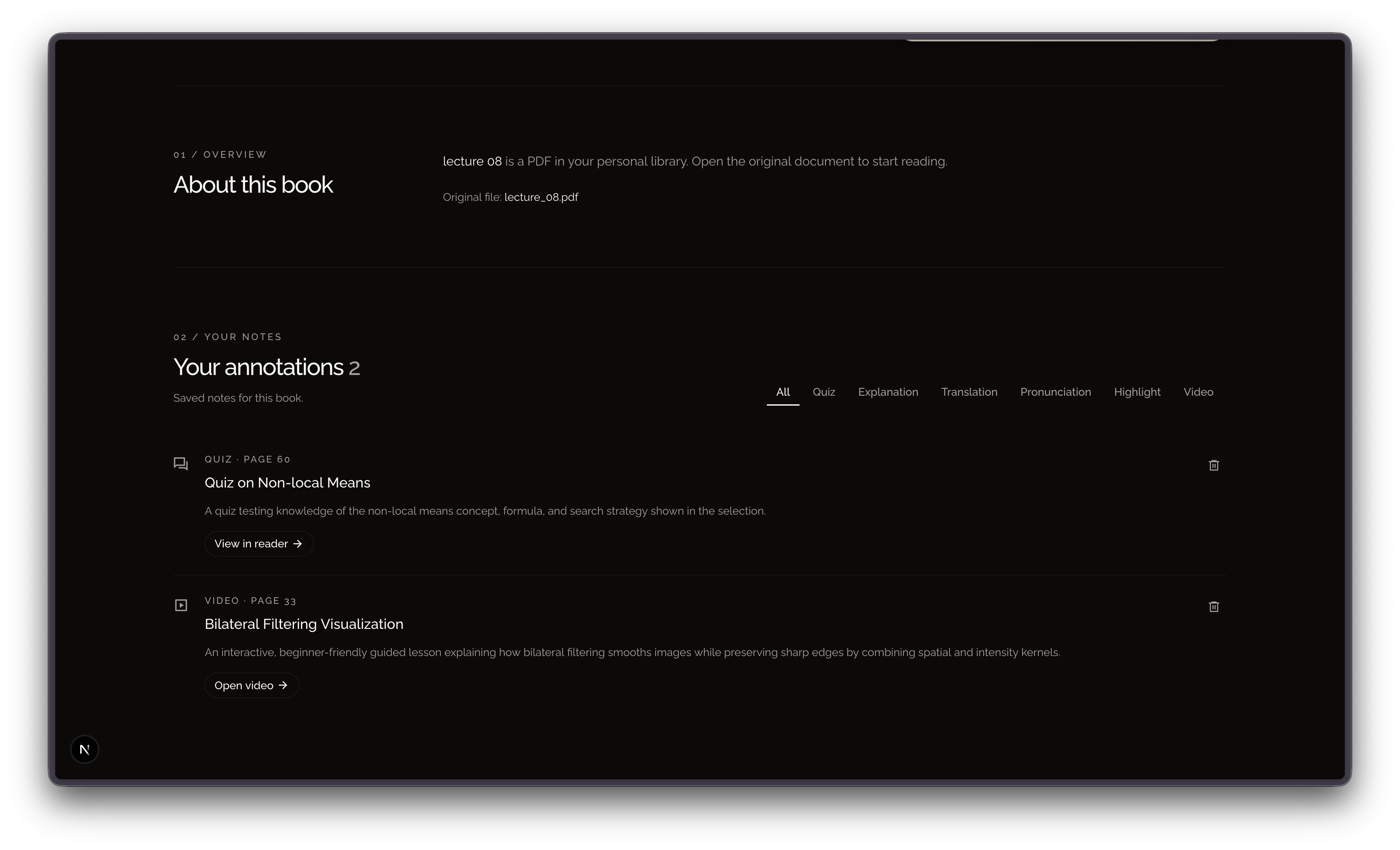
pdf-details-page-2
-
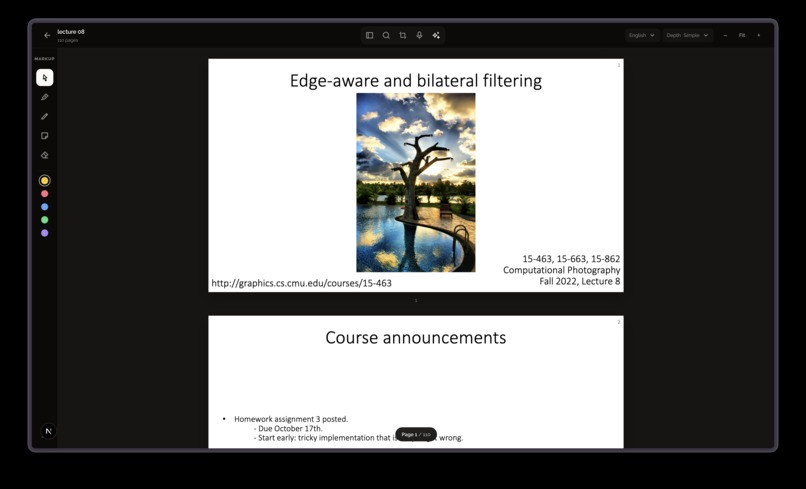
pdf-reader-page
-
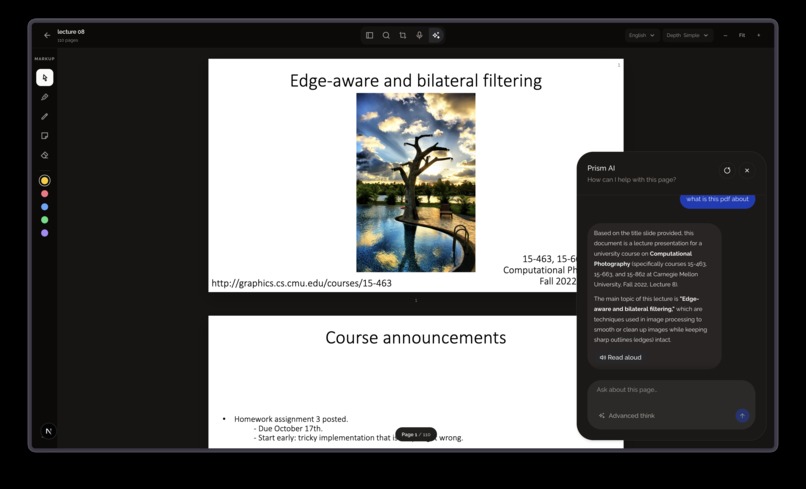
pdf-reader-chatbot
-
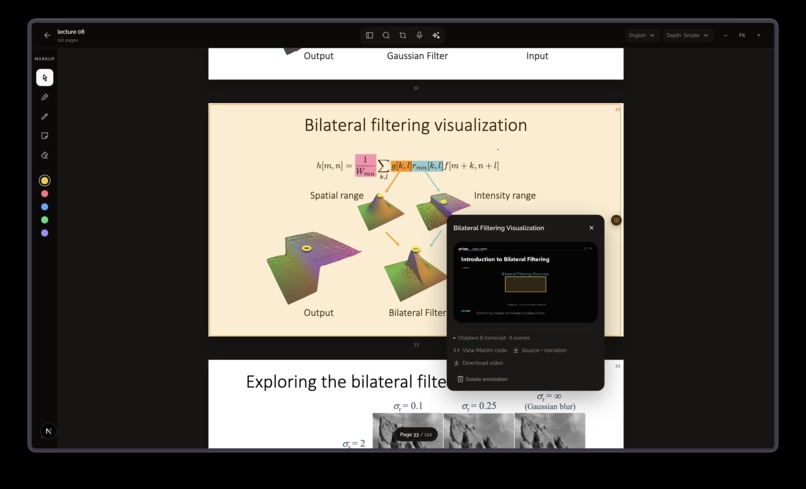
pdf-reader-video-annotation
-
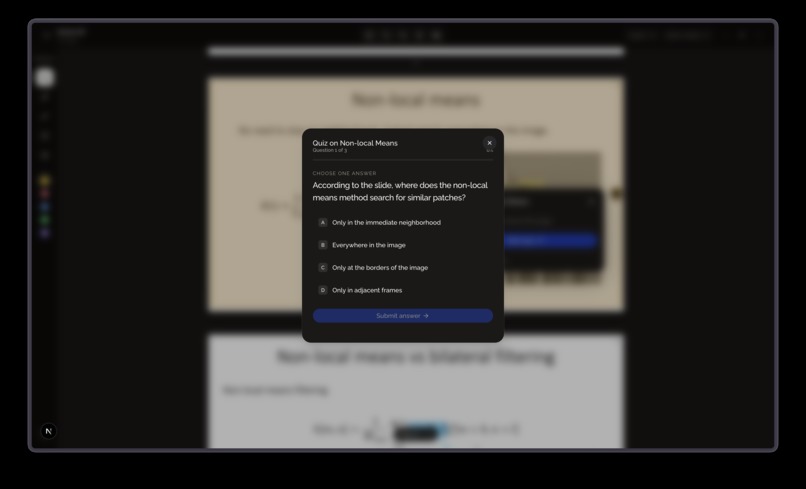
pdf-reader-quiz-annotation
-
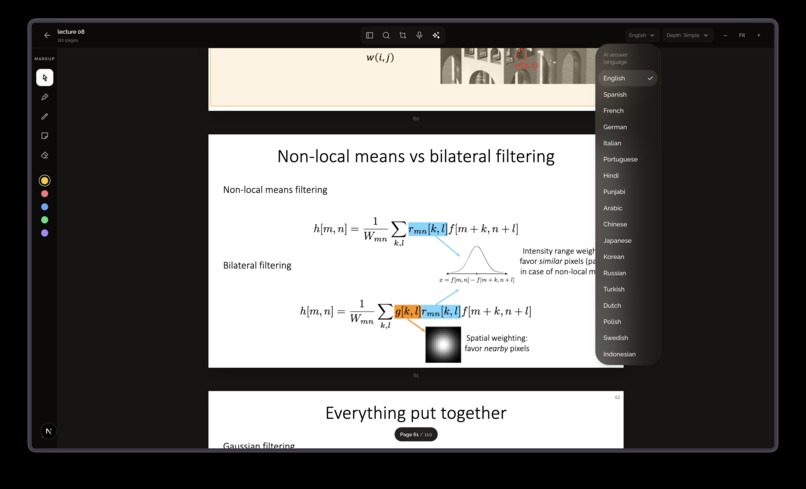
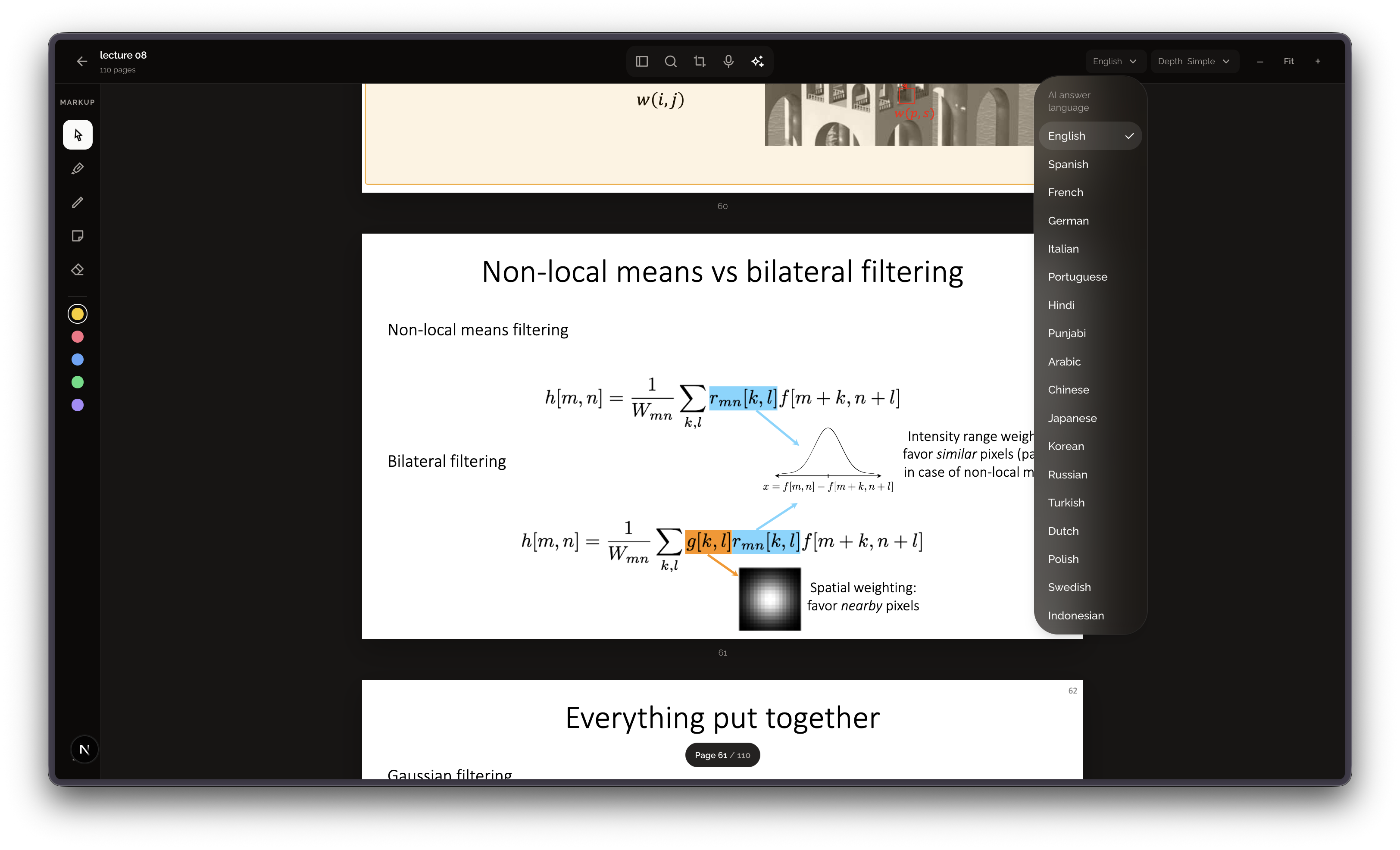
pdf-reader-language-select
-
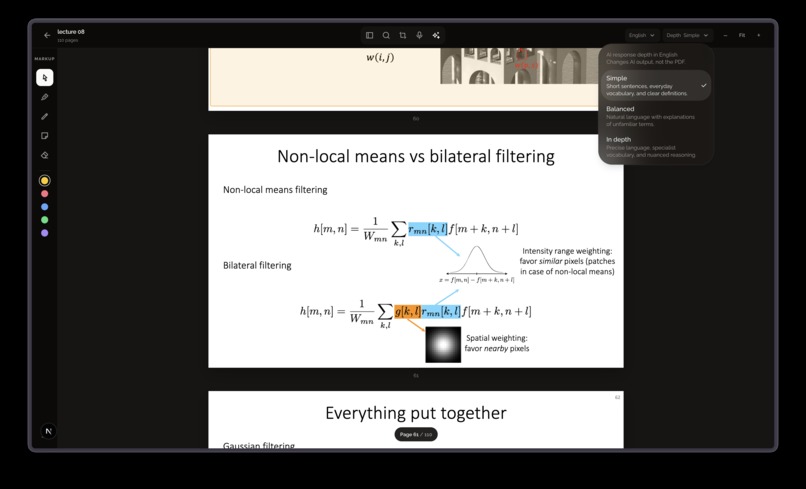
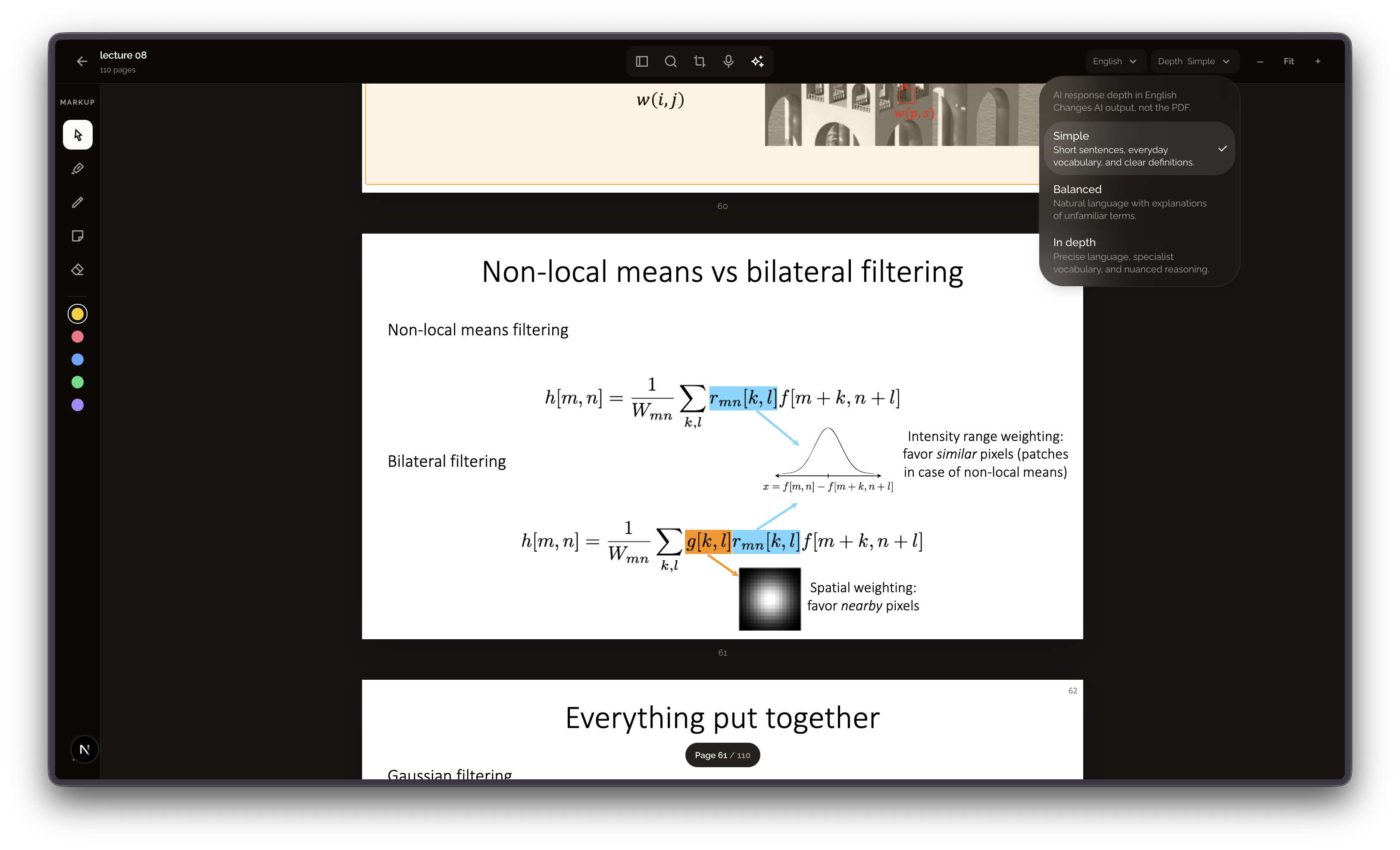
pdf-reader-depth-select
-
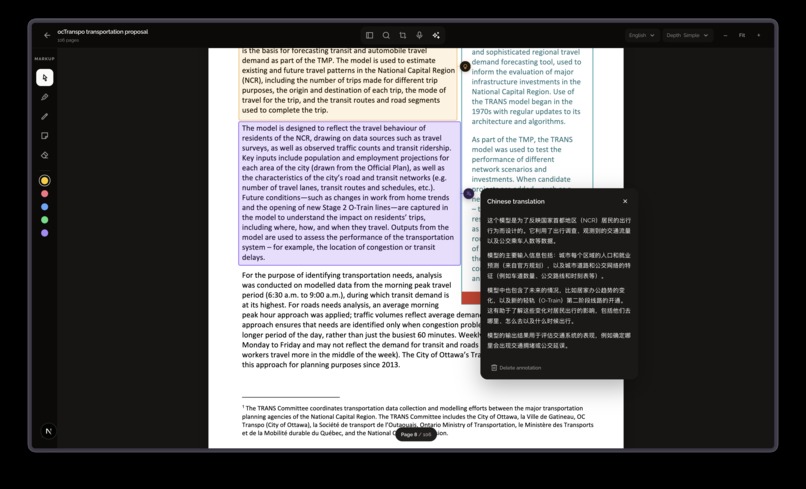
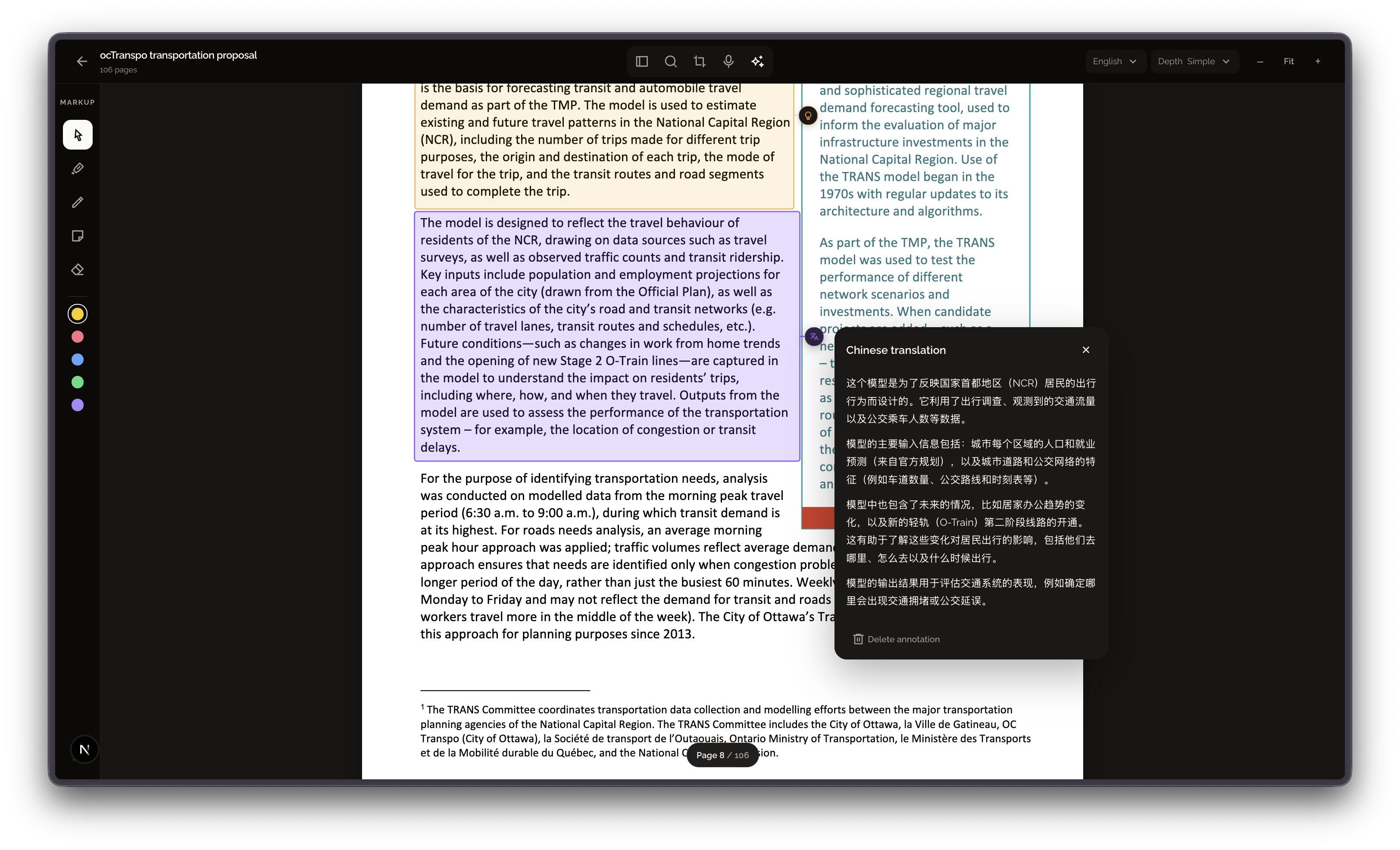
pdf-reader-translation-annotation
-
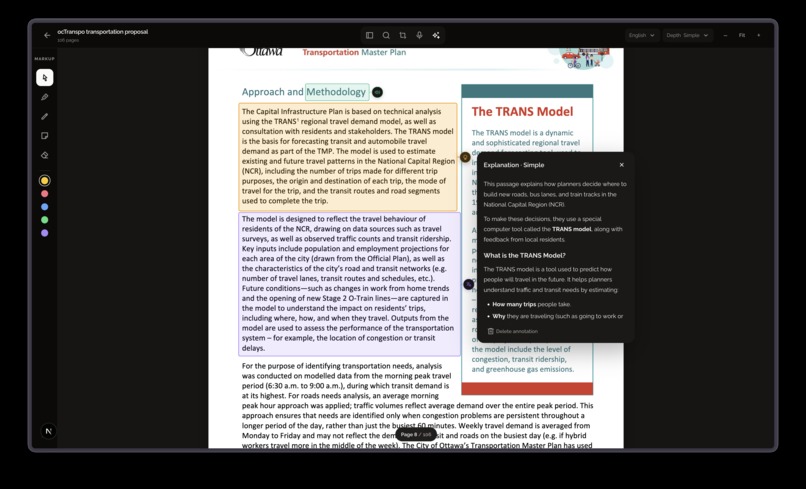
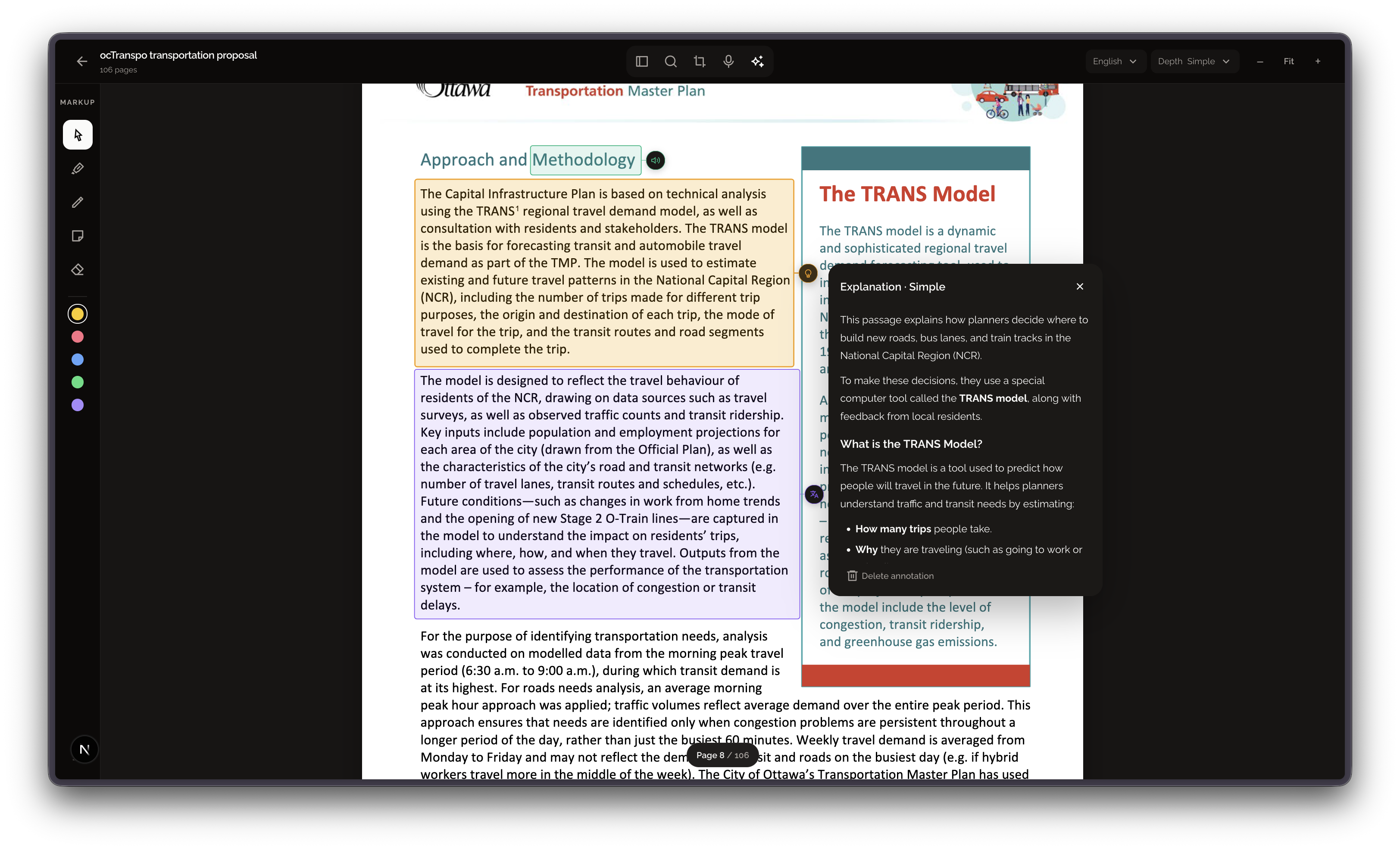
pdf-reader-explaination-annotation
-
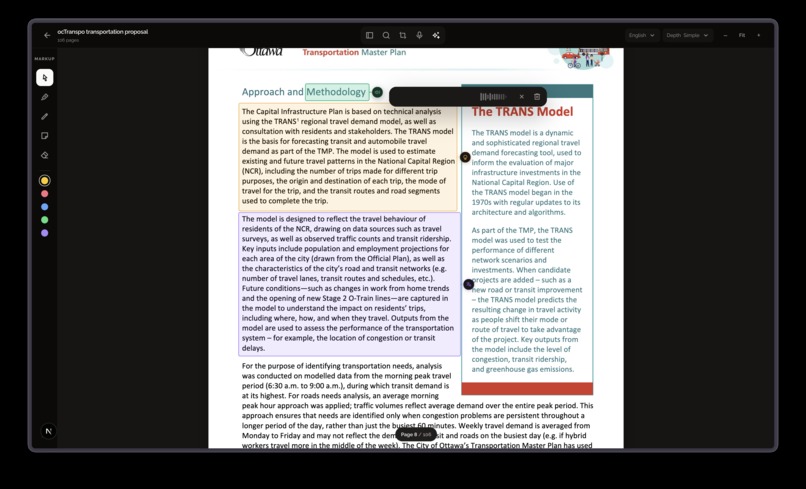
pdf-reader-pronunciation-annotation
-
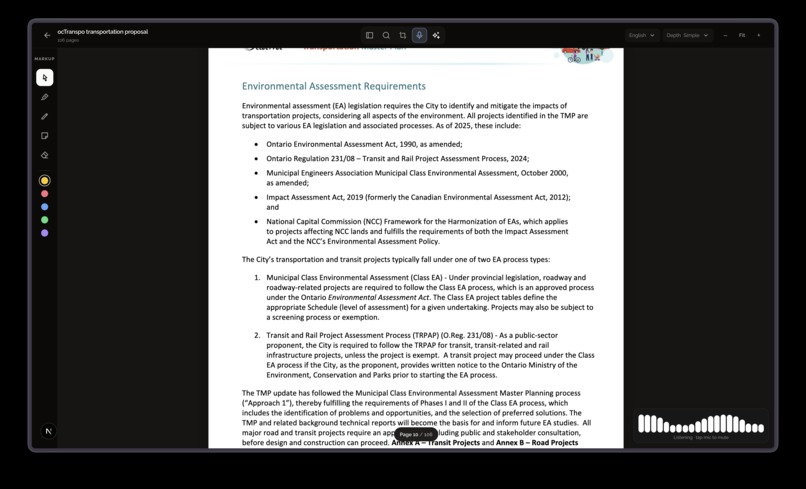
pdf-reader-voice-ai
Inspiration
We built Prism because understanding a complex document shouldn’t mean losing your place, switching between tabs, or searching through old chats to find an answer.
We imagined a newcomer to Canada who speaks limited English and wants to understand a city transportation proposal. The PDF may contain unfamiliar terms, maps, and diagrams. A chatbot can explain or translate a passage, but when someone returns later, the answer may be buried in a conversation and disconnected from its source.
What it does
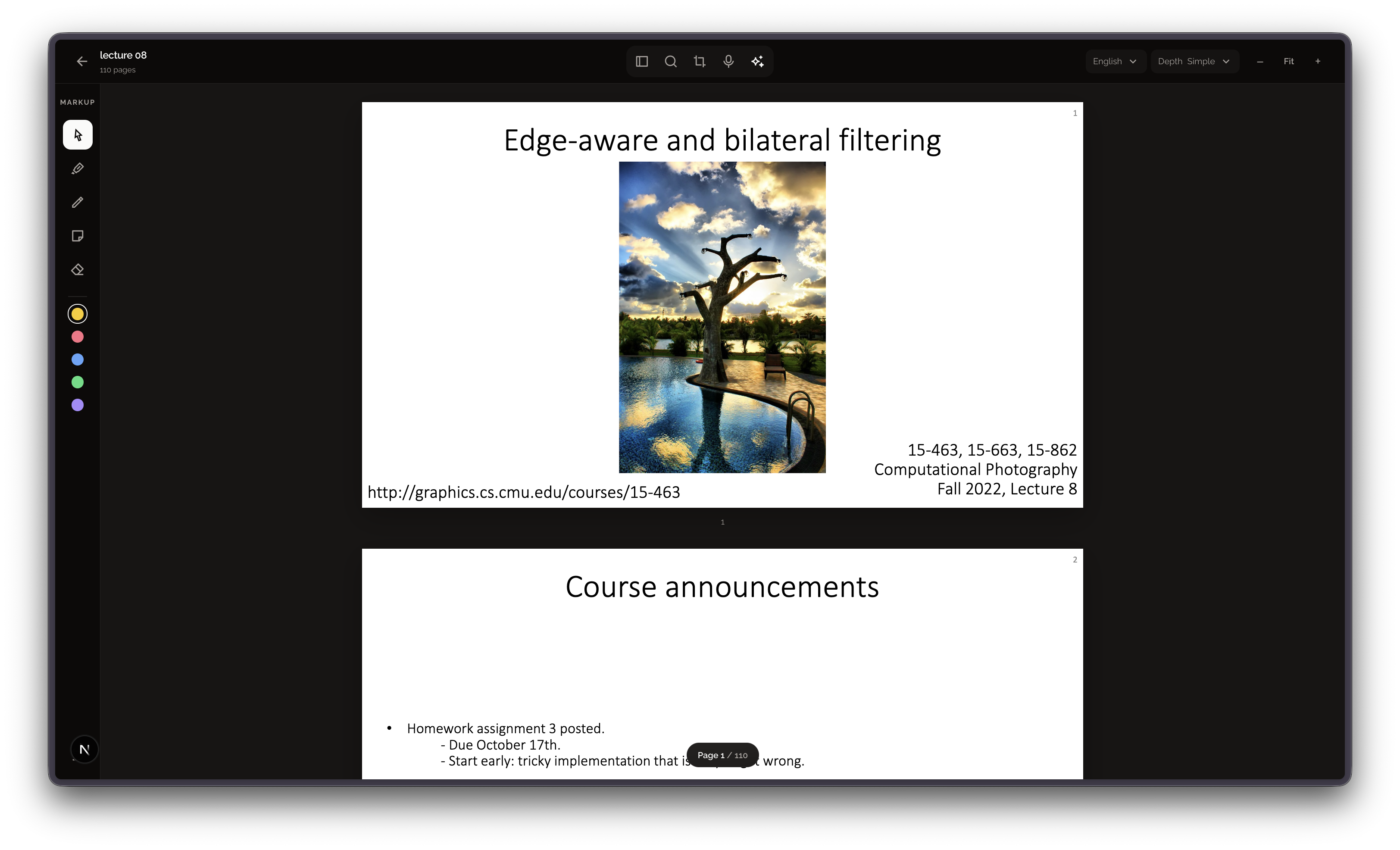
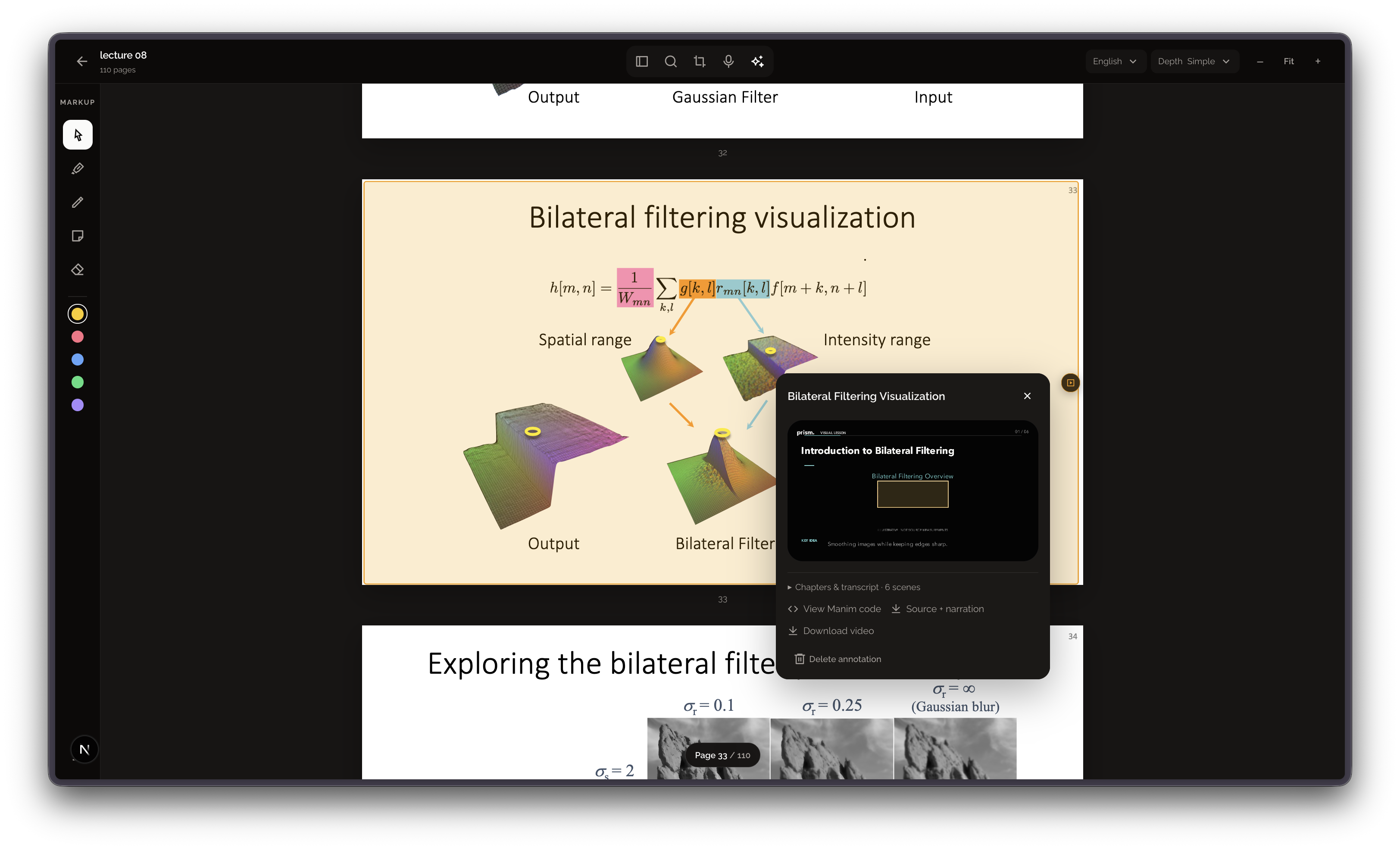
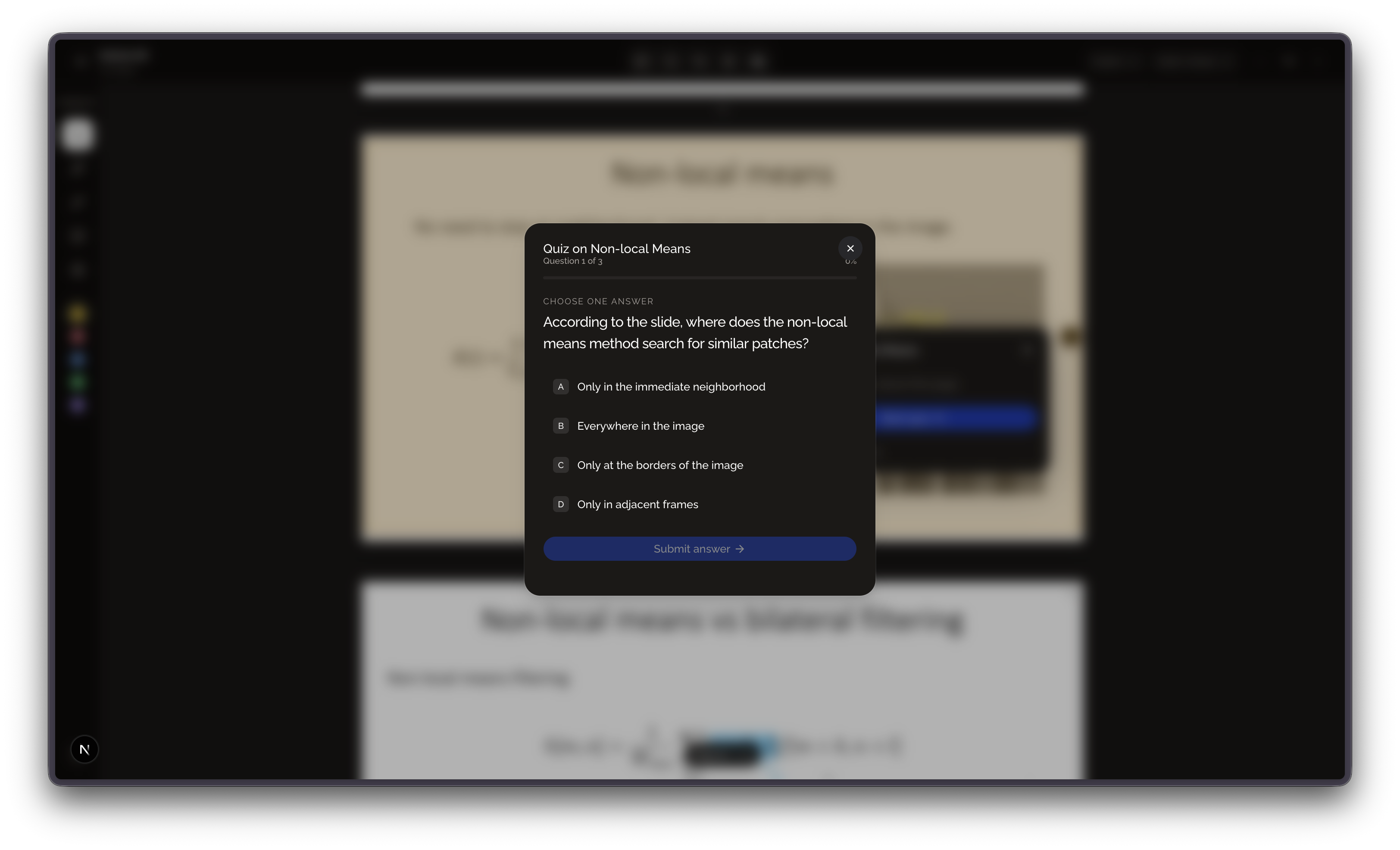
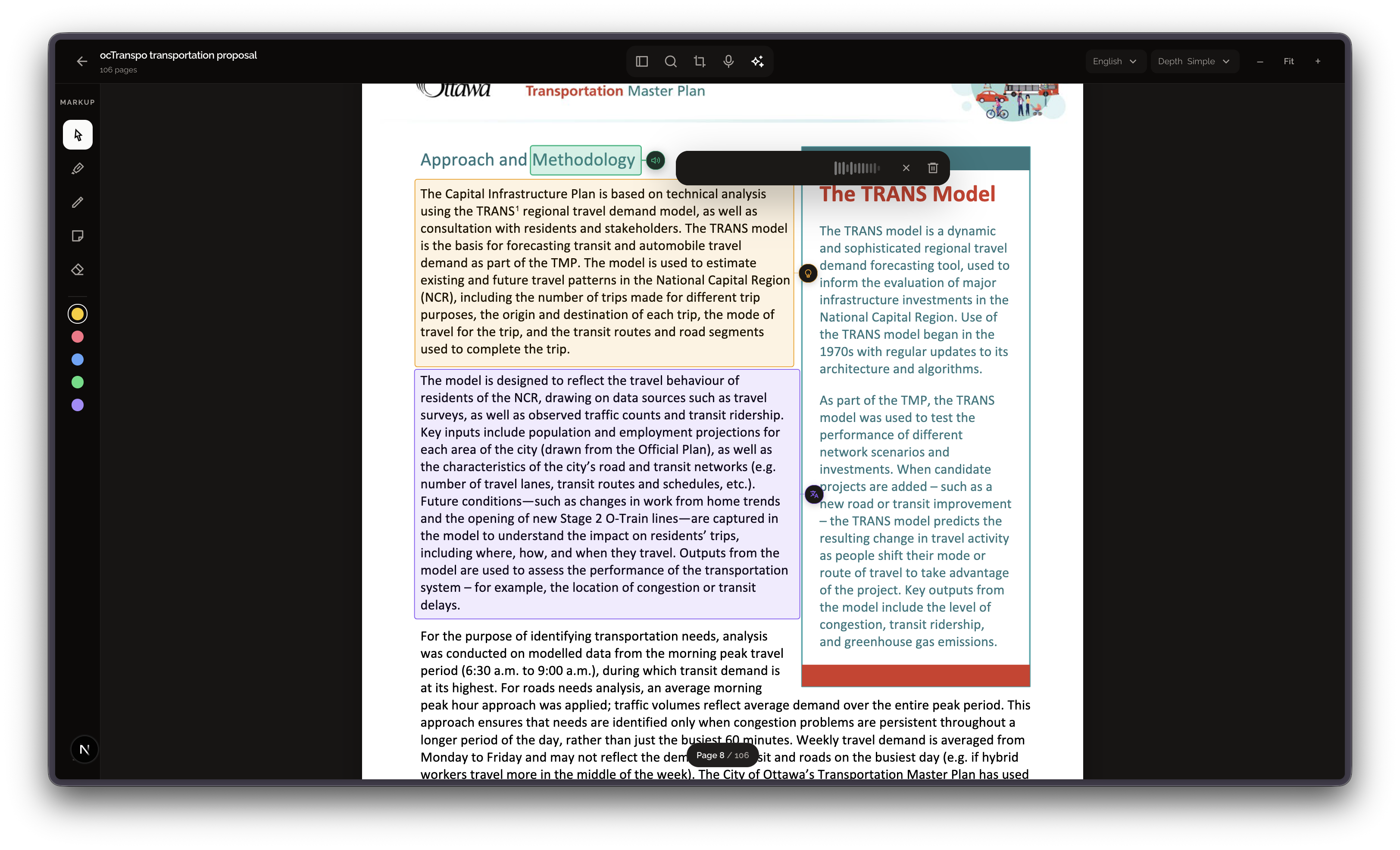
Prism is a PDF reading and learning workspace. Readers can select text, a page, or a diagram to get an explanation, translation, or pronunciation. They can also create quizzes and animated videos from selected material.
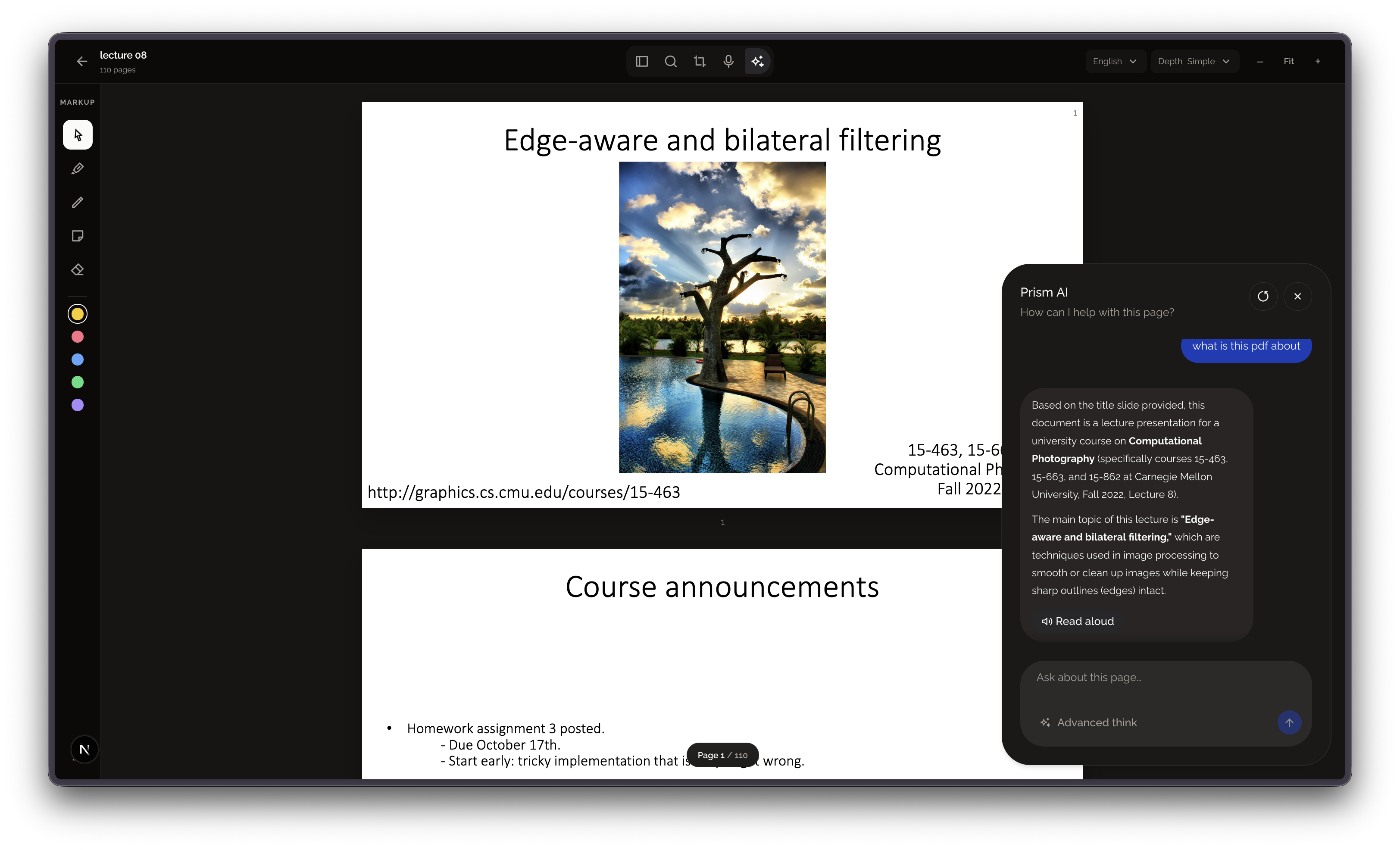
For questions that span a longer document, Advanced Think searches relevant sections and examines page images, then provides page references so readers can check the original. The resulting explanations and learning activities stay organized with the document, so readers can return and pick up where they left off.
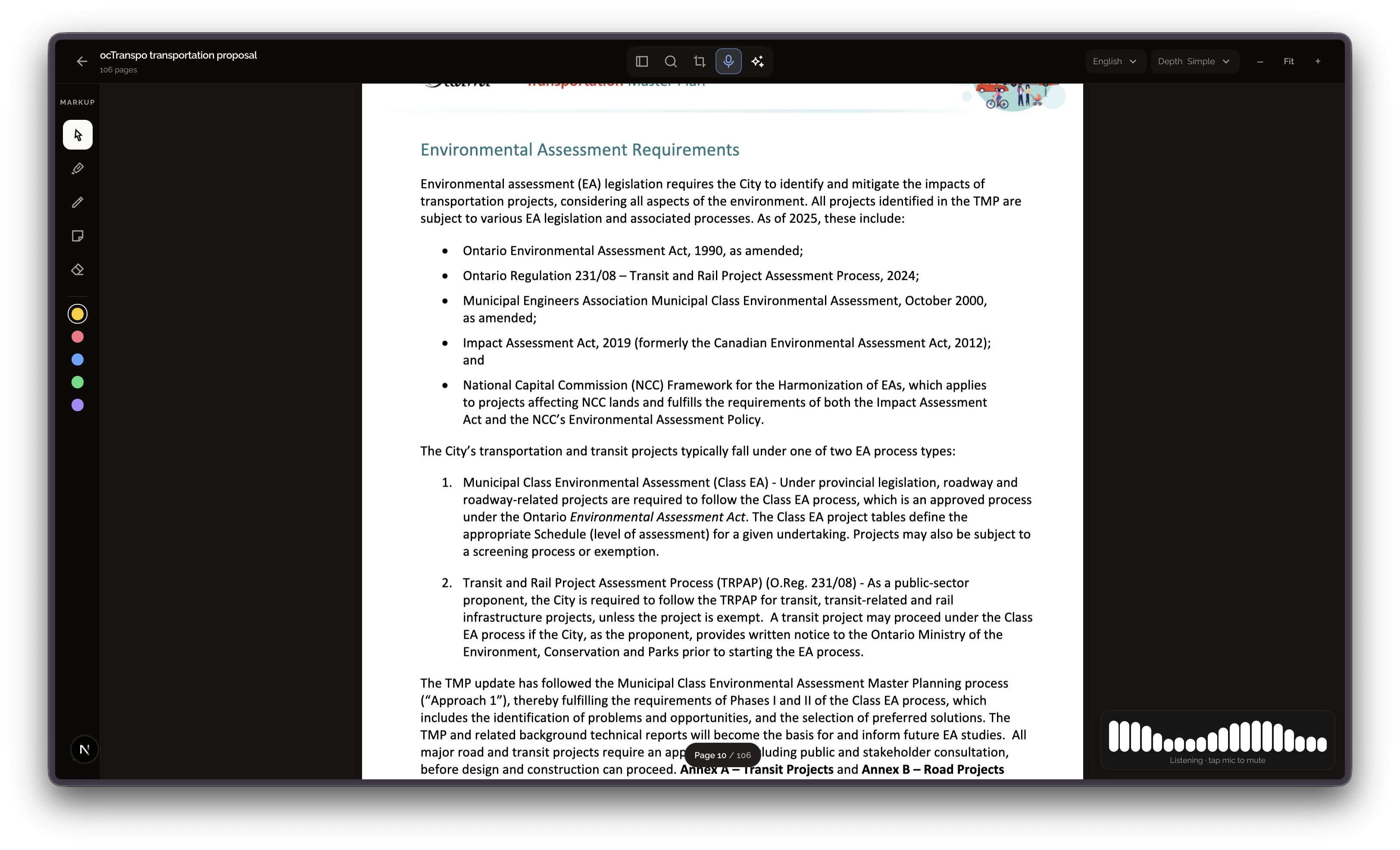
Prism also supports live voice conversations powered by Gemini Live's real-time AI TTS. It can read the current document and explain things conversationally, so a reader can just talk through a confusing page instead of typing questions.
Our civic use case shows how Prism could help a newcomer understand a public proposal and prepare informed questions for a city. Our educational use case shows how a student can visualize a difficult concept, check their understanding, and connect ideas across a technical document.
How we built it
We built Prism as a web-based PDF reader using Next.js and PDF.js. PDFs and saved annotations are kept in the reader’s local library.
When a reader requests AI help, Prism sends relevant text or page images to Gemini. Video explanations use a controlled Manim rendering pipeline, and ElevenLabs provides spoken audio. Prism also supports live voice conversations about the document.
Challenges we ran into
PDFs contain more than text. Meaning can depend on maps, charts, formulas, and page layout, so we needed the AI to consider images as well as extracted text.
Making videos that actually explain a selected diagram was another challenge. Early results could become generic flowcharts instead of showing the formulas, charts, or relationships that mattered. We adjusted the workflow to provide the selected image directly to the model and render supported visual elements through controlled templates.
We also worked to balance document-wide retrieval with response speed, while keeping PDF reading smooth as pages render.
Accomplishments that we're proud of
We brought explanations, translation, pronunciation, quizzes, video, and voice interaction into one PDF workflow. Readers can save this help alongside the relevant document pages and return to it later.
We’re also proud that Prism can use page images to help interpret visual material and provide page references for document-wide questions.
What we learned
A useful document assistant needs to do more than produce a good answer. It needs to help people understand where the answer came from and make it easy to continue later.
We also learned that visual explanations are difficult to generate reliably. The selected diagram, the model’s interpretation, and the final animation all need to work together for the result to teach the intended concept.
What's next for Prism
We want to make document summaries and page references more reliable, improve video explanations for a wider range of diagrams and subjects, and make it easier for residents to move from understanding public information to finding the official place to ask questions or provide feedback.
Our civic demonstration uses a past City of Ottawa transportation consultation. That consultation has closed; we use it to show how Prism could support participation in future public processes.
Built With
- accessibility
- civic-technology
- document-learning
- educational-technology
- elevenlabs
- gemini
- indexeddb
- manim
- multimodal-ai
- next.js
- pdf-annotation
- pdf.js
- react
- retrieval-augmented-generation
- speech-recognition
- tailwind-css
- text-to-speech
- typescript
- web-audio-api


Log in or sign up for Devpost to join the conversation.