-
-
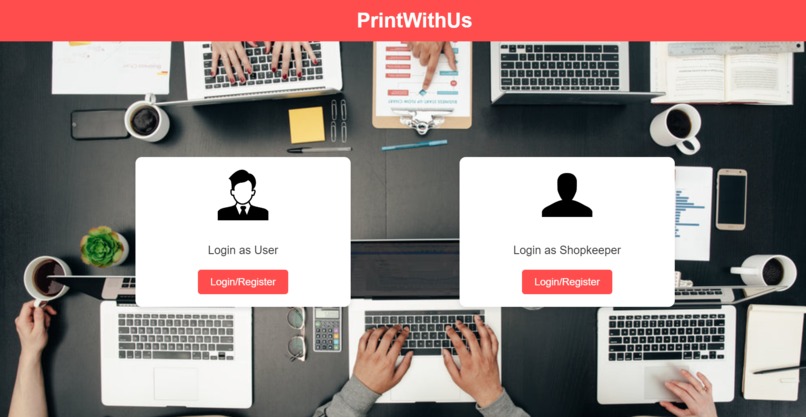
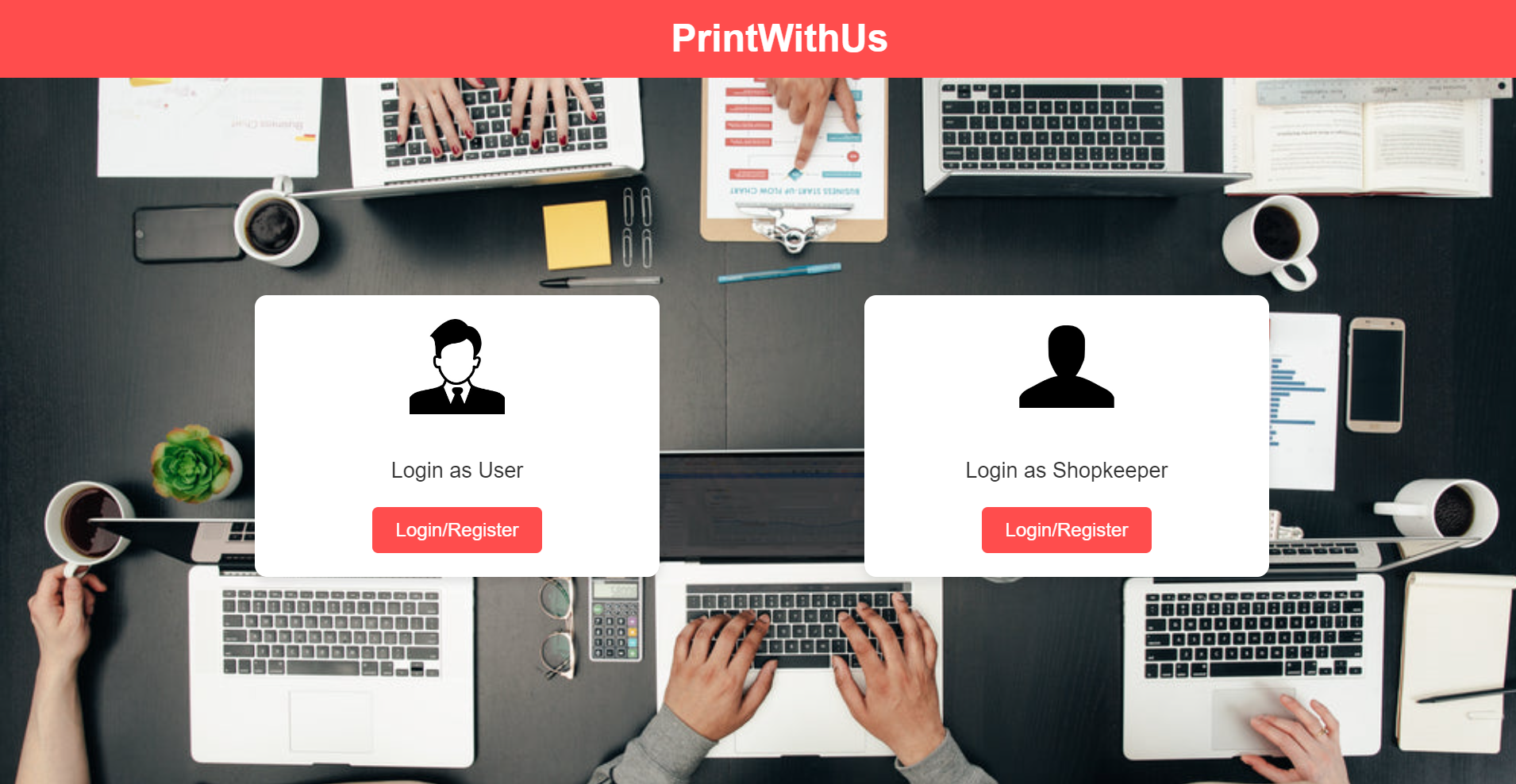
Choose Type of login
-
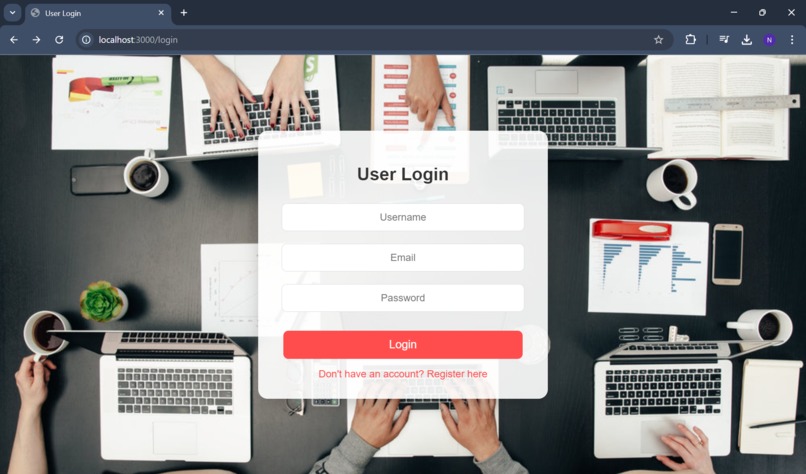
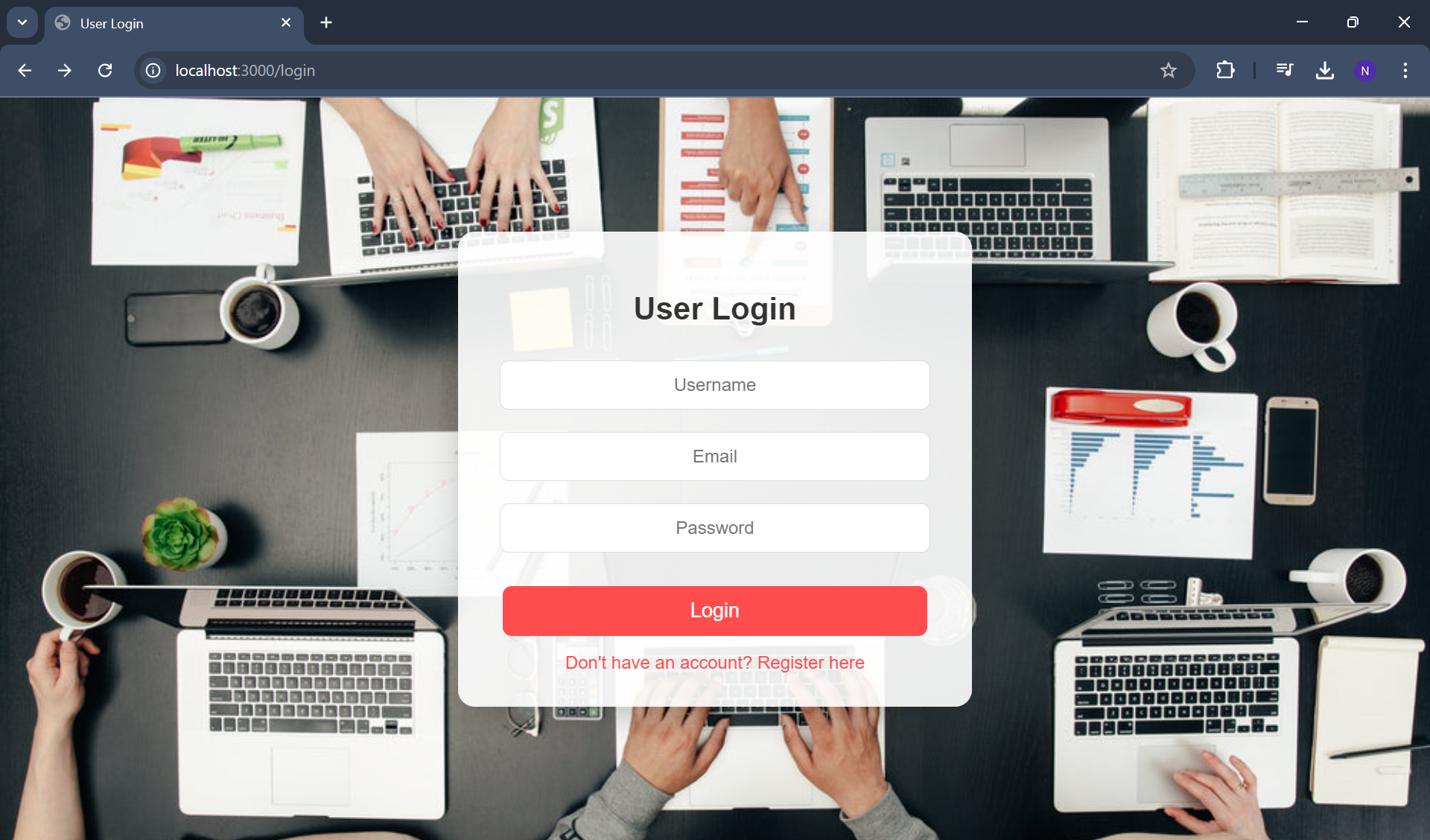
Login/register Page for customer
-
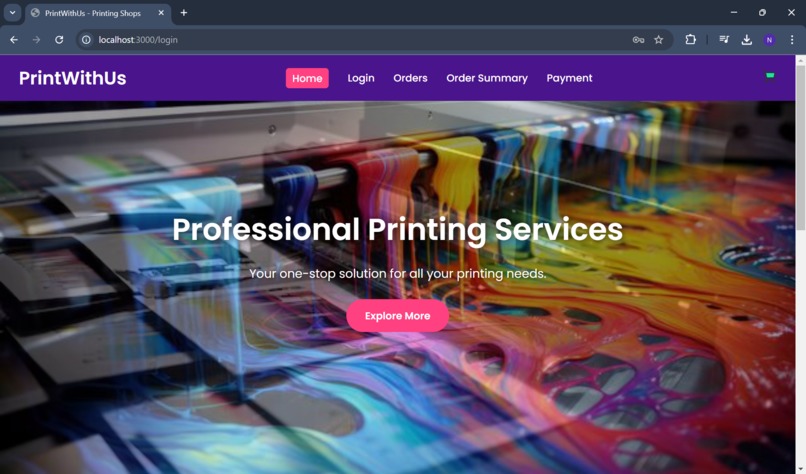
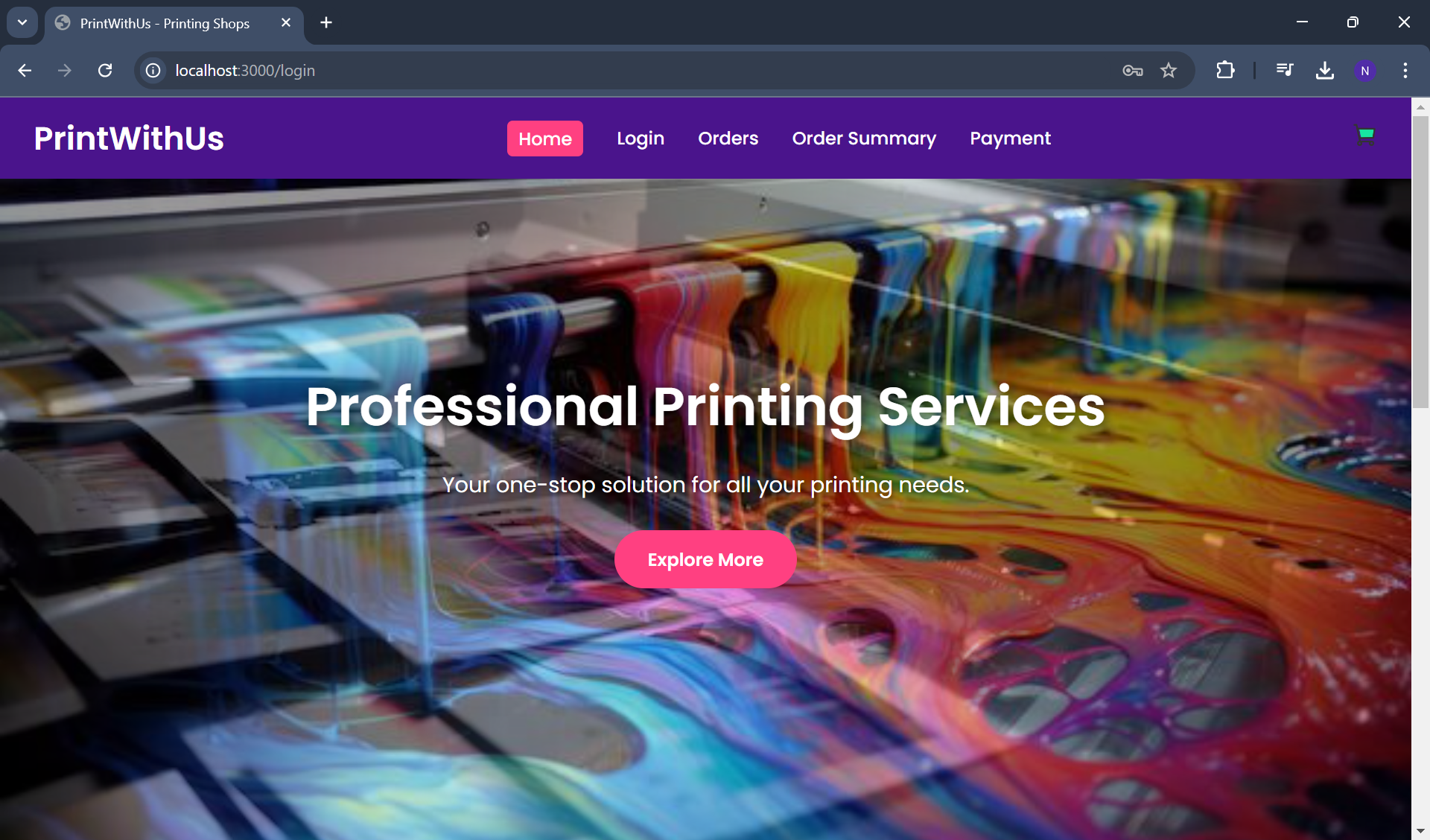
Home Page for customer
-
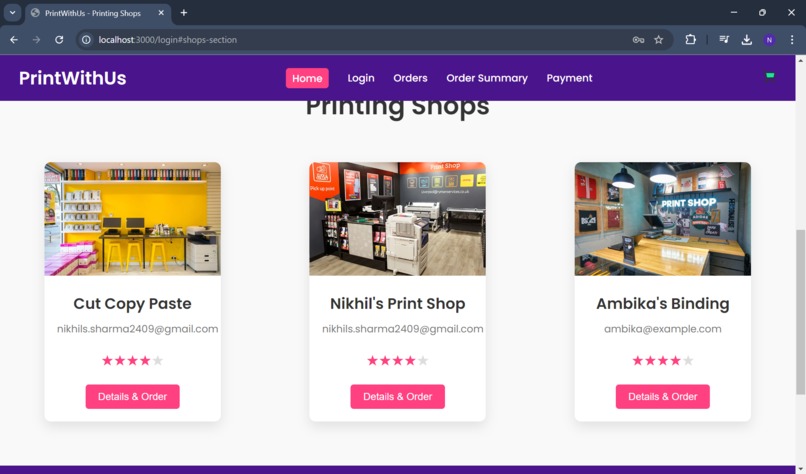
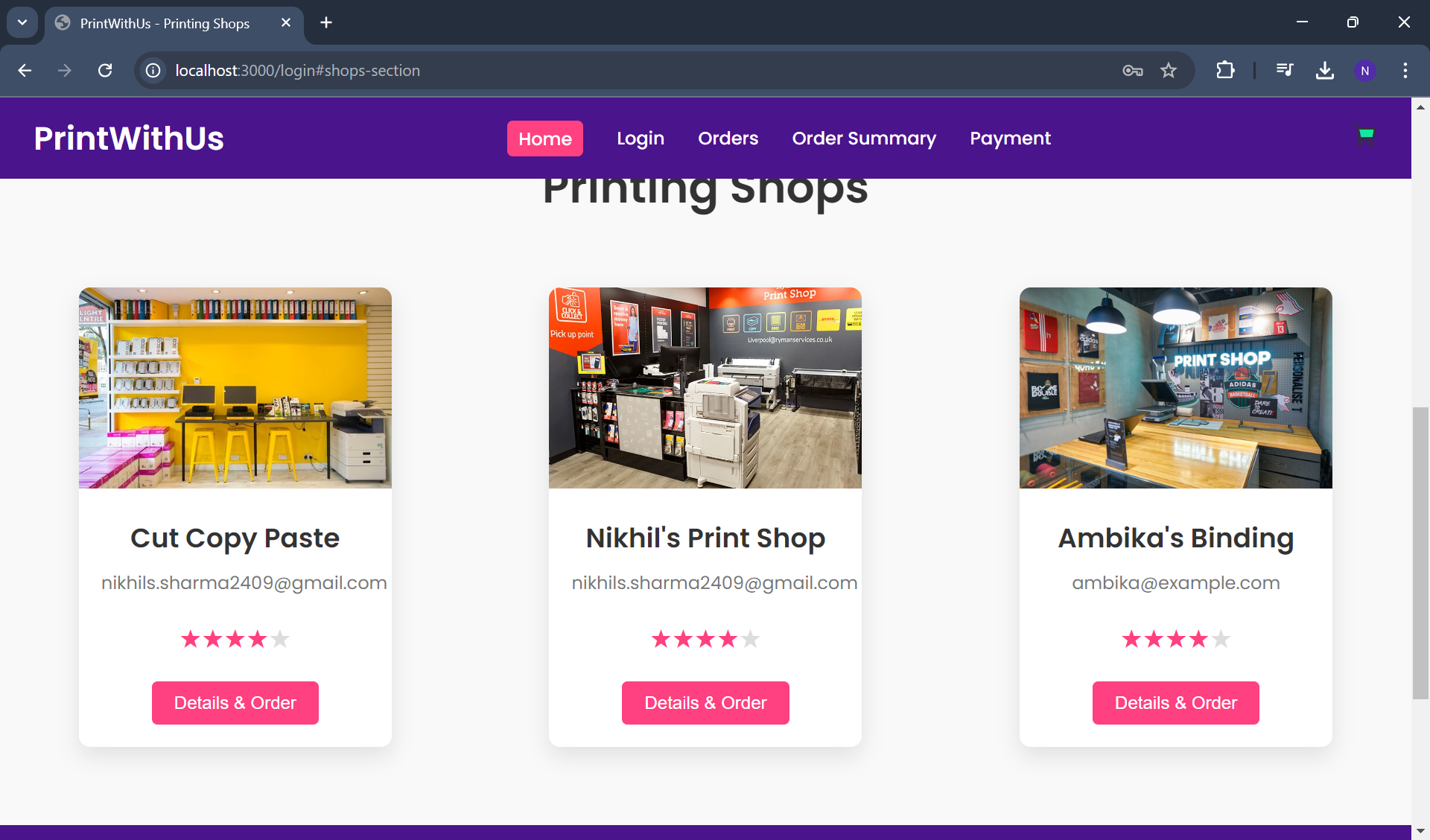
Shops cards
-
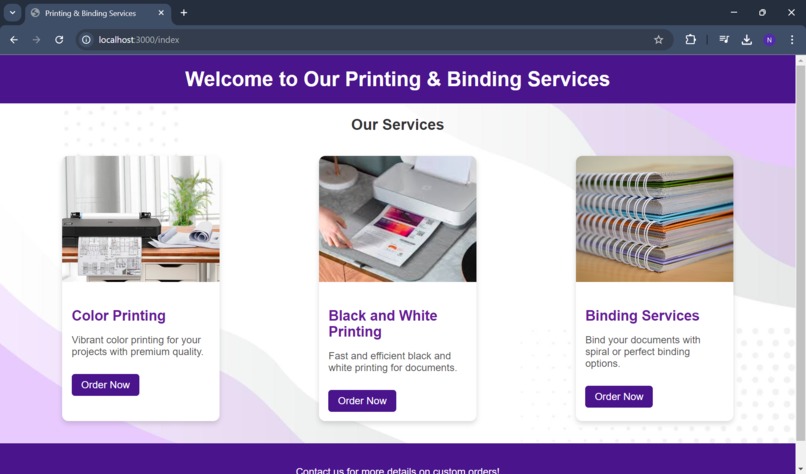
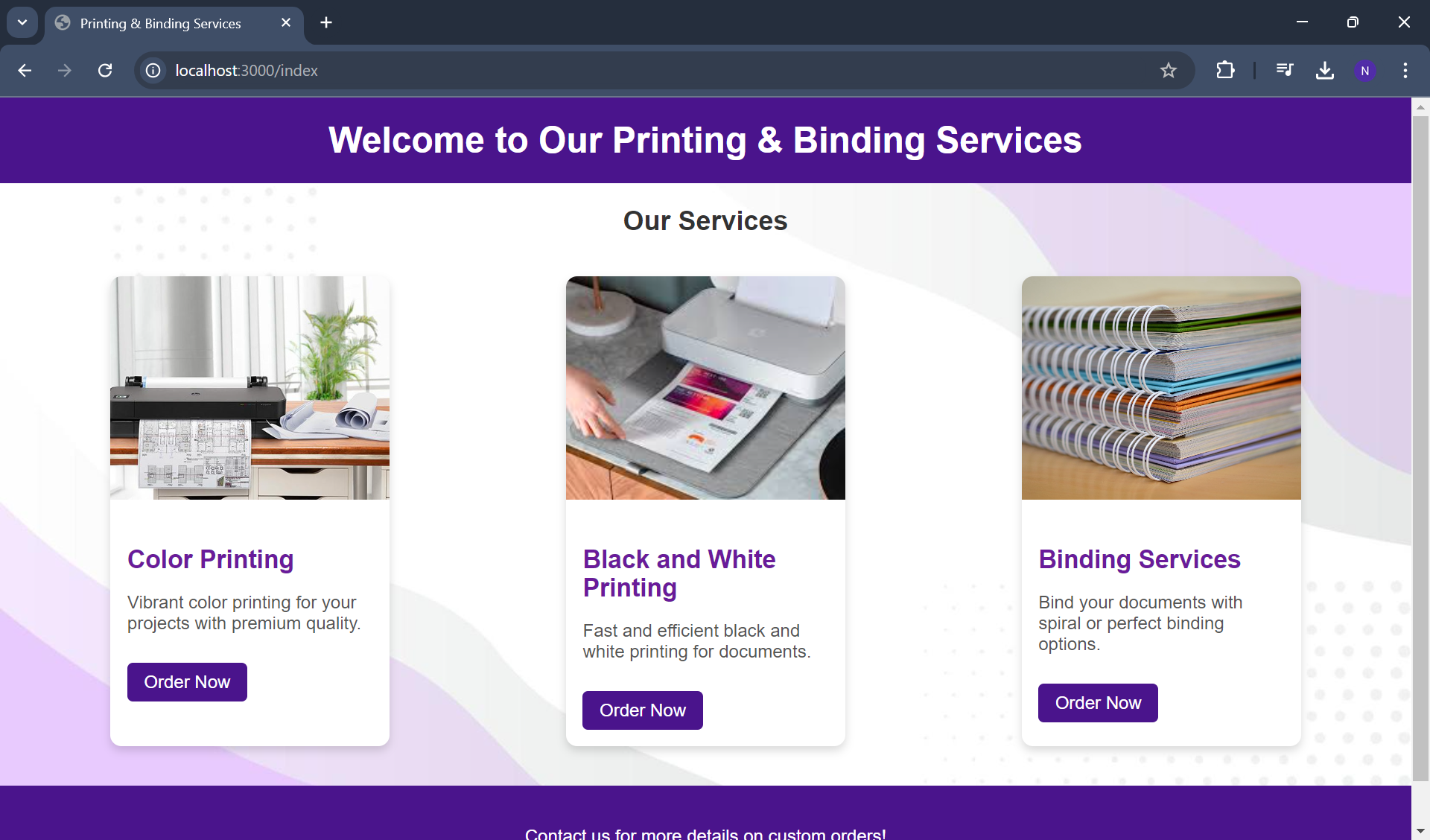
Types of services
-
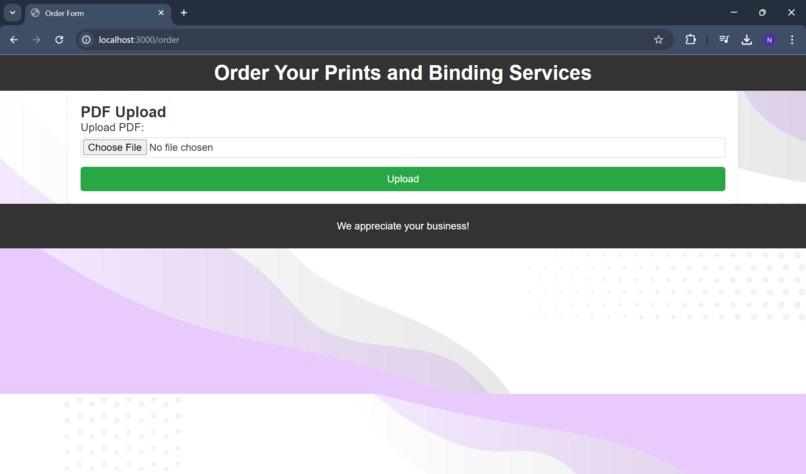
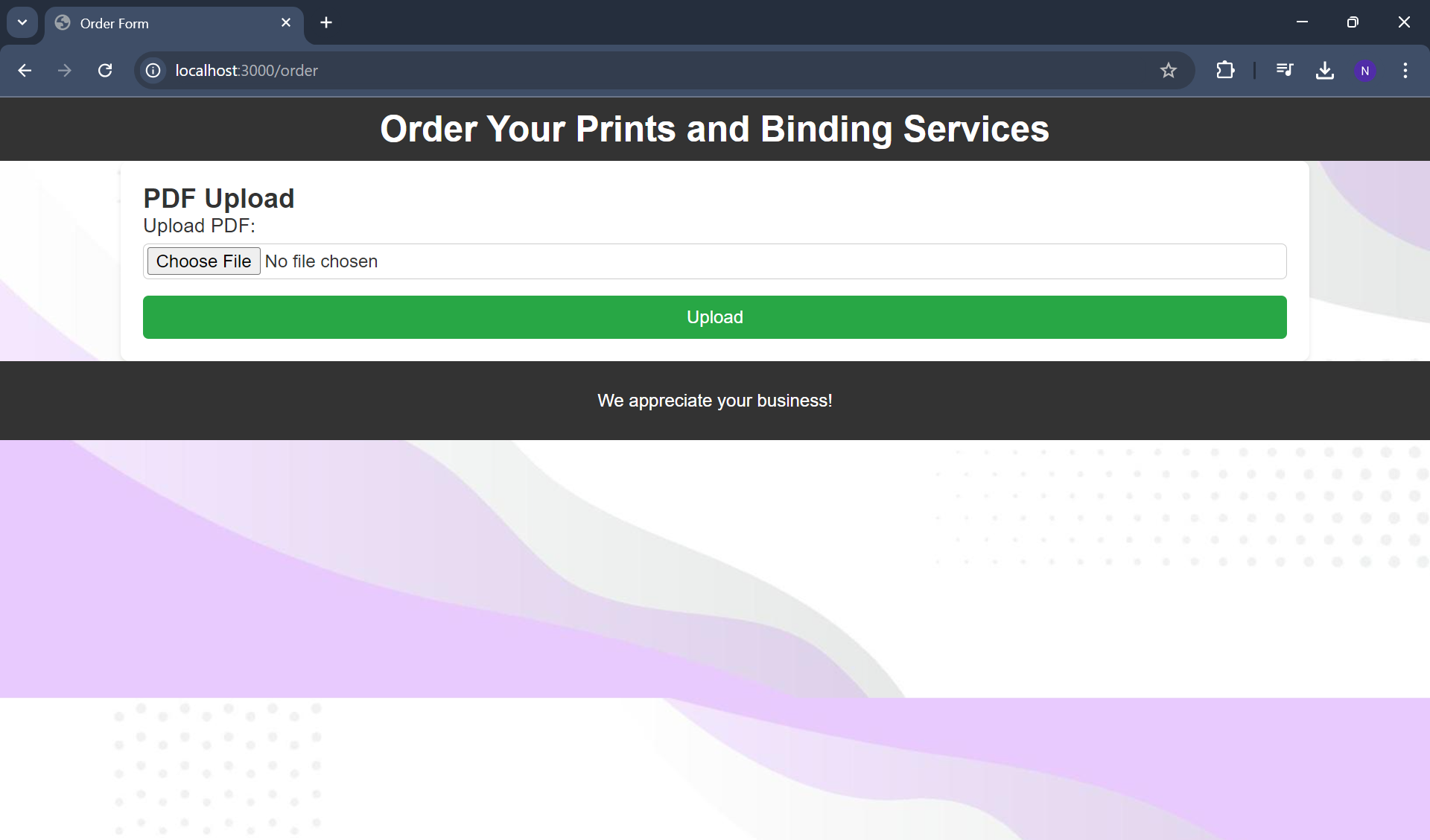
File upload Page
-
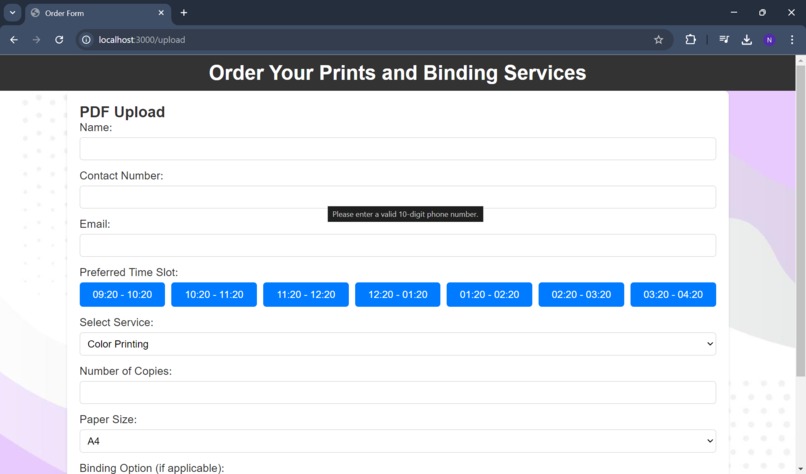
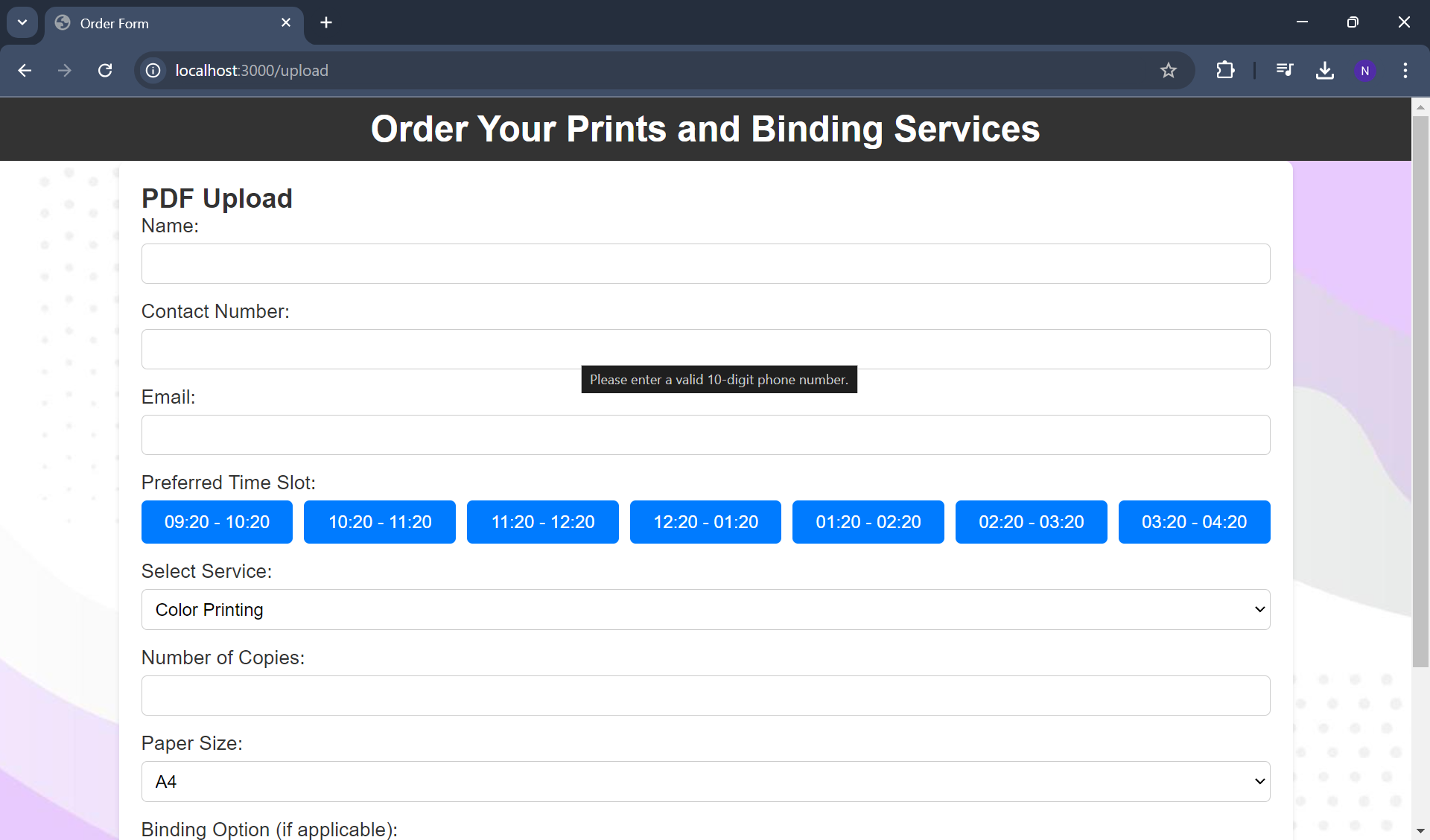
Fill mandatory Details for Order
-
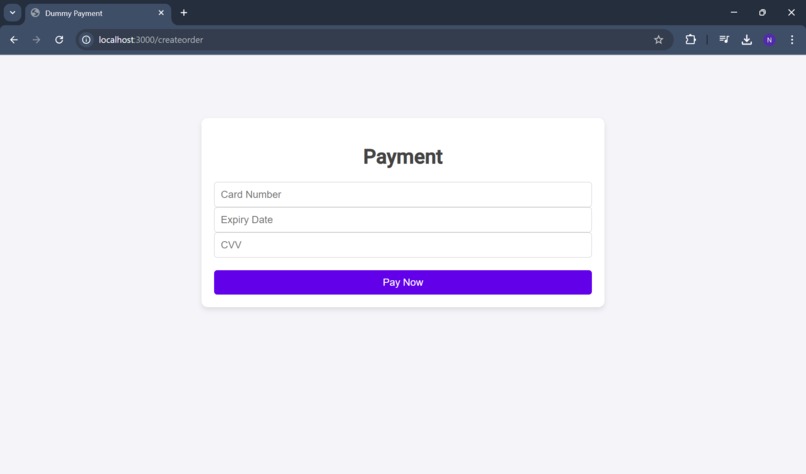
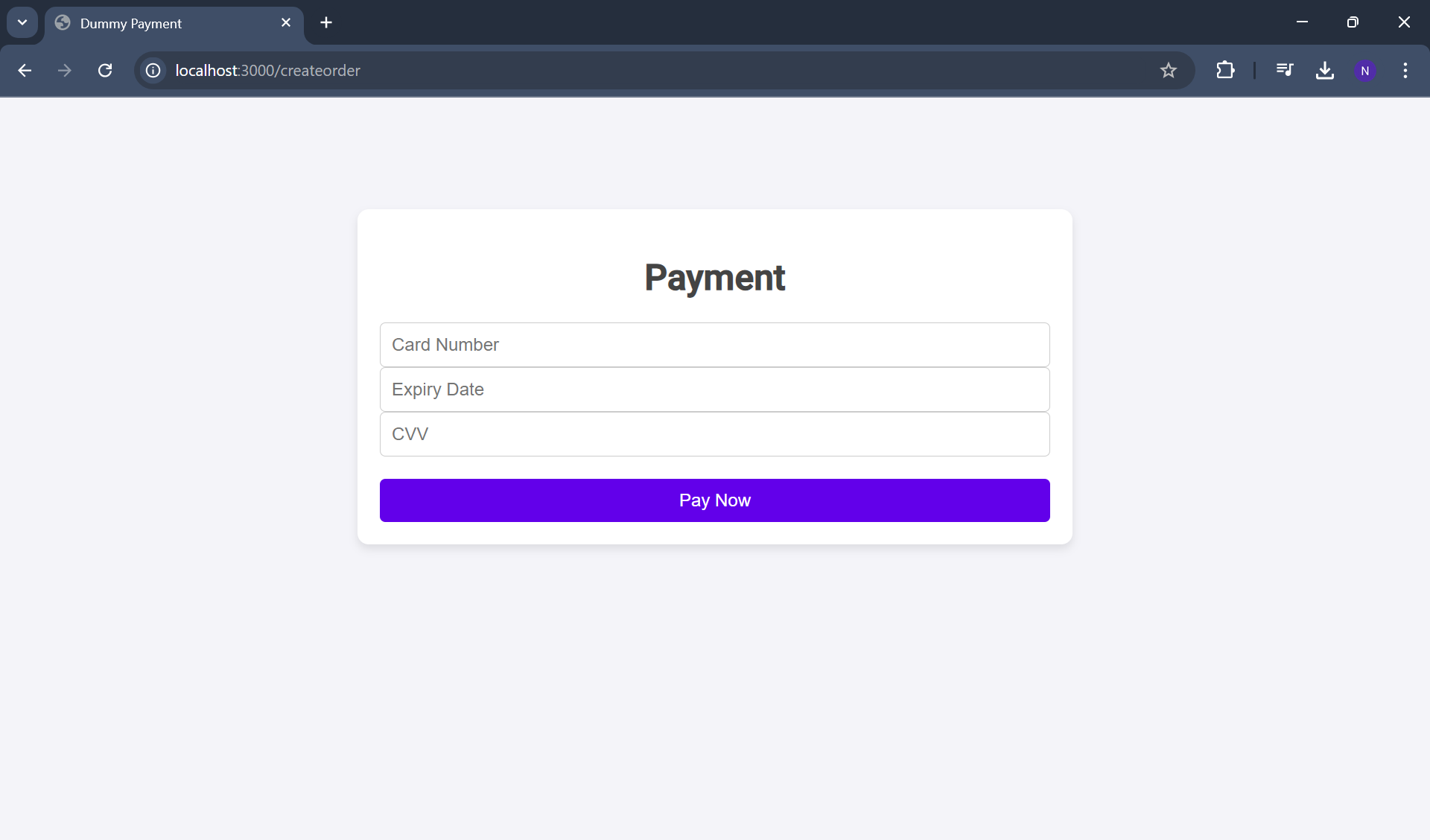
Payment Page
-
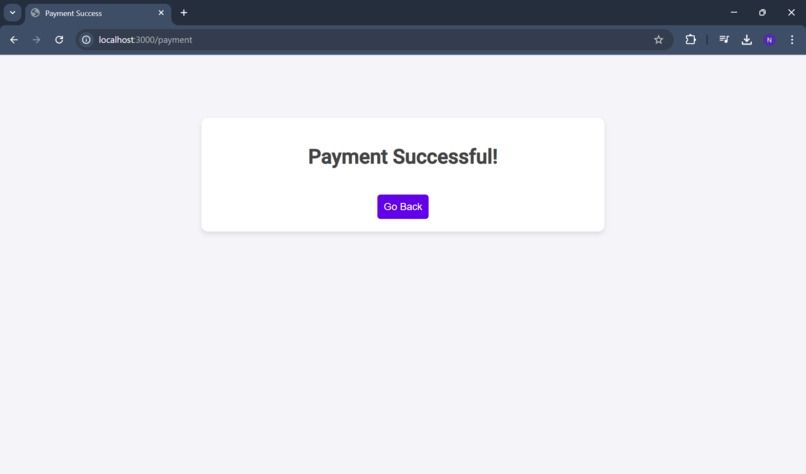
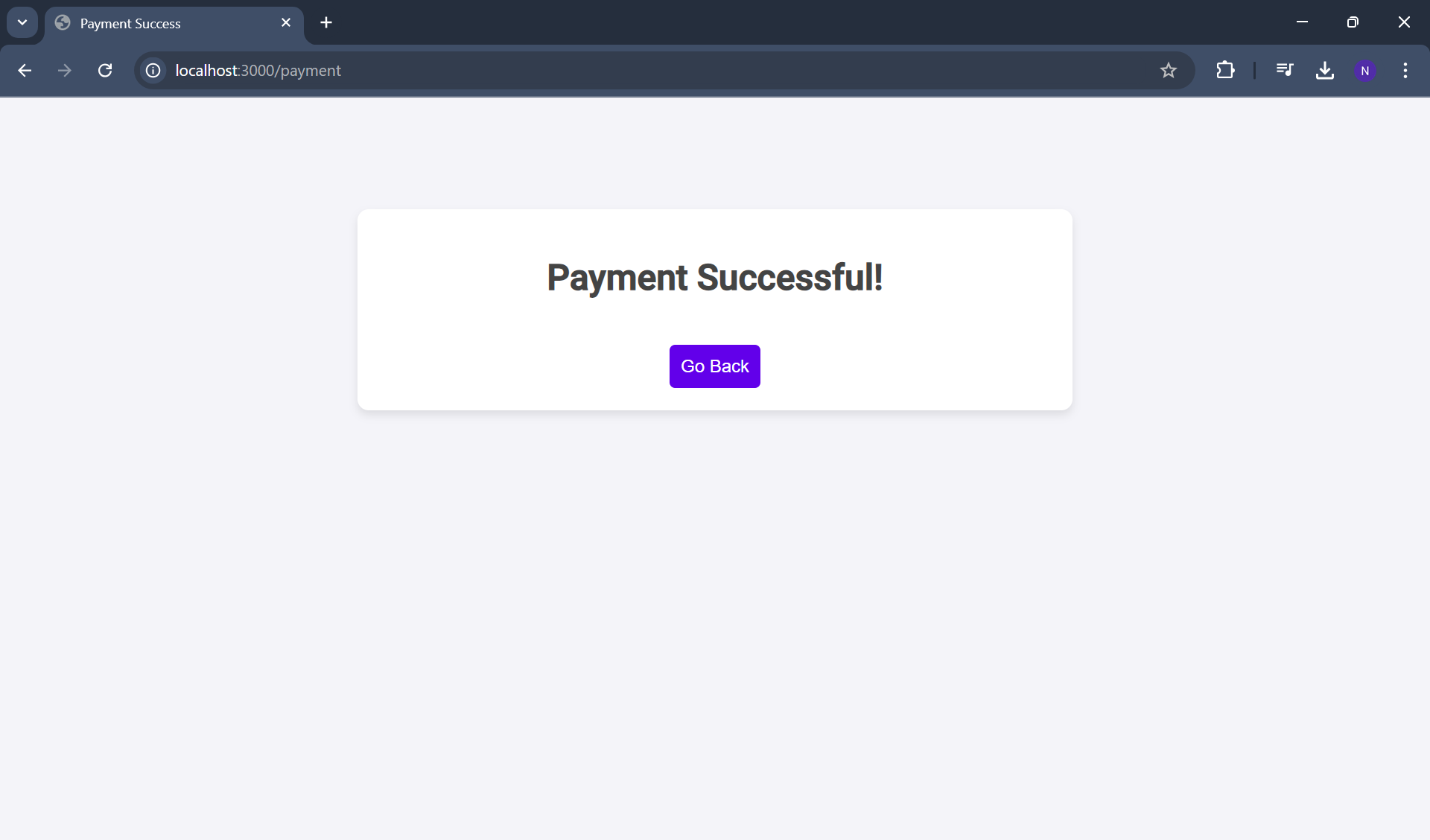
Status of Payment Page
-
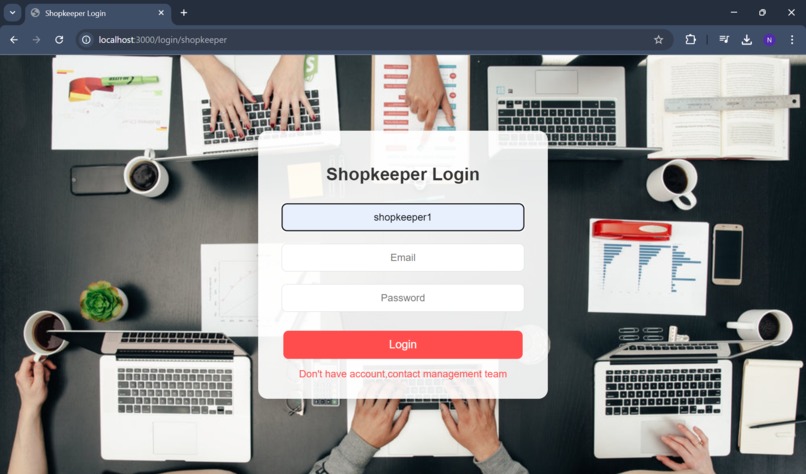
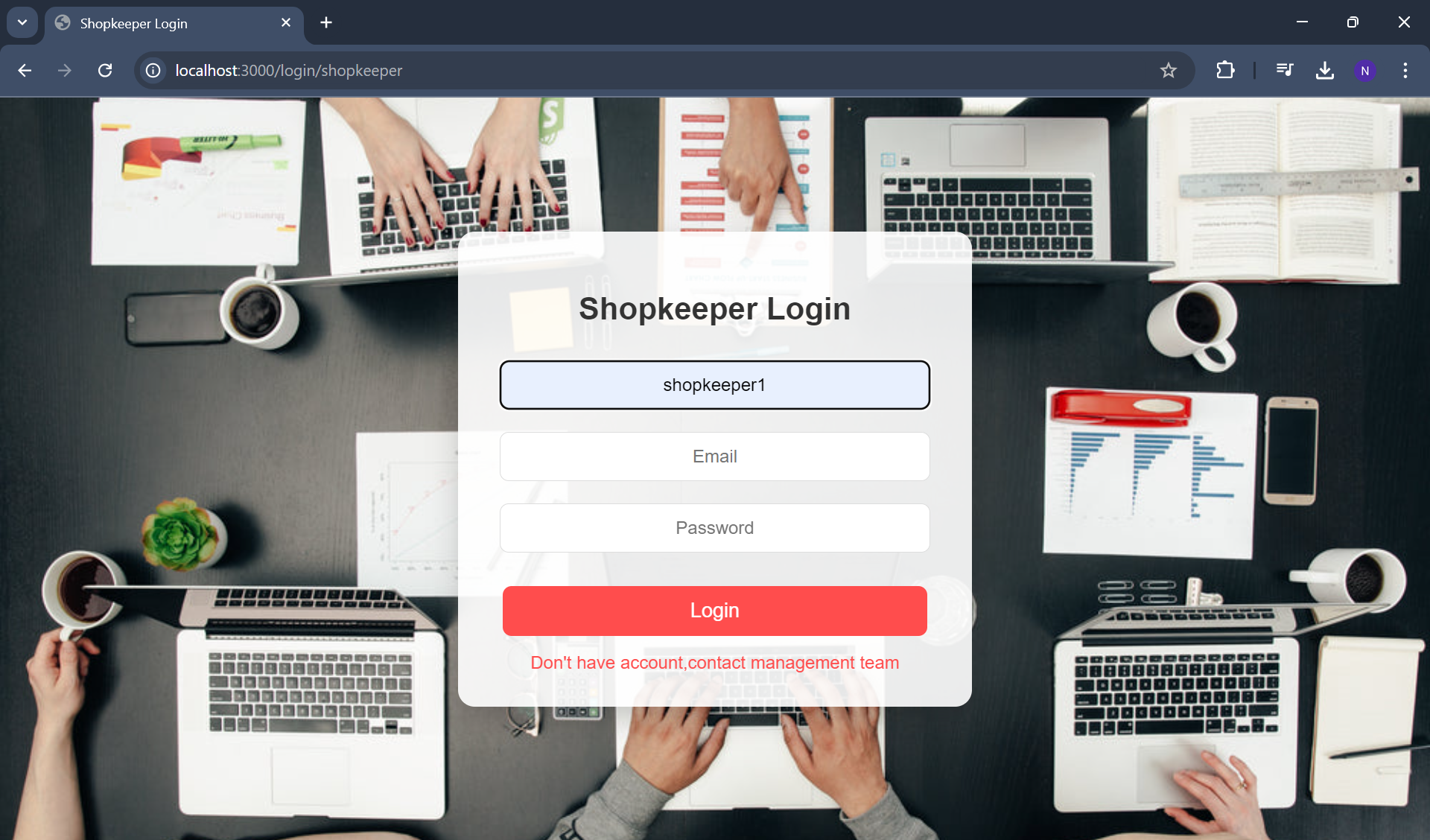
Shopkeeper Login Page
-
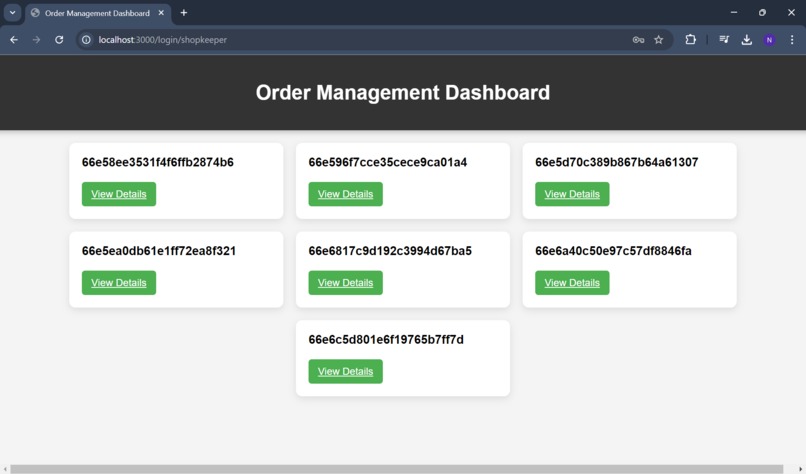
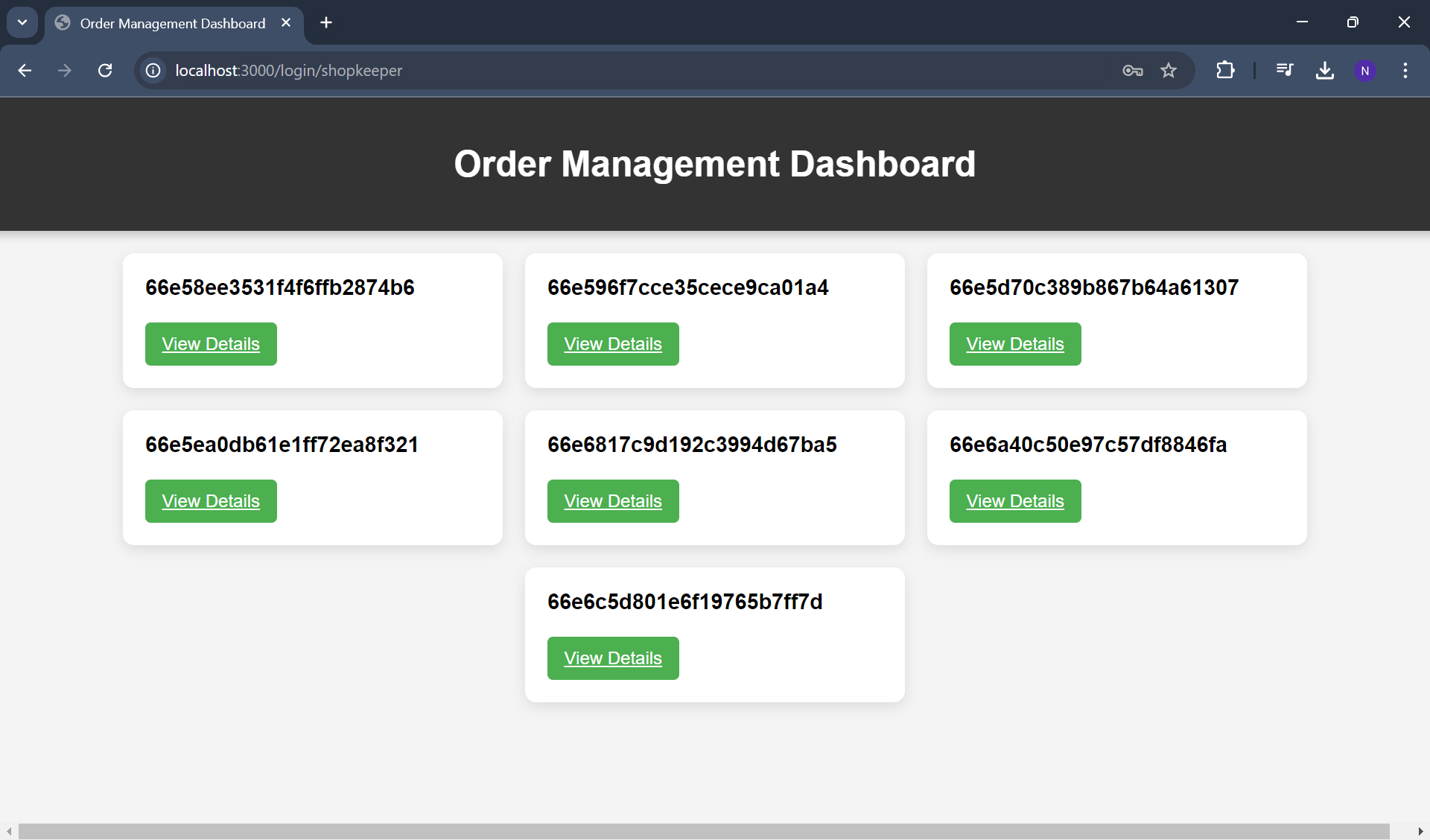
Order for the shop
-
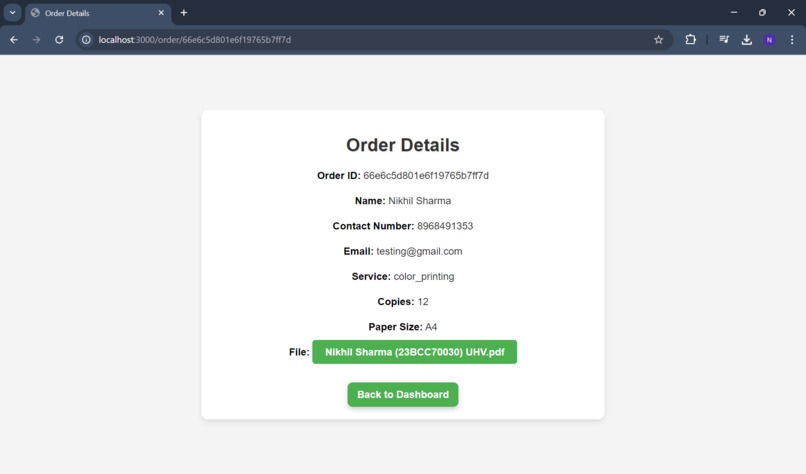
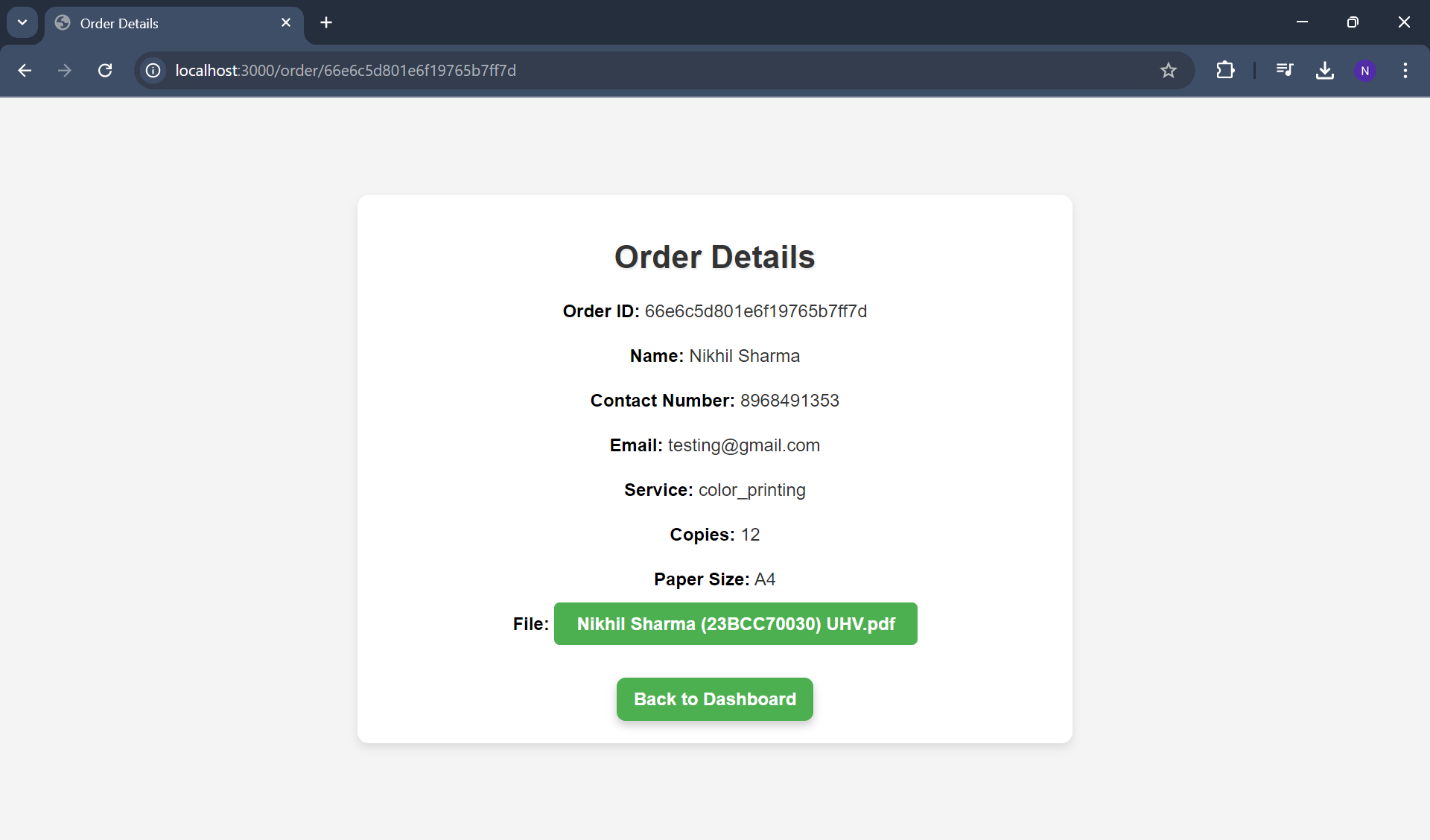
Order Details Page
To execute this application follow the mentioned steps below :
Step 1: Git clone this repository using this command : git clone https://github.com/itsnikhil24/printWithUs.git
Step 2: Install all the packages needed for the application using : npm install
Step 3: Make sure that you are in the directory printWithUs
Step 4: Open the terminal in printWithUs directory and run the server using command: node app.js
Step 5: Open any browser and write Local : http://localhost:3000
Card Details for payment
- cardNumber:1234 5678 9012 3456
- expire date : 12
- cvv: 123
Shopkeeper Login Detail
- username: shopkeeper1
- email:[email protected]
- password: 12345678
🥁Introduction
PrintWithUs is a web application designed to streamline the process of placing and managing printing orders, especially in college environments. Users can easily submit print orders with specific details through the app, and shopkeepers receive them in real-time, reducing the hassle and back-and-forth communication.
💡Inspiration:
- The frequent hassle students face when getting documents printed at college shops.
- Long queues and miscommunication between customers and shopkeepers.
- Delays and confusion over order details often lead to frustration on both sides.
- Aiming to save time and reduce unnecessary hassle by digitizing the printing order workflow.
💬 What it does:
- Create Printing Orders: Users can submit a PDF along with preferences such as timeslot, printing type (color or black and white), number of copies, binding, and paper size.
- Secure Payments: Orders are paid for using a card, ensuring that only genuine orders are placed.
- Instant Order Submission: Once the order is submitted, shopkeepers receive it immediately for processing.
- Simplified Process: The platform eliminates the need for manual order handling, ensuring a seamless experience for both customers and shopkeepers.
🛠 How we built it
We built the application using EJS for rendering dynamic HTML, CSS for styling, and JavaScript for client-side functionality. The server-side operations were handled by Node.js and Express, while MongoDB was used for database management.
❗Challenges we ran into:
- Uploading PDFs to MongoDB: Configuring GridFS to handle and store PDF files effectively.
- Reflecting Files from OrderModel to ShopkeeperModel: Ensuring that files in the OrderModel were correctly referenced and accessible in the ShopkeeperModel.

Log in or sign up for Devpost to join the conversation.