Inspiration
The DFX 3D Print Lab at USF runs on a paper log and paper logs don't really work. Students forget to sign in, entries get skipped, and when something goes wrong (a print runs too long, filament runs out, someone blows past their limit), there's no record to fall back on. One of us runs a 3D printing Etsy store and knows firsthand how much accurate filament tracking matters for cost, for planning, for not running out mid-print. The other problem is accountability. When jobs aren't logged, you can't tell who violated print limits or whose print is sitting on the bed. We wanted to replace the clipboard with something that actually works.
What it does
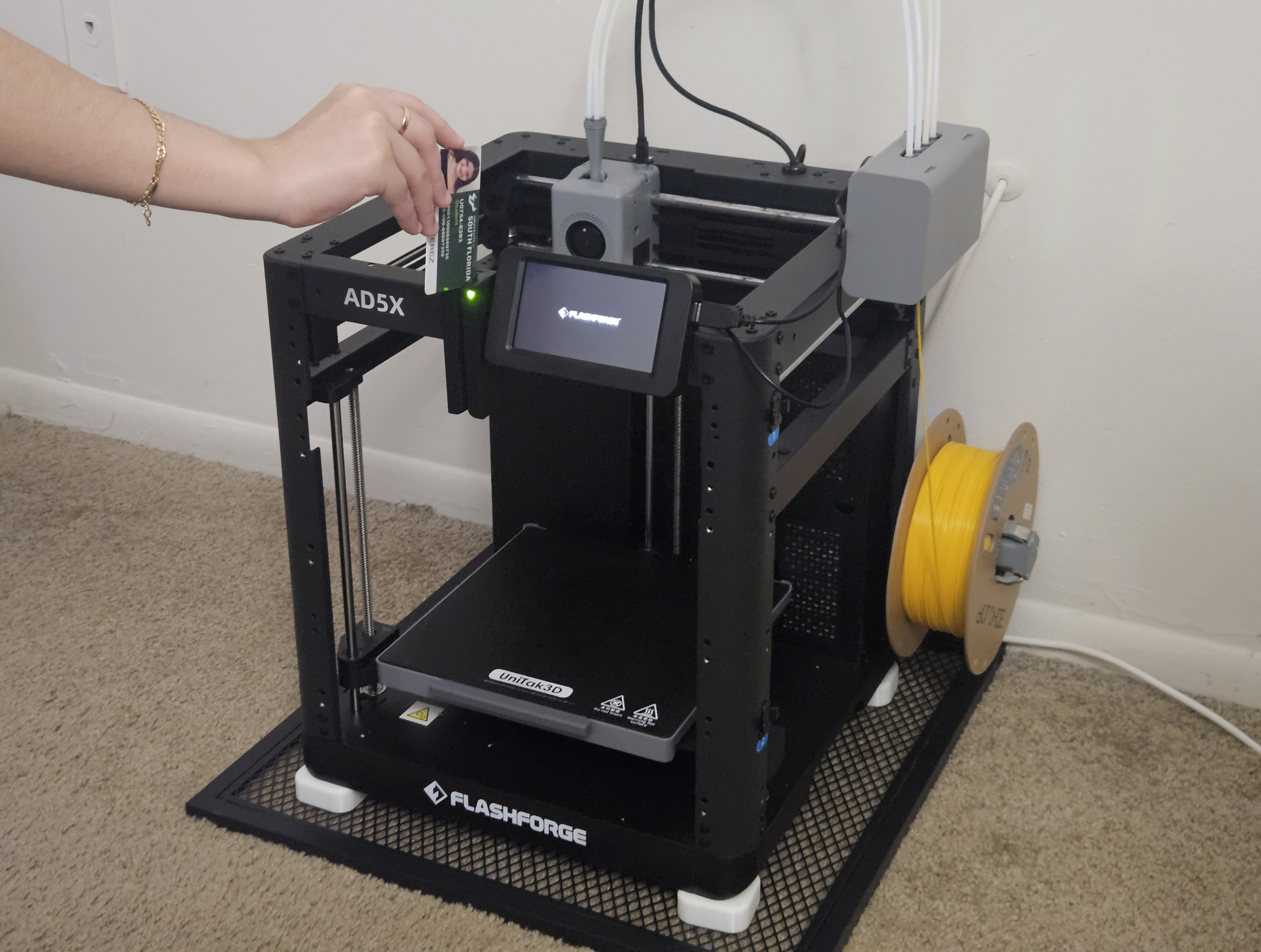
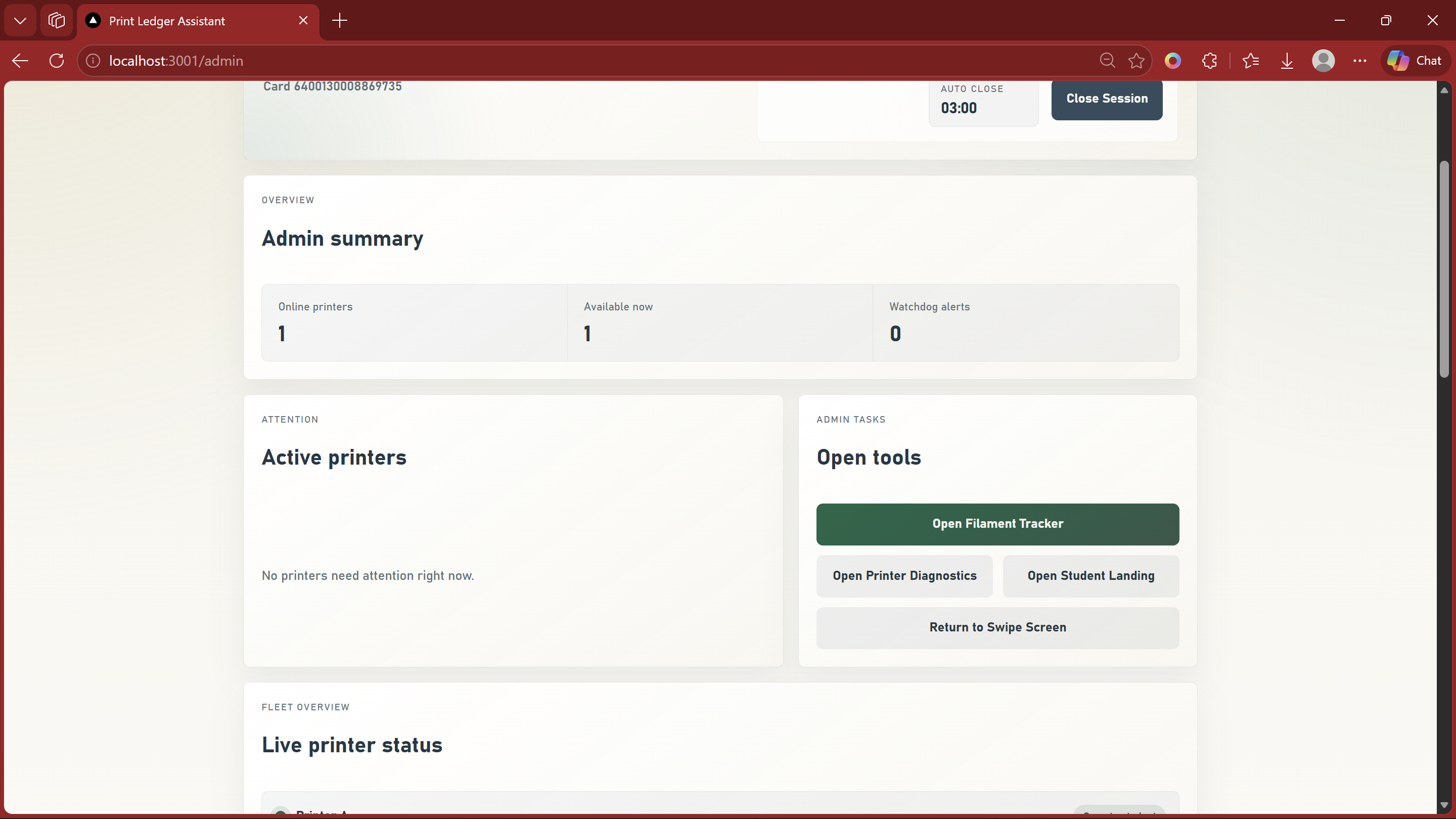
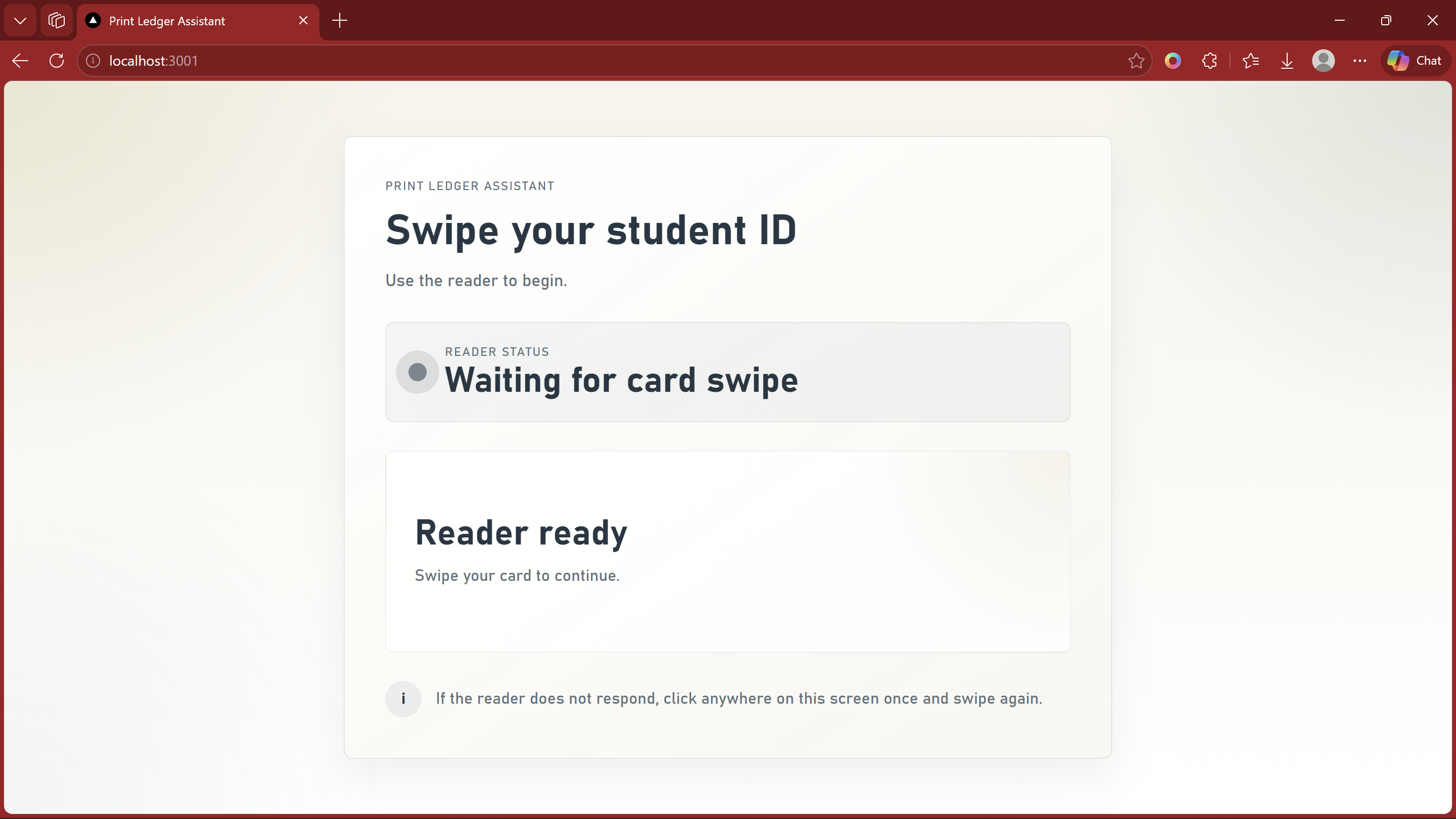
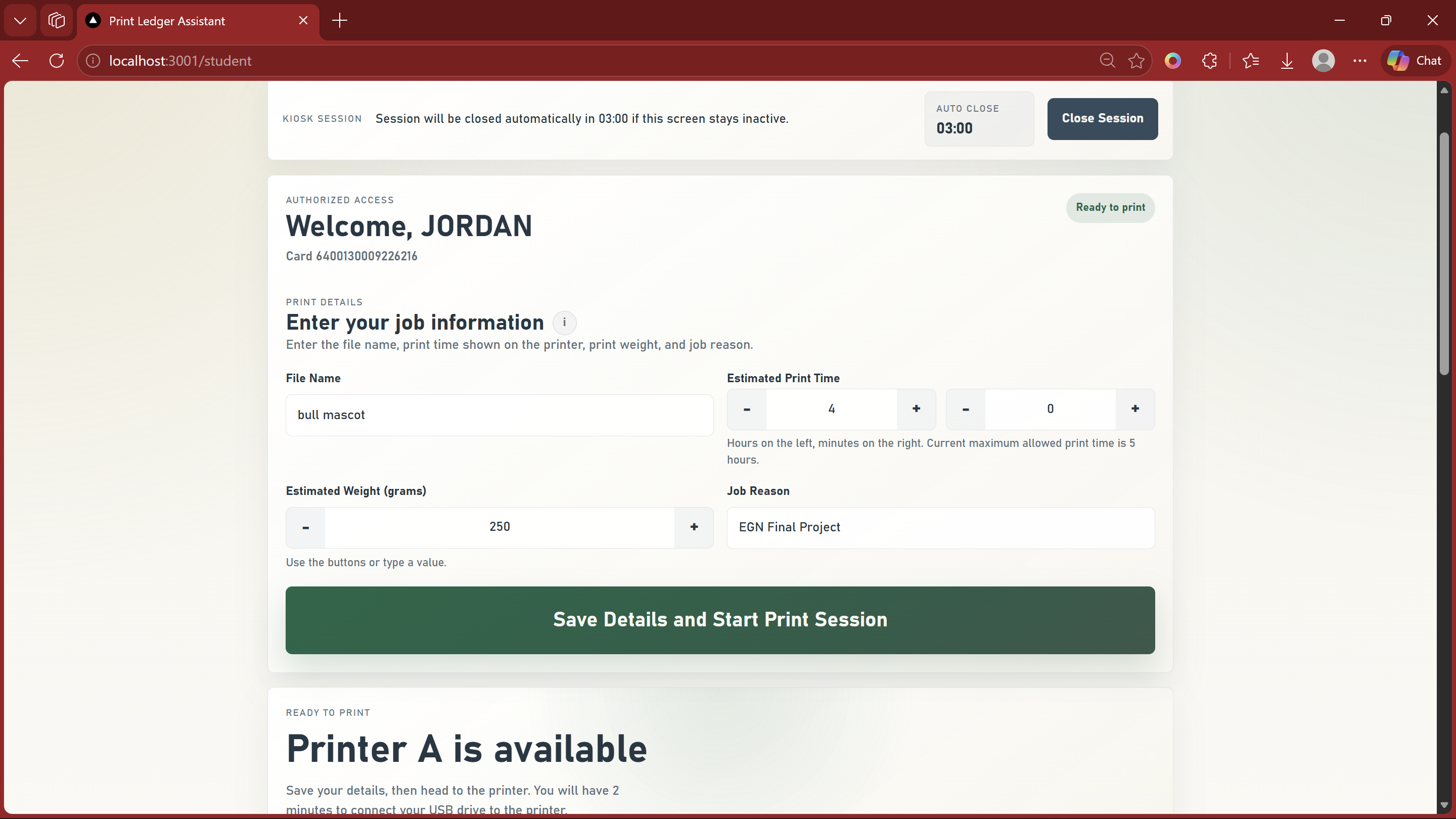
Print Ledger Assistant is a web-based kiosk system built for the DFX 3D Print Lab at USF. Students swipe their USF MCR ID card to authenticate, then log their print job with the file name, estimated print time, filament weight, and job reason. The system shows live printer availability, assigns them to an open printer, and starts a timed session. Admins swipe into a separate dashboard where they can monitor the full printer fleet in real time, view job history per student, manage filament levels, set weekly print limits (max hours and grams), and get watchdog alerts when unauthorized printer activity is detected. Sessions auto-close after inactivity, keeping the kiosk clean and ready for the next person.
How we built it
Since this is a kiosk app with a hardware backend, we picked a stack optimized for clarity and hardware integration over web-scale architecture. The frontend is React and Vite, fast to build and easy to reason about as a single-page kiosk with three distinct views: student, admin, and filament tracker. The backend is Express and TypeScript, with one job: bridge the web interface to the printers. It holds persistent TCP connections to each printer, runs a watchdog loop polling printer state, and sends raw G-code commands like ~M27 (status), ~M105 (temperature), and ~M26 (pause/cancel) directly over the socket. Keeping the frontend and backend cleanly separated made the printer bridge much easier to debug. A monolithic framework would have muddied that hardware layer without giving us anything we actually needed. Supabase handles the database, real-time subscriptions, and auth, so we didn't have to build any of that from scratch and could focus on the hard part: getting the TCP watchdog right. If the server detects printer activity with no authorized session attached, it fires a ~M26 to pause the print and logs a snipe event. Getting that reliable meant handling dropped connections, timing edge cases, and avoiding false positives. That was the core networking challenge of the project.
Challenges we ran into
The hardest part was the real-time printer status and watchdog system. Keeping a stable TCP connection to each printer, correctly reading printer state, and reliably triggering the watchdog when unauthorized activity was detected took a lot of iteration. We had to handle dropped connections, timing edge cases, and make sure the ~M26 snipe command only fired when it was actually warranted. The kiosk session flow was also trickier than expected. Auto-closing inactive sessions and properly releasing printer assignments had more edge cases than we anticipated.
Accomplishments that we're proud of
This is a fully functional, deployable system and not just a demo. The watchdog works. The card reader authenticates USF student MCR IDs in real time. Students can see which printers are available and pull up their own job history. Admins have a real operational dashboard with live fleet visibility and configurable print rules. We also came out of this with a much deeper understanding of TCP networking, which was a core goal from the start.
What we learned
We came in wanting to understand the TCP handshake at a practical level and we got that, plus a lot more. Building a persistent socket-based watchdog forced us to actually think through connection state, timeouts, and error recovery in ways that reading documentation alone never would have. We also got a lot more comfortable with Supabase's real-time features and managing shared state across multiple simultaneous kiosk sessions.
What's next for Print Ledger Assistant
We would love to see this actually deployed in the DFX lab. From there, we want to add email or SMS notifications when a job completes or gets interrupted, integrate with slicer-exported metadata so estimated weight and time can be pulled directly from the file, and build a mobile view so DFX admins can monitor the lab remotely. Longer term, the system could expand to other makerspaces and print labs across USF's campus.
Built With
- cardreaderhardware
- express.js
- react
- supabase
- tcp/websockets
- typescript
- vite


Log in or sign up for Devpost to join the conversation.