PrintChum — Your Companion for Print-Ready Photos
1. Problem Statement
Creating standardized ID and document photo layouts is a daily necessity for photo studios, print shops, schools, and individuals. However, the existing workflow is plagued by significant friction:
- Tedious Manual Workflows: Arranging multiple photo sizes (such as 2 × 2 in, 1 × 1 in, Passport, and Wallet sizes) in desktop software like Photoshop or MS Word requires manual cropping, repetitive copy-pasting, and tedious alignment calculations.
- Physical Dimension Inaccuracies: Generic image editors often distort real-world physical dimensions during export or printing, leading to rejected government, passport, or school application photos due to incorrect millimeter specifications or DPI downsampling.
- Severe Privacy Risks: Most online photo tools require users to upload sensitive portraits and identity documents to remote cloud storage, where images may be stored indefinitely, indexed, or exposed to data breaches.
- Wasted Photo Paper: Without optimal 2D bin packing, manual sheet layouts result in low paper utilization and expensive photo paper waste.
2. Solution Overview
PrintChum eliminates manual layout preparation by delivering an automated, privacy-first, browser-local photo layout engine.
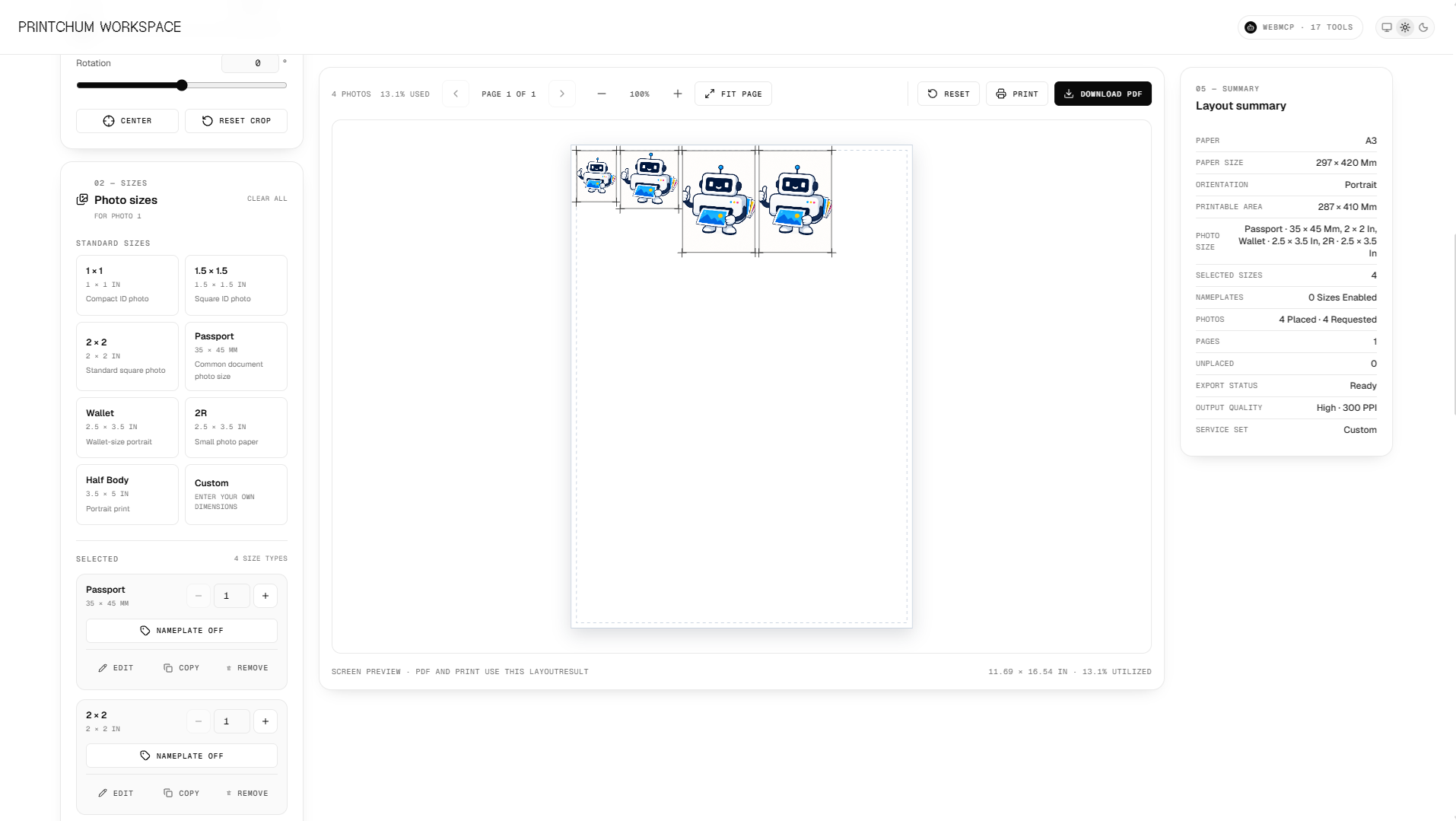
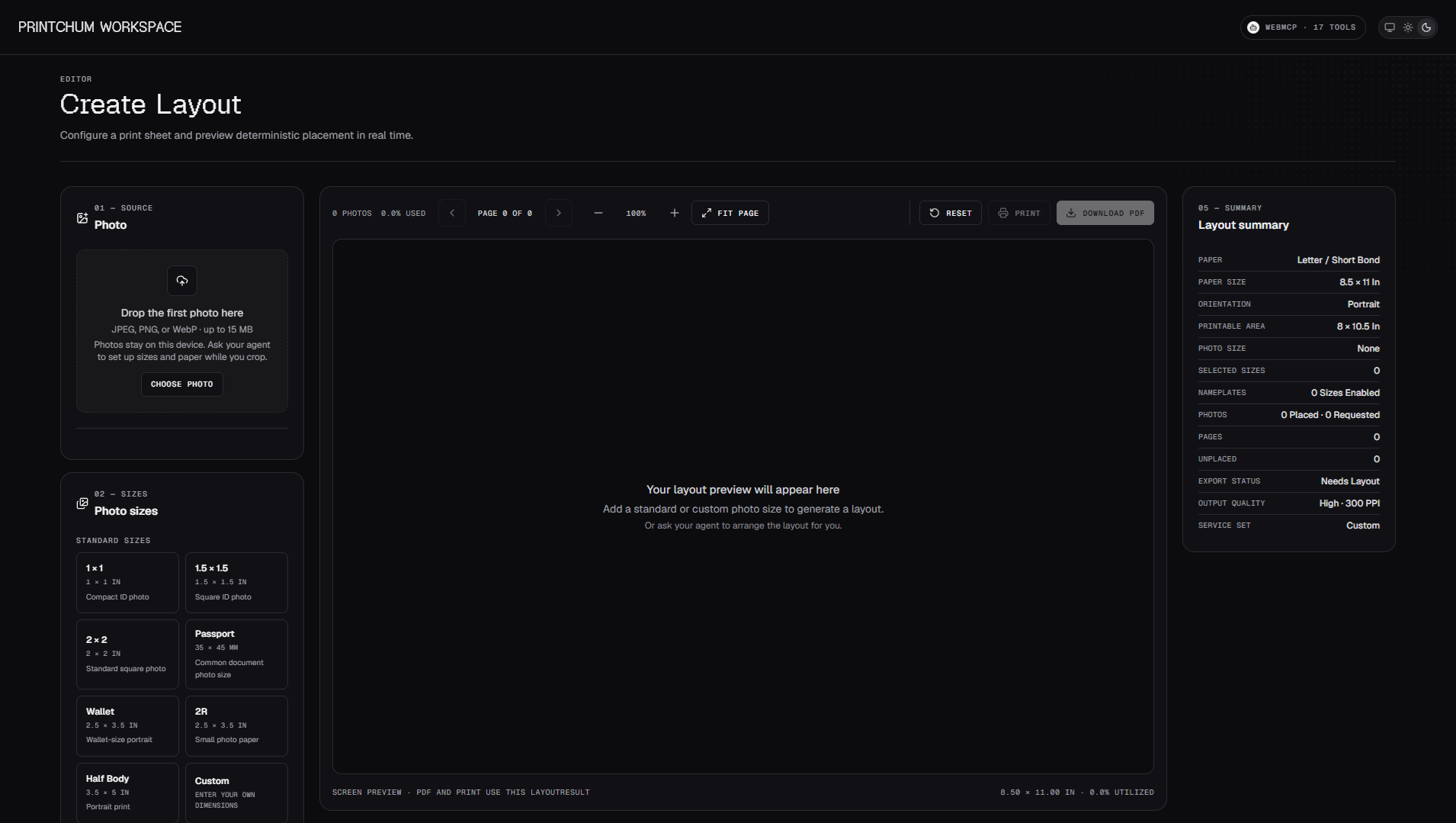
Users upload a photo once, adjust the crop framing, and select standard presets or custom packages. PrintChum’s deterministic layout algorithm instantly packs the required photo quantities onto the target paper sheet, overlays precision cutting guides and nameplates, and generates a print-ready PDF or triggers direct printing.
Privacy-by-Design Architecture
PrintChum processes images locally within browser memory:
- Image cropping, color composition, nameplate rendering, layout packing, and vector PDF compilation occur entirely on the client side.
- Customer photos are never stored in databases or permanent cloud storage.
- External server communication is strictly limited to optional AI background removal, where images are processed in-memory and immediately returned to the client without persistence.
Mathematical Precision & Real-World Dimensions
PrintChum maps screen pixels to true physical print dimensions using exact unit conversion constants: $$\text{1 in} = \text{2.54 cm} = \text{25.4 mm} = \text{72 pt (PDF)} = \text{300 px (at 300 DPI)}$$ The 2D shelf-packing engine optimizes the printable area after subtracting horizontal and vertical margins ($M_x$ and $M_y$): $$W_{\text{printable}} = W_{\text{paper}} - 2 \cdot M_x, \quad H_{\text{printable}} = H_{\text{paper}} - 2 \cdot M_y$$ Paper utilization efficiency is computed deterministically: $$\text{Utilization Efficiency } (\%) = \left( \frac{\sum_{i=1}^{n} w_i \cdot h_i}{W_{\text{printable}} \cdot H_{\text{printable}}} \right) \times 100\%$$
3. Key Features
- Single Crop, Multi-Size Distribution: Crop and position a portrait once; PrintChum automatically resizes, frames, and renders it across multiple target dimensions (2 × 2 in, 1 × 1 in, 1.5 × 1.5 in, Passport, 2R, Wallet, or Custom sizes).
- Deterministic Layout & Multi-Page Pagination: Automatically arranges mixed photo sizes with customizable margins, horizontal/vertical spacing, and auto-rotation (0° or 90°), cleanly overflowing onto subsequent pages when needed.
- Precision Cutting Guides & Annotations: Renders corner crop marks, dashed cutting lines, and dimensional labels for effortless trimming with rotary or guillotine paper cutters.
- Dynamic Nameplates for IDs: Add customizable nameplates (inside or outside the photo frame) supporting Full Name, ID/Student Number, Department, Role, and custom styling (fonts, background colors, and borders).
- Reusable Studio "Service Sets": Save and load recurring package presets (e.g., "Package A: 2 pcs 2x2 + 8 pcs 1x1 on 4R Paper").
- Direct Vector PDF Export & 300 DPI Printing: Export vector-coordinate PDFs via
pdf-libat 72 points/inch with embedded 300 DPI image assets for crisp, uncompressed physical prints. - Agentic WebMCP Integration: Native browser-level Model Context Protocol (WebMCP via
document.modelContext) enabling browser AI assistants to configure layouts, apply presets, and control the editor programmatically.
4. Technologies Used
Frontend & Application
- Framework: Next.js (App Router, React 19)
- Language: TypeScript
- Styling & UI Components: Tailwind CSS, shadcn/ui, Radix UI, Lucide React
- State Management: Zustand
- Form Handling & Validation: React Hook Form, Zod
Graphics, Layout & Export
- Image Framing & Cropping:
react-easy-crop, HTML5 Canvas API - Layout Engine: Custom framework-independent 2D shelf-packing & pagination algorithm
- PDF Compilation:
pdf-lib(point-accurate physical coordinate rendering) - Printing Engine: Native Browser Print API & Print-Specific CSS (
@media print,@page)
5. Target Users
- Photo Studios & Freelance Photographers: Rapidly prepare standard client packages without opening complex desktop editing suites.
- Print Shops & Internet / Computer Cafes: Serve walk-in customers seeking quick ID package prints with automated layout packing and zero paper waste.
- Schools, Universities & HR Departments: Standardize ID badge photo formatting and student/employee nameplates at scale.
- Individual Job Seekers & Travelers: Create exact-dimension passport, visa, resume, and government ID photos at home with guaranteed sizing compliance.
Built With
- next.js
- react
- typescript
- webmcp
- zustand
