WebMCP in PrintChum
Inspiration
Walk into almost any computer shop or small photo studio in the Philippines and ask for ID photos, and you’ll probably see the same routine.
The operator opens a general-purpose photo editor, drops your photo onto a blank page, resizes it until the ruler looks about right, copies it over and over, lines everything up into rows, and prints it on short bond paper. Then comes the ruler. If that 1 × 1 photo turns out to be 0.94 inches instead, the whole sheet goes into the bin and they start again.
That routine bothered me enough to build something.
The first problem was accuracy. The photo might be the correct size in the file, but that doesn’t mean it will come out at the correct size on paper. Print drivers can silently scale a page to fit, turning an exact 1 × 1 into something slightly smaller. In a workflow where a few millimeters can mean reprinting an entire sheet, “close enough” isn’t good enough.
The second problem was privacy. Once someone uploads a photo, it often ends up sitting in a Downloads folder on a shared computer. There’s usually no retention policy, no cleanup step, and no reason for that photo to still be there after the customer leaves.
So PrintChum started with two simple rules: physical dimensions should be a contract the software keeps, and a customer’s photo shouldn’t outlive the session that needed it.
Then I found this WebMCP Challenge, and a idea clicked.
If the job is simply “put eight 2 × 2 photos on A4 with a 5 mm margin,” the operator shouldn’t have to click through five different panels to make that happen. They should be able to just say what they need.
Why PrintChum Is a Strong Fit for WebMCP
Lots of moving parts: Creating print-ready photo layouts involves more than just choosing a paper size. Users may need to configure margins, spacing, photo sizes, quantities, aspect ratios, auto-rotation, nameplates, background colors, and other settings that depend on one another. WebMCP makes it possible to turn a simple natural-language request into a series of structured tool calls that handle these settings together.
Keeping photos private: PrintChum is designed to keep customer portraits and ID photos inside the browser. Instead of sending sensitive images to an external MCP server, WebMCP runs directly in the user's browser tab through
document.modelContext. The agent can work with layout information and call tools locally without needing access to the actual photo files.Reliable, precise layouts: Physical printing requires accurate measurements, so approximations aren't good enough. WebMCP lets the agent query PrintChum's predefined settings and use its deterministic 2D packing engine to calculate the layout instead of trying to guess coordinates or dimensions.
How WebMCP Improves the User Experience
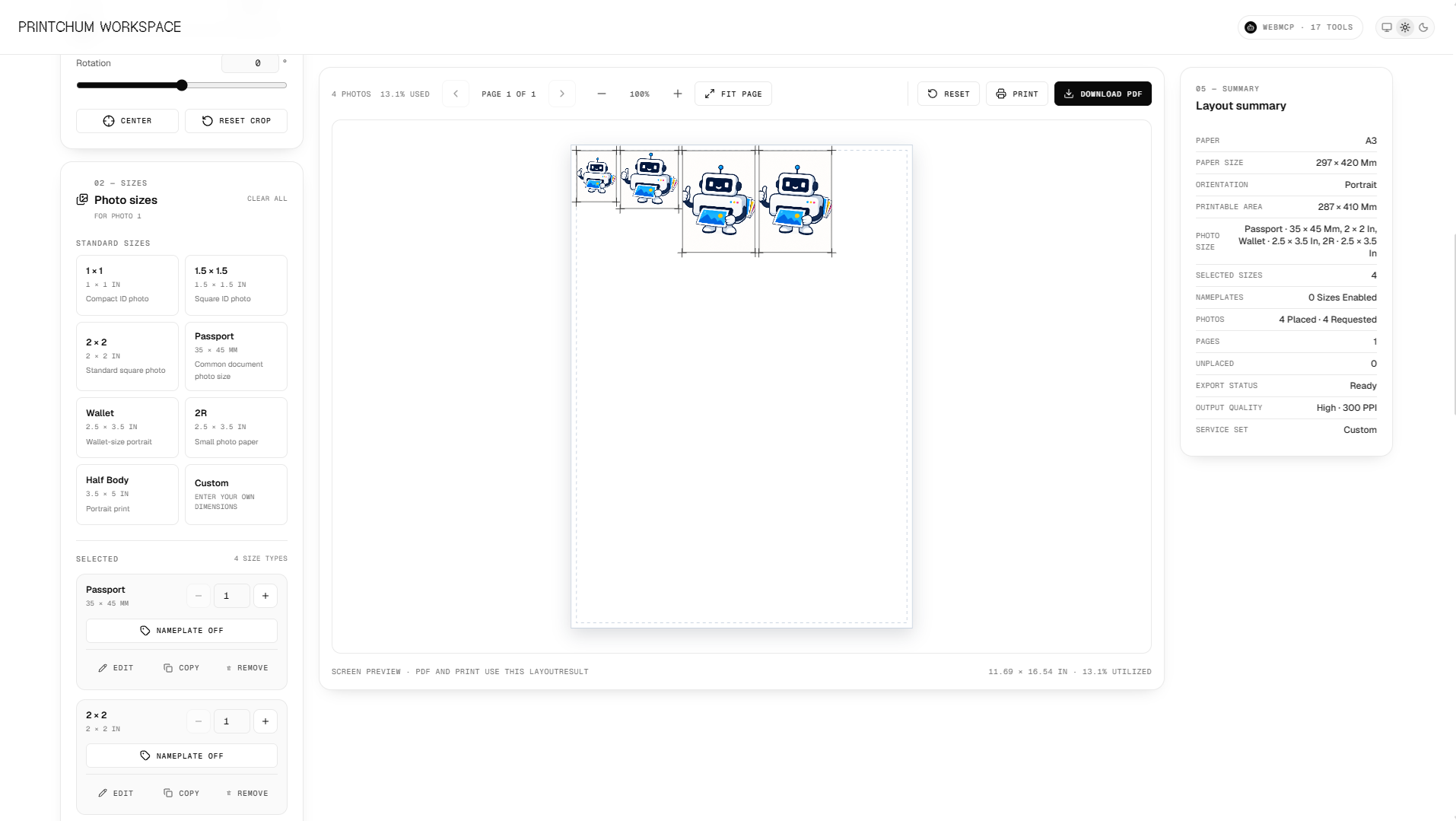
Configure layouts using intent: Users don't have to work through several dropdowns, sliders, and dialogs just to create a layout. They can describe what they want in plain language, such as: "Set up 4 passport photos and 8 1x1 photos on A4 paper with a 5mm margin and a royal blue background." The agent can then configure the workspace automatically.
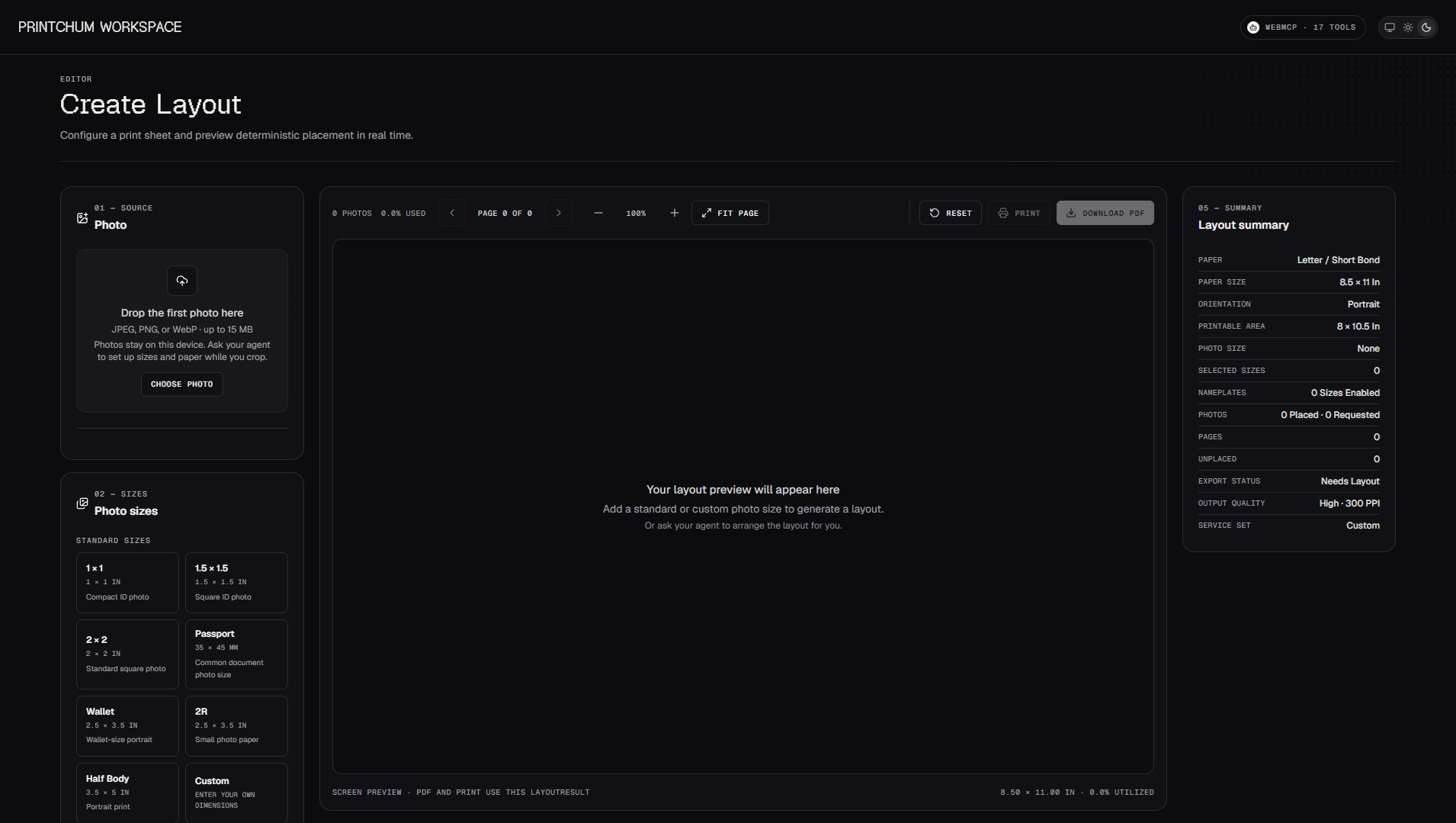
No need to leave the editor: The browser agent works directly inside the active PrintChum editor. When a tool is called, the changes are applied to the live Zustand store, so users can immediately see the updated layout on the canvas.
Clear permission boundaries: The 17 tools are separated into three permission levels:
readfor inspecting information and presets,writefor changing the layout and styling, andexecutefor actions such as generating a PDF or opening the print dialog. This keeps potentially impactful actions explicit and under the user's control.
What People and Agents Can Do Together
WebMCP also makes some workflows much faster than they would be through the traditional UI.
Build complete print packages from one request: A user could say: "Prepare an application package for my university ID with student number 2026-0481 at the bottom, 2 copies of 2x2 in, and 4 copies of 1x1 in on Letter paper." The agent can look up the available settings, configure the nameplate, add both photo sizes, and select the correct paper size in a single interaction.
Optimize layouts when something doesn't fit: If a layout spills onto a second sheet, the agent can inspect the layout summary and identify what's causing the overflow. It can then suggest or apply changes such as auto-rotation or adjusted margins to try to fit everything onto one sheet.
Create reusable studio templates: Print shop operators can also use natural-language commands for repetitive setup tasks. For example: "Save this current layout as our standard Rush Visa Package." This makes it easier to create and reuse custom service sets without manually repeating the same configuration.
How WebMCP Was Implemented
PrintChum uses WebMCP as a progressive enhancement built across four main layers:
Model Context Bridge (
lib/webmcp/): This layer checks whetherdocument.modelContextis available and provides safe fallbacks when it isn't. It also usesAbortControllerto manage the lifetime of browser-tab-bound tools and clean them up properly when they're no longer needed.Strict Zod Input Schemas (
features/editor/webmcp/input-schemas.ts): Each of the 17 registered tools has a runtime-validated Zod schema. Tools such asconfigure-paper,add-photo-size,configure-nameplate, andset-backgrounduse these schemas to validate incoming arguments before they're passed into the application. The schemas are then converted to JSON Schema at the WebMCP boundary.Shared Single Source of Truth (
features/editor/webmcp/handlers.ts): The handlers take the validated tool arguments and pass them into the existing Zustand actions and PrintChum'scalculateLayout()engine. This means AI-driven changes use the same layout calculations and PDF export pipeline as changes made manually through the UI.React Lifecycle Integration (
components/editor/webmcp-registration.tsx): A React client component registers the WebMCP tools when the editor loads and removes the registration when the editor is unmounted. This keeps the tool lifecycle tied directly to the editor instead of leaving registrations active after the workspace is gone.
Built With
- next.js
- react
- typescript
- zustand
