-
-
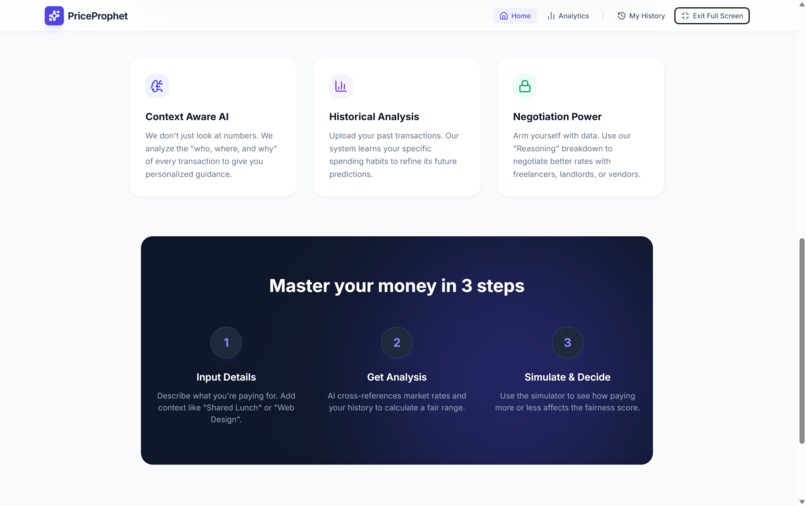
PriceProphet Landing Page 2
-
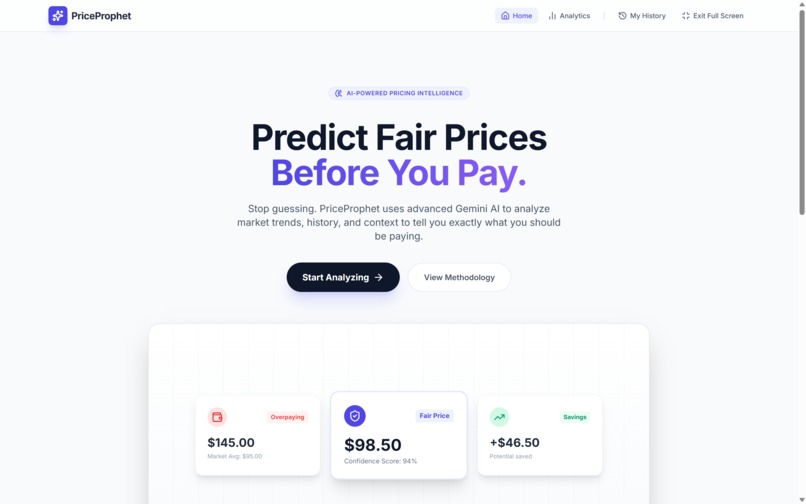
PriceProphet Landing Page
-
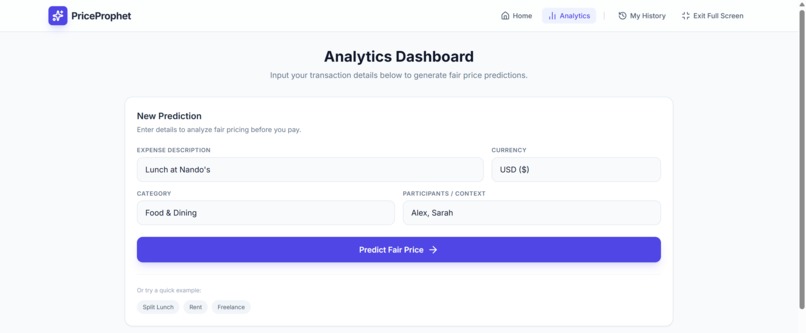
PriceProphet Analytics Dashboard
-
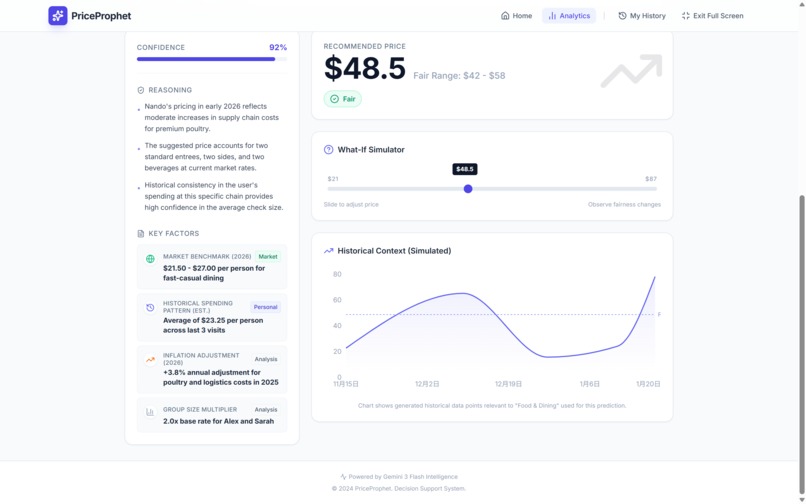
PriceProphet Analytics Result
Inspiration
We've all been there: staring at a quote for a freelance project, splitting a complex dinner bill, or looking at a rent increase, wondering, "Is this actually fair?" In a world of dynamic pricing, inflation, and hidden fees, knowing the "right" price is harder than ever. We wanted to build a tool that stops the guessing game—a financial copilot that uses data, not gut feeling, to empower users in negotiations and daily spending. We were inspired to bring the transparency of "Glass Box" AI to personal finance.
What it does
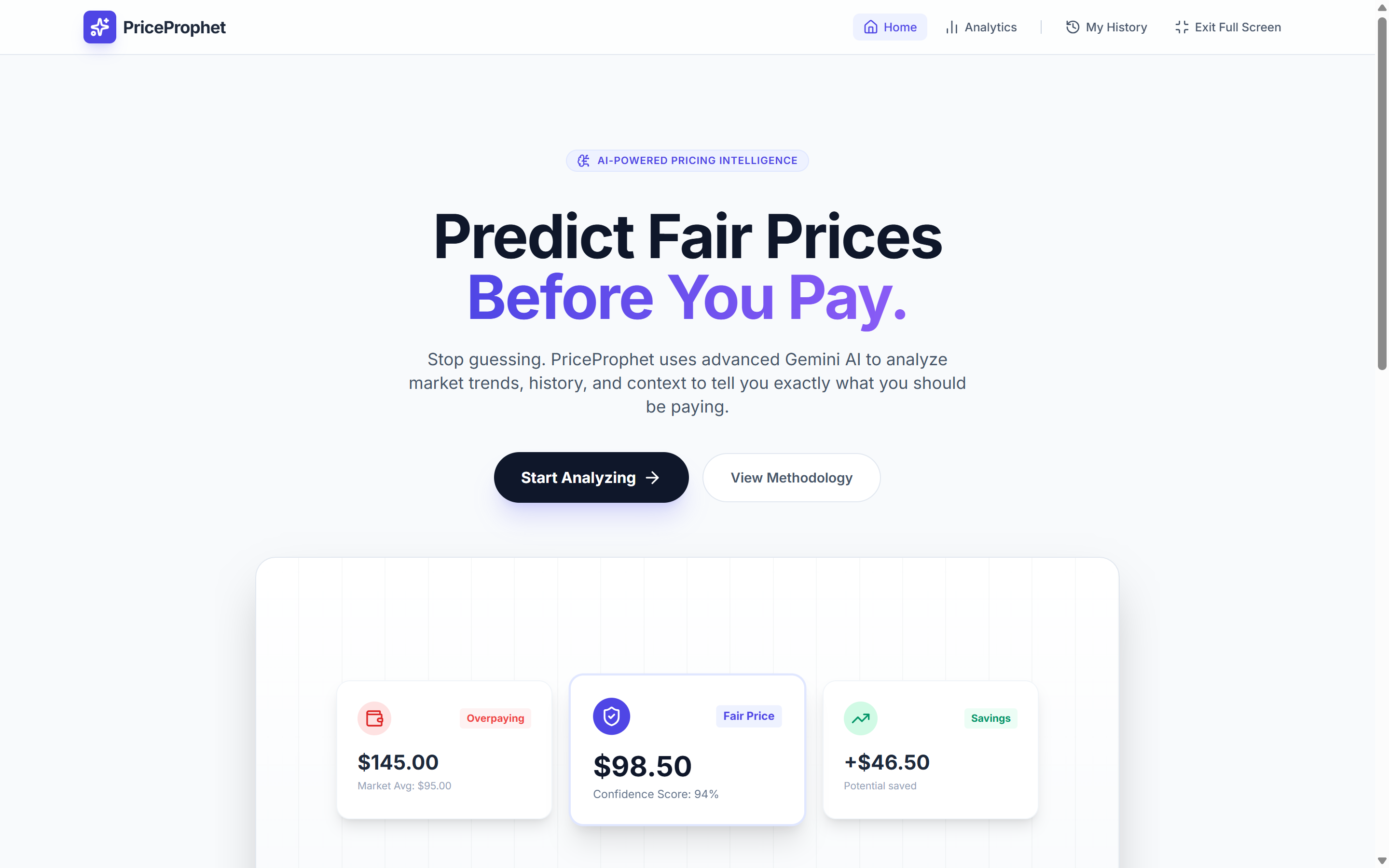
PriceProphet is an AI-powered pricing intelligence engine.
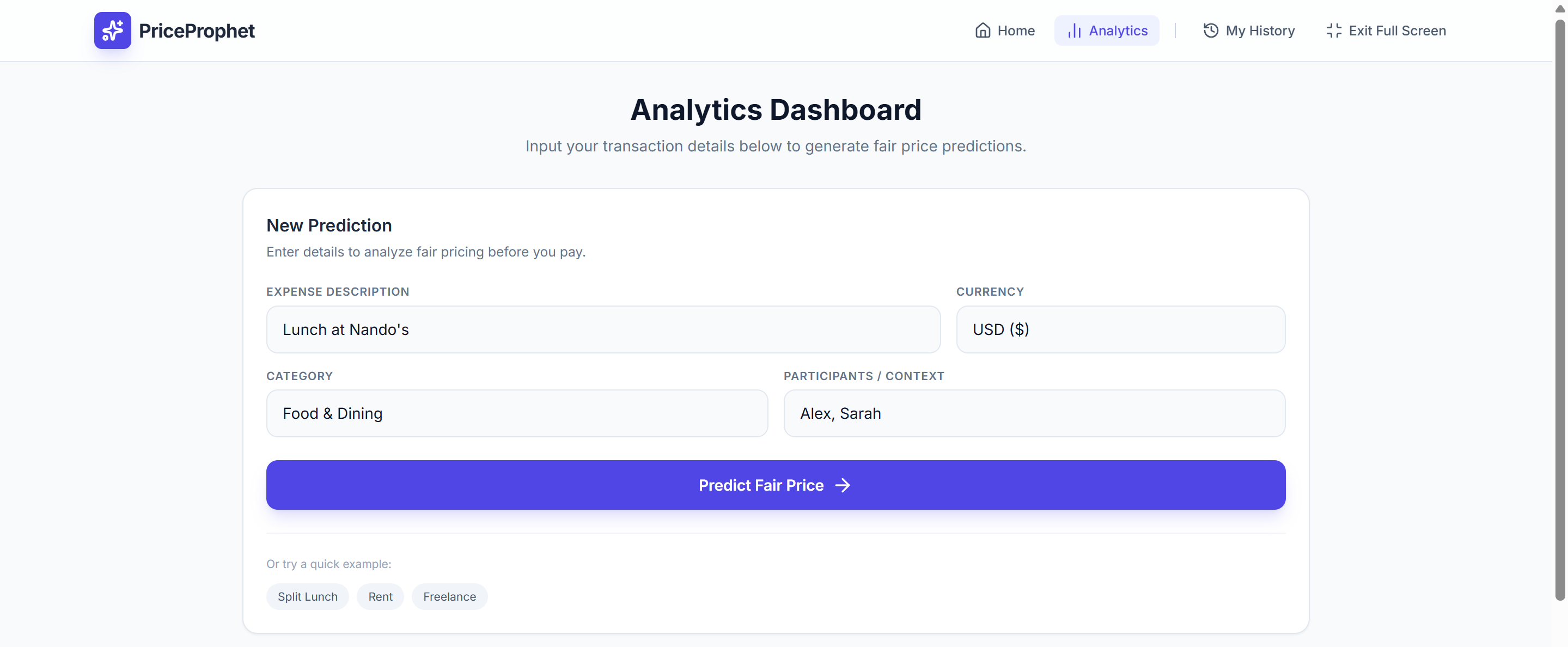
- Predicts Fair Ranges: Users input a transaction scenario (e.g., "Logo Design for Startup" or "Lunch in NYC"), and PriceProphet uses Google Gemini 3 Flash to analyze market rates, context, and date-specific economic factors to generate a custom "Fair Price Range."
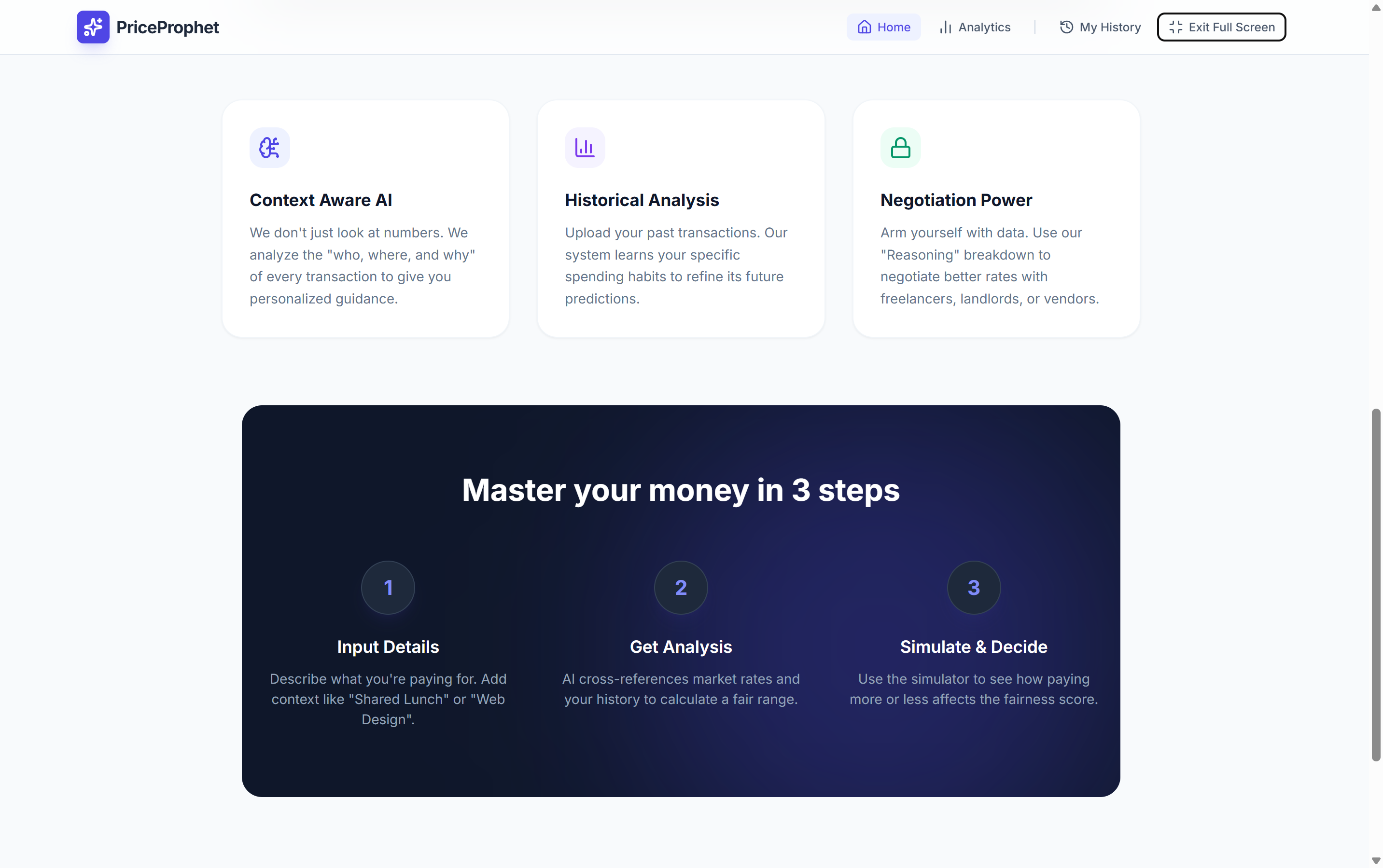
- Personalized Context: Unlike generic search, it learns from you. It analyzes your local transaction history to weight predictions based on your specific spending habits.
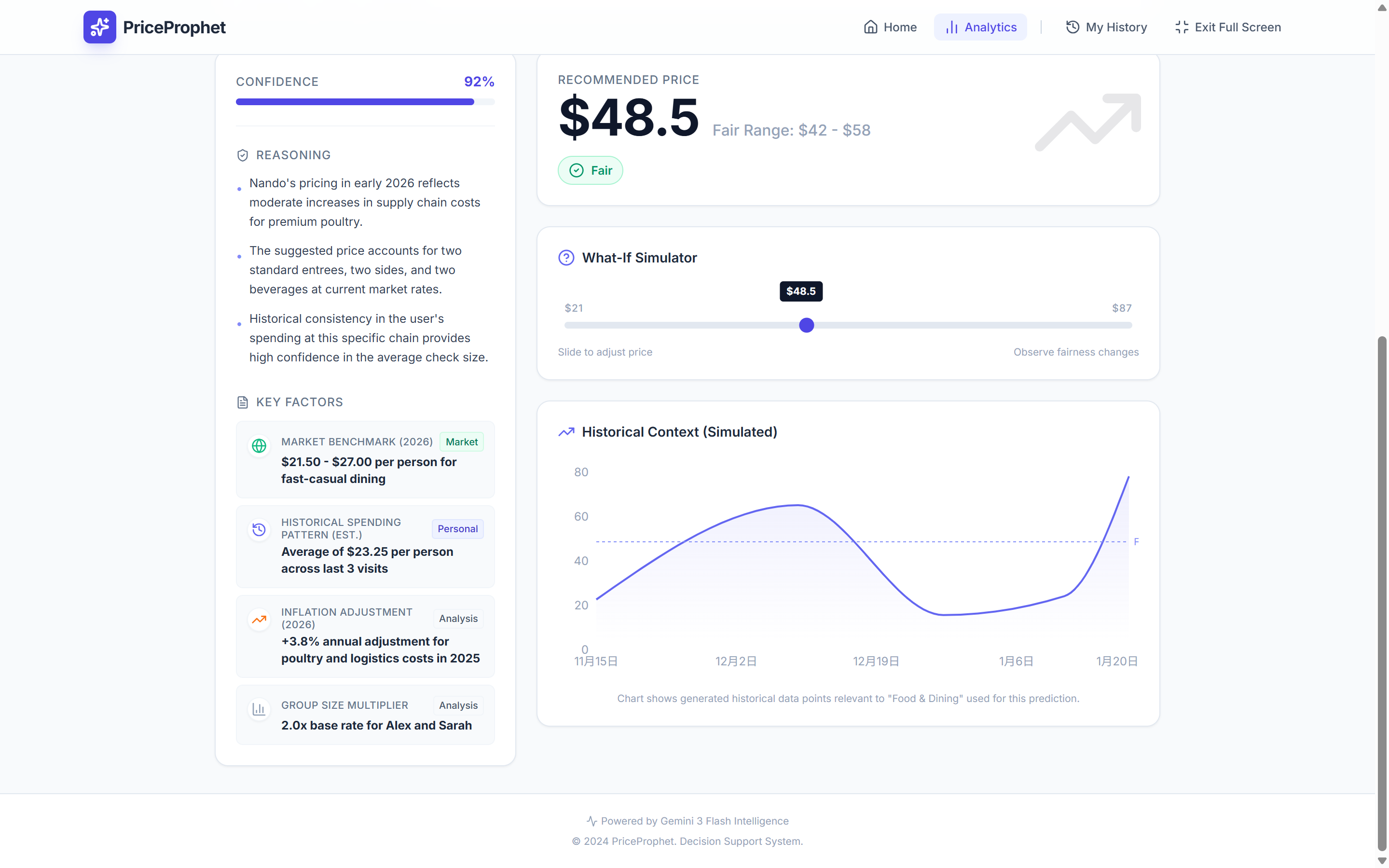
- "What-If" Simulator: An interactive pricing slider lets users test different amounts (e.g., "What if I pay $50?") and instantly see if it's considered "Fair," "High," or a "Bargain," along with a text description of the financial impact.
- Transparent Reasoning: It breaks down the prediction with a Confidence Score and Key Factors (like "Inflation Adjustment" or "Peer Group Average"), giving users the vocabulary they need to negotiate.
How we built it
- Frontend: Built with React 19 and TypeScript for a robust, type-safe architecture. We used Tailwind CSS for a clean, modern aesthetic and Recharts for visualizing financial data.
- AI Engine: We leveraged the Google Gemini API (
gemini-3-flash-preview) via the@google/genaiSDK. - Structured Data: We utilized Gemini's Structured Outputs (
responseSchema) to force the AI to return strict JSON. This allowed us to pipe complex AI reasoning directly into UI components (like the Confidence Progress Bar and Key Factors list) without fragile text parsing. - Privacy-First Storage: We implemented a local database using browser
localStorage. User transaction history helps the AI context but is stored entirely on the client side, ensuring privacy.
Challenges we ran into
- Context Balancing: A major challenge was balancing "Global Market Data" with "Personal History." Early versions would ignore user history. We solved this by engineering a prompt that ingests local transaction data and calculates derived statistics (like "User Average - Last 3 Months") before asking the model for a prediction.
- Simulation Latency: We wanted the "What-If" simulator to feel instant. We achieved this by caching the initial AI context and using a lightweight logic layer for immediate feedback on the slider, falling back to AI only for complex re-evaluations.
Accomplishments that we're proud of
- The "Glass Box" UI: We are proud of visualizing the AI's "thought process." Instead of a black box giving a number, PriceProphet explains why (e.g., "Adjusted for 2026 Inflation"), building trust with the user.
- Seamless Personalization: The way the app blends a user's manual history entries with general market knowledge feels magical—it actually gets smarter the more you use it.
- Visual Design: We achieved a polished, fintech-grade interface that makes complex AI data feel simple and approachable.
What we learned
- Chain-of-Thought Prompting: We learned that the model's pricing accuracy improved drastically when we asked it to first generate "synthetic historical context" or analyze the provided user history before outputting a price. This grounding step reduced hallucinations significantly.
- Schema is King: Using
responseSchemawith the Gemini SDK transformed how we developed features. It turned the LLM into a reliable backend API that returns typed data every time.
What's next for PriceProphet
- Search Grounding: Integrating Google Search Grounding to pull real-time, live pricing for specific products (e.g., "Sony A7IV Camera").
- Receipt Scanning: Adding multi-modal capabilities to let users snap a picture of a menu or bill for instant analysis.
- Bank Integrations: connecting to Plaid/Stripe to automatically ingest transaction history, removing the need for manual data entry.


Log in or sign up for Devpost to join the conversation.