-
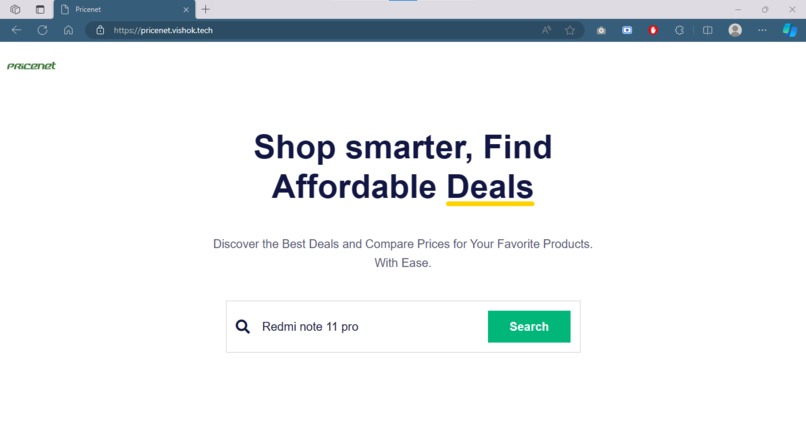
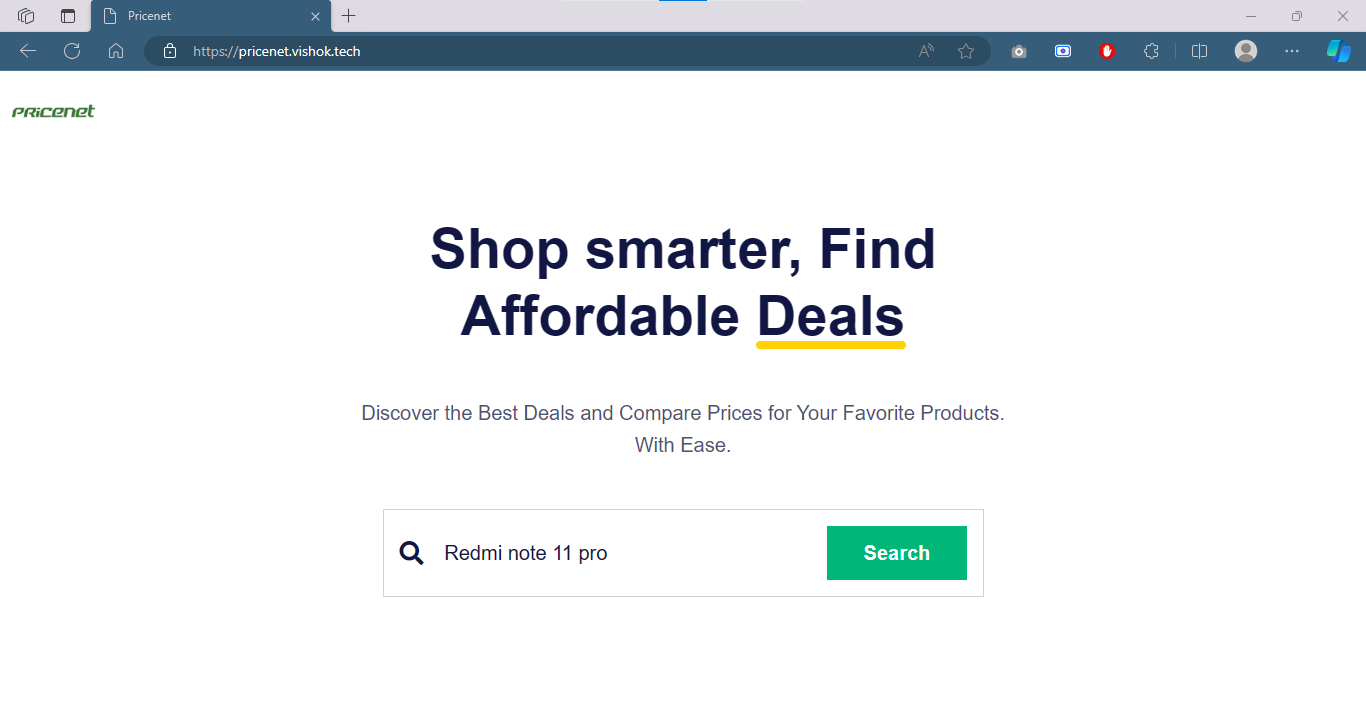
Homepage
-
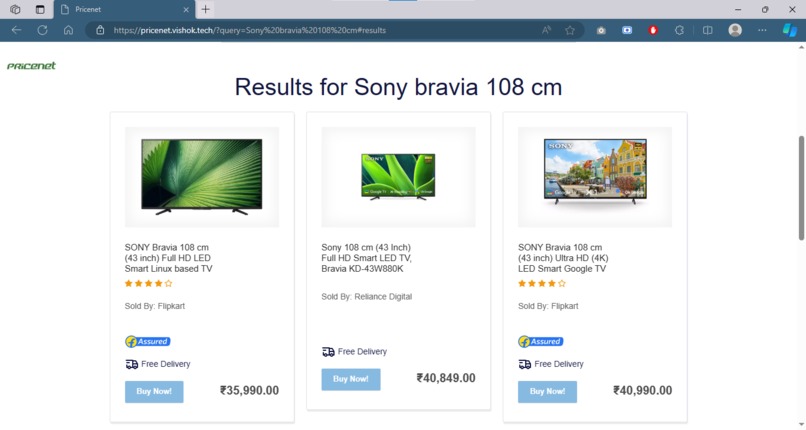
Results
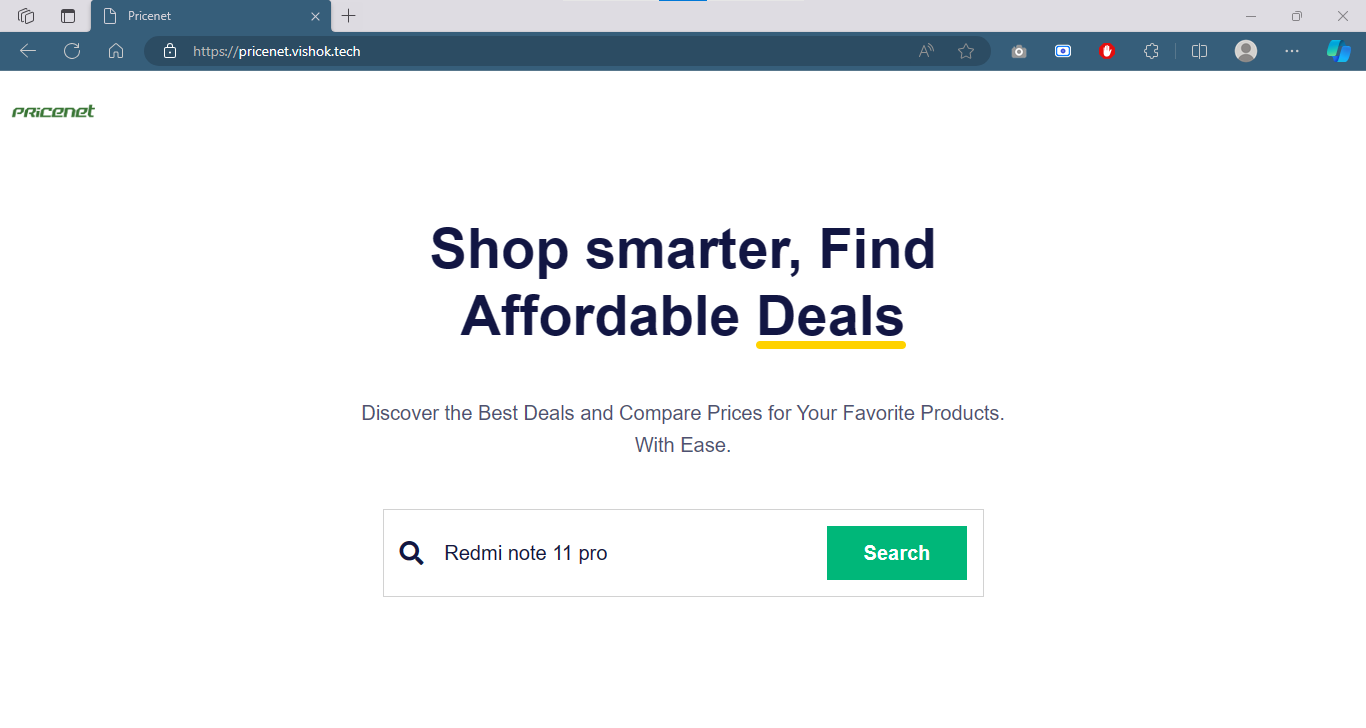
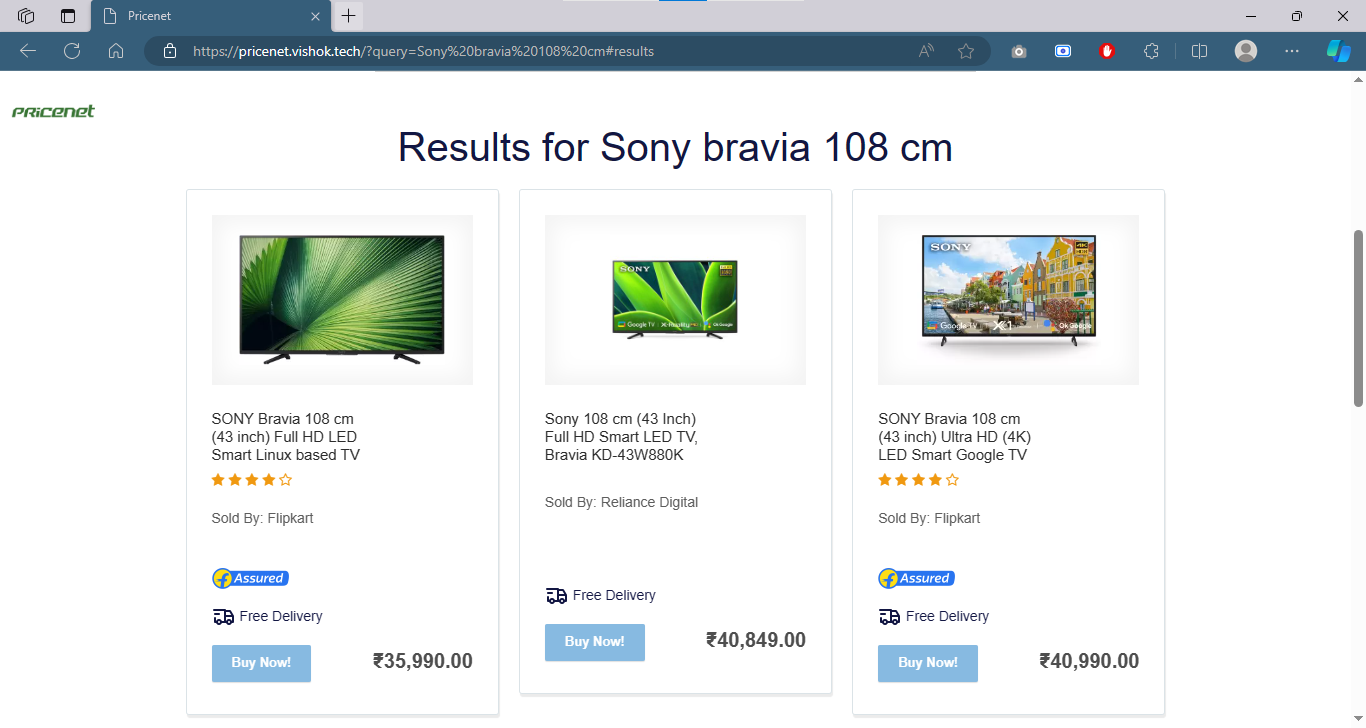
Pricenet
Pricenet is a simple price comparison engine built with Python, for intelligent product matching and sorting. It enables users to find the best deals and compare prices across multiple online platforms. Seamlessly scrape data, analyze product details, and efficiently sort results based on relevance and affordability. Easy-to-use and customizable, Pricenet empowers users to discover the most cost-effective options online.
Project URL
Screenshots
Features
- Smart Product Matching
- Relevancy Sorting
- Price Range Filtering
- Efficient Scraping
- Flexibility: Supports a wide range of product categories ensuring users can find relevant results for various items
- Lightweight and Scalable
- Free and Open Source ## Run Locally
To use Pricenet locally, follow these steps:
Clone the repository to your local machine using the following command:
git clone https://github.com/mvishok/pricenet.gitChange into the project directory:
cd pricenetInstall the required dependencies using
pip:pip install -r requirements.txtRun the Pricenet application:
python app.py
The application should now be running on your local machine. Open your web browser and navigate to http://localhost:5000 to access the Pricenet website.
That's it! You have successfully installed and launched Pricenet.
Environment Variables
To run this project, you will need to add the following environment variables to your .env file
DATABASE_URL (Database connection string)
Technologies Used
Python: The core language used for developing the web application and handling the backend logic.
Flask: A lightweight web framework used to create the server-side application.
BeautifulSoup: A Python library used for web scraping to extract data from online stores.
Requests: A Python library used to make HTTP requests to retrieve data from websites.
HTML/CSS/JS: Used for the frontend layout and styling of the web application.
Bootstrap: A popular CSS framework used to enhance the design and responsiveness of the web pages.
License
Author
👤 Vishok M
- Website: https://vishok.tech/
- Twitter: @vishokmanikantan
- Github: @mvishok
- LinkedIn: @vishokmanikantan
Support
For support, please use the repository Issues channel.

Log in or sign up for Devpost to join the conversation.