-
-

Logo
-
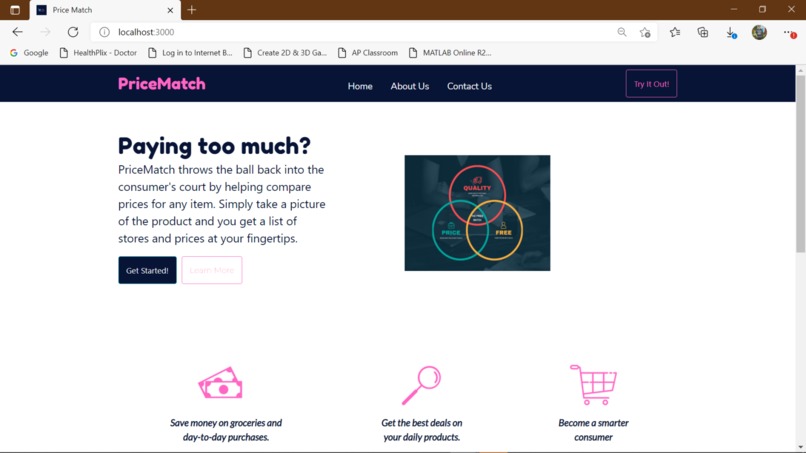
Homepage
-
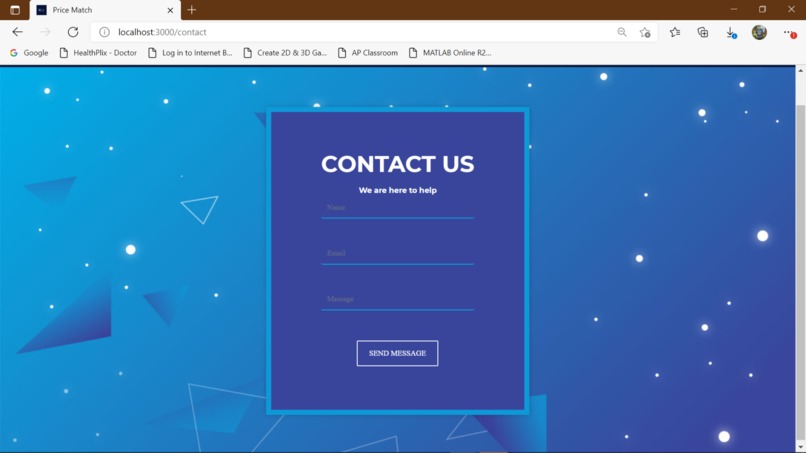
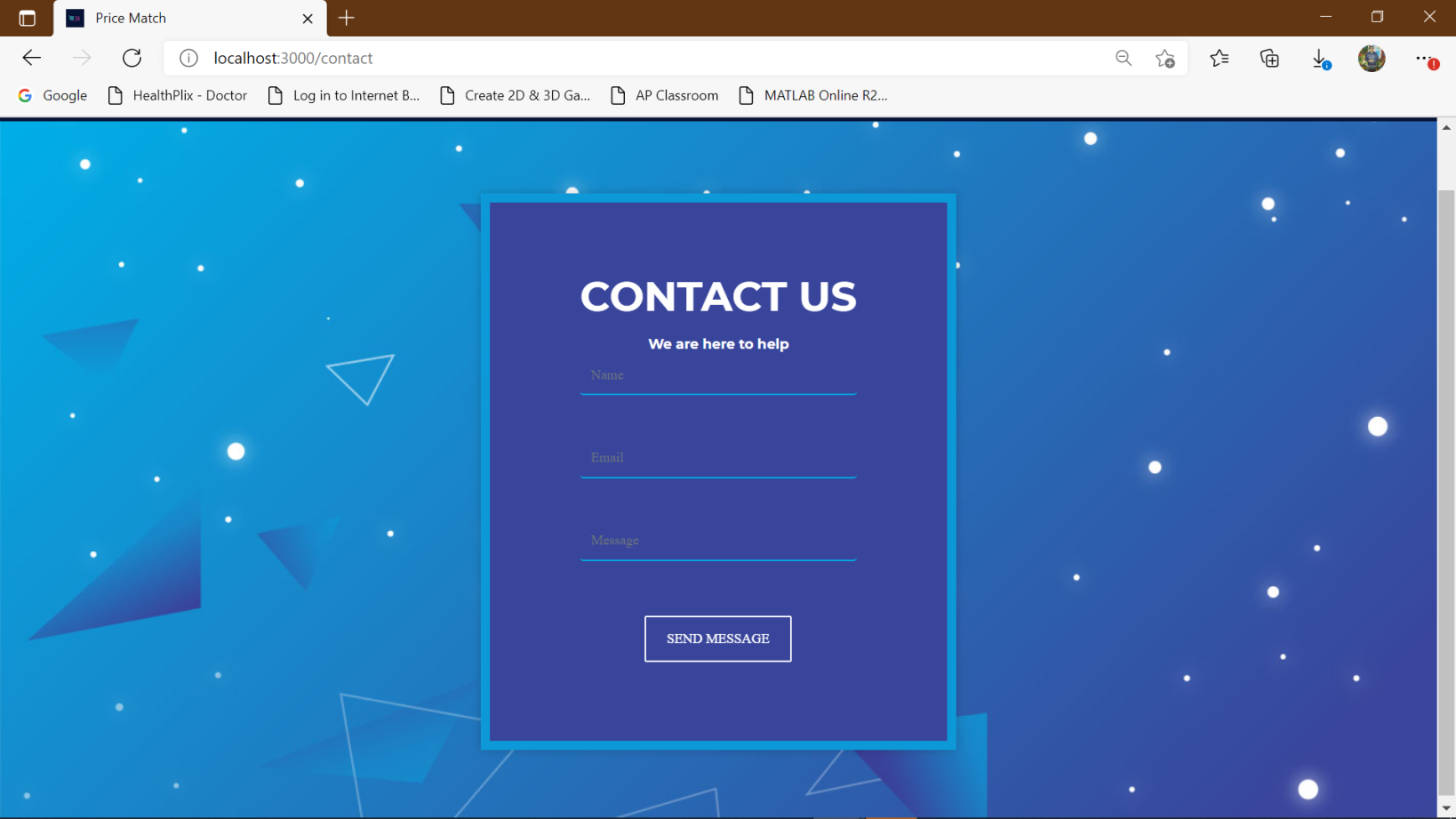
Contact Us
-
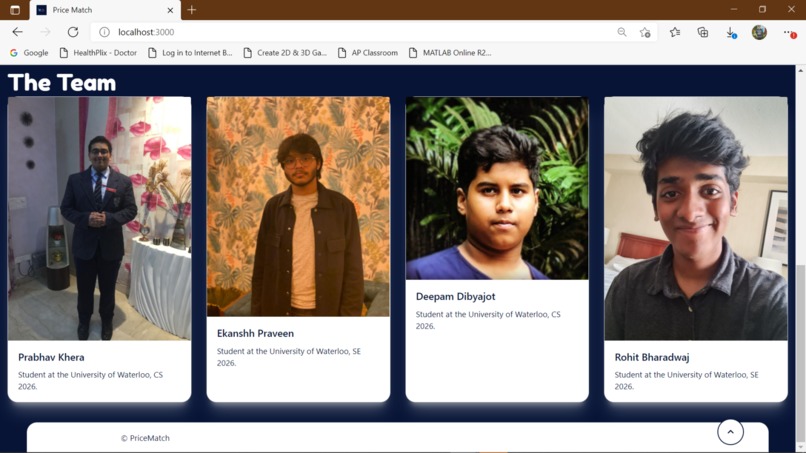
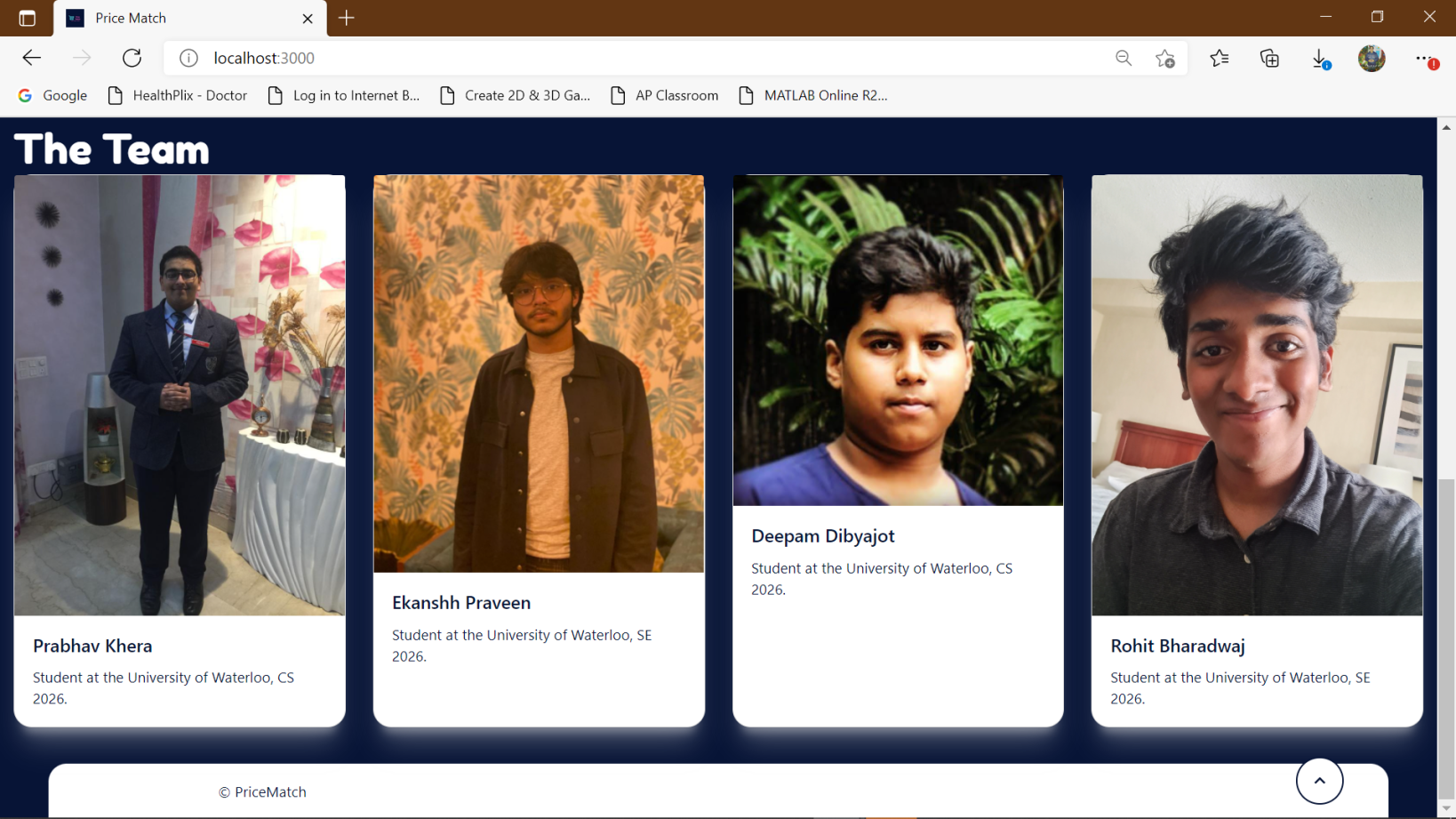
About Us
-
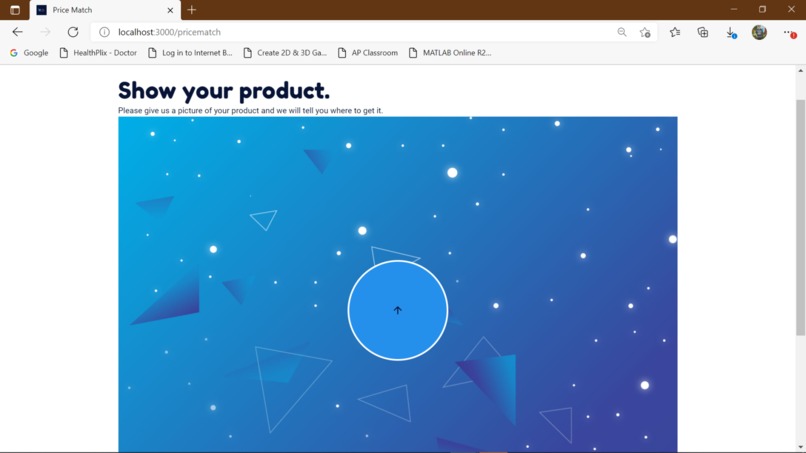
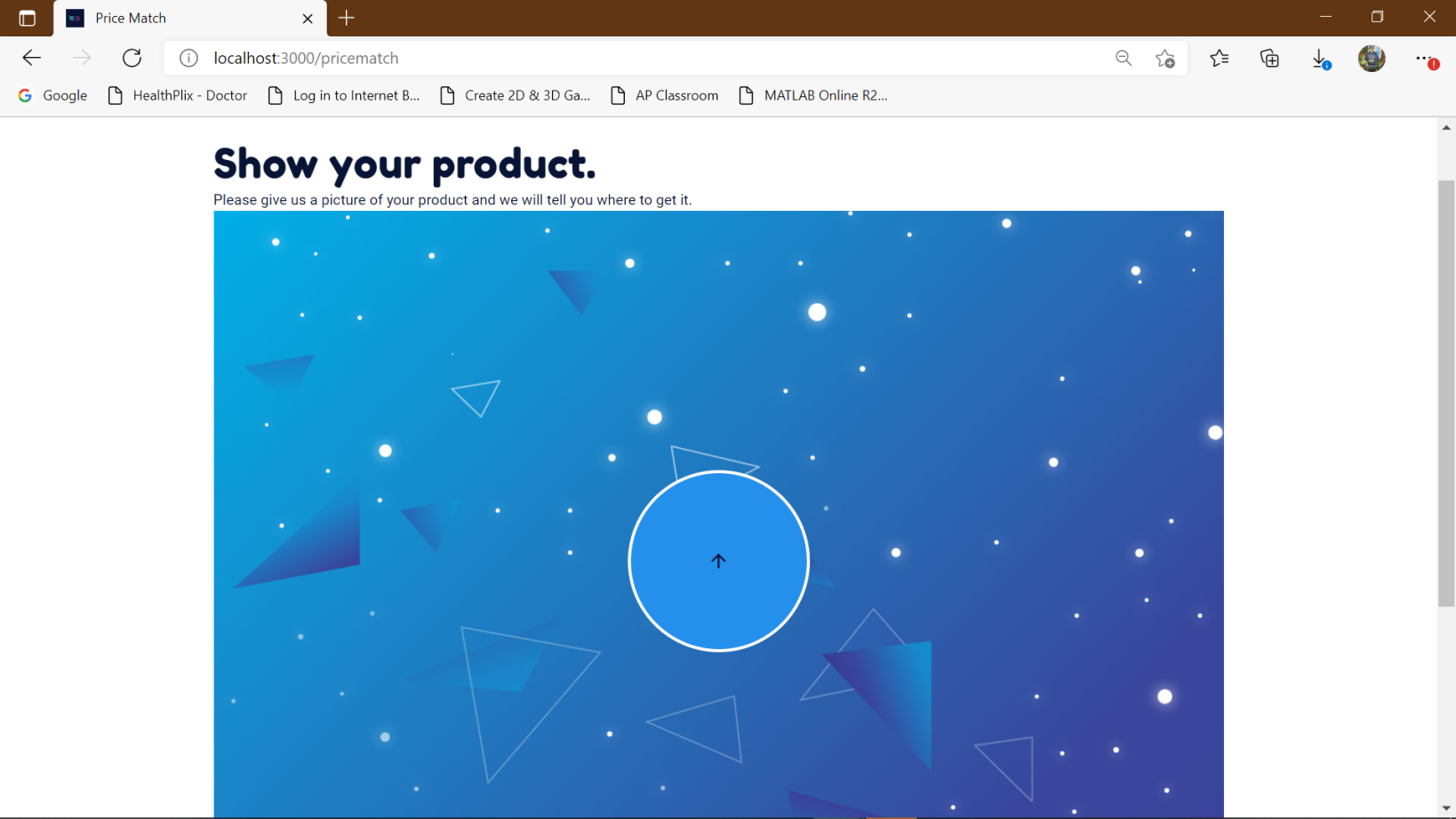
Image Submission Page-1
-
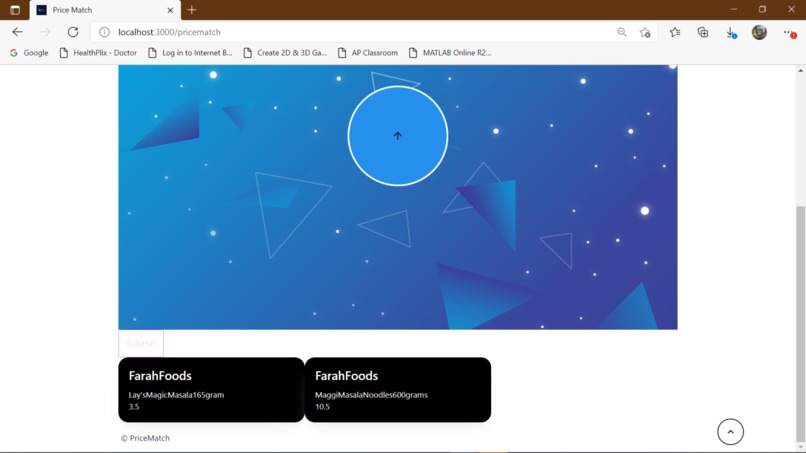
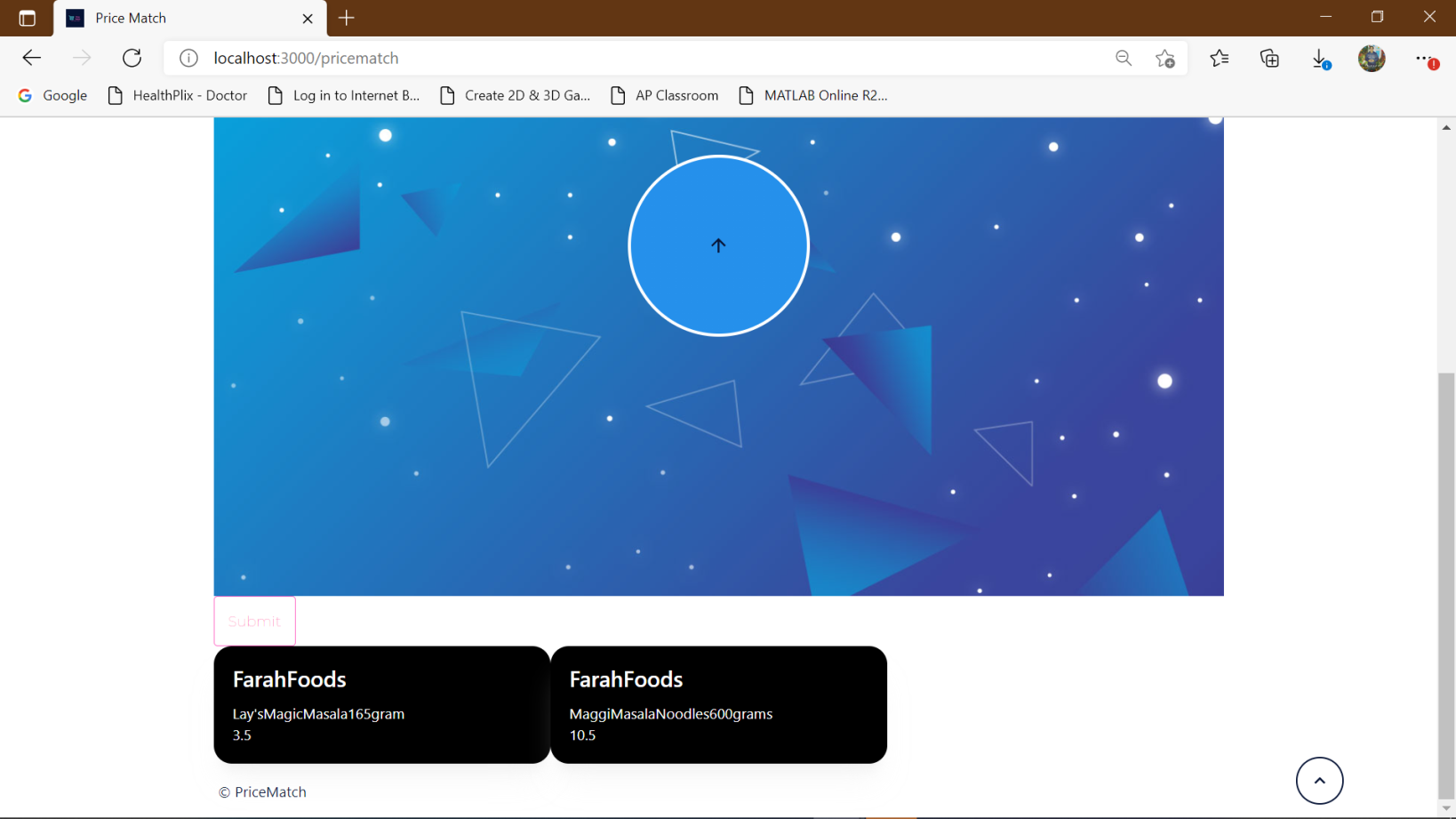
Image Submission Page-2
-
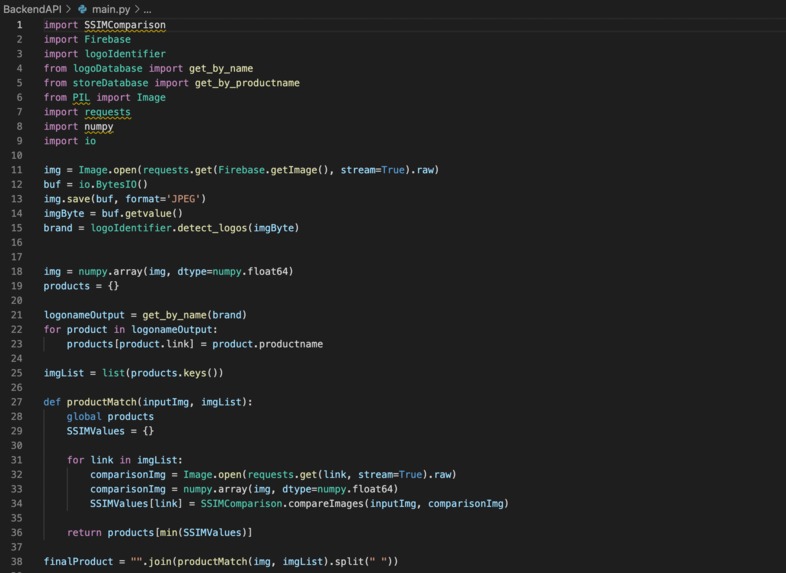
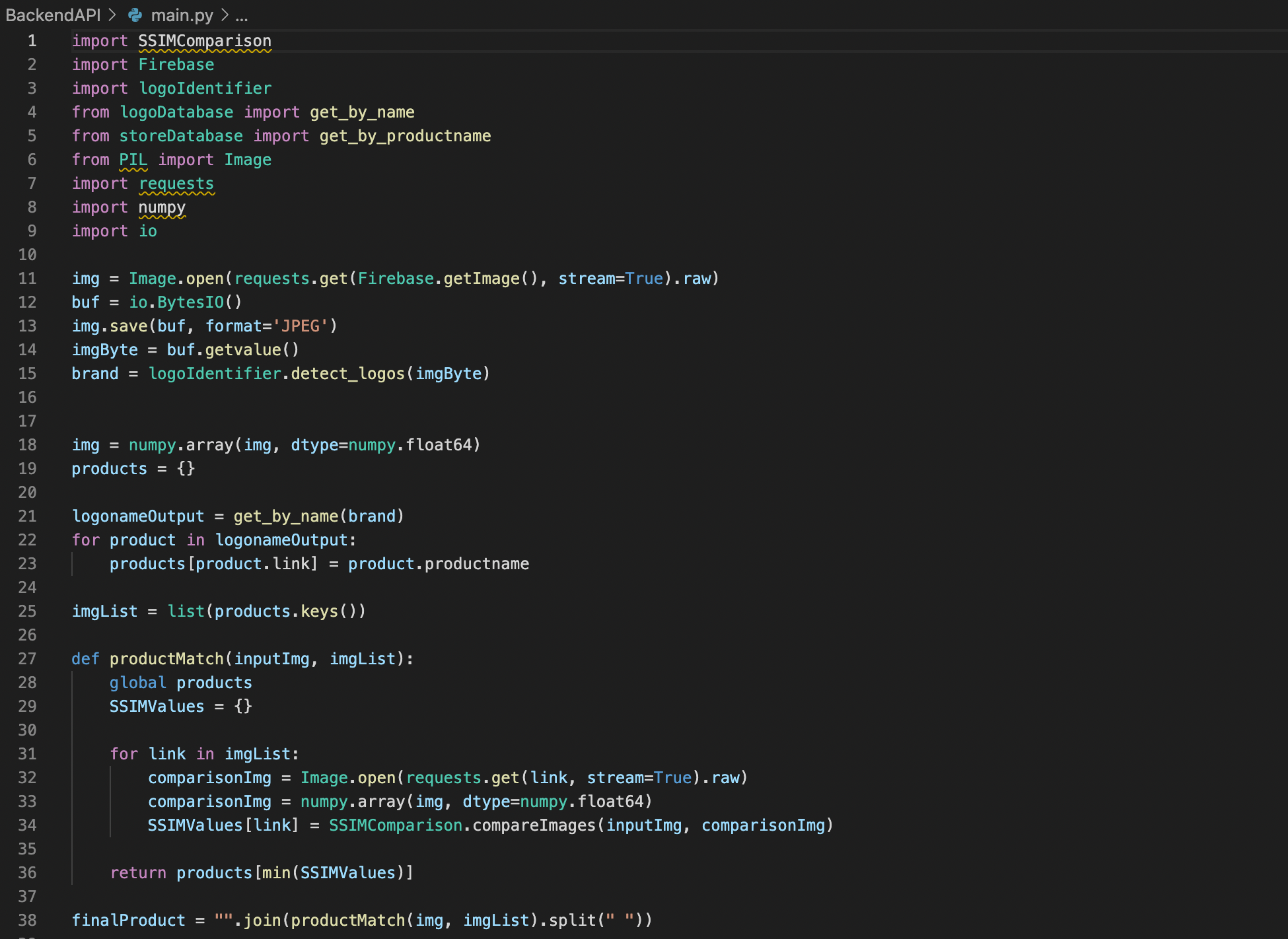
Image Processing System Code

Inspiration
As university students, we know that every dollar matters, and that even the smallest savings can go a long way. Coming from India, which has a system called Maximum Retail Price, which limits what a seller can charge for a product. After coming to Canada for university, we were shocked to find out that stores charged vastly different prices for the same product and thought of creating a system which gives a much better way of comparing prices and making an informed choice.
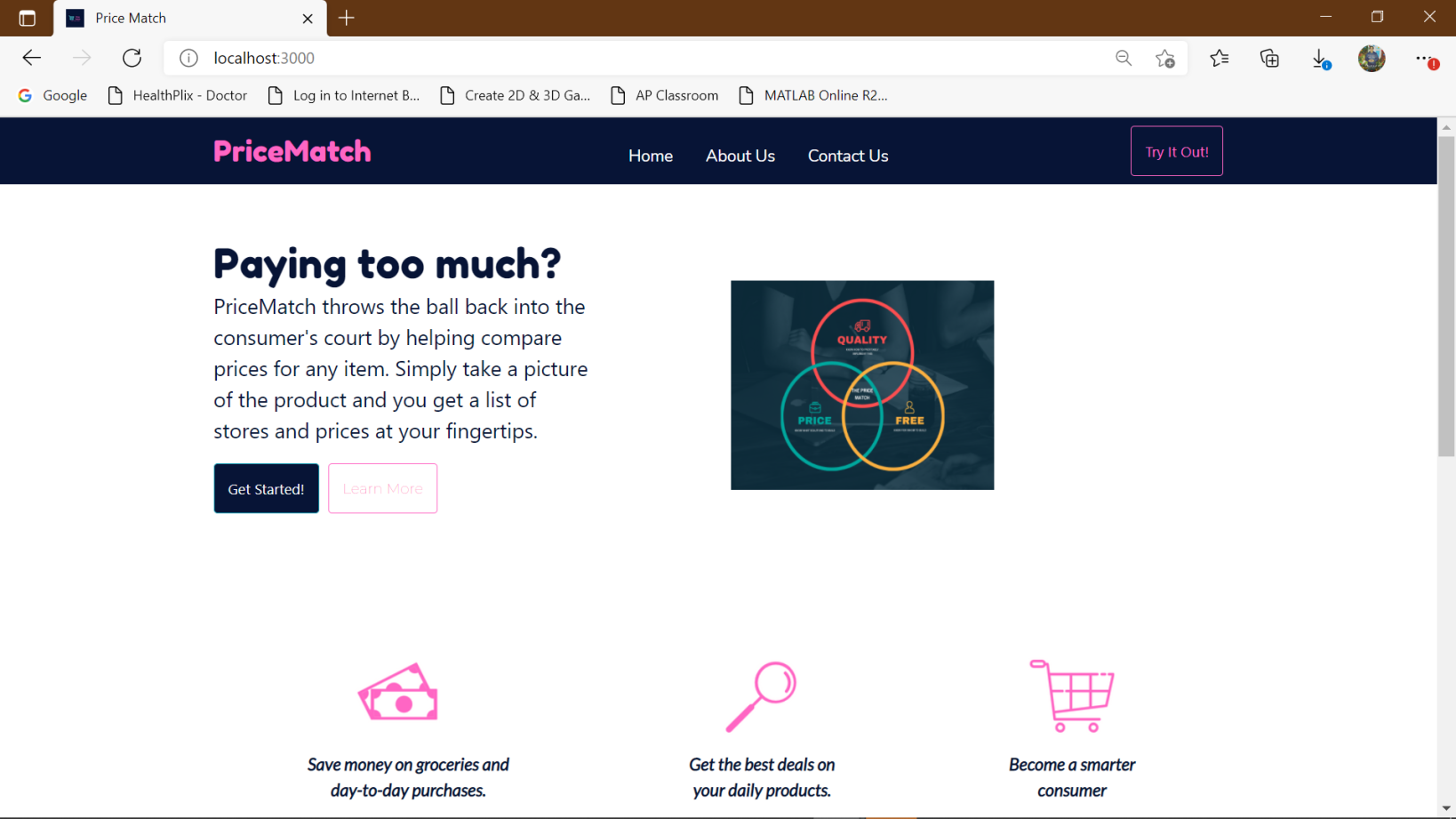
PriceMatch throws the ball back into the consumer's court by helping compare prices for any item. Simply take a picture of the product and you get a list of stores and prices at your fingertips.
What it does
A website where you can take a picture, or upload a picture of a product, and you get a list of stores and the respective prices of the product so you can compare and choose.
How we built it
The frontend of the website was built using React JS on top of HTML and CSS. The images were sent to the backend and stored using Firebase. The processing of the image was done using Google's CloudVision API and SciKit-Image in Python. The backend and the APIs required for the website were built using Flask, SqlAlchemy, stored on PostgreSQL on Heroku in Python as well.
Challenges we ran into
1) Initially, we tried to include functionality to take a picture on the website itself, however, we found it difficult to send the image to the backend as it was in the JPEG URL format. Finally, we decided to just have an upload system and scrapped the camera. 2) We had a recurring problem with the authentication of the Google CloudVision API. After trying several methods, we found success by setting the environment variable in the program itself using the os module in Python. 3) The image comparing using SciKit-Image had limitations with respect to the dimensions of the pictures being compared and the processing time. 4) The table output from the PostgreSQL was initially been given as class which could not be serialised and thus it took some time for us figure out how to convert the table output class to json using dataclasses inbuilt into Flask and Python.
Accomplishments that we're proud of
Given that we are very inexperienced and relatively new to Hackathon, we were pretty proud of the fact that we could conceptualise and build this project within 2 days despite some pretty significant problems that were faced. We were also pleased with the fact that we managed to efficiently coordinate remotely across multiple time zones.
What we learned
1) Firebase API 2) Effective delegation of tasks 3) A completely independent website 4) A proper configuration and setting up of APIs
What's next for PriceMatch
1) We understand that such an application is definitely more suited towards a mobile app, so we would definitely want to build an Android and/or iOS app for the same. 2) Currently, we use a combination of external APIs and libraries for the image processing but would like to use Tensorflow to build a bag of words model. 3)
Business Viability
1) We would like to set up a model more suitable for businesses using a subscription based app divided between premium and free members.
The subscription model layout includes several perks which can be laid out as follows:-
- An alert system which draws the user’s attention to any discount related to stores which may generally be privy to the customer.
- Personalized expense tracking and feedback based on behavioral spending.
- A coupon code system which could be brought forth with partnership with the stores.
- A partnership with stores which leads to the app getting a small percentage of the overall price based on the number of hits on a particular company’s post, kind of like affiliate links.
- A delivery system could also be set up which provides a better accessibility overall.
- Limit free users in terms of amount of usage per week, to increase premium sales.
Built With
- bootstrap
- css
- emailjs
- figma
- firebase
- firestore
- flask
- google-cloud-vision
- heroku
- html5
- javascript
- material-ui
- postgresql
- python
- react
- react-router-dom
- skimage
- styled-components


Log in or sign up for Devpost to join the conversation.