-
-
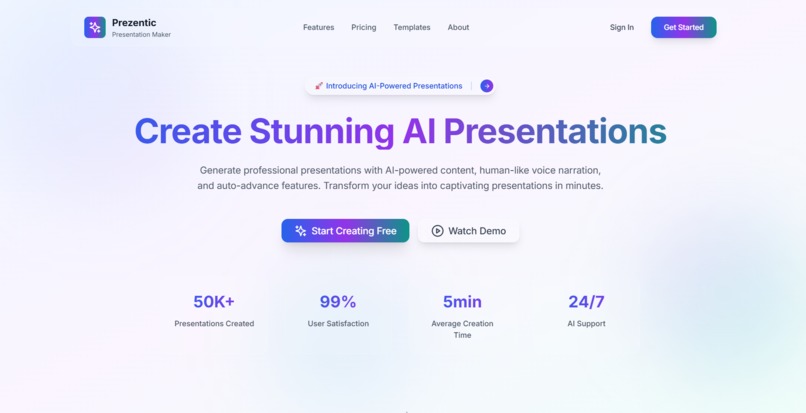
hero section
-
-
-
-
-
-
-
-
-
-
-

-



Inspiration
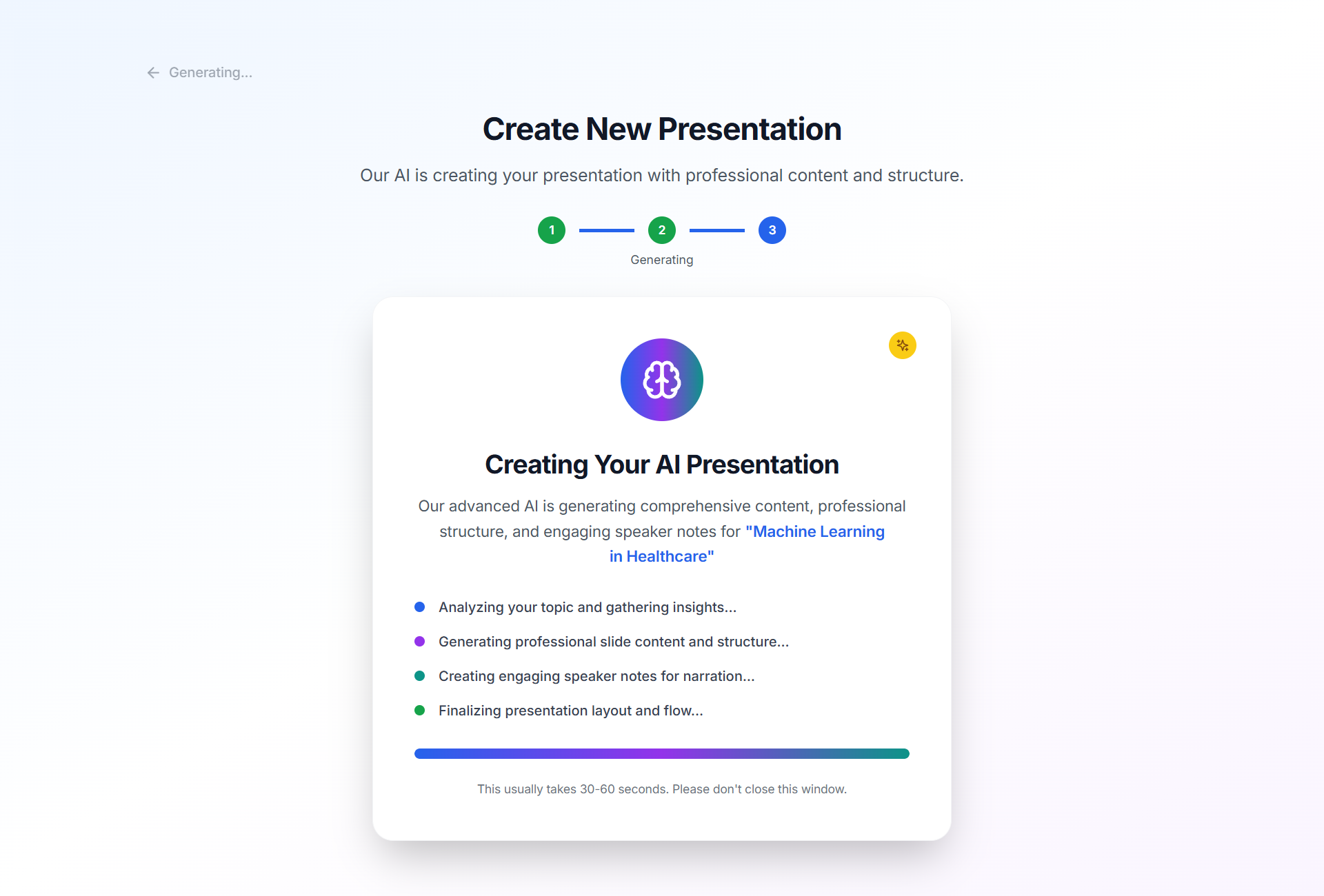
The inspiration for Prezentic stemmed from a common frustration: creating engaging and professional presentations is often a time-consuming and tedious process. Traditional methods involve hours of content creation, design adjustments, and rehearsing delivery. We envisioned a tool that could leverage the power of artificial intelligence to automate these mundane tasks, allowing users to focus on their core message and deliver it with impact. The rise of advanced large language models (LLMs) and realistic text-to-speech (TTS) technologies, particularly those capable of emotional nuance, presented a unique opportunity to bridge this gap and create a truly transformative presentation experience. We wanted to move beyond static slides and bring presentations to life with dynamic, AI-generated content and compelling, human-like narration.
What it does
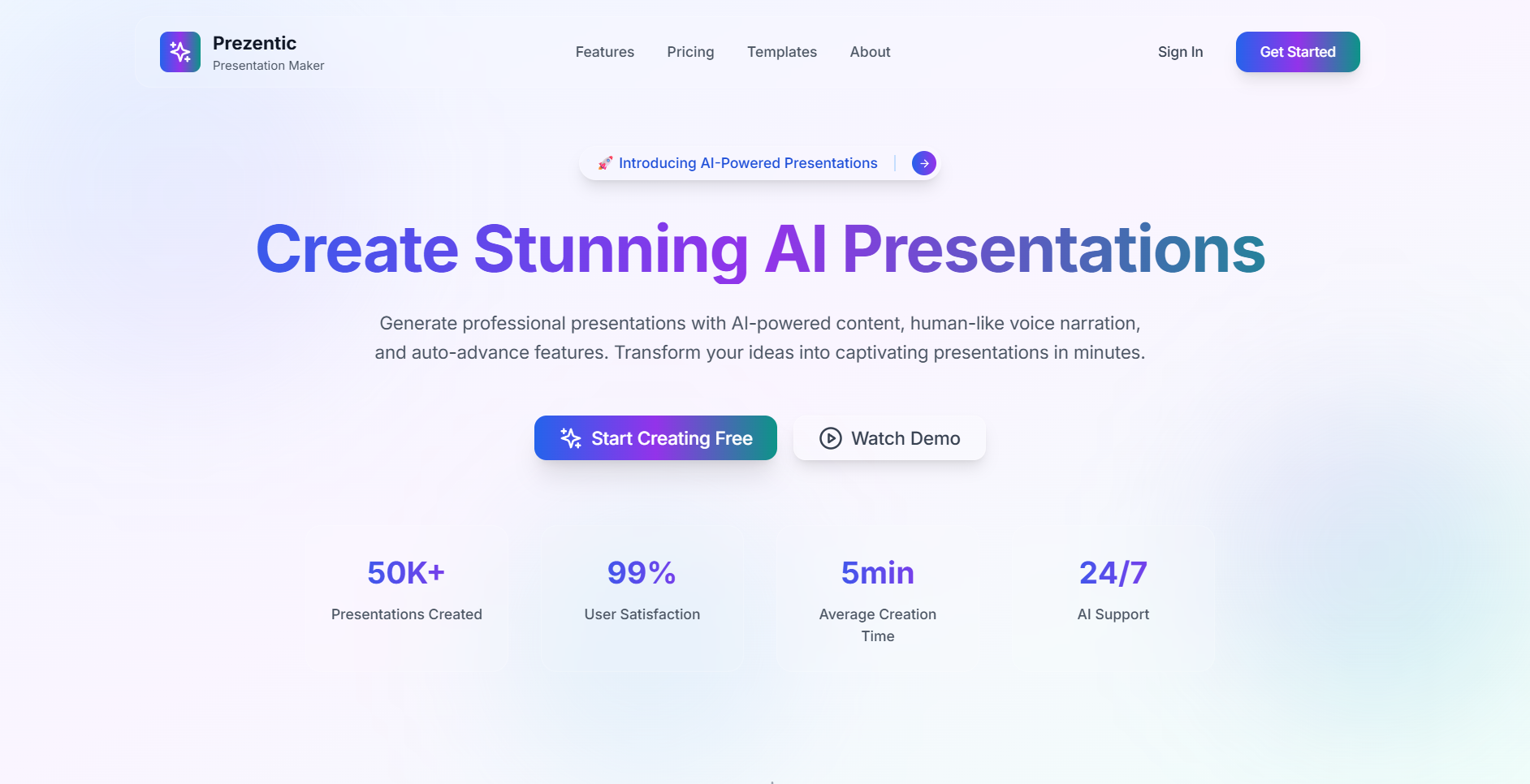
Prezentic is an AI-powered presentation builder designed to streamline the creation and delivery of professional presentations. Its core functionalities include:
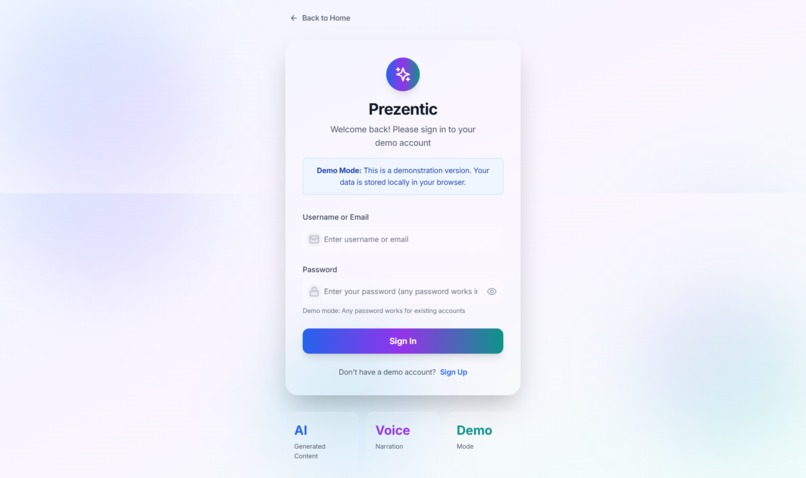
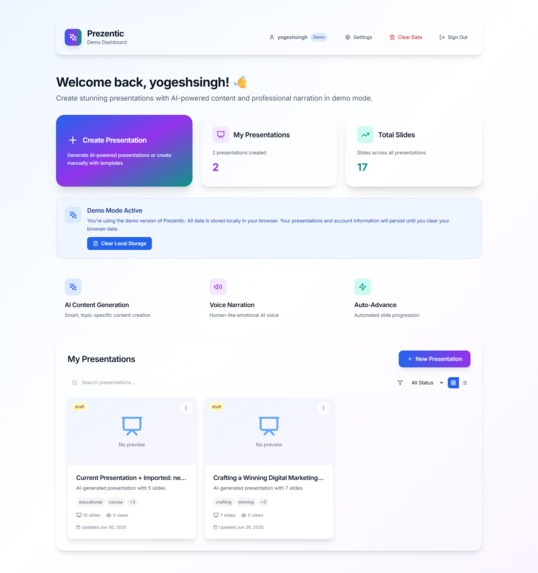
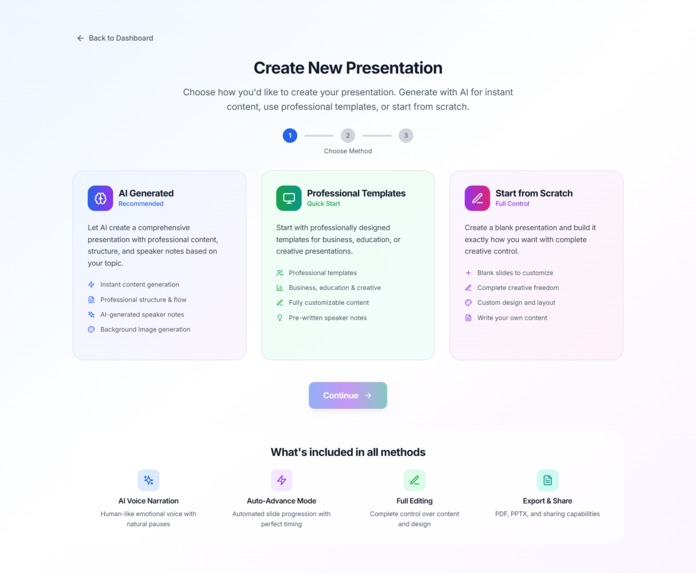
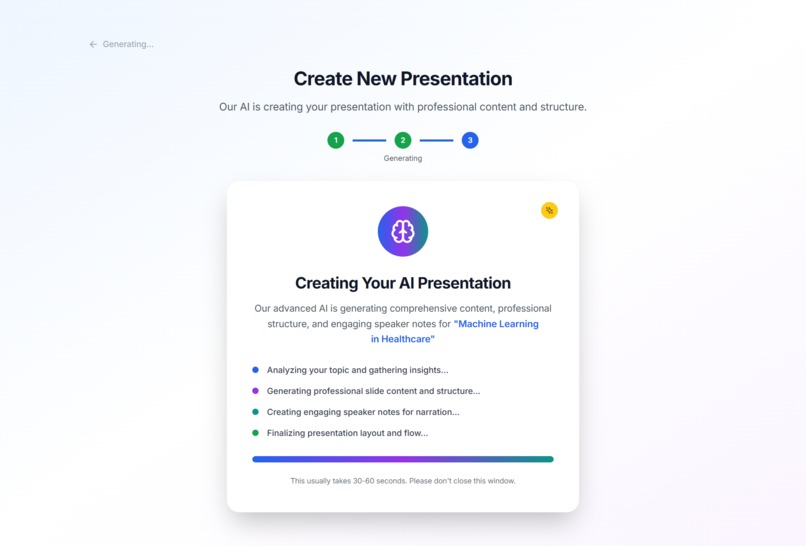
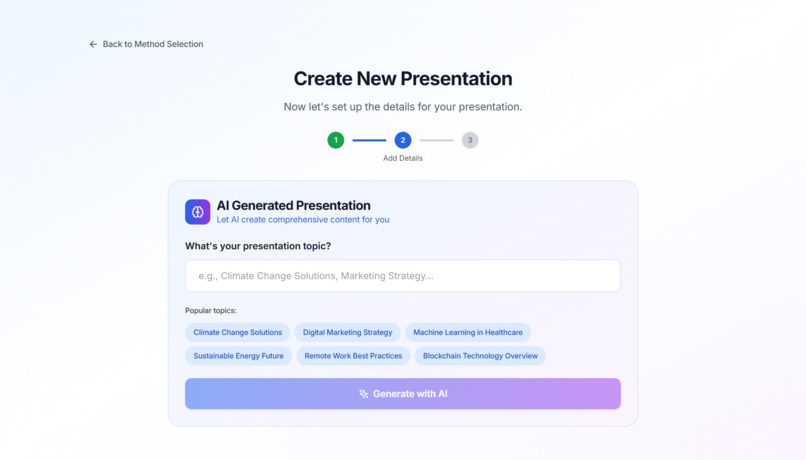
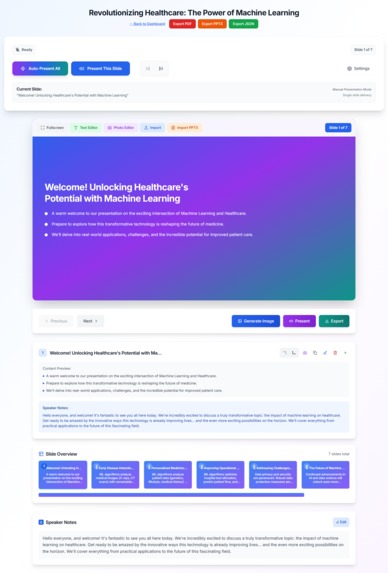
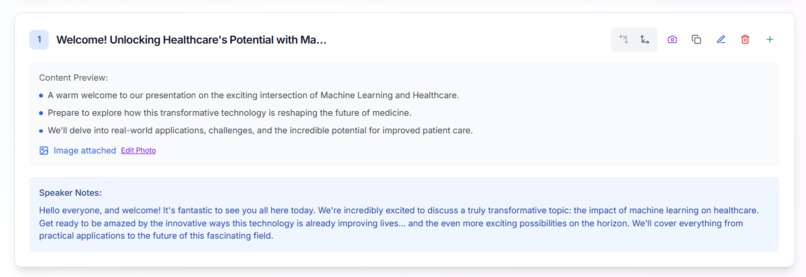
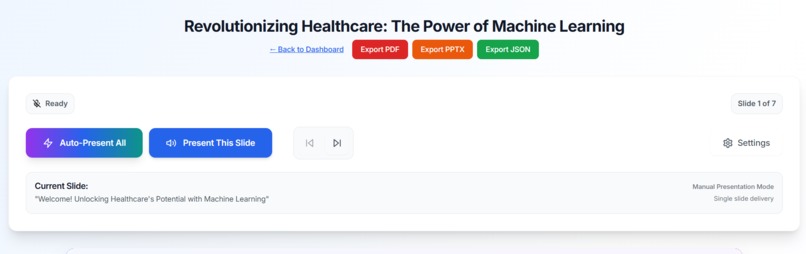
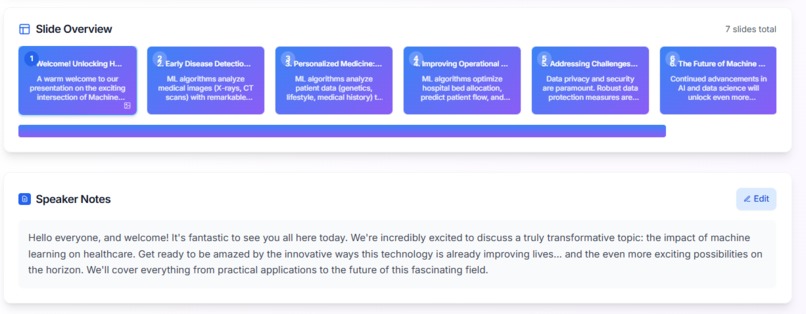
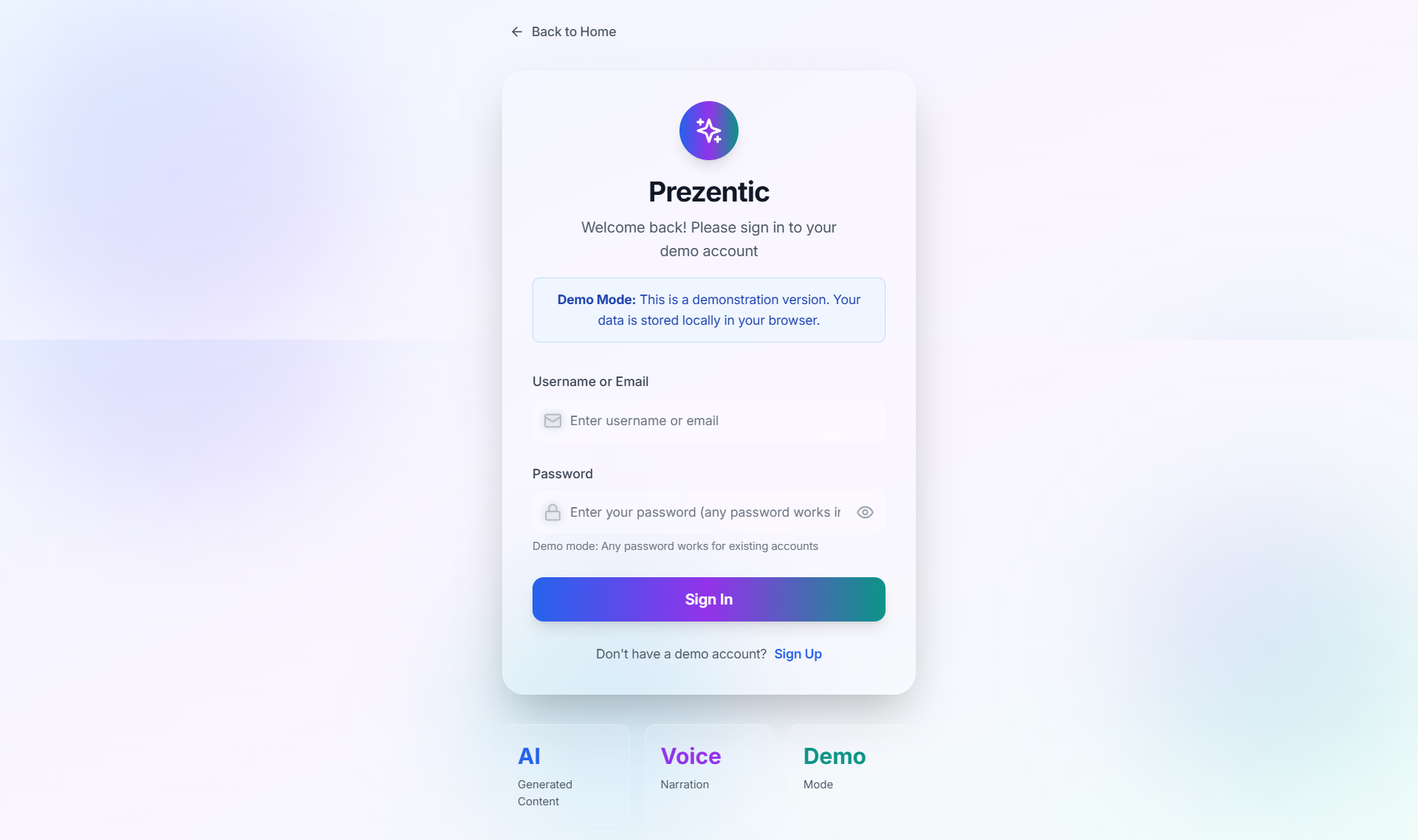
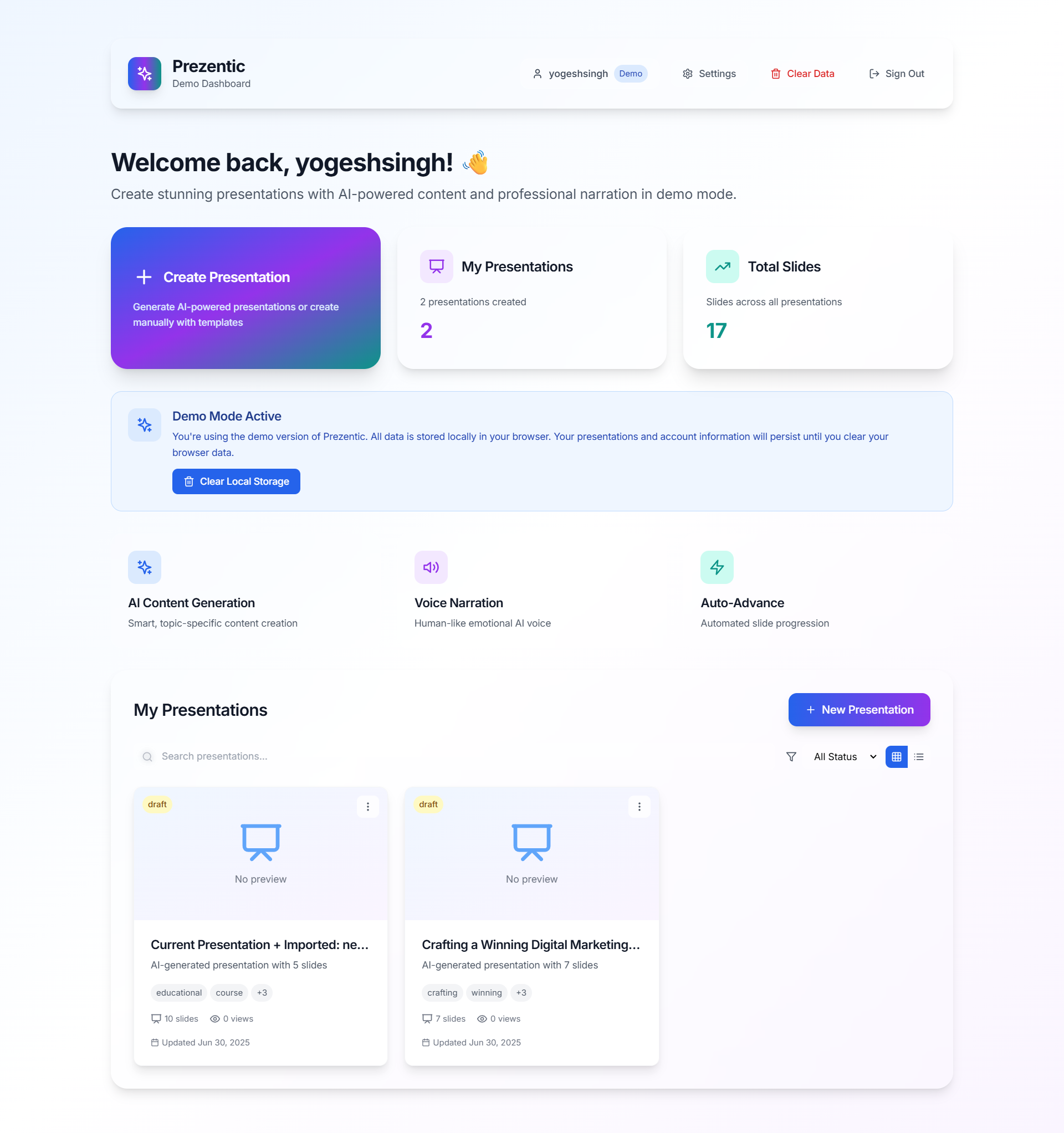
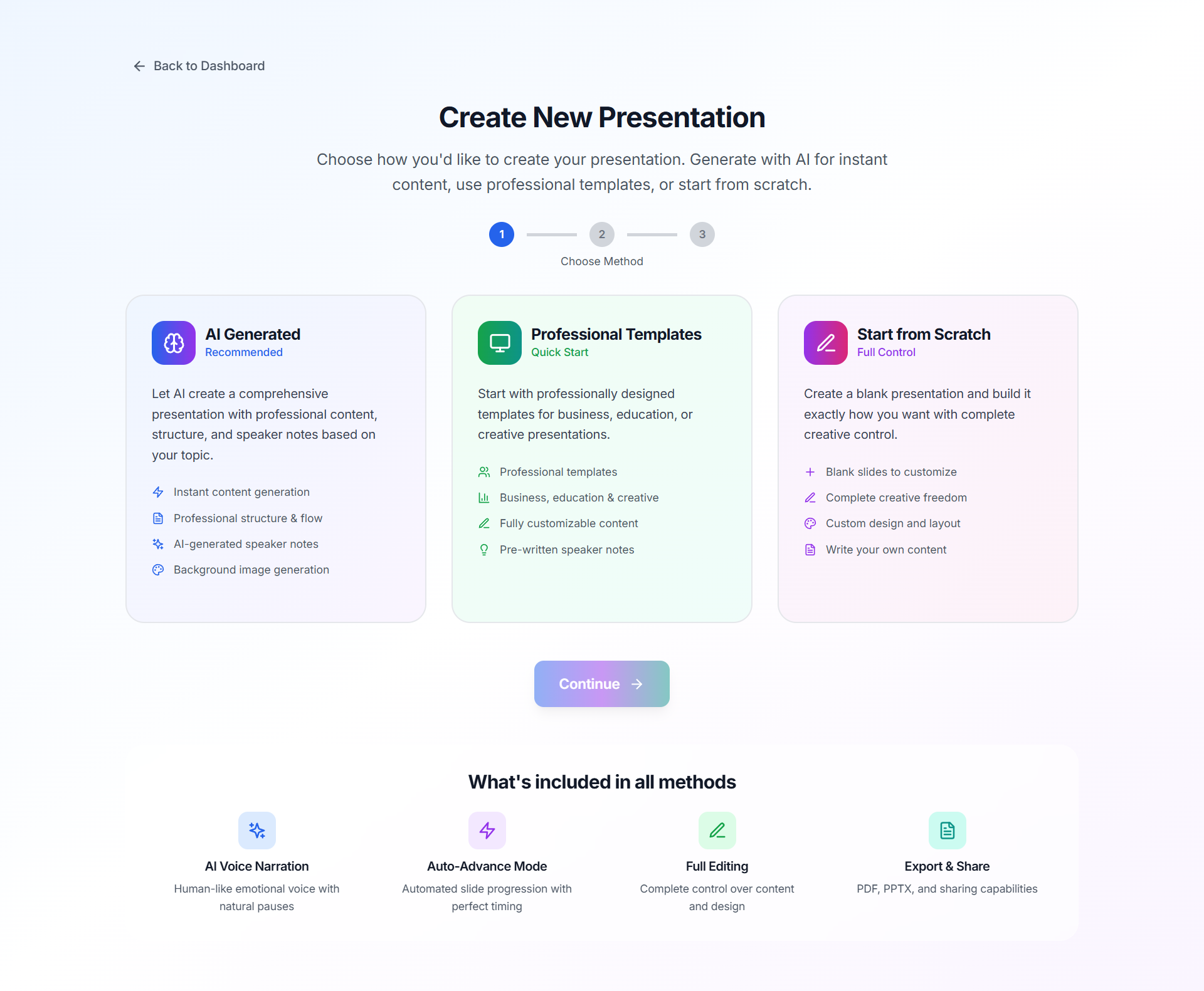
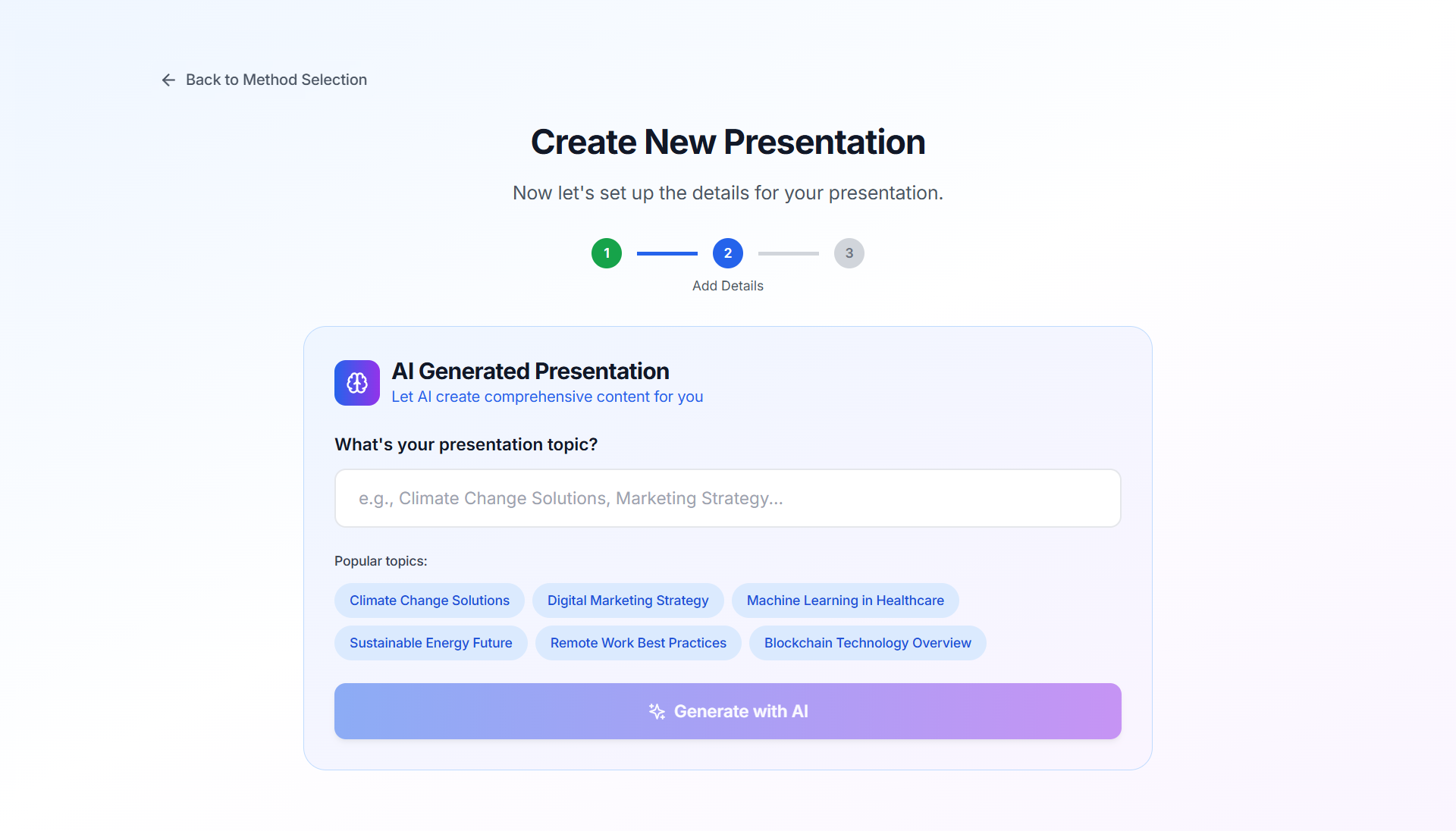
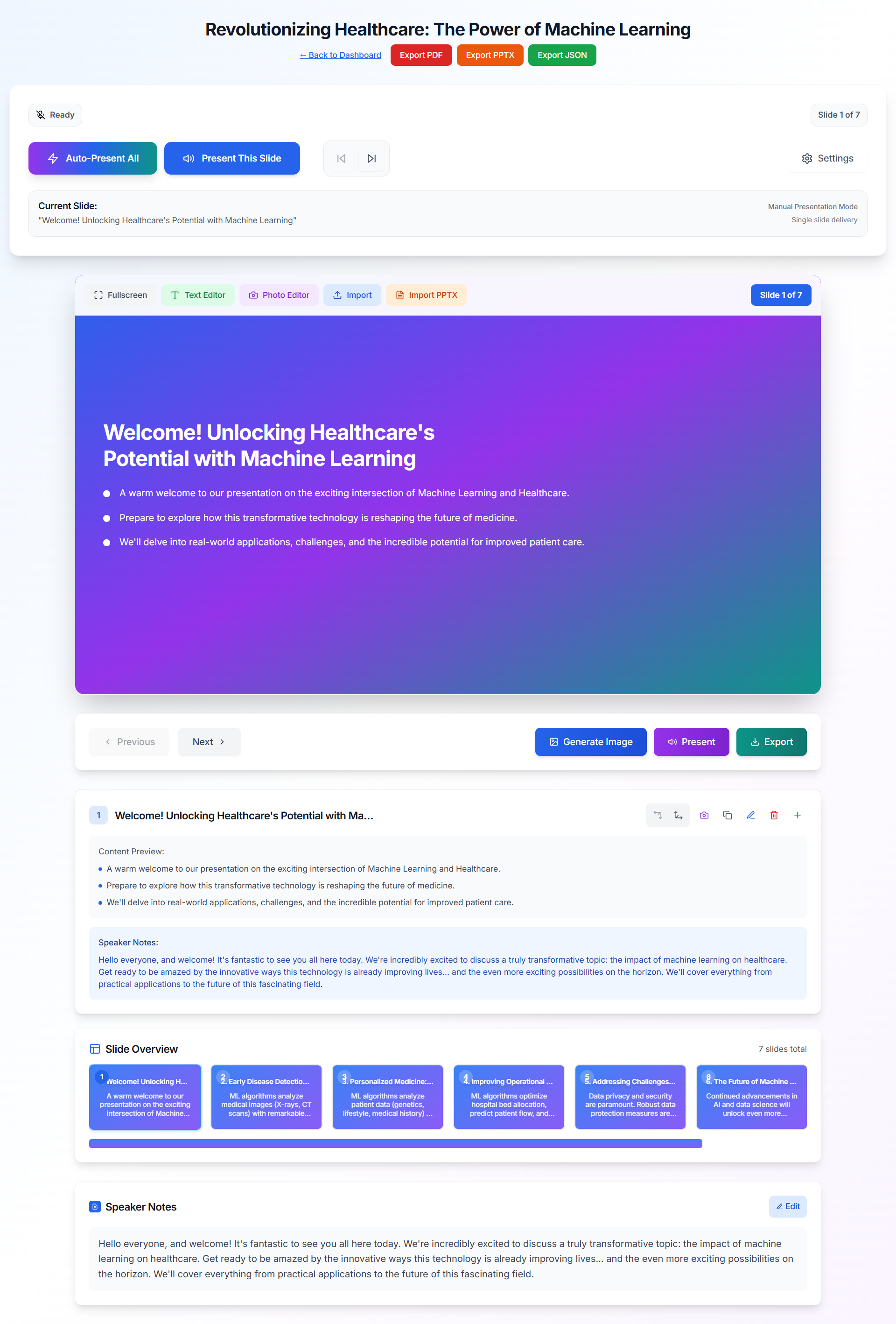
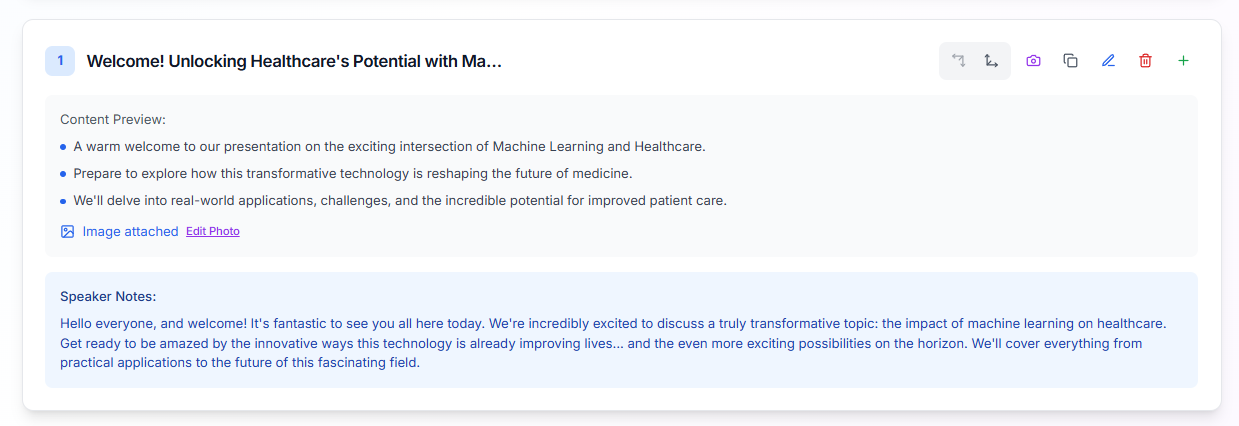
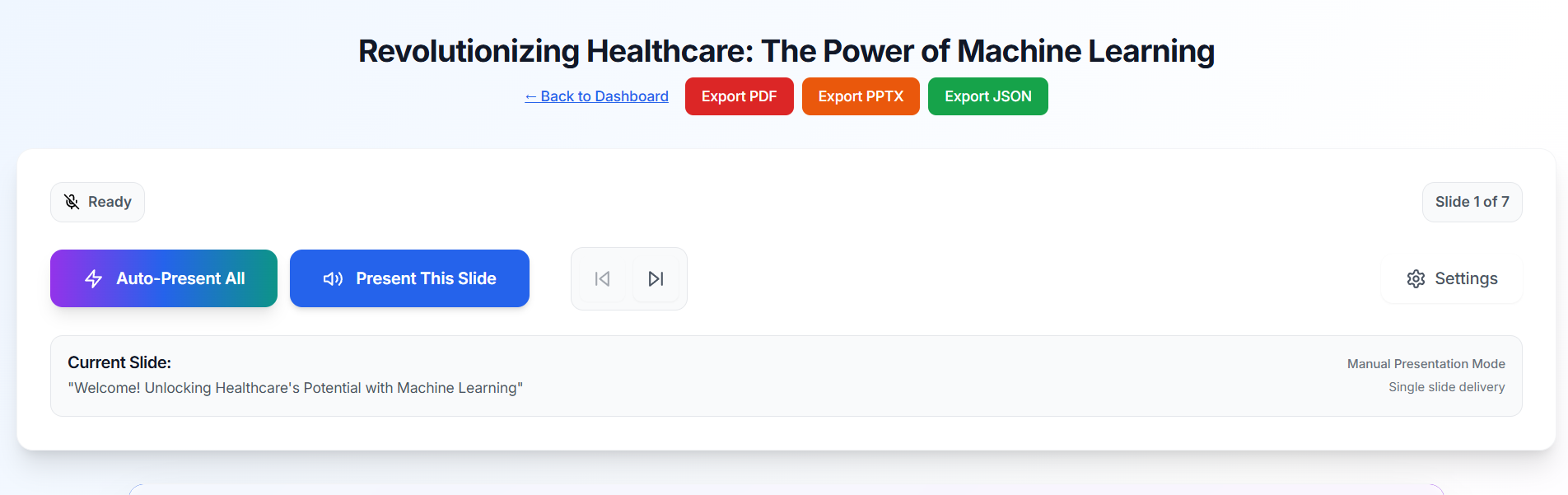
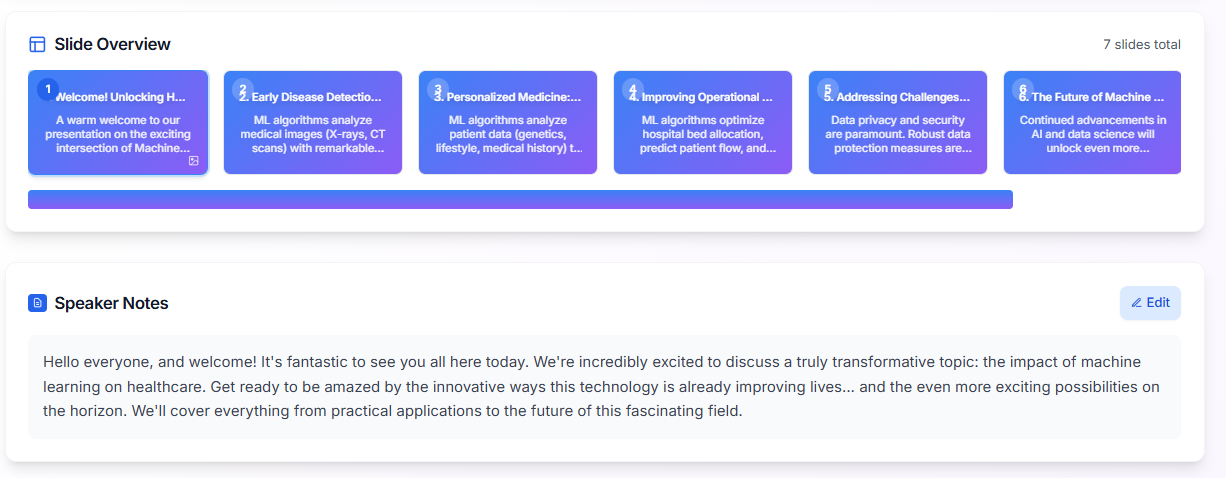
AI-Powered Content Generation: Users can simply provide a topic, and the AI (Google Gemini) generates a comprehensive presentation with a structured flow, compelling titles, detailed bullet points, and engaging speaker notes for each slide. AI Image Generation: For each slide, the AI can generate a subtle, professional background image tailored to the slide's title and content, ensuring visual coherence without distracting from the text. Human-like Voice Narration: Leveraging Vapi.ai, Prezentic provides realistic, emotionally nuanced voice narration for each slide's speaker notes. This includes natural pauses, varied tones, and emphasis, making presentations sound genuinely human. Auto-Advance Presentation Mode: For a seamless delivery, users can activate an auto-advance mode where the AI narrates each slide and automatically progresses to the next after a natural pause, ensuring perfect timing and flow. Comprehensive Manual Editing: Users have full control to edit slide titles, content bullet points, and speaker notes. A dedicated text editor allows for basic styling (font size, alignment, color, animation). Advanced Image Customization: A professional photo editor allows users to upload images, select from stock photos, or use AI-generated images, and then apply various styles, shapes, borders, shadows, and filters. Slide Management: Users can easily add, delete, duplicate, and reorder slides, providing flexibility in structuring their presentations. Template Usage: Pre-designed professional templates are available to kickstart presentation creation, offering a structured starting point for various use cases. Flexible Export Options: Presentations can be exported in multiple formats, including a fully editable PowerPoint (.pptx) file, ensuring compatibility and shareability. Demo Authentication & Storage: The application includes a demo authentication system and local storage for presentations, allowing users to experience the full functionality without needing a persistent backend.
How we built it
Prezentic was built as a modern web application using a robust and efficient technology stack:
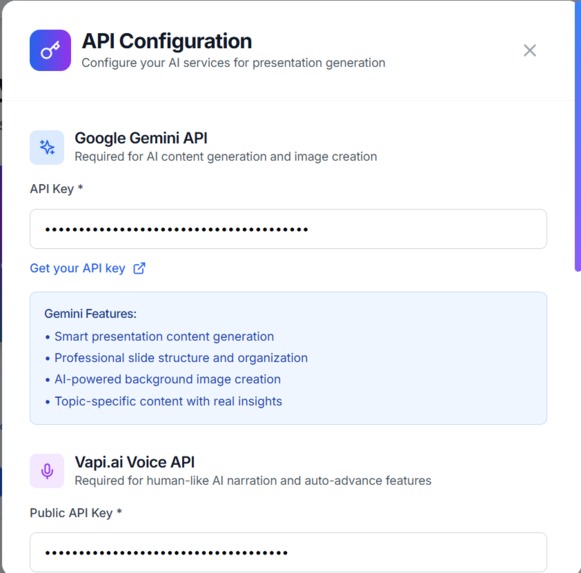
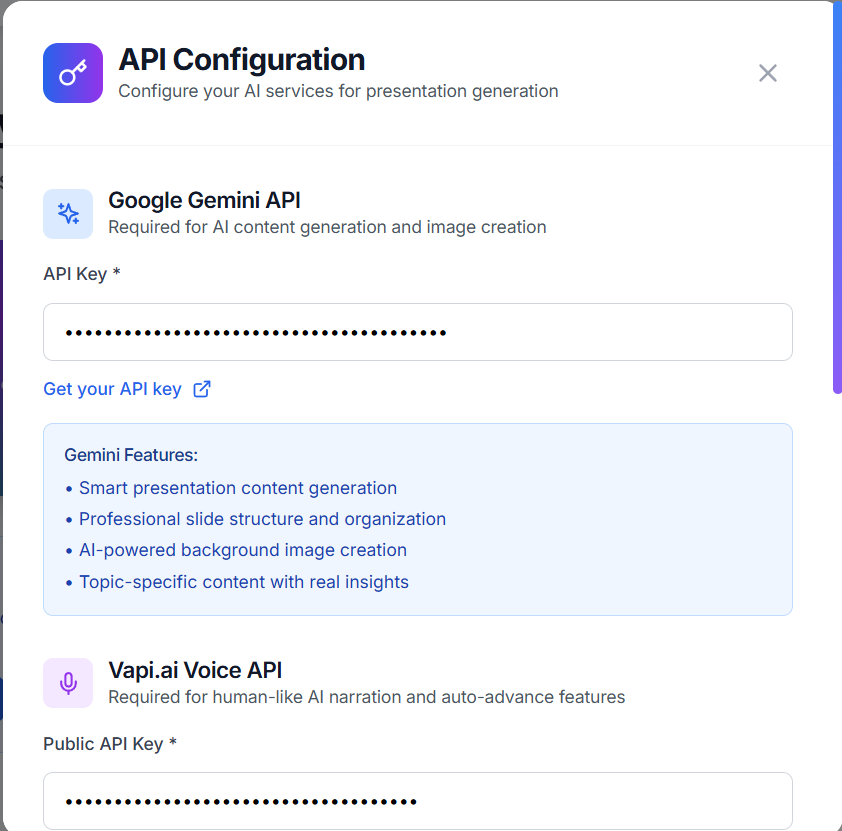
Frontend: The user interface is developed with React and TypeScript, providing a component-based architecture for a dynamic and responsive experience. Tailwind CSS is used for rapid and consistent styling, ensuring a clean and professional aesthetic. Lucide React provides a comprehensive set of icons used throughout the application. AI Integration: **Google Gemini API: This powerful LLM is directly integrated into the client-side for generating presentation content (titles, bullet points, speaker notes) and creating subtle background images based on slide context. **Vapi.ai: This real-time voice AI platform is used for the human-like narration. It takes the speaker notes and delivers them with emotional intelligence, natural pauses, and varied speech patterns. Presentation Export: PptxGenJS is utilized for generating actual PowerPoint (.pptx) files directly in the browser, allowing users to download and further edit their presentations in Microsoft PowerPoint or other compatible software. **Build Tool: Vite serves as the build tool, offering a fast development server and optimized production builds. **Data Storage (Demo): For the demo version, user authentication and presentation data are managed using localStorage in the browser. This provides a persistent experience for individual users without requiring a backend database. **Deployment*: The application is designed for static site deployment, primarily targeting Netlify. The decision was made to shift AI API calls directly to the client-side to simplify deployment and eliminate the need for a separate backend server in production.
Challenges we ran into
Building Prezentic presented several interesting challenges:
Inconsistent AI Response Parsing: Initially, the Gemini API sometimes returned responses that were not perfectly formatted JSON, or included extraneous text before/after the JSON. This required implementing robust parsing logic, including regular expressions to extract the JSON string and comprehensive validation to ensure the parsed data matched the expected Presentation and Slide interfaces. Fallback mechanisms were crucial to provide a graceful degradation if parsing failed.
Real-time Voice AI Integration (Vapi.ai): Integrating Vapi.ai for seamless, real-time narration with precise word highlighting and auto-advance logic was complex. Managing the call lifecycle, handling speech-start and speech-end events, and accurately tracking word progress for highlighting required careful state management and event handling. Ensuring natural pauses between slides in auto-advance mode, while also allowing for immediate manual slide changes, demanded intricate logic to prevent audio overlaps or abrupt cutoffs.
AI Image Generation for Backgrounds: Guiding the AI to generate subtle, abstract background images suitable for text overlay, rather than prominent focal images, was challenging. Crafting precise prompts with negative constraints and specific design requirements was key to achieving the desired aesthetic.
Deployment Strategy Shift: Initially, the project used a Node.js Express backend to proxy AI API calls. However, during deployment to Netlify, we encountered ERR_CONNECTION_REFUSED errors because the server wasn't running in the Netlify environment as expected for a static site. This led to a significant architectural decision: refactor the AI API calls to be made directly from the client-side. This change simplified the deployment process significantly, making the application fully client-side and deployable as a static site.
PPTX Export in Browser: Integrating pptxgenjs to generate actual PowerPoint files in the browser required understanding its API and handling potential issues with image embedding (especially base64 data URLs) and font rendering. Ensuring the generated PPTX files were truly editable and compatible with presentation software was a key validation point.
Demo Mode Limitations: Implementing a robust demo mode using localStorage for user authentication and presentation storage meant carefully managing data persistence and retrieval within the browser's limitations, without the benefits of a real database or server-side logic for complex queries or user management.
Accomplishments that we're proud of
We are particularly proud of several key accomplishments in Prezentic:
Seamless AI-Driven Creation: The ability to generate a complete, structured presentation with content and speaker notes from a single topic input is a major achievement, significantly reducing the time and effort required for initial drafts.
Realistic, Emotional AI Voice Narration: The integration of Vapi.ai to provide human-like, emotionally engaging voice narration with real-time word highlighting is a standout feature that truly elevates the presentation experience. It transforms static text into a dynamic, engaging delivery.
Robust Auto-Advance Mode: The intelligent auto-advance feature, which seamlessly transitions between slides with natural pauses after narration, provides a professional and hands-free presentation experience.
Comprehensive In-Browser Editing: Offering extensive editing capabilities directly within the browser, including text content, image customization, and full slide management, empowers users to fine-tune every aspect of their presentation.
Direct PPTX Export: The successful implementation of direct PPTX file generation in the browser ensures that users can take their AI-generated presentations and continue working on them in industry-standard software.
Fully Client-Side Architecture: Successfully refactoring the application to be entirely client-side, making it highly portable and easily deployable as a static site, was a significant architectural accomplishment.
What we learned
Throughout the development of Prezentic, we gained valuable insights:
Power of LLMs for Structured Content: We learned how to effectively prompt and parse responses from LLMs like Gemini to generate highly structured and coherent content, moving beyond simple text generation to create complex data objects like presentations.
Nuances of Real-time Voice AI: We deepened our understanding of integrating real-time voice AI, particularly the challenges of synchronizing speech with visual elements (like word highlighting) and managing the complexities of call states and audio streams for a smooth user experience.
Importance of Robust Fallbacks: We learned the critical importance of implementing comprehensive error handling and fallback mechanisms, especially when relying on external APIs. This ensures a resilient application that can still provide value even if an external service encounters issues or returns unexpected data.
Client-Side Deployment Advantages: We gained practical experience in optimizing a web application for fully client-side deployment, understanding when this architectural choice is beneficial for simplicity, scalability, and ease of hosting.
Effective React State Management: Managing complex application state, particularly across multiple components (e.g., presentation data, narration status, editing modes), reinforced best practices in React state management and component communication.
What's next for Prezentic – AI Presentation Builder with Realistic Narration
For the future of Prezentic, we envision several exciting enhancements:
Advanced Slide Layouts & Design Customization: Expanding the range of pre-defined slide layouts and offering more granular control over design elements, including custom themes, font pairings, and color palettes, to provide even greater creative freedom.
Integration with More AI Models: Exploring and integrating other specialized AI models for specific tasks, such as data visualization generation, advanced content summarization, or even generating interactive elements within slides.
Enhanced Collaboration Features: Implementing real-time collaboration capabilities, allowing multiple users to work on the same presentation simultaneously, complete with commenting and version history. Broader Export & Integration Support: Adding support for more export formats and direct integrations with popular presentation platforms like Google Slides, Canva, or even video export options. User Analytics & Presentation Insights: Providing users with analytics on their presentations, such as audience engagement metrics, popular slides, or areas for improvement based on AI analysis.
Full Backend Integration: Moving beyond demo mode to a full-fledged backend with user accounts, cloud storage for presentations, and potentially advanced features like team management and premium content.
Interactive Elements: Allowing users to embed interactive elements like polls, quizzes, or live Q&A sessions directly into their presentations.
Built With
- api
- bolt.new
- css
- framer
- gemini
- localstorage
- lucide
- motion
- netlify
- pptxgenjs
- react
- tailwind
- typescript
- vapi.ai
- vite


Log in or sign up for Devpost to join the conversation.