-
-
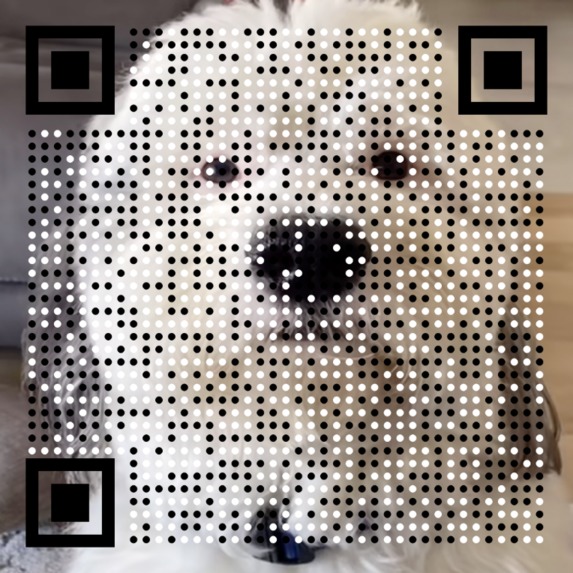
Produced with Prettify QR
-
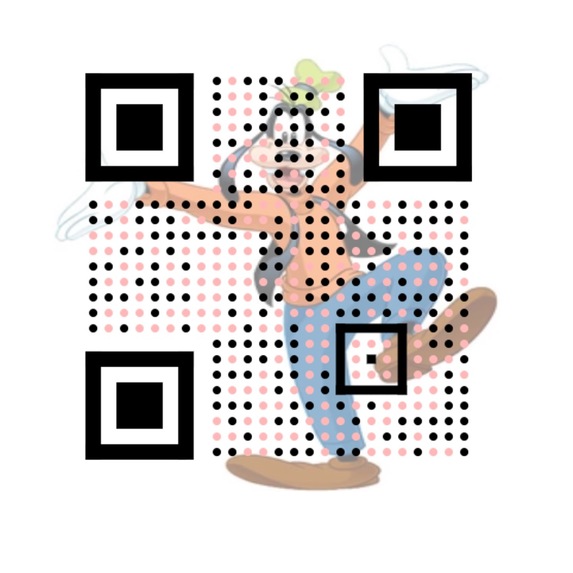
Produced with Prettify QR
-
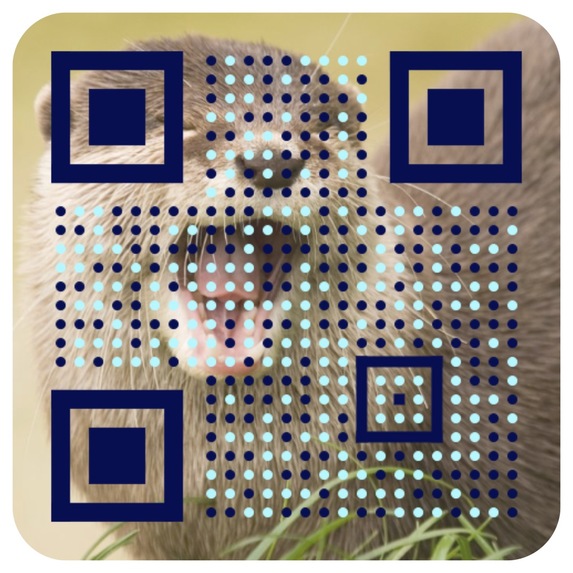
Produced with Prettify QR
-
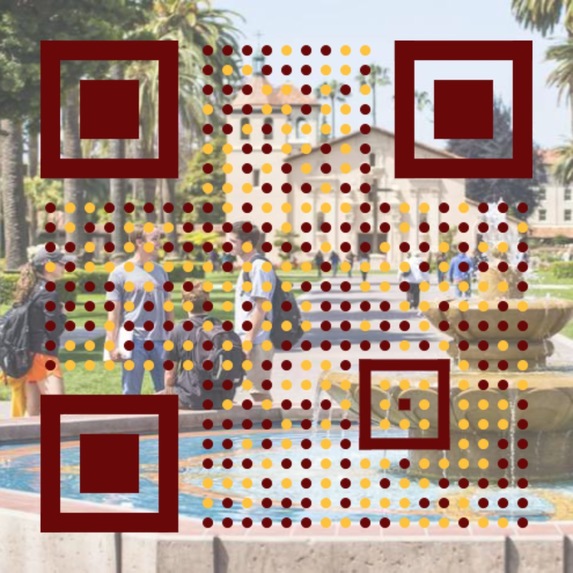
Produced with Prettify QR
Inspiration
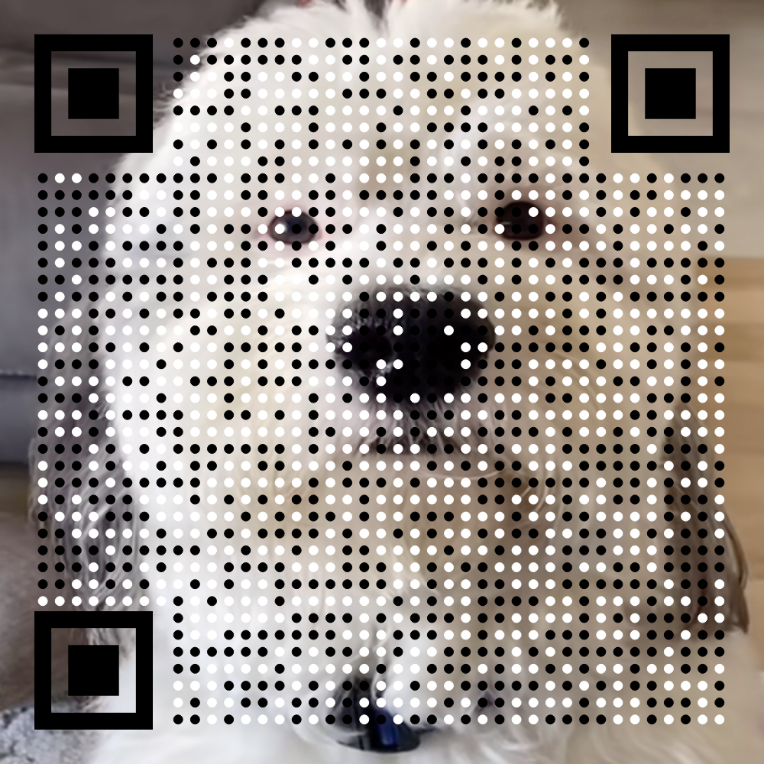
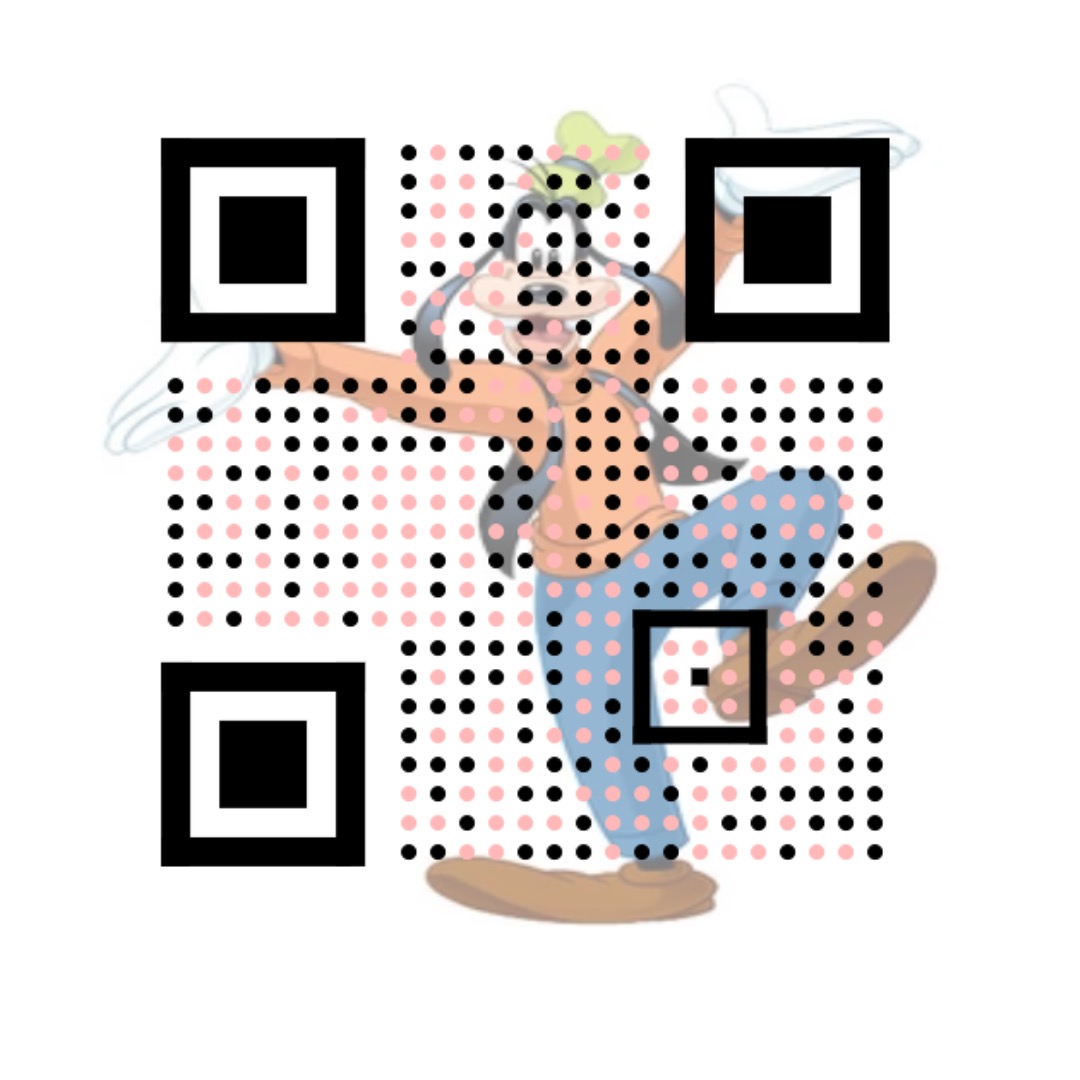
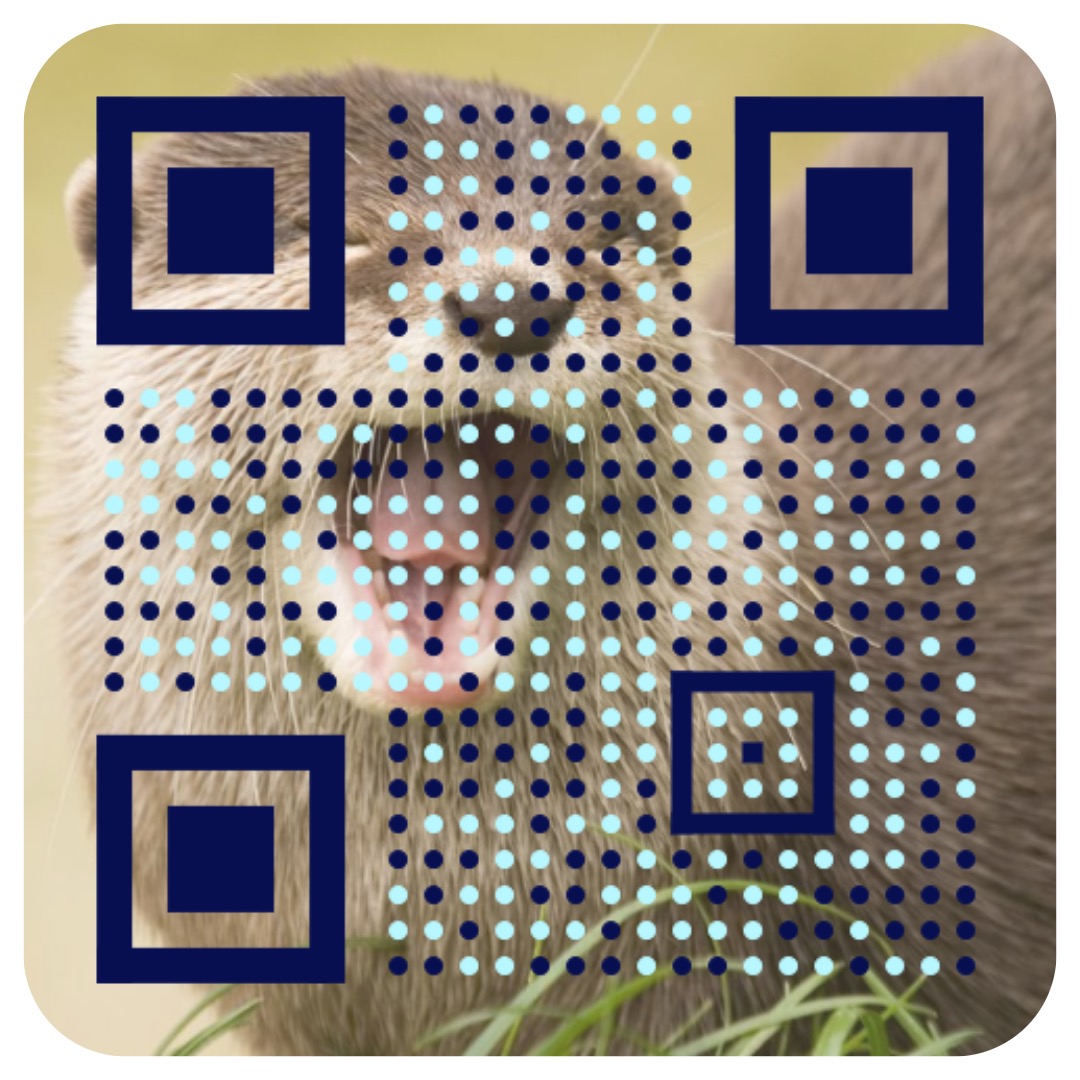
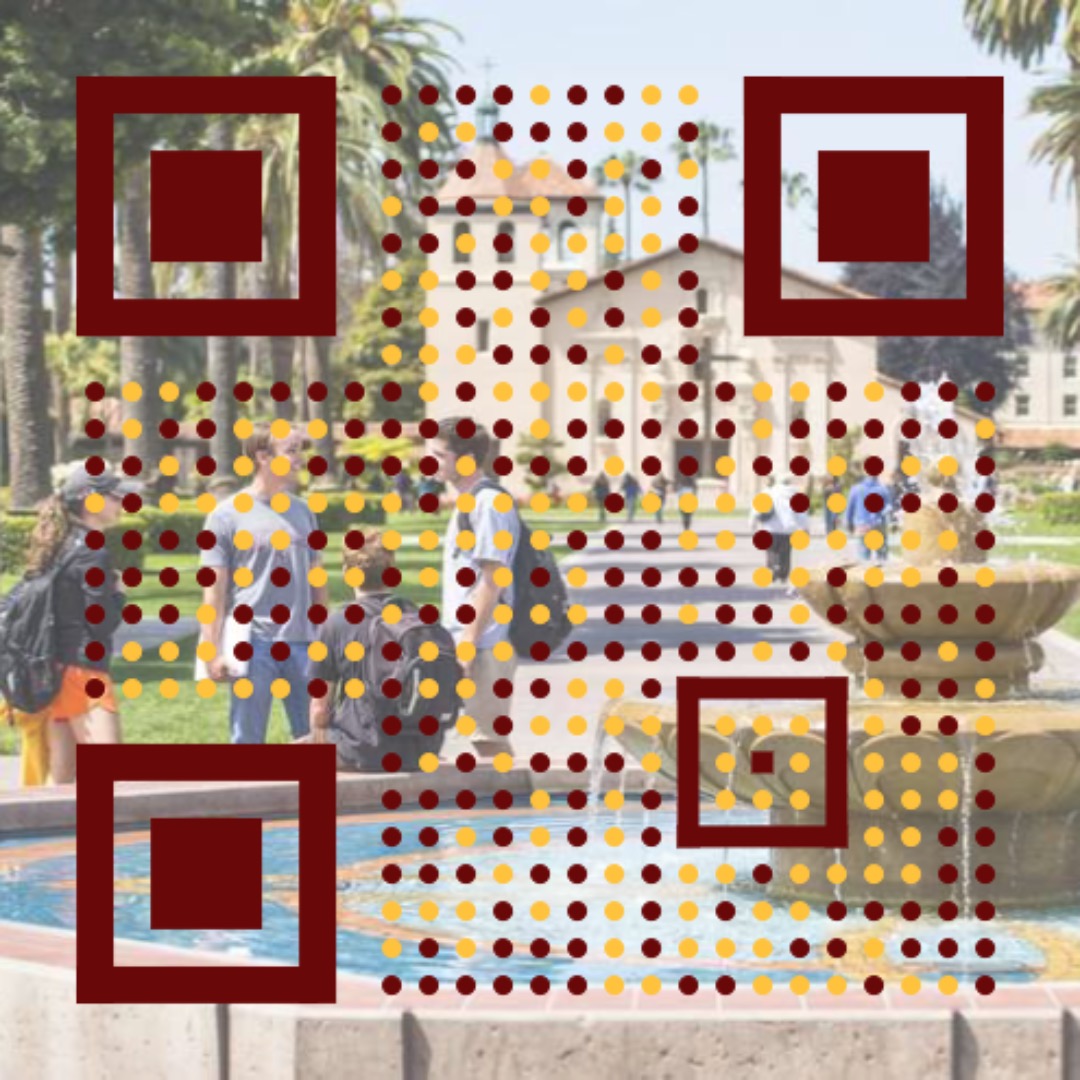
At the beginning of the Hackathon, we saw the QR codes sitting there on the screen. One of our ideas was to prettify QR codes. We wanted to put a fun background and vibrant colors on a QR code so that they were appealing to look at; we thought it could give a more appealing context to what the QR code directs to.
What it does
This Adobe Express add-on has the option to either take user prompts and turn it into a inviting QR code or have the user upload an image to stylize it into a pleasant QR code. Our add-on utilizes Chat GPT to take the creative direction of the user and generate a QR code that embodies their vision.
How we built it
We added on to the Javascript, CSS and HTML files that the Adobe Express developer package provides for us for the add-on implementation. We registered for an Open AI API so that we could incorporate an AI generated QR code based on user prompting. We also coded the image uploader with Python to include a background and specific color set of the QR code design itself. We then painstakingly styled the user interface on the Adobe Express add-on page.
Challenges we ran into
When styling the Add-on in Adobe Express, one of the team members tried incorporating the Spectrum Web Components but ran into a lot of trouble trying to get the code to display in Adobe Express. We then scrapped that and started all over with CSS incorporating spectrum as a class rather than an imported file. We also had trouble reading the image files with pure Javascript and with QR codes in general. We learned more about the error correction, the timing pattern, and all the other components that go into the development of a QR code. It was a bit a learning curve, but now we know how QR codes are structured.
Accomplishments that we're proud of
We are proud of this whole project. We not only were able to implement a practical add-on, but we also had fun coding it together. It was a group learning process and we hope to take these skills into our futures.
What we learned
We learned that we can do anything we set our mind to and infuse our knowledge into our product. We learned how to use new development tools in a short period of time, working through the bugs and learning how to work with different elements of each language. Overall, we learned a lot about QR codes and how to make them.
What's next for Prettify QR
The future of Prettify QR involves adding more customizability to the QR code, such as editing the picture more easily. We also see the addition of a menu to choose the specific QR code components, such as QR code monkey. If we had more time, we would have AI generate art as on option for the image upload. We also would take more time to make the UI look prettier and make the program run on its own server instead of our own local machines.
Built With
- css
- html
- javascript
- openaiapi
- python
- qrcodemonkeyapi
- spectrum

Log in or sign up for Devpost to join the conversation.