Inspiration
When I first saw Pretext, I felt that it exposed a missing capability of the web: a paragraph could be measured and laid out with enough precision to become part of an interaction, rather than just a block sitting beside one.
I built pretext-flow to make that capability reusable in code. Then I kept asking a different question: what about the person who wants to explore the idea before writing a custom implementation?
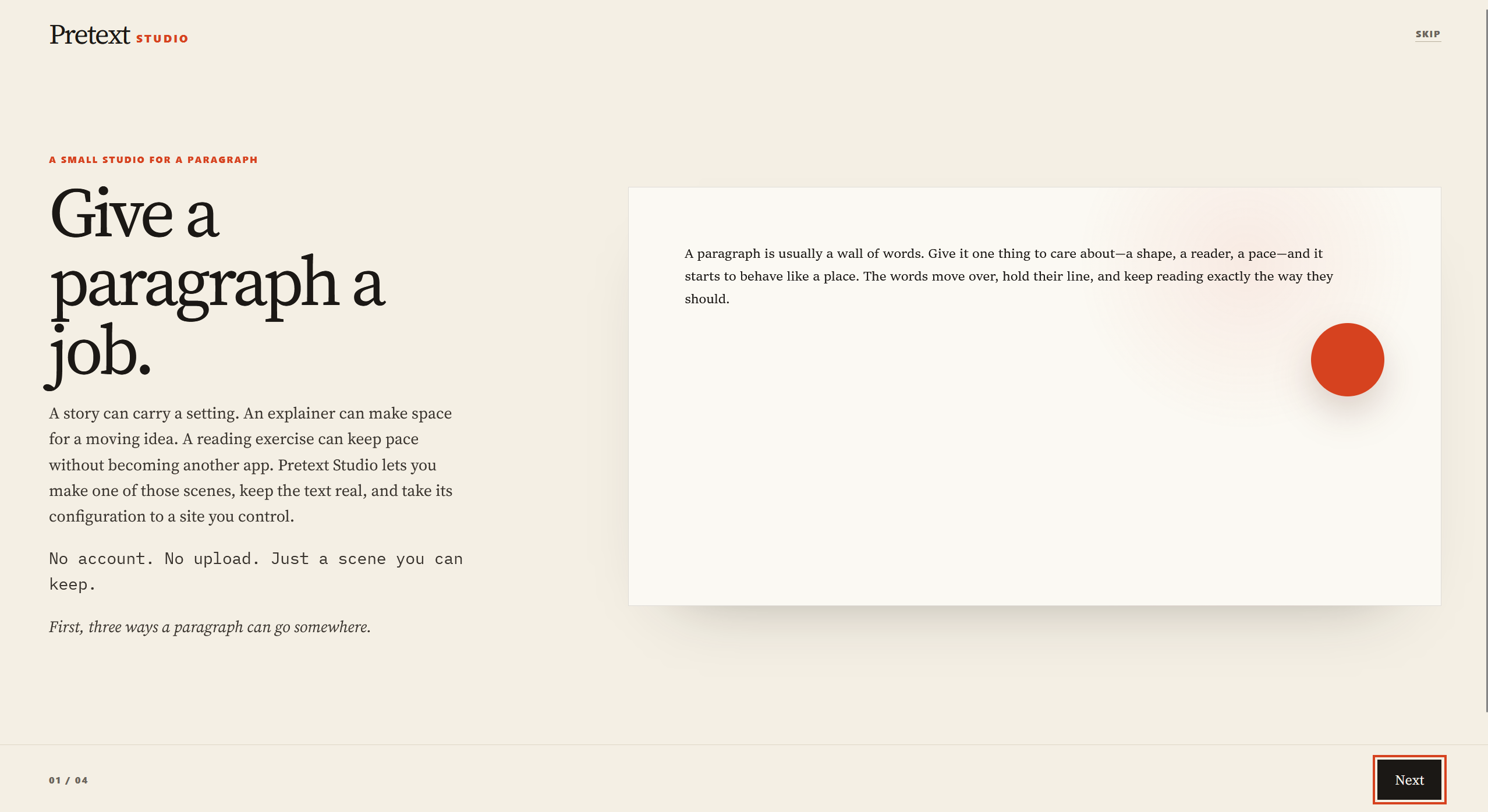
Pretext Studio is my answer. It is a small browser studio for creative developers, editorial designers, educators, and curious authors who want to make text move with purpose without turning it into a screenshot, a gimmick, or a hosted platform they do not control.
What it does
Start with a real passage. Studio lets it do one meaningful thing:
- flow around a form or author-provided image;
- respond to a reader through a deliberate text behavior;
- become a reading surface that guides pacing and rehearsal.
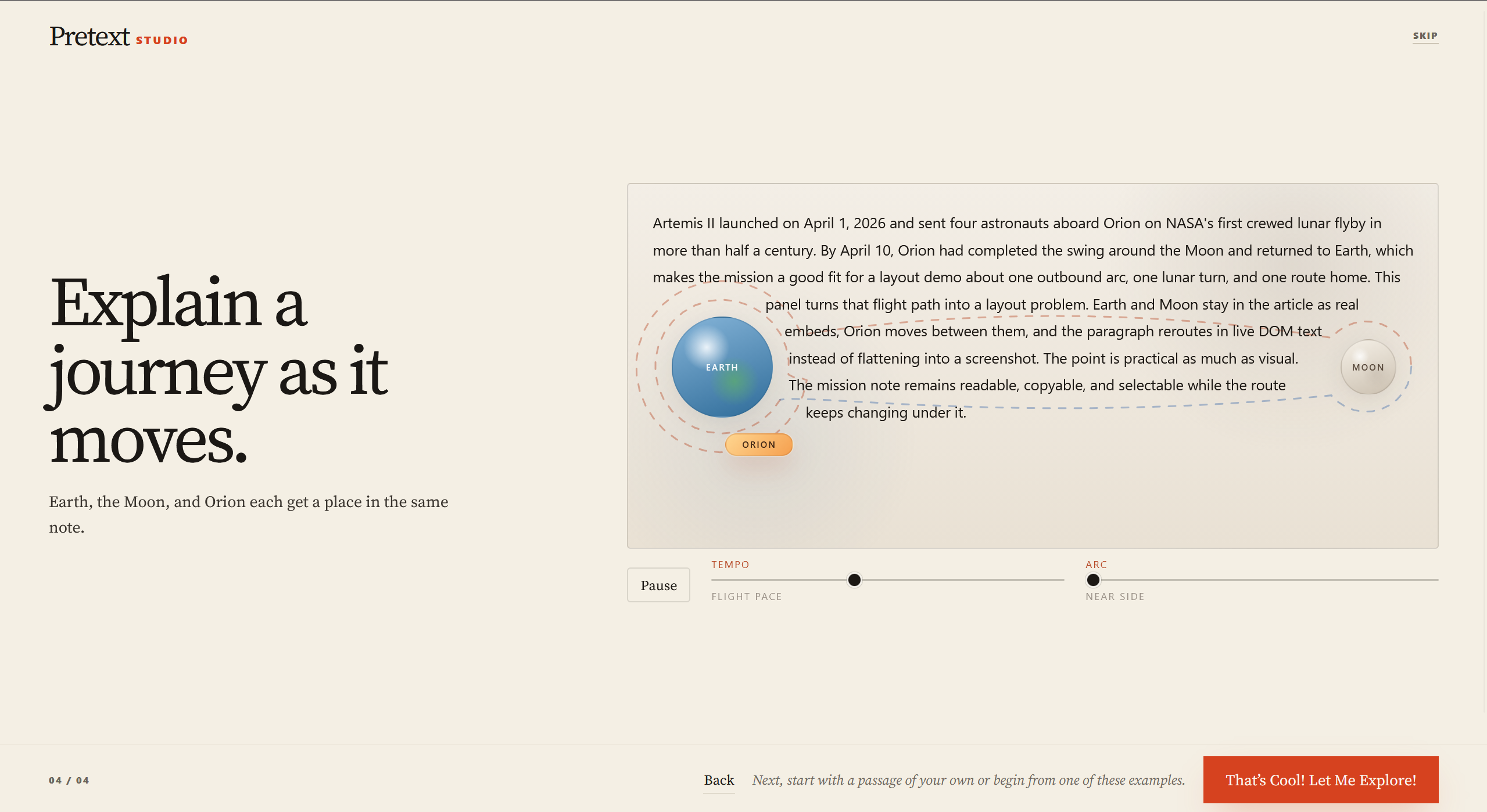
The welcome experience begins with three live uses of the idea: Flow for creative expression, Elements for an artistic interactive setting, and Artemis II for educational storytelling. Those are followed by a guided composer where someone writes or pastes a passage, chooses what it should do, adjusts it, and can export the result.
The important part is that the writing remains real text. It stays editable, selectable, readable, and owned by the author.
When a scene feels right, Studio produces a portable scene configuration and a renderer example that the author can host on their own site. Studio does not host their writing, images, accounts, or publishing.
How I built it
Pretext Studio is a browser application built with vanilla JavaScript, HTML, and CSS on top of my separately maintained pretext-flow library, which builds on @chenglou/pretext.
I used Codex and GPT-5.6 as technical implementation and verification partners. I set the product direction, visual decisions, portability rules, authoring flow, and acceptance criteria. Codex helped turn those decisions into a working product, preserve the actual constraints of the underlying layout system, test behavior across the authoring and publishing paths, and keep changes bounded instead of treating the project as a generic UI redesign.
Claude was an independent design-thinking partner. It helped me explore the human-facing experience, information hierarchy, and early product framing. It did not modify source code, make recovery or architecture decisions, or decide whether a feature was technically complete. Codex and GPT-5.6 remained my implementation and verification partners, while I made the product and scope decisions.
The DOM publishing route is intentional. It preserves semantic text for selection and reading, while the scene format stays small and portable. A portable scene contains editable inputs, geometry, display information, and author-asset requirements. It never contains local file paths, image bytes, blobs, or private local state.
Challenges I ran into
The easiest version of this project would have made a visual demo that looked alive but was not useful outside the demo. I did not want that.
I found the Build Week announcement late on Saturday night after gmail decided to have it in my spam folder. That made the constraint very real: I had to make deliberate decisions quickly, use several banked resets, and keep the new Studio work clearly separate from the pre-existing pretext-flow library.
The challenge was keeping three things true at the same time: the scene had to feel expressive, the text had to stay readable and selectable, and the author had to be able to take the result somewhere else.
That meant treating export as part of the product rather than an afterthought. It also meant resisting the temptation to flatten effects into images or hide real behavior behind a polished mockup.
I also had to distinguish the work clearly: pretext-flow is a pre-existing library I built and maintain separately. Pretext Studio is the new Build Week project that uses it to make this capability more approachable for people.
What I learned
A technical capability becomes much more interesting when someone can understand it through an example, try it with their own words, and leave with something they can actually use.
Studio is my attempt to make that path shorter: from “that is a fascinating text-layout idea” to “I made this, and I can put it on my own site.”
Built With
- canvas-api
- chenglou/pretext
- codex
- css3
- gpt-5.6
- html5
- javascript
- npm
- openai-codex
- pretext-flow
- web-components

Log in or sign up for Devpost to join the conversation.