-
-
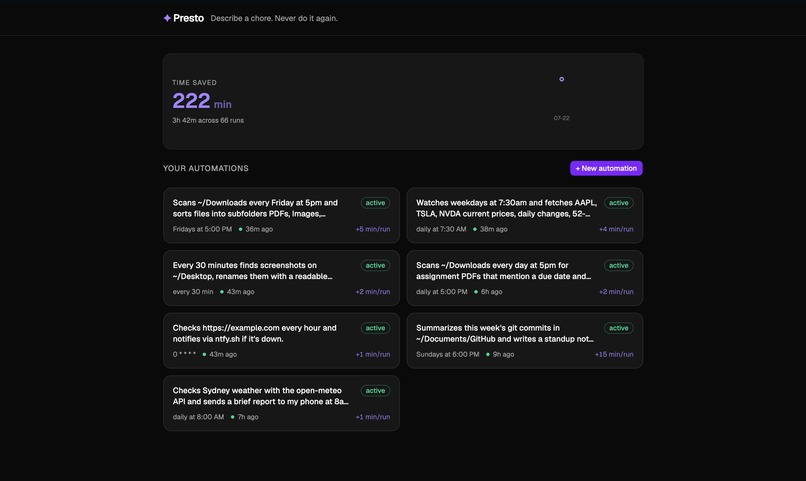
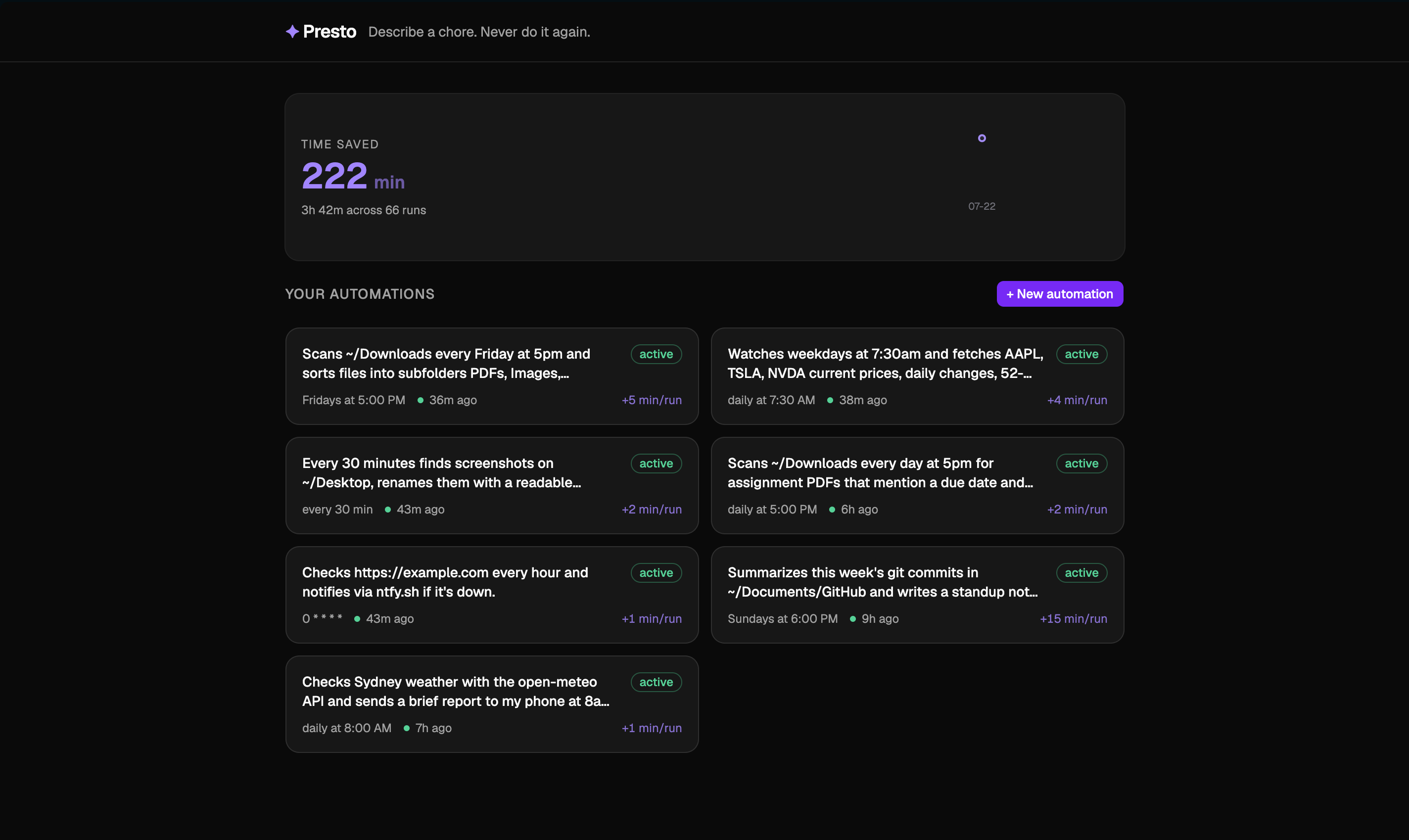
Home Screen
-
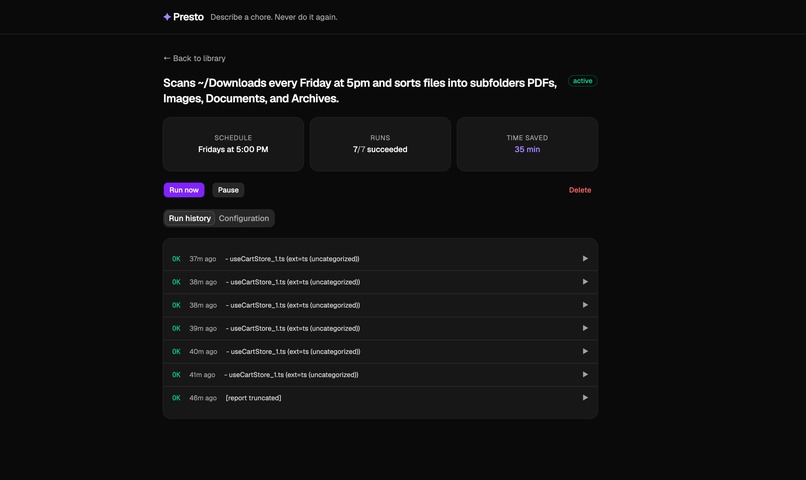
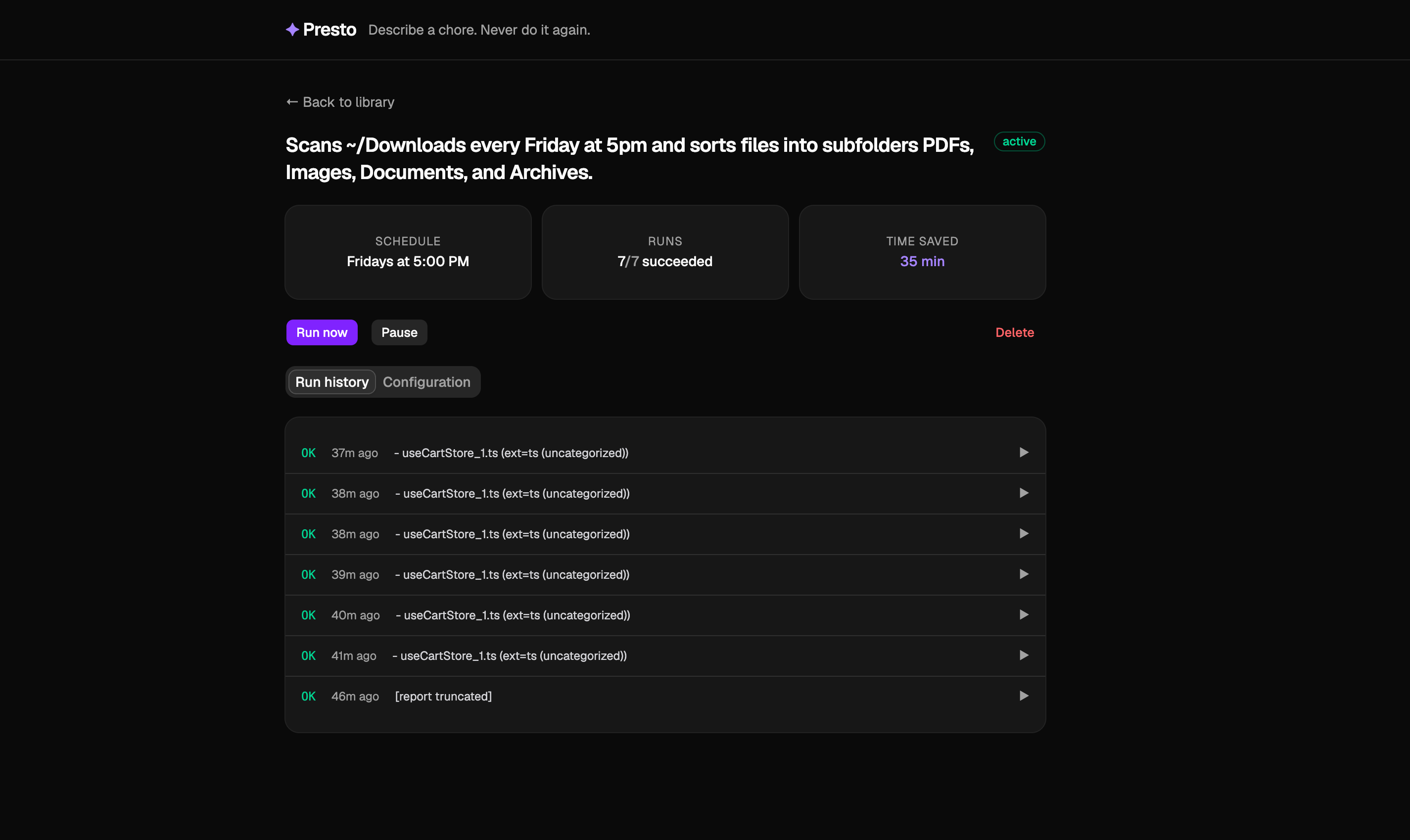
Previous Automated Task & Settings
-
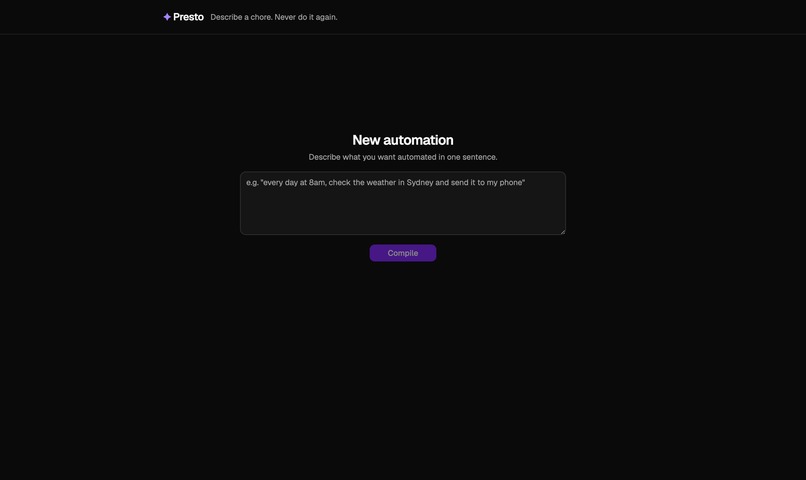
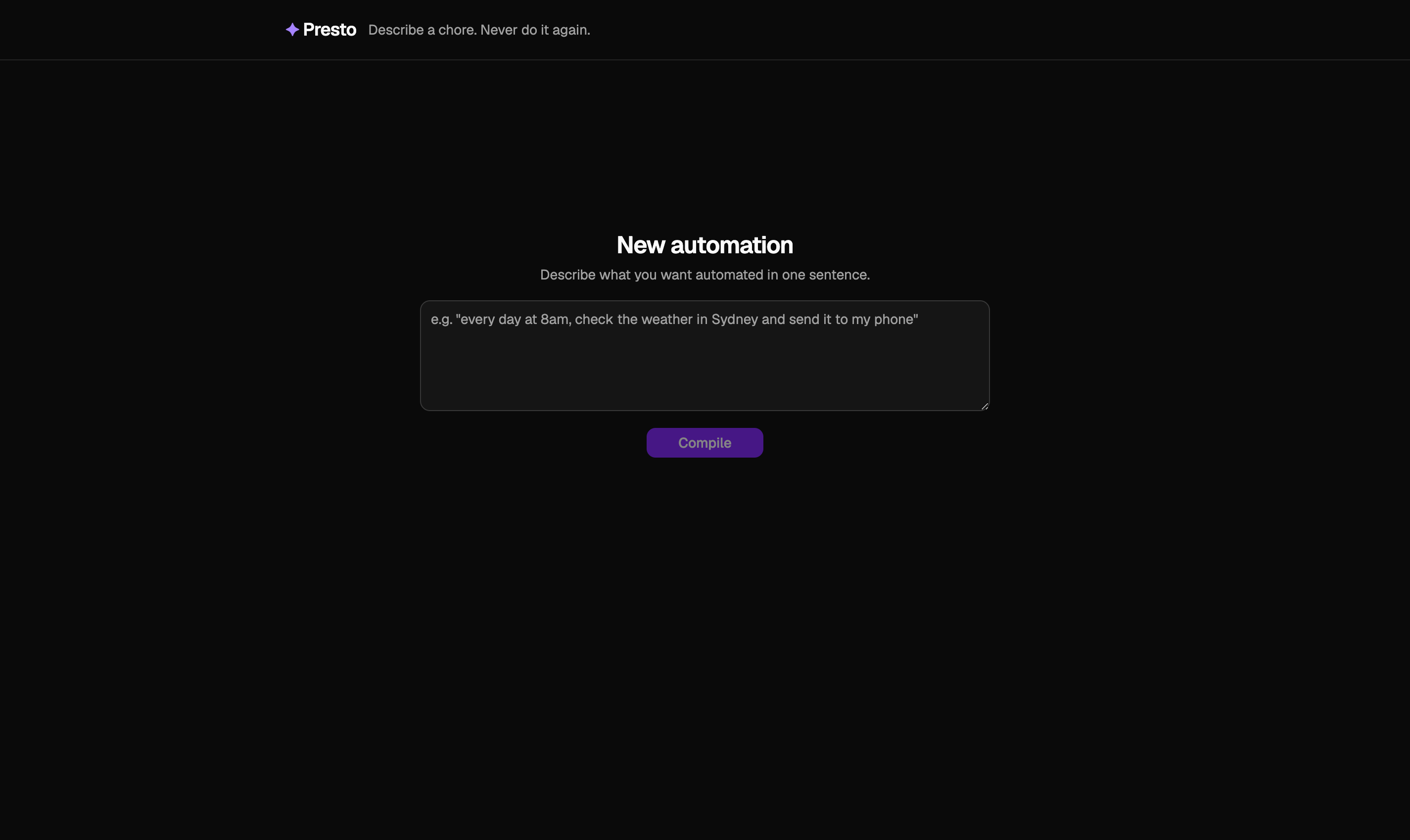
Creating New Automation
-
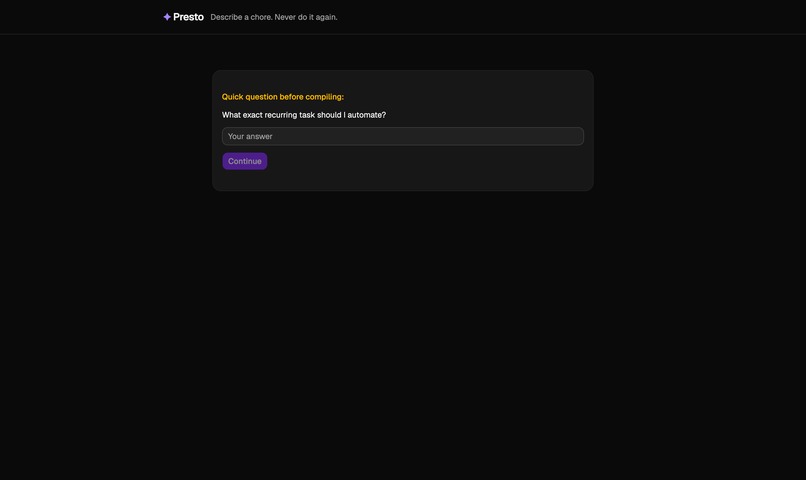
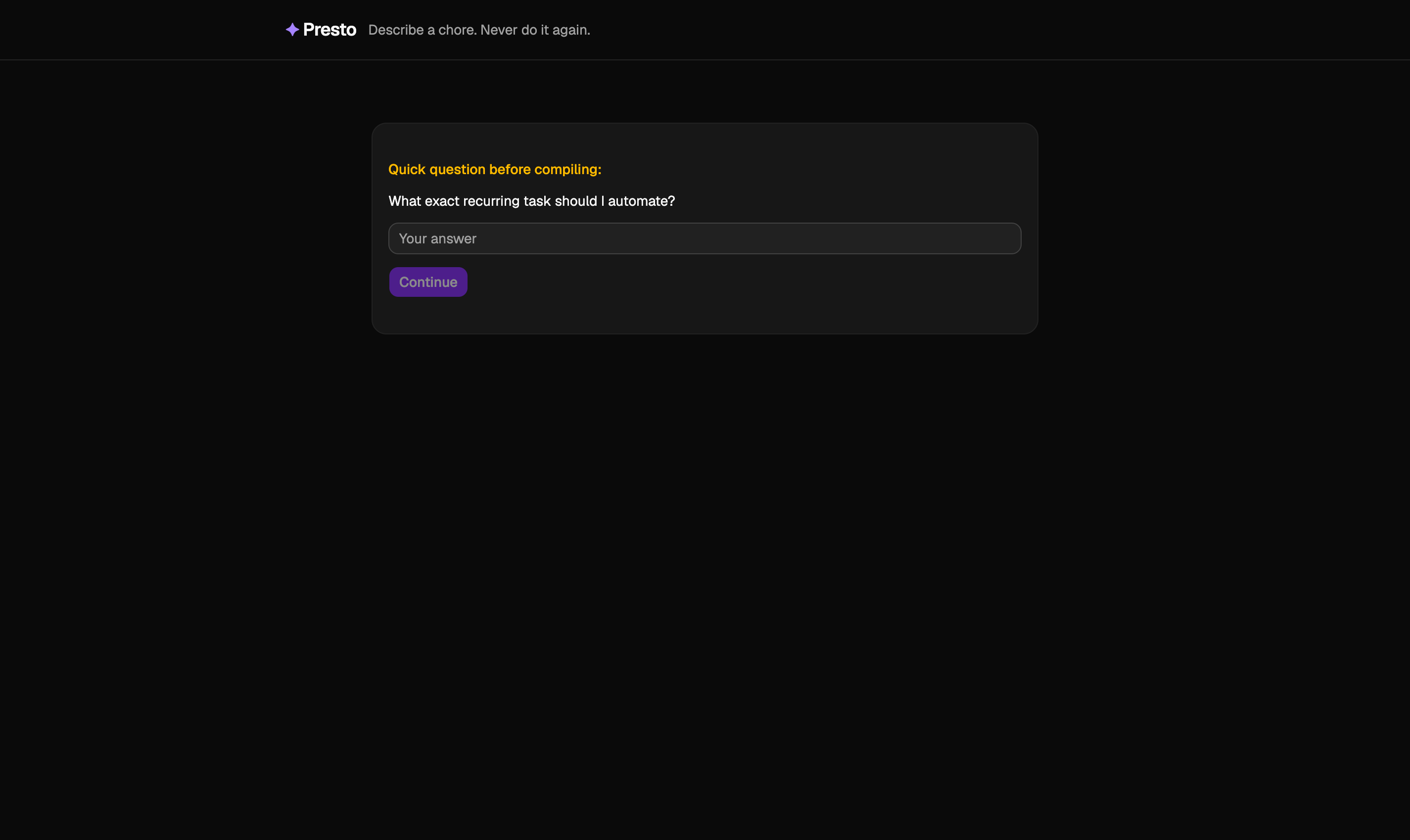
Error Handling For Vague Prompt
Inspiration
Every day, we repeat the same small computer chores sorting downloads, checking stock prices, scanning for assignment deadlines tasks that take just a few minutes each but add up to hours every week. Tools like Zapier and IFTTT exist, but they're built for connecting cloud services, not automating the personal stuff on your own machine. We wanted something that could automate the long tail of chores that are too small to justify writing a script for, but too tedious to keep doing by hand.
What it does
Presto is an automation compiler. You describe a chore in one plain-English sentence like "every Friday at 5pm, sort my Downloads folder by file type" and Presto compiles it into a tested, scheduled Python script that runs locally on your machine. Each script is sandboxed, dry-run tested before approval, and monitored with automatic failure detection. Results are pushed straight to your phone as notifications.
How we built it
- Backend: Python with FastAPI, APScheduler for cron scheduling, and SQLite for state. Each automation lives in its own directory with a manifest and script.
- AI Layer: OpenAI's structured output API compiles the user's sentence into a complete script and manifest. A retry loop catches dry-run failures and self-corrects.
- Frontend: React + TypeScript with Tailwind CSS and shadcn/ui. The compile flow shows real-time progress as the AI writes and tests the script.
- Notifications: ntfy.sh for phone push notifications scripts print rich output to stdout, and the platform sends it directly to the user's device.
Challenges we faced
- API instability: Yahoo Finance's v7 quote endpoint started returning 401 errors mid-development, forcing us to reverse-engineer the v8 chart API as a fallback.
- Notification architecture: Our first design had scripts sending their own notifications and the runner sending another, causing duplicates. We redesigned so scripts only print to stdout and the platform handles delivery.
- Prompt engineering: Getting the AI to produce scripts with genuinely useful output not just "Done" or "Task complete" required careful prompt tuning so that stdout becomes a meaningful notification.
- Local execution trade-offs: Running locally means access to the user's real filesystem, which is the core selling point, but it also means the laptop has to be on. We chose to own that trade-off honestly rather than compromising on a cloud deployment that couldn't touch local files.
What we learned
The hardest part of building an AI-powered tool isn't the AI it's the contract around it. Defining what a generated script is allowed to do (stdlib + requests only, 60-second timeout, must be idempotent, must respect dry-run mode) was more important than the prompt itself. Constraints make the output trustworthy.
Built With
- apscheduler
- fastapi
- ntfy.sh
- openaiapi
- python
- react
- recharts
- sqlite
- tailwind
- typescript
- uvicorn
- vite
